
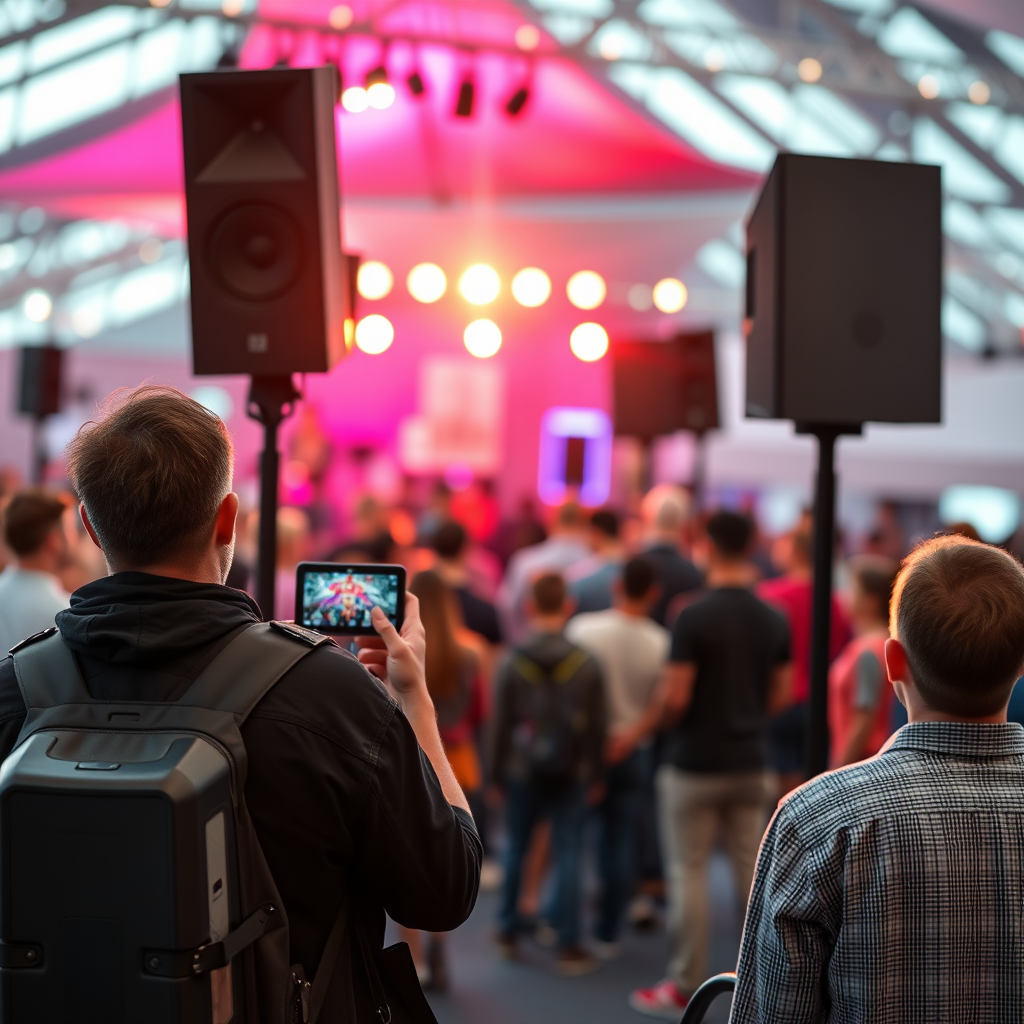

Setting up a PA system for a public event requires careful planning and execution to ensure clear communication and an enjoyable experience for all attendees. This guide will walk you through the essential components of a PA system, the equipment selection process, the setup procedure, sound testing, troubleshooting common issues, and final preparations before your event kicks off.
Understanding PA System Components
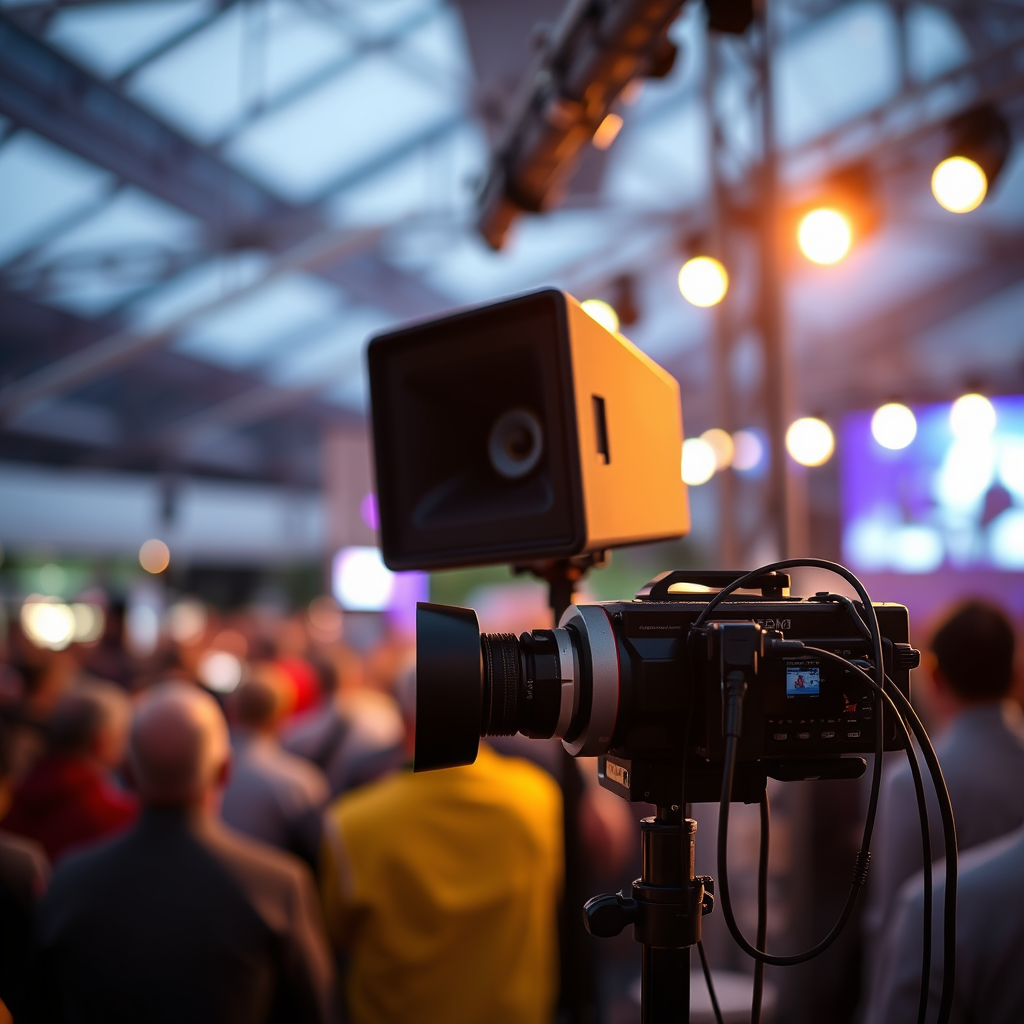
A Public Address (PA) system consists of several critical components that work together to amplify sound. Understanding these components is essential for effective setup and operation.
– Microphones: The choice between wired and wireless microphones depends on your event’s requirements. Wired microphones tend to be more reliable and are ideal for stationary speakers, while wireless options provide flexibility and movement, which is beneficial for events involving multiple speakers or performances.
– Mixing Console: This device allows you to control the audio levels, balance sound from different sources, and apply effects. A mixing console is vital for ensuring that all audio inputs, including microphones and instruments, are mixed properly for the best output quality.
Selecting the Right Equipment
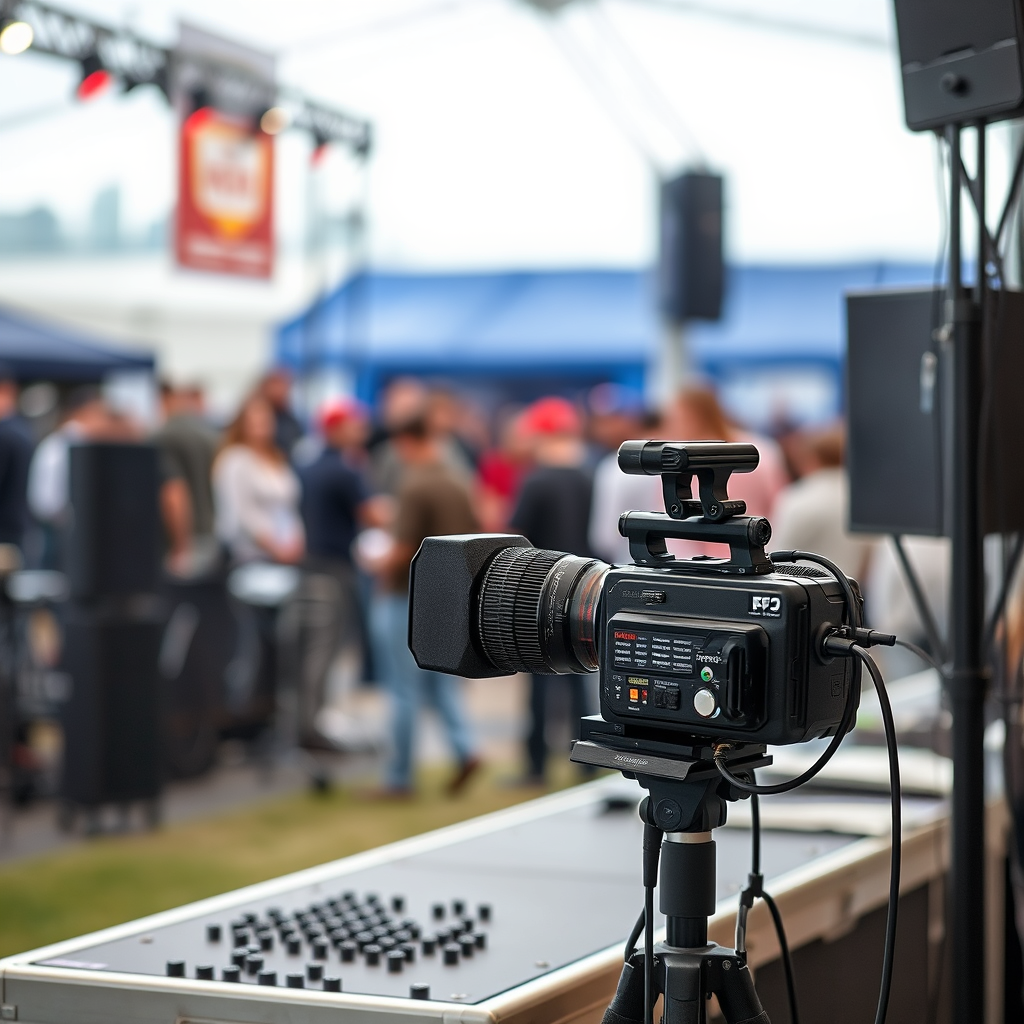
Choosing the right equipment is crucial for the success of your PA system setup. Here’s what to consider:
– Speakers: The size of your venue and the expected number of attendees will determine the wattage and type of speakers you need. For larger venues or outdoor events, consider using powered speakers that come with built-in amplifiers for better sound coverage. In contrast, smaller venues may only require passive speakers.
– Cables and Accessories: Ensure you have all necessary cables, adapters, and stands for a complete setup. This includes XLR cables for microphones, speaker cables, and possibly DI boxes for instruments. Don’t forget to bring extra cables and adapters to avoid any last-minute issues.
Setting Up the System
Once you’ve selected your equipment, the next step is to set it up correctly.
– Placement of Speakers: Position your speakers at appropriate heights and angles to ensure optimal sound distribution. Ideally, speakers should be elevated and pointed towards the audience to minimize sound reflections from walls and ceilings.
– Connecting Components: Connect your microphones, mixing console, and speakers in a logical order. Start by connecting the microphones to the mixing console, then connect the mixing console to the speakers. Make sure to double-check connections to avoid any signal issues.
Essential PA System Components Comparison (2024)
| # | Component | Type | Power (W) | Best For |
|---|---|---|---|---|
| 1 | Shure SM58 | Wired Microphone | N/A | Vocals |
| 2 | Sennheiser EW 100 G4 | Wireless Microphone | N/A | Mobility |
| 3 | Yamaha MG10XU | Mixing Console | N/A | Small Events |
| 4 | Behringer X32 | Mixing Console | N/A | Large Events |
| 5 | Mackie Thump 15BST | Powered Speaker | 1000 | Medium to Large Venues |
| 6 | JBL EON615 | Powered Speaker | 1000 | Versatile Use |
| 7 | QSC CP8 | Powered Speaker | 1000 | Compact Events |
Testing the Sound
After setting up the PA system, it’s crucial to conduct thorough sound testing.
– Sound Check: Before the event starts, perform a sound check with all equipment in place. Have speakers test their microphones, and play any audio that will be used during the event. This step is essential for identifying any potential issues early.
– Adjusting Levels: Use the mixing console to make necessary adjustments to audio levels. Listen carefully to ensure clarity and balance between different audio sources. Pay attention to the feedback from the speakers and make adjustments accordingly to avoid any distortion.
Sound Level Testing Results by Source (Decibels)
Troubleshooting Common Issues
Even with careful setup, issues may arise during the event. Here are some common problems and solutions:
– Feedback Elimination: Feedback often occurs when the microphone picks up sound from the speakers. To minimize this, position microphones away from speakers and adjust the EQ settings on the mixing console to reduce frequencies that cause feedback.
– Connection Problems: Ensure all connections are secure and that devices are properly powered. If sound is inconsistent or non-existent, check cables for damage and ensure that all equipment is compatible.
Preparing for the Event
Preparation is key to a successful event.
– Backup Plans: Always have spare equipment ready, including extra microphones, cables, and batteries. Having alternative solutions can save the day in case of unexpected technical difficulties.
– Event Staff Training: Train your team on how to operate the PA system. Make sure they understand the basics of sound checks, how to troubleshoot simple issues, and how to assist speakers during the event.
Final Checks Before the Event
As the event approaches, ensure everything is in place.
– Double-Check Equipment: Verify that all components are functioning properly. Each microphone and speaker should be tested to confirm they are operational.
– Test Run: Conduct a final run-through with all equipment in use. This includes testing audio levels, ensuring that all connections are secure, and confirming that performers and speakers are comfortable with the setup.
Setting up a PA system effectively requires careful planning and attention to detail. By following these steps, you can ensure your public event is equipped with the right sound setup, making it memorable for all attendees. Don’t hesitate to reach out to audio professionals if you need further assistance or to rent quality equipment.
Frequently Asked Questions
What equipment do I need to set up a PA system for a public event?
To set up a PA system for a public event, you will need several key components: a mixer, microphones, speakers, amplifiers, and cables. Additionally, consider including stands for microphones and speakers, as well as a source device like a laptop or smartphone for audio playback. Ensure that your equipment is suitable for the venue size and audience capacity to achieve optimal sound quality.
How do I choose the right speakers for my PA system?
When choosing speakers for your PA system, consider the venue size, type of event, and the number of attendees. For larger spaces, powered speakers can provide sufficient volume and clarity, while smaller events may only require passive speakers. It’s also essential to match the speakers’ wattage and impedance with your amplifier to ensure compatibility and prevent damage.
Why is it important to test the PA system before the event?
Testing the PA system before the event is crucial to identify any technical issues, ensure optimal sound quality, and adjust levels for clarity. A pre-event sound check allows you to troubleshoot equipment, set appropriate volume levels, and make necessary adjustments to acoustics in the venue. This preparation helps minimize disruptions during the event and enhances the overall experience for your audience.
What is the best way to position microphones for optimal sound during an event?
The best way to position microphones is to place them close to the sound source while avoiding feedback loops. For speeches or presentations, use handheld or lapel microphones positioned within 6-12 inches from the speaker’s mouth. Make sure to test the microphone placement during your sound check to achieve the best audio quality and clarity.
Which cables should I use for connecting my PA system components?
For connecting your PA system components, use XLR cables for microphones due to their balanced audio signal, which helps reduce noise and interference. For connecting mixers to amplifiers and speakers, consider using 1/4-inch TRS or Speakon cables, as they provide a secure connection and handle higher power levels. Always check the cable lengths to ensure they are suitable for your venue layout.
References
- Public address system
https://en.wikipedia.org/wiki/Public_address_system - https://www.oregon.gov/omd/Pages/pa_system_setup.aspx
https://www.oregon.gov/omd/Pages/pa_system_setup.aspx - https://www.mass.gov/guides/pa-systems-for-public-events
https://www.mass.gov/guides/pa-systems-for-public-events - https://www.unr.edu/cla/communication/resources/pa-system-guide
https://www.unr.edu/cla/communication/resources/pa-system-guide - https://www.arts.gov/sites/default/files/PA-System-Guide.pdf
https://www.arts.gov/sites/default/files/PA-System-Guide.pdf - https://www.northeastern.edu/commservices/pa-system-setup/
https://www.northeastern.edu/commservices/pa-system-setup/ - UW Facilities Home | UW Facilities
https://www.washington.edu/facilities/pa-system-guide - Google Scholar Google Scholar
https://scholar.google.com/scholar?q=how+to+set+up+a+PA+system+for+a+public+event - Google Scholar Google Scholar
https://scholar.google.com/scholar?q=public+address+system+setup - Google Scholar Google Scholar
https://scholar.google.com/scholar?q=PA+system+for+events+guidelines



