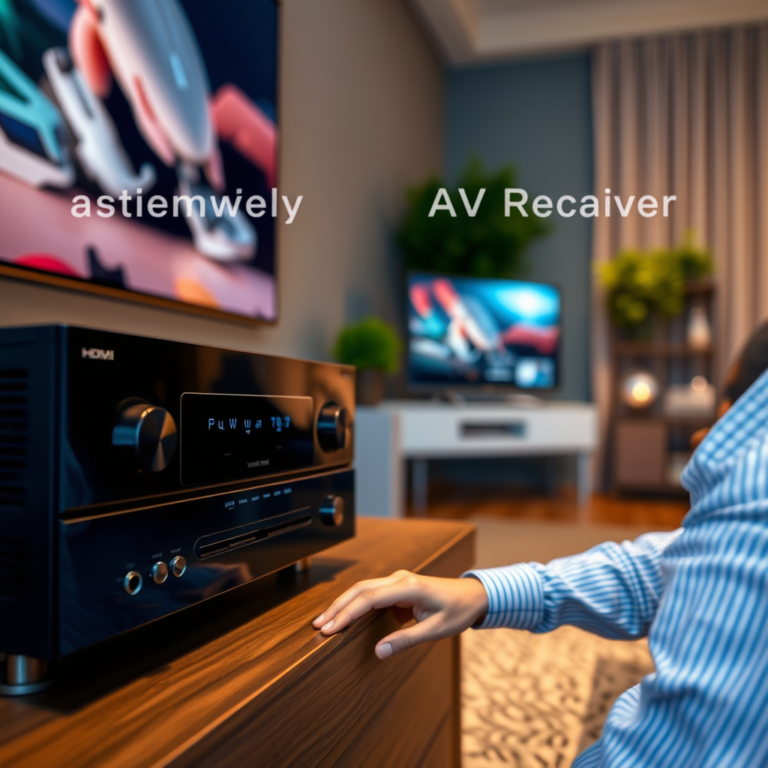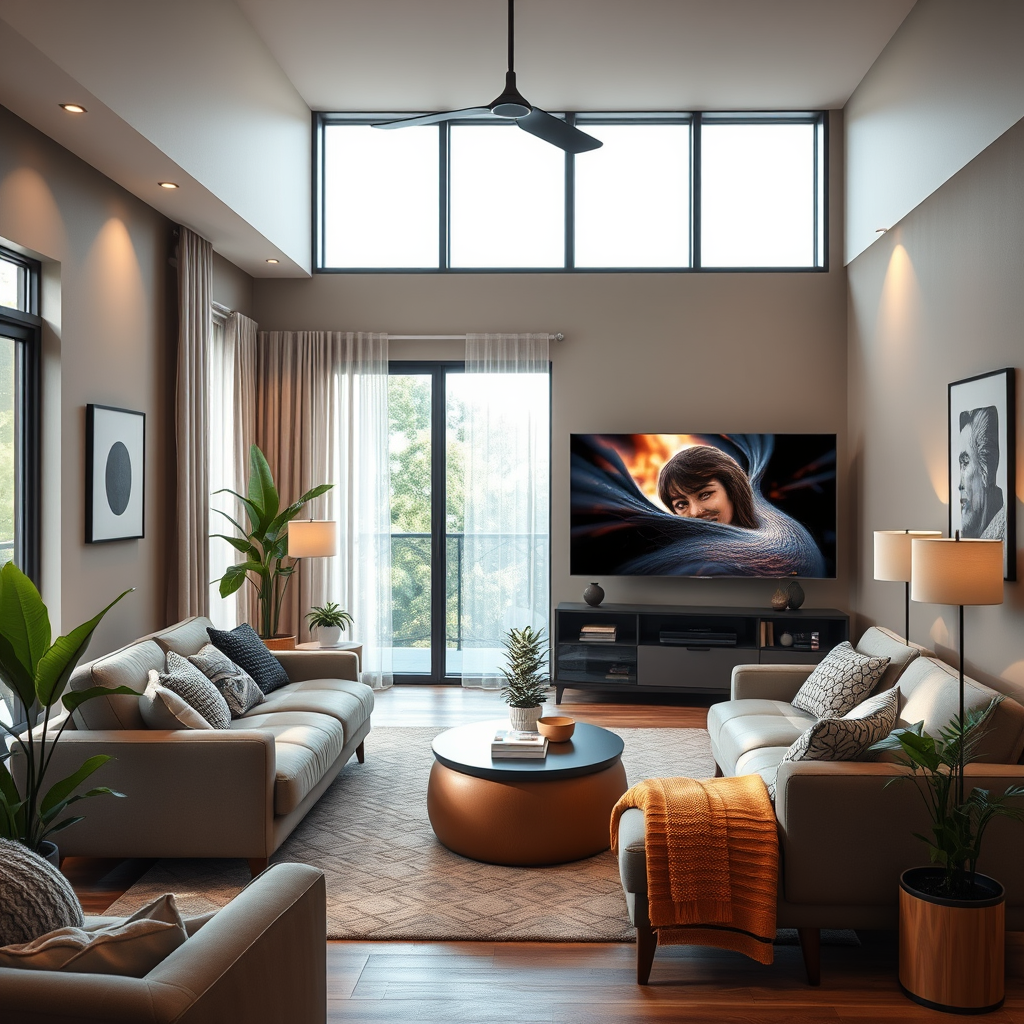

Controlling your home theater with voice assistants is easier than ever, allowing you to manage your entertainment system hands-free. By integrating smart devices and utilizing voice commands, you can enhance your viewing experience significantly. This guide will walk you through the steps to set up and optimize voice control for your home theater.
Choosing the Right Voice Assistant

When it comes to selecting a voice assistant for your home theater, there are several popular options to consider: Amazon Alexa, Google Assistant, and Apple Siri. Each of these platforms has unique features and benefits that can cater to different user preferences and home setups.
Amazon Alexa is known for its extensive compatibility with various smart devices, making it a robust choice for users looking to control multiple aspects of their home. Google Assistant excels in natural language processing and integration with Google services, which can be particularly beneficial for users heavily invested in the Google ecosystem. On the other hand, Apple Siri works seamlessly with Apple devices, making it ideal for users who prefer a unified Apple environment.
Before making a decision, it’s crucial to assess the compatibility of these voice assistants with your existing home theater devices. Check whether your smart TV, sound system, and streaming devices support your chosen voice assistant. This compatibility will ensure a smoother setup and more effective control of your home theater system.
Setting Up Your Smart Devices
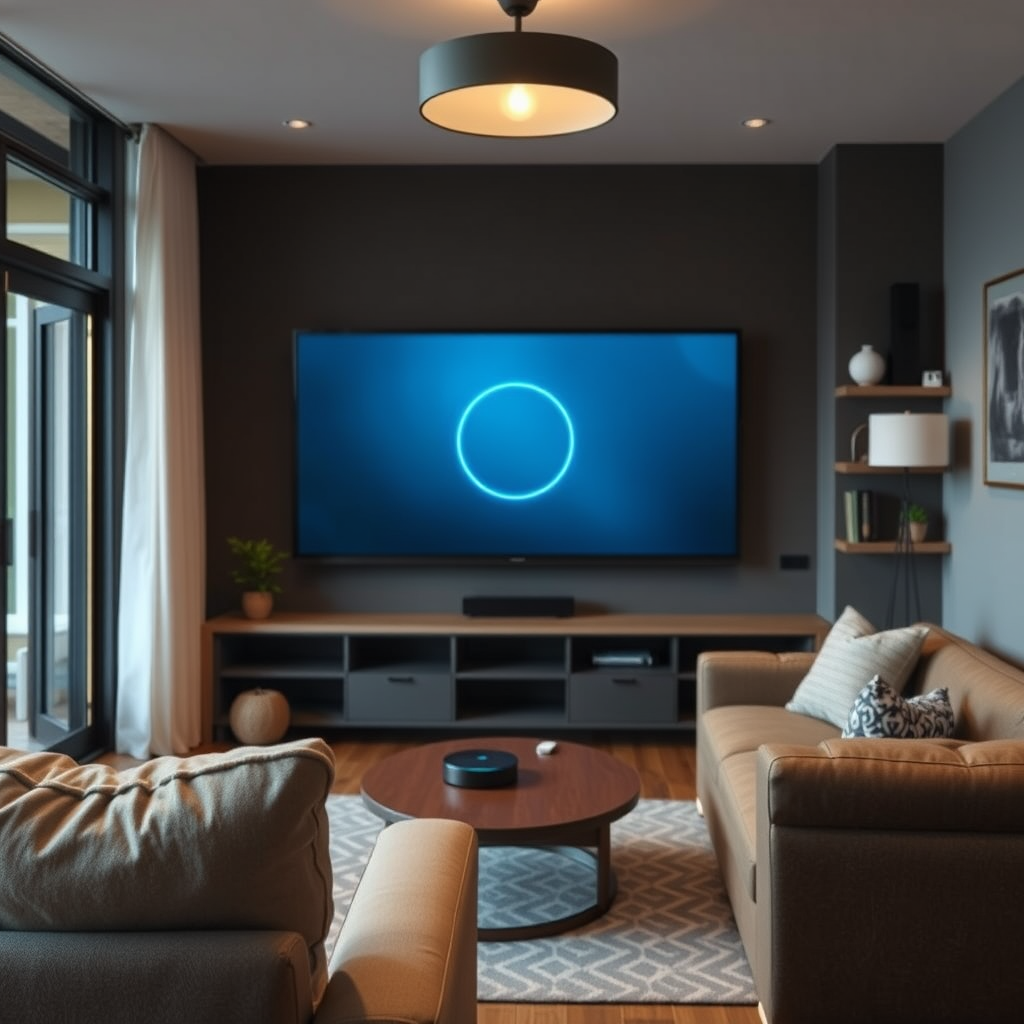
To create a fully functional voice-controlled home theater, you’ll first need to connect your smart devices. Begin by ensuring that your smart TV, sound system, and streaming devices are all connected to the same home network. This connectivity is essential for voice commands to be recognized and executed efficiently.
Once connected, verify that each device is compatible with your chosen voice assistant. For instance, many smart TVs come with built-in support for Alexa or Google Assistant, while others may require additional setup through their respective apps. Streaming devices like Roku or Amazon Fire TV Stick also provide voice control functionalities, and it’s important to follow their specific setup procedures to ensure they respond to voice commands.
Configuring Voice Commands
To maximize the benefits of your voice assistant, you must learn the specific voice commands required to control your devices. Common commands include “Turn on the TV,” “Play [Movie Title],” or “Pause the movie.” Familiarizing yourself with these commands will make your interaction with the home theater much more fluid.
Moreover, many devices allow for customizable commands or routines. For example, you can set up a command like “Movie time” that could turn on your TV, adjust the sound system, and dim the lights simultaneously. Customization options vary by device, so it’s worth exploring your device settings to optimize your experience further.
Top Voice Assistants for Home Theater Control (2024)
| # | Voice Assistant | Compatibility | Features | Best For |
|---|---|---|---|---|
| 1 | Amazon Alexa | High | Voice routines, Smart home integration | Smart Home Enthusiasts |
| 2 | Google Assistant | High | Natural language processing, Search integration | Google Ecosystem Users |
| 3 | Apple Siri | Medium | Integration with Apple devices | Apple Users |
| 4 | Samsung Bixby | Medium | Smart TV integration | Samsung Device Owners |
| 5 | Microsoft Cortana | Low | Productivity tools | General Users |
| 6 | Sonos Voice Control | Medium | Music-focused commands | Music Lovers |
| 7 | Amazon Fire TV Voice Remote | High | Integrated voice commands | Fire TV Users |
Integrating Smart Home Hubs
Integrating smart home hubs into your home theater setup can streamline voice control and enhance your overall experience. Devices such as Amazon Echo or Google Nest not only allow you to control your home theater but also manage other smart devices in your house, such as lights, thermostats, and security systems.
Setting up routines is one of the most effective ways to utilize these hubs. For instance, you can create a routine where saying “Movie night” will automatically dim the lights, turn on your TV, and switch your sound system to the correct input. This integration can simplify your entertainment experience, allowing you to enjoy a seamless transition into your movie-watching environment.
Additionally, many smart home hubs can be controlled via mobile applications, giving you the ability to adjust settings even when you are not home. This feature is particularly useful for managing devices and ensuring everything is ready for your viewing experience before you even arrive.
Home Automation Market Share by Device Type (2024)
Troubleshooting Common Issues
Even with the best setup, issues may arise when using voice assistants in your home theater. One common problem is connectivity issues, which can prevent devices from responding to voice commands. Ensure that all devices are on the same Wi-Fi network and check for any disruptions.
If connectivity is not the issue, consider resetting your devices. Many smart home devices have dedicated reset buttons or can be reset through their respective apps. Additionally, keeping your devices’ software up to date can resolve bugs and improve performance. Regularly check for firmware updates for both your voice assistant and the devices it controls.
If problems persist, consult the manufacturer’s support resources or community forums for troubleshooting tips specific to your device models. This proactive approach can help maintain a smooth and enjoyable home theater experience.
Enhancing Your Home Theater Experience
Once your home theater is fully integrated with voice control, consider exploring additional features to enhance your viewing experience. Voice-controlled lighting is one such feature that can significantly elevate the ambiance of your home theater. By pairing smart lighting with your voice assistant, you can easily dim the lights or change their color to match the mood of the movie.
Temperature adjustments are another aspect where voice control shines. Integrating smart thermostats allows you to set the perfect temperature for your home theater without having to leave your seat. Commands like “Set the temperature to 72 degrees” can create a comfortable environment for an immersive viewing experience.
Ultimately, the goal is to create a seamless entertainment system that responds to your commands, allowing you to focus on enjoying your movie, rather than managing your devices. By leveraging integrated smart home technology, you can enjoy a more interactive and enjoyable viewing experience.
Incorporating voice assistants into your home theater setup can significantly elevate your entertainment experience. By carefully selecting your devices and configuring them for optimal performance, you can enjoy the convenience of hands-free control. Start integrating voice commands into your home theater today for a more enjoyable and interactive viewing experience!
Frequently Asked Questions
What voice assistants can I use to control my home theater?
You can use popular voice assistants like Amazon Alexa, Google Assistant, and Apple Siri to control your home theater. Each of these platforms has compatible smart devices, such as TVs, sound systems, and streaming devices, allowing you to create a seamless voice-controlled experience.
How do I set up my voice assistant to control my home theater?
To set up your voice assistant, first ensure your home theater devices are compatible with the assistant. Then, connect them through their respective apps, like the Alexa app for Amazon devices or Google Home for Google Assistant. Follow the prompts to link your devices and configure voice commands for easy control.
Why is my voice assistant not controlling my home theater devices?
If your voice assistant isn’t controlling your home theater devices, it may be due to connectivity issues or incompatible devices. Check that all devices are connected to the same Wi-Fi network and that they are compatible with your voice assistant. Additionally, ensure that the necessary skills or settings are enabled in the assistant’s app.
What are the best voice commands to control my home theater with a voice assistant?
The best voice commands for controlling your home theater can vary by assistant, but common commands include “Turn on the TV,” “Play [movie/TV show] on [service],” and “Set the volume to [level].” Familiarize yourself with the specific commands that work with your devices to maximize your home theater experience.
Which smart devices are essential for a voice-controlled home theater setup?
Essential smart devices for a voice-controlled home theater setup include a smart TV, a streaming device like Roku or Amazon Fire TV, and a smart sound system or soundbar. Additionally, smart plugs for lamps or other devices can enhance your control, allowing you to manage all aspects of your home theater environment effortlessly.
References
- Virtual assistant
https://en.wikipedia.org/wiki/Voice_assistant - https://www.sciencedirect.com/science/article/pii/S0360132321002943
https://www.sciencedirect.com/science/article/pii/S0360132321002943 - https://www.nytimes.com/2020/09/18/technology/personaltech/smart-home-voice-assistants.html
https://www.nytimes.com/2020/09/18/technology/personaltech/smart-home-voice-assistants.html - https://www.bbc.com/news/technology-51137182
https://www.bbc.com/news/technology-51137182 - https://www.theguardian.com/technology/2020/jun/25/smart-home-voice-assistants-privacy-control
https://www.theguardian.com/technology/2020/jun/25/smart-home-voice-assistants-privacy-control - https://www.pubmed.ncbi.nlm.nih.gov/32801516/
https://www.pubmed.ncbi.nlm.nih.gov/32801516/ - Google Scholar Google Scholar
https://scholar.google.com/scholar?q=How+to+Control+Your+Home+Theater+with+Voice+Assistants - Google Scholar Google Scholar
https://scholar.google.com/scholar?q=voice+assistants+smart+home+control - Google Scholar Google Scholar
https://scholar.google.com/scholar?q=home+theater+voice+control+technology - https://www.britannica.com/technology/voice-assistant
https://www.britannica.com/technology/voice-assistant