

To set up 3D audio for an immersive gaming experience, you need to configure your audio settings and select the right hardware and software. This guide will walk you through the essential steps to achieve a surround sound effect that enhances your gameplay and helps you hear every detail. A well-implemented 3D audio setup can transform your gaming sessions, making them more engaging and realistic by allowing you to perceive sound from all directions.
Understanding 3D Audio Technology

3D audio, often referred to as spatial audio, is a technology that creates an immersive sound environment by simulating the way sound behaves in real life. In gaming, this technology is crucial as it enables players to pinpoint the location of sounds with remarkable accuracy, enhancing the overall experience. For instance, the sound of footsteps approaching from behind or a gunshot ringing out from the left can be precisely located, giving gamers a tactical advantage.
Unlike standard stereo sound, which uses two channels (left and right) to deliver audio, 3D audio employs multiple channels and advanced algorithms to create a multi-dimensional sound stage. This allows for a more lifelike reproduction of sound, where players can experience height, depth, and directionality. With the rise of virtual reality (VR) and augmented reality (AR), the importance of 3D audio in gaming continues to grow, making it an essential component for any gamer looking to elevate their gameplay.
Choosing the Right Hardware
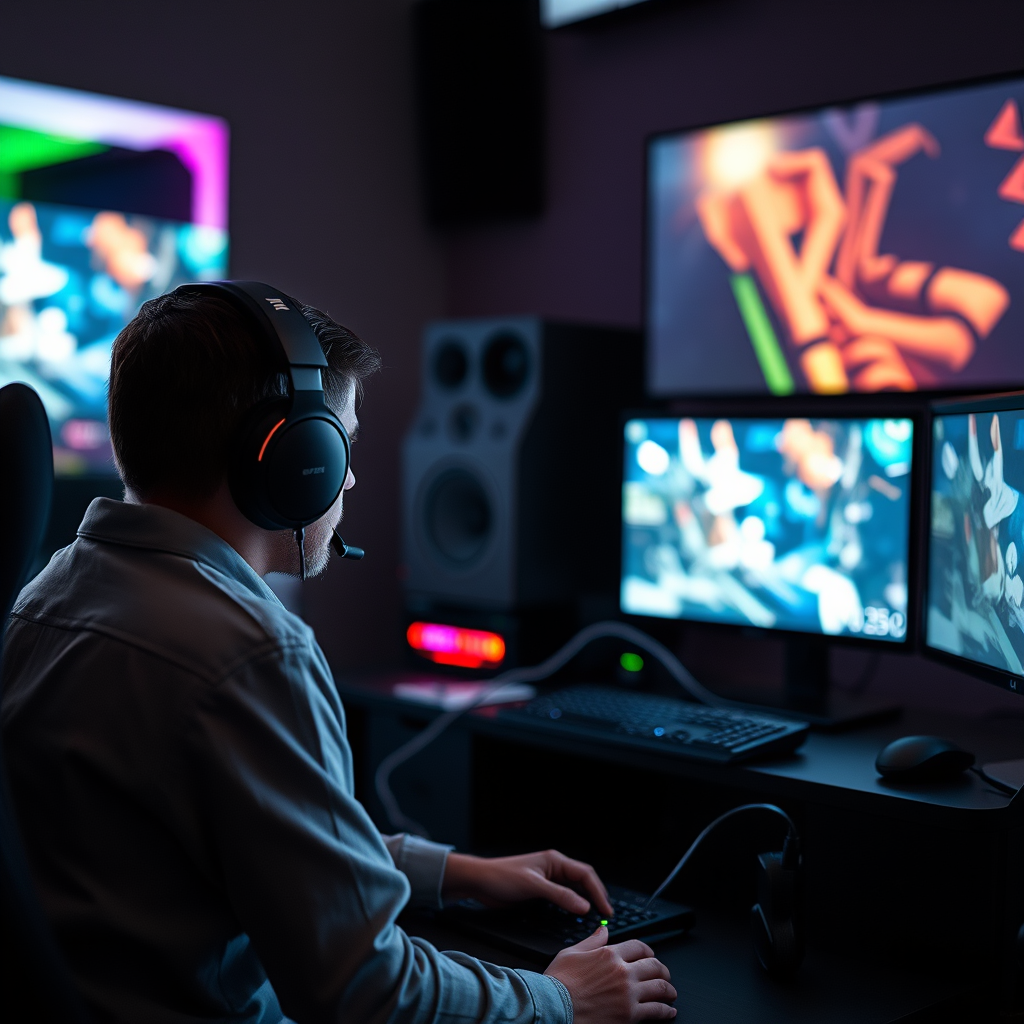
Selecting the appropriate hardware is crucial for maximizing your 3D audio experience. High-quality headphones or speakers designed for spatial audio can significantly enhance sound fidelity and immersion.
Recommended Headphones and Speakers for 3D Audio
– Headphones: Look for models specifically designed for gaming or audio production that support surround sound, such as the SteelSeries Arctis Pro, HyperX Cloud Orbit S, or the Razer Nari Ultimate.
– Speakers: For a home setup, consider investing in a surround sound speaker system like the Logitech Z906 or a soundbar that supports Dolby Atmos, such as the Sonos Arc.
Importance of Sound Cards and Audio Interfaces
While many PCs and consoles come with built-in audio solutions, a dedicated sound card or external audio interface can significantly enhance audio quality. Devices like the Creative Sound BlasterX G6 or the Focusrite Scarlett series offer superior audio processing capabilities and can unlock advanced audio features such as high-resolution audio playback and customizable sound profiles.
Configuring Audio Settings in Your Game
Once you have the right hardware, configuring the audio settings in your game is the next step. Most modern games include options for enabling 3D audio or spatial audio features.
Step-by-Step Guide to Adjusting Audio Settings in Popular Games
1. Access Settings: Go to the audio options in your game settings menu.
2. Enable 3D Audio: Look for options labeled “3D Audio,” “Spatial Sound,” or similar, and ensure they are enabled.
3. Adjust Output Device: Select your headphone or speaker setup from the audio output options.
4. Fine-tune Settings: Some games allow you to adjust the balance between sound effects, dialogue, and background music. Make adjustments based on your preferences.
Tips for Enabling Spatial Audio Features
– Use Game-Specific Profiles: Many audio software solutions allow you to create profiles for specific games, optimizing settings for each title.
– Test In-Game: Always test your settings in-game to ensure that the audio feels natural and immersive.
Top 7 Gaming Headsets for 3D Audio (2024)
| # | Headset | 3D Audio Support | Wireless | Price |
|---|---|---|---|---|
| 1 | SteelSeries Arctis Pro | Yes | Yes | $249 |
| 2 | HyperX Cloud Orbit S | Yes | No | $199 |
| 3 | Razer Nari Ultimate | Yes | Yes | $199 |
| 4 | Corsair Void Elite RGB | Yes | Yes | $79 |
| 5 | Logitech G935 | Yes | Yes | $199 |
| 6 | Astro A50 | Yes | Yes | $299 |
| 7 | SteelSeries Arctis 1 Wireless | Yes | Yes | $99 |
Utilizing Audio Software for Enhanced Experience
To fully capitalize on your 3D audio hardware, employing specialized audio software is essential. These solutions can refine your audio experience by providing enhanced sound processing capabilities and customizable audio profiles.
Overview of Software Options that Support 3D Audio
– Dolby Atmos: This software creates a three-dimensional sound environment, perfect for movies and gaming. It allows sounds to move freely around you in a 3D space, enhancing immersion.
– Windows Sonic: A free solution built into Windows 10 and later, providing spatial sound capabilities that offer an immersive experience without additional costs.
– DTS Headphone:X: This software simulates a surround sound experience through headphones, making it an excellent choice for gamers seeking detailed audio cues.
How to Install and Configure These Software Solutions
1. Download the Software: Visit the official website or app store to download your chosen audio software.
2. Install: Follow the installation instructions specific to the software.
3. Configure Settings: Open the audio software and select your output device, then adjust the settings according to your personal preferences or the requirements of specific games.
Testing Your 3D Audio Setup
After setting up your 3D audio system, testing it is critical to ensure that everything is working correctly and that the audio is balanced.
Methods for Testing and Adjusting Your Audio Setup
– Use Test Tones: Many audio software packages come with built-in test tones that allow you to assess the directionality and clarity of sounds.
– Adjust Volume Levels: Make sure that all audio sources (game sounds, voice chat, etc.) are balanced to avoid overpowering any single element.
Recommended Games or Demo Tracks to Evaluate Your 3D Audio Experience
– Games: Titles like “Call of Duty: Warzone” and “Battlefield V” are excellent for testing 3D audio capabilities due to their detailed soundscapes.
– Demo Tracks: Consider using demo tracks available on platforms like YouTube that showcase spatial audio, allowing you to experience the full range of your setup.
3D Audio Software Popularity (2024)
Troubleshooting Common Audio Issues
Even with a well-set-up 3D audio system, you may encounter common issues that can detract from your gaming experience.
Common Problems with 3D Audio Setups and Their Solutions
– No Sound: Ensure that your audio output is correctly set in both the game and your operating system. Check your connections and make sure the device is powered on.
– Distorted Audio: If you experience distortion, lower the volume levels in your audio settings or try a different audio cable.
– Latency Issues: If there is a noticeable delay in audio, consider using wired devices instead of wireless ones, or check for software updates that might resolve latency problems.
Tips for Ensuring Consistent Audio Performance During Gameplay
– Regularly Update Drivers: Ensure that your audio drivers are up-to-date to avoid compatibility issues.
– Check Game Updates: Many games receive patches that enhance audio performance, so keep your games updated.
Enhancing Your Gaming Environment
The physical environment where you game can also significantly impact your audio experience.
Suggestions for Optimizing Your Gaming Space
– Acoustic Treatment: Consider adding sound-absorbing materials such as carpets and curtains, which can help improve sound clarity and reduce echoes.
– Proper Equipment Placement: Position your speakers or headset within an optimal range that enhances sound directionality and ensures a balanced audio experience.
Importance of Room Acoustics and Placement of Audio Equipment
The placement of audio equipment can affect how sound travels throughout the space. Experiment with different configurations to find what works best for your specific setup. For example, positioning speakers at ear level and ensuring they are spaced evenly can greatly enhance your audio experience.
Summarizing the steps to set up 3D audio will elevate your gaming experience significantly. By following this guide, you’ll have everything you need to create an immersive sound environment. Don’t hesitate to explore different hardware and software options to find what suits you best, and enjoy your enhanced gaming adventures!
Frequently Asked Questions
What equipment do I need to set up 3D audio for gaming?
To set up 3D audio for an immersive gaming experience, you will need a compatible headset or speakers that support surround sound formats like Dolby Atmos or DTS:X. Additionally, ensure your gaming console or PC has the necessary sound card or audio drivers to process 3D audio. Some games also require specific audio settings to be enabled for optimal performance.
How do I enable 3D audio on my gaming console?
To enable 3D audio on a gaming console, go to the audio settings menu of your PlayStation or Xbox. For PlayStation 5, you can activate 3D audio under ‘Sound’ settings and enable it for headphones or TV speakers. On Xbox Series X, make sure to select ‘Spatial Sound’ and choose Windows Sonic or Dolby Atmos to experience immersive audio in compatible games.
Why is 3D audio important for gaming?
3D audio enhances the gaming experience by creating a more immersive environment where sounds come from all directions, allowing players to identify the location of in-game sounds more accurately. This improved spatial awareness can give players a competitive advantage and increase overall enjoyment, making gaming feel more lifelike and engaging.
What is the best software for configuring 3D audio on a PC?
The best software for configuring 3D audio on a PC includes programs like Dolby Atmos for Headphones, Razer Surround, and Windows Sonic for Headphones. These applications allow users to customize their audio settings and simulate surround sound, providing an enhanced experience in compatible games. Make sure to check for compatibility with your sound hardware for the best results.
Which gaming genres benefit the most from 3D audio?
Genres such as first-person shooters, survival horror, and open-world adventures benefit the most from 3D audio. These games often rely on precise audio cues for gameplay, allowing players to hear footsteps, environmental sounds, and enemy movements in a three-dimensional space. By using 3D audio, players can improve their situational awareness and overall gaming performance.
References
- 3D audio effect
https://en.wikipedia.org/wiki/3D_audio - Google Scholar Google Scholar
https://scholar.google.com/scholar?q=3D+audio+gaming+experience - Google Scholar Google Scholar
https://scholar.google.com/scholar?q=immersive+gaming+audio - https://www.sciencedirect.com/science/article/pii/S2212670919300140
https://www.sciencedirect.com/science/article/pii/S2212670919300140 - https://www.ncbi.nlm.nih.gov/pmc/articles/PMC7141868/
https://www.ncbi.nlm.nih.gov/pmc/articles/PMC7141868/ - https://www.nature.com/articles/s41598-020-64110-1
https://www.nature.com/articles/s41598-020-64110-1 - https://www.bbc.com/future/article/20210913-how-3d-audio-is-changing-music
https://www.bbc.com/future/article/20210913-how-3d-audio-is-changing-music - https://www.theguardian.com/technology/2020/nov/06/the-future-of-sound-how-3d-audio-is-changing-the-way-we-listen
https://www.theguardian.com/technology/2020/nov/06/the-future-of-sound-how-3d-audio-is-changing-the-way-we-listen - https://www.reuters.com/article/us-gaming-audio-idUSKCN1VV1A8
https://www.reuters.com/article/us-gaming-audio-idUSKCN1VV1A8 - https://www.purdue.edu/hhs/hk/about/3d-audio-and-virtual-reality.html
https://www.purdue.edu/hhs/hk/about/3d-audio-and-virtual-reality.html



