Resetting your LG sound system is a straightforward process that can significantly enhance audio performance. By following a few simple steps, you can restore your sound system to its optimal settings, addressing issues like sound distortion or connectivity problems. This guide will walk you through the reset process, ensuring you enjoy high-quality sound once again.




Understanding the Need for a Reset
There are several common audio issues that may prompt you to consider resetting your LG sound system. Sound distortion is a prevalent problem, often resulting from incorrect settings or glitches in the system’s software. Connectivity problems, such as difficulty pairing with Bluetooth devices or inconsistent audio streaming, can also diminish your listening experience.
Resetting your sound system can restore it to factory settings, effectively eliminating software glitches and re-establishing the original configurations. This process can resolve persistent issues, allowing your system to perform at its best. Regular resets can also be a proactive measure to maintain sound quality, especially if you frequently change settings or add new devices to your system.
Preparing for the Reset
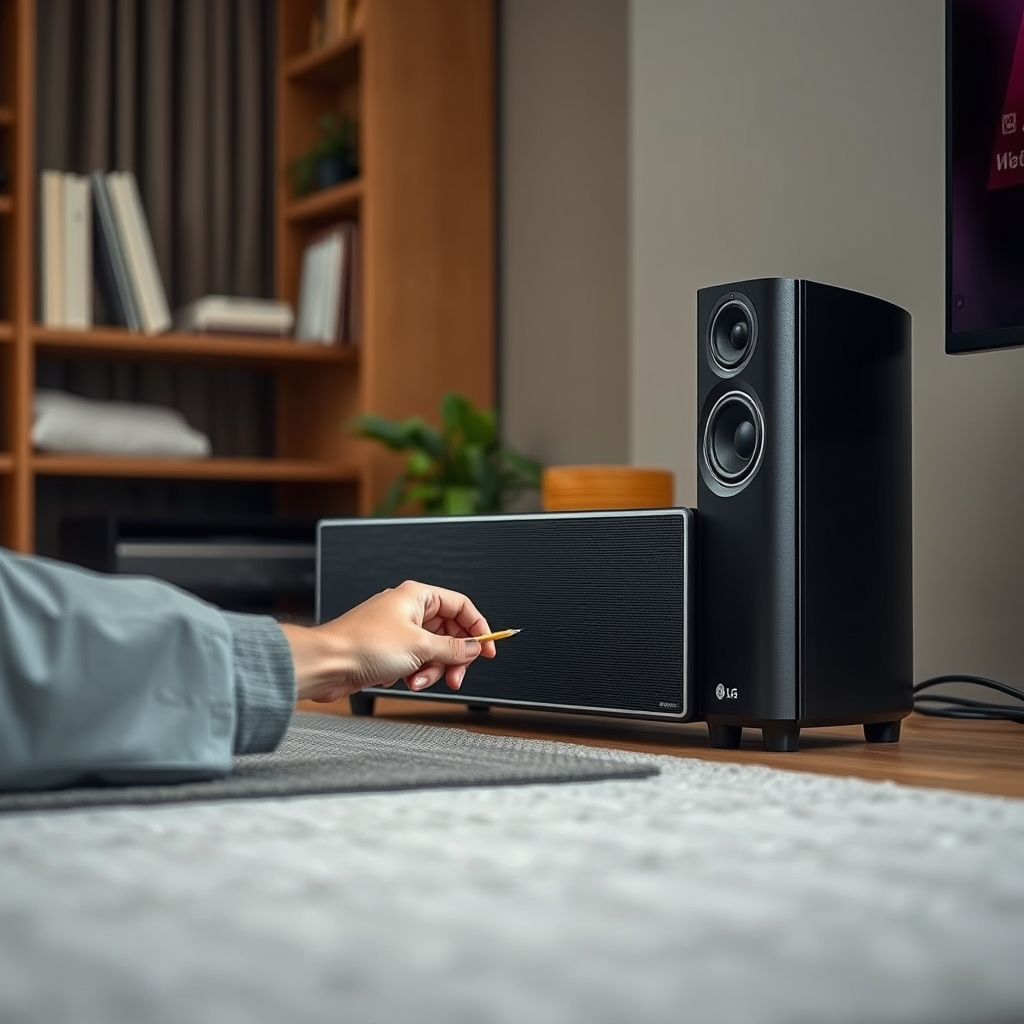
Before initiating the reset process, it is essential to prepare adequately to ensure a smooth experience. Start by turning off all devices connected to the sound system, including TVs, smartphones, and other peripherals. This step minimizes potential complications during the reset.
Additionally, take note of any custom settings you may want to restore after the reset. Whether it’s equalizer settings, volume levels, or specific sound modes, having a record will help you recreate your preferred audio environment quickly once the reset is complete.
How to Perform a Factory Reset
Performing a factory reset on your LG sound system can vary slightly depending on the model you own. However, the general steps are relatively consistent across the range. Here’s a step-by-step guide to help you through the process:
1. Power On: Ensure your sound system is powered on.
2. Access the Menu: Using the remote control, press the “Settings” or “Menu” button.
3. Navigate to Reset Options: Scroll through the menu to find “Reset” or “Factory Reset.” This option may be located under “System” or “General.”
4. Confirm the Reset: Select “Factory Reset” and confirm your choice when prompted. This action will erase all custom settings, so ensure that you want to proceed.
5. Wait for Completion: The system will take a few moments to complete the reset. Once finished, it will automatically reboot.
Model-Specific Tips
– LG Sound Bar: For sound bars, the reset is often achieved by pressing and holding the “Power” button for 10 seconds until the LED indicator blinks.
– LG Home Theater Systems: These may require a combination of button presses, such as “Stop” and “Eject,” held simultaneously for five seconds.
It’s advisable to consult your specific model’s user manual for any unique instructions related to your sound system.
Top 7 LG Sound System Models and Features
| # | Model | Power Output | Connectivity | Features |
|---|---|---|---|---|
| 1 | LG SK9Y | 500W | Wi-Fi, Bluetooth | Dolby Atmos |
| 2 | LG SN10YG | 600W | Wi-Fi, Bluetooth | Meridian Technology |
| 3 | LG SJ9 | 500W | Bluetooth | Google Assistant |
| 4 | LG SL9YG | 500W | Wi-Fi, Bluetooth | Hi-Res Audio |
| 5 | LG SN8YG | 440W | Bluetooth | Adaptive Sound Control |
| 6 | LG S80QR | 600W | Wi-Fi, Bluetooth | Surround Sound |
| 7 | LG SN7Y | 480W | Bluetooth | AI Sound Pro |
Reconfiguring Your Sound System
Once the reset is complete, you will need to reconfigure your sound system to reconnect your devices and restore your audio settings. Start by powering on your sound system and following the prompts to set up your network for Wi-Fi connectivity if applicable.
1. Reconnect Devices: For Bluetooth devices, make sure they are in pairing mode. On your sound system, navigate to the Bluetooth settings and search for devices to pair. For wired connections, ensure all cables are secure and properly plugged in.
2. Audio Settings: After reconnecting your devices, set up your preferred audio settings. This includes adjusting the equalizer, volume levels, and sound modes to match your listening preferences. Consider experimenting with different sound presets to find the optimal setup for your environment.
Investing time in this reconfiguration process will ensure that you maximize the audio performance of your LG sound system.
Troubleshooting Post-Reset Issues
After a factory reset, some users may encounter issues that were not present before. Here are some common post-reset problems and their solutions:
– Connectivity Problems: If you experience difficulties reconnecting devices, ensure they are close to the sound system and in pairing mode. Restart both the sound system and the device you are trying to connect.
– Audio Quality Issues: If the sound quality is not as expected, revisit the audio settings and make adjustments. Check for any audio enhancements that may affect output quality, and try disabling them if necessary.
– Delayed Audio: This can occur in Bluetooth connections. If you notice a lag, try disconnecting and reconnecting your device, or consider using a wired connection for better performance.
Regular maintenance and timely troubleshooting can help maintain high audio quality and ensure long-term performance of your LG sound system.
Audio Quality Ratings by Connectivity Type (2024)
Additional Tips for Optimal Audio Performance
To further enhance the audio performance of your LG sound system, consider implementing the following tips:
1. Use High-Quality Cables: Investing in quality HDMI or optical cables can improve sound clarity and reliability. Avoid using cheap or damaged cables that may introduce interference or loss of signal quality.
2. Select High-Quality Audio Sources: Streaming services that provide lossless audio formats offer a significantly better listening experience. Be selective about where you source your music or audio content to ensure you are getting the best quality available.
3. Regular Software Updates: Keeping your sound system’s firmware up-to-date is critical for optimal performance. Manufacturers often release updates that enhance functionality, improve connectivity, and fix bugs. Check periodically for updates through the settings menu.
By following these guidelines, you can maintain the high-quality audio output of your LG sound system and extend its lifespan.
In summary, resetting your LG sound system can resolve many audio issues and enhance overall performance. By understanding the need for a reset, preparing adequately, and following the outlined steps, you can ensure your sound system operates at its best. Don’t hesitate to explore further tips for maintaining your audio quality, and enjoy your favorite sounds at their best.
Frequently Asked Questions
How do I reset my LG sound system to improve audio performance?
To reset your LG sound system, locate the “Settings” menu on your remote control or the system’s interface. Navigate to “General” and select “Reset” or “Factory Reset.” Confirm the action, and your sound system will revert to its original settings, potentially improving audio performance by clearing any previous configurations or issues.
Why should I consider resetting my LG sound system?
Resetting your LG sound system can help resolve audio issues such as distortion, low volume, or connectivity problems. It clears any faulty settings that may have been applied over time and restores the system to its optimal performance state, allowing you to enjoy a better audio experience.
What are the best practices for resetting an LG sound system?
Before resetting your LG sound system, ensure you back up any custom settings or preferences. After the reset, check for firmware updates through the settings menu, as this can further enhance audio quality. Additionally, reconfigure your sound settings according to your listening environment for optimal results.
Which models of LG sound systems can be reset for better audio?
Most LG sound systems, including the LG SK9Y, LG SN11RG, and LG XBOOM series, can be reset to improve audio performance. Refer to the user manual for specific reset instructions tailored to your model, ensuring you follow the correct steps for maximum effectiveness.
How often should I reset my LG sound system for optimal audio quality?
It’s advisable to reset your LG sound system every few months or whenever you notice a decline in audio performance. Frequent resets can help maintain sound quality, especially after software updates or changes in your audio setup, ensuring that your system continues to deliver the best listening experience possible.
References
- Product Support: Help Library | LG USA Support
https://www.lg.com/us/support/help-library/how-to-reset-lg-sound-bar-CT00048803-20150117803402 - Product Support: Help Library | LG USA Support
https://www.lg.com/us/support/help-library/how-to-fix-lg-sound-bar-no-sound-CT00048805-20150117803402 - https://www.lifewire.com/how-to-reset-an-lg-sound-bar-4687353
https://www.lifewire.com/how-to-reset-an-lg-sound-bar-4687353 - Google Scholar Google Scholar
https://scholar.google.com/scholar?q=LG+Sound+System+Reset+Audio+Performance - Google Scholar Google Scholar
https://scholar.google.com/scholar?q=Resetting+Audio+Systems+for+Better+Performance - Google Scholar Google Scholar
https://scholar.google.com/scholar?q=Improving+Audio+Quality+Sound+System - Google Scholar Google Scholar
https://scholar.google.com/scholar?q=How+to+Reset+LG+Sound+System+for+Better+Audio+Performance - How to Reset LG Sound System for Better Audio Performance – Search results
https://en.wikipedia.org/wiki/Special:Search?search=How+to+Reset+LG+Sound+System+for+Better+Audio+Performance - https://www.ncbi.nlm.nih.gov/search/research-articles/?term=How+to+Reset+LG+Sound+System+for+Better+Audio+Performance
https://www.ncbi.nlm.nih.gov/search/research-articles/?term=How+to+Reset+LG+Sound+System+for+Better+Audio+Performance




One thought on “How to Reset Your LG Sound System for Improved Audio Performance”