
If your Polk Audio speakers are buzzing or humming, the issue is often related to electrical interference or improper connections. In this guide, you’ll learn how to identify the source of the noise and implement effective fixes to restore sound quality. By understanding the potential causes and applying straightforward troubleshooting steps, you can quickly enhance your listening experience.
Understanding the Buzzing or Humming Sound
To begin addressing the issue, it’s essential to differentiate between normal operational sounds and unwanted noise. Polk Audio speakers, like any other high-fidelity audio equipment, can produce subtle sounds during operation, particularly when idle. However, a persistent buzzing or humming often indicates a problem that needs addressing.
Potential causes of this noise can range from electrical interference to faulty equipment. Electrical interference can stem from various sources, including nearby electronic devices, fluorescent lights, or even power lines. Additionally, issues with the speaker itself, such as damaged components or loose connections, can contribute to unwanted noise. Understanding these factors will help you pinpoint the problem more effectively.
Check Your Connections
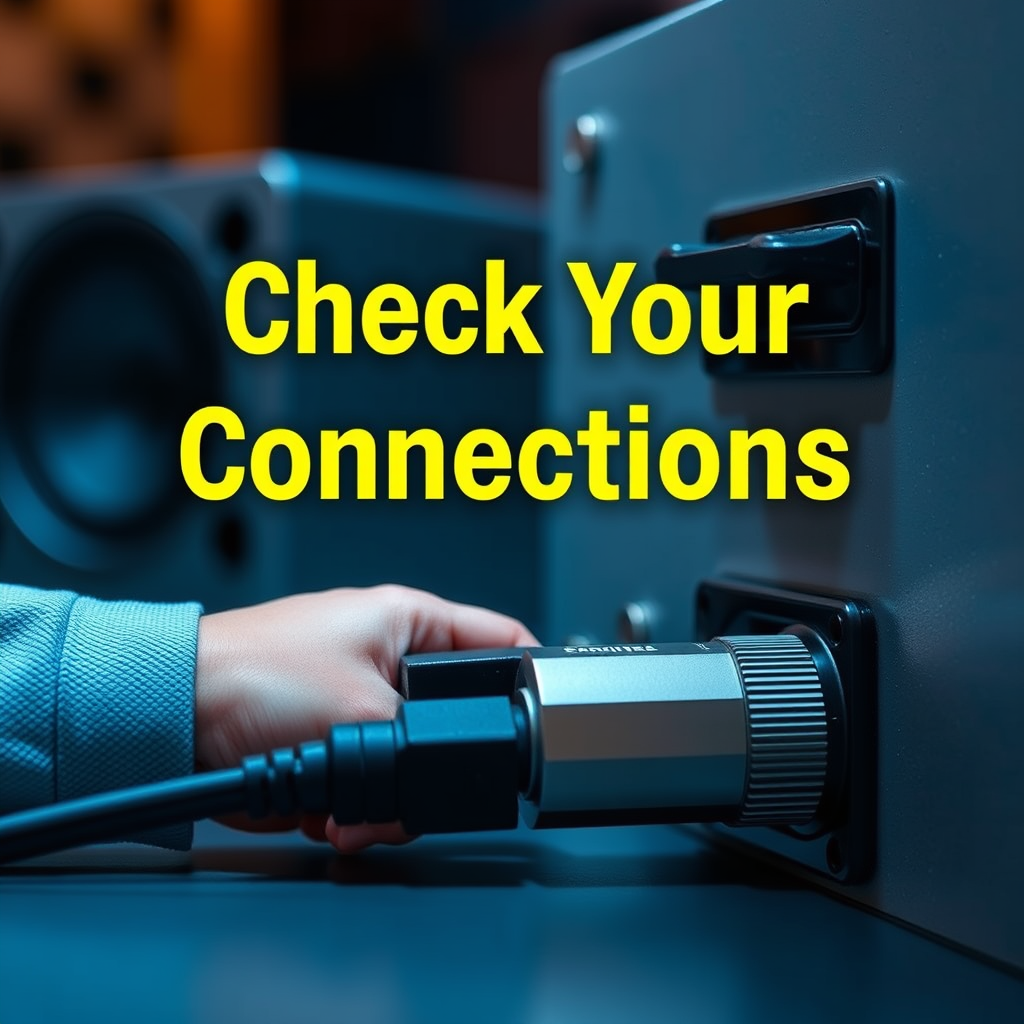
One of the most common reasons for buzzing or humming sounds is improper or loose connections. Begin by inspecting all cables and connections associated with your Polk Audio speakers. Ensure that speaker wires are securely connected to both the speakers and the amplifier or receiver. Loose connections can create a poor electrical connection, leading to noise.
Furthermore, check for any visible damage to the cables themselves. Frayed wires or damaged connectors can also contribute to interference and noise.
It’s also essential to arrange your cables thoughtfully. Ensure that speaker cables are not running parallel to power cords, as this can induce electromagnetic interference. If possible, separate these cables to minimize any potential noise.
Isolate the Source of the Noise
If the buzzing or humming persists, you may need to isolate the source of the noise. Begin by disconnecting devices one at a time. Start with the audio source, followed by any components such as amplifiers or receivers. This process will help you pinpoint which device is causing the interference.
Testing your Polk Audio speakers in a different location or setup can also provide insights. Set them up in a different room or connect them to a different audio source to see if the issue persists. If the noise disappears in the new setup, you may have identified the source of the problem.
Common Causes of Speaker Buzzing/Humming
| # | Cause | Impact Level | Fix |
|---|---|---|---|
| 1 | Loose Connections | High | Secure Connections |
| 2 | Electrical Interference | Medium | Rearrange Cables |
| 3 | Faulty Equipment | High | Replace Equipment |
| 4 | Ground Loops | High | Use Isolators |
| 5 | Poor Quality Cables | Medium | Upgrade Cables |
| 6 | Environmental Factors | Medium | Relocate Speakers |
| 7 | Amplifier Issues | High | Check Amplifier |
Inspect for Ground Loop Issues
Ground loops are a common source of humming in audio systems. They occur when there are multiple grounding points within an audio setup, creating a loop that can pick up unwanted noise. Understanding what a ground loop is and how it can create noise is crucial for effective troubleshooting.
To eliminate humming caused by ground loops, consider utilizing ground loop isolators. These devices can break the loop and prevent noise from traveling through the system. Installing a ground loop isolator is often a straightforward and effective solution for persistent humming issues, especially in complex audio setups.
Test with Different Audio Sources
Testing your Polk Audio speakers with different audio sources can help determine whether the problem lies with the speakers themselves or the audio source. Connect your speakers to various devices, such as a smartphone, computer, or different audio receiver, to see if the buzzing persists across all sources.
Additionally, check if the buzzing occurs with different types of content. For example, try playing music, movies, or podcasts to see if the noise is consistent across various audio formats. This process will help you isolate the issue further and identify whether it is tied to a specific device or type of audio.
Consider Environmental Factors
Environmental factors can significantly impact audio performance. Evaluate the proximity of your speakers to other electronic devices, as nearby equipment can introduce interference. For instance, devices like routers, televisions, or microwaves can emit electromagnetic fields that interfere with audio signals.
To reduce the chance of interference, consider relocating your speakers further away from potential sources of noise. Ensuring a clear space around your speakers can enhance sound quality and reduce unwanted buzzing or humming.
When to Seek Professional Help
If you have exhausted all troubleshooting options without success, it may be time to seek professional help. Recognizing when the issue may require professional diagnosis or repair is key to maintaining your Polk Audio speakers in optimal condition.
Check the warranty options for your speakers. If they are still under warranty, reaching out to Polk Audio support can provide expert assistance tailored to your specific situation. Professional technicians can diagnose hardware issues that may not be easily identifiable through standard troubleshooting, ensuring your audio system gets the care it needs.
The buzzing or humming sound from your Polk Audio speakers can often be resolved through simple troubleshooting steps. By checking connections, isolating the source, and considering environmental factors, you can enhance your listening experience. If problems persist, don’t hesitate to reach out for professional help to ensure your audio system performs at its best.
Frequently Asked Questions
What causes my Polk Audio speakers to buzz or hum?
A buzzing or humming sound from your Polk Audio speakers can be caused by several factors, including electrical interference from nearby devices, improper grounding, or issues with the audio source. Additionally, a faulty connection in the speaker wires or components may also contribute to this noise. Identifying the source is crucial for effective troubleshooting.
How can I troubleshoot the buzzing noise in my Polk Audio speakers?
To troubleshoot buzzing in your Polk Audio speakers, start by checking all connections to ensure they are secure and properly grounded. Next, try moving the speakers away from other electronic devices to reduce interference. If the buzzing persists, test with a different audio source or cable to rule out external factors.
Why do my Polk Audio speakers make noise when idle?
If your Polk Audio speakers emit noise while idle, it may be due to a ground loop issue, where multiple devices are connected to different power sources, creating interference. Additionally, high gain settings on your audio receiver can amplify background noise. Adjusting your setup and ensuring all devices share a common power source may help.
What is the best way to eliminate hum from my Polk Audio speakers?
The best way to eliminate hum from your Polk Audio speakers is to ensure proper grounding of all equipment and use high-quality cables that are shielded against interference. Additionally, employing a power conditioner can help filter out electrical noise, and isolating speakers from other electronics can significantly reduce unwanted hum.
Which troubleshooting steps should I take first for my buzzing Polk Audio speakers?
Start by checking the speaker connections and ensuring they are tight and properly grounded. Next, swap out the audio cables with known working ones to rule out cable issues. If the problem continues, isolate the speakers from other electronics and test them with a different audio source to determine if the issue lies within the speakers or the audio equipment.
References
- https://en.wikipedia.org/wiki/Speaker_(audio
https://en.wikipedia.org/wiki/Speaker_(audio - Google Scholar Google Scholar
https://scholar.google.com/scholar?q=Polk+Audio+Speaker+Buzzing+Troubleshooting - https://www.bbc.com/news/technology-48084471
https://www.bbc.com/news/technology-48084471 - https://www.nytimes.com/2017/08/31/technology/polk-audio-speakers-sound.html
https://www.nytimes.com/2017/08/31/technology/polk-audio-speakers-sound.html - https://www.sciencedirect.com/topics/engineering/speaker-design
https://www.sciencedirect.com/topics/engineering/speaker-design - Google Scholar Google Scholar
https://scholar.google.com/scholar?q=audio+speaker+issues+troubleshooting - https://pubmed.ncbi.nlm.nih.gov/26701928/
https://pubmed.ncbi.nlm.nih.gov/26701928/ - https://www.nature.com/articles/s41598-017-15486-4
https://www.nature.com/articles/s41598-017-15486-4 - Google Scholar Google Scholar
https://scholar.google.com/scholar?q=Polk+Audio+Speaker+Buzzing+or+Humming?+Troubleshooting+Guide - Polk Audio Speaker Buzzing or Humming? Troubleshooting Guide – Search results
https://en.wikipedia.org/wiki/Special:Search?search=Polk+Audio+Speaker+Buzzing+or+Humming?+Troubleshooting+Guide