
Setting up and syncing wireless audio systems with your home theater can greatly enhance your viewing experience, providing high-quality sound without the clutter of wires. This guide will walk you through the essential steps, ensuring seamless integration between your audio and video components, allowing you to enjoy rich soundscapes that complement your cinematic adventures.
Understanding Wireless Audio Systems
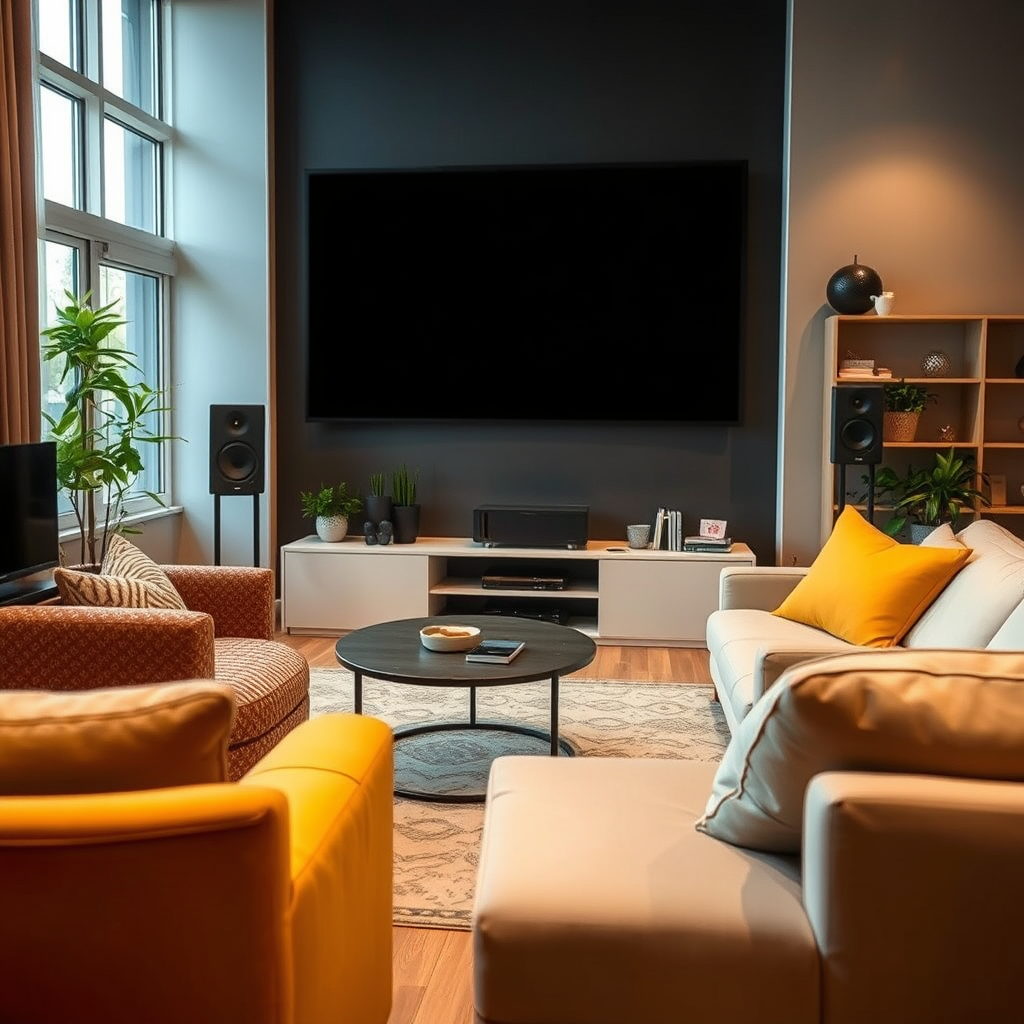
Wireless audio systems refer to technology that enables sound to be transmitted without the need for physical connections, utilizing either Bluetooth or Wi-Fi connectivity.
– Types of Wireless Audio Systems:
– Bluetooth: This is a short-range wireless technology that connects devices over short distances, typically up to 30 feet. It is often used for portable speakers and devices like soundbars.
– Wi-Fi: This technology allows for a broader range and can facilitate multi-room audio setups. Wi-Fi systems are often more reliable for streaming high-resolution audio and are ideal for home theater systems.
– Benefits of Using Wireless Audio Systems:
– Clutter-Free Setup: Without the need for cables, your living space remains tidy and visually appealing.
– Flexibility: Wireless systems can be easily moved or reconfigured to suit different room layouts or to accommodate new equipment.
– Multi-Room Audio: Many wireless systems allow for synchronized playback in multiple rooms, enhancing your home entertainment experience.
Preparing Your Home Theater Setup
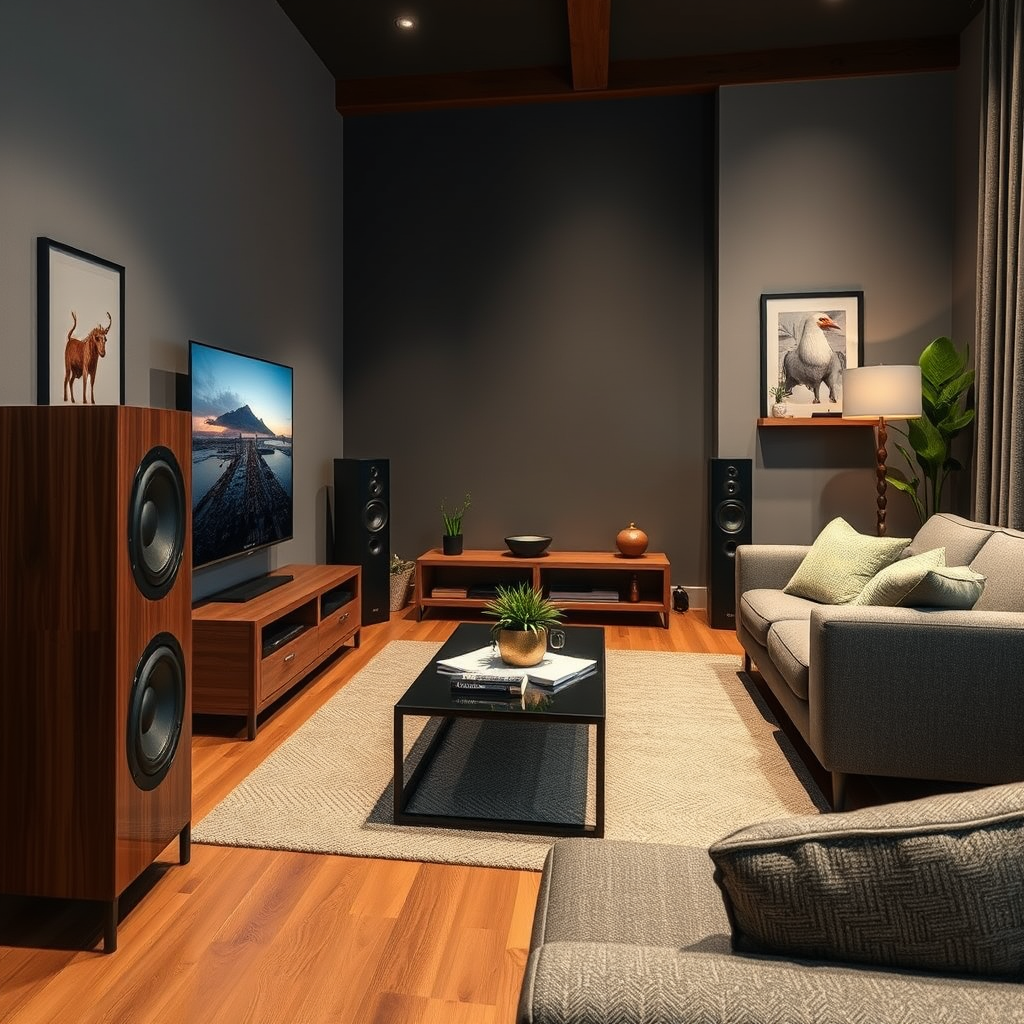
Before diving into the technical aspects of connection, it’s crucial to assess your room layout and existing equipment.
– Assessing Your Room Layout:
– Identify optimal sound placements by considering your seating arrangement, and ensure that speakers are positioned to deliver sound directly to your listening area. The goal is to create a surround sound effect that immerses you in the audio experience.
– Identifying Equipment Compatibility:
– Check if your existing audio or video equipment supports wireless connections. Most modern TVs and sound systems feature Bluetooth or Wi-Fi capabilities, but older models may require adapters or additional equipment for integration.
Connecting Wireless Audio Components
Once your room is prepared, the next step is connecting your wireless audio components.
1. Connecting Wireless Speakers:
– Step 1: Ensure your speakers are charged or plugged in.
– Step 2: Turn on your wireless speakers and set them to pairing mode (usually a button labeled “Pair” or “Connect”).
– Step 3: Access the Bluetooth settings on your TV or audio receiver, and select the speaker from the list of available devices.
– Step 4: Follow on-screen prompts to complete the connection.
2. Tips for Pairing Devices:
– Keep your devices close during the pairing process to avoid connectivity issues.
– Be aware of any potential interference from other wireless devices, which can disrupt the connection.
– If problems arise, try resetting both the speaker and the source device, and repeat the pairing process.
Syncing Audio with Video
One of the common issues encountered when setting up wireless audio systems is audio delay, which can detract from the viewing experience.
– Understanding Audio Delay:
– Audio delay occurs when there is a lag between the audio and video signals, leading to unsynchronized playback. This is especially noticeable in dialogue-heavy scenes.
– Adjusting Settings:
– Most modern TVs and audio systems have settings to adjust audio delay. Check your device’s audio settings for options labeled “Audio Sync,” “Lip Sync,” or “Delay.”
– Use the TV remote to make incremental adjustments until the audio aligns perfectly with the visuals.
– Tools and Apps:
– Consider using audio calibration tools or apps available for smartphones and tablets. These can help you measure and adjust the delay more accurately.
Top Wireless Audio Brands and Features (2024)
| # | Brand | Type | Range (ft) | Battery Life | Sync Features |
|---|---|---|---|---|---|
| 1 | Sonos | Wi-Fi | 300 | 10 hours | Auto Sync |
| 2 | Bose | Bluetooth | 30 | 12 hours | Manual Sync |
| 3 | JBL | Bluetooth | 50 | 15 hours | Auto Sync |
| 4 | Samsung | Wi-Fi | 300 | 8 hours | Manual Sync |
| 5 | LG | Bluetooth | 35 | 10 hours | Auto Sync |
| 6 | Sony | Wi-Fi | 200 | 20 hours | Auto Sync |
| 7 | Apple | Bluetooth | 30 | 14 hours | Manual Sync |
Optimizing Sound Quality
To achieve the best possible audio experience, it’s crucial to optimize the sound quality of your wireless audio setup.
– Positioning Wireless Speakers:
– Place speakers at ear level and at an equal distance from the primary viewing position to create a balanced sound stage. For surround sound systems, strategically position rear speakers behind the listening area to enhance immersion.
– Adjusting Sound Settings:
– Access the sound settings on both your audio system and TV. Look for options like equalizers, bass boost, and treble adjustments. Fine-tuning these settings can significantly improve clarity and depth.
– Consider using sound modes offered by your audio receiver, such as “Movie,” “Music,” or “Night” modes, to tailor the sound experience based on content.
Troubleshooting Common Issues
Even with a well-set-up system, you may encounter connectivity problems or sound issues.
– Connectivity Problems:
– Ensure your devices are within range and that there are no obstructions interfering with the signal. Power cycling the devices (turning them off and on again) can often resolve connection issues.
– If persistent problems occur, consider resetting the network settings or updating the firmware on your audio devices.
– Maintaining a Stable Wireless Connection:
– Minimize interference by reducing the number of active wireless devices in the vicinity. If using Wi-Fi, ensure that your router is updated and positioned optimally to cover your home theater area effectively.
Upgrading Your System
As technology evolves, so do the options available for wireless audio systems.
– When to Consider Upgrading:
– If you find that your current system lacks features such as multi-room audio, high-resolution streaming, or advanced audio formats like Dolby Atmos, it may be time to consider an upgrade.
– Recommendations for High-Quality Wireless Audio Brands:
– Brands such as Sonos, Bose, and Sony offer premium options known for their sound quality and reliability. Research and compare models to find one that fits your needs and budget.
In summary, setting up and syncing wireless audio systems with your home theater can drastically improve your audio experience. By following the outlined steps, from understanding the systems available to troubleshooting common issues, you can create a seamless audio-visual environment. For optimal performance, don’t hesitate to explore additional resources or consult with a professional if needed. Embrace the freedom and flexibility that wireless audio brings to your home entertainment setup.
Frequently Asked Questions
What is the best wireless audio system to use with a home theater setup?
The best wireless audio system for your home theater setup depends on your specific needs and budget. Popular options include Sonos, Bose, and Yamaha, which offer high-quality sound and easy integration with existing systems. Look for systems that support multi-room audio and have low latency to ensure seamless synchronization with your video content.
How do I set up a wireless audio system with my home theater?
To set up a wireless audio system with your home theater, first, ensure that your audio receiver or soundbar is compatible with the wireless technology you are using, such as Bluetooth or Wi-Fi. Follow the manufacturer’s instructions to connect the system to your home network, and use the accompanying app to configure audio settings and connect to your devices for optimal sound quality.
Why is my wireless audio system out of sync with my home theater?
Wireless audio systems can experience latency, which causes audio to lag behind the video. This issue can often be resolved by adjusting the audio delay settings on your sound system or receiver. Additionally, ensuring that both your video and audio devices are using the same wireless protocol can help minimize sync issues.
Which wireless audio formats provide the best sound quality for home theaters?
The best wireless audio formats for home theaters include Wi-Fi-based options like DTS Play-Fi, Apple AirPlay 2, and Sonos’ proprietary streaming technology, as they provide higher bandwidth and better sound quality than Bluetooth. These formats support lossless audio streaming, allowing you to enjoy your movies and music with superior clarity and richness.
How can I troubleshoot common issues with wireless audio synchronization?
To troubleshoot wireless audio synchronization issues, first check your network connection and ensure that all devices are on the same Wi-Fi network. Restarting your audio system and home theater devices can also help. If problems persist, consider reducing the distance between your wireless speakers and the receiver, or try using a wired connection for critical components to eliminate latency.
References
- Wireless
https://en.wikipedia.org/wiki/Wireless_audio - https://www.sciencedirect.com/topics/engineering/wireless-audio
https://www.sciencedirect.com/topics/engineering/wireless-audio - https://www.bbc.com/future/article/20201214-how-the-future-of-audio-is-wireless
https://www.bbc.com/future/article/20201214-how-the-future-of-audio-is-wireless - https://www.nature.com/articles/s41598-019-48282-y
https://www.nature.com/articles/s41598-019-48282-y - Google Scholar Google Scholar
https://scholar.google.com/scholar?q=How+to+Set+Up+and+Sync+Wireless+Audio+Systems+with+a+Home+Theater+Setup - Google Scholar Google Scholar
https://scholar.google.com/scholar?q=Wireless+Audio+Systems+Home+Theater+Setup - Google Scholar Google Scholar
https://scholar.google.com/scholar?q=Home+Theater+Wireless+Audio+Sync - https://pubmed.ncbi.nlm.nih.gov/26542026/
https://pubmed.ncbi.nlm.nih.gov/26542026/ - https://www.reuters.com/article/us-tech-audio-idUSKBN2A50B3
https://www.reuters.com/article/us-tech-audio-idUSKBN2A50B3 - https://www.cdc.gov/nceh/lead/tips/lead_in_water.htm
https://www.cdc.gov/nceh/lead/tips/lead_in_water.htm