
To improve your wireless audio system’s stability and range, start by optimizing your network environment and equipment placement. By adjusting your router settings, minimizing interference, and using the right audio gear, you can significantly enhance performance. This article will guide you through practical steps to achieve a more reliable and expansive wireless audio experience.
Optimize Router Placement
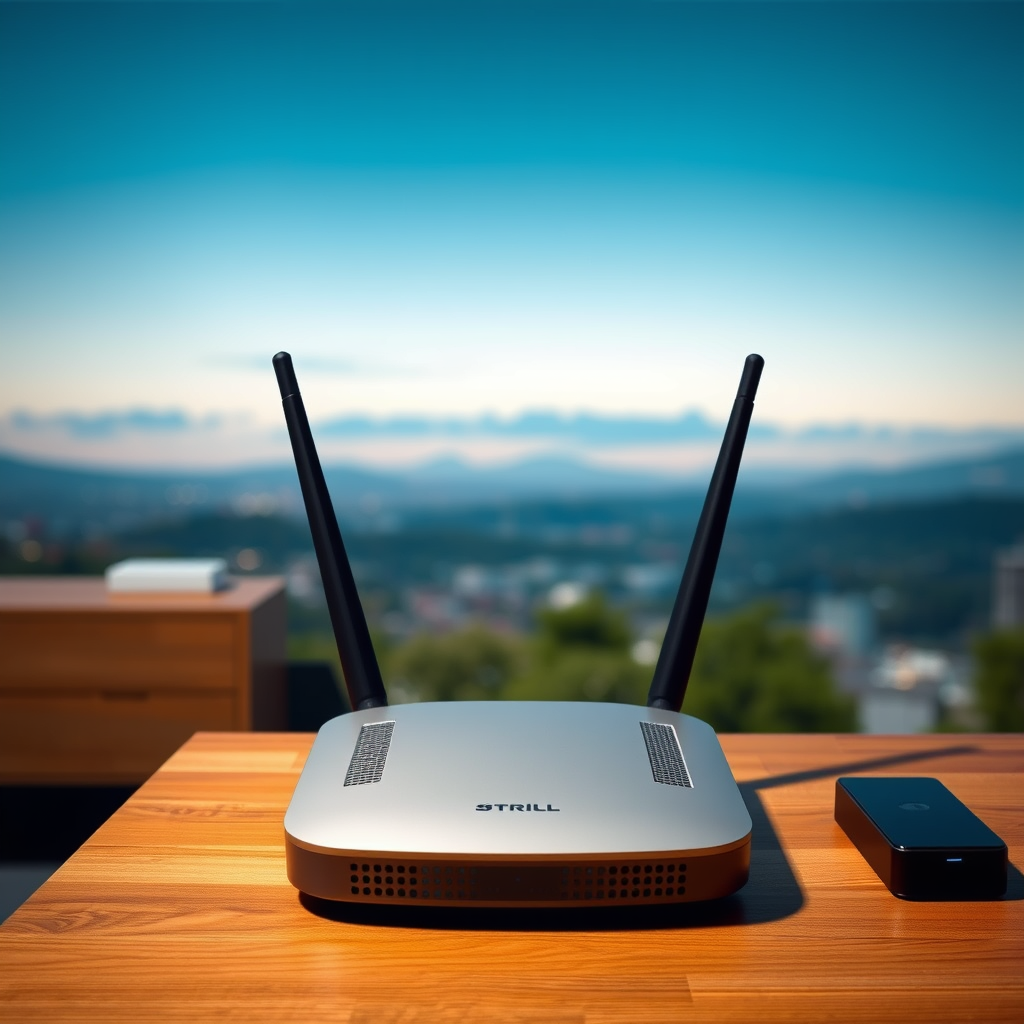
Router placement is critical for maximizing the performance of your wireless audio system. To start, position your router centrally in your home to reduce the distance between the router and your audio devices. This minimizes potential signal loss due to physical barriers such as walls and furniture. Ideally, your router should be in an elevated position, such as on a shelf, to avoid obstructions that can hinder signals.
Additionally, consider the layout of your home. If you have multiple floors or long hallways, strategically placing the router in a location that allows for the best line of sight to your audio devices will help ensure a strong connection. If you’re experiencing dead spots in your home, you may need to invest in additional hardware, such as a Wi-Fi extender or a mesh network, to cover larger areas with consistent signal strength.
Minimize Interference
Interference from other electronic devices can severely impact the stability of your wireless audio system. Common culprits include microwaves, cordless phones, and even neighboring Wi-Fi networks. Identifying and eliminating these sources of interference is crucial. For instance, if your router is near a microwave, consider moving it to a different location to reduce signal disruption.
Moreover, opting for the 5GHz band instead of the more common 2.4GHz band can provide less congestion and better performance. The 5GHz band typically experiences less interference from other devices and offers faster data rates, which is beneficial for streaming high-quality audio. Many modern routers support dual-band operation, allowing you to switch between these frequencies based on your needs.
Update Firmware and Software
Keeping your router and audio devices up to date is essential for maintaining optimal performance. Regularly check for and install firmware updates on your router, as these updates often include security patches and performance enhancements. Similarly, ensure that your audio streaming apps are updated to benefit from the latest features and compatibility improvements.
Updating firmware and software not only resolves bugs but can also introduce new functionalities that enhance your audio experience. For example, some audio devices receive updates that improve their compatibility with newer streaming protocols, ensuring a smoother playback experience.
Top Wireless Audio Devices by Feature Set (2024)
| # | Device | Range (ft) | Battery Life (hrs) | Audio Quality |
|---|---|---|---|---|
| 1 | Sonos One | 300 | 10 | High |
| 2 | Bose SoundLink | 200 | 15 | High |
| 3 | JBL Charge 5 | 150 | 20 | Medium |
| 4 | Ultimate Ears Boom | 100 | 15 | High |
| 5 | Amazon Echo Studio | 250 | 12 | High |
| 6 | Apple HomePod | 200 | 10 | High |
| 7 | Sony SRS-XB43 | 150 | 24 | Medium |
Use High-Quality Equipment
Investing in high-quality wireless audio equipment is one of the most effective ways to enhance your system’s stability and range. Look for wireless audio transmitters and receivers that are designed specifically for extended range and superior sound quality. Brands like Sonos, Bose, and JBL provide equipment that is well-regarded for their performance in wireless audio streaming.
For larger areas, consider using a range extender or a mesh Wi-Fi system. Mesh systems consist of multiple nodes that work together to provide seamless coverage throughout your home. This can help eliminate dead zones and ensure that your audio devices remain connected, even in the farthest corners of your space.
Adjust Audio Settings
Fine-tuning your audio settings can also make a significant difference in performance. Experiment with audio bitrate settings to find a balance between quality and stability that suits your preferences. Higher bitrates generally offer better audio quality but can require more bandwidth, which may impact stability in some cases.
Additionally, enabling features like Quality of Service (QoS) on your router can prioritize audio streams over other types of traffic on your network. This ensures that your streaming audio receives the necessary bandwidth for a smooth playback experience.
Impact of Different Bitrate Settings on Audio Stability
Test and Monitor Performance
To ensure you are getting the best performance from your wireless audio system, use network analysis tools to assess signal strength and quality. Tools such as Wi-Fi analyzers can help you visualize your network performance and identify weak points. Regularly testing your audio system in different locations will also help you find the optimal setup for your devices.
Pay attention to performance metrics like dropouts and latency during playback. If you notice consistent issues in certain areas of your home, consider readjusting your router placement or investing in additional hardware to enhance coverage.
Incorporating these testing and monitoring practices will not only help you maintain a stable audio experience but will also allow you to adapt to changes in your environment that could impact performance.
In summary, enhancing your wireless audio system’s stability and range requires a multifaceted approach. By optimizing router placement, minimizing interference, updating firmware, using high-quality equipment, adjusting audio settings, and actively testing performance, you can significantly elevate your listening experience. Take action today by evaluating your current setup and making the necessary adjustments to enjoy a better audio experience.
Frequently Asked Questions
What are the common causes of instability in wireless audio systems?
Common causes of instability in wireless audio systems include interference from other electronic devices, physical obstructions like walls and furniture, and outdated firmware. Additionally, the distance between the transmitter and receiver can significantly impact audio stability. Identifying these issues is vital for achieving optimal wireless audio performance.
How can I enhance the range of my wireless audio system?
To enhance the range of your wireless audio system, consider relocating the transmitter to a more central location, eliminating physical barriers, and using high-gain antennas. You can also invest in a wireless audio extender or repeater to boost the signal strength. Regularly updating your system’s firmware can also help maintain optimal range.
Why is it important to choose the right frequency for my wireless audio system?
Choosing the right frequency for your wireless audio system is crucial because certain frequencies are more susceptible to interference from Wi-Fi networks and other devices. Operating on a less congested frequency band, such as 5GHz, can lead to better stability and range. Furthermore, understanding local regulations regarding frequency use ensures compliance and optimal performance.
What are the best practices for setting up a wireless audio system?
Best practices for setting up a wireless audio system include positioning the transmitter and receiver in an open area away from obstructions, using high-quality cables, and ensuring all components are compatible. Additionally, conducting a site survey to identify potential interference sources and adjusting the system settings accordingly can significantly improve performance and reliability.
Which accessories can improve my wireless audio system’s performance?
Accessories that can improve your wireless audio system’s performance include external antennas, signal boosters, and high-quality receivers. Investing in a dedicated wireless access point can also help reduce interference and improve connectivity. Finally, using a surge protector can protect your equipment from power fluctuations, ensuring stable operation.
References
- https://www.wikiwand.com/en/Wireless_audio
https://www.wikiwand.com/en/Wireless_audio - https://www.nature.com/articles/s41598-021-83700-1
https://www.nature.com/articles/s41598-021-83700-1 - https://www.sciencedirect.com/science/article/pii/S2352914821000552
https://www.sciencedirect.com/science/article/pii/S2352914821000552 - https://www.pubmed.ncbi.nlm.nih.gov/28797917/
https://www.pubmed.ncbi.nlm.nih.gov/28797917/ - https://www.bbc.com/news/technology-50711325
https://www.bbc.com/news/technology-50711325 - https://www.theguardian.com/technology/2020/jan/17/how-to-improve-your-wi-fi-how-to-make-your-wireless-network-faster
https://www.theguardian.com/technology/2020/jan/17/how-to-improve-your-wi-fi-how-to-make-your-wireless-network-faster - https://www.cdc.gov/nceh/lead/acetaminophen.htm
https://www.cdc.gov/nceh/lead/acetaminophen.htm - Google Scholar Google Scholar
https://scholar.google.com/scholar?q=Improve+Wireless+Audio+System+Stability+and+Range - Google Scholar Google Scholar
https://scholar.google.com/scholar?q=Wireless+Audio+System+Optimization - Google Scholar Google Scholar
https://scholar.google.com/scholar?q=Wireless+Audio+System+Range+Enhancement