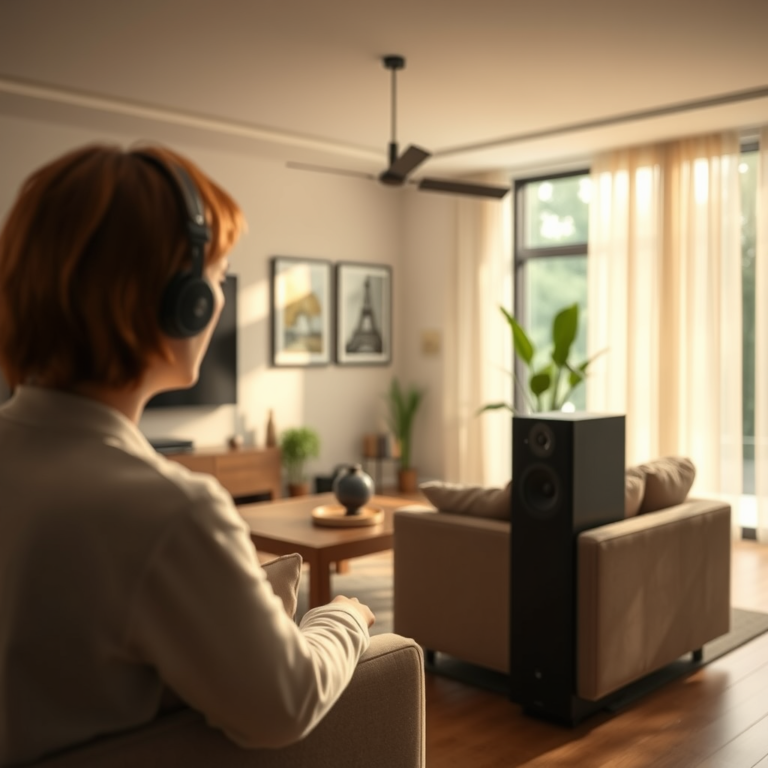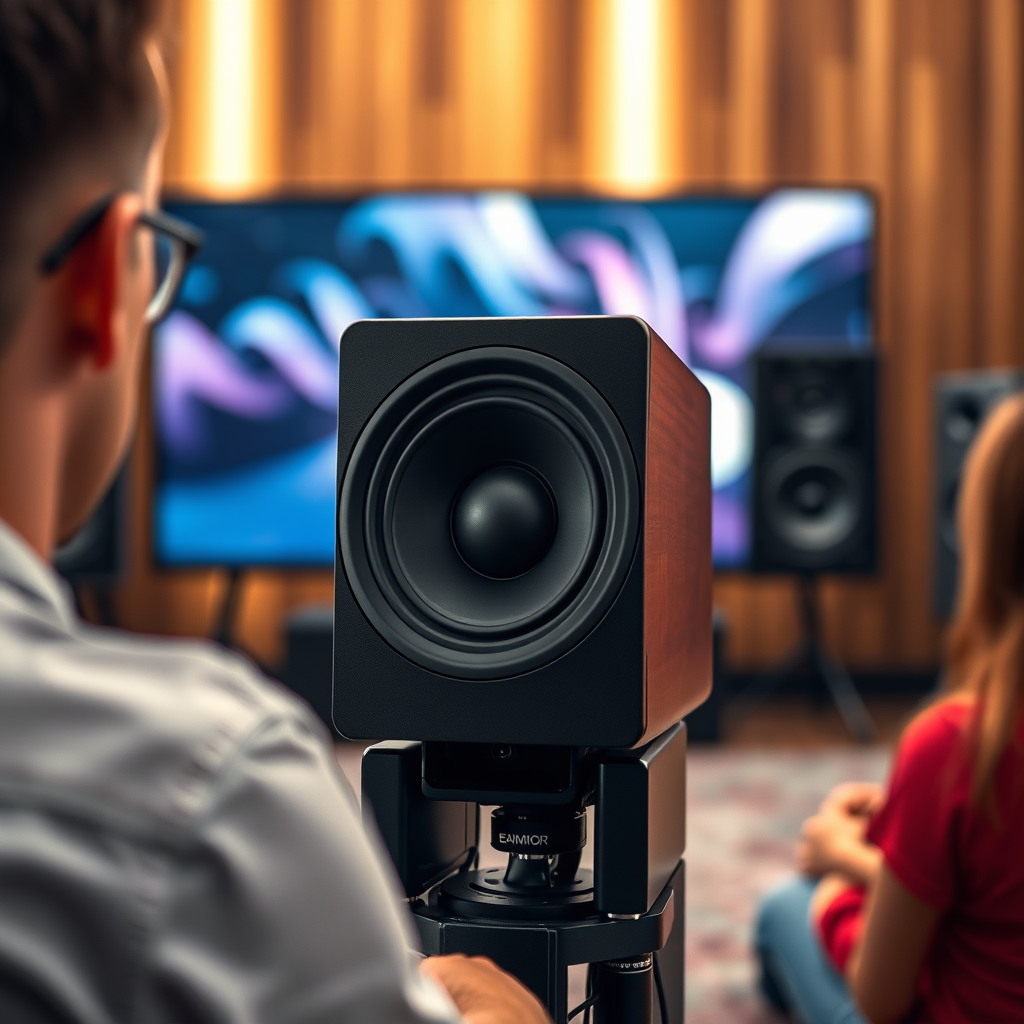

Fine-tuning your surround sound system can significantly enhance your audio experience, bringing you deeper into your favorite movies and music. By adjusting speaker placement, calibrating audio settings, and optimizing your room acoustics, you can create an immersive environment that elevates your listening enjoyment. This guide will walk you through practical steps to achieve the best sound possible, ensuring every detail resonates perfectly.
Understanding Your Surround Sound Setup
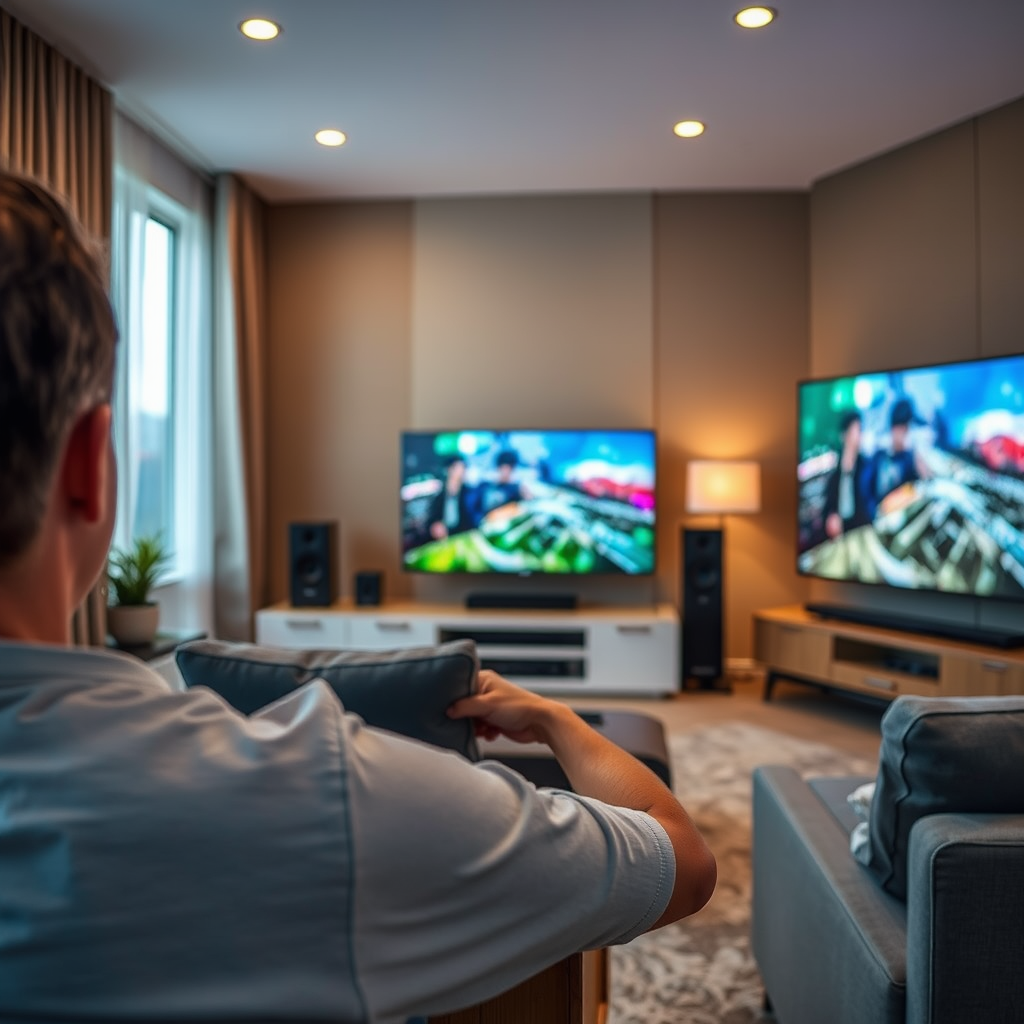
To maximize the potential of your surround sound system, it’s crucial to understand its configuration. Most commonly, surround sound systems are categorized as 5.1 or 7.1 setups. A 5.1 system includes six channels: one subwoofer and five speakers (left, center, right, and two surround speakers). The 7.1 configuration adds two additional surround speakers, providing a richer audio experience.
Each speaker plays a vital role in the overall sound field. The front speakers (left, center, right) are responsible for dialogue and primary audio, while the surround speakers create ambient sounds and effects that transport you into the scene. Understanding these roles helps in the strategic placement of your speakers, which is a critical component of achieving optimal sound quality.
Speaker Placement for Optimal Sound
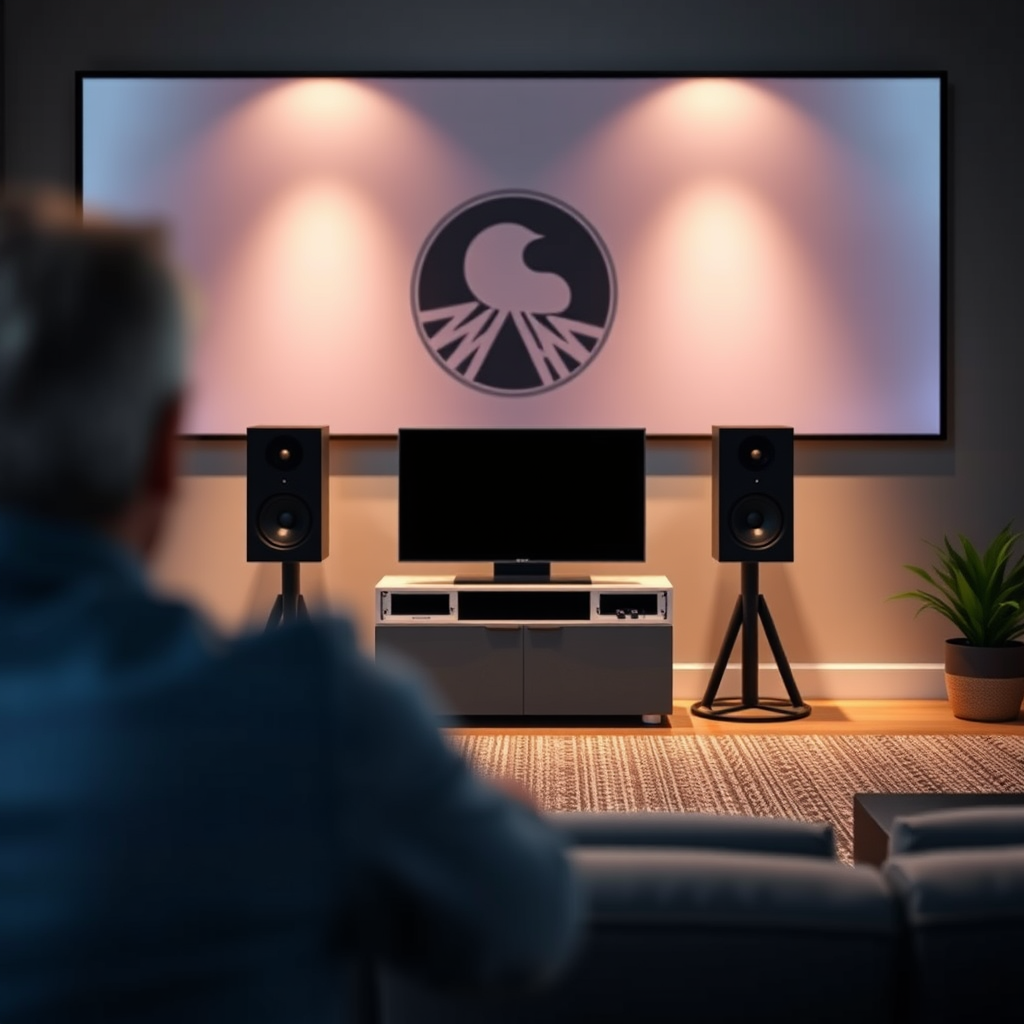
1. Front Speakers: Position the left and right front speakers at ear level, approximately 22 to 30 degrees from the center listening position. The center speaker should be directly aligned with the listener, ensuring clear dialogue and sound effects.
2. Surround Speakers: Place surround speakers at an angle of 90 to 110 degrees from the listening position, ideally at or slightly above ear level. This positioning helps create an enveloping soundstage that enhances the feeling of being surrounded by audio.
3. Subwoofer Placement: The subwoofer can be placed in various locations, but it’s often best to start in a corner or along a wall to enhance bass response. Experimenting with different locations can make a significant difference in sound quality.
By following these guidelines, you can significantly improve the soundstage and depth of your audio experience.
Calibration Techniques
Calibration is a vital step in fine-tuning your surround sound system. Here are effective methods to achieve balanced audio:
1. Using a Sound Level Meter: A sound level meter or a calibration microphone can help measure the output levels of each speaker. This tool allows you to ensure that all speakers are producing sound at equal levels, preventing any one speaker from overpowering the others.
2. Receiver Setup Menu: Most modern receivers come equipped with automatic calibration features. These systems often use internal microphones to analyze the room acoustics and adjust the sound output accordingly. Manual adjustments can also be made through the receiver’s setup menu, allowing you to fine-tune levels and distances for each speaker.
3. Room Correction Systems: Some advanced receivers include room correction systems that analyze the acoustics of your space and adjust the sound output to compensate for any deficiencies. Utilizing these systems can significantly enhance your audio experience by adapting to the unique characteristics of your room.
Top Surround Sound Systems by Features (2024)
| # | System | Channels | Dolby Atmos | Auto Calibrate | Room Correction |
|---|---|---|---|---|---|
| 1 | Yamaha RX-V685 | 7.2 | Yes | Yes | YPAO |
| 2 | Denon AVR-X3700H | 9.2 | Yes | Yes | Audyssey |
| 3 | Onkyo TX-NR696 | 7.2 | Yes | Yes | AccuEQ |
| 4 | Sony STR-DN1080 | 7.2 | Yes | Yes | D.C.A.C. |
| 5 | Pioneer VSX-LX504 | 9.2 | Yes | Yes | MCACC |
| 6 | Marantz SR6015 | 9.2 | Yes | Yes | Audyssey MultEQ XT32 |
| 7 | NAD T 758 V3i | 7.1 | Yes | Yes | Dirac Live |
Room Acoustics and Their Impact
The acoustics of your room play a significant role in how sound is experienced. Factors such as wall materials, furniture, and layout can either enhance or detract from sound quality. Here are some tips to optimize your room acoustics:
1. Reflective Surfaces: Hard surfaces like tile, glass, and bare walls can create echoes and distort sound. Consider adding sound-absorbing materials, such as curtains, carpets, and upholstered furniture, to reduce reflections.
2. Acoustic Panels: Installing acoustic panels can greatly enhance sound quality. These panels absorb sound waves and minimize echo, leading to a clearer audio experience. Place them strategically on walls where sound reflections are most problematic.
3. Room Layout: The arrangement of furniture can also influence sound quality. Ensure that speakers are not obstructed by large furniture items, and consider the overall layout to create a balanced sound field.
Utilizing Audio Processing Features
Modern surround sound systems come equipped with advanced audio processing features that can enhance your listening experience. Here are some key features to explore:
1. Dolby Atmos and DTS:X: These technologies provide an immersive sound experience by adding height channels to traditional surround sound. This allows sound to come from above, creating a more three-dimensional audio environment.
2. Equalization Settings: Most receivers allow you to adjust equalization settings to tailor the sound to your preferences. You can boost certain frequencies for specific genres of music or movies, ensuring a customized audio experience.
3. Surround Modes: Many systems offer different surround sound modes tailored for movies, music, or gaming. Experimenting with these modes can help you find the best setting for the content you are enjoying.
Testing and Adjusting Your Settings
Once you have set up and calibrated your surround sound system, it’s important to test and make further adjustments. Here are some strategies to refine your audio experience:
1. Audio Tests: Play various genres of music and movie scenes to assess sound quality. Pay attention to dialogue clarity, bass response, and the overall balance between speakers.
2. Incremental Adjustments: Make small adjustments to levels and distances, then test again. This approach allows you to listen critically and find the best balance without overwhelming changes.
3. Listening Position: Consider the position from which you most often listen. Adjust the system based on this position to ensure optimal audio quality for your primary listening area.
Keeping Your System Updated
To maintain optimal performance, it’s essential to keep your audio equipment updated. Here are steps to consider:
1. Firmware Updates: Stay informed about firmware updates for your receiver and other audio equipment. Manufacturers often release updates that improve performance, add features, or enhance compatibility with new technologies.
2. Regular Calibration: Periodically recalibrating your system can help adapt to changes in room acoustics or speaker placement. This ensures that your system continues to perform at its best over time.
3. Monitor Equipment: Keep an eye on the performance of your speakers and other components. If you notice any distortions or inconsistencies, it may be time to check connections or consider upgrades.
Surround Sound System Popularity by Features (2024)
By following these steps, you’ll create a surround sound environment that truly draws you in, making every audio experience feel more lifelike. Remember to periodically revisit your settings and room acoustics to adapt to any changes in your setup or listening preferences. Happy listening!
Frequently Asked Questions
How do I properly position my surround sound speakers for optimal performance?
To achieve the best sound quality, position your front speakers at ear level, angled towards the listening area, while placing the center speaker directly above or below the screen. The surround speakers should be placed slightly above ear level and around 90 to 110 degrees from the listening position. Additionally, ensure that the subwoofer is positioned near a wall for enhanced bass response, but avoid corners to reduce unwanted resonances.
What settings should I adjust on my receiver for fine-tuning my surround sound system?
Start by calibrating your surround sound system using the built-in auto-calibration feature if available, which measures speaker distances and levels. Then, manually adjust the speaker levels, crossover frequencies, and room EQ settings to match your room’s acoustics. Pay special attention to the subwoofer level and crossover settings, as these can significantly impact the overall sound experience.
Why is room acoustics important when fine-tuning my surround sound system?
Room acoustics play a crucial role in how sound waves interact within your space, affecting clarity and immersion. Hard surfaces can cause echo and reflections, while soft furnishings can absorb sound and create a warmer audio profile. By fine-tuning your surround sound system with room acoustics in mind—like adding rugs, curtains, or acoustic panels—you can enhance sound quality and achieve a more immersive experience.
What is the best way to test the sound quality of my surround sound system after tuning?
To effectively test your surround sound system, use a variety of audio tracks specifically designed for surround sound, such as movie soundtracks or music recorded in surround formats. Listen for balance and clarity among all speakers, ensuring that dialogue is clear from the center channel and that sound effects are appropriately placed in the surround channels. You can also use sound level meters or mobile apps to measure speaker output levels for more precise tuning.
Which common mistakes should I avoid when setting up my surround sound system?
One common mistake is placing speakers too close to walls or corners, which can create unwanted bass build-up or muddy sound. Another error is neglecting to calibrate the system properly; failing to adjust levels and distances can lead to an unbalanced audio experience. Additionally, always check that your cables are securely connected and avoid mixing speaker brands that may have different sound characteristics, as this can affect overall sound quality.
References
- Surround sound
https://en.wikipedia.org/wiki/Surround_sound - https://www.sciencedirect.com/topics/engineering/surround-sound
https://www.sciencedirect.com/topics/engineering/surround-sound - https://www.bbc.com/future/article/20210127-how-to-set-up-the-perfect-surround-sound-system
https://www.bbc.com/future/article/20210127-how-to-set-up-the-perfect-surround-sound-system - https://www.nature.com/articles/10.1038/s41598-021-92655-2
https://www.nature.com/articles/10.1038/s41598-021-92655-2 - https://www.cdc.gov/nceh/lead/acclp/faq.htm
https://www.cdc.gov/nceh/lead/acclp/faq.htm - https://www.nytimes.com/2019/12/05/technology/personaltech/home-theater.html
https://www.nytimes.com/2019/12/05/technology/personaltech/home-theater.html - Google Scholar Google Scholar
https://scholar.google.com/scholar?q=Fine-Tune+Surround+Sound+System - Google Scholar Google Scholar
https://scholar.google.com/scholar?q=Surround+Sound+Calibration - Google Scholar Google Scholar
https://scholar.google.com/scholar?q=Home+Theater+Setup+Immersion - https://www.pubmed.ncbi.nlm.nih.gov/31889201/
https://www.pubmed.ncbi.nlm.nih.gov/31889201/