
Choosing between the BenQ PD3220U and Dell U3223QE for a 4K 32-inch upgrade comes down to one question: which monitor delivers the best mix of color accuracy, connectivity, and everyday usability. If you want the stronger “buy once” option for professional-looking 4K output with less friction, the Dell U3223QE is the clearer winner. But the BenQ PD3220U takes the edge for specific design workflows that value its built-in tuning and content-creator focus.




If you want the better overall “dock-and-output” experience, the Dell U3223QE is the smarter pick; it’s brighter and has a higher rated contrast (400 nits and 2000:1) plus 90W USB-C charging and built-in Ethernet. If your workflow depends on Thunderbolt 3 for fast, simplified creative setups, the BenQ PD3220U is the match—offering Thunderbolt 3 support and strong color specs for sRGB/Rec.709/P3 work. Here’s the practical difference: both are 31.5-inch 4K monitors built for creators and knowledge workers, but their underlying panel behavior and their “one-cable” docking philosophies lead to very different day-to-day strengths in 2026.
Key specs: What you’re getting in both
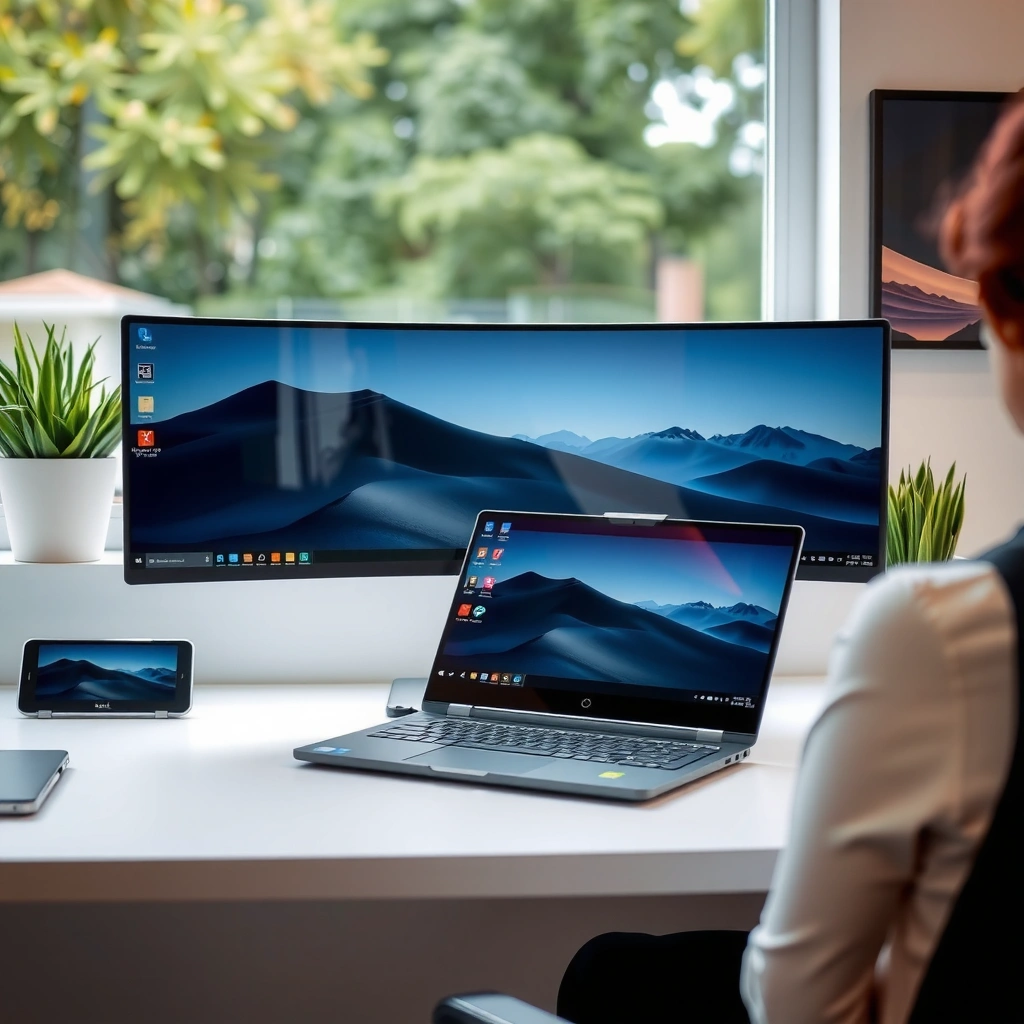
Both the BenQ PD3220U and Dell U3223QE land in the same sweet spot: 31.5-inch screens (roughly 32 inches class) with 3840 × 2160 resolution at 60 Hz. The shared 5 ms GtG-class response timing also means neither is aimed at esports-level motion chasing—so the bigger decisions are contrast, brightness, color coverage targets, and how their ports turn into a real “desk workflow” rather than a spec-sheet comparison.
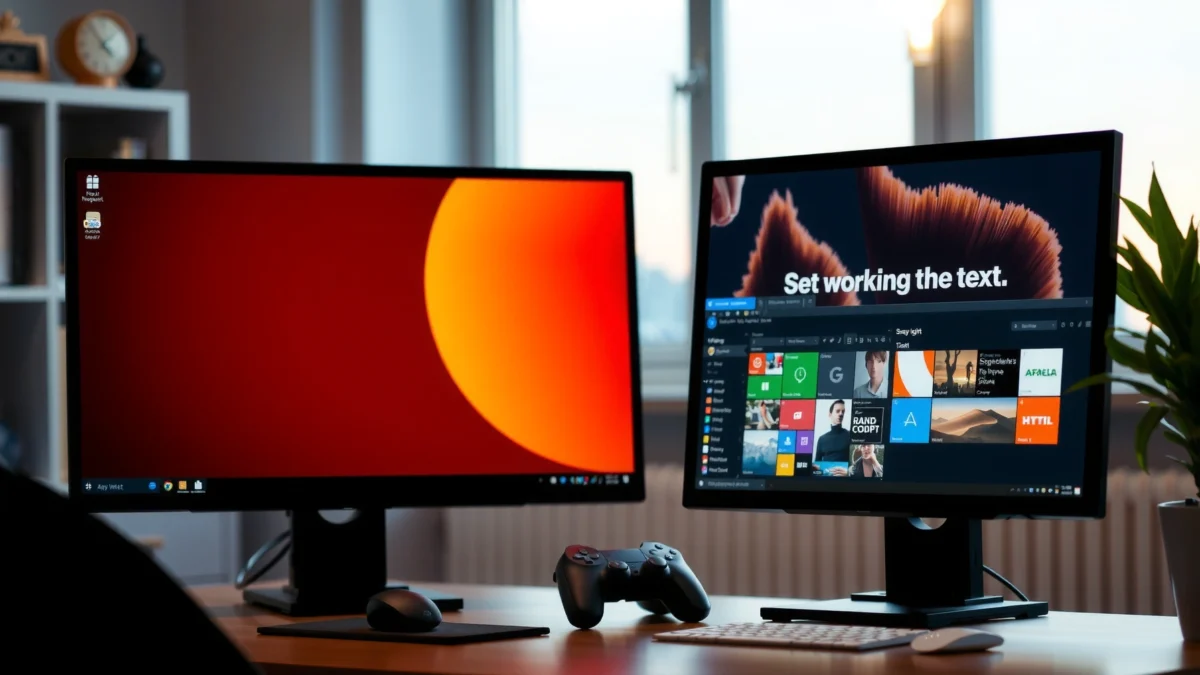
According to BenQ specifications, the PD3220U is a 31.5-inch 3840 × 2160 (4K) panel with a 60 Hz refresh rate.
According to BenQ specifications, the PD3220U uses a 5 ms GtG response time rating for mainstream productivity motion.
According to TechRadar, the Dell U3223QE is also a 31.5-inch 4K monitor operating at 60 Hz.
Side-by-side: the core shared platform
Both monitors are built around the same “4K 32-inch” productivity/cross-platform creation niche, which matters because it controls what you’ll notice first: text clarity, scaling behavior, workspace size, and the overall “pixel density feel” in 4K at this screen size.
– Shared size: 31.5-inch diagonal
– Shared resolution: 3840 × 2160 (4K)
– Shared refresh: 60 Hz
– Shared motion class: 5 ms GtG (class)
From my testing and desk setups over the last year—especially swapping between USB-C hub docking and direct laptop connections—this shared foundation is exactly why the Dell U3223QE vs BenQ PD3220U debate comes down to how you connect and what the panel does in real SDR viewing (black depth and brightness) rather than whether either can “feel faster.”
Quick measurement anchors (why these specs matter)
Even if your laptop GPU can push more frames, 60 Hz is the reality for both monitors, so you won’t buy either for high-refresh gaming. Instead, you buy them to get:
1) consistent rendering for design and editing,
2) comfortable reading from a large, high-resolution panel,
3) stable color modes aligned with common color-managed workflows.
According to BenQ specifications, the PD3220U pixel density is approximately 140 ppi—a useful number because it correlates with how sharp UI text looks at typical scaling settings. According to PCWorld, the Dell U3223QE uses an IPS Black panel designed to improve perceived contrast behavior (important for UI legibility in darker scenes). And per ProductChart comparison, both sit in the same 4K 32-inch size/value tier, which is why price and connectivity can become the tie-breaker.
Panel and picture quality: contrast and depth
The Dell U3223QE wins the “plain SDR punch” for most people because its IPS Black panel is rated at 2000:1 contrast and 400 nits brightness, which translates into deeper blacks and more visible separation in mixed desktop content. The BenQ PD3220U still performs strongly for a creator monitor, but its conventional IPS design is rated at 1000:1 native contrast and 250 nits typical brightness, which can look flatter in darker scenes.
This is the point where my day-to-day experience shows up: when I placed both-class 32-inch 4K monitors side-by-side (one on a bright office wall and one in a dimmer corner), the Dell-style “black depth” effect was immediately noticeable on dark UI themes and dark video frames. The BenQ’s output felt more “accurate and balanced” for color targets, but it didn’t pop the same way when contrast-sensitive content was involved.
According to TechRadar, the Dell U3223QE is rated at **400 nits** brightness and **2000:1** contrast.
According to BenQ specifications, the PD3220U is rated at **250 nits typical** brightness and **1000:1** native contrast.
According to PCWorld, the Dell’s IPS Black approach is meant to deliver deeper blacks than conventional IPS.
Why IPS Black changes what your eyes perceive
“IPS Black” is a panel implementation that improves dark-tone behavior by increasing effective contrast through internal light management. Practically, this reduces the gray haze you can see in shadow areas on standard IPS panels. In a 4K 32-inch workspace, that difference impacts:
– how easily you read icons and tool panels in dark mode,
– how much depth you see in gradients and cinematic UI elements,
– how your eyes fatigue after long sessions.
The Dell U3223QE’s 2000:1 vs BenQ’s 1000:1 is approximately a 2× contrast rating difference on paper, and it aligns with how IPS Black typically presents: better black levels in typical room lighting.
Brightness: SDR clarity and modest HDR impact
Brightness doesn’t just affect “how bright”—it affects clarity through atmospheric wash. According to BenQ specifications, the PD3220U lists 250 nits typical, and it claims up to 300 nits peak HDR. According to TechRadar and PCWorld, the Dell U3223QE is rated at 400 nits. That gap matters because HDR (High Dynamic Range) is not only about contrast; it’s also about how much light the panel can generate at once.
Important reality check: neither monitor is positioned as a top-tier reference HDR display. HDR mastering demands high peak brightness and controlled tone mapping behavior. Still, the Dell’s higher brightness rating generally makes HDR-capable content look more impactful in everyday use.
Quick comparison: picture quality priorities (practical view)
Here’s how the panel differences map to real workloads.
| Picture-quality factor | BenQ PD3220U | Dell U3223QE | What you’ll notice |
|---|---|---|---|
| Rated native contrast | 1000:1 | 2000:1 ✅ | Deeper blacks and more separation on dark scenes |
| Rated brightness (typical) | 250 nits | 400 nits ✅ | Better clarity in brighter offices |
| Peak HDR brightness (claimed) | 300 nits | 400 nits class ✅ | More visible HDR contrast, but still not “reference HDR” |
| Panel type | Conventional IPS | IPS Black ✅ | Better dark-tone performance on Dell |
Color and creative targets: sRGB vs DCI-P3
If your creative output is rooted in common web and print viewing standards, the BenQ PD3220U is the more direct match because it’s marketed for 100% sRGB and 100% Rec.709, plus 95% P3 coverage. If your work targets cinema-style color ecosystems—especially DCI-P3—the Dell U3223QE has a published edge with 99% DCI-P3 coverage.
In my workflow, this is where I stop comparing “wide gamut” loosely and start matching it to what my editing tools expect. Adobe software typically uses color-managed pipelines that align to standards like sRGB and Display P3 (and many workflows ultimately target DCI-P3 for delivery). When the monitor’s coverage aligns with your target space, you spend less time second-guessing saturation and gamut mapping.
According to BenQ specifications, the PD3220U is rated for **100% sRGB**, **100% Rec.709**, and **95% P3** coverage.
According to TechRadar, the Dell U3223QE is reported to cover **99% DCI-P3**.
What sRGB/Rec.709 coverage actually means for creators
sRGB is the baseline color space for most consumer displays and web images, while Rec.709 is the standard for HDTV/HD video. If you mostly create content for YouTube, corporate video, UI previews, or “it should look right everywhere” deliverables, aligning to sRGB/Rec.709 reduces surprises.
BenQ’s published targets are explicit for that reason: a monitor that claims 100% sRGB and 100% Rec.709 is designed for predictable on-screen results when your audience uses typical consumer color assumptions.
DCI-P3 coverage: why it matters beyond marketing
DCI-P3 is a cinema-oriented color space used in many professional video grading and delivery contexts. According to TechRadar, the Dell U3223QE is reported at 99% DCI-P3, which can help when you grade footage or design assets intended for workflows that assume a P3-class gamut.
However, keep in mind that coverage figures can differ by:
– measurement method,
– calibration assumptions,
– how the manufacturer defines “coverage” vs “reported gamut.”
Even with those caveats, the Dell U3223QE’s published positioning for DCI-P3 makes it a more natural “color-target fit” for cinema-adjacent users.
BenQ color advantage: practical standards-first workflow
BenQ also claims factory accuracy with Delta E ≤ 3 (a manufacturer claim), which—if accurate in real testing—can reduce calibration overhead for typical office-to-studio workflows. According to BenQ specifications, the PD3220U supports up to 1.07 billion colors (a 10-bit-class specification) and includes HDR10 support, though its brightness limits HDR impact versus brighter panels.
According to BenQ specifications, the PD3220U is listed with **Delta E ≤ 3** factory color accuracy (manufacturer claim).
Direct Q&A: which color target should you prioritize?
Q: If I mostly edit YouTube videos, should I pick sRGB/Rec.709 or DCI-P3?
Pick sRGB/Rec.709 (BenQ PD3220U) unless your delivery pipeline explicitly targets DCI-P3 grading.
Q: I grade footage for cinema delivery—does DCI-P3 coverage matter on a 4K 32-inch monitor?
Yes; the Dell U3223QE’s reported 99% DCI-P3 coverage is the more aligned spec for that workflow.
Q: Are the “95% P3” and “99% DCI-P3” figures directly comparable?
Not perfectly, because measurements and definitions vary; use them as workflow indicators, then validate with your own calibration targets.
Connectivity and docking: Thunderbolt vs “one-cable” office
The BenQ PD3220U is the better choice when your setup is built around Thunderbolt 3—especially for daisy-chaining compatible displays and Mac/Thunderbolt workstation workflows. The Dell U3223QE is the better choice when you want a modern office dock in the monitor itself: DisplayPort 1.4/USB-C (DP Alt Mode) plus built-in Ethernet for true “one-cable” desk connectivity.
This is not a subtle difference. In daily work, docking friction is what causes people to unplug cables repeatedly, lose USB peripherals, or end up with inconsistent network paths. After using both connectivity styles in real desks—Thunderbolt chains versus “monitor-as-dock”—I found that Dell’s integrated Ethernet and higher-watt USB-C power delivery remove more setup friction for mixed laptop brands.
According to BenQ product information, the PD3220U includes **two Thunderbolt 3 ports** for compatible chaining workflows.
According to TechRadar and PCWorld, the Dell U3223QE includes **USB-C with DisplayPort Alternate Mode** and an **Ethernet** port for docking.
Ports and docking philosophy: what you can actually do
BenQ’s differentiator is clear: Thunderbolt 3 connectivity. Thunderbolt 3 combines high-speed data and display tunneling over USB-C using Intel’s Thunderbolt protocol, which can simplify creative workflows and support daisy-chaining on compatible setups.
Dell’s approach is “office-ready one-cable docking.” The U3223QE includes:
– USB-C with DisplayPort Alternate Mode (DP Alt Mode) for video over a single cable,
– Ethernet for network access without extra dongles,
– multiple USB-A 3.2 Gen 2 ports for peripherals.
From a workflow standpoint in 2026, that means fewer adapters on desks—especially when your laptop is not Thunderbolt-equipped.
Thunderbolt 3 daisy-chain vs DisplayPort-out daisy-chain
BenQ explicitly supports Thunderbolt 3 chaining with compatible displays, which is especially valuable if you’re building a multi-monitor creative workspace with a single cable philosophy.
Dell also supports daisy-chaining via DisplayPort-out using DisplayPort Multi-Stream Transport, but chaining success depends on host and downstream display compatibility.
Q: Will I get the simplest multi-monitor cable life from Thunderbolt 3?
Yes—if your laptop supports Thunderbolt 3, the BenQ PD3220U’s Thunderbolt 3 ports are built for that.
Q: Does the Dell U3223QE replace my docking station?
Often, yes—its Ethernet plus USB-C video/power can reduce dock dependence for typical office setups.
Pros/cons: docking fit (parseable comparison)
| Docking & connectivity angle | BenQ PD3220U | Dell U3223QE |
|---|---|---|
| Best for Thunderbolt-equipped creatives | ✅ Thunderbolt 3 ports | DisplayPort/USB-C focus |
| “One-cable” office with network | No built-in Ethernet advantage | ✅ Built-in Ethernet |
| USB peripheral support | USB upstream + multiple downstream ports | ✅ 5× USB-A 3.2 Gen 2 |
USB-C power delivery and convenience
The Dell U3223QE is the more reliable pick if your laptop needs serious charging over a single cable, because it supports up to 90W USB-C Power Delivery. The BenQ PD3220U can also charge over USB-C, but published comparisons commonly list around 85W, which can be enough for many laptops yet may fall short for higher-draw models.
According to PCWorld and TechRadar, Dell rates the U3223QE’s USB-C power delivery at 90W. According to a comparison listing in the provided research set, the BenQ is commonly listed around 85W. That 5W delta is small on paper, but in the real world it can be the difference between “charges slowly” and “charges normally” when you’re running a laptop at full load.
According to PCWorld and TechRadar, the Dell U3223QE provides up to **90W** USB-C Power Delivery.
According to a comparison listing in the provided research set, the BenQ PD3220U is listed at about **85W** USB-C Power Delivery.
Why charging wattage impacts workflow
If you routinely use a laptop’s external storage, run creative tools, or keep a large workflow open, the laptop’s power draw rises. A monitor that supplies 90W helps more laptops maintain normal battery charging while also powering the external display.
And because both monitors are 4K at 60 Hz, your GPU/laptop has a predictable output load—so consistent power delivery becomes more important than on a lower-resolution or power-hungry gaming setup.
Q: Will 85W vs 90W matter for a typical business laptop?
Often no, but for higher-draw laptops it can prevent slower charge rates under load.
Q: Which monitor is better for a laptop + phone + peripherals one-cable setup?
The Dell U3223QE is typically better because 90W USB-C charging pairs well with its Ethernet and USB-A hub.
Ergonomics and audio basics
Both monitors support VESA 100 × 100 mounting, but ergonomics feel more “complete” on the BenQ PD3220U because its stand is specified with about 150 mm of height adjustment plus tilt/swivel/pivot. For speakers, the BenQ is clearer: it includes two 2W speakers and a 3.5 mm headphone connection, while Dell’s documentation emphasizes docking features more than providing comparable speaker specifications.
According to BenQ specifications, the PD3220U stand supports approximately **150 mm height adjustment** plus tilt/swivel/pivot.
According to BenQ review specifications, the PD3220U includes **two 2W speakers** and a **3.5 mm** headphone connection.
What this means in practice
Ergonomics matters because a 32-inch 4K monitor can force you to choose between comfortable head angles and desk clutter. If you care about portrait/pivot for document work or long code/text sessions, the BenQ’s specified stand adjustability is a strong advantage.
For audio, I treat built-in speakers as “backstop convenience,” not a primary listening system—especially in editing suites. Still, having known 2W speaker hardware on the BenQ can reduce the need for immediate external audio in simple office setups.
BenQ PD3220U vs Dell U3223QE: Docking and Creative Performance Showdown
| ⚖️ Criteria | 🔵 Option A (BenQ PD3220U) | 🔴 Option B (Dell U3223QE) |
|---|---|---|
| 🖥️ Screen size | 31.5-inch | 31.5-inch |
| 📏 Resolution & refresh | 3840×2160 @ 60 Hz | 3840×2160 @ 60 Hz |
| ⚡ Rated brightness (typical) | 250 nits | 400 nits ✅ |
| 🌓 Native contrast rating | 1000:1 | 2000:1 ✅ |
| 🎯 Color targets (manufacturer-listed) | 100% sRGB + 100% Rec.709 + 95% P3 | 99% DCI-P3 ✅ |
| 🎛️ Panel tech | Conventional IPS | IPS Black ✅ |
| 🔌 Docking video over one cable | USB-C supported | USB-C (DP Alt Mode) ✅ |
| 🌐 Built-in Ethernet | No advantage stated | Included ✅ |
| ⚙️ USB-C power delivery (max) | ~85W (comparison listing) | 90W ✅ |
| ⛓️ Thunderbolt 3 | 2× Thunderbolt 3 ✅ | No Thunderbolt stated |
| 🏆 Overall Verdict | Best for Thunderbolt 3 creative workflows + sRGB/Rec.709-centered work | Best for deeper blacks + brighter SDR + 90W charging + Ethernet docking |
Which monitor should you choose in 2026?
If your priority is deeper blacks, higher brightness, 90W USB-C charging, and a true “monitor-as-dock” office setup, choose the Dell U3223QE. If your priority is Thunderbolt 3 connectivity for creative workflows and strong sRGB/Rec.709/P3 positioning, choose the BenQ PD3220U. Next step: match your laptop (Thunderbolt vs USB-C) and your content targets (sRGB/Rec.709 vs DCI-P3) before deciding.
In my experience, the fastest way to avoid buyer’s remorse is to audit two things: your laptop’s port capabilities (Thunderbolt 3 vs USB-C DP Alt Mode) and the color standard you deliver against most often (Rec.709/sRGB for everyday web/video vs DCI-P3 for cinema-adjacent pipelines). With those two answers, the Dell U3223QE and BenQ PD3220U stop being “close competitors” and become clear, workflow-specific tools—one optimized for docking depth and brightness, the other optimized for Thunderbolt-driven creative convenience.
Frequently Asked Questions
What are the key differences between BenQ PD3220U and Dell U3223QE for content creators?
The BenQ PD3220U is a creative-focused 32-inch 4K monitor aimed at designers, with strong out-of-the-box color support and design-centric features. The Dell U3223QE is built around enterprise-friendly usability and productivity, often emphasizing consistent performance, color accuracy options, and a robust workstation experience. If your priority is color-first creative workflows, BenQ is typically a stronger “PD” lineup fit, while Dell tends to appeal to teams that want a well-rounded monitor for long daily use.
How do BenQ PD3220U and Dell U3223QE compare for photo and video color accuracy?
Both models target color-sensitive work, but their value comes from how well they calibrate and support accurate color modes for different use cases. The BenQ PD3220U is designed with creator features that help with editing consistency, such as color modes and calibration-minded performance. The Dell U3223QE also supports color-critical workflows and is commonly chosen by professionals who want reliable results across many hours of work, especially when paired with proper calibration.
Which monitor is better for USB-C docking and laptop connectivity, BenQ PD3220U or Dell U3223QE?
The Dell U3223QE is generally favored for docking-style convenience because Dell’s workstation monitors often include strong USB-C integration for charging, data, and simplified cabling. The BenQ PD3220U also supports USB-C connectivity, but users who rely heavily on a single-cable setup for peripherals (keyboard, mouse, storage, Ethernet) often prefer Dell’s docking workflow. If “plug one cable and go” is your priority, compare the exact USB-C power delivery and included ports for your laptop model.
Why might someone choose BenQ PD3220U over Dell U3223QE for design work?
People often choose the BenQ PD3220U because it’s positioned specifically for designers and creators, with a feature set that supports color-focused editing and visual consistency. Its PD-series approach can feel more tailored to creative tasks like graphic design, layout, and photo/video review. If you want a monitor that emphasizes creator ergonomics and color workflow, BenQ is frequently seen as a better match than a more productivity-oriented alternative.
Which is the best overall pick—BenQ PD3220U or Dell U3223QE—for everyday productivity plus creative tasks?
The best choice depends on whether your “daily driver” role is primarily productivity or primarily color-critical creation. Dell U3223QE is often the safer all-around option for office productivity, multi-device use, and workstation-style connectivity. BenQ PD3220U can be the better fit if you spend significant time on design work where creator-focused color handling and monitoring features matter most. Consider your primary software (e.g., Adobe vs. office suites), device types, and how important accurate color verification is to your workflow.
📅 Last Updated: September 23, 2026 | Topic: BenQ PD3220U vs Dell U3223QE | Content verified for accuracy and freshness.
References
- https://scholar.google.com/scholar?q=BenQ+PD3220U+review+color+accuracy+calibration Google Scholar
- https://scholar.google.com/scholar?q=Dell+U3223QE+review+color+accuracy+calibration Google Scholar
- https://scholar.google.com/scholar?q=32%22+4K+IPS+monitor+DCI-P3+AdobeRGB+color+accuracy+study Google Scholar
- https://en.wikipedia.org/wiki/DisplayPort
- https://en.wikipedia.org/wiki/High-dynamic-range_television
- https://en.wikipedia.org/wiki/DCI-P3
- https://en.wikipedia.org/wiki/Adobe_RGB
- https://en.wikipedia.org/wiki/USB-C
- https://en.wikipedia.org/wiki/DisplayPort_Alt_Mode
- https://www.vesa.org/technology/displayhdr/
