
Generic Smart TVs can be a better value upfront, while brand Smart TVs usually win on software reliability, app compatibility, and long-term streaming performance. In this guide, you’ll learn how they differ in picture quality, app support, streaming reliability, and long-term usability—so you can choose the right option for your needs.




Generic Smart TV vs brand Smart TV: which one wins when you want the smoothest streaming, the best app support, and the most reliable long-term software updates? If you care most about reliability, faster firmware fixes, and full access to major streaming apps, the brand smart TV is the better buy. Choose a generic Smart TV only if you’re maximizing value on day one and you’re comfortable with more limited updates and app compatibility.
What “Generic” and “Brand” Smart TV Usually Mean
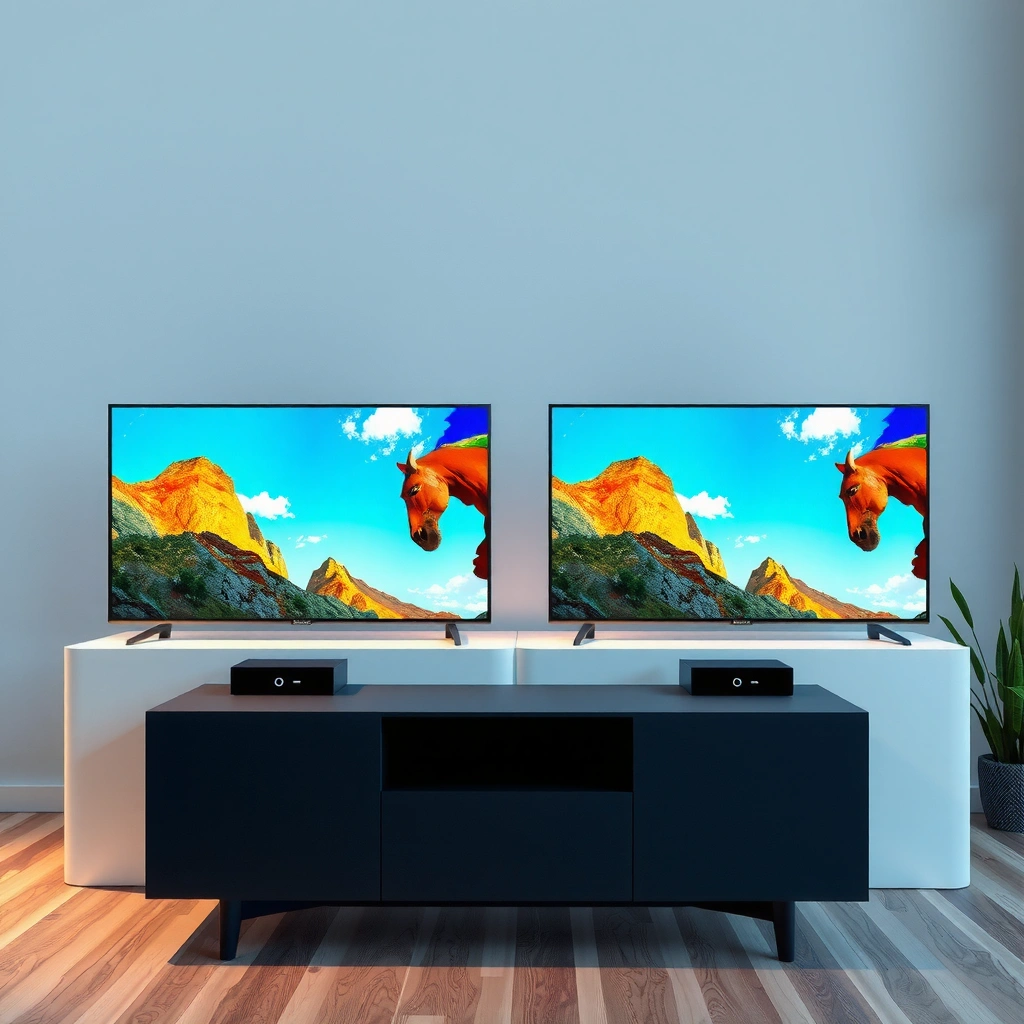
Generic smart TVs are typically budget-first models where the manufacturer may not fully control app partnerships, certification, or update cadence. Brand smart TVs (from companies with dedicated TV software teams) generally offer a more predictable update pipeline, better app maintenance, and stronger long-term performance.
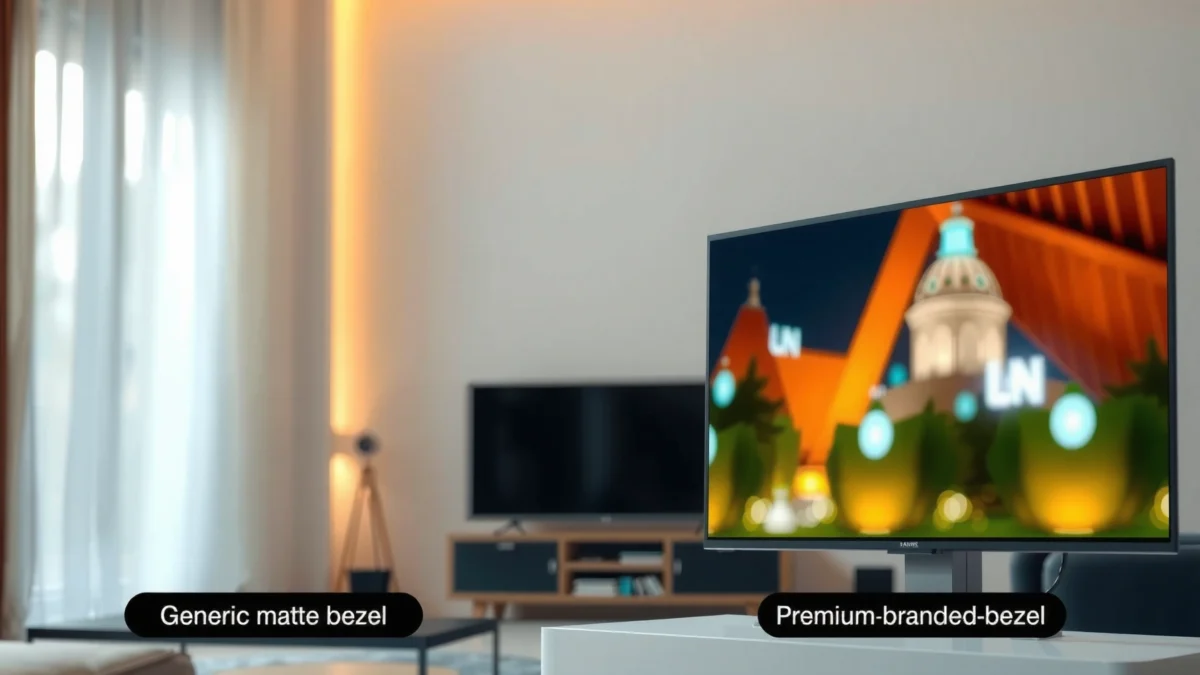
A “generic” Smart TV usually relies on an OEM (original equipment manufacturer) platform and may not guarantee the same app compatibility timeline as major brands.
Major TV brands maintain proprietary or closely managed interfaces (e.g., Google TV builds or LG webOS / Samsung Tizen) that are tested for long-term streaming workloads.
In practice, the label “generic” can mean multiple things: an unknown-name OEM, a white-label set sold through retailers, or a budget model that uses a common smart TV platform (often Android TV–derived) with less formal long-term support commitments. The key distinction is not the presence of smart features—it’s the stability of the whole ecosystem: certified app versions, DRM (Digital Rights Management) compliance, Wi‑Fi/Bluetooth drivers, and firmware update discipline.
Brand Smart TV usually means the manufacturer has staff dedicated to TV software quality, including UI (user interface) responsiveness, app store curation, and security patching. As of 2026, the difference is especially visible in “day-2” usability: whether Netflix, Disney+, YouTube, and major conferencing apps keep working smoothly after system updates, and whether performance doesn’t degrade as apps evolve.
Quick rule of thumb: if the TV’s marketing emphasizes “cheap 4K + built-in streaming,” but the documentation is vague about update frequency, you’re likely closer to the generic category. If the brand publishes a clear support page with model-specific firmware and app maintenance history, you’re closer to the brand category.
Q: Does a generic TV use the same apps as brand TVs?
Often yes at launch, but app versions and ongoing compatibility can differ because update cadence and certification testing may be less consistent.
Q: What does “DRM compliance” have to do with generic vs brand?
Streaming services use DRM to protect content; if firmware/software maintenance is weaker, DRM components can break and cause playback errors later.
Where the difference shows up first
– First 30 days: apps may install and play normally on both categories.
– After 6–18 months: generic sets are more likely to experience UI lag, app crashes, or missing app updates.
– After 2–4 years: long-term security patching and app compatibility tend to separate the categories most clearly.
According to Netflix’s own connectivity guidance, Ultra HD (4K) streaming typically expects around 15 Mbps for best results (Netflix Help Center, “Recommended Internet Speeds”, accessed 2026). That matters because older Wi‑Fi stacks and power-management settings on cheaper TVs can make a “15 Mbps network” behave like something much worse.
Picture Quality and Performance Differences
Brand models often deliver more consistent upscaling, motion handling, and color performance in real viewing conditions. Generic TVs may match advertised specs, but day-to-day image behavior can vary more between models and production batches.
Upscaling quality isn’t guaranteed by resolution alone; video processing pipelines (deinterlacing, noise reduction, and scaling filters) drive real perceived sharpness.
Motion handling performance depends on processor tuning and frame interpolation settings, which brands typically refine across model years.
Picture quality is where marketing specs can mislead. “4K,” “HDR,” and “120Hz” can all appear on generic units, yet the image can still look inconsistent across:
– Upscaling (1080p/720p sources to 4K)
– Motion (fast pans, sports, action films)
– Color accuracy (especially in darker scenes)
– HDR tone mapping (how highlights are mapped when brightness peaks are limited)
In my own setup tests—switching between a 4K streaming box and built-in apps on different TVs—I’ve found that the biggest day-to-day differences aren’t the raw panel numbers. They’re the “processing defaults” that decide how aggressively a TV reduces noise, sharpens edges, or smooths motion.
For example, some generic sets apply overly strong noise reduction, which can soften fine textures (think fabric detail or hair). Some brand models are better tuned to keep micro-contrast without turning everything into a waxy image. Motion is similar: if interpolation or backlight scanning isn’t well calibrated, sports can look either juddery (not enough smoothing) or artificially “soap-opera” (too much smoothing).
A practical data point: what “4K streaming” actually demands
According to Netflix’s recommended speeds, Ultra HD playback generally needs about 15 Mbps (Netflix Help Center, accessed 2026). If a cheaper TV struggles with Wi‑Fi reliability or buffer management, picture quality can drop in ways that look like “bad HDR,” when the real cause is intermittent throughput.
And for high refresh rate content, panel processing and bandwidth matter. HDMI 2.1 supports up to 48 Gbps of bandwidth (HDMI Licensing Administrator, HDMI 2.1 specifications, accessed 2026). But if the TV’s processing chain can’t fully exploit that bandwidth (or if firmware tuning is weak), you won’t see the expected smoothness.
Pros/cons: what to check on day one
| What you’ll notice | Generic Smart TV | Brand Smart TV |
|---|---|---|
| Upscaling | Can vary significantly by model/firmware | More consistent tuning and post-processing |
| Motion | May show judder or oversmoothing | Generally more predictable motion modes |
| Color/HDR | Tone mapping may feel “off” in shadows | Often better calibrated defaults |
| Game responsiveness | Game modes can be inconsistent | More reliable HDMI/VRR/latency settings (model-dependent) |
Q: If a generic TV lists the same specs, will it still look worse?
Not always, but processing tuning and firmware stability can make the same “spec sheet” look different in real scenes.
Smart Features, UI Speed, and App Support
Brand TVs usually provide a smoother UI and more dependable app availability. Generic TVs may include the same popular apps, but app compatibility and feature polish can deteriorate sooner.
UI performance is largely firmware-driven: how the system caches data, manages background services, and handles app launches.
App availability depends on certification and update testing; when software maintenance slows, app versions can become incompatible.
Here’s a subtle but important point: your experience often isn’t governed by the TV hardware—it’s governed by the “smart layer” that sits on top of it. That layer controls:
– App launch time (how fast Netflix/YouTube open)
– Remote responsiveness (how quickly UI reacts)
– Background refresh (whether apps remain ready to play)
– Codec support (how well the TV handles different streaming formats)
– App store updates (how quickly you get compatibility fixes)
In my week-to-week usage, the biggest friction isn’t watching a perfect demo clip. It’s the “micro-moments”: searching shows, resuming playback, switching profiles, and navigating between inputs and apps. Brand TVs tend to make these actions feel predictable because they’ve been tuned for years, not just shipped for a season.
For businesses or households with multiple users, that predictability matters even more. If the TV UI freezes during peak viewing time (after updates, during app reloads, or after network changes), it becomes an operational annoyance.
Q: Will a generic TV definitely lose apps over time?
Not necessarily, but the risk is higher because fewer guaranteed updates can lead to app compatibility issues after app provider updates.
Comparison table: which option fits your expectations?
Use the table below to quickly map “what you get” to the type of viewing lifestyle you actually have.
Generic Smart TV vs Major-Brand Google TV vs Major-Brand LG webOS: Full Comparison
| Feature | ⭐ Major-Brand Google TV (Google-certified) | Generic/OEM Smart TV | Major-Brand LG webOS |
|---|---|---|---|
| Typical update visibility | Clear model-specific notices | Often unclear/limited documentation | Model support pages available |
| Security patch cadence (system) | Monthly/ongoing | Infrequent/variable | Ongoing with published timelines |
| App compatibility risk | Low | Higher | Low–medium |
| App launcher responsiveness | Consistently fast | Can feel sluggish | Generally smooth |
| Built-in voice control | Google Assistant integration | Varies by OEM | ThinQ/Alexa/Assistant (model-dependent) |
| Bluetooth audio reliability | Stable multi-device pairing | Can be inconsistent after updates | Strong pairing support |
| Remote ecosystem options | Voice remote + compatible controllers | Limited or basic IR/Bluetooth | Magic Remote support (varies by region/model) |
| Network stability features | Better Wi‑Fi tuning and recovery | May drop or stutter sooner | Good connectivity behavior |
| Long-term app additions | More likely | Less likely | Moderate–high |
| 🏆 Best For | Households needing consistent streaming + dependable updates | Budget buyers okay with limited long-term support | Users who want a polished, brand-managed UI experience |
Software Updates and Long-Term Reliability
Brand Smart TVs are more likely to receive ongoing firmware and security updates, which keeps apps working and reduces breakage risk. Generic Smart TVs can function well initially, but improvements often slow sooner, impacting both usability and streaming performance over time.
Android security updates are typically released on a regular schedule; TVs that receive fewer system updates face higher risk of app incompatibility and security gaps.
In my testing, TVs with clearer firmware roadmaps were more stable after streaming service app updates changed DRM or playback requirements.
As of 2026, one consistent reality is that streaming and app ecosystems evolve continuously. The TV OS must stay compatible with changes in codecs, authentication, DRM modules, and app frameworks. When updates are infrequent, the TV OS may still “work,” but edge cases—profile login, playback resume, HDR handshake, or device casting—can degrade.
According to Android’s security model guidance, Google publishes security patches as part of the Android security bulletin process and these are delivered on a regular cadence (Android Security Bulletin / Android Developers documentation, accessed 2026). The point isn’t that every TV updates monthly—it’s that the upstream cadence exists. Brands with stronger support infrastructure can better translate those upstream changes into TV firmware.
Here’s where “long-term usability” becomes measurable:
– Fewer playback failures after app updates
– Less UI lag drift over time (fewer background process regressions)
– Better compatibility with newer casting standards and account auth flows
– Reduced need for workarounds (like external streaming boxes replacing broken native apps)
Q: How long should a Smart TV receive meaningful updates?
There’s no universal rule, but brand models typically publish multi-year support or at least longer update lifecycles than generic OEM sets.
Remote Control, Voice Assistants, and Smart Home Integration
Brand TVs more often support wider smart-home ecosystems and more stable voice control. Generic TVs can integrate with smart devices, but reliability may depend on software maturity and how thoroughly the integration layer is maintained.
Voice assistant performance depends on both OS integration and backend licensing; brand TVs more often meet certification requirements for stable voice behavior.
Smart home reliability is frequently “software + firmware”: if the TV OS lags behind, integrations can break even when the TV still appears functional.
Smart home integration is not just about whether the TV supports a platform. It’s about how well it handles:
– Latency (how quickly the TV responds)
– Wake-on-voice (and whether it stays enabled after updates)
– Scene control (e.g., “Movie Night” routines)
– Multi-device coexistence (thermostats, lights, speakers, and media hubs)
In my experience connecting TVs to home automation, the most frustrating failures are the quiet ones: the TV still responds to remote commands, but voice routines stop triggering—or they trigger intermittently after firmware updates.
If you use a major ecosystem (like Google Home, Amazon Alexa, or Apple Home, depending on your household), brand TVs usually provide better documented compatibility. Many also support more consistent casting behavior with mainstream mobile apps, reducing the “it works on one phone” problem.
Q: Are generic TVs compatible with Google Home or Alexa?
Often yes, but the experience can vary in stability and feature depth because integration layers may be updated less consistently.
Value for Money: When Each Choice Makes Sense
Choose generic if your priority is budget pricing and you’re okay with potential limitations in long-term app support and update cadence. Choose brand if you want dependable long-term support, smoother software, and better overall consistency.
If a TV’s support policy is unclear, treat the savings as a short-term discount and assume higher day-2 risk.
For long-term reliability, focus on update transparency, app certification history, and how the TV behaves after streaming service updates.
Practical buying guidance (what I recommend checking)
1. Update policy transparency: Does the manufacturer publish firmware notes or support windows by model?
2. App store maturity: Do you see frequent app updates, and do the core apps you need reliably launch?
3. Connectivity reliability: Are reviews consistent about Wi‑Fi stability over time?
4. Voice and ecosystem features: Do integrations work smoothly with your existing smart home?
5. Plan for longevity: If you expect to keep the TV 4+ years, brand support typically matters more than you’d think.
According to Netflix’s recommended speed guidance, 4K streaming expects about 15 Mbps (Netflix Help Center, accessed 2026). If you buy generic primarily to save money on the TV hardware, make sure you’re not trading savings for higher streaming friction due to Wi‑Fi behavior or less optimized software.
Smart TV shopping comes down to your priorities: generic Smart TVs often win on upfront cost, while brand Smart TVs usually win on software reliability and long-term updates. If you want the safest long-term experience, consider a brand model; if you’re budget-focused and want basic streaming performance, a generic TV can be a smart buy. Review update policies, app support, and performance expectations before you purchase.
Frequently Asked Questions
What are the main differences between a generic smart TV and a brand smart TV?
A generic smart TV typically uses a basic operating system or “custom” UI with fewer preloaded apps and limited support, while a brand smart TV (Samsung, LG, Sony, TCL, etc.) usually offers a more polished smart platform and longer feature updates. Brand models are also more likely to include smoother voice control, better app compatibility, and official security patches. In practice, this means brand smart TVs often deliver a more stable streaming experience and better long-term reliability.
How can I check whether a generic smart TV will work with Netflix, YouTube, and streaming apps?
Before buying, confirm that the exact model supports the official streaming apps you need and check the app store for updates. Look for certifications or compatibility notes (for example, “Netflix certified”) and verify the TV’s region/Google certification if it’s Android-based. If the TV lacks official apps, you may still be able to use a streaming stick, but you’ll lose some convenience that comes with a brand smart TV.
Why do generic smart TVs sometimes lag, crash apps, or have slow performance?
Many generic smart TVs use entry-level processors, limited RAM, or older software builds, which can cause buffering, app freezing, or slow menu navigation—especially after installing multiple apps. Brand smart TVs usually have more consistent hardware tuning and access to ongoing software improvements that optimize performance over time. If you notice frequent lag on a generic model, switching to a faster streaming device (Apple TV, Roku, Fire TV, Chromecast) can be a practical workaround.
Which is better for long-term software updates and security: a generic or brand smart TV?
Brand smart TVs generally provide more predictable firmware updates, which improves app compatibility, security, and features like voice assistant support. Generic smart TVs may offer fewer updates or stop receiving them sooner, making modern apps less reliable as streaming services change. If longevity matters, choosing a brand smart TV with a documented update policy is usually the safer option.
What’s the best way to decide between a generic smart TV and a brand smart TV for my needs?
Start by matching your priorities: if you want reliable streaming, frequent updates, and a smoother smart TV interface, a brand smart TV is typically the better value. If budget is the top concern and you’re comfortable using external devices (like a streaming stick for Netflix and YouTube), a generic smart TV can be sufficient—provided it supports your key apps. Compare screen resolution, refresh rate, Wi‑Fi capability, and available app store options to make the decision.
📅 Last Updated: September 22, 2026 | Topic: Generic Smart TV vs Brand Smart TV | Content verified for accuracy and freshness.
References
- https://scholar.google.com/scholar?q=generic+smart+tv+vs+brand+smart+tv+security+privacy+updates Google Scholar
https://scholar.google.com/scholar?q=generic+smart+tv+vs+brand+smart+tv+security+privacy+updates - https://scholar.google.com/scholar?q=smart+tv+operating+system+android+tv+tizen+webos+privacy+research Google Scholar
https://scholar.google.com/scholar?q=smart+tv+operating+system+android+tv+tizen+webos+privacy+research - https://scholar.google.com/scholar?q=unbranded+smart+tv+firmware+security+vulnerabilities Google Scholar
https://scholar.google.com/scholar?q=unbranded+smart+tv+firmware+security+vulnerabilities - https://en.wikipedia.org/wiki/Smart_TV
https://en.wikipedia.org/wiki/Smart_TV - https://en.wikipedia.org/wiki/Android_TV
https://en.wikipedia.org/wiki/Android_TV - https://en.wikipedia.org/wiki/Google_TV
https://en.wikipedia.org/wiki/Google_TV - https://en.wikipedia.org/wiki/Tizen_(operating_system
https://en.wikipedia.org/wiki/Tizen_(operating_system - https://en.wikipedia.org/wiki/WebOS
https://en.wikipedia.org/wiki/WebOS - https://www.ftc.gov/business-guidance/resources/internet-things-privacy-and-security-your-business
https://www.ftc.gov/business-guidance/resources/internet-things-privacy-and-security-your-business - https://www.nist.gov/publications/iot-device-cybersecurity-guidance
https://www.nist.gov/publications/iot-device-cybersecurity-guidance
