
Achieving 3D audio in your home theater can dramatically enhance your auditory experience, making you feel like you’re right in the middle of the action. By carefully selecting your equipment, optimizing your setup, and choosing the right content, you can create an immersive soundscape that brings movies, games, and music to life like never before. This guide will walk you through all the essential steps to set up 3D audio in your own space.




Understanding 3D Audio Concepts
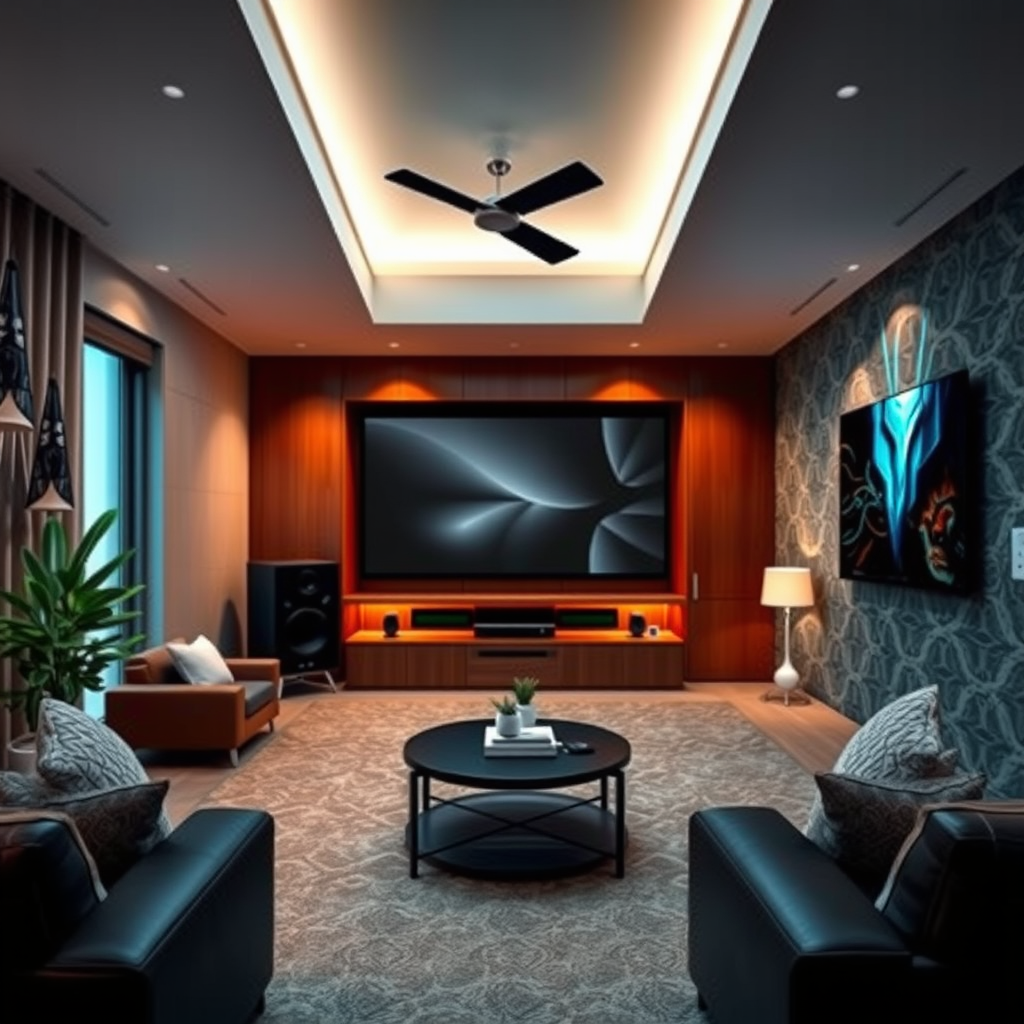
To embark on your journey towards 3D audio, it’s crucial to familiarize yourself with the technologies that make it possible. Two of the most popular formats are Dolby Atmos and DTS:X. Dolby Atmos allows sound to move freely in a three-dimensional space, creating a more realistic sound environment by adding overhead audio channels. On the other hand, DTS:X also provides immersive experiences by allowing users to place sounds in a 3D space, but it’s more flexible with speaker configurations.
In contrast to traditional surround sound systems, which typically rely on fixed channels (like 5.1 or 7.1 setups), immersive audio formats break the barriers of channel-based sound. This means that instead of just hearing sound from the front, sides, and rear, you can experience it from above and all around you, enhancing the overall immersion during your viewing or gaming experience.

Equipment You’ll Need
To achieve 3D audio, you’ll need some specific equipment. At the heart of your setup is an AV receiver that supports either Dolby Atmos or DTS:X. Look for models that offer multiple HDMI inputs and outputs, as well as support for high-definition audio formats. Brands like Denon, Marantz, and Onkyo are great places to start your search.
Next, you’ll want to invest in high-quality speakers. A good starting configuration is a 5.1.2 system, which includes five traditional surround speakers, one subwoofer, and two overhead or upward-firing speakers that can bounce sound off the ceiling for that overhead effect. Brands like Klipsch, Polk Audio, and JBL have excellent options for immersive audio. If you prefer a simpler setup, consider a high-quality soundbar equipped with upward-firing drivers for Dolby Atmos compatibility.
Don’t overlook the importance of high-quality cables and audio interfaces to ensure optimal performance. Investing in good HDMI cables that support high bandwidth can make a difference in audio quality, especially with high-definition formats.
Speaker Placement Strategies
The placement of your speakers is critical in maximizing the 3D audio effect. Ideally, your front speakers should be positioned at ear level, while your surround speakers should be placed slightly above ear level. For height speakers, consider mounting them on the ceiling or using upward-firing speakers that can reflect sound off the ceiling for a true overhead experience.
When positioning your subwoofer, experiment with different locations in your room to find the “sweet spot” where the bass sounds most powerful without being overwhelming. Room acoustics play a big role in how sound travels, so consider using soft furnishings like curtains and rugs to dampen echoes and improve clarity.
If possible, use a sound calibration system (many AV receivers come with built-in calibration microphones) to automatically adjust speaker levels and distances for an optimal setup tailored to your unique space.
Configuring Your AV Receiver
Once your equipment is in place, it’s time to configure your AV receiver for 3D audio playback. Start by connecting your devices using HDMI cables, ensuring they are securely plugged into the correct ports. Most modern receivers will have an easy setup guide, so follow the prompts to select your speaker configuration.
Next, access the receiver’s audio settings and choose the appropriate audio format—Dolby Atmos or DTS:X. Make sure to enable any features that enhance the experience, such as room correction or bass management settings. It’s also wise to adjust your input settings based on the type of content you’ll be watching or playing, as different formats may require different configurations.
Don’t forget to take advantage of the receiver’s menu options to fine-tune sound levels for each speaker. This will help ensure that dialogue is clear while the sound effects envelop you, enhancing immersion.
Choosing the Right Content
To truly experience 3D audio, you’ll want to select content that is designed to take advantage of these technologies. Many recent blockbuster movies come equipped with Dolby Atmos or DTS:X audio tracks, so look for films that boast these features in their descriptions when renting or streaming.
Gaming is another fantastic avenue for 3D audio. Titles like “Call of Duty: Warzone” and “Spider-Man: Miles Morales” are designed with immersive audio in mind, allowing you to hear footsteps and other sounds from all directions. When it comes to music, platforms like Tidal and Amazon Music HD offer selections in immersive audio formats, so explore those options to create an audio experience that is as dynamic as your movie nights.
Troubleshooting Common Issues
As with any technology, you may encounter some common issues while setting up your 3D audio system. One frequent problem is sound delay, where the audio doesn’t sync with the video. This can often be resolved by adjusting the audio delay settings in your AV receiver’s menu.
If certain speakers aren’t producing sound, double-check the wiring and connections, ensuring that each speaker is properly connected and configured in your receiver’s settings. Additionally, if the sound feels flat or lacks depth, revisit your speaker placement and calibration settings—small adjustments can make a significant difference.
Lastly, if you’re experiencing a lack of immersive sound, ensure that you’re playing content specifically designed for immersive audio, as standard stereo or non-3D tracks won’t utilize your system to its full potential.
Enhancing Your Audio Experience
To further elevate your audio experience, consider investing in additional accessories. Calibration microphones can help you fine-tune your system’s setup for optimal performance, while sound treatments—like acoustic panels or bass traps—can enhance room acoustics, reducing unwanted echoes and muddiness in the sound.
Regular system updates are also important for maintaining peak performance. Check for firmware updates for your AV receiver and any other connected devices to ensure you’re taking advantage of the latest features and improvements.
Finally, keep an eye on your speaker maintenance. Dust and debris can accumulate over time, so a gentle cleaning routine will keep your audio equipment sounding its best.
By following these steps, you can successfully achieve 3D audio in your home theater, creating an immersive sound environment that enhances your entertainment experience. Start by assessing your current setup and investing in the right equipment, and enjoy a new level of audio enjoyment. With the right configuration and content, your next movie night or gaming session will be nothing short of spectacular!
Frequently Asked Questions
What is 3D audio and how does it differ from traditional surround sound?
3D audio refers to sound technology that creates an immersive sound experience, allowing sound to come from all around you, including above and below. Unlike traditional surround sound, which typically uses speakers placed around the listener to create a horizontal soundstage, 3D audio utilizes advanced algorithms and speaker placements to simulate vertical sound, enhancing the realism of movies, music, and gaming.
How can I set up a home theater system to achieve 3D audio?
To set up a home theater system for 3D audio, start by investing in a compatible AV receiver that supports formats like Dolby Atmos or DTS:X. Next, arrange your speakers strategically, ensuring you have overhead speakers or upward-firing modules to create that vertical sound experience. Finally, calibrate your system using built-in features or a sound meter for optimal sound placement and performance.
Why is speaker placement important for achieving effective 3D audio?
Speaker placement is crucial for 3D audio because it directly affects how sound waves interact in your listening environment. Properly positioning your surround and overhead speakers allows for accurate sound localization, which enhances the immersive experience. If speakers are misaligned or positioned incorrectly, the audio may feel flat or disjointed, failing to deliver the enveloping sensation that 3D audio promises.
What are the best audio formats for experiencing 3D audio in my home theater?
The best audio formats for experiencing 3D audio include Dolby Atmos, DTS:X, and Auro-3D. These formats are specifically designed to create a three-dimensional sound environment by allowing audio engineers to place sound elements in a three-dimensional space. Utilizing Blu-ray discs, streaming services, or gaming consoles that support these formats will maximize your home theater’s 3D audio capabilities.
Which equipment should I consider for creating a budget-friendly 3D audio home theater?
For a budget-friendly 3D audio home theater, consider starting with an AV receiver that supports Dolby Atmos or DTS:X, as these are essential for 3D audio playback. Pair it with a decent set of 5.1 or 7.1 speakers and add upward-firing speakers or soundbars with Dolby Atmos capabilities for height effects. Brands like Onkyo and Yamaha offer cost-effective options that provide quality performance without breaking the bank.
References
- 3D audio effect
- https://www.theverge.com/2020/1/7/21055846/3d-audio-soundbar-home-theater-ces-2020
- https://www.soundonsound.com/techniques/3d-audio-immersive-sound-homes
- https://www.npr.org/2020/05/05/848384054/what-is-3d-sound-and-how-can-it-make-your-music-more-exciting
- https://www.techradar.com/news/what-is-3d-audio-and-how-does-it-work
- https://www.digitaltrends.com/home-theater/3d-audio-explained/
- https://www.cnet.com/home-theater/what-is-3d-audio/
