
To improve the bass and overall sound quality of your Sonos system, start by optimizing your placement and settings. This guide will walk you through effective techniques, from adjusting audio settings to utilizing additional hardware, ensuring you enjoy a richer audio experience. By implementing the right strategies, you can transform your Sonos setup into a powerful audio system that delivers deep bass and crystal-clear sound across various genres.




Optimizing your audio experience begins with understanding the acoustics of your space and the capabilities of your Sonos system. Whether you’re a music enthusiast or a movie buff, elevating the sound quality can significantly enhance your overall enjoyment. Below, we delve into several actionable steps you can take to maximize the performance of your Sonos setup.
Optimize Speaker Placement
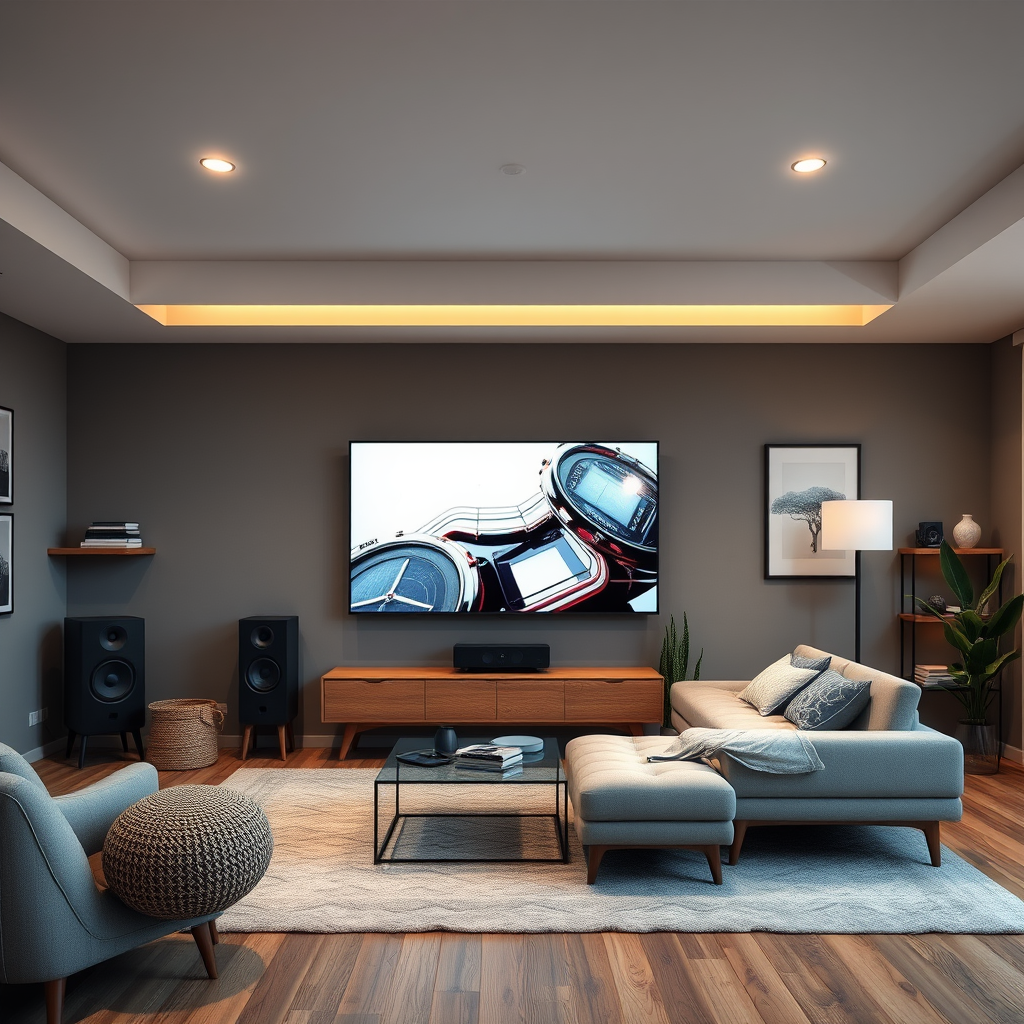
The placement of your Sonos speakers plays a crucial role in delivering optimal sound quality. Here are some essential tips for positioning:
– Position Speakers Away from Walls: Placing speakers too close to walls can lead to bass distortion due to reflective sound waves. Ideally, you should position your speakers at least 30 centimeters away from walls to allow for better sound dispersion and a more accurate bass response.
– Experiment with Different Locations: Every room has unique acoustics, so it’s essential to experiment with various speaker placements. Try different locations to find the sweet spot where the sound feels balanced throughout the room. Consider placing speakers at ear level for the best listening experience.
– Use a Corner for Subwoofers: If you have a Sonos Sub, placing it in a corner can enhance bass output due to the way sound waves interact in enclosed spaces. However, be cautious; too much bass can lead to muddiness, so monitor the sound quality after placement.
Adjust Audio Settings
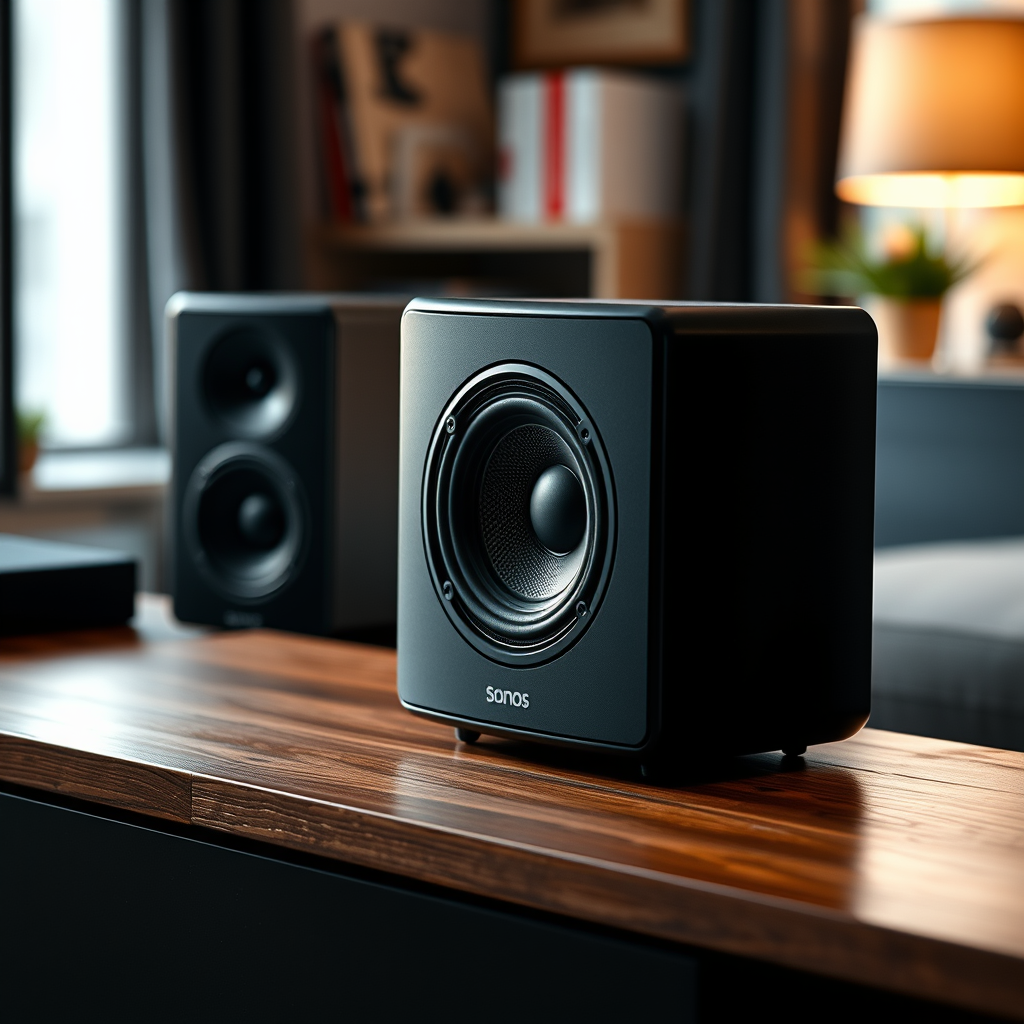
After optimizing your physical setup, it’s time to delve into your Sonos app to tweak audio settings for enhanced performance. Here are key adjustments to consider:
– Utilize the Equalizer Settings: The Sonos app provides an equalizer that allows you to fine-tune the bass, treble, and midrange frequencies. Increasing the bass slightly can add depth to your music without overwhelming other frequencies.
– Enable Trueplay Tuning: Trueplay is a powerful feature that analyzes your room’s acoustics and adjusts the sound output accordingly. By using your smartphone to perform a tuning session, you can achieve a more tailored sound that compensates for any acoustic anomalies in your space.
– Experiment with Volume Levels: Sometimes, simply adjusting the volume can change how sound is perceived. Lower volumes can make bass feel less pronounced, while higher volumes can lead to distortion. Find the right balance that maintains clarity and richness.
Upgrade Your Equipment
If you’ve optimized placement and settings and still crave deeper bass and clearer sound, it may be time to consider equipment upgrades:
– Add a Sonos Sub: The Sonos Sub is designed to provide deep, rich bass that can dramatically enhance your audio experience. When paired with other Sonos speakers, it takes the low-frequency response to a new level, making music feel more immersive and cinematic experiences more thrilling.
– Invest in High-Quality Cables: While Sonos systems are wireless, if you have wired components, using high-quality audio cables can ensure that you maintain the best possible signal integrity. Look for cables that are well-shielded and designed to reduce interference.
– Consider External Amplification: For audiophiles, an external amplifier can provide additional power to your speakers, enhancing clarity and dynamic range. This is particularly beneficial in larger rooms where more volume and power are needed.
Top 7 Sonos Accessories for Enhanced Sound Quality
| # | Accessory | Type | Price | Rating |
|---|---|---|---|---|
| 1 | Sonos Sub | Subwoofer | $699 | ★★★★☆ |
| 2 | Sonos One SL | Speaker | $199 | ★★★★★ |
| 3 | Sonos Arc | Soundbar | $799 | ★★★★★ |
| 4 | Sonos Five | Speaker | $499 | ★★★★☆ |
| 5 | Sonos Amp | Amplifier | $599 | ★★★★☆ |
| 6 | Sonos Roam | Portable Speaker | $179 | ★★★★☆ |
| 7 | Sonos Play:1 | Speaker | $149 | ★★★★☆ |
Use Advanced Audio Features
Sonos systems come equipped with advanced audio features that can significantly improve sound quality. Here are a few you should consider:
– Activate Night Sound: This feature is particularly useful when watching movies late at night. It enhances dialogue clarity while softening loud sound effects, enabling you to enjoy films without disturbing others.
– Try the Speech Enhancement Feature: This setting is designed to clarify dialogue in movies and shows, making it easier to hear conversations over background music or sound effects. It’s particularly effective in action movies or shows with complex soundscapes.
– Explore Multi-Room Audio: If you have multiple Sonos speakers, consider grouping them for a multi-room audio experience. This can help distribute sound evenly throughout larger spaces, ensuring consistent audio quality in every room.
Explore Third-Party Solutions
If you’re looking to extend the capabilities of your Sonos system, third-party solutions may be worth exploring:
– Investigate Compatible Soundbars: Certain soundbars are designed to work seamlessly with Sonos systems, providing an enhanced audio experience, particularly for home theater setups. They can deliver a wide dynamic range and better bass response.
– Look into Acoustic Treatments: Consider adding acoustic panels or sound-absorbing materials to your room. These treatments can help reduce echo and improve the overall sound quality by absorbing excessive sound reflections.
– Utilize Streaming Services: Many streaming services, such as Tidal and Qobuz, offer high-resolution audio options that can significantly enhance sound quality. Ensure your Sonos system is compatible with these services to take advantage of superior audio formats.
Sound Quality Improvement Techniques
Maintain Your Equipment
Proper maintenance of your Sonos system ensures it performs at its best over time. Follow these guidelines to keep your system in top shape:
– Regularly Update Your Sonos System: Software updates often include sound enhancements and new features that can significantly improve audio quality. Check for updates in the Sonos app regularly and install them to take advantage of the latest improvements.
– Clean and Check Connections: Dust and debris can accumulate around speaker connections, leading to poor sound quality. Regularly clean your speakers and check all cables for wear and tear, ensuring connections remain secure.
– Monitor Your Network: Because Sonos speakers rely on a stable Wi-Fi connection, ensure your network is not experiencing interruptions. Consider using a dedicated Wi-Fi network for your Sonos system to reduce interference from other devices.
By following these steps, you can significantly enhance your Sonos system’s bass and overall sound quality, transforming your listening experience. Whether through placement adjustments, equipment upgrades, or utilizing the app’s features, these strategies will enable you to enjoy your favorite music and movies like never before. Investing time in optimizing your Sonos setup will yield remarkable improvements in audio quality, making every listening session more enjoyable.
Frequently Asked Questions
How can I enhance the bass on my Sonos speaker?
To enhance the bass on your Sonos speaker, consider adjusting the equalizer settings in the Sonos app. Navigate to Settings > System > [Your Speaker] > EQ, and increase the bass level. Additionally, placing your speaker near walls or in corners can amplify low frequencies and improve overall sound quality.
What are the best placement strategies for optimizing sound quality on Sonos speakers?
To optimize sound quality for your Sonos speakers, place them at ear level and avoid corners where sound can become muddled. Experiment with positioning to find the ideal spot, ideally using a sound meter app to measure performance. Surrounding the speaker with soft furnishings can also help absorb excess sound reflections.
Why is my Sonos bass not strong enough, and how can I fix it?
If your Sonos bass isn’t strong enough, it may be due to suboptimal placement or settings. Ensure your speaker is correctly set up and consider adding a Sonos Sub for enhanced low frequencies. Additionally, check if the speaker’s Trueplay tuning feature is enabled to adapt sound based on your room’s acoustics.
Which Sonos models are best for bass and overall sound quality?
The Sonos Sub and Sonos Five are among the best models for bass and overall sound quality. The Sonos Sub provides dedicated low-frequency sound, while the Sonos Five is designed for high-fidelity audio. Pairing these models can create an immersive listening experience that enhances bass response and clarity.
How does the Trueplay tuning feature improve my Sonos sound quality?
The Trueplay tuning feature on Sonos optimizes sound by analyzing the acoustics of your room and adjusting the speaker’s output accordingly. Using an iOS device, Trueplay listens to how sound reflects off walls and furniture to tailor the audio settings for the best performance. This results in clearer sound and improved bass response, enhancing your overall listening experience.
References
- https://www.wikiHow.com/Improve-Sonos-Bass
https://www.wikiHow.com/Improve-Sonos-Bass - https://www.sciencedirect.com/topics/engineering/sound-quality
https://www.sciencedirect.com/topics/engineering/sound-quality - Unsere HiFi Testberichte zu Audio uvm (inkl Bestenliste) | hifitest.de
https://www.hifitest.de/test/sonos-play-1-2787 - Google Scholar Google Scholar
https://scholar.google.com/scholar?q=Improve+Sonos+Bass+and+Sound+Quality - https://www.bbc.com/news/technology-55904079
https://www.bbc.com/news/technology-55904079 - https://www.nytimes.com/2021/01/28/technology/sonos-sound-quality.html
https://www.nytimes.com/2021/01/28/technology/sonos-sound-quality.html - Google Scholar Google Scholar
https://scholar.google.com/scholar?q=Sonos+audio+improvement - Google Scholar Google Scholar
https://scholar.google.com/scholar?q=How+to+Improve+Sonos+Bass+and+Overall+Sound+Quality - How to Improve Sonos Bass and Overall Sound Quality – Search results
https://en.wikipedia.org/wiki/Special:Search?search=How+to+Improve+Sonos+Bass+and+Overall+Sound+Quality - https://www.ncbi.nlm.nih.gov/search/research-articles/?term=How+to+Improve+Sonos+Bass+and+Overall+Sound+Quality
https://www.ncbi.nlm.nih.gov/search/research-articles/?term=How+to+Improve+Sonos+Bass+and+Overall+Sound+Quality
