To improve voice chat quality for online gaming, focus on optimizing your internet connection, using high-quality audio equipment, and adjusting settings in your voice chat software. By implementing these strategies, you can significantly enhance communication with teammates, ensuring that every strategy call, tactical maneuver, and friendly banter is crystal clear. In this article, we’ll guide you through practical tips and techniques to elevate your gaming communication experience, making your sessions more enjoyable and effective.




Optimize Your Internet Connection
One of the first steps to ensure clear voice chat is to optimize your internet connection. A wired connection is always preferable to Wi-Fi, as it dramatically reduces latency and minimizes the risk of packet loss. Imagine being in the heat of battle, only to find your voice cutting out or lagging—frustrating, right? By connecting your gaming device directly to your router with an Ethernet cable, you’ll enjoy a more stable and reliable connection.
To further optimize your internet usage, it’s essential to test your bandwidth. There are many free online tools available that can help you determine if your current speed is sufficient for gaming and voice chat. Ideally, you should have at least 3 Mbps upload speed for clear voice communication. If your results are lacking, consider closing unnecessary applications or devices that might be consuming bandwidth. Also, if you’re sharing your network with others, communicate with your housemates about peak gaming times to avoid bandwidth hogging.
Choose Quality Audio Equipment
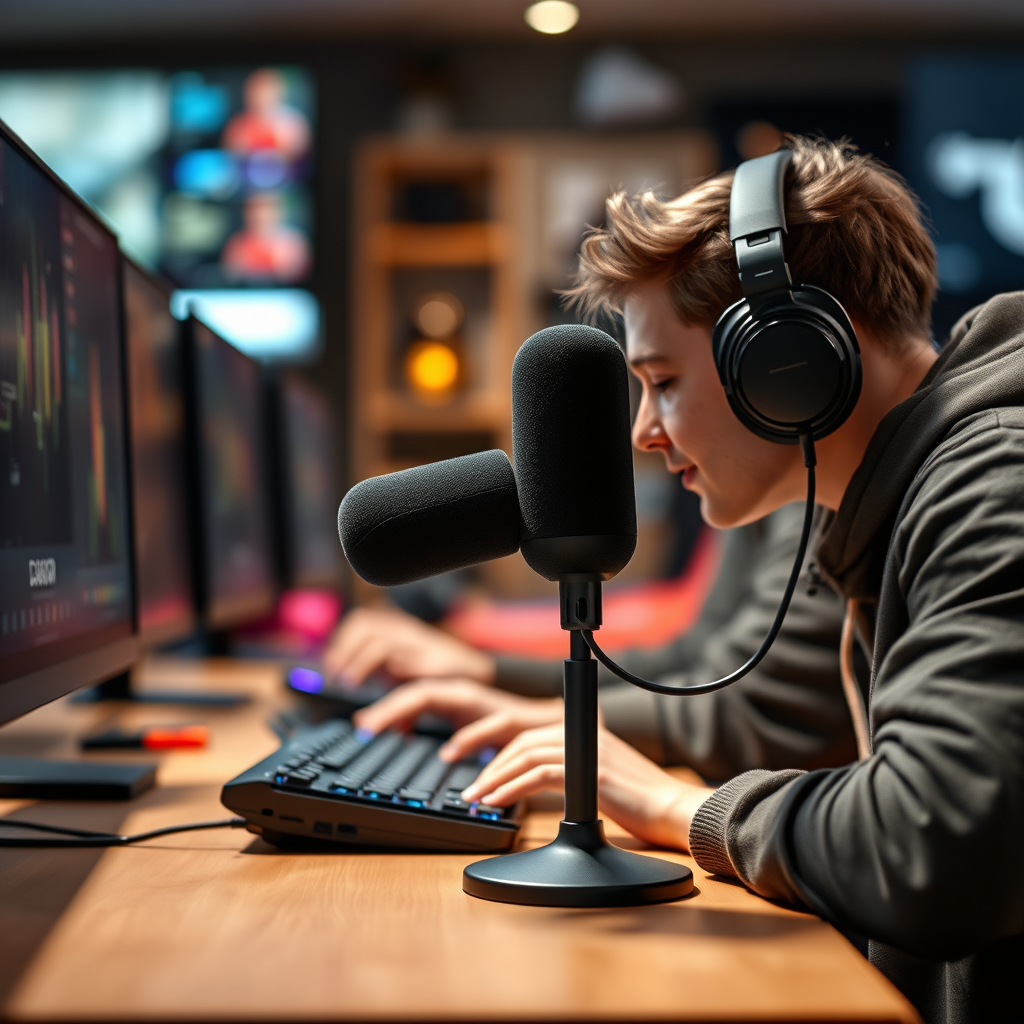
Investing in quality audio equipment is crucial for achieving outstanding voice chat quality. A good headset or microphone can make all the difference. Look for headsets that offer clear audio and a comfortable fit, as long gaming sessions can be demanding on your ears. Brands like HyperX, SteelSeries, and Razer offer excellent gaming headsets equipped with noise-cancelling features to filter out background sounds, allowing your voice to shine through.
Another option to consider is a USB microphone, which often provides superior sound quality compared to standard headsets. These microphones can capture your voice with remarkable clarity, making it easier for your teammates to understand you. If you’re serious about voice chat quality, investing in a microphone with adjustable gain controls can also help you fine-tune your audio levels for the best results.
Adjust Voice Chat Settings
Once you’ve set up your audio equipment, it’s time to dive into the settings of your voice chat software. Most gaming platforms and applications like Discord, TeamSpeak, or Xbox Live feature audio settings that you can configure to prioritize voice clarity. For instance, you can adjust input sensitivity, which controls how loud your voice needs to be for the microphone to pick it up. Setting this too high can lead to missed words, while setting it too low can pick up unwanted noise.
Experimenting with noise suppression and echo cancellation options is also beneficial. Many software platforms offer these features to enhance your audio quality further. Noise suppression minimizes background noise, ensuring that your teammates can hear you loud and clear, while echo cancellation can eliminate any feedback loops that occur when you’re using speakers instead of headphones.
Manage Background Noise
Creating a quiet gaming environment is essential for clear voice communication. Background noise can be distracting for both you and your teammates, so think about ways to minimize it. Start by finding a dedicated gaming space where you can control the sound environment. Close doors and windows, and consider using a “Do Not Disturb” sign if you live with others.
You can also invest in soundproofing materials or soft furnishings to dampen echoes in your gaming space. For instance, thick curtains, carpets, and soft furniture can absorb sound waves and reduce the overall noise level. If you have a dedicated gaming room, consider adding acoustic panels to the walls for a more professional touch.
Utilize Voice Chat Software Features
Most voice chat applications come packed with features designed to enhance your experience. Features like push-to-talk or voice activation can help you take control over when your microphone is live, preventing accidental interruptions during gameplay. Push-to-talk is especially helpful if you’re in a noisy environment, as you can keep your microphone muted until you need to speak.
It’s also important to keep your voice chat software updated. Developers frequently release updates that include enhancements to audio quality and bug fixes. Regularly checking for updates ensures that you’re benefiting from the latest features and improvements, which can significantly enhance your voice chat experience.
Test and Troubleshoot Regularly
Lastly, regular testing and troubleshooting are key to maintaining high voice chat quality. Conduct voice chat tests with friends to identify any issues before important gaming sessions. This not only helps you troubleshoot potential problems but also creates a fun bonding experience with your teammates.
If you encounter common issues like audio lag or disconnections, don’t panic! Start by adjusting your settings or restarting your device. Sometimes, simply refreshing your connection can resolve a plethora of issues. Encourage your teammates to do the same to ensure everyone is on the same page.
By implementing these strategies, you can significantly enhance your voice chat quality during online gaming sessions. This will not only improve your communication with teammates but also elevate your overall gaming experience, making it more enjoyable and effective. Consider applying these tips today for better gameplay interactions, and enjoy the thrill of seamless communication during your next gaming adventure!
Frequently Asked Questions
What are the main factors that affect voice chat quality in online gaming?
The quality of voice chat in online gaming can be influenced by several key factors, including internet bandwidth, latency, and hardware quality. A stable and fast internet connection ensures that voice data is transmitted smoothly, while low latency minimizes delays that can disrupt conversations. Additionally, using a high-quality microphone and headset can significantly enhance audio clarity and reduce background noise, leading to a better overall communication experience during gameplay.
How can I reduce background noise during voice chat in games?
To minimize background noise during voice chat, consider using a noise-canceling microphone or headset, which can filter out unwanted sounds. You can also adjust your software settings to enable noise suppression features, which many gaming platforms and applications offer. Additionally, create a quieter gaming environment by closing windows, using soft furnishings to absorb sound, and positioning your microphone closer to your mouth to capture your voice more clearly.
Why is my voice chat cutting out during online gaming sessions?
Voice chat cutting out can be attributed to several issues, including unstable internet connections, bandwidth limitations, or software conflicts. Ensure that your internet connection is strong and stable, and that no other devices are hogging bandwidth during gaming sessions. Additionally, check for any software updates for your gaming platform and voice chat application, as outdated software can lead to connectivity problems.
What is the best microphone setup for improving voice chat quality in gaming?
The best microphone setup for enhancing voice chat quality includes a high-quality USB or XLR microphone paired with a pop filter to reduce plosive sounds and an audio interface for better sound clarity. A boom arm can help position the microphone closer to your mouth while minimizing handling noise. Additionally, consider using a headset with integrated audio controls to easily adjust volume levels and mute your microphone when necessary.
Which voice chat applications offer the best quality for online gaming?
Several voice chat applications are known for their high-quality audio in online gaming, including Discord, TeamSpeak, and Mumble. Discord is especially popular due to its user-friendly interface and robust features like server channels and integrations with various games. TeamSpeak and Mumble are preferred by many competitive gamers for their low latency and customizable settings, making them excellent choices for those seeking top-notch voice communication during gameplay.
References
- Voice over IP
- https://www.researchgate.net/publication/327623471_Improving_Voice_Quality_in_Online_Gaming
- https://www.sciencedirect.com/science/article/pii/S1877050919310112
- https://www.ncbi.nlm.nih.gov/pmc/articles/PMC6491729/
- https://www.itu.int/en/ITU-T/focusgroups/ims/Pages/default.aspx
- https://www.techrepublic.com/article/how-to-improve-your-voice-chat-quality-in-online-gaming/
- https://www.wired.com/story/how-to-improve-your-voice-chat-quality/