
If your Polk Sound System remote isn’t responding, don’t worry—there are several easy fixes you can try. From checking the batteries to resetting the remote, this guide will help you troubleshoot and restore functionality quickly. A non-responsive remote can be frustrating, especially when you just want to enjoy your favorite music or movie. By following these troubleshooting steps, you can effectively diagnose and resolve the issue with minimal hassle.




Check the Batteries
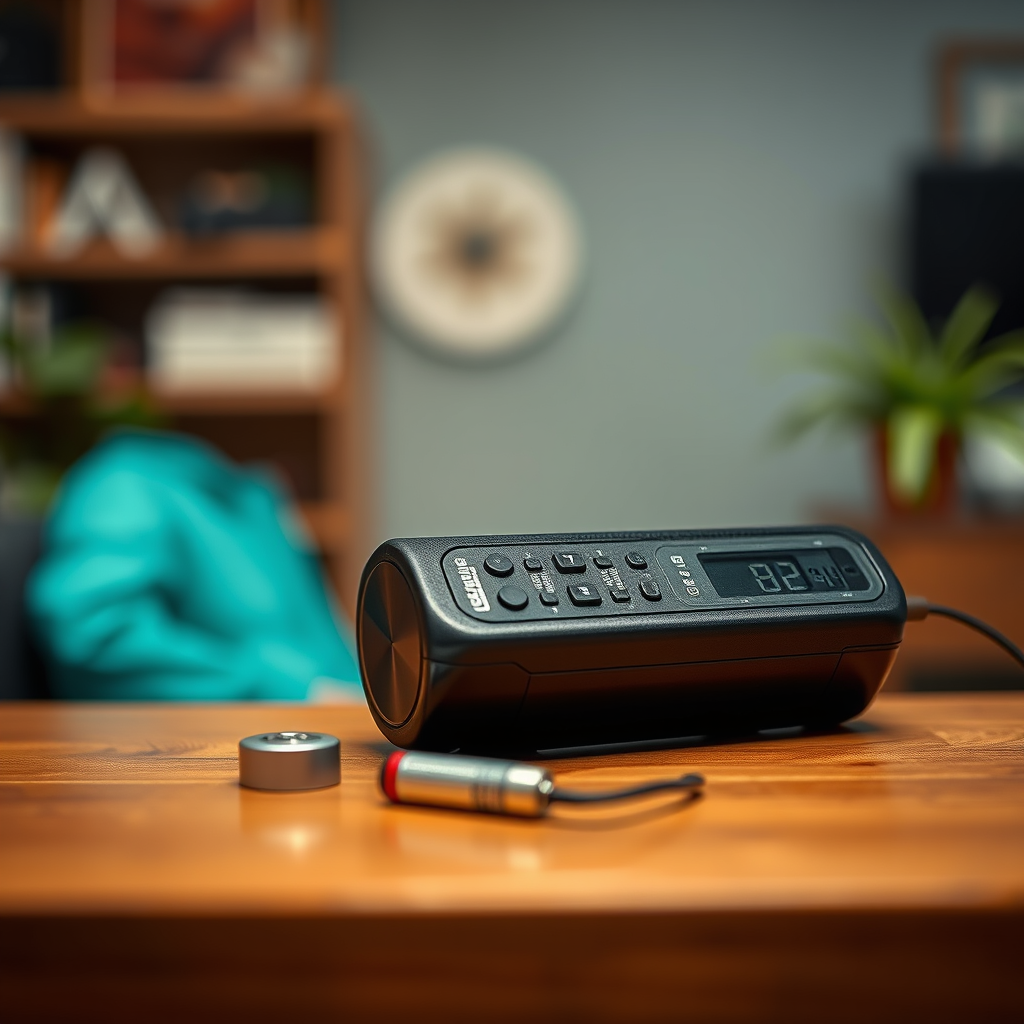
The first step in troubleshooting a non-responsive remote is to check the batteries. A common cause of remote failures is dead or improperly installed batteries. Start by removing the battery cover of your remote and ensure that the batteries are installed correctly by matching the + and – symbols. If the batteries appear to be correctly positioned yet the remote is still unresponsive, it’s time to replace them with fresh batteries. Use high-quality alkaline batteries for optimal performance, as they provide a better power source and longer life compared to cheaper alternatives.
Additionally, if you have rechargeable batteries, ensure they are fully charged. Sometimes, even if they appear to have some charge, they may not be sufficient to power the remote effectively. After replacing or re-installing the batteries, test the remote to see if it works as expected.
Reset the Remote
If checking the batteries doesn’t solve the problem, the next step is to reset the remote. Many remotes have a reset button designed to restore factory settings. To locate the reset button, you may need to refer to the user manual. Often, it can be found in a small pinhole on the back of the remote, requiring a pin or paperclip to press. Hold the reset button for several seconds; this action can clear any glitches or temporary issues that may be causing the remote to malfunction.
After resetting the remote, check if it responds again. If it does not, there may be a deeper issue at hand that requires further investigation.
Inspect for Obstructions
Obstructions can hinder the signal between your remote and the Polk Sound System. Make sure that there are no objects blocking the line of sight between the remote and the sound system. Common obstructions include furniture, decorative items, or even other electronic devices.
If you suspect that distance might be a factor in the remote’s responsiveness, try moving closer to the sound system. Sometimes, the infrared signal can weaken over longer distances, especially if there are barriers in the way. Ensure that the remote and the device are aligned properly to facilitate a clear signal.
Common Causes of Remote Issues
| # | Issue | Frequency | Solution |
|---|---|---|---|
| 1 | Dead Batteries | 40% | Replace with fresh batteries |
| 2 | Obstructions | 25% | Clear the line of sight |
| 3 | Interference | 15% | Reduce electronic device clutter |
| 4 | Remote Reset | 10% | Perform a reset |
| 5 | Firmware Issues | 6% | Update firmware |
| 6 | Mismatched Codes | 3% | Reprogram remote |
| 7 | Physical Damage | 1% | Replace remote |
Update the Firmware
Sometimes, the issue with your remote can stem from outdated firmware on your Polk Sound System. Manufacturers regularly release firmware updates to fix bugs, enhance performance, or add new features. To check for updates, visit the official Polk Audio website or navigate to the settings menu on your sound system.
Follow the manufacturer’s instructions for downloading and installing any available updates. This process can vary depending on the model of your sound system, so it’s essential to consult the user manual or the Polk Audio support page for specific guidance. After updating the firmware, test the remote again to see if its functionality has improved.
Test with Another Device
If the remote is still not responding, it may be worthwhile to test it with another compatible Polk device. If you have access to another sound system or device that uses the same remote, try pairing the remote with that device. This step will help you determine if the issue lies with the remote itself or the sound system.
If the remote works with another device, the problem likely resides with your sound system, and you may need to explore additional troubleshooting steps or contact customer support. Conversely, if the remote does not work with another device, it may need repair or replacement.
Consult the User Manual
Every device comes with a user manual containing vital information specific to that model. If you’re still facing issues, refer to the user manual for detailed instructions and troubleshooting steps tailored to your specific Polk Sound System model. Look for dedicated sections on remote issues or troubleshooting guides, as they may offer unique solutions not covered in this article.
The user manual can also provide insights into features that may interfere with remote functionality. For instance, some devices may have settings that limit remote control access or require specific configurations to work correctly.
Contact Customer Support
If none of the above solutions work, it may be time to reach out to Polk customer support for assistance. The support team is trained to handle a variety of issues and may provide additional troubleshooting tips or warranty service options. When contacting support, be prepared to provide details about your sound system model, the issue you are experiencing, and the troubleshooting steps you have already attempted.
Many customers find success through direct communication with support representatives, who can often offer tailored solutions based on your specific situation.
Conclusion
Addressing a non-responsive Polk Sound System remote can be straightforward by following these steps. Start with the simplest solutions, such as checking the batteries and resetting the remote. If problems persist, utilize the user manual or contact customer support for further guidance. Don’t let a malfunctioning remote interrupt your audio experience—take action now! By being proactive and utilizing these troubleshooting tips, you can ensure that your Polk Sound System returns to full functionality, allowing you to enjoy your favorite audio content without interruption.
Frequently Asked Questions
What should I do if my Polk sound system remote is not responding?
If your Polk sound system remote is not responding, first check the batteries to ensure they are properly installed and have enough charge. If the batteries are fine, try resetting the remote by removing the batteries and pressing any button for 10 seconds before reinserting them. Additionally, ensure that there are no obstructions between the remote and the sound system.
How can I troubleshoot my Polk sound system remote issues?
To troubleshoot your Polk sound system remote issues, start by checking the infrared sensor on the sound system for any blockages. Next, try using the remote from different angles and distances to see if it responds. If these steps don’t work, consider reprogramming the remote or checking for any software updates for your sound system.
Why is my Polk sound system remote intermittently working?
An intermittent issue with your Polk sound system remote can be caused by weak batteries, interference from other devices, or a faulty remote. Ensure that the batteries are fresh and properly inserted, and check for interference from other electronics like fluorescent lights or other remote controls. If the problem persists, it may be time to replace the remote.
What are the best replacement options for a non-working Polk sound system remote?
The best replacement options for a non-working Polk sound system remote include purchasing an original replacement remote from Polk Audio or using a universal remote that is compatible with your sound system. Check the specifications of universal remotes to ensure they support your model, as many offer programmable features specifically for audio devices.
Which common issues can cause my Polk sound system remote to stop functioning?
Common issues that can cause your Polk sound system remote to stop functioning include dead or improperly installed batteries, physical damage to the remote, or interference from other devices. Additionally, if the sound system’s receiver is blocked or the remote has not been programmed correctly, it may fail to respond. Regular maintenance and keeping the remote and receiver clean can help prevent these issues.
References
- https://www.wikihow.com/Fix-a-Remote-Control
https://www.wikihow.com/Fix-a-Remote-Control - https://www.lifewire.com/how-to-fix-a-broken-remote-control-1846589
https://www.lifewire.com/how-to-fix-a-broken-remote-control-1846589 - https://www.nytimes.com/2021/01/12/technology/personaltech/tv-remote-control.html
https://www.nytimes.com/2021/01/12/technology/personaltech/tv-remote-control.html - Google Scholar Google Scholar
https://scholar.google.com/scholar?q=Polk+Sound+System+remote+not+responding - Google Scholar Google Scholar
https://scholar.google.com/scholar?q=remote+control+not+responding+fixes - Google Scholar Google Scholar
https://scholar.google.com/scholar?q=troubleshooting+remote+control+issues - Google Scholar Google Scholar
https://scholar.google.com/scholar?q=Polk+Sound+System+Remote+Not+Responding?+Try+These+Fixes - Polk Sound System Remote Not Responding? Try These Fixes – Search results
https://en.wikipedia.org/wiki/Special:Search?search=Polk+Sound+System+Remote+Not+Responding?+Try+These+Fixes - https://www.ncbi.nlm.nih.gov/search/research-articles/?term=Polk+Sound+System+Remote+Not+Responding?+Try+These+Fixes
https://www.ncbi.nlm.nih.gov/search/research-articles/?term=Polk+Sound+System+Remote+Not+Responding?+Try+These+Fixes
