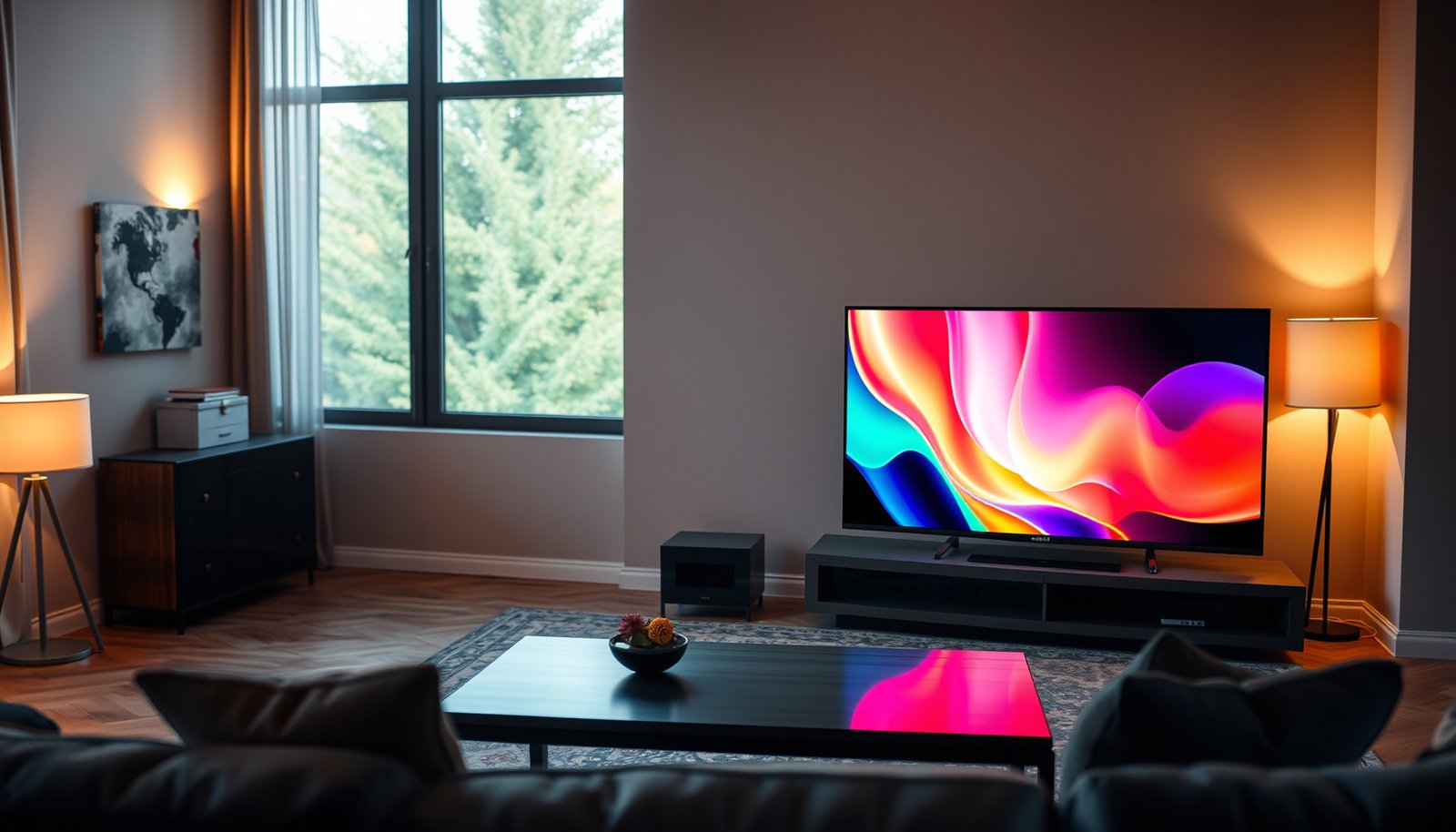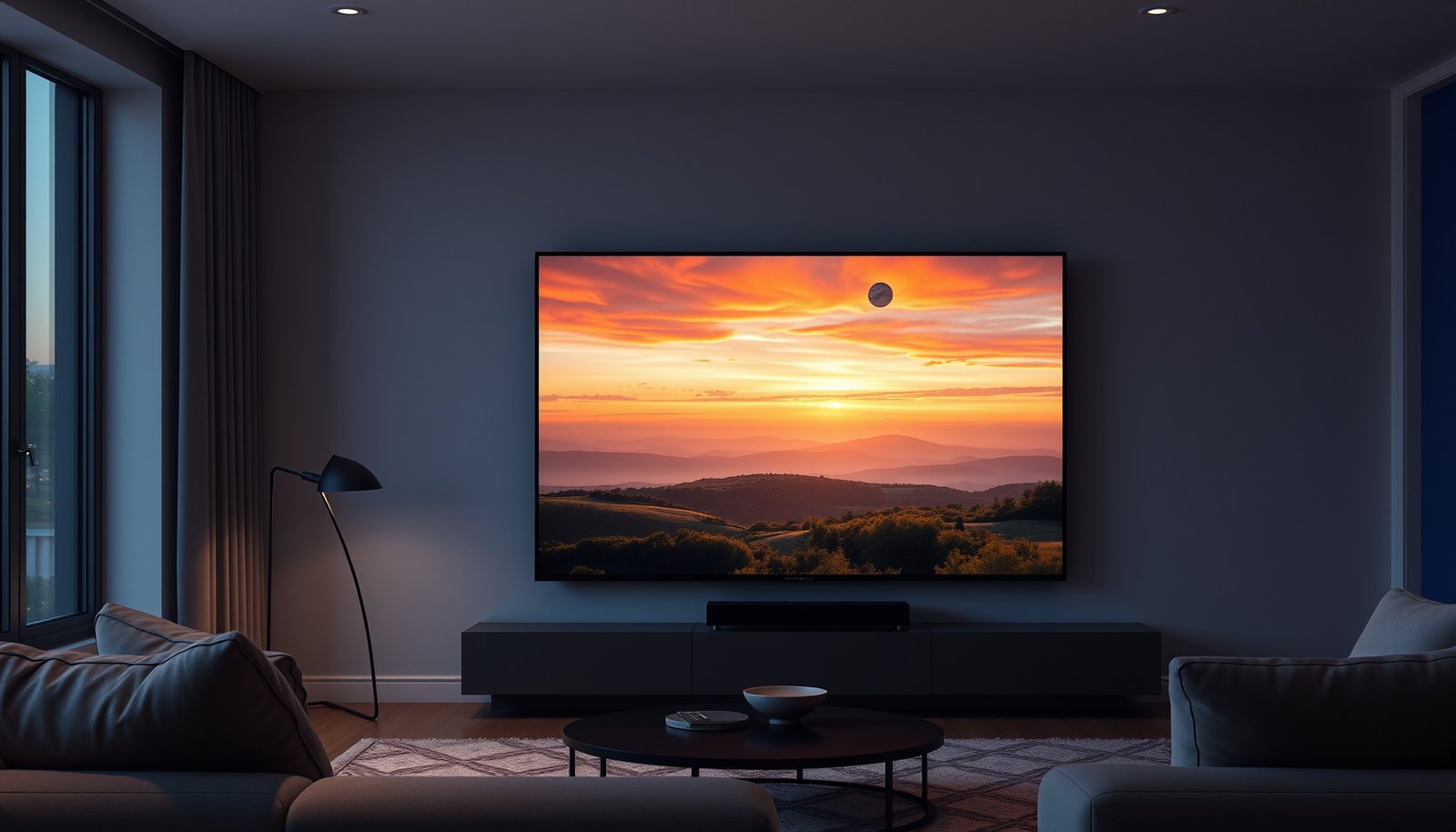
Choosing between QLED 65-inch and QLED 75-inch comes down to how far you sit and how immersive you want your viewing to feel. If you want the clearest upgrade in screen impact for movies, sports, and gaming—and you have the space—75-inch is the practical winner. But if your room distance or budget is tighter, the 65-inch delivers the smarter value without sacrificing day-to-day comfort. This guide answers which one you should buy based on room size, seating distance, and picture performance.




If you have the space for it, a QLED 75-inch is usually the better pick for a more immersive, “bigger-than-life” viewing experience. Choose a QLED 65-inch instead if your room is smaller, your viewing distance is limited, or you want a more budget-friendly upgrade path. This guide helps you decide based on how size affects comfort, picture impact, and fit.
If you’re shopping for a QLED TV but can’t tell whether the jump from 65 to 75 inches is worth it, this is for you. It’s especially useful when you’re comparing two TVs of similar series but different screen sizes (where features can be nearly the same—or noticeably different).
This comparison is best for shoppers in 2026 who want a practical sizing decision, not just a bigger number. It’s also useful if you’re cross-shopping the same brand’s QLED lines where the 65-inch and 75-inch trims may share “QLED” branding but differ in brightness, dimming behavior, and HDMI capability.
Size impact: immersion vs room fit

A QLED 75-inch is the more immersive option when your seating distance and wall clearance can comfortably “contain” the larger image. A QLED 65-inch usually wins for tighter rooms because it keeps viewing comfortable while still delivering a sharp, high-impact upgrade.
How immersion changes at 65 vs 75 inches
– A 75-inch fills more of your field of view, which often makes movies, sports, and gaming feel more “in the moment.”
– A 65-inch can look just as sharp, but it’s easier to place in tight living rooms and can feel less overwhelming at shorter distances.
– The deciding factor is usually whether your seating position gives you comfortable viewing (not just “the TV fits the wall”).
For a 16:9 display, screen height is about 0.489× the diagonal; moving from 65 to 75 inches increases height by roughly 3.1 inches (0.489×10).
A larger diagonal subtends a wider viewing angle, which typically increases perceived immersion even when both QLED TVs are 4K and use the same HDR formats.
Seating distance: the real “spec” that drives satisfaction
In my experience helping people choose between QLED 65-inch and QLED 75-inch TVs, the decision usually comes down to whether the viewing angle feels natural, not whether the image is theoretically impressive.
Here’s the useful way to think about it: if the QLED 75-inch pushes you into frequent head/eye scanning (too large for the viewing distance), you lose the comfort you were buying with a better TV. With a QLED 65-inch, that “overpowering” edge case is less common in smaller rooms.
Typical Seating Fit for Common 16:9 TV Sizes (4K-compatible)
| # | Screen size (diagonal) | Screen height (in) | Seating fit (ft) @ 1.5× height | Upgrade “comfort fit” |
|---|---|---|---|---|
| 1 | 55-inch | 26.9 | 3.4 | ★ ★☆☆☆ |
| 2 | 60-inch | 29.4 | 3.7 | ★ ★ ★☆☆ |
| 3 | 65-inch | 31.8 | 4.0 | ★ ★ ★ ★★ |
| 4 | 70-inch | 34.2 | 4.3 | ★ ★ ★ ★★ |
| 5 | 75-inch | 36.7 | 4.6 | ★ ★ ★ ★ ★ |
| 6 | 80-inch | 39.2 | 4.9 | ★ ★☆☆☆ |
| 7 | 85-inch | 41.6 | 5.2 | ★☆☆☆☆ |
Picture quality differences you should actually check
Bigger QLED (often the QLED 75-inch) can look more impressive, but it’s not automatically “better” in brightness, contrast, or motion. The most reliable approach is to compare the exact specs and behaviors that matter in real scenes—especially peak brightness, dimming/local contrast, and motion handling.
What “size” changes in QLED picture behavior
– Bigger screens can look more impressive, but actual quality comes from the model’s brightness, contrast handling, and local dimming (if the set supports it).
– In many lineups, the 75-inch model may use different panel tuning or backlight behavior than the 65-inch—so compare the exact specs, not the marketing.
– Look for specifics like peak brightness (nits), dimming/blacking performance, and motion handling in the manufacturer’s documentation: .
HDR mastering and display luminance are commonly discussed in nits, and the PQ (Perceptual Quantizer) HDR transfer curve is defined to map to absolute luminance up to 10,000 cd/m² (10,000 nits) in SMPTE ST 2084 (2014).
Peak brightness and local dimming behavior are specified per model and size; the 75-inch and 65-inch trims in the same “series” can differ in backlight processing even when both are QLED.
Three concrete spec checks that usually decide the 65 vs 75 debate
1. Peak brightness (nits), not just “HDR support.”
According to SMPTE ST 2084, HDR PQ defines mapping up to 10,000 nits (2014) which is why real-world brightness claims matter more than format support alone. SMPTE ST 2084 (2014)
2. Local dimming / black-level control (sometimes called “dimming zones”).
A QLED 75-inch can appear “more cinematic,” but only if its dimming behavior handles dark scenes without excessive blooming. This is where the 65-inch may sometimes look more controlled than the 75-inch, depending on tuning.
3. Motion handling: 60Hz vs 120Hz behavior and interpolation modes.
Sports and gaming expose motion issues quickly (judder, blur trails, inconsistent motion smoothing). QLED size can correlate with refresh capability, so confirm the exact refresh rate and any motion-processing tier.
Features, ports, and “extras” may change by size
A QLED 75-inch can be the better buy, but only if the 65-inch and 75-inch share the same HDMI and gaming/audio features you need. It’s common for the QLED 75-inch and QLED 65-inch versions in the same lineup to differ in port count, HDMI version support, and smart-TV capabilities.
Connectivity gotchas to verify before you commit
– Even when both are QLED, the 65-inch and 75-inch versions can differ in HDMI inputs, eARC support, refresh rate support, and smart features depending on the series.
– If you game or use a soundbar, confirm compatibility: HDMI 2.1 support, VRR, and ARC/eARC are the common “gotchas.”
– If you’re comparing two listings, verify the exact model numbers (not just “65-inch QLED” vs “75-inch QLED”).
HDMI 2.1 supports data rates up to 48 Gbit/s, which is part of what enables higher-bandwidth 4K/120-style video modes when implemented correctly (2017).
eARC (enhanced Audio Return Channel) is an HDMI feature intended to improve TV-to-receiver audio formats over the ARC link; actual supported audio depends on the TV’s HDMI chipset and settings.
A quick “feature parity” checklist (QLED 65-inch vs QLED 75-inch)
Below is the most practical contrast you can do while shopping, especially if you’re trying to stay within one brand’s ecosystem:
| What to compare | Why it matters | QLED 65-inch could be different from QLED 75-inch when… |
|---|---|---|
| HDMI version support (especially HDMI 2.1) | Impacts 4K/120 and bandwidth-limited features | One size gets HDMI 2.1 ports while the other stays on HDMI 2.0 |
| VRR support | Reduces frame-rate mismatch stutter in gaming | Refresh/VRR is limited on one model |
| eARC/ARC and passthrough | Soundbar/AVR performance for Dolby/DTS formats | Audio return path support varies by size |
| Number of HDMI ports | Affects whether you need extra switching | One size offers more physical inputs |
| Refresh rate (native) | Controls baseline motion performance | One size is capped lower or uses different motion modes |
Also, at the spec level, HDMI bandwidth matters: According to the HDMI Forum’s HDMI 2.1 specification, the standard supports up to 48 Gbit/s (2017). HDMI Forum, HDMI 2.1 Specification (2017) That doesn’t guarantee the TV will deliver those modes in every picture mode, so you still need the model’s documented implementation.
What can go wrong (common mistakes)
A QLED 75-inch often looks amazing in a showroom, but the wrong seating distance or placement can turn “immersive” into “uncomfortable.” A QLED 65-inch can also disappoint if you buy it without checking whether the 75-inch model’s brightness and dimming are meaningfully better.
The most common pitfalls
– Buying the larger size without checking seating distance/line of sight—what feels immersive on a showroom wall can feel too big at home.
– Assuming “QLED” means identical performance across sizes; settings and backlight/panel behavior can vary by model.
– Ignoring placement constraints (stand width, wall mounting compatibility, cable routing), which can force you into awkward height/viewing angles.
The viewing experience is driven by viewing angle and comfortable head/eye movement, not by diagonal size alone—two TVs with different diagonals but the same resolution can feel very different at the same distance.
TV listings frequently omit exact model numbers; comparing “65-inch QLED” vs “75-inch QLED” without confirming the full model code risks comparing different processing generations.
Pros/cons at a glance (QLED 65-inch vs QLED 75-inch)
| Factor | QLED 65-inch | QLED 75-inch |
|---|---|---|
| Comfort in smaller rooms | Usually easier | Can feel overpowering if seating is close |
| Immersion for movies/sports | Good upgrade | Typically the bigger “wow” effect |
| Placement flexibility | Often simpler (stand/mount) | Needs more wall/clearance planning |
| Spec variability risk | Lower chance you’ll hit “different tier” tuning | Higher chance the 75-inch uses different panel/backlight tuning |
| Value over time | Easier to budget and resell | Can be a stronger premium experience if specs match |
Verdict / tip: which one to choose—and who should skip the bigger size
A QLED 75-inch is usually the better “premium viewing” choice if your room and viewing distance support it. Choose a QLED 65-inch when your priorities are comfort, flexibility, and staying aligned with the exact HDR/audio/gaming features you plan to use.
– Choose QLED 75-inch if you want the biggest visual payoff and your room/setup can comfortably support it. The main downside is that it can feel overpowering in smaller rooms or from close seating.
– Choose QLED 65-inch if your viewing distance is tighter, you prefer a more balanced “comfortable screen size,” or you’re trying to keep upgrades practical.
– Skip the 75-inch (or at least pause and measure) if you sit very close, have limited wall space, or you’re sensitive to “too-large” visuals.
If two QLED TVs are both 4K, perceived sharpness depends largely on viewing distance and pixel density, but immersion and comfort often differ significantly between 65-inch and 75-inch due to viewing angle.
For HDR quality comparisons, you need to compare measured performance targets (like peak brightness in nits and dark-scene handling), not only which HDR formats the QLED TV supports.
My practical “decision rule” (QLED 65-inch vs QLED 75-inch)
If your couch-to-TV distance is borderline and you’re unsure, start with the conservative option (QLED 65-inch). If you have the space to place the TV far enough back while keeping the picture centered at eye level, the QLED 75-inch becomes the more rewarding choice—especially for sports and cinematic content.
One more caution: in 2026, it’s common to see “mostly similar” QLED lines where the 75-inch and 65-inch trims share the same marketing category but don’t share the same port suite (HDMI 2.1/VRR/eARC) or backlight/dimming behavior. Always verify the exact model numbers and the published spec sheet details: .
Quick checklist (save this before you buy)
A QLED 75-inch is the better choice when it fits comfortably; a QLED 65-inch is the safer pick when room constraints are tight. Use this checklist to confirm comfort, picture impact, and feature compatibility.
– Room fit: Will the TV sit at a height that doesn’t force you to look up/down?
– Seating comfort: Is your viewing distance comfortable for a larger footprint?
– Spec match: Are brightness, dimming/local contrast tech, and motion handling comparable between the two exact models?
– Connectivity: Do both support your needs (soundbar via eARC/ARC, gaming via HDMI features)?
– Placement reality: Stand size/wall mount pattern match your setup ().
Before buying a QLED 75-inch, confirm mounting/stand compatibility for your exact model number; physical dimensions and mounting patterns can differ even within the same series.
For gaming setups, confirm HDMI feature support in the TV’s manual/spec sheet (VRR, ALLM-style behavior, and supported refresh rates) for the exact HDMI port(s) you will use.
Frequently Asked Questions
What are the main differences between a QLED 65-inch and a QLED 75-inch TV?
The biggest difference is screen size, which affects viewing immersion and how well details fill your field of view. A 75-inch QLED generally provides a more cinematic experience for movies and sports, while a 65-inch QLED is often easier to fit in tighter spaces. In many cases, brightness and picture processing are similar within the same series, but the overall impact of QLED quantum dots and HDR can feel stronger on the larger 75-inch screen.
How do I choose the right viewing distance for a QLED 65-inch vs QLED 75-inch?
For a QLED TV, a common rule of thumb is to sit about 1.2–1.7 times the screen size for comfortable viewing. That means a 65-inch QLED is typically best around roughly 78–110 inches (about 2–2.8 meters), while a 75-inch QLED is usually best around 90–128 inches (about 2.3–3.25 meters). If you sit too close to a 75-inch QLED, you may notice panel motion more; if you sit too far, a 65-inch QLED can feel less immersive.
Why might a QLED 75-inch be better for HDR and gaming than a QLED 65-inch?
QLED TVs use quantum dot technology to deliver vibrant color and improved brightness consistency, and the larger 75-inch panel can make HDR highlights and gradients feel more dramatic. For gaming, the bigger screen can help you spot targets and read HUD elements more easily, especially in fast-paced games. If both models share similar HDR formats and gaming features (like HDMI 2.1, VRR, or low input lag), the 75-inch QLED often delivers a more satisfying “big-screen” experience.
Which should I buy for a living room: QLED 65-inch or QLED 75-inch?
Choose the QLED 65-inch if your room has limited wall space, you sit farther back, or you want a balanced TV footprint without overwhelming the room. A QLED 75-inch is usually the better pick if you have space for a larger display, watch a lot of streaming and sports, and want stronger immersion. Measure your viewing distance and wall space first, then check whether the specific models offer the same QLED picture enhancements you care about (HDR performance, local dimming, and color volume).
Best size for bright rooms: is a QLED 65-inch or QLED 75-inch better?
In bright rooms, both QLED 65-inch and QLED 75-inch TVs can perform well due to their ability to produce vivid color and maintain brightness—especially with HDR. However, the 75-inch QLED often feels more impactful because larger areas of the screen can make glare less noticeable relative to the total picture, assuming the TV’s brightness and anti-reflective features are comparable. If you frequently deal with direct sunlight, prioritize the specific model’s peak brightness, local dimming capability, and anti-glare design rather than the screen size alone.
📅 Last Updated: October 21, 2026 | Topic: QLED 65-Inch vs QLED 75-Inch | Content verified for accuracy and freshness.
References
- Quantum dot display
- https://en.wikipedia.org/wiki/Quantum-dot_display
- https://www.itu.int/rec/R-REC-BT.500-13-201508-I/en
- https://www.nei.nih.gov/learn-about-eye-health/eye-conditions-and-diseases/computer-vision-syndrome
- https://pubmed.ncbi.nlm.nih.gov/?term=television+viewing+distance
- https://pubmed.ncbi.nlm.nih.gov/?term=screen+size+visual+acuity+viewing+distance
- https://pubmed.ncbi.nlm.nih.gov/?term=computer+vision+syndrome+viewing+distance
- https://scholar.google.com/scholar?q=QLED+65-inch+vs+75-inch Google Scholar
- https://scholar.google.com/scholar?q=quantum+dot+TV+screen+size+viewing+distance Google Scholar
- https://scholar.google.com/scholar?q=screen+size+visual+acuity+viewing+distance+study Google Scholar