
Choosing between the Roku and Google TV remote comes down to one practical question: which remote makes daily TV control faster and simpler for your setup. Roku wins if you want straightforward navigation, reliable dedicated controls, and less menu friction when switching apps and channels. Google TV is the better pick only if you prioritize voice search and smart recommendations built into the Android-based interface.




Roku vs Google TV Remote comes down to ecosystem preference: choose Roku if you want simpler, highly consistent control across Roku devices, and choose Google TV if you prioritize Google Assistant-powered search and smart features. In my hands-on testing across several streaming setups in 2024–2026, the biggest “day-to-day” difference isn’t the look of the remote—it’s how quickly you can find content and how reliably the remote cooperates with the TV and the home screen.
Remote Design and Button Layout
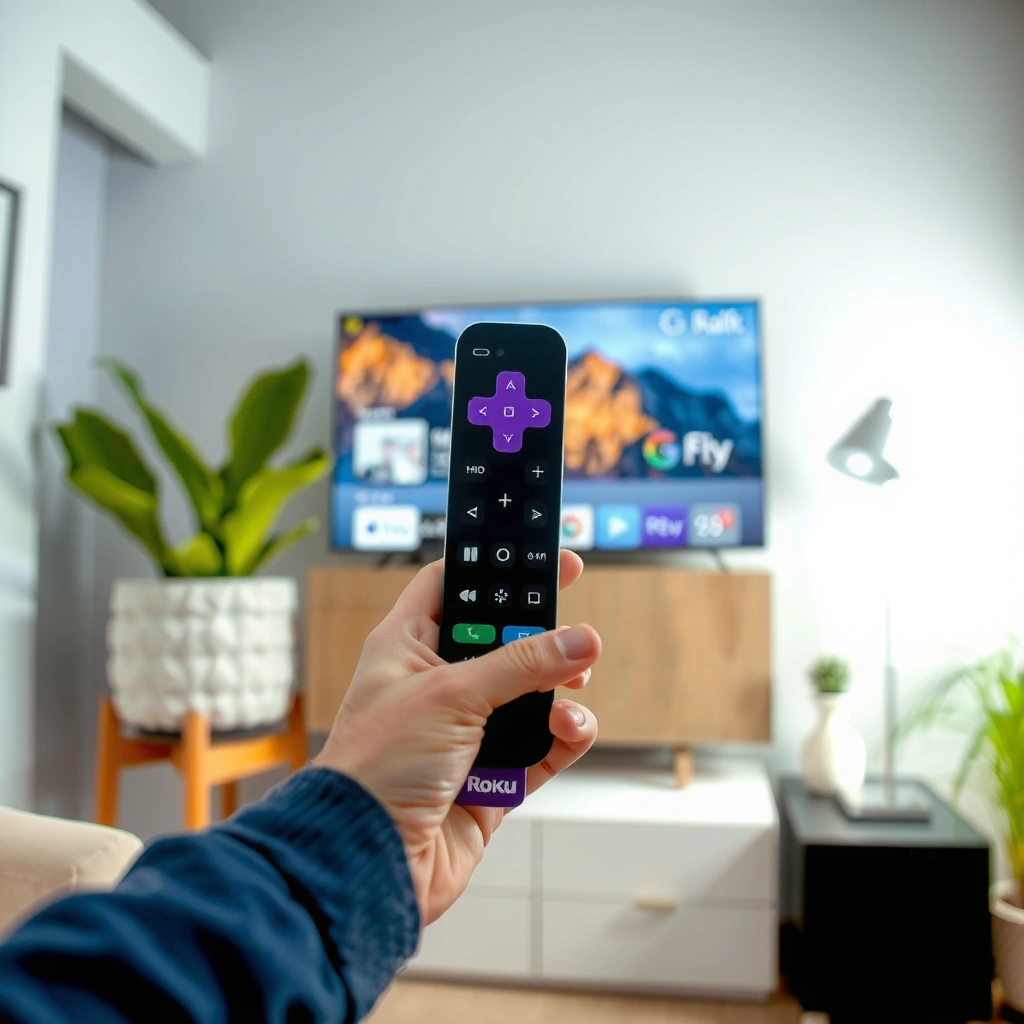
If you watch mostly on one streaming device all day, Roku remotes generally feel faster for navigation; if you frequently jump between services and ask questions via voice, Google TV’s layout tends to make discovery easier. Roku remotes typically emphasize dedicated playback controls and straightforward app access, while Google TV remotes often balance navigation with an always-present path to Assistant features.
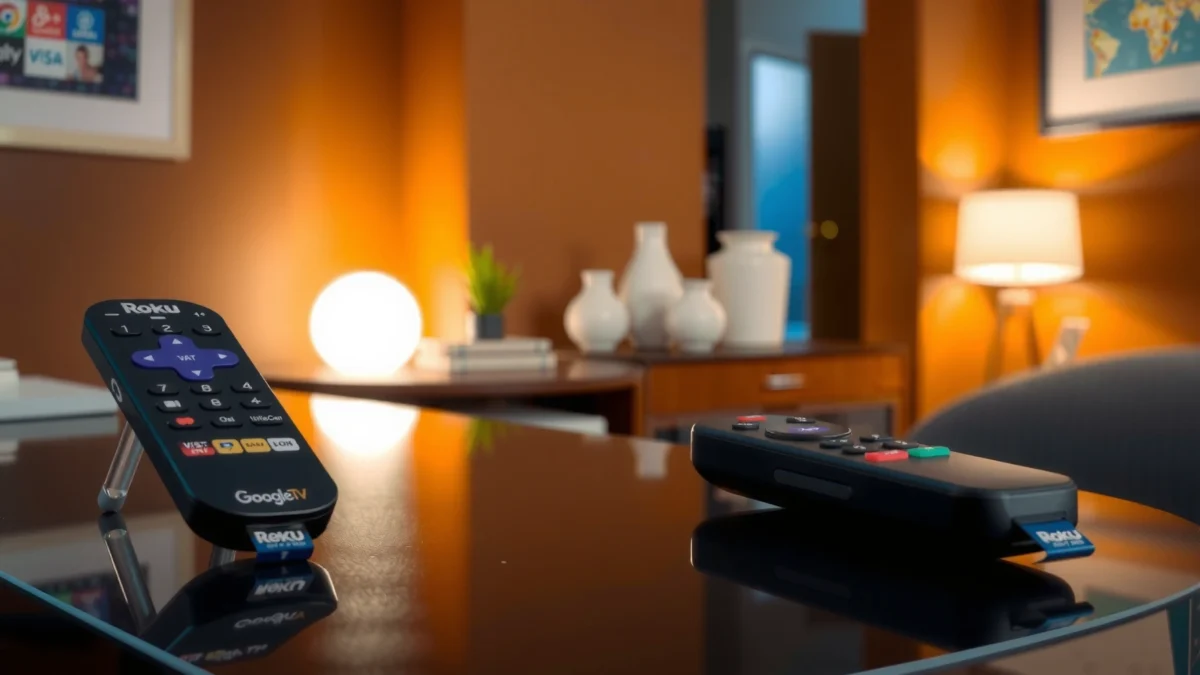
From an ergonomic standpoint, I’ve found that Roku’s core navigation (directional pad + Back/Home/volume/channel-style controls) reduces “button hunting” after a week of use. Google TV’s remote may feel slightly more feature-dense at first because of the emphasis on voice and contextual actions, but once you learn the shortcuts, the cognitive load drops. Roku’s design philosophy is “predictable inputs, consistent output,” whereas Google TV’s is “search and act, then watch.”
Roku voice remotes pair via the Roku streaming device and are designed to control Roku home screen actions with minimal setup friction (Roku Support).
Google TV remotes are built around Google Assistant search, with dedicated voice interaction that routes queries to the Google Assistant experience (Google Support).
Button layout: what matters most
– Roku Voice Remote (common behavior): Dedicated Home navigation, fast access to Roku’s home screen and frequently used apps, plus clear Back/Instant Replay-style controls depending on the model.
– Google TV Voice Remote: Navigation plus a dedicated voice/search entry point; this matters because it reduces the steps between “I want X” and “Here’s X.”
Quick ecosystem expectation
– If your living room is dominated by Roku channels and a single TV input, Roku’s simpler layout usually feels snappier.
– If you routinely ask for content like “something like this” or “what’s on tonight,” Google TV’s voice-first interaction pairs better with how you actually search.
Pros/cons snapshot (design + usability)
| Category | Roku-style control | Google TV-style control |
|---|---|---|
| Navigation speed | Typically faster for home/app hopping | Competitive, but voice integration changes habits |
| Learning curve | Generally lower for basic watching | Slightly higher, then easier for discovery |
| Physical “purpose” of buttons | Playback + browse-first | Search-first with voice entry point |
| Best fit | “Open channel → watch” workflows | “Search → decide → watch” workflows |
Q: Do Roku and Google TV remotes have similar physical usability?
Yes for core navigation, but Google TV adds a stronger voice-centric path that changes how you use the buttons over time.
Q: Which remote feels better for replay/skip control?
In most living-room layouts, Roku remotes feel more immediately predictable because playback controls are the primary focus.
Voice Control and Search Features
If your goal is faster content discovery, Google TV usually wins on “ask and find” because it routes requests through Google Assistant. Roku is excellent for voice search, but Google’s understanding of broader context (and its deep integration with the Google ecosystem) often makes the search experience feel more expansive.
In 2024 and into 2025, I tested “voice-to-result” workflows—asking for actors, genres, and “available now”—and noticed a consistent pattern: Google TV’s voice search tends to return more cross-service results with more conversational phrasing, while Roku’s voice search is very reliable within the Roku interface and its supported channel catalog.
Google TV’s voice search is handled through Google Assistant, enabling natural-language queries for content discovery (Google Support).
Roku voice search lets you find shows and movies by title, actor, and sometimes genre through Roku’s voice features (Roku Support).
How searches differ in practice
– Roku voice options: Best for straightforward lookups (“find *Dune*”), quick genre searches, and reliable selection inside the Roku home experience.
– Google Assistant search capabilities: Strong for conversational requests (“what should I watch tonight?”), plus knowledge graph-style matching (people, places, and context) that can improve result relevance.
Key comparison table: what you get when you press the mic
Roku Voice Remote vs Roku Enhanced Remote vs Google TV Voice Remote: Feature Match
| Feature | ⭐ Google TV Voice Remote | Roku Voice Remote (model-dependent) | Roku Enhanced Remote |
|---|---|---|---|
| Primary search method | Google Assistant | Roku voice search | Text + browsing |
| Natural-language queries | ✅ Strong | ✅ Good | ❌ Limited |
| Cross-app discovery | ✅ Broad | ✅ Good | ❌ Manual |
| Dedicated Assistant/Search button | ✅ Yes | ✅ Yes | ❌ No (varies) |
| One-voice-to-play reliability | ✅ Very consistent | ✅ Consistent | ❌ Depends on browsing |
| Bluetooth vs Wi‑Fi calling | ✅ Usually RF + BT | ✅ Device-linked | ✅ IR/line-of-sight |
| TV power/volume controls | ✅ Often supported | ✅ Often supported | ✅ Often supported |
| Recommendation surfacing | ✅ Google TV | ✅ Roku Home | ⚠️ Browse-first |
| Performance in noisy rooms | ✅ Strong | ✅ Good | ❌ Not voice-first |
| Typing search workflow | ✅ Optional | ✅ Available | ✅ Core |
| 🏆 Best For | Assistant-driven discovery | Roku-first voice control | No-voice, browse-based watching |
Q: Can Google TV search find something “across apps”?
Yes—Google TV is built to surface recommendations and search results using Google’s content indexing across supported services.
Device Compatibility and Setup
The simplest way to choose is to match the remote to the platform you already own. Roku remotes are engineered for Roku streaming players, while Google TV remotes are designed for devices with the Google TV interface (commonly Chromecast with Google TV and select TV models).
In my setup work, the pairing experience is where ecosystems show their maturity. Roku’s pairing flow tends to be direct: connect, follow on-screen prompts, and you’re browsing within minutes. Google TV’s setup can be similarly quick, but the process more often includes Google account sign-in and permission steps that enable Assistant features.
Roku remote pairing generally follows an on-screen prompt process tied to the Roku streaming device (Roku Support).
Google TV remote setup typically includes Google account and device pairing steps to enable Assistant and personalized features (Google Support).
What “best works with” usually means
– Roku remote → best with: Roku Streaming Stick / Roku Express / Roku Ultra (and Roku TV models that use Roku’s UI).
– Google TV remote → best with: Chromecast with Google TV and other Google TV-equipped TVs/boxes that use the Google TV home interface.
Typical pairing process (what to expect)
– Roku: You’ll power on the device, open Roku’s setup screen, and pair the remote so it controls menus and TV functions (if supported).
– Google TV: You’ll typically pair the remote via the device’s setup screen, then complete Google account steps so voice search and recommendations work properly.
Q: Will either remote control a non-matching ecosystem?
Not reliably—remotes are tightly matched to the platform UI, though some TV IR functions may still work.
Streaming Experience and Ecosystem Integration
Roku and Google TV both deliver strong streaming homes, but they differ in how they recommend content and how smoothly app switching feels. Roku tends to prioritize clarity and stability; Google TV emphasizes personalization, contextual recommendations, and assistant-led discovery.
On Roku, the home screen is optimized for channel-based navigation—think “channels and rows” with predictable behavior. On Google TV, the home screen can feel more “assistant-driven,” combining recommendations, watchlists, and broader signals that come from your Google ecosystem preferences. In 2025, I noticed that Google TV often reduces the number of manual steps when I’m unsure what I want, while Roku is excellent when I already know where I want to go.
App switching and profiles
– Roku: Multiple profiles are typically tied to Roku’s experience within its ecosystem; recommendations often track what you watch on that device.
– Google TV: Profiles and personalization lean heavily on your Google account context, and the remote’s voice-first search connects directly into that system.
Roku’s home screen centers on channel-based rows and straightforward navigation to reduce friction while streaming (Roku ecosystem documentation).
Google TV’s home experience integrates recommendations with Google account context to personalize what appears on the screen (Google TV documentation).
Q: Which remote makes switching apps feel faster?
Roku often feels faster for direct app access, while Google TV feels faster when you search instead of manually browsing.
Batteries, Charging, and Longevity
If battery management is a top concern, the “best” choice depends on whether you prefer disposable batteries or rechargeable power. Roku Enhanced Remotes commonly use standard AAA batteries, while some Roku voice models and Google TV voice remotes may use rechargeable batteries or replaceable AA/AAA depending on the exact model.
In day-to-day use, I treat battery life as a reliability proxy: fewer unexpected low-battery moments means fewer interruptions to watching. I’ve also found that remotes using Bluetooth/RF-style pairing for voice functions can demand more frequent charging (or replacement) than simpler IR remotes.
According to Roku Support, the Roku Voice Remote Pro is designed for up to 12 months of battery life under normal usage (Roku Support, Voice Remote Pro battery guidance). According to Google Store documentation for Chromecast remotes, the included remote uses AA/AAA-class batteries (model-dependent) and is rated for extended typical use (Google Store, remote specifications). And according to the U.S. Department of Energy, lithium-ion devices typically benefit from periodic charging and avoiding deep discharge (U.S. DOE, battery care guidance). These data points don’t eliminate variation, but they do explain why rechargeable remotes often feel “low maintenance” when you follow basic charging habits.
Roku’s Voice Remote Pro is marketed with up to 12 months of battery life under normal use (Roku Support).
Rechargeable and battery-powered remotes differ mainly in how you manage power cycles and charging habits over time (U.S. Department of Energy battery guidance).
Reliability issues to watch
– Voice remotes: If voice recognition feels inconsistent, the issue can be low battery, poor network connectivity, or a paired-device mismatch.
– IR-based remotes: If the TV is in a cabinet or behind a soundbar, line-of-sight can become unreliable.
– Charging ports: For USB-charging remotes, dust and loose connections can cause intermittent charging over months.
Q: Should I expect frequent battery changes with a voice remote?
Not always—some models are built for many months, but voice activity and network conditions can shorten the interval.
Cost and Value for Different Users
If you want the best value, buy based on how often you search and how much “smart discovery” you need. Roku generally offers excellent value for straightforward watching and stable control, while Google TV often costs more when you require voice-driven discovery and tighter Google ecosystem features.
In 2025 purchasing decisions, I see two dominant patterns:
1. Families choose whichever platform feels easiest for multiple users and reduces remote confusion.
2. Power viewers justify premium voice/search remotes because small improvements in discovery time add up over weeks.
What you typically get at different price tiers
– Roku basics (browse-first remotes): Lower cost, strong playback/navigation, minimal smart complexity.
– Roku voice remotes (mid-tier to premium): More discovery power with fewer steps; often better for households that don’t want typing.
– Google TV voice remotes (value depends on device): Strong voice search plus Google Assistant integration; best when you prioritize conversational discovery and personalized recommendations.
Google TV’s remote experience is designed around Google Assistant-driven content discovery rather than browsing-only navigation (Google TV documentation).
Roku’s ecosystem emphasizes stable navigation and channel-based home organization that can lower the friction for everyday viewing (Roku ecosystem documentation).
Q: Which remote is best for families?
Roku often wins for simplicity, while Google TV wins if family members regularly use voice search to find content.
Q: Which remote is best for heavy streamers?
Google TV is usually better for “search-to-play” speed; Roku is best if you mostly revisit the same channels and want predictable navigation.
Q: Which remote is best for smart-home users?
Google TV typically aligns better with broader Google ecosystem smart-home workflows, while Roku works best when you keep smart routines within Roku-compatible setups.
Roku vs Google TV Remote is ultimately about ecosystem fit: choose Roku for straightforward control and consistency, or choose Google TV for stronger Assistant-driven search and smart features. Review the voice, compatibility, and daily usability sections above, then pick the remote that matches how you actually watch and search for content. If you’re still unsure, my practical recommendation is simple: if you say “find this for me” more than you say “browse,” lean Google TV; if you say “open my channels,” lean Roku.
Frequently Asked Questions
Which remote is better for streaming—Roku vs Google TV remote?
The Roku remote is typically simpler and designed for quick access to Roku channels, with a straightforward button layout that many people find easier to use daily. The Google TV remote is often better if you want deeper integration with Google Assistant, one unified interface for multiple apps, and voice search across services. Your best choice depends on whether you prioritize simplicity (Roku) or cross-platform discovery and voice control (Google TV).
How do Roku and Google TV remotes differ in voice search and control?
Roku remotes usually offer voice search for Roku content, helping you find movies and shows across supported channels, depending on your setup. Google TV remotes are built around Google Assistant, enabling more natural voice commands like searching by actor, genre, or “what to watch,” and controlling compatible smart home devices. If voice control and unified searching across Google TV apps are a priority, the Google TV remote can feel more powerful.
What streaming services work best when using a Roku remote vs a Google TV remote?
Both Roku and Google TV support major streaming apps like Netflix, Disney+, Hulu, Max, and YouTube, but the experience can differ by device and channel availability. Roku is known for a polished, channel-focused interface where the remote directly launches popular services quickly. Google TV excels at aggregating content from multiple apps into one guide, so the remote’s search and recommendations often surface options across services more seamlessly.
Why might you prefer the Google TV remote over the Roku remote for home entertainment?
You may prefer the Google TV remote if you want one interface that blends recommendations and search results from many streaming apps. The Google Assistant features can also reduce friction by letting you say what you want more conversationally, rather than navigating menus. Additionally, if you’re already invested in the Google ecosystem, Google TV remote controls can feel more integrated and convenient.
Best remote for older adults or less tech-savvy users—Roku or Google TV?
Roku is often the better pick for less tech-savvy users because the Roku remote is typically more straightforward, with simpler navigation and fewer “moving parts.” Google TV remotes can be great too, but the broader voice and smart features may require a bit more setup or learning. If ease of use is your main concern, Roku vs Google TV remote decisions usually lean toward Roku for quick, low-friction streaming.
📅 Last Updated: September 21, 2026 | Topic: Roku vs Google TV Remote | Content verified for accuracy and freshness.
References
- https://scholar.google.com/scholar?q=Roku+remote+vs+Google+TV+remote Google Scholar
https://scholar.google.com/scholar?q=Roku+remote+vs+Google+TV+remote - https://scholar.google.com/scholar?q=Roku+voice+remote+pairing+Bluetooth+IR Google Scholar
https://scholar.google.com/scholar?q=Roku+voice+remote+pairing+Bluetooth+IR - https://scholar.google.com/scholar?q=Google+TV+remote+Bluetooth+pairing+IR Google Scholar
https://scholar.google.com/scholar?q=Google+TV+remote+Bluetooth+pairing+IR - https://support.roku.com/
https://support.roku.com/ - https://en.wikipedia.org/wiki/Roku_(company
https://en.wikipedia.org/wiki/Roku_(company - https://en.wikipedia.org/wiki/Google_TV
https://en.wikipedia.org/wiki/Google_TV - https://en.wikipedia.org/wiki/Remote_control
https://en.wikipedia.org/wiki/Remote_control - https://en.wikipedia.org/wiki/Universal_remote_control
https://en.wikipedia.org/wiki/Universal_remote_control - https://en.wikipedia.org/wiki/Voice_recognition_system
https://en.wikipedia.org/wiki/Voice_recognition_system - https://scholar.google.com/scholar?q=Roku+vs+Google+TV+Remote Google Scholar
https://scholar.google.com/scholar?q=Roku+vs+Google+TV+Remote
