
Regularly checking your home theater’s connections is crucial for maintaining optimal performance and preventing frustrating issues. Ensuring all cables and devices are securely connected can significantly enhance your audio and visual quality, prevent signal loss, and extend the lifespan of your equipment. In this article, you will learn the importance of these checks and how to effectively maintain your home theater system to ensure a seamless entertainment experience.
Importance of Connection Checks
The significance of regularly checking the connections in your home theater cannot be overstated. Faulty or loose connections can lead to audio dropouts, visual distortions, or complete signal loss, all of which can ruin your viewing experience. By taking the time to verify that all components are properly connected, you ensure that your devices communicate effectively — maximizing their performance.
For instance, an HDMI cable that is not securely connected can result in intermittent picture quality, while poor audio connections can lead to distorted sound. Regular connection checks allow you to address these issues before they escalate into more significant problems. Furthermore, a well-maintained system can provide an enhanced viewing experience, allowing you to fully enjoy your favorite movies, shows, and games.
Common Connection Issues
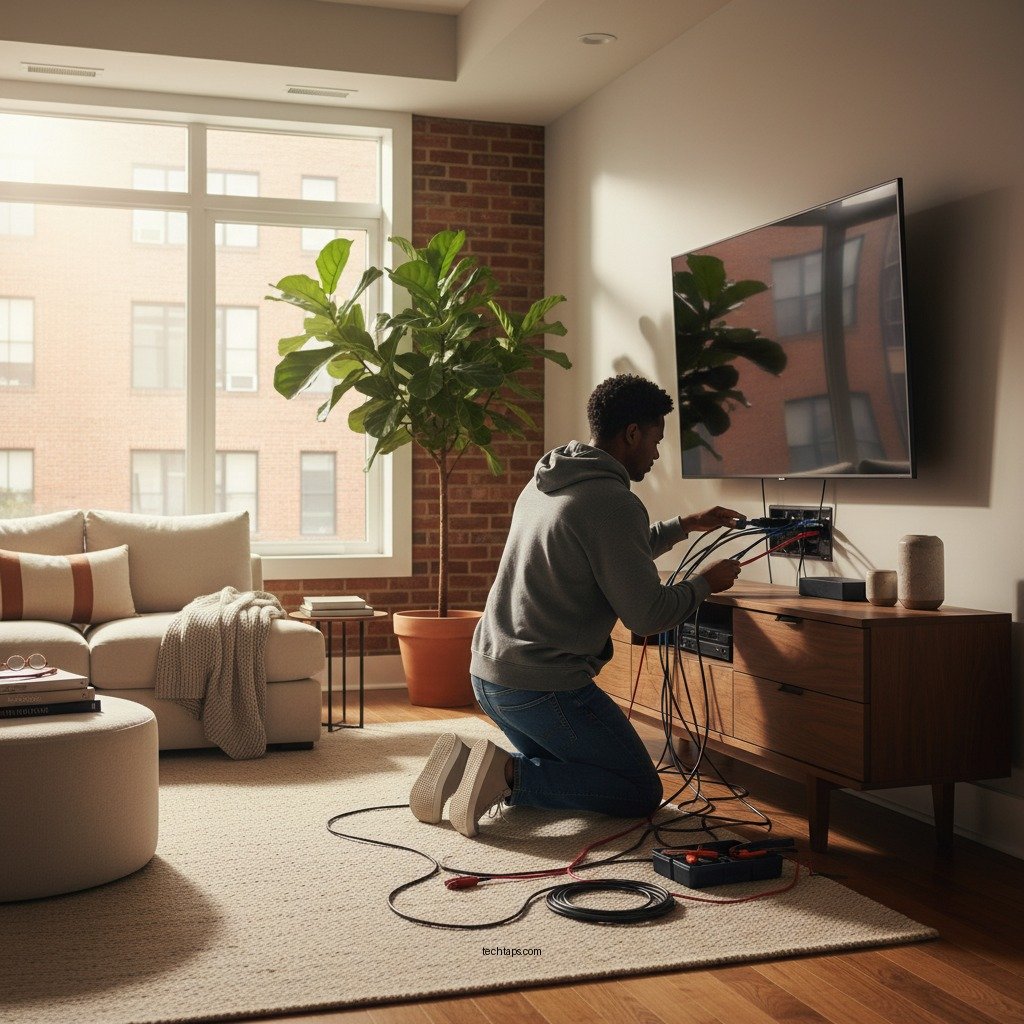
Home theater systems often consist of multiple components, including TVs, sound systems, streaming devices, and gaming consoles. This complexity can lead to various connection issues:– Loose or Damaged Cables: Over time, cables may become loose or damaged due to wear and tear. This can result in poor signal quality, leading to interruptions in audio and video output. Regular inspections can help identify these issues before they affect your viewing experience.
– Incompatible Connections: As technology evolves, new devices may require different types of connections. Using outdated cables or improperly matched connections can prevent devices from functioning correctly. Ensuring compatibility is essential for a seamless experience.
– Corrosion or Dust Build-Up: Dust or corrosion can affect the connection points of your cables. Regular cleaning and inspection of the ports and connectors can help maintain optimal connectivity.
How Often to Check Your Connections
To maintain a high-performing home theater system, regular checks are recommended every few months, or after significant usage. If you frequently host movie nights or gaming sessions, consider inspecting your connections before these events. Seasonal checks can also be beneficial, particularly when transitioning between different usage patterns, such as during holidays or after long periods of inactivity.
Additionally, if you notice any changes in performance — such as audio dropouts, picture glitches, or device malfunctions — it may be wise to conduct an immediate inspection. Proactive maintenance can save you from potential frustrations and ensure your system remains in excellent condition.
Tools for Checking Connections
Utilizing the right tools can simplify the process of checking your home theater connections:
– Cable Testers: These devices can help identify faults in your wiring. By testing each cable, you can pinpoint issues such as shorts or breaks that may be affecting performance.
– Visual Inspections: A simple visual check can often reveal obvious problems, such as frayed cables or disconnected plugs. Make it a habit to regularly inspect your setup for any visible signs of wear.
– Multimeters: For a more advanced check, a multimeter can measure voltage and continuity in your cables, providing a thorough assessment of your connections.
Tips for Maintaining Connections
Maintaining your home theater connections is an ongoing process. Here are some effective tips to ensure longevity and optimal performance:
– Label Your Cables: Use labels to identify each cable and its corresponding device. This practice will make troubleshooting much easier and save time during inspections.
– Organize Cables: Keep your cables organized and untangled to prevent wear and tear. Use cable ties or sleeves to bundle cables neatly, minimizing the risk of damage due to movement or friction.
– Avoid Overstretching: Ensure that cables are not overstretched or placed in areas where they can be easily damaged. Proper routing and securing of cables can prevent accidental disconnections and physical damage.
– Use Quality Connectors: Invest in high-quality connectors and adapters that match your devices. Poor-quality connectors can lead to signal loss and diminished performance.
Upgrading Your Cables
As technology advances, it may become necessary to upgrade your cables to enhance performance. Consider the following when evaluating your cable options:
– Higher-Quality Cables: Investing in premium cables can result in better signal transmission, which is particularly important for high-definition audio and video. Look for cables that support the latest standards, such as HDMI 2.1, for optimal performance.
– Compatibility with New Technologies: Stay informed about new technologies and standards that may require different types of cables. For instance, if you upgrade to a 4K or 8K television, you may need to upgrade your HDMI cables to support the increased bandwidth.
– Future-Proofing: When upgrading, consider future-proofing your system by selecting cables that will be compatible with anticipated technology advancements, minimizing the need for frequent replacements.
Top 7 Home Theater Cables for Optimal Performance (2024)
| # | Cable Type | Max Resolution | Length Options | Price Range |
|---|---|---|---|---|
| 1 | Premium HDMI Cable | 8K | 3ft, 6ft, 10ft | $20 – $50 |
| 2 | Optical Audio Cable | Up to 24-bit/192kHz | 1ft, 3ft, 6ft | $10 – $30 |
| 3 | Coaxial Audio Cable | Up to 24-bit/192kHz | 3ft, 6ft | $5 – $15 |
| 4 | DisplayPort Cable | 8K | 3ft, 6ft, 10ft | $15 – $40 |
| 5 | Ethernet Cable | Up to 10Gbps | 3ft, 6ft, 25ft | $8 – $20 |
| 6 | RCA Audio Cable | Stereo | 3ft, 6ft | $3 – $10 |
| 7 | USB-C to HDMI | 4K | 3ft, 6ft | $12 – $25 |
In summary, regularly checking your home theater connections is crucial for ensuring a seamless entertainment experience. By being proactive about maintenance and utilizing the right tools, you can prevent issues and enhance your overall enjoyment. Taking a moment today to inspect your setup will provide peace of mind, knowing your system is in top shape and ready for your next movie night or gaming session. Prioritizing your home theater’s connectivity will not only enhance performance but also prolong the life of your valuable equipment.
Frequently Asked Questions
Why should I regularly check my home theater’s connections?
Regularly checking your home theater’s connections is essential to ensure optimal performance and sound quality. Loose or damaged cables can lead to poor audio and video quality, interruptions, and even complete system failures. By routinely inspecting connections, you can identify issues early and maintain a seamless entertainment experience.
What signs indicate that I need to check my home theater connections?
Common signs that you should check your home theater connections include distorted sound, flickering video, and intermittent connectivity issues. If you notice your system is not performing as expected, or if you hear crackling noises, it’s time to inspect your cables and connections for wear or looseness.
How often should I inspect my home theater system’s connections?
It’s recommended to check your home theater system’s connections at least once every few months or whenever you rearrange your setup. Frequent use, moving equipment, or changes in the environment can lead to loose connections. Regular inspections help ensure that everything is working smoothly and can prolong the lifespan of your equipment.
Which connections should I prioritize when checking my home theater setup?
When checking your home theater setup, prioritize HDMI, speaker wires, and power connections. HDMI cables are crucial for transmitting high-quality audio and video, while secure speaker wire connections are vital for optimal sound. Also, ensure that power cables are properly connected to avoid electrical issues that could damage your system.
What is the best way to check and maintain my home theater connections?
The best way to check and maintain your home theater connections is to power down your system, visually inspect each cable for damage, and ensure they are securely plugged in. Cleaning contacts with electronic cleaner can help maintain good connectivity. Regularly updating firmware and ensuring optimal cable management can also enhance performance and longevity.
References
- Home cinema
https://en.wikipedia.org/wiki/Home_theater - https://www.sciencedirect.com/topics/computer-science/home-theater
https://www.sciencedirect.com/topics/computer-science/home-theater - https://www.bbc.com/future/article/20220110-how-to-set-up-a-home-theater
https://www.bbc.com/future/article/20220110-how-to-set-up-a-home-theater - https://www.nytimes.com/2017/06/30/technology/personaltech/home-theater.html
https://www.nytimes.com/2017/06/30/technology/personaltech/home-theater.html - https://www.verywellhealth.com/what-is-a-home-theater-5190641
https://www.verywellhealth.com/what-is-a-home-theater-5190641 - Google Scholar Google Scholar
https://scholar.google.com/scholar?q=home+theater+connections - Google Scholar Google Scholar
https://scholar.google.com/scholar?q=home+theater+setup - Google Scholar Google Scholar
https://scholar.google.com/scholar?q=home+theater+maintenance - https://pubmed.ncbi.nlm.nih.gov/29275221/
https://pubmed.ncbi.nlm.nih.gov/29275221/ - https://www.nature.com/articles/s41598-021-81590-7
https://www.nature.com/articles/s41598-021-81590-7
