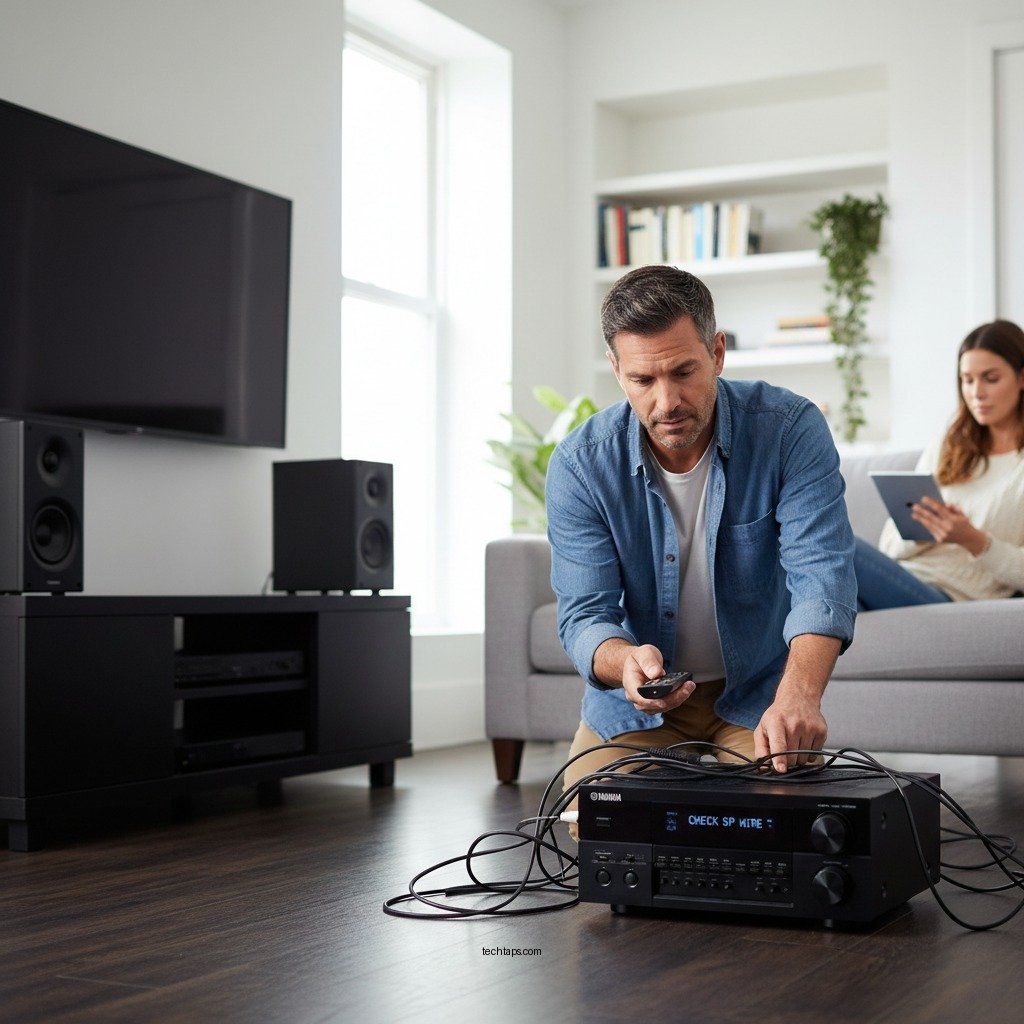
If your Yamaha surround sound system isn’t working, there are several troubleshooting steps you can take to resolve the issue quickly. This guide will provide you with effective solutions, from checking connections to adjusting settings, ensuring you can enjoy your surround sound experience without interruption. Yamaha surround sound systems are known for their high-quality audio performance, but like any electronic device, they can encounter issues that affect functionality. By systematically addressing potential problems, you can restore the immersive audio experience that these systems are designed to deliver.



Check Connections and Cables
The first step in troubleshooting your Yamaha surround sound system is to check all connections and cables. This includes ensuring that all audio cables are securely connected to both the receiver and the speakers. Loose connections can lead to intermittent sound or complete audio failure. Additionally, inspect the cables for any visible damage, such as frays or kinks, which could compromise sound quality or connectivity.
If you’re using HDMI cables, ensure they are High-Speed HDMI cables, as standard cables may not support the necessary bandwidth for surround sound formats. It’s also advisable to switch cables if you suspect they may be faulty, as a defective cable can often lead to audio problems.
Verify Audio Source Settings
Next, confirm that the correct input source is selected on your Yamaha receiver. Many users might overlook this step, especially if multiple devices are connected. Use the remote control or the front panel of the receiver to cycle through the input options until you find the correct one for your desired audio source, such as a Blu-ray player, game console, or streaming device.
Moreover, check the audio settings on your television or other devices to ensure they are compatible with your Yamaha system. For instance, if your TV audio output is set to “TV Speakers” instead of “External Speakers” or “Audio System,” the surround sound system will not function as intended.
Update Firmware and Software
Keeping your Yamaha receiver’s firmware and software up to date is crucial for optimal performance. Manufacturers frequently release updates to fix bugs, improve functionality, and enhance compatibility with new devices. To check for updates, access the menu on your receiver and navigate to the settings or system update section.
Follow the manufacturer’s instructions for downloading and installing updates, which usually involves connecting the receiver to the internet. Regularly updating your device not only resolves persistent issues but also ensures you benefit from the latest features and enhancements.
Adjust Speaker Settings
Proper speaker configuration is essential for achieving the best surround sound experience. Access the setup menu of your Yamaha receiver and adjust the speaker distances and levels to ensure optimal sound distribution throughout the room. Each speaker should be set to the correct distance from the listening position to ensure synchronized sound delivery.
Additionally, if your Yamaha receiver has an automatic calibration feature, utilize it to fine-tune speaker settings. This feature typically uses a microphone to analyze the room acoustics and adjust the speaker levels accordingly, resulting in a more immersive audio experience.
Common Issues with Yamaha Surround Sound Systems
| # | Issue | Cause | Solution | Severity |
|---|---|---|---|---|
| 1 | No Sound | Loose Connections | Check all cable connections | High |
| 2 | Distorted Audio | Faulty Cables | Replace damaged cables | Medium |
| 3 | Delayed Sound | Improper Setup | Adjust speaker settings | Medium |
| 4 | No Surround Sound | Incorrect Settings | Verify audio source settings | High |
| 5 | Firmware Issues | Outdated Software | Update firmware | Medium |
| 6 | Overheating | Poor Ventilation | Ensure proper airflow | Low |
| 7 | Audio Sync Issues | Delayed Processing | Adjust audio delay settings | Medium |
Test with Different Media
To determine if the sound issue is related to a specific file or format, test your Yamaha surround sound system with various audio and video sources. Play a mix of media types, including streaming services, DVDs, and video games, to see if the problem persists across all formats. If the sound works with some sources but not others, it may indicate a compatibility issue with specific codecs or formats rather than a problem with the surround sound system itself.
Using known good sources, such as a high-quality Blu-ray disc or a popular streaming service with a robust audio track, can help rule out problems with the media. If the surround sound works with these sources, focus your troubleshooting efforts on the problematic media.
Reset the Receiver
If you’ve tried all the above steps and the surround sound system is still not functioning correctly, consider performing a factory reset on your Yamaha receiver. This should be a last resort, as a reset will erase all custom settings and preferences. To reset, refer to the user manual for your specific model, as the reset process can vary between models.
After performing the reset, you will need to reconfigure your settings, including speaker setup and audio preferences. This step can resolve persistent issues by restoring the receiver to its original factory settings, thereby eliminating any software glitches or incorrect configurations that may have developed over time.
Seek Professional Help
If problems persist after trying the above solutions, it may be time to seek professional help. Contact Yamaha customer support for assistance, as they can provide tailored troubleshooting based on your specific model and situation. Additionally, local audio-visual professionals can offer diagnostic services for complex issues that may not be easily resolved at home.
Professionals can often identify hardware issues, such as faulty components or compatibility problems, which may require repairs or replacements. Investing in professional help can save time and frustration, ensuring your system is restored to optimal performance.
By following these steps, you should be able to identify and fix the issue with your Yamaha surround sound system. If you find that the problem persists despite your efforts, don’t hesitate to reach out for professional assistance to ensure your system is up and running smoothly. Remember, maintaining your audio equipment through regular updates and proper setup can prevent many issues before they arise, allowing you to enjoy an immersive sound experience.
Frequently Asked Questions
What are the common reasons for Yamaha surround sound not working?
Common reasons for Yamaha surround sound not working include incorrect audio settings, faulty connections, or outdated firmware. Additionally, issues such as incompatible audio formats or a malfunctioning receiver can also contribute to the problem. To diagnose the issue, check all connections and settings on your Yamaha device and ensure everything is properly configured.
How can I troubleshoot my Yamaha surround sound system?
To troubleshoot your Yamaha surround sound system, start by checking the speaker connections and ensuring they are secure. Next, verify that the correct input source is selected on the receiver and that the audio settings are properly adjusted. If the problem persists, consider resetting the receiver to factory settings or updating the firmware to the latest version.
Why is my Yamaha receiver not detecting surround sound formats?
If your Yamaha receiver is not detecting surround sound formats, it may be due to an unsupported audio format being sent from the source device. Ensure that your source device is set to output a compatible format, such as Dolby Digital or DTS. Additionally, check your HDMI or optical connections, as faulty cables can prevent proper format recognition.
What is the best way to reset my Yamaha surround sound system?
The best way to reset your Yamaha surround sound system is to perform a factory reset through the receiver’s settings menu. Navigate to the ‘Setup’ or ‘System’ section, find the ‘Reset’ option, and follow the on-screen instructions. This process will restore all settings to their default values, which can often resolve persistent sound issues.
Which HDMI settings should I check if my Yamaha surround sound isn’t working?
If your Yamaha surround sound isn’t working, check the HDMI settings for features like ARC (Audio Return Channel) and CEC (Consumer Electronics Control). Ensure that the HDMI cable is connected to the correct ports on both the receiver and the TV, and verify that the audio output settings on the TV are set to use the external receiver. These settings are crucial for ensuring seamless audio transmission.
References
- Surround sound
https://en.wikipedia.org/wiki/Surround_sound - https://www.sciencedirect.com/topics/engineering/surround-sound
https://www.sciencedirect.com/topics/engineering/surround-sound - Google Scholar Google Scholar
https://scholar.google.com/scholar?q=Yamaha+surround+sound+troubleshooting - https://pubmed.ncbi.nlm.nih.gov/
https://pubmed.ncbi.nlm.nih.gov/ - https://www.bbc.com/news/technology-56823233
https://www.bbc.com/news/technology-56823233 - https://www.nytimes.com/2020/09/14/technology/what-is-surround-sound.html
https://www.nytimes.com/2020/09/14/technology/what-is-surround-sound.html - https://www.reuters.com/technology/what-you-need-know-about-surround-sound-2020-09-15/
https://www.reuters.com/technology/what-you-need-know-about-surround-sound-2020-09-15/ - Google Scholar Google Scholar
https://scholar.google.com/scholar?q=Yamaha+audio+issues+solutions - https://www.sciencedirect.com/science/article/pii/S1877050919314696
https://www.sciencedirect.com/science/article/pii/S1877050919314696 - https://www.nature.com/articles/s41598-019-53529-0
https://www.nature.com/articles/s41598-019-53529-0



