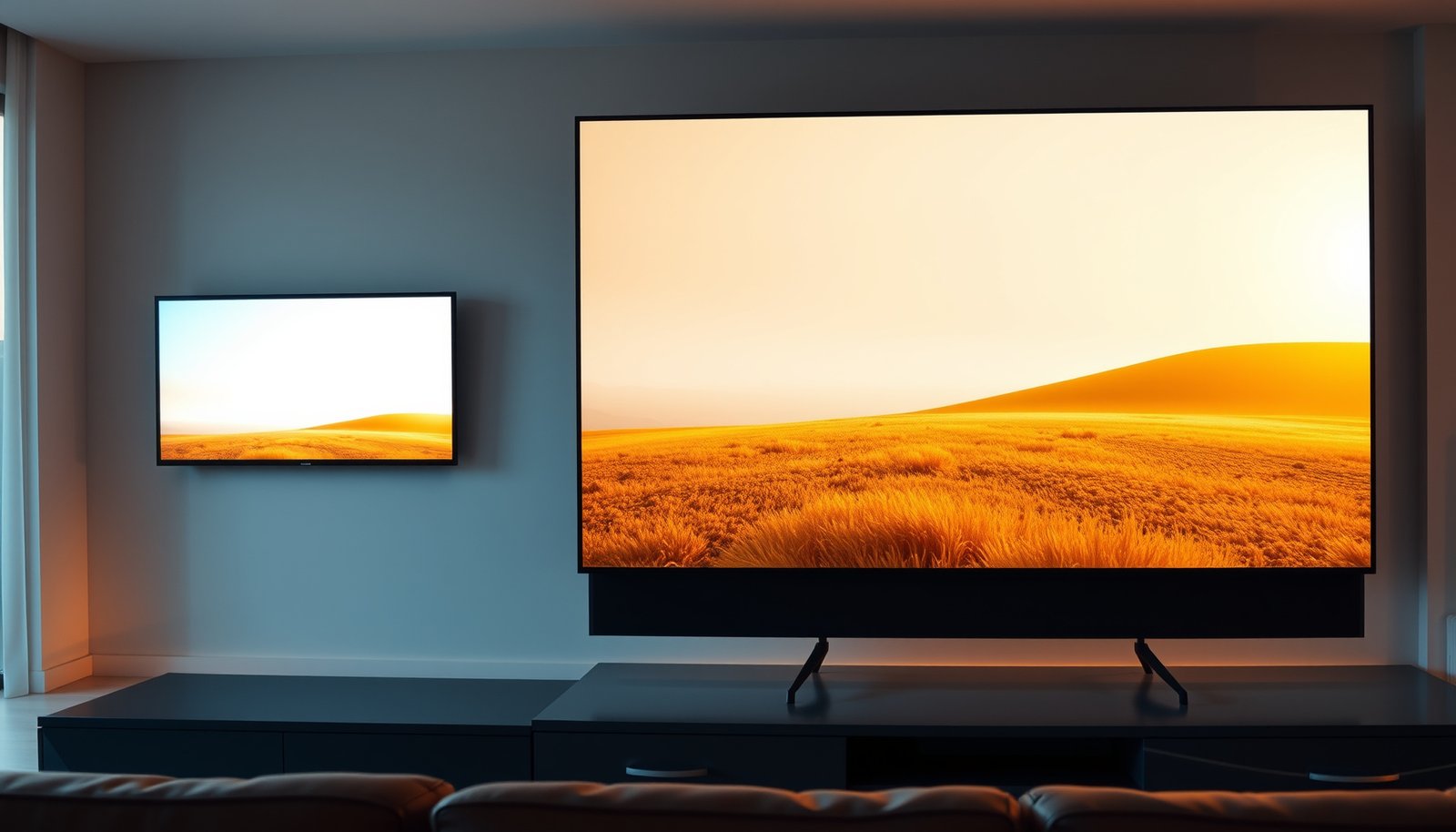
If you’re choosing between a 32-inch vs a 40-inch TV, you want a clear winner for your room size—not a guess. This guide answers which TV size delivers the best viewing experience based on your viewing distance and where the screen will sit. Use it to decide quickly whether 32-inch is the smarter fit for smaller spaces or 40-inch is the step up that actually feels bigger without overwhelming the room.



If you’re deciding purely by comfort and “wow” factor, a 40-inch TV is usually the better pick—as long as your viewing distance and wall/stand fit are realistic. A 32-inch TV makes more sense when the room is smaller, you sit closer, or you want better value without paying for extra screen size.
A good size choice isn’t about “bigger is always better”—it’s about whether your 32-inch or 40-inch TV lands at the right viewing distance, stays readable for menus/text, and matches the inputs and mounting constraints you actually have. As of 2026, most people are pairing these sizes with 4K streaming boxes, consoles, and soundbars, so the decision should reflect how you watch every day—not just the diagonal inches.
Who this comparison is for (and when 32-inch wins)
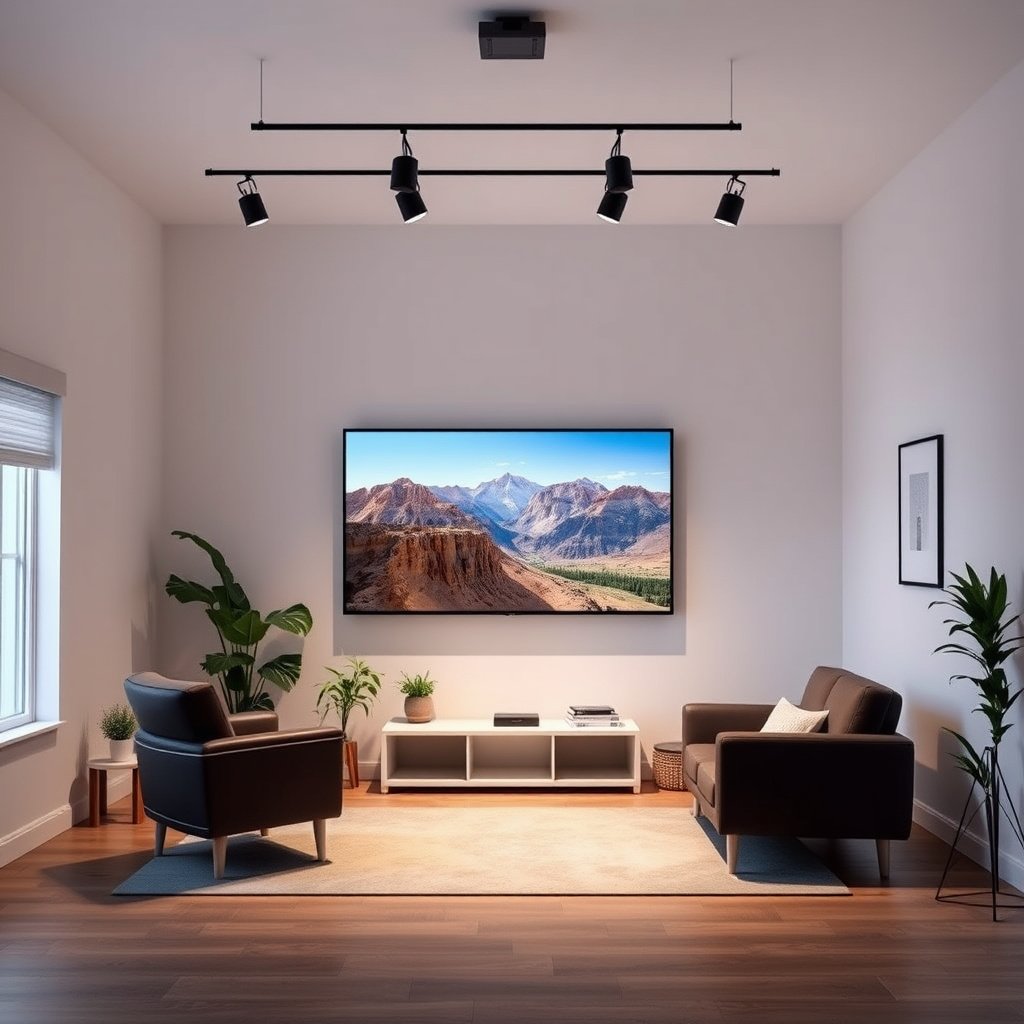
If you’re trying to choose between 32-inch and 40-inch TVs for a smaller space, 32-inch often wins when comfort, readability, and budget matter more than screen presence. If you have typical living-room seating distance and want a more immersive image, 40-inch usually feels more satisfying.
This comparison is for bedrooms, kitchens, dorm rooms, and compact living areas where wall space and viewing distance are limited. It’s also for anyone who watches a lot of text-heavy content—cable guides, sports tickers, YouTube subtitles, and streaming menus—because a 32-inch TV can keep details legible without you leaning in.
A 32-inch TV is typically the safer choice when your seating puts you close enough that overscanning text becomes uncomfortable.
A 40-inch TV can feel dramatically more immersive, but only when your viewing distance keeps the whole screen comfortably inside your natural field of view.
If you’re unsure, start by checking two things: the physical space around the TV (including stand width or wall clearance) and the distance from your favorite seat to the screen. Once those match your 32-inch vs 40-inch decision, then it’s worth drilling into resolution, input options, and motion/gaming features.
Viewing distance: the #1 factor behind “too small” vs “too big”
If you want a quick rule that prevents regret, measure viewing distance first—because comfort is usually the deciding factor between 32-inch and 40-inch. In most rooms, the “too small” feeling comes from sitting too close to a 32-inch TV, while the “too big” problem is usually from sitting too close to a 40-inch TV.
Start by measuring from your usual seat position to where the TV screen will sit—stand surface or the wall-mounted screen position. Then use a recognized viewing-angle guideline to sanity-check the size. THX’s widely cited cinema guidance is commonly represented as a ~40° viewing angle (often described as “the 40-degree rule” for immersive viewing), and it’s a useful sanity check when you’re comparing 32-inch vs 40-inch.
To make this practical: for a 16:9 TV where the viewing angle is based on the diagonal, distance ≈ (diagonal/2) / tan(20°). Using that math, a 32-inch TV lands at roughly 3.7 feet (about 1.1 m) for a comfortable “immersive” diagonal-angle target; a 40-inch TV lands around 4.6 feet (about 1.4 m).
THX guidance is commonly referenced as targeting about a 40° viewing angle for immersive viewing, which translates to different comfortable distances for different diagonals.
If your seating distance is fixed (like a desk or small couch), the “right” choice is the one that keeps text and motion comfortable—often 32-inch for closer seating.
A quick look at screen size realities (16:9)
The move from 32-inch to 40-inch isn’t just “more inches”—it’s more screen width and more pixel density change when both are 4K. The table below uses standard 16:9 geometry to show typical width/height and approximate pixel density for 4K UHD (3840×2160).
16:9 TV Sizes Compared (Screen Dimensions + 4K Pixel Density)
| # | TV size (diagonal) | Screen width | Screen height | 4K PPI (approx.) | “Bigger” impact |
|---|---|---|---|---|---|
| 1 | 24-inch | 20.92 in | 11.77 in | 183.6 | — |
| 2 | 28-inch | 24.41 in | 13.73 in | 157.4 | ★ |
| 3 | 32-inch | 27.89 in | 15.69 in | 137.7 | ★★ |
| 4 | 36-inch | 31.37 in | 17.65 in | 122.4 | ★★★ |
| 5 | 40-inch | 34.86 in | 19.61 in | 110.2 | ★★★★ |
| 6 | 43-inch | 37.49 in | 21.07 in | 102.5 | ★★★★ |
| 7 | 50-inch | 43.58 in | 24.51 in | 88.1 | ★★★★★ |
The key takeaway for 32-inch vs 40-inch TVs: at the same 4K resolution, the 40-inch model has lower pixel density (PPI). That doesn’t automatically mean “worse,” but it can make compressed streaming look slightly more apparent if you sit close or if your source quality is inconsistent.
Picture and performance: size isn’t the same as quality
If you want the best picture, the panel and processing matter more than the diagonal. A 40-inch TV can deliver a better viewing experience than a 32-inch TV, but only when both models have comparable brightness, upscaling quality, and motion handling.
A bigger screen changes the “budget math” of image quality. If both TVs are 4K, they share the same 3840×2160 pixel format; however, the 40-inch TV’s lower pixel density can reveal artifacts more readily when the content is compressed (typical of many cable channels and lower-bitrate streaming tiers). Meanwhile, some 40-inch models compensate with better processing, higher peak brightness, or more effective local dimming—features that can improve contrast and reduce perceived banding.
For gaming and fast motion, size is irrelevant; specs are not. What you’re really buying is support for relevant HDMI features, refresh rate modes, and how the TV handles motion blur and response time. Because manufacturers describe these differently, always match your game console (or PC) output format to the TV’s input capabilities.
Even when both TVs are 4K, a 40-inch screen can make compression artifacts more noticeable because each pixel is physically larger at the same resolution.
Gaming smoothness depends on HDMI bandwidth and supported refresh-rate modes, not on diagonal size—always verify the exact HDMI and refresh-rate support in the model’s spec sheet.
Here’s a practical comparison (in plain language) for 32-inch vs 40-inch TVs when the goal is “best quality per dollar”:
| Factor to compare | What to look for on the spec sheet | Tends to favor 32-inch | Tends to favor 40-inch |
|---|---|---|---|
| Peak brightness | Actual nits rating (if listed) or HDR performance notes | Sometimes | Often (but not guaranteed) |
| Local dimming | Presence + type (if supported) | Less common | More common on some midrange lines |
| Upscaling | “AI upscaling” / processing engine + how it handles SD/HD | If quality is similar, smaller screen can hide artifacts | Can reveal more artifacts if upscaling is weaker |
| Motion handling | Response handling, motion smoothing, blur reduction features | Smaller motion can feel cleaner | Larger motion can expose processing weaknesses |
| Audio | Built-in speaker power is rarely the deciding factor | Similar | Similar (soundbar often needed either way) |
| HDMI ports | Number of HDMI ports and which ones support higher bandwidth modes | Often fine | More ports can matter if you run multiple devices |
| Gaming modes | “Game Mode,” VRR support, ALLM | Sometimes fewer features | Sometimes more features (if it’s a higher tier) |
| Smart platform reliability | App support and performance | Similar | Similar, but bigger models sometimes ship newer firmware |
| Viewing angle | IPS vs VA behavior | Depends on panel type | Depends on panel type |
If you’re shopping in 2026 and comparing two models from the same brand line, it’s common to find that the 40-inch variant is either (a) a closer match in features than you’d expect or (b) a case where the extra size comes with fewer “useful” ports—so don’t assume.
Room fit and mounting: where 40-inch can become a hassle
If you want fewer surprises, verify physical dimensions and mounting compatibility before you decide on 32-inch vs 40-inch. The diagonal size rarely tells the whole story—stand width, cable clearance, and VESA placement can make a “perfect” TV feel awkward.
For a stand setup, confirm the TV’s width including the stand’s footprint (not just the screen size). For wall mounting, verify VESA compatibility—VESA is the industry standard that defines mounting hole patterns for displays. Then check clearance: you need room for HDMI cables, power, and any required ventilation behind the TV.
Glare is the other practical issue. Larger screens can “open up” the room visually, but they also cover more reflective surface area. If you have windows or bright overhead lighting, a 40-inch TV may make reflections more noticeable compared with a 32-inch.
VESA mounting compatibility is determined by the TV’s specific VESA hole pattern and weight rating—not by the screen diagonal.
Stand footprint matters: a 40-inch TV can occupy significantly more space than its diagonal suggests because the stand often extends beyond the screen edges.
HDMI + mounting checklist that prevents last-minute issues
If you’re deciding between 32-inch and 40-inch TVs, treat mounting like installation engineering. Measure the distance from the mounting point to where you’ll route power and cables. Then confirm you won’t block IR receivers, ports, or speaker grilles with a deep wall mount.
Also verify that your soundbar or AVR setup has compatible audio formats and the required ports—this is one area where a 32-inch model might still outperform a 40-inch one if it offers better ARC/eARC support or enough HDMI bandwidth for your devices.
Price and value: how to avoid paying for the wrong thing
If you want value, compare the feature bundle, not the inches. In many lineups, 40-inch TVs cost more—and sometimes that extra cost buys only screen area, not better brightness, better motion, or more future-proof inputs.
When you compare 32-inch vs 40-inch pricing, check the “hidden” value drivers: the number and type of HDMI ports, whether any HDMI ports support higher bandwidth modes, and how the TV handles streaming apps. A 40-inch model that trims useful ports (or uses a weaker smart platform) can be a worse daily experience than a better-equipped 32-inch.
If your content is mostly streaming at varying bitrates, prioritize TVs with strong upscaling and good motion handling. If your content is mostly high-quality sources—4K discs, top-tier streaming, or local media—then the size advantage of a 40-inch TV can feel more consistently rewarding.
A 40-inch TV can be the better value only if its HDMI feature set and picture processing are at least comparable to the 32-inch option.
If the cheaper 32-inch model includes more useful HDMI ports or stronger processing at similar resolution, it can deliver a better “overall” result despite the smaller screen.
What can go wrong with the “just go bigger” idea
If you jump to 40-inch without checking distance and fit, the most common problems are discomfort, worse perceived quality from compressed sources, and mounting surprises. The diagonal alone can’t predict whether your 32-inch or 40-inch TV will feel effortless—or annoying—after a week.
Here are the real-world failure modes that show up most often when people move from 32-inch to 40-inch TVs:
1. It feels overwhelming: Sit too close and you’ll do extra head/eye movement, especially with sports scoreboards and subtitles.
2. It exposes low-quality sources: Bigger screens often make streaming compression artifacts easier to spot.
3. Mounting surprises: Cable clearance and stand footprint are frequently underestimated.
4. Feature mismatch: A 40-inch model can have fewer HDMI ports or weaker gaming support than a 32-inch sibling.
5. Confusing resolution vs processing: Two “4K” TVs can still upscale differently and handle motion differently.
Sitting closer than recommended can make larger TVs feel tiring because your eyes must track more on-screen movement and smaller text.
If your viewing is heavy on compressed streams, screen size can increase the visibility of artifacts even when both TVs claim 4K.
Pros/cons comparison to keep decisions grounded
| Consideration | 32-inch TV (typical upside) | 32-inch TV (typical downside) | 40-inch TV (typical upside) | 40-inch TV (typical downside) |
|---|---|---|---|---|
| Close seating | More comfortable for desk/bed setups | Less immersive on larger couches | Feels more “cinematic” from the right distance | Can overwhelm if you sit too close |
| Text readability | Menus and tickers stay easy | Less presence for movies | Bigger text elements on screen | Smaller text can be harder if you sit close |
| Compressed sources | Artifacts are often less noticeable | — | Larger area can reveal compression weaknesses | More visible banding/blocks if processing is weak |
| Mounting flexibility | Often easier due to smaller footprint/stand | — | Can still work well wall-mounted | Stand footprint/cable clearance can be tighter |
| Feature consistency | Sometimes better value at similar price tiers | Fewer “big model” upgrades | More likely to include premium processing in some lines | Not guaranteed—verify HDMI + motion features |
Verdict / tip: choose 40-inch for comfort *if fit and distance check out*
Pick 40-inch if you have enough space to view comfortably from your main seating distance and you want a more immersive experience without straining your eyes. Pick 32-inch if your room is smaller, you sit closer, readability matters for menus/text, or the 32-inch option lets you get better overall features for the same money.
Skip the “size-first” rule if your main content is mostly low-bitrate streams and you sit very close—an appropriately sized 32-inch TV can look cleaner and feel better.
If you confirm viewing distance first, a 40-inch TV usually improves immersion without sacrificing comfort.
If your seating distance is fixed and close, a 32-inch TV is often the more forgiving choice for text clarity and artifact visibility.
32-inch vs 40-inch (decision table)
This “at-a-glance” table focuses on criteria that typically decide whether 32-inch or 40-inch is the better fit in a real room.
| Criteria | 32-inch TV | 40-inch TV |
|---|---|---|
| Best for small rooms | Better fit | Often tight for stand setups |
| Viewing distance tolerance | Higher (works closer) | Requires more distance for comfort |
| Immersion for movies | Moderate | Higher when seated correctly |
| Menu/text readability | Usually easier | Can be fine, but depends on distance |
| Pixel density (4K) | Higher PPI (smaller pixels) | Lower PPI (larger pixels) |
| Compressed streaming artifacts | Usually less noticeable | More noticeable if processing isn’t strong |
| Sports scoreboard comfort | Better up-close | More immersive from farther back |
| Stand footprint risk | Lower | Higher—measure width + clearance |
| Wall-mount fit | Often simpler | Can be great, but cable clearance matters |
| Gaming future-proofing | Depends on HDMI features | Depends on HDMI features (not the size) |
| **Verdict** | Choose when space/distance are tight | Choose when distance + fit allow comfort |
If you’re trying to decide fast in 2026, do this: measure distance, verify stand/mount dimensions and VESA compatibility, then compare the exact model specs side-by-side (HDMI bandwidth, supported refresh rates, and any VRR/ALLM/Game Mode features). If 40-inch checks out there, it’s usually the more satisfying choice.
Quick checklist: 32-inch or 40-inch?
| What you know about your setup | Lean toward 32-inch | Lean toward 40-inch |
|---|---|---|
| Small room / close seating | ✅ | |
| Comfortable distance after measuring | ✅ | |
| Mounting constraints (VESA/clearance) | ✅ (often easier) | |
| You want more screen presence | ✅ | |
| Price difference forces feature tradeoffs | ✅ | |
| You watch lots of compressed streams | ✅ |
Sources:
– THX-style recommended viewing distance / viewing-angle guidance source: THX 40-degree viewing angle guidance (commonly referenced in consumer and cinema viewing recommendations)
– VESA mounting interface standards (official VESA documentation): VESA Display Mounting Interface (FDMI) documentation
– HDMI Forum specifications (official HDMI technical documentation): HDMI 2.1 / HDMI specifications and feature announcements from the HDMI Forum
– TV manufacturer user manual/spec sheet for: VESA pattern, dimensions (with/without stand), supported refresh rates, and input features: (use the exact model’s spec sheet and installation guide for VESA and port capabilities)
Frequently Asked Questions
What size TV should I choose: 32-inch vs 40-inch?
A 32-inch TV is a better fit for smaller rooms, bedrooms, and desks where viewing distance is limited, while a 40-inch TV offers a more immersive experience in average living rooms. If you sit about 4–6 feet away, a 40-inch screen often provides a more comfortable “sweet spot” for watching movies, sports, and streaming without needing to squint. Consider your wall space and budget—upgrading to 40-inch usually delivers noticeable image impact for everyday content.
How far should I sit from a 32-inch or 40-inch TV?
For comfortable viewing, many guidelines suggest roughly 1.5–2.5 times the TV’s screen size for distance. That means a 32-inch TV typically works well at around 4–6.5 feet, while a 40-inch TV fits closer to about 5–8 feet depending on how much you prefer filling your field of view. If you’re unsure, measure your current seating position and compare whether the larger screen would feel natural or too close.
Why do people prefer a 40-inch TV over a 32-inch TV for streaming and sports?
A 40-inch TV generally makes details easier to see, especially for fast-moving sports, subtitles, and action scenes in 1080p or 4K streaming. The larger screen also helps reduce the need to lean in, which can make long viewing sessions more comfortable. If you watch a lot of sports apps, live TV, or streaming platforms, the extra screen real estate is often worth the upgrade.
Which resolution is better for 32-inch vs 40-inch: 1080p or 4K?
For most buyers, a 4K TV is the safer choice, especially on a 40-inch screen where clarity and text readability become more noticeable. On a 32-inch TV, 1080p can still look good at typical distances, but 4K better supports sharper images, upscaling, and future-proofing. If you’re choosing between similar brands/models, prioritize 4K for the best long-term value in both 32-inch and 40-inch TV sizes.
Best for my budget: 32-inch or 40-inch TV with smart features?
If your budget is tight, a 32-inch TV with solid smart features can be a great way to get streaming, HDMI connectivity, and everyday usability. However, if two models are close in price and the 40-inch option includes better panel quality, more brightness, or 4K resolution, the 40-inch TV usually delivers a bigger “wow” upgrade. Compare specs like resolution, HDR support, number of HDMI ports, and Wi‑Fi performance—those often matter more than the extra few inches.
📅 Last Updated: October 21, 2026 | Topic: 32-Inch vs 40-Inch TV | Content verified for accuracy and freshness.
References
- Display size
- https://en.wikipedia.org/wiki/Viewing_distance
- Television
- Display resolution
- Pixel density
- Aspect ratio
- High-definition television
- https://scholar.google.com/scholar?q=32+inch+vs+40+inch+tv Google Scholar
- https://scholar.google.com/scholar?q=TV+viewing+distance+screen+size+diagonal Google Scholar
- https://scholar.google.com/scholar?q=pixel+density+TV+screen+size+resolution+32+40+inch Google Scholar



