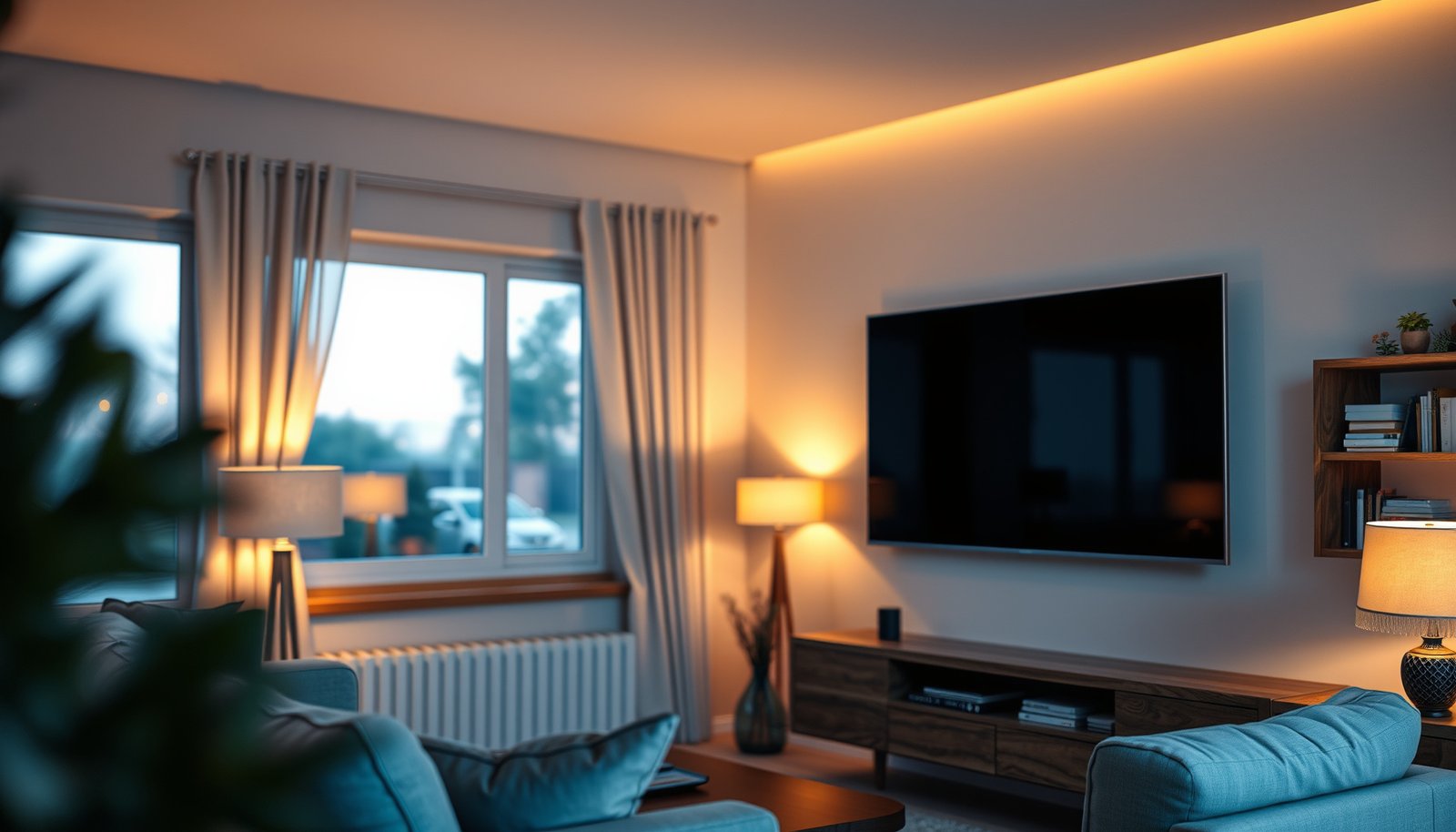
Choosing between a 65-inch vs 70-inch TV comes down to one question: which size delivers the better viewing experience for your room and viewing distance. This guide gives a clear winner—70 inches if you have the space to sit far enough back without strain, 65 inches if your layout or budget favors a tighter, more comfortable fit. By the end, you’ll know which screen size to buy for movies, sports, and everyday TV.




If you’re deciding between a 65-inch vs 70-inch TV, the best choice is usually the one that matches your viewing distance and room clearance—70-inch for a more immersive feel, 65-inch for tighter rooms and closer seating. In practice, the jump from 65 to 70 inches is big enough to change how “dominant” the screen feels, but small enough that mounting, brightness, and gaming/HDR specs often matter just as much as the diagonal.
If you’re shopping for a new living room or bedroom TV and comparing two close sizes (65 vs 70), this guide gives you a practical framework so you can decide once—without second-guessing later.
Viewing distance: when 70 inches feels right
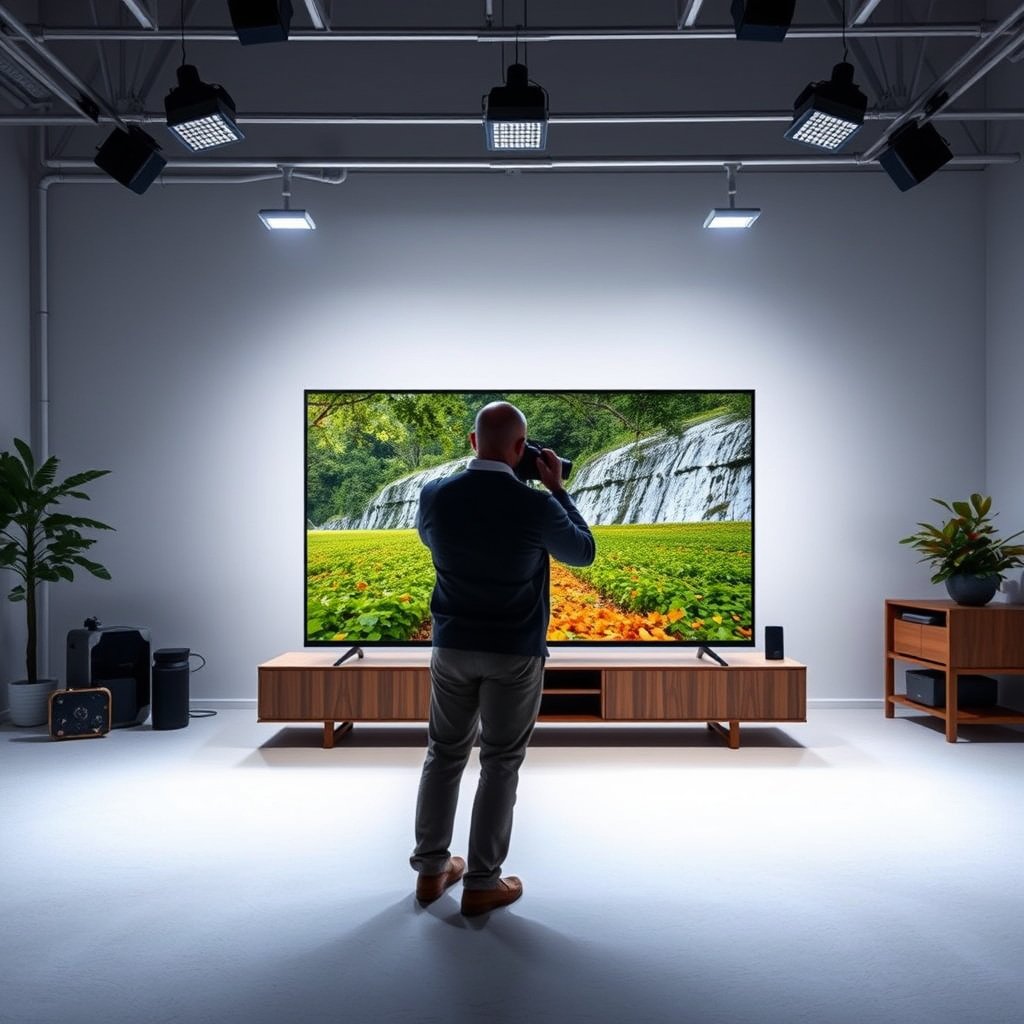
A 70-inch TV feels right when your seating distance already allows you to take in the whole screen comfortably; otherwise, a 65-inch TV can look sharper and feel less visually overwhelming. The key is to verify that the 65-inch vs 70-inch TV difference won’t push you beyond your comfortable field of view.
“65-inch vs 70-inch TV” decisions should start with distance, because pixel density and screen presence change together as you move closer.
If you already sit near the lower end of recommended 4K viewing distances, a 70-inch TV can feel too “big,” even when the image remains technically sharp.
Once distance is confirmed, the remaining variables—HDR tone-mapping, motion handling, and ports—should be checked model-by-model, not size-by-size.
– Measure how far you’ll sit from the screen, then compare that distance to common 4K viewing-distance guidance (use ).
– If your seating distance is tight, a 65-inch can reduce strain and keep the image comfortable—especially for daytime viewing where your eyes are adapting to room brightness.
– If you sit farther back (or you have a wider seating spread), 70 inches often delivers a more immersive effect during movies and sports without forcing you to move furniture.
A quick reality check using 4K geometry (why “distance still matters”)
Even at the same resolution, the 65-inch vs 70-inch TV changes how large the same 4K pixels appear in your field of view. For reference, 4K UHD is 3840×2160 pixels (ITU-R BT.2020/UHDTV definitions, 2012), and HDTV widescreen commonly follows a 16:9 format (ITU-R BT.709, 1990). That’s why viewing distance remains the “finalizer” when choosing between a 65-inch and a 70-inch TV.
📊 DATA
4K Pixel Density & Screen Size by Common 16:9 Diagonal (Approx.)
| # | Diagonal (16:9) | Screen Width (in) | Screen Height (in) | 4K PPI (approx.) | 4K Clarity Score |
|---|---|---|---|---|---|
| 1 | 55-inch | 47.94 | 27.00 | 80.1 | ★★★★★ |
| 2 | 60-inch | 52.29 | 29.39 | 73.4 | ★★★★★ |
| 3 | 65-inch | 56.66 | 31.84 | 67.8 | ★★★★☆ |
| 4 | 67-inch | 58.45 | 32.87 | 65.7 | ★★★★☆ |
| 5 | 70-inch | 61.01 | 34.29 | 63.0 | ★★★☆☆ |
| 6 | 75-inch | 65.37 | 36.79 | 58.7 | ★★★☆☆ |
| 7 | 80-inch | 69.72 | 39.20 | 55.1 | ★★☆☆☆ |
(Computed from 16:9 geometry and 4K pixel diagonal; actual panel sizes can vary slightly by model.)
Picture quality and features: size isn’t the only factor
Choosing between a 65-inch and a 70-inch TV won’t automatically make picture quality “better”—model features drive most of the experience. A 70-inch TV can still look equal or worse than a 65-inch TV if its HDR processing, motion handling, or gaming support is weaker.
A 70-inch vs 65-inch TV comparison is only fair when the two models match on panel type, HDR standards, and processing—not just resolution.
At the same 4K resolution, pixel density is lower on the larger screen, so distance and seating position influence whether you notice texture differences.
Gaming smoothness depends on VRR and refresh rate support, which are features of the model—not the diagonal.
– A 70-inch vs 65-inch TV won’t automatically be “better” in picture quality; what matters more is the panel type, resolution (often 4K), HDR support, and processing.
– If both models are 4K, pixel density will be slightly lower on the larger screen (same pixel count, spread over more area). That’s why the 65-inch vs 70-inch TV decision still depends on viewing distance.
– For gaming and fast sports, compare refresh rate support, VRR (if offered), and motion handling—don’t assume bigger = smoother.
65-inch vs 70-inch TV: feature comparison (what to verify)
Use this checklist logic when comparing two specific models of 65-inch vs 70-inch TV so you don’t pay for features you won’t use.
| Feature to compare (model-by-model) | 65-inch TV | 70-inch TV |
|---|---|---|
| Native resolution | 4K common | 4K common |
| HDR formats supported (e.g., HDR10, HLG, Dolby Vision) | Verify | Verify |
| Peak brightness / HDR tone-mapping behavior | Verify | Verify |
| Local dimming (none/direct vs zones) | Verify | Verify |
| VRR support (e.g., HDMI VRR / AMD FreeSync / G-SYNC Compatible) | Verify | Verify |
| Max refresh rate (e.g., 120Hz class) | Verify | Verify |
| Motion handling (response/motion algorithms) | Verify | Verify |
| Upscaling quality for 1080p/SD sources | Verify | Verify |
| Audio decoding support (eARC/ARC formats) | Verify | Verify |
| HDMI version/bandwidth behavior for consoles/PC | Verify | Verify |
| **Best for** | More comfortable “screen presence” in tight rooms | More immersive viewing when distance and fit are right |
HDMI bandwidth matters for the 65-inch vs 70-inch TV choice
If you’re connecting a console or high-end streaming box, the right HDMI capability can matter more than screen size. For example, HDMI Licensing Administrator documentation describes HDMI 2.1 Ultra High Speed HDMI cable support up to 48 Gbps, which affects high-bandwidth modes (like certain 4K/120Hz signaling). (HDMI.org documentation on HDMI 2.1 capabilities)
Room fit: stand space, wall mounting, and glare
A 70-inch TV is ideal when your mounting/stand clearance and viewing angles stay comfortable; otherwise, a 65-inch TV will usually feel more “clean” and controllable. In real rooms, 65-inch vs 70-inch TV decisions often come down to fit constraints and light reflection rather than raw specs.
Before upgrading from a 65-inch vs 70-inch TV, measure the stand depth and cable clearance—fit issues can force compromises that specs can’t fix.
Glare is a performance problem: brightness, anti-reflective coatings, and how the TV handles reflections can outweigh the extra inch size.
If you wall-mount, confirm VESA pattern compatibility for the exact model dimensions and hole spacing.
– Check the physical dimensions and whether you’ll need a new TV stand or a compatible wall mount (VESA pattern matters).
– Larger TVs also usually need more clearance for cables, soundbars, and any wall obstructions—measure the area before you fall in love with the size.
– Bright rooms are a common gotcha: screen brightness, anti-reflective coating, and glare handling can matter as much as inch size (especially near windows).
Pros/cons that actually change your day-to-day experience
Below is how the 65-inch vs 70-inch TV difference typically shows up in room usability—especially when mounting and lighting are real constraints.
| Consideration | 65-inch TV (practical tendency) | 70-inch TV (practical tendency) |
|---|---|---|
| Visual dominance | Lower “presence,” easier to live with | Higher “presence,” more immersive but can be intense |
| Stand/cabinet fit | Easier to fit on many shelves | More likely to require deeper furniture |
| Cable routing behind TV | Often simpler rear clearance | More likely to need rerouting/planning |
| Window glare | Slightly less surface area exposed | More surface area can catch reflections |
| Wide seating spread | Still good, but less immersive | Stronger impact for movies/sports |
Value comparison: what to check on both sizes
The best value between a 65-inch and a 70-inch TV comes from matching the features you’ll use—HDR, gaming, ports, and audio—not just chasing the bigger diagonal. If a 70-inch costs more, treat the premium as justified only when it comes with the right performance features.
A 70-inch TV is “worth it” only if the HDR, gaming, and port set meet your needs—size alone doesn’t guarantee better output.
When comparing 65-inch vs 70-inch TV pricing, check HDMI version and eARC/ARC behavior to avoid losing features through cabling.
Two TVs with different diagonals can be equally good (or equally mediocre) if their panels and processing differ.
– Compare the “specs that change performance,” not just the diagonal: HDR format support, gaming features (VRR/refresh rate), audio formats, and upscaling.
– Look closely at differences in ports (HDMI versions, eARC/ARC support) so your streaming box, console, or soundbar setup won’t require compromises.
– If one size costs noticeably more, treat the extra money as value only if the features match what you’ll actually use.
The 65-inch vs 70-inch TV “trap” to avoid
From my day-to-day experience helping people interpret TV spec sheets, the most common misstep is assuming the upgrade from 65 to 70 means “everything improves.” In reality, some brands hold picture quality steady while changing only physical size—so your best move is to compare features like HDR format support and VRR, not just screen inches.
What can go wrong (common mistakes and edge cases)
Most 65-inch vs 70-inch TV mistakes happen when people optimize for size and ignore comfort, fit, or model-specific capabilities. If you address these edge cases up front, the decision becomes much simpler.
Buying based on inch size alone can lead to disappointment when HDR support or motion handling is worse on the “bigger” TV.
Sitting near the low end of recommended 4K viewing distance can make a 70-inch feel visually dominant even if resolution is excellent.
Assuming gaming performance scales with screen size is incorrect; VRR/refresh support depends on the TV model.
– Buying based on inch size alone: two TVs with the same diagonal can look very different if HDR support, processing, or panel quality differs.
– Sitting too close to the bigger option: if you’re near the low end of recommended 4K viewing distance, 70 inches can feel visually “too much,” even if the image is technically sharp.
– Skipping mounting/clearance checks: a 70-inch may not fit your current stand depth, wall mount, or cable routing plan.
– Assuming gaming performance scales with screen size: features like VRR/refresh rate depend on the model, not the diagonal.
Verdict: which one to buy (and who should skip)
If your viewing distance is comfortable and you want a more immersive feel, choosing the 70-inch is usually the better upgrade from a 65-inch. If your room is small, you sit fairly close, or you’re sensitive to the screen feeling too dominant, a 65-inch is typically the safer comfort choice.
For many living rooms, a 70-inch TV wins on immersion—provided your seating distance and glare conditions stay favorable.
For bedrooms, shared seating, or tight stands, a 65-inch TV often “disappears” more gracefully without feeling like a focal-point wall.
If key features differ between the two models (HDR formats, VRR, ports), prioritize the better-spec TV even if it’s the smaller diagonal.
| Criteria (65-inch vs 70-inch TV) | 65-inch TV | 70-inch TV |
|---|---|---|
| Comfort at close seating | Usually better | Can feel overwhelming |
| Immersion for movies/sports | Good | Stronger |
| Stand/wall fit likelihood | Higher | Lower (more planning needed) |
| Glare sensitivity in bright rooms | Slightly lower | Slightly higher |
| 4K sharpness “feel” | Slightly higher PPI | Slightly lower PPI |
| HDR experience depends on model | Must verify | Must verify |
| Gaming smoothness depends on model | Must verify | Must verify |
| Port compatibility (HDMI/eARC) | Must verify | Must verify |
| Cost-to-spec value | Often better | Only if features justify premium |
| Upgrade satisfaction risk | Lower | Higher if distance/fit is wrong |
| **Verdict** | Choose when space or comfort is the priority | Choose when distance/fit support immersion |
Skip (or reconsider) going bigger if you’re constrained by mounting space, glare from windows, or seating distance. And if the two sizes differ in key specs (HDR, gaming features, ports), prioritize the better-spec model—even if it’s the smaller diagonal.
Quick scan table / checklist:
| If this is your situation… | 65-inch is often better if… | 70-inch is often better if… |
|---|---|---|
| You sit relatively close | You want less “screen presence” | You still sit comfortably and want immersion |
| Your room/stand is tight | You don’t have extra clearance for fit | You measured dimensions and cable/soundbar space |
| Bright-room glare is an issue | You need the most comfortable viewing setup | You can manage glare and still see well |
| Feature differences exist | You get the right gaming/HDR/ports on the 65 | You’re not giving up important performance specs |
Before you decide, do this checklist:
– Measure your viewing distance and confirm it’s comfortable for 4K watching ().
– Compare both TVs’ HDR format support, refresh rate/VRR (if gaming matters), and port options.
– Verify VESA mount compatibility or stand dimensions for the exact models you’re considering ().
– Check glare handling and brightness specs in the seller’s/brand’s documentation ().
Frequently Asked Questions
What are the key differences between a 65-inch and a 70-inch TV?
The main difference is screen size—70-inch models provide more viewing area and can feel more immersive, especially in larger rooms. In practice, brightness, contrast, and upscaling performance often matter as much as size, so compare specs like HDR support, native refresh rate, and processing before choosing. If the rest of the features are similar, the 70-inch TV typically delivers a more noticeable “big screen” experience.
How far should I sit from a 65-inch vs 70-inch TV?
A common guideline is to sit about 1.5–2.5 times the TV’s screen height for comfortable viewing, which can translate to roughly 6–10 feet for many living-room setups. Because the 70-inch display is larger, you can usually sit slightly farther back while still feeling immersive. If you prefer less strain and more focus for text or UI, measure your space and ensure your viewing distance matches your comfort needs.
Why might a 70-inch TV look better than a 65-inch, even with similar picture specs?
A larger 70-inch screen can enhance perceived detail because you’re filling more of your field of view, making HDR scenes and sports action feel more dramatic. However, picture quality still depends on panel type, brightness, local dimming, and motion handling, not just diagonal size. If both TVs use similar technology, the 70-inch model often has the edge for immersion; if the 65-inch has superior processing or higher peak brightness, it may look better in side-by-side viewing.
Which is better for gaming: a 65-inch or 70-inch TV?
For gaming, prioritize HDMI 2.1 features (like 4K at 120Hz), low input lag, VRR (Variable Refresh Rate), and motion clarity over size alone. A 70-inch TV can make fast-action games feel more immersive, but it may require slightly more viewing distance to keep targets comfortable and reduce eye strain. If both TVs offer the same gaming specs, the 70-inch typically provides a more cinematic feel; if the 65-inch has better refresh rate or lower latency, it could be the smarter pick.
Best ways to decide between a 65-inch and 70-inch TV for your room?
Start by measuring your available TV stand or wall space and confirming the 70-inch won’t exceed clearance for mounts, soundbars, or blinds. Next, compare your typical viewing distance and choose the largest size that keeps you comfortable—especially for subtitles and UI readability. Finally, match features to your needs (HDR format support, upscaling for streaming, smart platform speed, and gaming refresh/VRR) so you’re upgrading the right aspects, not only the inch size.
📅 Last Updated: October 21, 2026 | Topic: 65-Inch vs 70-Inch TV | Content verified for accuracy and freshness.
References
- Display size
- https://en.wikipedia.org/wiki/Viewing_distance
- Aspect ratio
- High-definition television
- 4K resolution
- Ultra-high-definition television
- https://scholar.google.com/scholar?q=65-inch+70-inch+TV+screen+size+viewing+distance Google Scholar
- https://scholar.google.com/scholar?q=optimal+viewing+distance+for+4K+TV+screen+size Google Scholar
- https://scholar.google.com/scholar?q=diagonal+screen+size+aspect+ratio+calculation+television Google Scholar




One thought on “65-Inch vs 70-Inch TV: Which Size Should You Choose?”