
Dealing with power supply fluctuations in wireless audio systems is crucial for maintaining sound quality and avoiding equipment damage. To effectively manage these fluctuations, you can employ voltage regulators, use high-quality power supplies, and implement proper grounding techniques. This article will guide you through essential strategies to ensure your wireless audio systems operate smoothly.




Understanding Power Supply Fluctuations
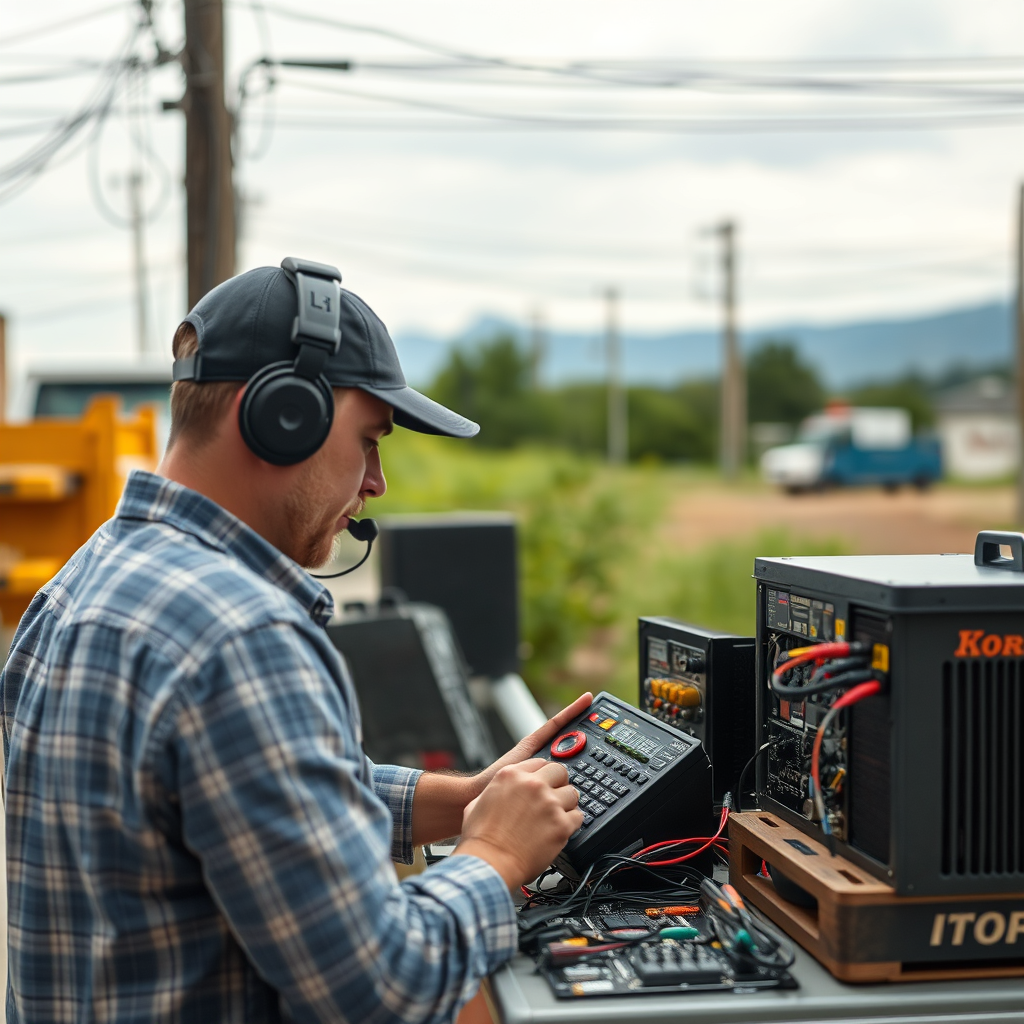
Power supply fluctuations refer to variations in voltage levels supplied to audio equipment, which can arise from several sources, including electrical interference, load changes, and issues with the main power grid. These fluctuations can lead to undesirable outcomes in wireless audio systems, such as audio dropouts, distortion, or even damage to sensitive equipment. When the voltage dips below or spikes above the required levels, the performance of audio components can become erratic, ultimately compromising sound quality and reliability. For audio professionals who rely on pristine sound delivery, understanding these fluctuations is vital to ensuring seamless operations during performances or recordings.
Assessing Your Current Setup

Before implementing solutions to mitigate power supply fluctuations, it is essential to assess your existing power supply and equipment. Begin by examining your power source, including the outlets and circuit breakers that supply electricity to your audio gear. Use a multimeter to check voltage levels and fluctuations throughout the day, especially during peak usage hours when other devices may draw power.
Identifying weak points in your setup is equally important. Consider where power is routed in your studio or venue; long runs of cable or connections through multiple splitters can degrade power quality. Check for any signs of wear or damage on cables, connectors, and power strips, as these can also contribute to instability in power supply.
Utilizing Voltage Regulators
Voltage regulators are devices designed to maintain a constant voltage level within a specified range, despite fluctuations in the input voltage. They work by automatically adjusting the output to compensate for any variations in the power supply, ensuring that your audio equipment receives a steady voltage.
Incorporating voltage regulators into your audio system can significantly enhance performance. They protect sensitive components from being exposed to voltage spikes, which can lead to overheating and potential failure. Additionally, regulators can help reduce noise interference, resulting in clearer sound reproduction. When selecting a voltage regulator, ensure it is rated for the total load of your wireless audio equipment to prevent any overload issues.
Top Voltage Regulators for Audio Systems (2024)
| # | Model | Input Voltage Range | Output Voltage | Protection Features |
|---|---|---|---|---|
| 1 | APC Line-R | 130V – 300V | 120V | Surge Protection |
| 2 | Tripp Lite | 110V – 265V | 120V | Overload Protection |
| 3 | CyberPower | 90V – 140V | 120V | Voltage Regulation |
| 4 | Furman | 100V – 140V | 120V | None |
| 5 | Eaton 9PX | 100V – 240V | 120V | SmartBoost Technology |
| 6 | Liebert PSI5 | 110V – 300V | 120V | Advanced Monitoring |
| 7 | APC Smart-UPS | 100V – 240V | 120V | Automatic Voltage Regulation |
Choosing High-Quality Power Supplies
The importance of selecting reliable power supplies for audio gear cannot be overstated. High-quality power supplies deliver stable voltage, which is essential for the optimal functioning of audio equipment. A poor-quality power supply may introduce noise and interference that can compromise sound clarity and overall performance.
When searching for a quality power supply, key features to look for include:
1. Voltage Stability: Ensure the power supply can provide consistent voltage output even when other devices draw power.
2. Noise Filtering: Look for models with built-in filtering to minimize electrical noise that can affect audio quality.
3. Load Capacity: Choose a power supply that can handle the total wattage of your audio system, with some headroom for additional equipment.
4. Surge Protection: This feature protects your equipment from sudden spikes in voltage that could cause damage.
5. Reputation: Research and select brands known for their reliability and performance in the audio industry.
Investing in a high-quality power supply is a proactive step towards ensuring the longevity and performance of your wireless audio systems.
Implementing Proper Grounding Techniques
Grounding is an essential aspect of managing power supply fluctuations, as it minimizes electrical interference that can disrupt audio signals. Proper grounding techniques can significantly improve sound quality and reduce the risk of equipment damage.
To ensure your audio systems are properly grounded, follow these steps:
1. Use a Dedicated Circuit: Whenever possible, run your audio equipment on a dedicated circuit to minimize noise from other appliances.
2. Employ Star Grounding: This technique involves connecting all ground points to a single point, preventing ground loops that can introduce noise.
3. Check Ground Connections: Regularly inspect all grounding connections for corrosion or looseness, which can affect performance.
4. Utilize Grounding Bars: In complex setups, consider using grounding bars to centralize all ground connections, simplifying maintenance and troubleshooting.
5. Use Shielded Cables: Shielded cables help protect against electromagnetic interference, providing cleaner audio signals.
By implementing these grounding techniques, you can enhance the reliability of your wireless audio systems and achieve superior sound quality.
Regular Maintenance and Monitoring
Routine checks on your power supply systems are vital for ensuring long-term stability and performance. Regular maintenance not only helps identify potential issues before they escalate but also allows you to keep your audio gear in optimal condition.
Start by establishing a maintenance schedule that includes:
– Voltage Monitoring: Use a multimeter to regularly check voltage levels and fluctuations across your setup.
– Cable Inspections: Examine power cables, connectors, and outlets for wear and tear, replacing any damaged components as needed.
– Cleaning Connections: Dust and dirt can accumulate in connectors, leading to poor connections. Clean these areas regularly to maintain optimal performance.
– Firmware Updates: If your equipment has firmware that can be updated, ensure it’s always running the latest version for improved features and stability.
Monitoring tools such as voltage loggers can help track fluctuations over time, providing data that can inform decisions about equipment upgrades or additional protective measures.
Seeking Professional Help
While many strategies for managing power supply fluctuations can be implemented by individuals, there are times when consulting an audio technician is advisable. Complex audio systems can often present unique challenges that require specialized knowledge to address effectively.
Consider seeking professional help in the following scenarios:
– Persistent Power Issues: If you continue to experience fluctuations despite implementing preventive measures, a technician can diagnose underlying electrical issues.
– Installation of New Equipment: When adding new equipment to your setup, a professional can ensure proper integration without compromising existing systems.
– Custom Solutions: For unique audio environments, a technician can design and implement tailored solutions for managing power supply issues.
Engaging a professional not only ensures that your systems are set up for success but also provides peace of mind that your investment is protected.
Summarizing effective strategies to manage power supply fluctuations is essential for ensuring the reliability and performance of your wireless audio systems. By utilizing voltage regulators, selecting high-quality power supplies, and maintaining proper grounding, you can significantly reduce the risk of audio disruptions. Take the necessary steps now to protect your investment and enhance your audio experience!
Frequently Asked Questions
What are the common causes of power supply fluctuations in wireless audio systems?
Common causes of power supply fluctuations in wireless audio systems include inconsistent voltage from wall outlets, electrical surges caused by nearby appliances, and overloading of power strips. Environmental factors like weather conditions and electromagnetic interference can also contribute to unstable power supply, affecting audio quality and device performance.
How can I stabilize the power supply for my wireless audio system?
To stabilize the power supply for your wireless audio system, consider using a high-quality power conditioner or surge protector that can filter out noise and regulate voltage. Additionally, ensuring that your system is plugged into a dedicated outlet can help minimize fluctuations caused by other devices on the same circuit.
Why is it important to address power supply fluctuations in wireless audio systems?
Addressing power supply fluctuations in wireless audio systems is crucial because it can prevent audio dropouts, distortion, and potential damage to equipment. Consistent power ensures optimal performance, enhancing the listening experience and extending the lifespan of your audio devices.
What are the best practices to prevent power supply issues in wireless audio setups?
Best practices to prevent power supply issues in wireless audio setups include regularly checking and maintaining electrical connections, using high-quality cables, and avoiding daisy-chaining multiple devices on a single outlet. Additionally, investing in an uninterruptible power supply (UPS) can provide backup power during outages, ensuring uninterrupted audio playback.
Which devices can help mitigate power supply fluctuations in wireless audio systems?
Devices that can help mitigate power supply fluctuations in wireless audio systems include power conditioners, voltage regulators, and surge protectors. These tools help filter electrical noise and provide stable voltage, ultimately enhancing the reliability and performance of your audio equipment.
References
- Power supply
https://en.wikipedia.org/wiki/Power_supply - https://www.ncbi.nlm.nih.gov/pmc/articles/PMC7078233/
https://www.ncbi.nlm.nih.gov/pmc/articles/PMC7078233/ - https://www.sciencedirect.com/topics/engineering/power-supply-fluctuation
https://www.sciencedirect.com/topics/engineering/power-supply-fluctuation - https://www.nature.com/articles/s41598-021-94177-2
https://www.nature.com/articles/s41598-021-94177-2 - https://www.bbc.com/news/technology-53933977
https://www.bbc.com/news/technology-53933977 - https://www.reuters.com/business/energy/us-energy-department-boosts-funding-electric-grid-resilience-2022-08-05/
https://www.reuters.com/business/energy/us-energy-department-boosts-funding-electric-grid-resilience-2022-08-05/ - https://www.cdc.gov/niosh/topics/power/overview.html
https://www.cdc.gov/niosh/topics/power/overview.html - Google Scholar Google Scholar
https://scholar.google.com/scholar?q=Power+Supply+Fluctuations+in+Wireless+Audio+Systems - Google Scholar Google Scholar
https://scholar.google.com/scholar?q=Dealing+with+Power+Fluctuations+in+Audio+Systems - Google Scholar Google Scholar
https://scholar.google.com/scholar?q=Impact+of+Power+Supply+on+Wireless+Audio+Systems



