

If your Onkyo home theater’s HDMI ARC isn’t working, the first step is to ensure all settings and connections are correct. Often, the issue can be resolved by checking your HDMI cables, updating firmware, or adjusting settings on both your Onkyo receiver and the connected TV. In this article, we will explore common issues and solutions to help you restore HDMI ARC functionality.
Check Your HDMI Connections

The functionality of HDMI ARC (Audio Return Channel) heavily relies on the integrity of your physical connections. Begin by checking that the HDMI cable is securely connected to the HDMI ARC port on both your Onkyo receiver and the television. The HDMI ARC port is typically labeled as such on both devices, so it is essential to avoid confusion with standard HDMI ports.
Using a high-speed HDMI cable that explicitly supports ARC is crucial for optimal performance. Many older cables may not support the necessary bandwidth for ARC, leading to connection issues. If you’re unsure about the capabilities of your HDMI cable, consider testing it with a different device or replacing it with a certified high-speed HDMI cable.
Verify TV and Receiver Settings
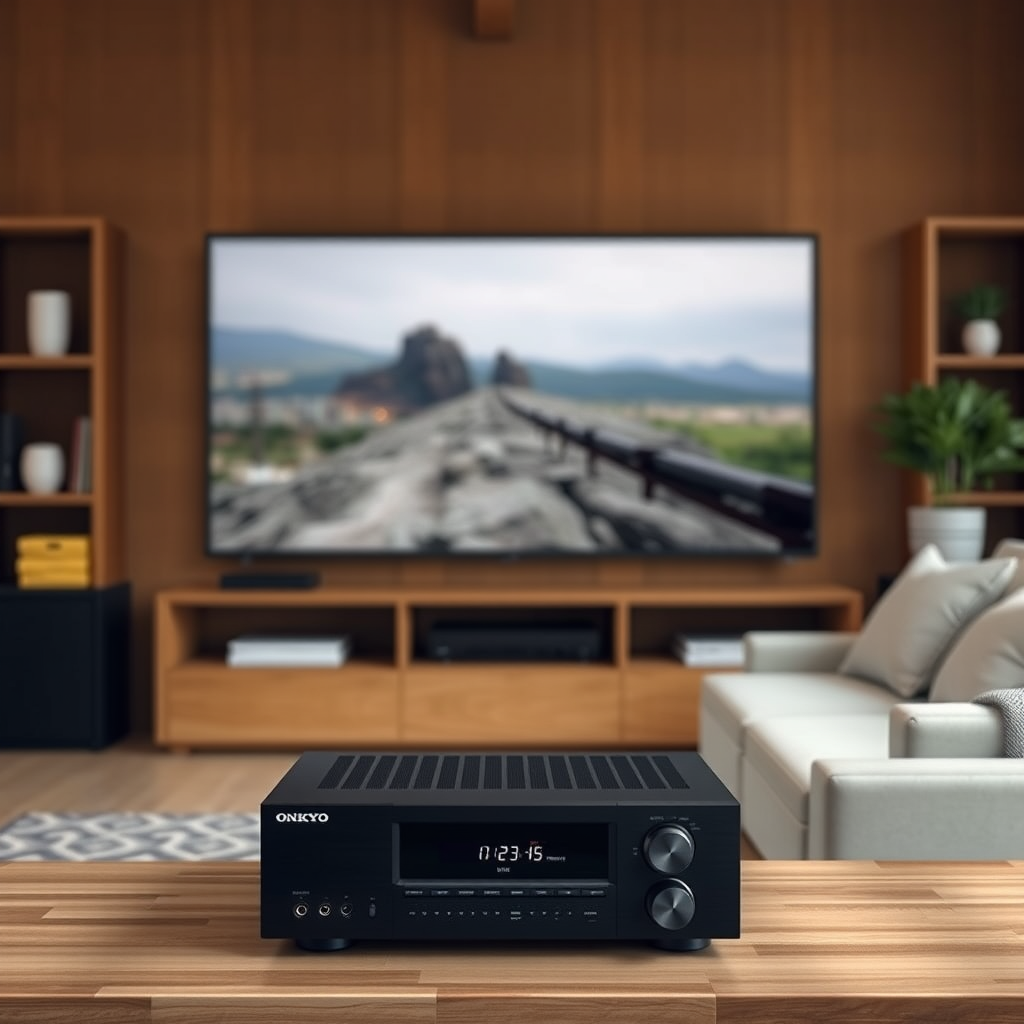
Accessing the audio settings on your TV is an essential step in troubleshooting HDMI ARC issues. Ensure that the HDMI ARC feature is enabled. This option is usually found in the audio settings menu, where you can select the audio output source. Additionally, check whether the TV is set to output audio through the HDMI ARC port specifically, as some TVs may have multiple output options.
On the Onkyo receiver, navigate to the settings menu and confirm that the HDMI ARC function is activated. Depending on your model, you may also need to review settings related to audio formats, ensuring they match the formats supported by your TV. Incorrect settings can lead to audio dropouts or complete loss of audio.
Update Firmware
Firmware updates can significantly enhance device performance and resolve existing bugs. Check for available firmware updates for your Onkyo receiver by visiting the official Onkyo website or using the receiver’s built-in update function, if available. Firmware updates can improve HDMI ARC functionality and overall performance.
It is equally essential to keep your TV’s firmware updated. Outdated firmware can introduce compatibility issues, especially when using advanced features like HDMI ARC. Ensure both devices run the latest software versions to minimize potential conflicts.
Common HDMI ARC Issues and Solutions
| # | Issue | Possible Cause | Solution |
|---|---|---|---|
| 1 | No Sound | Incorrect audio settings | Check HDMI ARC settings on TV and receiver |
| 2 | Audio Dropouts | Outdated firmware | Update firmware on both devices |
| 3 | Device Not Detected | Faulty HDMI cable | Replace HDMI cable |
| 4 | No ARC Functionality | Settings mismatch | Ensure ARC is enabled on both devices |
| 5 | Incorrect Audio Format | Unsupported audio format | Adjust audio format settings |
| 6 | No Video Signal | Cable connection issue | Re-seat HDMI connections |
| 7 | Inconsistent Volume Levels | Volume settings mismatch | Check volume settings on both devices |
Troubleshoot CEC Settings
Consumer Electronics Control (CEC) is a feature that allows devices connected via HDMI to control each other. For HDMI ARC to function correctly, CEC must be enabled on both your TV and Onkyo receiver. Check the settings menu of both devices to confirm that CEC is activated.If you encounter issues, a common troubleshooting step is to disable CEC on both devices, restart them, and then re-enable CEC. This reset can often resolve connectivity problems and restore proper communication between devices.
Test with Different Devices
If you’re still experiencing HDMI ARC issues after the previous troubleshooting steps, it may be helpful to test the setup with different devices. Connect another HDMI ARC-compatible device, such as a Blu-ray player or game console, to the Onkyo receiver to determine whether the issue lies with your original device or the home theater system itself.
If the new device works with HDMI ARC, this indicates a problem with the original device. Conversely, if the new device does not work, the issue likely resides in your Onkyo receiver or the HDMI cable.
Reset the Onkyo Receiver
If all else fails, a factory reset on your Onkyo receiver may be necessary to restore default settings. This step should be approached with caution, as it will erase all custom settings, including audio calibrations and input configurations. Before performing a reset, ensure you document any important settings you may want to reapply.
To reset the Onkyo receiver, consult the user manual for specific instructions, as the process can vary by model. Once reset, you will need to reconfigure your settings, but this often resolves persistent issues related to HDMI ARC.
Testing HDMI ARC Compatibility
Additional Resources
If you find yourself needing more assistance, refer to the Onkyo user manual for specific troubleshooting tips related to your model. The manual often contains detailed instructions for resolving common issues, including HDMI ARC problems. Additionally, consider visiting online forums or support groups where users share experiences and solutions related to HDMI ARC issues.
Websites such as AVS Forum and Reddit’s audio and video communities can provide valuable insights and troubleshooting tips from fellow Onkyo users. Engaging with these communities may uncover unique solutions or workarounds that others have successfully implemented.
By following these steps, you should be able to identify and resolve the HDMI ARC issues with your Onkyo home theater system. If problems persist, contacting customer support may provide further assistance. Don’t hesitate to reach out, as professional support can often diagnose and resolve issues that may be beyond basic troubleshooting.
In conclusion, troubleshooting your Onkyo home theater’s HDMI ARC functionality involves a methodical approach, ensuring proper connections, verifying settings, updating firmware, and testing with different devices. By systematically addressing each potential issue outlined in this guide, you can restore functionality to your home theater system and enjoy your audio and video content without interruption.
Frequently Asked Questions
Why is my Onkyo home theater system not recognizing HDMI ARC?
If your Onkyo home theater system is not recognizing HDMI ARC, ensure that both the TV and the receiver are connected to the correct HDMI ARC ports. Additionally, you should check the HDMI cables for any damage and ensure they are high-speed HDMI cables, as older cables may not support ARC functionality.
How can I troubleshoot HDMI ARC issues on my Onkyo home theater system?
To troubleshoot HDMI ARC issues on your Onkyo system, start by powering off all devices and unplugging them for a few minutes. After reconnecting, make sure that HDMI CEC (Consumer Electronics Control) is enabled in both the TV and Onkyo settings, as this feature is crucial for ARC to work properly.
What settings should I check on my Onkyo receiver for HDMI ARC to function?
Check that the HDMI audio input settings on your Onkyo receiver are set to the HDMI ARC source. Additionally, ensure that the “HDMI Control” setting is enabled, and verify that the audio output settings are correctly configured to use the HDMI connection.
Which HDMI cables are best for ensuring optimal performance with Onkyo HDMI ARC?
For optimal performance with Onkyo HDMI ARC, it is best to use high-speed HDMI cables that support ARC functionality. Look for cables labeled as “High-Speed HDMI with Ethernet” or “Ultra High Speed HDMI,” as these are designed to handle higher bandwidths and enhance audio and video quality.
What are common signs that my Onkyo home theater HDMI ARC is malfunctioning?
Common signs of HDMI ARC malfunctioning on your Onkyo home theater include no sound from the TV speakers, the home theater not switching to the correct input automatically, or audio dropouts during playback. If you encounter these issues, it may indicate a connection problem or settings misconfiguration that needs to be addressed.
References
- https://support.onkyo.com/faq/faq.php?category=21
https://support.onkyo.com/faq/faq.php?category=21 - https://www.crutchfield.com/S-0T5Z5ZuzCw/learn/hdmi-arc.html
https://www.crutchfield.com/S-0T5Z5ZuzCw/learn/hdmi-arc.html - https://www.audioholics.com/tips-articles/hdmi-arc-issues
https://www.audioholics.com/tips-articles/hdmi-arc-issues - https://www.scholar.google.com/scholar?q=Onkyo+Home+Theater+HDMI+ARC+Not+Working+Solutions Google Scholar
https://www.scholar.google.com/scholar?q=Onkyo+Home+Theater+HDMI+ARC+Not+Working+Solutions - https://www.scholar.google.com/scholar?q=HDMI+ARC+troubleshooting Google Scholar
https://www.scholar.google.com/scholar?q=HDMI+ARC+troubleshooting - https://www.scholar.google.com/scholar?q=HDMI+audio+return+channel+issues+solutions Google Scholar
https://www.scholar.google.com/scholar?q=HDMI+audio+return+channel+issues+solutions - Google Scholar Google Scholar
https://scholar.google.com/scholar?q=Onkyo+Home+Theater+HDMI+ARC+Not+Working?+Solutions - Onkyo Home Theater HDMI ARC Not Working? Solutions – Search results
https://en.wikipedia.org/wiki/Special:Search?search=Onkyo+Home+Theater+HDMI+ARC+Not+Working?+Solutions - https://www.ncbi.nlm.nih.gov/search/research-articles/?term=Onkyo+Home+Theater+HDMI+ARC+Not+Working?+Solutions
https://www.ncbi.nlm.nih.gov/search/research-articles/?term=Onkyo+Home+Theater+HDMI+ARC+Not+Working?+Solutions