
Sound distortion in your soundbar can often be resolved by adjusting settings or repositioning your equipment. Common issues such as static or buzzing can be traced back to placement, settings, or connectivity. This guide will help you identify these problems and provide practical solutions to enhance your audio experience for clearer and more enjoyable sound.

- Enhance the Sound of Your Sound Bar: with this isolation pads set. Our isolation pads have the highest quality acoustic foam (50kg/m^3 density) plus EVA material on Top for best vibration and resonance reduction.
- Get a Discreet Isolation feet Set: Our foam pads set is just 3.5'', smaller than any speaker isolation pads, and will be barely visible under your soundbar.
- Prevent Your Soundbar from Falling Off: Our isolation pads feet are great for any soundbar. They are strong pads bumpers that absorb any audio bar's impact.

Understanding Sound Distortion
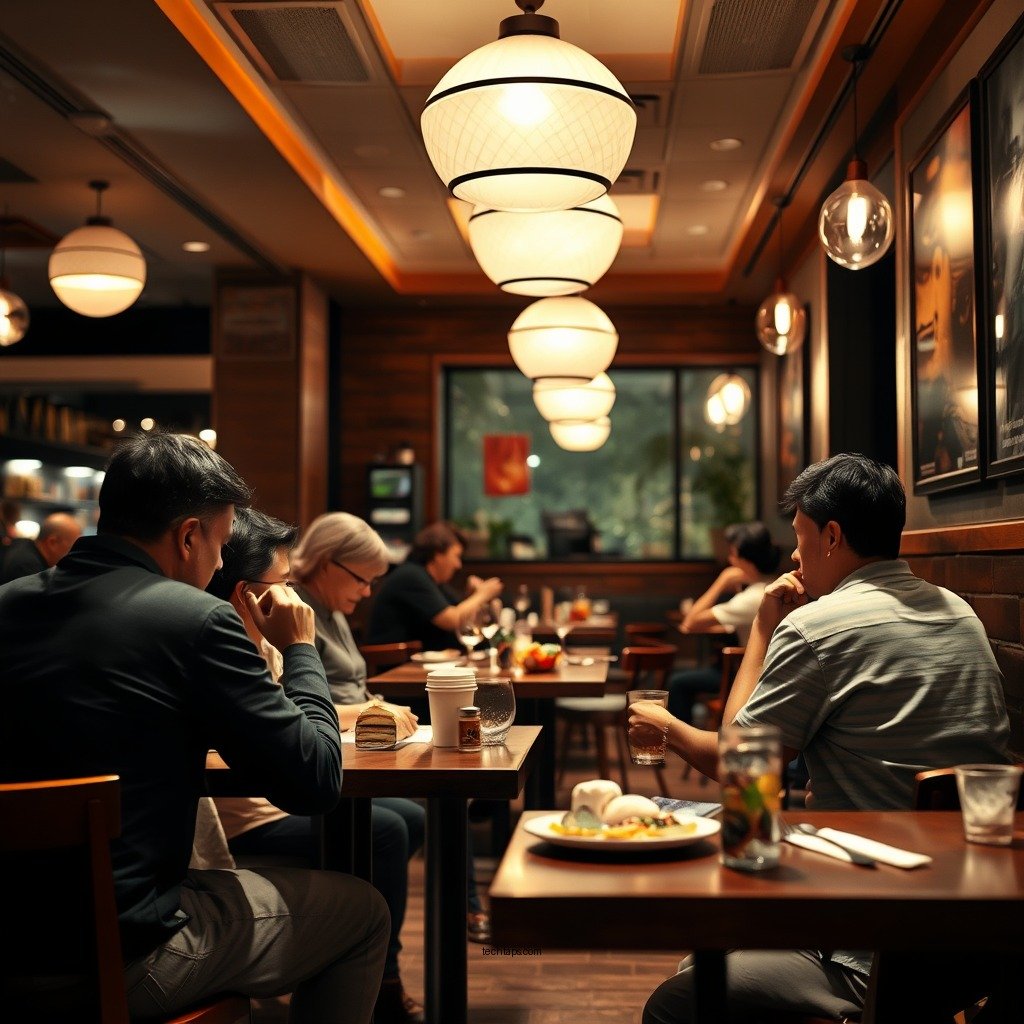
Sound distortion occurs when the audio output does not represent the original sound accurately, leading to an unpleasant listening experience. The main types of sound distortion include static, which often resembles a crackling noise, and buzzing, a continuous hum that can be both irritating and distracting. This distortion can significantly affect audio quality, making dialogue difficult to hear and music less enjoyable. The overall user experience suffers, as sound quality is a critical element in enjoying movies, music, and games.
Common Causes of Sound Distortion
Several factors can contribute to sound distortion in a soundbar:
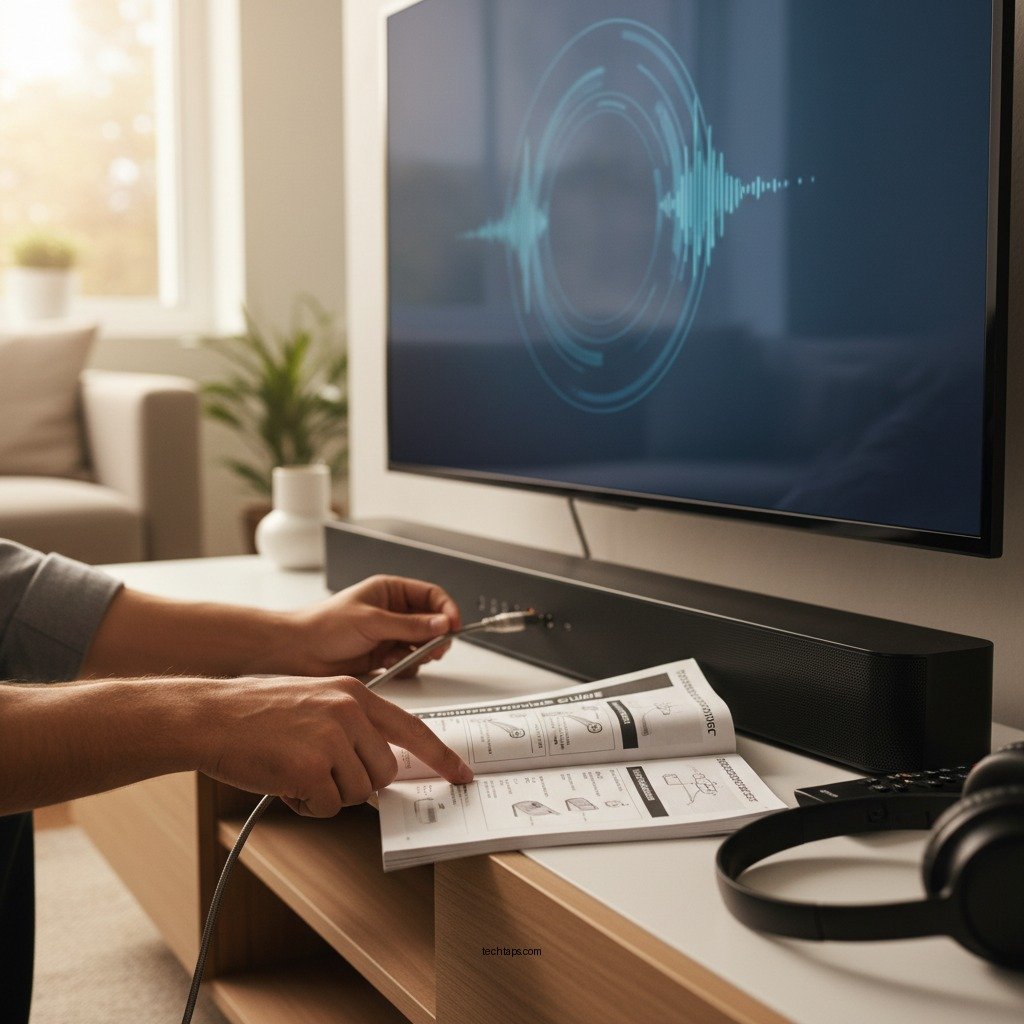
1. Poor Soundbar Placement and Room Acoustics: The physical location of your soundbar can greatly impact sound quality. If placed in a corner, near walls, or enclosed spaces, sound can bounce off surfaces, leading to echoes or muffled audio. Room acoustics play a vital role; hard surfaces like tiles can reflect sound, while soft furnishings can absorb it, altering the overall audio experience.
2. Incorrect Audio Settings or Incompatible Formats: Soundbars often come with a variety of audio settings to cater to different content types. Using the wrong mode or trying to play audio formats that the soundbar does not support can result in distortion. For instance, attempting to play high-definition audio on a standard mode may not yield optimal results.
Adjusting Audio Settings
To enhance sound quality, adjusting the soundbar’s audio settings is crucial:
– Equalizer Settings: Most soundbars feature equalizer settings that allow users to fine-tune audio output. A common adjustment is to reduce the bass if it causes distortion, particularly at higher volumes. Experimenting with treble and mid-range frequencies can also help achieve a balanced sound.
– Audio Modes: Selecting the right audio mode is essential. For example, using “surround sound” mode might be optimal for cinematic experiences, while “stereo” can enhance music playback. Each mode is designed to suit different types of audio, so it’s advisable to switch modes based on the content being played.
Top Soundbar Features Affecting Audio Quality
| # | Feature | Impact on Sound Quality | Recommended Adjustment |
|---|---|---|---|
| 1 | Equalizer Settings | High | Adjust based on content |
| 2 | Audio Mode | Medium | Use mode appropriate for content |
| 3 | Surround Sound Capability | High | Enable for movies |
| 4 | Bass Management | High | Reduce if distortion occurs |
| 5 | Volume Levels | Medium | Keep moderate to avoid distortion |
| 6 | Subwoofer Settings | High | Adjust for balance |
| 7 | Room Calibration | Medium | Use if available |
Checking Connections and Cables
Another critical aspect to consider is the quality and security of connections and cables.
– Inspect Cable Quality and Compatibility: Ensure that the cables used (HDMI, optical, or auxiliary) are of high quality and compatible with your soundbar and connected devices. Inferior cables can lead to signal degradation, resulting in distorted sound. For instance, using an outdated HDMI cable might not support the audio formats your device outputs.
– Secure Connections: Ensure that all connections are tight and secure. Loose cables can introduce interference, causing audio issues. Regularly check connections, especially if the soundbar has been moved or adjusted.
Firmware Updates and Maintenance
Outdated firmware can significantly affect sound quality and performance.
– Check for Firmware Updates: Manufacturers often release firmware updates to fix bugs, improve performance, and enhance compatibility with new devices. Check the manufacturer’s website or the soundbar’s companion app for available updates.
– Install Updates: Follow the manufacturer’s instructions to update the firmware. This process can often resolve audio distortion issues related to software bugs or incompatibility with newer audio formats.
Testing with Different Sources
To isolate the source of sound distortion, it’s essential to test your soundbar with various devices:
– Use Different Devices: Connect your soundbar to different sources, such as a television, gaming console, or streaming device. This testing will help determine whether the distortion is related to the soundbar itself or the original audio source.
– Check Audio Formats: Different devices may output varying audio formats. Ensure that the format is compatible with your soundbar to avoid distortion.
When to Seek Professional Help
There are instances where DIY approaches may not suffice in resolving sound distortion issues:
– Persistent Issues: If sound distortion continues after trying the above solutions, it may indicate a deeper issue within the soundbar itself, such as damaged internal components.
– Finding Professional Repair Services: Research local audio repair specialists or authorized service centers. Alternatively, check if your soundbar is still under warranty, which may cover repairs or replacements.
In conclusion, addressing sound distortion involves a combination of adjusting settings, checking connections, and ensuring compatibility between devices. If issues persist despite your best efforts, consulting professionals can provide further assistance. Improving your soundbar’s performance not only enhances your audio experience but also maximizes the value of your investment. Take action today to enjoy clearer, distortion-free sound!
Frequently Asked Questions
What are the common causes of sound distortion in soundbars?
Common causes of sound distortion in soundbars include poor audio source quality, incorrect soundbar settings, interference from nearby electronic devices, and faulty cables. Additionally, improper placement of the soundbar or subwoofer can lead to audio issues, so it’s essential to ensure proper setup for optimal sound performance.
How can I troubleshoot sound distortion issues on my soundbar?
To troubleshoot sound distortion, start by checking all connections and replacing any faulty cables. Next, adjust the audio settings on both the soundbar and the source device, ensuring they’re compatible. If issues persist, try resetting the soundbar to factory settings, which can resolve software-related problems.
Why does my soundbar distort sound when playing certain types of content?
Soundbars may distort audio when playing certain content due to differences in audio encoding or bit rates. For instance, low-quality audio files or compressed formats may not provide sufficient data, leading to distortion. Ensure that you’re using high-quality audio sources and check the soundbar’s settings for any enhancements that could affect playback.
What is the best way to position my soundbar to avoid sound distortion?
The best way to position your soundbar is to place it at ear level when seated and ensure it’s centered with your TV for optimal sound distribution. Avoid placing it in enclosed spaces or too close to walls, as this can create sound reflections and distortion. Additionally, keep it away from other electronic devices to minimize interference.
Which soundbar features should I look for to minimize distortion?
Look for soundbars that feature advanced audio processing technologies like Dolby Atmos or DTS:X, which can enhance sound clarity and reduce distortion. Additionally, models with built-in equalizers allow you to adjust audio settings to fit your room’s acoustics. Subwoofers designed to handle low frequencies without distortion can also significantly improve your listening experience.
References
- Auditory processing disorder
https://en.wikipedia.org/wiki/Sound_distortion - https://www.sciencedirect.com/topics/engineering/sound-distortion
https://www.sciencedirect.com/topics/engineering/sound-distortion - https://www.britannica.com/science/distortion-physics
https://www.britannica.com/science/distortion-physics - https://www.ncbi.nlm.nih.gov/pmc/articles/PMC1001000/
https://www.ncbi.nlm.nih.gov/pmc/articles/PMC1001000/ - https://www.nature.com/articles/s41598-019-45048-1
https://www.nature.com/articles/s41598-019-45048-1 - Google Scholar Google Scholar
https://scholar.google.com/scholar?q=How+to+solve+sound+distortion+issues+in+your+soundbar - Google Scholar Google Scholar
https://scholar.google.com/scholar?q=soundbar+distortion+solutions - Google Scholar Google Scholar
https://scholar.google.com/scholar?q=sound+distortion+causes+and+fixes - https://www.reuters.com/article/us-tech-audio-idUSKBN2A02U0
https://www.reuters.com/article/us-tech-audio-idUSKBN2A02U0 - https://www.bbc.com/future/article/20200106-how-to-fix-sound-barrier-problems
https://www.bbc.com/future/article/20200106-how-to-fix-sound-barrier-problems
