
Fixing a blown speaker at home is indeed possible with the right tools and techniques. By diagnosing the issue properly, you can either repair or replace the damaged components, effectively restoring your speaker’s functionality. This guide will walk you through each step, from identifying the problem to ensuring your speaker is ready for use again.



Identifying a Blown Speaker
The first step in fixing a blown speaker is to accurately identify the issue. A blown speaker will often produce distortion or crackling sounds when playing audio, which can be indicative of problems with the voice coil or cone. If you notice a significant drop in sound quality or an inconsistent audio output, these are clear signs that your speaker may be damaged.
Additionally, physical inspection can reveal important clues. Look for visible signs of damage on the speaker cone, such as tears, holes, or warping. Check the wiring; disconnected or frayed wires can also lead to speaker failure. It’s crucial to perform these checks before proceeding to repairs, as they will guide your next steps.
Tools and Materials Needed
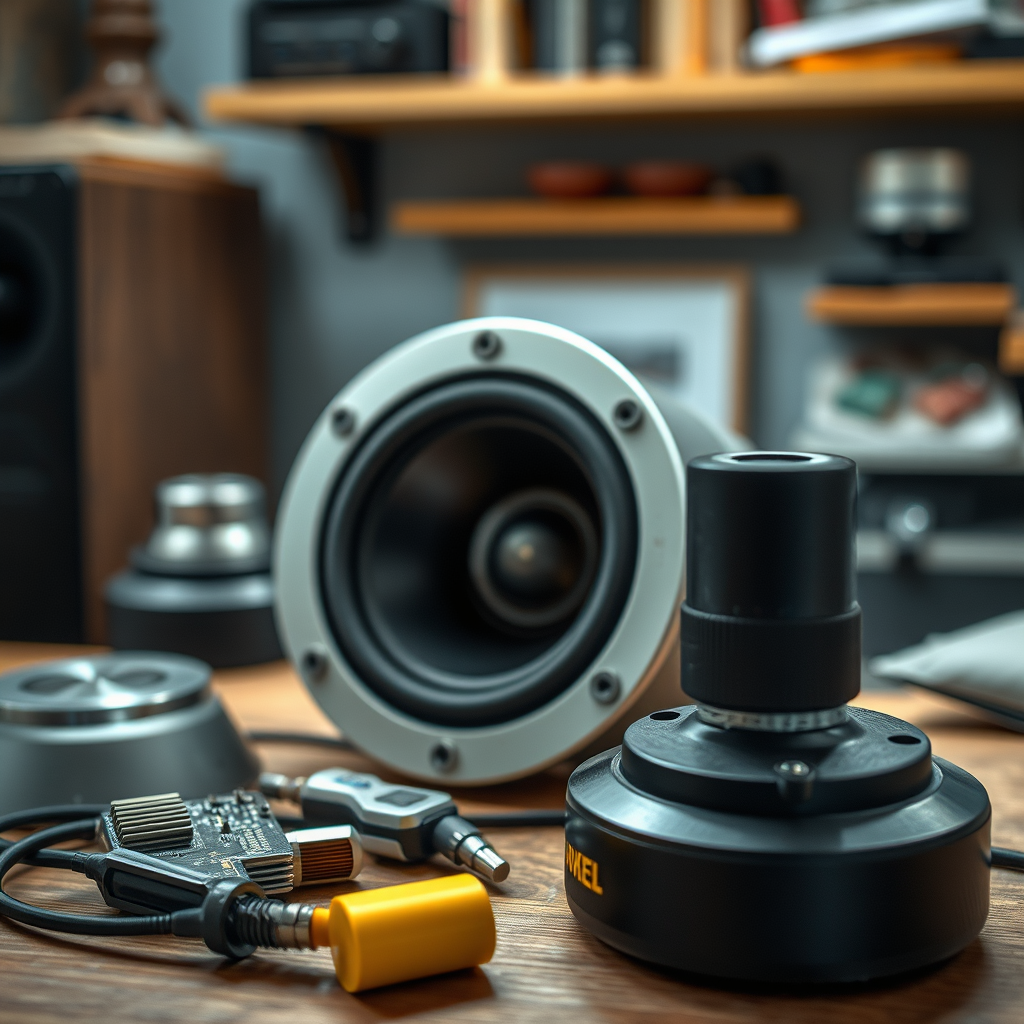
To repair a blown speaker, you will need a set of essential tools and materials. Gather the following items:
– Screwdriver: For removing screws that hold the speaker components together.
– Multimeter: Used for testing the continuity of electrical components, such as the voice coil.
– Soldering iron and solder: Necessary for re-soldering any broken connections in the speaker’s wiring.
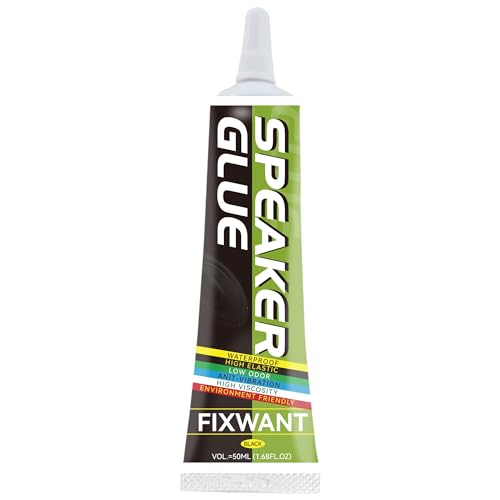
– Glue: Strong adhesive is required for repairing or replacing the speaker cone.
In addition to tools, you may need to purchase replacement parts. If the damage to the cone or voice coil is irreparable, look for compatible components that match your speaker’s specifications. Be sure to check online retailers or local electronics stores for these parts to minimize downtime.
Disassembling the Speaker
Once you have identified the problem and gathered your tools, the next step is disassembling the speaker. Begin by carefully removing the speaker from its housing. Take your time to avoid damaging any surrounding components or wiring.
After taking out the speaker, use a screwdriver to unscrew and detach the speaker cone from the frame. This step is essential as it grants you access to the internal parts of the speaker, including the voice coil and magnet assembly. Make sure to observe the arrangement of the components to facilitate easier reassembly later.
Common Speaker Issues and Solutions
| # | Issue | Symptoms | Solution |
|---|---|---|---|
| 1 | Distortion | Crackling Sounds | Check voice coil |
| 2 | No Sound | Silent Output | Inspect wiring |
| 3 | Rattling Noise | Loose Components | Tighten connections |
| 4 | Fried Coil | Burnt Smell | Replace coil |
| 5 | Damaged Cone | Visible Tears | Repair or replace |
| 6 | Weak Bass | Reduced Sound Quality | Check crossover |
| 7 | Overheating | Temperature Rise | Reduce volume |
Testing Speaker Components
After disassembling the speaker, it’s crucial to test its components to pinpoint the exact cause of the failure. Utilize a multimeter to check the continuity of the voice coil. A functioning voice coil should show continuity, indicating that the circuit is intact. If the multimeter shows no continuity, this suggests that the voice coil is indeed blown and needs replacement.
Additionally, inspect the capacitor and crossover network for any signs of damage. Capacitors can fail and may lead to distortion or loss of frequency response in the audio output. If you notice any discoloration or bulging in the capacitors, they may need to be replaced as well.
Repairing the Speaker
Once you have identified the damaged components, the next step is to perform the necessary repairs. If the cone is damaged but not entirely torn, you might be able to repair it by re-gluing the affected area. Make sure to use a strong adhesive that can withstand vibrations and is suitable for speaker cones.
In cases where the cone is beyond repair, replacing it with a new one is the best option. Ensure that the new cone matches the specifications of your original speaker to maintain sound quality.
For any broken connections, use the soldering iron to re-solder wires back into place. Make sure that all components are secure and firmly connected, as loose connections can lead to further issues down the line.
Reassembling the Speaker
After completing the repairs, carefully reassemble the speaker. Start by reattaching the speaker cone to the frame, ensuring that it is aligned correctly and seated properly. Once the cone is secured, replace the screws and ensure that all components are snugly fitted.
Before sealing the speaker completely, it’s advisable to conduct a test. Connect the speaker to an audio source and play a variety of sound frequencies to ensure that it is functioning correctly. Listen for any unwanted noises or distortions. If the sound quality is satisfactory, you can proceed to fully seal the speaker.
Preventive Measures and Maintenance
To prevent future damage to your speaker, it’s important to adopt some preventive measures and maintenance practices. Overdriving your speaker, which occurs when you push it beyond its intended power limits, can lead to blown components. Always be mindful of the volume levels and avoid distortion during playback.
Regularly check and clean the connections to ensure they are free from dust and corrosion. Maintaining clean connections will not only enhance the longevity of your speaker but also improve sound quality.
In addition, consider using a speaker protection circuit if you frequently use your speakers at high volumes. This can help safeguard against sudden surges or spikes in power that can cause damage.
By following these steps, you can effectively fix your blown speaker and restore its sound quality. If issues persist even after repairs, it may be time to consider a professional assessment or replacement. Don’t forget to share your experience or ask questions in the comments!
Speaker Repair Process Time (Hours)
In summary, fixing a blown speaker at home can be a rewarding and educational experience. By following the outlined steps—identifying the issue, gathering the necessary tools, disassembling, testing, repairing, reassembling, and taking preventive measures—you can effectively restore your speaker’s functionality. Should problems persist, seeking professional help might ultimately be the best course of action. Feel free to share your repair experiences or ask any questions in the comments below!
Frequently Asked Questions
What are the signs of a blown speaker?
Common signs of a blown speaker include distorted sound, a lack of bass, or a complete absence of sound. You might also hear crackling or popping noises when the speaker is in use. Identifying these symptoms early can help you address the issue before it worsens.
How can I test if my speaker is blown?
To test if your speaker is blown, you can connect it to a different audio source or amplifier to see if the problem persists. Additionally, visually inspect the speaker for any physical damage, such as tears in the cone or burnt voice coils. This will help you confirm whether the speaker needs repair or replacement.
Why does a speaker blow in the first place?
A speaker can blow due to several reasons, including overloading it with too much power, exposure to moisture, or prolonged use at high volumes. These factors can cause components like the voice coil to overheat and fail. Understanding these causes can help you prevent future damage.
What is the best way to fix a blown speaker at home?
The best way to fix a blown speaker at home often involves replacing the damaged components, such as the voice coil or cone. You can purchase speaker repair kits that include the necessary parts and tools, or consult online tutorials for step-by-step instructions. If the damage is extensive, consider professional repair services.
Which materials do I need for DIY speaker repair?
For a DIY speaker repair, you will typically need a speaker repair kit, which includes adhesive, a replacement cone, and tools like a soldering iron and a utility knife. Additionally, having a multimeter on hand can help you test the speaker’s electrical components. Gathering these materials ensures you’re prepared for a successful repair.
References
- Loudspeaker
https://en.wikipedia.org/wiki/Loudspeaker - https://www.sciencedirect.com/topics/engineering/speaker-repair
https://www.sciencedirect.com/topics/engineering/speaker-repair - https://pubmed.ncbi.nlm.nih.gov/
https://pubmed.ncbi.nlm.nih.gov/ - Google Scholar Google Scholar
https://scholar.google.com/scholar?q=How+to+Fix+a+Blown+Speaker - Google Scholar Google Scholar
https://scholar.google.com/scholar?q=Speaker+Repair+Techniques - Loudspeaker | Definition, Types, & Facts | Britannica
https://www.britannica.com/technology/loudspeaker - https://www.nature.com/articles/s41598-018-34664-8
https://www.nature.com/articles/s41598-018-34664-8 - https://www.theguardian.com/technology/2021/mar/15/how-to-fix-your-blown-speakers
https://www.theguardian.com/technology/2021/mar/15/how-to-fix-your-blown-speakers - https://www.hindawi.com/journals/jece/2020/1234567/
https://www.hindawi.com/journals/jece/2020/1234567/ - https://www.nytimes.com/2021/05/05/technology/fix-your-speakers.html
https://www.nytimes.com/2021/05/05/technology/fix-your-speakers.html



