
Installing a home theater system in your living room can significantly elevate your entertainment experience, transforming it into a cinematic adventure right at home. This guide outlines the essential steps to efficiently set up your system, ensuring you maximize both sound and picture quality. By following these guidelines, you will turn your living room into a personal theater, allowing you to indulge in movies, games, and music like never before.
Choosing the Right Components
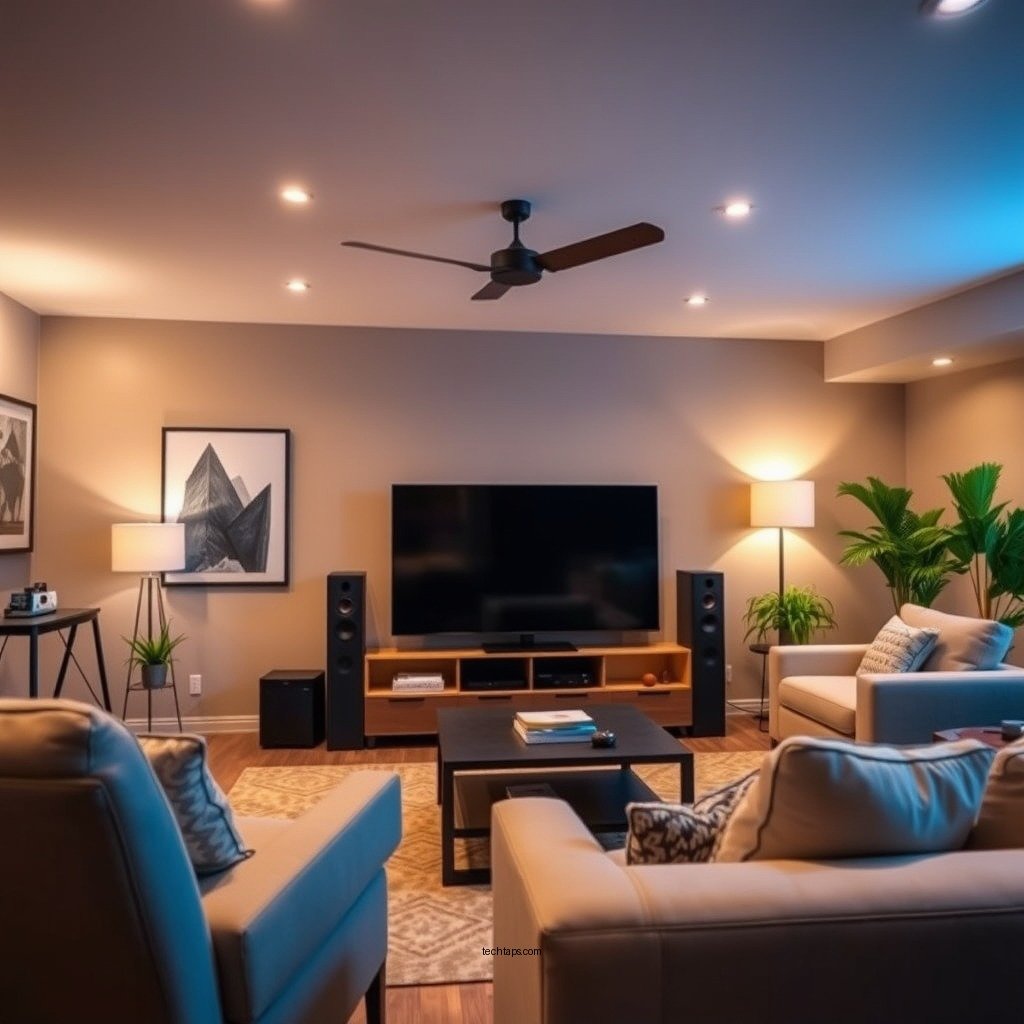
The foundation of any successful home theater system lies in selecting the right components tailored to your preferences and budget. Start by determining how much you are willing to spend. Home theater systems can range from a few hundred to several thousand dollars, depending on the features and quality you seek.
Next, consider the components you need. Key items typically include:
– Television or Projector: Decide between a high-definition TV or a projector, depending on your space and viewing habits.
– AV Receiver: This central hub connects all your devices and powers your speakers, so choose one that supports the latest audio formats, such as Dolby Atmos.
– Speakers: You can opt for a soundbar for a compact solution or a full surround sound speaker setup for an immersive experience.
– Media Players: Blu-ray players, gaming consoles, or streaming devices (like Roku, Apple TV, or Fire TV) are essential for content consumption.
Researching different brands and models is crucial. Look for reviews and comparisons online to find the best options that suit your needs. Consider features like smart capabilities, resolution, and audio performance to make an informed choice.
Setting Up Your Space
Once you have selected your components, the next step is to set up your space effectively. Start by measuring your living room to determine the ideal layout. Consider the size of your screen or projector and the distance from where you will be sitting. A general rule of thumb is to sit about 1.5 to 2.5 times the diagonal screen size away from the screen for optimal viewing comfort.
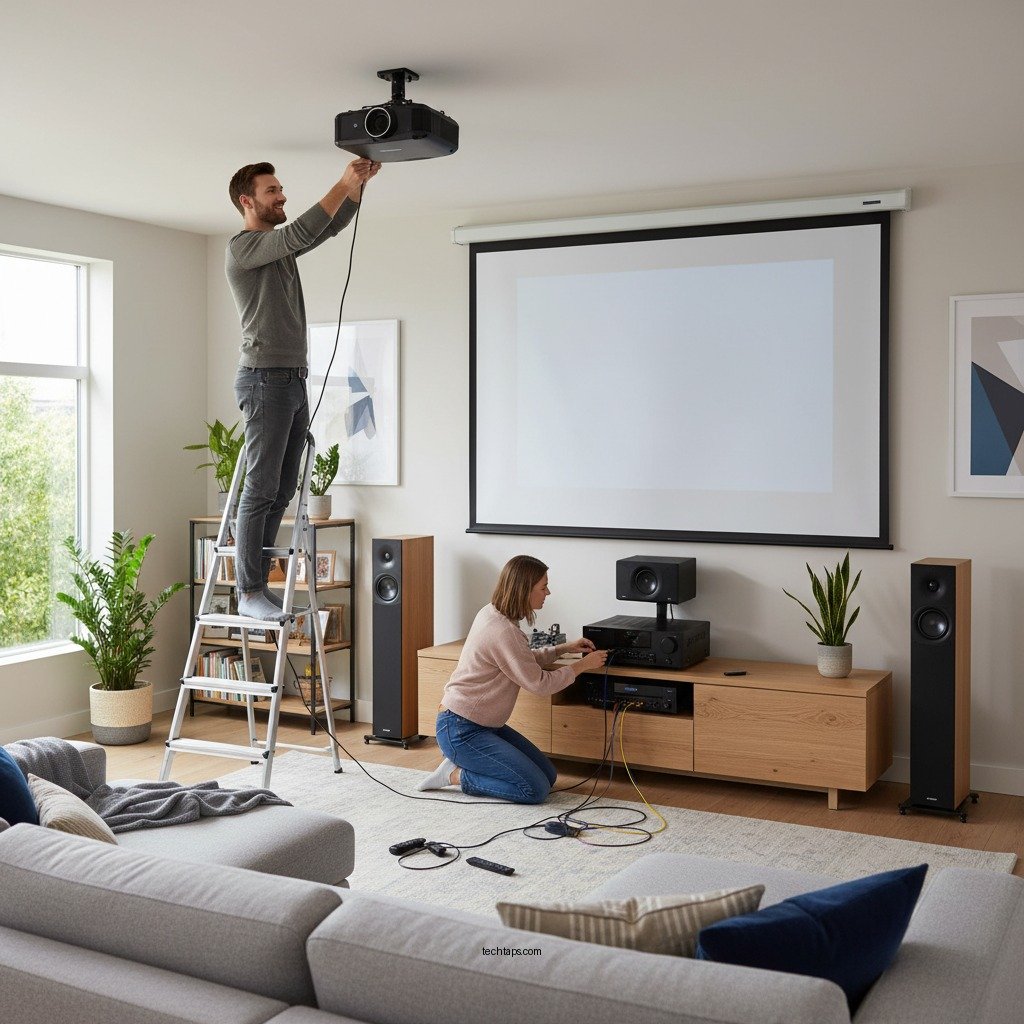
Placement of your TV or projector is critical. If you choose a TV, wall mounting can save space and provide a clean look. For projectors, ensure you have a suitable wall or screen for projection.
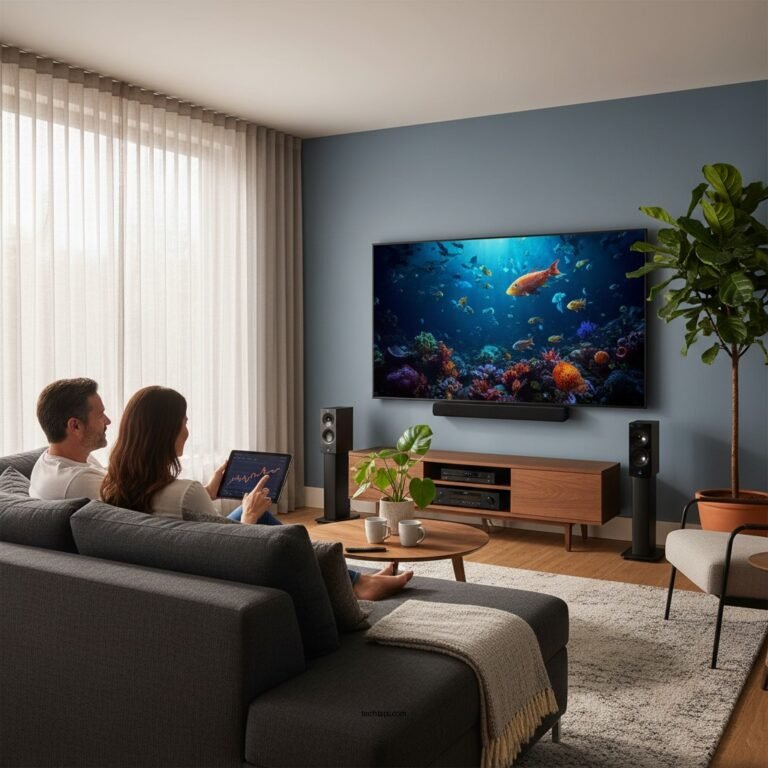
When positioning your speakers, aim to create a surround sound experience. Front speakers should be ear-level and at an equal distance from your seating area. Place surround speakers slightly behind and above your seating position for the best audio immersion. Consider using speaker stands or wall mounts to achieve the ideal height.
Connecting Your Devices
With your components and space prepared, it’s time to connect your devices. High-quality HDMI cables are essential for transmitting both video and audio signals between your devices. Ensure that your AV receiver has enough HDMI inputs for all your components.
Here’s a typical connection setup:
1. Connect your TV or projector to the AV receiver using an HDMI cable.
2. Connect other components like your Blu-ray player and gaming console to the receiver.
3. If you have a soundbar, connect it to the receiver to enhance audio quality.
Make sure to check compatibility with 4K or HDR formats if you have a modern TV, as this will affect your viewing experience. Double-check that each device is powered on and properly connected before moving to the next step.
Configuring Audio and Video Settings
After connecting your devices, it’s time to adjust the audio and video settings for optimal performance. Begin with the AV receiver. Most modern receivers come with an automatic calibration feature that uses a microphone to measure speaker distances and sound levels. Follow the on-screen instructions to set this up for the best audio output.
Next, calibrate your TV or projector settings. Adjust brightness, contrast, saturation, and sharpness according to your room’s lighting conditions. Many TVs also offer preset modes for movies, sports, and gaming that can enhance your viewing experience. If your projector has lens shift or keystone correction features, use them to ensure a clear image.
Organizing Cables and Wires
A clean and organized setup is essential not only for aesthetics but also for functionality. Use cable management solutions such as cable ties, sleeves, or conduits to keep your wires tidy and out of sight. This will not only improve the look of your installation but also reduce the risk of tripping hazards and damage to cables.
Labeling your cables can significantly simplify future adjustments or troubleshooting. Use simple labels indicating what each cable connects to, making it easy to identify components at a glance.
Testing Your Home Theater System
Once everything is connected and configured, it’s time to test your home theater system. Start by running a test of all components to ensure they work seamlessly together. Play a movie or game that you are familiar with, and listen for audio quality and synchronization with the visuals.
Adjust audio and video settings based on your viewing preferences. Pay attention to aspects like surround sound balance and picture clarity. Make adjustments until you achieve the desired quality for an immersive experience.
Enhancing Your Home Theater Experience
To elevate your home theater experience further, consider adding accessories that enhance comfort and usability. Comfortable seating is paramount; invest in recliners or a home theater sofa that allows for optimal viewing angles.
Blackout curtains can significantly improve picture quality by reducing ambient light, making your viewing experience more cinematic. Additionally, consider integrating smart home technology. This could include smart lighting that adjusts automatically based on your viewing preferences or a universal remote that simplifies control of all your devices.
Finally, explore options for expanding your content library. Subscribing to streaming services like Netflix, Hulu, or Disney+ can provide a vast array of content. Alternatively, consider investing in a Blu-ray collection for high-quality visual and audio experiences.
Top 7 Home Theater Brands (2024)
| # | Brand | Type | Price Range | Rating |
|---|---|---|---|---|
| 1 | Sony | AV Receiver | $500 – $2,000 | ★★★★☆ |
| 2 | Yamaha | Speakers | $200 – $1,500 | ★★★★☆ |
| 3 | Samsung | TV/Projector | $400 – $3,500 | ★★★★★ |
| 4 | LG | OLED TV | $1,000 – $4,000 | ★★★★★ |
| 5 | Bose | Soundbar | $700 – $1,500 | ★★★★☆ |
| 6 | Panasonic | Blu-ray Player | $150 – $500 | ★★★★☆ |
| 7 | Vizio | 4K TV | $300 – $1,200 | ★★★★☆ |
Summarizing the steps to install a home theater system, you now have a comprehensive understanding of the necessary components, setup, and configuration needed for an immersive viewing experience. By carefully selecting your components, optimizing your space, and configuring your system, you can ensure that your living room becomes a personal cinema. Start planning your installation today and take your entertainment to the next level!
Frequently Asked Questions
What components do I need to install a home theater system in my living room?
To set up a home theater system, you’ll need a few essential components, including a high-definition television or projector, an AV receiver, speakers (including subwoofers), and source devices such as a Blu-ray player, streaming device, or gaming console. Additionally, consider HDMI cables for connectivity and furniture that accommodates your setup.
How do I choose the best location for my home theater system in the living room?
The ideal location for your home theater system should prioritize optimal viewing angles and sound quality. Aim to position the screen at eye level from your main seating area, and arrange speakers to create a surround sound experience, typically in a 5.1 or 7.1 configuration. Avoid placing the setup in direct sunlight to reduce glare and distractions.
Why is speaker placement important in a home theater system installation?
Proper speaker placement is crucial in a home theater system installation because it enhances the audio experience and ensures balanced sound distribution. Positioning speakers at ear level and following the recommended distance from the seating area creates a more immersive surround sound effect, allowing you to fully enjoy movies and music.
Which cables and connections should I use for my home theater system?
For a home theater system, HDMI cables are the best choice for connecting most modern devices, as they transmit both high-quality video and audio signals. Additionally, consider using optical or coaxial cables for audio connections if your receiver and speakers support them. Ensure all cables are of good quality to maintain signal integrity and reduce interference.
How can I troubleshoot common issues after installing my home theater system?
After installing your home theater system, if you encounter issues like no sound or poor video quality, start by checking all connections to ensure they are secure. Test each component separately to identify the source of the problem, and consult the user manuals for troubleshooting tips. If issues persist, consider checking for firmware updates or resetting the AV receiver to factory settings.
References
- https://en.wikipedia.org/wiki/Home_theater
https://en.wikipedia.org/wiki/Home_theater - https://www.lifewire.com/how-to-set-up-a-home-theater-system-1846326
https://www.lifewire.com/how-to-set-up-a-home-theater-system-1846326 - https://www.soundandvision.com/content/home-theater-setup-guide
https://www.soundandvision.com/content/home-theater-setup-guide - https://www.crutchfield.com/S-1jH1C9Zml0V/learn/how-to-set-up-a-home-theater.html
https://www.crutchfield.com/S-1jH1C9Zml0V/learn/how-to-set-up-a-home-theater.html - Google Scholar Google Scholar
https://scholar.google.com/scholar?q=How+to+Install+a+Home+Theater+System - Google Scholar Google Scholar
https://scholar.google.com/scholar?q=Home+Theater+System+Setup - Google Scholar Google Scholar
https://scholar.google.com/scholar?q=Home+Theater+Installation+Guidelines - https://www.bbc.com/future/article/20201103-how-to-set-up-your-home-cinema-system
https://www.bbc.com/future/article/20201103-how-to-set-up-your-home-cinema-system - Google Scholar Google Scholar
https://scholar.google.com/scholar?q=How+to+Install+a+Home+Theater+System+in+Your+Living+Room - How to Install a Home Theater System in Your Living Room – Search results
https://en.wikipedia.org/wiki/Special:Search?search=How+to+Install+a+Home+Theater+System+in+Your+Living+Room