
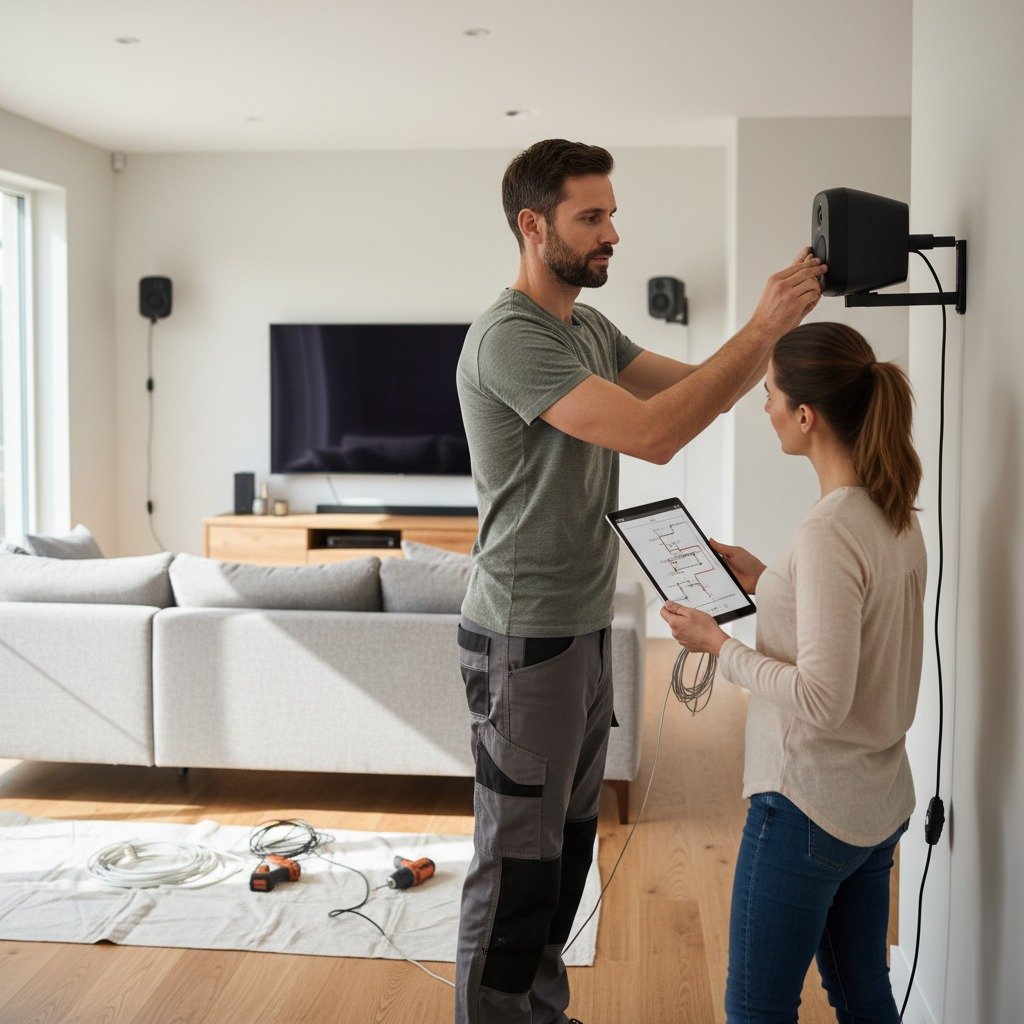

To properly install and mount a surround sound system, it is essential to follow a methodical approach that guarantees optimal audio performance. A well-executed installation not only enhances your home entertainment experience but also ensures that every component works harmoniously. This guide will provide you with the necessary preparations, techniques, and tips to install your surround sound system correctly, leading to immersive sound quality that elevates your viewing and listening pleasure.
Understanding Your Surround Sound System
Before diving into the installation process, it is crucial to familiarize yourself with the primary components of a surround sound system. Typically, these systems consist of five main components: front left and right speakers, a center speaker, two rear speakers, and a subwoofer. Each of these components plays a vital role in creating a surround sound experience, which envelops the listener in audio from multiple directions.
In addition to the speakers, a receiver is also an integral part of the system. The receiver acts as the hub that connects all components, handles audio processing, and sends signals to the speakers. Understanding whether your system is wired or wireless is equally important. Wired systems require speaker cables for connection, while wireless systems use Bluetooth or Wi-Fi technology, which can simplify installation but may require additional configuration.
Planning Your Layout
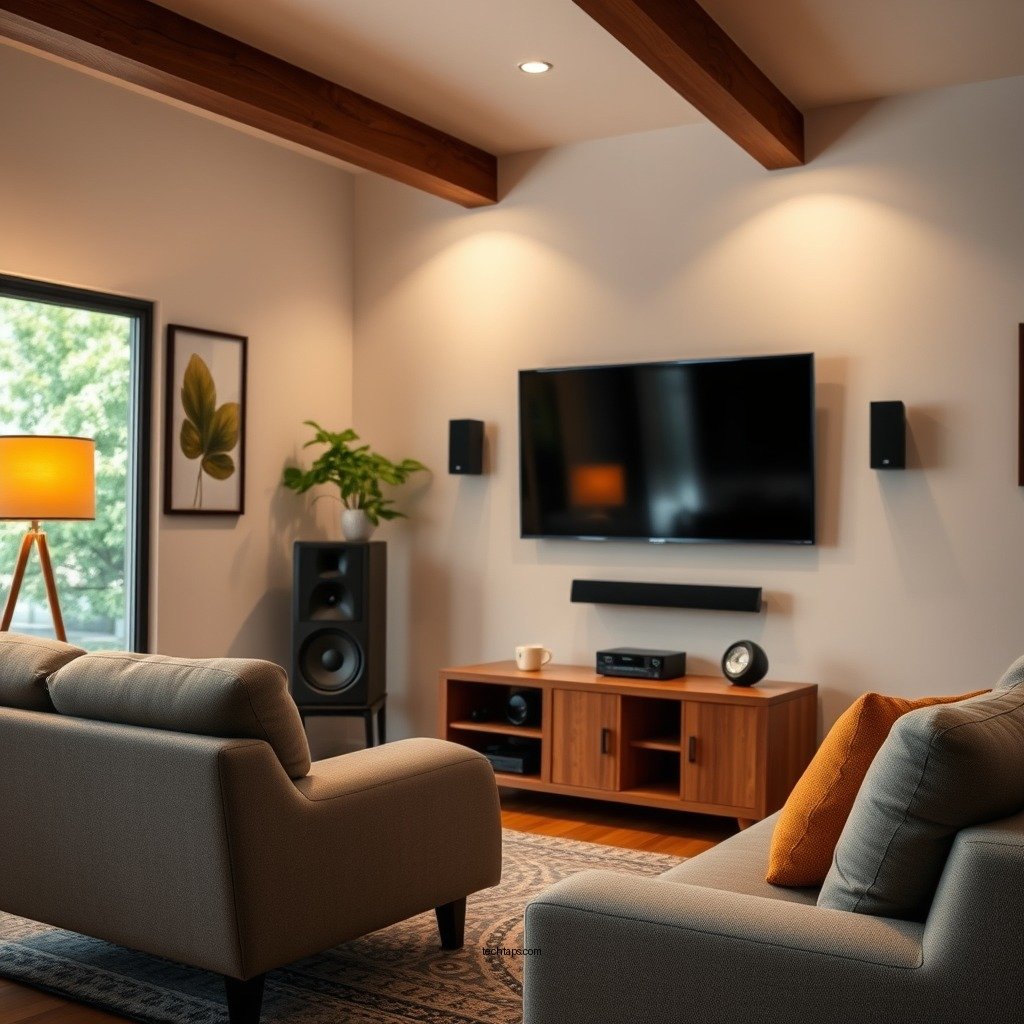
The room you select for your surround sound system can significantly impact audio quality. Considerations such as the size, shape, and acoustics of the room should guide your choice. Larger rooms may require more powerful speakers or additional subwoofers to fill the space adequately, while smaller rooms can benefit from more compact systems.
Once you have chosen the right room, the next step is to determine the optimal placement for each speaker. The general guideline is to position the front left and right speakers at ear level, angled toward the primary seating area. The center speaker should be directly in front of the viewer, ideally above or below the TV. Rear speakers should be placed slightly above ear level, facing the listener, and positioned at a 90 to 110-degree angle from the front speakers. This arrangement promotes balanced audio and enhances the immersive experience.
Tools and Materials Needed
To successfully install your surround sound system, you’ll need several essential tools and materials. Here’s a comprehensive list:
– Tools:
– Drill: For making holes in walls to mount speakers.
– Level: Ensures that speakers are mounted straight and correctly aligned.
– Screwdriver: For securing brackets and connections.
– Stud finder: Helps locate wall studs for secure mounting.
– Materials:
– Speaker wire: Needed for connecting wired speakers to the receiver.
– Brackets: Essential for mounting speakers on walls or ceilings.
– Wall anchors and screws: Provide support for heavier speakers.
– Cable management solutions: Keep wires organized and out of sight.
Top 7 Surround Sound Systems Reviewed (2024)
| # | System | Channels | Power (W) | Price ($) | Rating |
|---|---|---|---|---|---|
| 1 | Sonos Arc | 5.1.2 | 450 | 799 | ★★★★☆ |
| 2 | Yamaha YAS-209 | 2.1 | 200 | 349 | ★★★★★ |
| 3 | Bose Soundbar 700 | 5.1 | 300 | 799 | ★★★★☆ |
| 4 | LG SN11RG | 7.1.4 | 770 | 1,299 | ★★★★☆ |
| 5 | Sony HT-Z9F | 3.1 | 400 | 598 | ★★★★☆ |
| 6 | Vizio SB36512-F6 | 5.1 | 500 | 299 | ★★★★☆ |
| 7 | Samsung HW-Q950A | 11.1.4 | 540 | 1,499 | ★★★★★ |
Step-by-Step Installation Process
Once you have prepared your room and gathered your tools and materials, you can begin the installation process. Here’s a step-by-step guide:
1. Mounting Speakers on Walls:
– Start by marking the desired locations for your speakers on the wall. Use a level to ensure that the markings are straight.
– Drill holes where the brackets will be mounted, and use wall anchors if you are not drilling into a stud.
– Secure the brackets to the wall, ensuring they are tightly fastened and can support the weight of the speakers.
2. Connecting the System:
– For wired systems, run speaker wire from each speaker to the receiver, ensuring that positive and negative terminals are correctly matched.
– For wireless systems, follow the manufacturer’s instructions for connecting each speaker to the receiver via Bluetooth or Wi-Fi.
– Once all connections are made, plug in the receiver and any additional components like a Blu-ray player or gaming console.
3. Configuring Settings:
– Use the receiver’s setup menu to configure the speaker settings, including distances and levels. Most modern receivers include an automatic calibration feature that adjusts the settings based on your room’s acoustics.
Calibration and Testing
Calibration is a critical step in ensuring that your surround sound system delivers the best audio experience. Many modern receivers come with built-in calibration tools that use a microphone to assess the room’s acoustics and adjust the speaker levels accordingly.
You can also perform manual adjustments to fine-tune the sound. Start by playing a variety of media, such as movies with complex soundtracks and music across different genres. Listen for clarity and balance; adjust the levels of each speaker until you achieve the desired sound quality.
It’s advisable to test the system from various seating positions to ensure that everyone in the room can enjoy the surround sound experience equally.
Troubleshooting Common Issues
Even with careful planning and installation, you may encounter some common issues with your surround sound system. Identifying and resolving these problems quickly will help maintain your audio quality.
1. Sound Dropouts: If you experience intermittent sound loss, check all connections and ensure they are secure. For wireless systems, consider the distance between the receiver and speakers; interference from walls and other electronics can disrupt the signal.
2. Improper Placement: If you feel that the sound is unbalanced or lacks immersion, revisit your speaker placements. Rear speakers may need to be repositioned for optimal audio delivery.
3. Wiring Issues: If you have a wired setup, inspect the speaker wires for damage or kinks. Ensure that there are no loose connections at the receiver and that all wires are correctly connected to their respective speakers.
Your surround sound system will enhance your home entertainment experience when installed and mounted correctly. By following these steps and tips, you can enjoy immersive audio that brings your favorite movies and music to life. If you need further assistance or want to explore advanced setups, consider consulting with a professional audio technician.
Frequently Asked Questions
What are the essential steps to properly install a surround sound system?
To properly install a surround sound system, start by choosing the right location for each speaker based on the room layout and seating arrangement. Next, run speaker wires or use wireless options, ensuring they are neatly tucked away for safety and aesthetics. Finally, connect your speakers to the receiver and calibrate the system using the built-in setup tools for optimal sound quality.
How do I determine the best speaker placement for my surround sound system?
The best speaker placement for a surround sound system typically involves positioning the front left and right speakers at ear level, around 22 to 30 degrees from the main seating area. The center channel should be directly above or below the screen, while the surround speakers should be placed slightly above ear level, ideally to the side or slightly behind the seating. Using a sound meter or calibration microphone can help fine-tune the setup for the best audio experience.
Why is room acoustics important when installing a surround sound system?
Room acoustics play a significant role in how sound is perceived in your space; hard surfaces can create echoes while soft furnishings can absorb sound. To improve acoustics, consider adding rugs, curtains, or acoustic panels to minimize reflections and enhance clarity. Properly evaluating and adjusting your room’s acoustics can lead to a more immersive surround sound experience.
What is the best type of surround sound system for a small room?
For a small room, a 5.1 channel surround sound system is often the best choice, as it provides a balance of sound quality without overwhelming the space. Compact satellite speakers paired with a subwoofer can deliver rich audio without taking up too much room. Alternatively, consider a soundbar with virtual surround sound technology, which saves space while still providing an immersive experience.
Which tools do I need for mounting speakers in a surround sound system?
To mount speakers in a surround sound system, you’ll need a stud finder to locate wall studs, a drill with appropriate bits for your wall type, and speaker brackets or mounts that fit your speakers. Additionally, a level will ensure that your speakers are mounted straight, and a measuring tape helps maintain proper distances between speakers for optimal sound performance.
References
- Surround sound
https://en.wikipedia.org/wiki/Surround_sound - https://www.sciencedirect.com/topics/engineering/surround-sound
https://www.sciencedirect.com/topics/engineering/surround-sound - https://www.britannica.com/topic/surround-sound
https://www.britannica.com/topic/surround-sound - https://www.audioreview.com/reviews/how-to-setup-a-surround-sound-system/
https://www.audioreview.com/reviews/how-to-setup-a-surround-sound-system/ - Google Scholar Google Scholar
https://scholar.google.com/scholar?q=How+to+Properly+Install+and+Mount+a+Surround+Sound+System - Google Scholar Google Scholar
https://scholar.google.com/scholar?q=surround+sound+system+installation - Google Scholar Google Scholar
https://scholar.google.com/scholar?q=home+theater+setup+guidelines - How to Properly Install and Mount a Surround Sound System – Search results
https://en.wikipedia.org/wiki/Special:Search?search=How+to+Properly+Install+and+Mount+a+Surround+Sound+System - https://www.ncbi.nlm.nih.gov/search/research-articles/?term=How+to+Properly+Install+and+Mount+a+Surround+Sound+System
https://www.ncbi.nlm.nih.gov/search/research-articles/?term=How+to+Properly+Install+and+Mount+a+Surround+Sound+System



