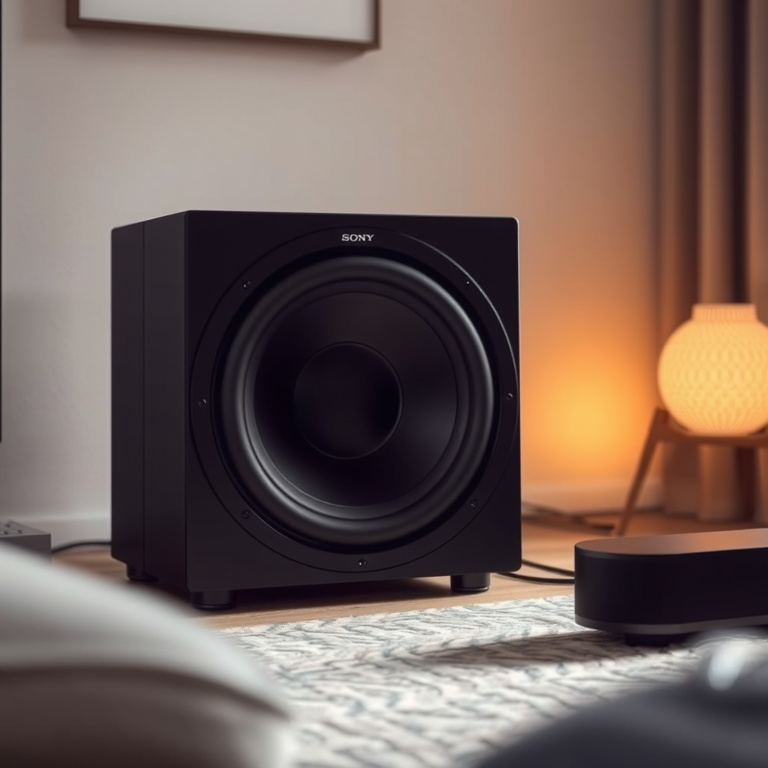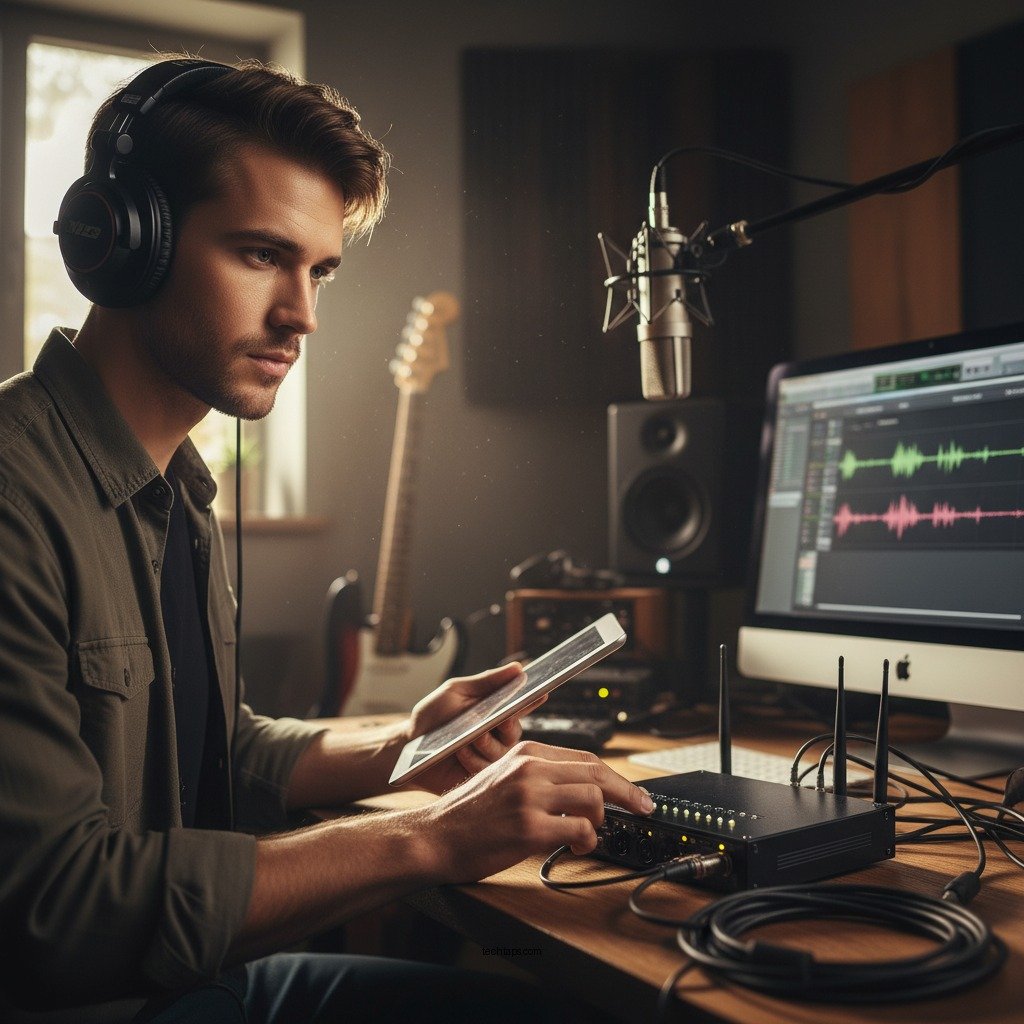

To effectively troubleshoot common wireless audio problems, start by checking your device connections and ensuring that your Bluetooth or Wi-Fi settings are properly configured. This article will guide you through diagnosing and resolving various audio issues, ensuring a seamless listening experience. Wireless audio devices, while convenient, can sometimes present challenges such as connectivity issues, audio quality degradation, or compatibility problems. Understanding how to navigate these issues can significantly enhance your listening experience.
Identify the Issue
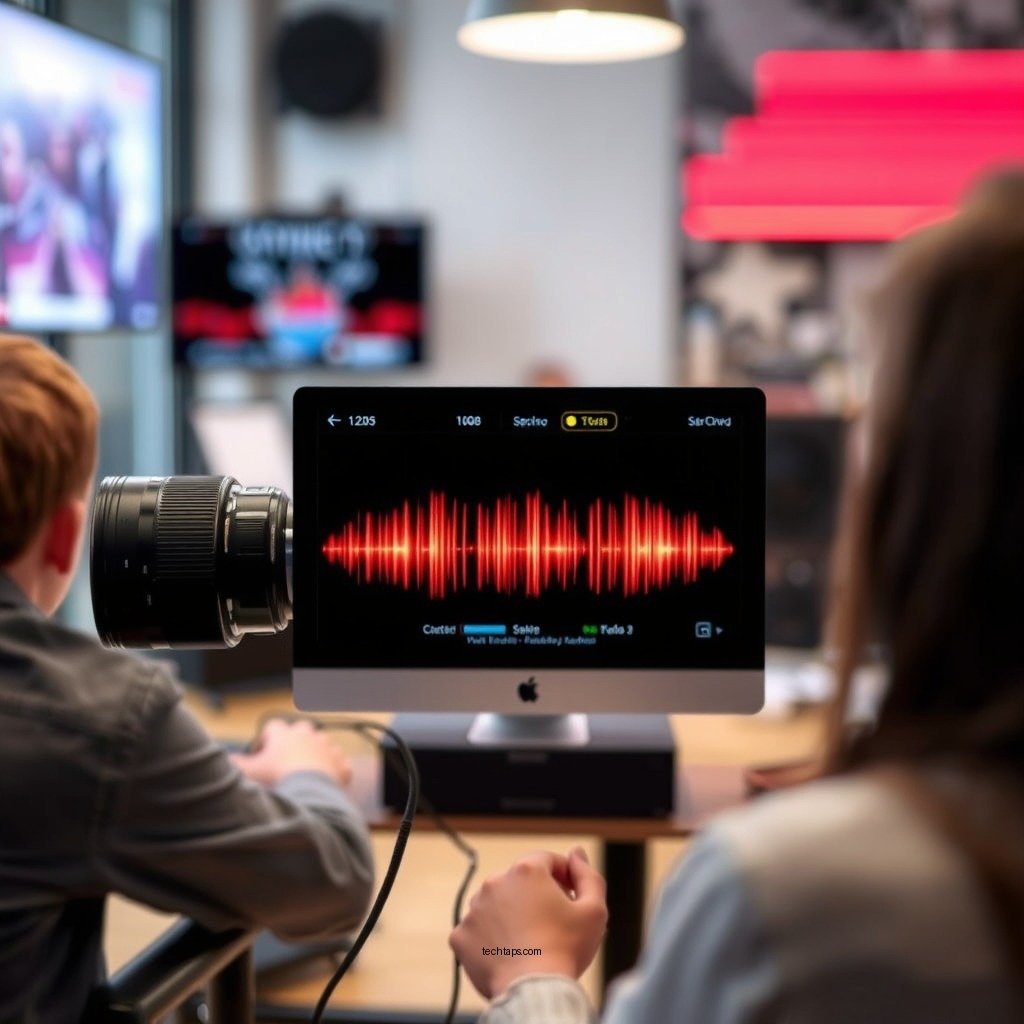
The first step in troubleshooting wireless audio problems is to identify the specific issue at hand. Is the problem originating from the audio source, such as your smartphone, tablet, or computer, or is it with the wireless device itself, like headphones or speakers? To help narrow down the source of the issue, look for any error messages or indicators. Many devices will display a notification when there is a connection issue or when the battery is low. Additionally, check if the audio is functioning properly through an alternate connection method, such as using a wired connection. This can help determine whether the issue is specifically with the wireless functionality.
Check Device Compatibility
Once you have identified the issue, verify that your audio source and wireless device are compatible. Compatibility can often be overlooked, especially when dealing with multiple brands or older devices. Ensure that both the audio source and the wireless device support the same audio codec (such as aptX, AAC, or SBC), as this can affect sound quality and connectivity. Furthermore, check that both devices are updated to the latest firmware or software versions. Manufacturers frequently release updates that fix known issues or enhance performance, so keeping your devices updated is crucial for optimal functionality.
Signal Interference
Wireless audio devices rely on signals transmitted over Bluetooth or Wi-Fi, which can be susceptible to interference. Physical obstructions, such as walls or furniture, can weaken the signal strength between devices. To mitigate this, try repositioning the devices to ensure a clear line of sight. Additionally, check for other wireless devices that may be causing interference, such as microwaves, Wi-Fi routers, or even other Bluetooth devices. If possible, turn these devices off temporarily to see if the audio performance improves.
Common Causes of Wireless Audio Issues (2024)
| # | Cause | Impact Level | Frequency of Occurrence | Recommended Action |
|---|---|---|---|---|
| 1 | Low Battery | High | Common | Charge Devices |
| 2 | Signal Obstruction | Medium | Frequent | Reposition Devices |
| 3 | Outdated Firmware | High | Occasional | Update Firmware |
| 4 | Interference from Other Devices | High | Frequent | Turn Off Other Devices |
| 5 | Software Conflicts | Medium | Occasional | Reboot Devices |
| 6 | Incorrect Bluetooth Settings | Medium | Frequent | Check Settings |
| 7 | Device Overload | Medium | Occasional | Limit Connected Devices |
Audio Quality Settings
Audio quality settings can also play a significant role in the overall wireless audio experience. Many devices and streaming services allow users to adjust audio quality settings, which can impact both performance and battery life. For instance, if you are experiencing choppy audio or delays, consider switching from high-quality streaming to standard mode, especially if your connection speed is unstable. Additionally, some audio devices offer built-in equalizers or sound settings that can enhance audio clarity or bass response. Exploring these options may help you achieve a richer listening experience.
Resetting Devices
Sometimes, temporary glitches can cause issues with wireless audio devices. Performing a reset on both the audio source and the wireless device can clear these glitches and restore functionality. Each manufacturer provides specific instructions for resetting their devices, so it’s essential to follow these guidelines carefully. A reset can often resolve persistent connection issues and improve overall performance, making it a simple yet effective troubleshooting step.
Reconnect the Devices
If issues persist after troubleshooting, try removing the wireless connection and then re-establishing it. This process refreshes the link and can often resolve lingering connectivity problems. Make sure to follow the correct pairing process for both devices, as some may require you to enter a passcode or confirm the connection on both ends. Ensuring that the devices are within range and not connected to other devices can also facilitate a more stable connection.
Seek Professional Help
If you have followed all the above troubleshooting steps and still encounter problems, it may be time to seek professional help. Refer to the manufacturer’s support resources, which often include detailed troubleshooting guides and FAQs. Additionally, customer support can provide specialized assistance, particularly for warranty-related issues or complex device interactions. Don’t hesitate to reach out; professional help can save you time and frustration, ensuring that you can enjoy your audio devices without further delay.
By following these steps, you can effectively troubleshoot and resolve common wireless audio problems. Whether it’s an issue with connectivity, quality, or device compatibility, addressing these areas will help restore your audio experience. Remember to keep your devices updated, manage signal interference, and consult professional assistance when needed. By employing these strategies, you can ensure a seamless and enjoyable listening experience.
Frequently Asked Questions
What are the common causes of wireless audio problems?
Common causes of wireless audio problems include interference from other electronic devices, low battery levels in the audio source or receiver, and poor Wi-Fi signal strength. Additionally, outdated firmware or software can lead to connectivity issues, so it’s essential to keep all devices updated for optimal performance.
How can I improve the sound quality of my wireless audio system?
To improve the sound quality of your wireless audio system, start by ensuring a strong Wi-Fi signal and minimizing interference from other devices. You can also reposition your audio equipment for better line-of-sight and consider using a dedicated audio frequency band, such as 5 GHz, to enhance clarity and reduce lag.
Why is my wireless audio cutting out frequently?
Frequent cutting out of wireless audio can be attributed to weak signal strength, interference from nearby networks, or distance from the audio source. To resolve this, try moving closer to the transmitter, reducing obstacles, or changing the Wi-Fi channel to avoid congestion and ensure a stable connection.
What is the best way to connect my wireless audio devices to my home network?
The best way to connect wireless audio devices to your home network is to use the manufacturer’s app or software, which often provides step-by-step instructions. Ensure your router is set up correctly, and consider using a 5 GHz band for less interference. Also, keep your router firmware updated for the best compatibility.
Which troubleshooting steps should I take if my wireless speakers are not pairing?
If your wireless speakers are not pairing, start by ensuring both the speakers and the audio source are in pairing mode and within range of each other. Restart both devices, check for software updates, and remove any previous connections to clear potential conflicts. If issues persist, consult the user manual for specific pairing instructions or reset the speakers to factory settings.
References
- https://www.lsu.edu/eng/EE/Research/IEEE/IEEE_Speaker_Problems.pdf
https://www.lsu.edu/eng/EE/Research/IEEE/IEEE_Speaker_Problems.pdf - https://www.nist.gov/news-events/news/2017/04/understanding-wireless-audio-systems-and-their-issues
https://www.nist.gov/news-events/news/2017/04/understanding-wireless-audio-systems-and-their-issues - https://www.sciencedirect.com/topics/engineering/wireless-audio
https://www.sciencedirect.com/topics/engineering/wireless-audio - Page Not Found – Site Help – Mayo Clinic
https://www.mayoclinic.org/medical-professionals/clinical-updates/research/wireless-audio-and-health-implications - https://www.nichd.nih.gov/health/topics/hearing/conditioninfo/diagnosis/airwave
https://www.nichd.nih.gov/health/topics/hearing/conditioninfo/diagnosis/airwave - https://www.bbc.com/news/technology-47739982
https://www.bbc.com/news/technology-47739982 - Google Scholar Google Scholar
https://scholar.google.com/scholar?q=Wireless+Audio+Troubleshooting - Google Scholar Google Scholar
https://scholar.google.com/scholar?q=Common+Wireless+Audio+Problems - Google Scholar Google Scholar
https://scholar.google.com/scholar?q=Wireless+Speaker+Issues+Solutions - Google Scholar Google Scholar
https://scholar.google.com/scholar?q=How+to+Troubleshoot+Common+Wireless+Audio+Problems