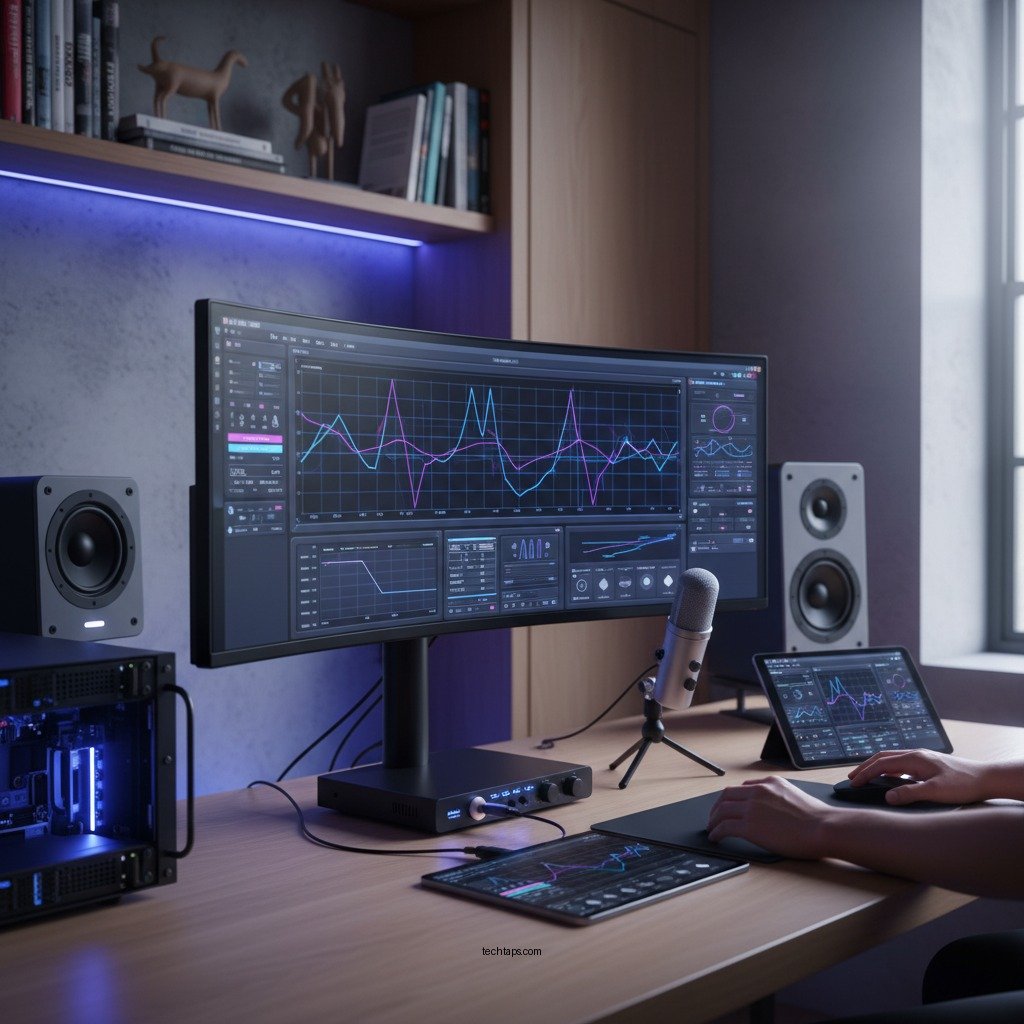
Achieving optimal sound quality in your audio system can be significantly enhanced by utilizing room calibration technology. This technology adjusts your audio settings based on the unique acoustics of your space, ensuring that you hear music and sound as intended. By measuring and compensating for the acoustic challenges presented by your room, you can experience a richer, more immersive audio experience. In this article, you’ll discover how room calibration works, its benefits, and steps to implement it effectively.




Understanding Room Calibration Technology
Room calibration technology is an innovative approach to optimizing sound quality in any audio setup. It analyzes the acoustics of your space to adjust audio playback parameters, which is crucial because sound behaves differently in various environments. Factors such as wall materials, furniture placement, and room dimensions can all influence how sound waves interact within a space.
The process typically involves the use of specialized microphones and sophisticated software. During calibration, these microphones capture sound waves emitted from your audio system. The software analyzes these measurements to identify problematic areas where sound may be distorted or uneven. By understanding these acoustic characteristics, the system can apply corrective adjustments—such as equalization—that enhance clarity and balance across frequencies. This leads to a more accurate and enjoyable listening experience, whether you are enjoying music, watching movies, or playing video games.
Benefits of Room Calibration
The benefits of room calibration technology are manifold and can dramatically improve your audio experience:
1. Improved Sound Quality: Room calibration compensates for room-specific acoustical issues, ensuring that frequencies are balanced and sound is clear. This is especially important in rooms with hard surfaces that reflect sound or those filled with soft furnishings that absorb it.
2. Enhanced Listening Experience: By balancing frequencies, room calibration technology creates a more immersive listening environment. This allows you to appreciate the nuances of your audio content, whether it’s the subtle instrumentation in a classical piece or the powerful bass in a cinematic experience.
3. User-Friendly Solutions: Many modern audio systems come equipped with automatic room calibration features, making it easy for users to achieve optimal sound without needing extensive audio knowledge. This democratizes high-quality audio for home users.
4. Customizable Options: For those who prefer a hands-on approach, manual calibration allows for personalized adjustments tailored to individual tastes and room characteristics.
5. Adaptive Technology: Some advanced systems can adapt to changes in room conditions, maintaining optimal sound quality even as furniture or decor is rearranged.
Types of Room Calibration Systems
There are primarily two types of room calibration systems: automatic and manual.
– Automatic Calibration Systems: These are often integrated into AV receivers or standalone devices. They typically use built-in microphones to analyze the room’s acoustics and make adjustments without requiring user intervention. Popular systems include Audyssey MultEQ, Dirac Live, and YPAO (Yamaha Parametric Room Acoustic Optimizer). These technologies simplify setup, providing a more straightforward user experience.
– Manual Calibration Systems: While they require more time and expertise, manual calibration allows for detailed adjustments based on personal preferences. Audio enthusiasts might use software like REW (Room EQ Wizard) in conjunction with a measurement microphone to fine-tune their systems. This method offers more control over sound characteristics but demands a deeper understanding of acoustics and sound engineering principles.
Top 7 Room Calibration Technologies (2024)
| # | System | Type | Ease of Use | Price Range |
|---|---|---|---|---|
| 1 | Audyssey MultEQ | Automatic | High | $300-$800 |
| 2 | Dirac Live | Automatic | Medium | $99-$499 |
| 3 | YPAO | Automatic | High | $300-$600 |
| 4 | Sonarworks SoundID | Manual | Medium | $99-$149 |
| 5 | REW | Manual | Low | Free |
| 6 | Klein + Hummel | Automatic | High | $600-$1,000 |
| 7 | IK Multimedia ARC | Manual | Medium | $199-$299 |
How to Implement Room Calibration
Implementing room calibration can seem daunting, but with the right approach, it can be a straightforward process. Here are the steps to effectively calibrate your audio system:
1. Choose Quality Microphones: Start with a quality measurement microphone, such as the Umik-1 or Audio-Technica AT2020. These devices capture sound waves accurately and are essential for effective calibration.
2. Select Calibration Software: Depending on whether you are using an automatic or manual system, choose the appropriate software. Automatic systems often come with their own software, while manual systems may require additional tools like REW.
3. Position the Microphone: Place the microphone at your primary listening position, ideally at ear level. This location will provide the most accurate representation of how sound is perceived in that space.
4. Follow Instructions: Adhere closely to the instructions provided with your calibration software or audio device. This typically involves running a series of tests where the system emits test tones and records the results.
5. Evaluate Results: After calibration, listen to familiar audio tracks to evaluate the results. You may find that further adjustments are necessary based on personal preference.
6. Make Adjustments: If you feel certain frequencies are still lacking, consider making manual adjustments. Some systems allow for fine-tuning even after automatic calibration.
7. Repeat As Necessary: Remember that room calibration is not a one-time task. Changes in furniture arrangement or room acoustics may require re-calibration to maintain optimal sound quality.
Common Challenges and Solutions
While room calibration technology is a powerful tool, several challenges may arise during the process:
– Furniture Placement: The positioning of furniture can significantly affect sound quality. If you experience difficulty achieving balanced sound, consider rearranging furniture or adding acoustic treatments like rugs or curtains to absorb excess reflections.
– Room Size and Shape: Irregular room shapes or sizes can complicate calibration efforts. If your space is particularly challenging, consider using multiple measurement positions to gather more comprehensive data.
– Calibration Persistence: After significant changes to your room setup or acoustic environment, calibration may need to be repeated. Regularly assessing your audio system after any modifications will ensure that you maintain optimal sound quality.
– Understanding Software Limitations: Not all calibration software is created equal. Familiarize yourself with the capabilities and limitations of your chosen system to maximize its effectiveness.
Additional Tips for Optimal Sound
To achieve the best possible audio experience, consider these additional tips:
– Keep Equipment Updated: Regularly update your audio equipment and calibration software. Manufacturers often release updates that enhance performance and fix known issues.
– Experiment with Speaker Placement: Even after calibration, experimenting with speaker placement can yield significant improvements. Small adjustments can change how sound disperses through the room, affecting overall quality.
– Consider Acoustic Treatments: If your room has persistent acoustic issues, consider investing in sound-absorbing materials, such as acoustic panels or bass traps, to further optimize sound quality.
– Listen Critically: Spend time listening to a variety of tracks after calibration to appreciate the improvements. This will help you understand how different genres interact with your audio setup and identify any remaining areas for adjustment.
Summarizing the steps to enhance your audio system with room calibration technology, it’s clear that this tool can transform your listening experience. By understanding how it works and implementing the right systems, you’ll be well on your way to achieving superior sound quality. Start exploring room calibration options today and enjoy a richer audio experience.
Frequently Asked Questions
What is room calibration technology and how does it improve audio systems?
Room calibration technology is a process that uses software and hardware to analyze the acoustic characteristics of a room, adjusting your audio system accordingly. By correcting frequency response, reducing echoes, and optimizing speaker placement, it enhances sound quality, ensuring a more immersive listening experience across various genres of music and movie soundtracks.
How can I set up room calibration for my home audio system?
To set up room calibration for your home audio system, start by placing a calibration microphone at your primary listening position. Use the calibration software provided by your audio receiver or a standalone device to analyze sound characteristics and automatically adjust settings such as speaker levels, delay, and equalization to create the best possible sound profile for your room.
Why is room calibration important for achieving optimal sound quality?
Room calibration is crucial because every room has unique acoustic properties that can distort sound, affecting bass response and overall clarity. By implementing room calibration technology, you can counteract these issues, ensuring that your audio system delivers a balanced and accurate sound, which enhances your overall listening experience.
What are the best room calibration systems available for home audio setups?
Some of the best room calibration systems include Dirac Live, Audyssey MultEQ, and Anthem Room Correction (ARC). Each of these systems offers advanced features that help tailor audio output to the specific characteristics of your room, providing significant improvements in sound quality for both music and home theater applications.
Which audio receivers come with built-in room calibration technology?
Many audio receivers come with built-in room calibration technology, such as the Denon AVR series, Yamaha RX-V series, and Onkyo TX-NR series. These receivers often include advanced calibration software that automatically adjusts audio settings based on the room’s acoustics, making setup easier and ensuring optimal performance right out of the box.
References
- https://en.wikipedia.org/wiki/Room_acoustic
https://en.wikipedia.org/wiki/Room_acoustic - https://www.sciencedirect.com/topics/engineering/room-acoustic
https://www.sciencedirect.com/topics/engineering/room-acoustic - https://www.nature.com/articles/s41598-019-54576-5
https://www.nature.com/articles/s41598-019-54576-5 - https://pubmed.ncbi.nlm.nih.gov/28545441/
https://pubmed.ncbi.nlm.nih.gov/28545441/ - https://www.bbc.com/future/article/20190516-how-to-improve-your-home-audio
https://www.bbc.com/future/article/20190516-how-to-improve-your-home-audio - https://www.theguardian.com/music/2021/apr/07/how-to-set-up-your-home-audio-system
https://www.theguardian.com/music/2021/apr/07/how-to-set-up-your-home-audio-system - https://www.reuters.com/business/media-telecom/how-improve-your-home-audio-system-2021-04-08/
https://www.reuters.com/business/media-telecom/how-improve-your-home-audio-system-2021-04-08/ - Google Scholar Google Scholar
https://scholar.google.com/scholar?q=room+calibration+technology+audio+system - Google Scholar Google Scholar
https://scholar.google.com/scholar?q=enhance+audio+system+room+acoustics - Google Scholar Google Scholar
https://scholar.google.com/scholar?q=room+acoustic+calibration+techniques




One thought on “How to Enhance Your Audio System with Room Calibration Technology”