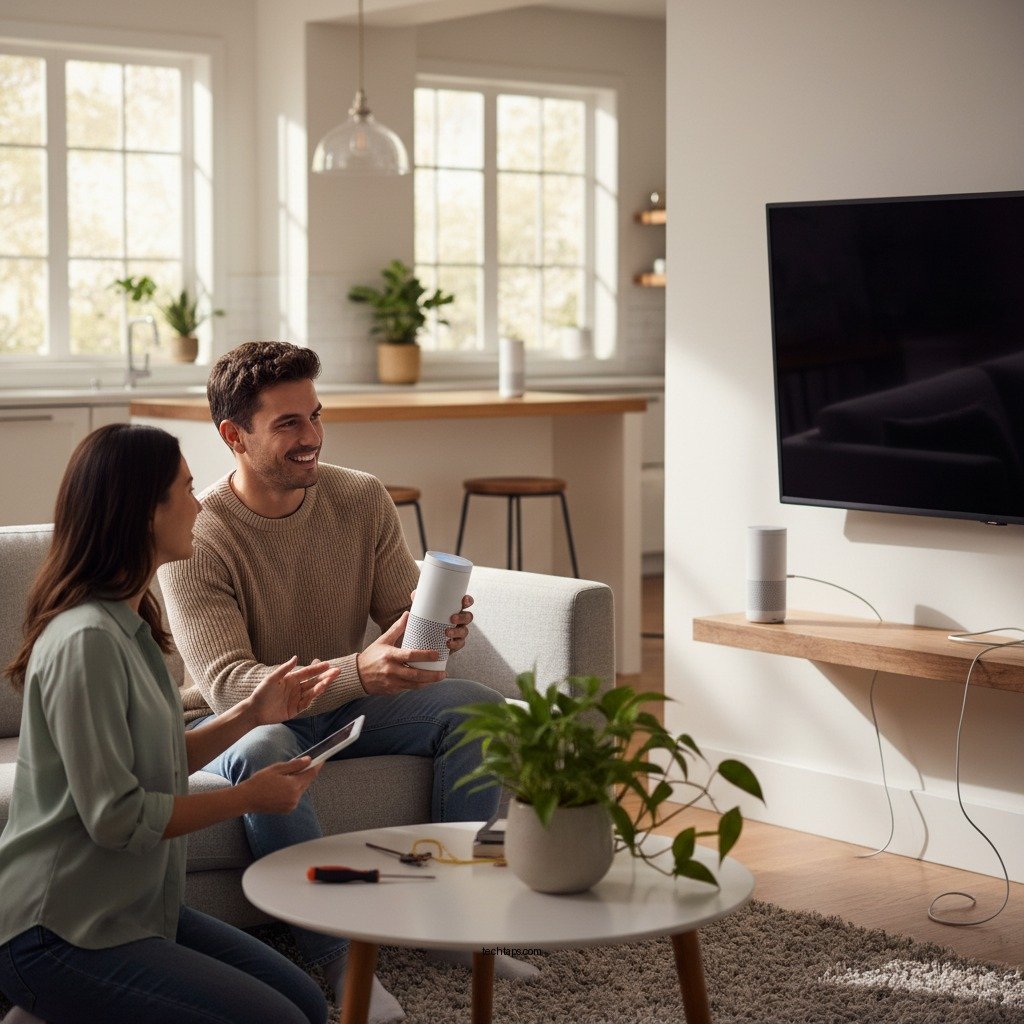
Installing a voice-controlled smart speaker system in your home is a straightforward process that can enhance your living space with convenience and smart technology. In just a few simple steps, you can set up your system, integrate it with other devices, and enjoy hands-free control. This guide will walk you through the entire installation process, ensuring you make the most of your new smart technology.




Choosing the Right Smart Speaker
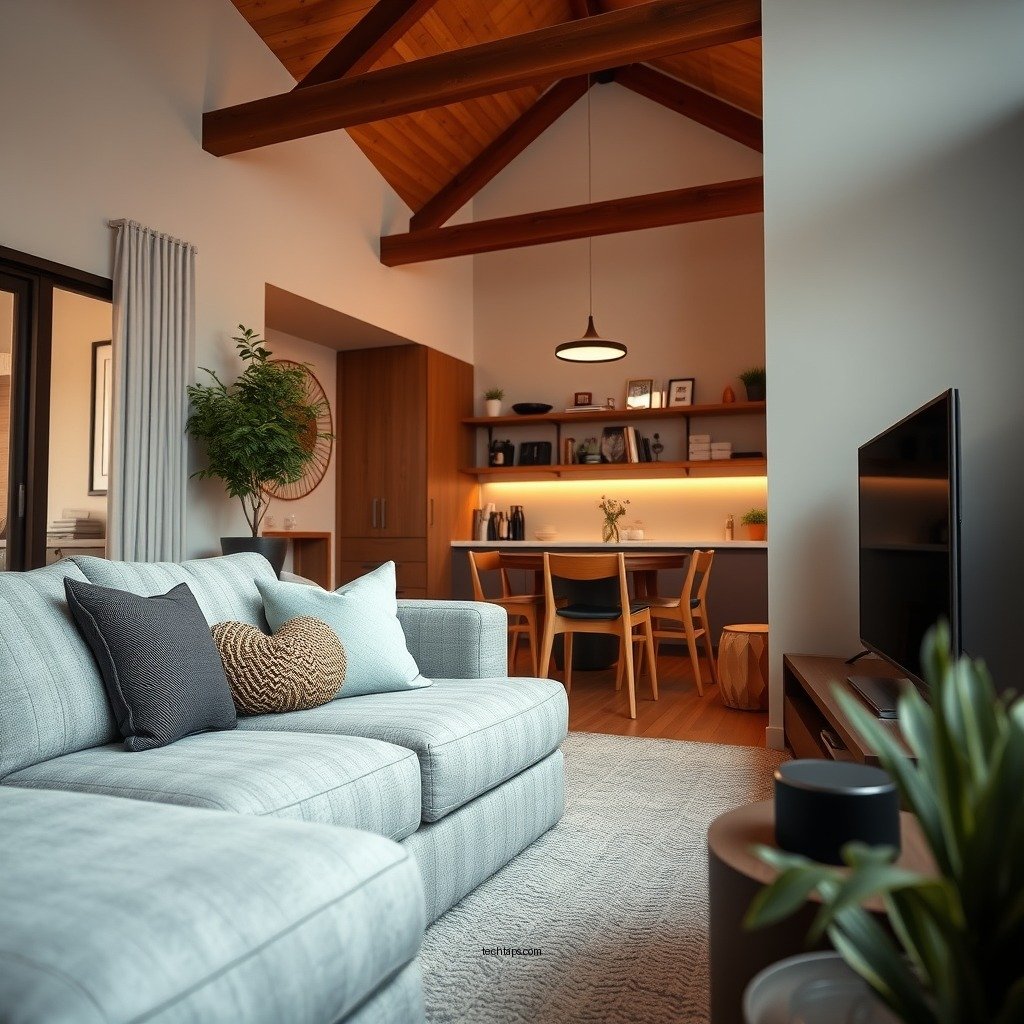
When selecting a smart speaker, compatibility with existing smart home devices is paramount. Before making a purchase, take stock of your current technology ecosystem. Popular options like Amazon Echo, Google Nest, and Apple HomePod all offer unique features and advantages depending on your preferences. For instance, if you are already using Amazon Alexa-compatible devices, the Echo series may be the most seamless choice.
Sound quality is another essential consideration. High-fidelity audio may be crucial for music enthusiasts, while casual listeners might prioritize other features such as voice assistant capabilities or smart home integration. For example, the Apple HomePod is renowned for its exceptional sound quality but comes at a higher price point, whereas the Google Nest Audio balances good sound with affordability. Assess your needs to find the perfect fit.Preparing for Installation
Before diving into the installation, it’s vital to identify optimal locations for your smart speakers to ensure effective sound distribution throughout your home. Consider placing speakers in central areas such as the living room, kitchen, or home office. Avoid enclosed spaces or areas with significant background noise, as they may hinder performance.
Gathering necessary tools and materials is equally important. Ensure your home has a stable Wi-Fi connection, as this is foundational for smart speaker functionality. Additionally, download the corresponding app for your smart speaker, which will guide you through the setup process and provide further management capabilities.
Setting Up the Smart Speaker
To begin, follow the manufacturer’s instructions for the initial setup of your smart speaker. This typically involves plugging in the device, connecting it to your Wi-Fi network, and downloading the dedicated app. Once you have completed these steps, you may need to create an account if required.
After establishing a connection, test the speaker to ensure it is functioning correctly. This will involve checking the audio output and confirming that the voice assistant responds to commands.
Top 7 Smart Speakers by Features (2024)
| # | Smart Speaker | Voice Assistant | Sound Quality | Smart Home Compatibility | Price |
|---|---|---|---|---|---|
| 1 | Amazon Echo Studio | Alexa | Excellent | Wide | $199.99 |
| 2 | Google Nest Audio | Google Assistant | Good | Wide | $99.99 |
| 3 | Apple HomePod Mini | Siri | Very Good | Limited | $99.00 |
| 4 | Sonos One | Alexa, Google Assistant | Exceptional | Wide | $199.00 |
| 5 | JBL Link Portable | Google Assistant | Good | Moderate | $149.95 |
| 6 | Bose Home Speaker 500 | Alexa | Exceptional | Wide | $349.95 |
| 7 | Ultimate Ears Megablast | Alexa | Good | Limited | $199.99 |
Integrating Voice Control Features
Once your smart speaker is set up, the next step is to enable voice assistant features and customize the settings for a personalized experience. This may involve linking your speaker to your music streaming service, calendar, and smart home devices. Each platform offers unique functionalities that can enhance your daily routines.
Familiarizing yourself with voice commands is crucial for maximizing your smart speaker’s capabilities. Commands can range from simple tasks, like playing music or checking the weather, to more complex instructions, such as controlling smart lights or thermostats. For example, saying “Turn on the living room lights” can instantly create the atmosphere you desire. Investing a little time in learning these commands can lead to a much more efficient experience.
Connecting Additional Smart Devices
To truly harness the power of your smart speaker, connecting it to other smart home devices is essential. This could include smart lights, thermostats, security systems, or even smart appliances. Each smart speaker typically has a companion app that allows for easy integration and management of all your devices.
Creating routines can also enhance the functionality of your smart speaker. For instance, setting a morning routine can allow you to wake up to your favorite music, have the coffee maker turn on, and receive a news briefing automatically – all triggered by a single voice command.
Troubleshooting Common Issues
Even with the best technology, you may encounter some issues during setup or use. Common problems often stem from connectivity issues, particularly with Wi-Fi or device pairing. If your speaker is unresponsive, make sure it is within range of your router and that your Wi-Fi is functioning correctly.
In cases where voice commands aren’t recognized, consider adjusting the speaker’s position or recalibrating the voice recognition settings. Regular software updates can also resolve glitches and enhance your speaker’s performance, so ensure your device is running the latest version.
Maximizing Your Smart Speaker’s Potential
Finally, maximizing your smart speaker’s potential involves exploring advanced features and keeping it updated. Many smart speakers support multi-room audio, allowing you to play music throughout your home seamlessly. Voice profiles enable personalized responses, making the experience even more tailored to individual users.
Staying updated on new skills or capabilities is essential, as manufacturers regularly release updates that can enhance functionality. For instance, new features may include additional music services, improved smart home integration, or enhanced voice recognition capabilities.
Summarizing the steps involved in installing a voice-controlled smart speaker system, you’ll find that the process is quite manageable and can significantly improve your home’s functionality. Now that you’re equipped with the knowledge to set up your system, it’s time to get started. Enjoy the convenience of smart technology by following these steps and making your home smarter today!
Frequently Asked Questions
What equipment do I need to install a smart speaker system with voice control in my home?
To install a smart speaker system with voice control, you typically need smart speakers, a reliable Wi-Fi network, and a compatible smartphone or tablet. Additionally, consider smart home hubs for better integration and control of various devices, as well as smart light bulbs or plugs if you plan to expand your system.
How do I set up my smart speaker for voice control?
To set up your smart speaker for voice control, first, download the specific app for your device (like the Amazon Alexa or Google Home app). Follow the on-screen instructions to connect the speaker to your Wi-Fi network, and customize your voice assistant settings, enabling features like voice recognition and smart home device control.
Why is my smart speaker not responding to voice commands?
If your smart speaker is not responding to voice commands, check if it’s connected to Wi-Fi and ensure the microphone is not muted. Additionally, verify that you are using the correct wake word and that your voice is clear. If issues persist, consider resetting the device or checking for firmware updates in the associated app.
Which smart speaker system is best for controlling multiple devices in my home?
The best smart speaker system for controlling multiple devices depends on your existing ecosystem, but popular options include Amazon Echo for Alexa integration and Google Nest Hub for Google Assistant. Both systems support a wide range of smart home devices, allowing you to control lights, thermostats, and more seamlessly.
How can I improve the voice recognition of my smart speaker system?
To improve the voice recognition of your smart speaker system, ensure the device is placed in a central location free from obstructions and away from noise sources. Regularly update the device’s software and train the voice assistant to recognize your voice by using its personalization features, enhancing its ability to respond accurately.
References
- Smart speaker
https://en.wikipedia.org/wiki/Smart_speaker - https://www.purdue.edu/learning/community/tech/techsmart/smart-speakers.html
https://www.purdue.edu/learning/community/tech/techsmart/smart-speakers.html - Google Scholar Google Scholar
https://scholar.google.com/scholar?q=install+smart+speaker+system+voice+control - Google Scholar Google Scholar
https://scholar.google.com/scholar?q=smart+home+technology+voice+control - Google Scholar Google Scholar
https://scholar.google.com/scholar?q=smart+speaker+installation+guidelines - https://www.sciencedirect.com/science/article/pii/S0360132321000400
https://www.sciencedirect.com/science/article/pii/S0360132321000400 - Google Scholar Google Scholar
https://scholar.google.com/scholar?q=How+to+Install+a+Smart+Speaker+System+with+Voice+Control+in+Your+Home - How to Install a Smart Speaker System with Voice Control in Your Home – Search results
https://en.wikipedia.org/wiki/Special:Search?search=How+to+Install+a+Smart+Speaker+System+with+Voice+Control+in+Your+Home - https://www.ncbi.nlm.nih.gov/search/research-articles/?term=How+to+Install+a+Smart+Speaker+System+with+Voice+Control+in+Your+Home
https://www.ncbi.nlm.nih.gov/search/research-articles/?term=How+to+Install+a+Smart+Speaker+System+with+Voice+Control+in+Your+Home



