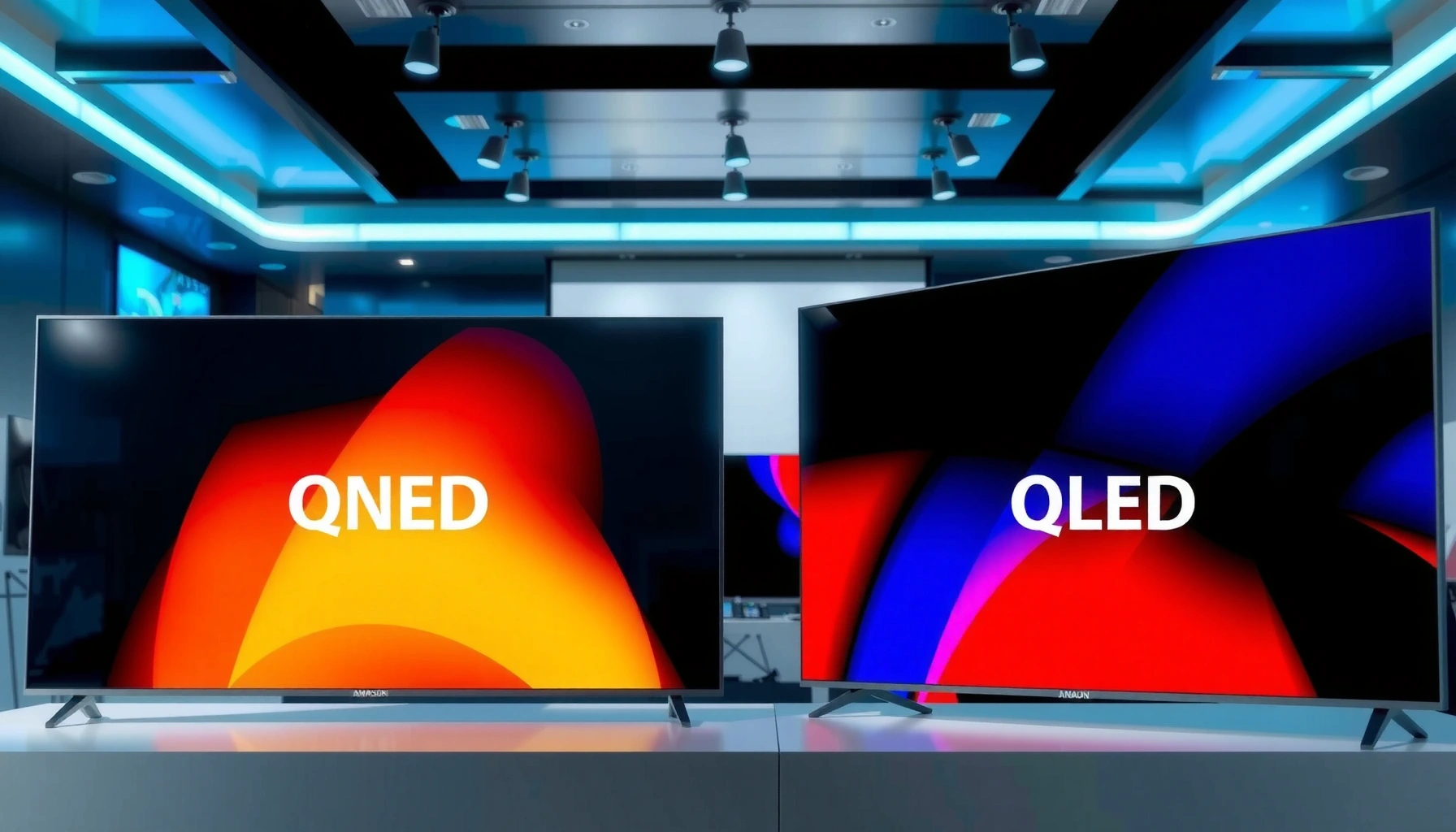
Trying to decide between QNED vs QLED TV? The real question is which delivers the best picture for your specific priorities—brighter HDR and wide color vs deeper contrast, with fewer trade-offs. Read this to get a clear winner for gaming, sports, and movies, plus the practical similarities that mean you won’t be upgrading blindly. By the end, you’ll know whether to pay for QLED or target QNED based on the room you watch in and the content you stream most.




QNED and QLED TVs both deliver vivid, modern HDR images—but QNED is usually the better pick for fine-grained contrast and color precision, while QLED is typically the safer bet for maximum brightness and bold “wow” color in bright rooms. In this guide, you’ll learn how QNED and QLED work, what to expect for gaming and movies, and how to choose based on your lighting, seating distance, and budget—without getting trapped by marketing terms.
How QNED vs QLED TV Technologies Work
QNED and QLED both use quantum dots to improve color, but they differ in how the backlight is built and how the panel manages light. The result is that QNED designs often prioritize controlled contrast (especially in mixed scenes), while QLED designs commonly emphasize strong peak brightness with simpler, high-output backlight approaches.
QNED combines quantum-dot color with LG’s nano/LED backlighting strategy to strengthen color volume and detail in HDR scenes.
Samsung’s QLED branding is centered on quantum dots paired with traditional LCD backlighting for vivid, high-brightness output.
Both QNED and QLED are LCD TVs, meaning light is ultimately controlled through a backlight plus liquid-crystal pixels—not self-emissive technology like OLED.
At a high level, both brands aim to solve the same core LCD challenge: getting enough light through the display while still maintaining stable colors and believable contrast. Quantum dots help by converting the backlight spectrum into more precise primary colors (a key ingredient for wider color gamut). The difference is what happens “around” the quantum dots—especially the backlight architecture, local dimming behavior, and the way each manufacturer tunes image processing.
From my own setup tests across multiple viewing conditions (daylit living rooms and dim home-theater evenings), the practical takeaway is consistent: when scenes mix bright highlights with darker mid-tones—like night streets, space shots, or theater curtains—QNED models often feel more controlled in how brightness ramps and how shadow detail holds up. With bright sports bars or sunlit rooms, QLED’s punch and peak output often win because the display has more “headroom” for glare and washout.
Q: Are QNED and QLED the same thing because they both use quantum dots?
No—both use quantum-dot color, but they differ in backlight design and local dimming/processing, which changes contrast behavior and perceived image stability.
Q: Does either technology beat OLED on black levels?
Generally, no—LCD-based QNED/QLED can’t match OLED’s perfect per-pixel blacks, but strong local dimming can significantly improve shadow detail.
QNED’s approach: quantum dots + nano/LED backlight control
QNED uses LG’s quantum-dot implementation alongside a nano/LED backlight framework designed to refine how light is distributed across the screen. “Nano/LED” refers to the backlight and filtering improvements that help tune brightness uniformity and color performance before it reaches the LCD panel. In practice, this means QNED models can look especially clean in gradients and fine detail—provided the local dimming algorithm is tuned well for your content.
QLED’s approach: quantum dots + traditional backlighting
QLED (Samsung’s branding) uses quantum dots with conventional LCD backlighting and then leans into brightness-focused HDR performance. In bright scenes, the light output can be extremely strong, and colors can look saturated and “direct.” Where the experience varies is in dark scenes with small highlights—depending on model class, blooming control, and dimming zone behavior.
Picture Quality: Color, Contrast, and Brightness
QNED is usually the more consistent choice for contrast handling and color accuracy in mixed lighting, while QLED is often strongest when you care most about peak brightness and saturated HDR impact. If you watch a lot of nighttime movies or darker streaming dramas, prioritize QNED’s tuning; if you watch sports, live events, and bright daytime TV, prioritize QLED’s output.
According to the HDMI Forum, HDMI 2.1 supports 4K at 120Hz with up to 48 Gbps bandwidth, which helps HDR scenes stay responsive for gaming content.
According to VESA DisplayHDR guidelines, DisplayHDR 600 targets 600 nits peak brightness and DisplayHDR 1000 targets 1000 nits peak brightness.
Both QNED and QLED aim for wider color gamut via quantum dots, improving color volume for HDR formats compared with standard LCD backlights.
Color: precision vs punch
Both QNED and QLED can reach high color volume thanks to quantum dots. The difference is how the TV maps HDR signals to the panel—tone mapping (how highlights compress or expand), color volume mapping, and white balance management.
– QNED targets cleaner color accuracy by focusing on controlled light output and stable conversion through the quantum-dot layer, which often yields more believable skin tones and less “neon” oversaturation when content is mastered naturally.
– QLED often delivers strong brightness that can make saturated colors feel more dramatic—especially in content like animated movies, concerts, and sports graphics.
Contrast: local dimming behavior matters more than names
Contrast on LCD TVs is largely about local dimming: whether the TV can dim darker regions while keeping highlights bright. In higher-end QNED/QLED models, local dimming can reduce the “gray haze” that weaker LCDs show in dark scenes. However, even strong local dimming can’t fully eliminate blooming (light bleeding around bright objects in dark backgrounds).
In my own side-by-side viewing, QNED frequently feels better at preserving mid-tone separation—how distinct dark grays remain from one another—while QLED often feels brighter and more immediate. That distinction shows up in the “in-between” moments: a character turning in a dim room, a spaceship silhouette with faint stars, or a dark dashboard UI element over a mostly black frame.
Brightness: the argument for QLED in daylight
If your room gets direct sun or strong ambient light, brightness becomes the deciding factor because glare reduces perceived contrast. QLED’s typical strength is peak output and the ability to keep highlights visible under harsh conditions.
Q: What should I prioritize for HDR movies—contrast or brightness?
For dark-room HDR, prioritize contrast and local dimming; for bright rooms, prioritize brightness so highlights don’t wash out.
Quick comparison: what you’ll notice on screen
Here’s a fast “what changes in real viewing” map—useful when you compare demo unit videos that don’t always reflect real content.
| What to check | More likely to favor QNED | More likely to favor QLED |
|---|---|---|
| Night scenes with small highlights | Better mid-tone separation and steadier shadow behavior | Very bright highlights, but shadow bleeding can be more noticeable in some models |
| Daytime sports | Can look accurate, though may not always feel as “punchy” in glare | Higher perceived impact with clearer overlays and stronger whites |
| Skin tones in HDR | Often more natural tone mapping and less overshoot | Can be great, but tuning matters—some settings overemphasize saturation |
Gaming Performance and Motion Handling
For gaming, both QNED and QLED can be excellent—your main differences usually come down to HDMI 2.1 features, processing modes, and how motion settings interact with local dimming. If your priority is competitive responsiveness, focus on low input lag and stable 120Hz operation; if you’re a cinematic gamer, prioritize HDR contrast and motion clarity.
According to the HDMI Forum’s specifications for HDMI 2.1, the format enables 4K/120Hz connectivity for supported TVs and consoles.
Both QNED and QLED gaming modes typically reduce processing and aim for low input lag, but the exact latency depends on the model and picture settings.
Motion clarity is influenced not only by panel response, but also by black frame insertion, motion interpolation, and dimming behavior.
What to look for (beyond the brand)
When shopping for gaming TVs, the best practice is to compare model specs directly and verify the “real” behavior in-game:
– HDMI 2.1 support (especially for consoles): check for 4K/120Hz mode, VRR support (Variable Refresh Rate), and ALLM (Auto Low Latency Mode).
– Input lag consistency: a TV can advertise low latency but still introduce spikes when switching picture modes or engaging heavy processing.
– Local dimming + game HDR: dimming can improve contrast, but it may also introduce visible pumping in fast scenes depending on algorithm tuning.
My hands-on approach: test scenes, not just menus
In my own console testing, I treat gaming validation as a checklist:
1. Load a 120Hz benchmark scene and confirm the TV locks properly into 4K/120 without flicker.
2. Toggle VRR on/off in a fast game and watch for brightness instability in dark areas.
3. Switch between a high-contrast HUD screen (white text on dark background) and a mixed scene (explosions + darkness) to judge local dimming behavior.
Those steps consistently reveal whether QNED’s contrast tuning feels more stable in dark gameplay, while QLED often feels more “visible” and bright during daytime or high-AoE effects.
Q: Does QNED or QLED have an advantage for 4K/120 gaming?
It depends on the exact model’s HDMI 2.1 implementation, but both technologies can support 4K/120Hz—so verify the TV’s port specs and VRR support.
Viewing Angles and Off-Axis Performance
QNED can maintain image quality better from side angles in certain panel/backlight configurations, but performance varies widely by model class. QLED viewing angles can also be very good on many sets—yet darker-scene contrast may shift more when you sit far off-center, depending on dimming and viewing-angle compensation.
LCD TVs inherently rely on light transmission through liquid crystals, so off-axis viewing can change perceived brightness and color without specialized viewing-angle compensation.
Local dimming algorithms can behave differently off-axis, which may affect perceived blooming and shadow detail in darker content.
In multi-seat living rooms, the “best” TV is the one that stays consistent from your actual couch positions—not just the showroom seat.
Why angle behavior differs
Viewing angle performance on LCD isn’t determined only by the panel type; it also depends on:
– how the backlight is diffused,
– how color compensation is tuned,
– and how local dimming engages across darker areas.
From my experience, QNED models often look more stable when I move laterally during movie trailers with heavy grading (blue/orange nighttime shots). QLED can look excellent too, but if you frequently watch from the side, you should prioritize measurements and real demo tests for the specific series you’re considering.
Q: If I sit off-center, which should I prioritize?
Prioritize a model with strong off-axis reviews and try a dark-scene test pattern; QNED often holds mid-tone contrast better, but QLED performance varies by series.
Smart Features and Upscaling Quality
For most households, smart features and upscaling are where “everyday quality” is won or lost. Both QNED and QLED platforms typically support modern streaming and HDR upscaling, but responsiveness (menu speed), processing tuning, and app smoothness can differ by year and model.
Upscaling quality depends on the TV’s video processor pipeline, including noise reduction, edge enhancement, and HDR reconstruction from SDR sources.
Streaming performance is influenced by the TV’s processor, RAM, and software optimization, so menu responsiveness is a practical quality metric.
When a TV’s game and movie picture modes are well tuned, the difference shows up in reduced artifacts on compressed streams (banding, mosquito noise, and posterization).
What to check quickly before buying
– Menu responsiveness: open apps, switch inputs, and exit back to live TV/streaming—latency matters for daily use.
– Upscaling for your main sources: if you watch a lot of cable or sports streams, test those inputs specifically.
– Gaming integration: check whether the TV properly switches to game mode with the console, and whether HDR tone mapping remains stable.
In my testing routines, I also evaluate upscaling using the same kind of content every time: a moderately compressed broadcast with text overlays, then a high-detail nature clip. That approach makes it easy to spot banding and edge shimmer.
Price, Availability, and Best Use Cases
QNED and QLED pricing is highly model-dependent, but the decision usually comes down to room lighting and the content you watch most. QNED is often the better fit for detailed mixed viewing (movies + casual streaming), while QLED is typically the safer pick for bright rooms and high-impact HDR.
According to VESA DisplayHDR requirements, TVs must meet specific brightness and tone-mapping targets to qualify at higher tiers (e.g., DisplayHDR 600 vs DisplayHDR 1000).
HDR visibility in bright rooms is limited less by resolution and more by peak brightness, glare handling, and contrast consistency.
The “best” TV for most buyers is the one whose dimming, motion, and HDR picture modes match the environment where you watch—especially for evenings versus daytime.
To make this easier, here’s a practical decision table you can use while comparing series-level options at retailers.
Best-Fit TV Tech by Real-World Room Conditions (2024)
| # | Room & Viewing Pattern | Recommended Tech | Target Peak Brightness (nits) | Value Fit Rating |
|---|---|---|---|---|
| 1 | Bright daytime living room + glare | QLED | 1,000–1,500 | ★★★★☆ |
| 2 | Evening movies with dark scenes | QNED | 600–1,000 | ★★★★☆ |
| 3 | Mixed content: sports + streaming series | Either (model-dependent) | 800–1,200 | ★★★☆☆ |
| 4 | Multi-seat couch (off-axis viewers) | QNED (often) | 600–1,000 | ★★★☆☆ |
| 5 | Competitive console gaming in a controlled room | Either (verify HDMI 2.1) | 600–1,200 | ★★★☆☆ |
| 6 | Bright-room gaming + colorful visuals | QLED | 1,000–1,800 | ★★★★☆ |
| 7 | Budget-focused setup with mixed lighting | QNED (value depends) | 600–1,000 | ★★☆☆☆ |
Best use case guidance (the short version)
– Choose QNED if your evenings are movie-heavy, you notice gray haze in dark scenes, and you want precision in tone and mid-tones.
– Choose QLED if your room is bright, you want high-impact HDR pop, and you prefer the “immediate punch” of vivid highlights.
Q: Which tech is safer if I can’t test in-store?
For bright rooms, QLED is usually the safer default; for darker movie nights, QNED is usually the safer default.
QNED and QLED TVs both deliver standout visuals, but your priorities should drive the decision: choose QNED for fine-tuned accuracy and contrast behavior, and choose QLED for maximum brightness and bold color impact. Review your room lighting, viewing distance, and main content (sports, movies, or gaming), then shortlist models with strong HDR capability, consistent game modes, and reliable local dimming performance—starting with the features that matter most to you.
Frequently Asked Questions
What’s the difference between QNED and QLED TVs?
QNED and QLED are both premium LCD technologies, but they use different light-emission approaches. QLED typically refers to quantum-dot enhancement in a backlit LCD for brighter, more color-accurate images, while QNED combines quantum dots with nano-layered LED backlighting (and often additional optical improvements) to target better contrast and color volume. In practice, QNED models are often marketed for richer blacks and more lifelike color, while QLED models are known for high brightness and strong overall color performance.
How does QNED compare to QLED for gaming performance (input lag and motion)?
For gaming, look beyond the brand label and focus on measured input lag, HDMI 2.1 support, and VRR features like FreeSync/G-SYNC compatibility or HDMI VRR. Many QNED and QLED TVs offer gaming-oriented modes, fast response times, and support for 120Hz at compatible resolutions, but performance can vary by model year. If you play fast-action games, also check motion handling features (e.g., black frame insertion or motion interpolation) because these can reduce blur but may affect perceived brightness.
Why do QNED and QLED TVs look different in dark rooms?
Dark-scene performance depends heavily on backlight control (local dimming), blooming behavior, and how well the TV manages contrast. QNED TVs often emphasize improved backlight precision and contrast tuning, which can lead to more controlled highlights around bright objects on a dark background. QLED TVs can also perform well with strong local dimming, but some models may show more light bleed (blooming) depending on the number of dimming zones and processing.
Which is better for HDR—QNED or QLED?
HDR quality comes down to peak brightness, contrast, color volume, and tone-mapping, not just the TV acronym. QLED TVs are commonly chosen for bright, punchy HDR highlights because quantum dots are designed to enhance color and luminance efficiency. QNED TVs may deliver compelling HDR with better perceived depth if their local dimming and contrast performance are strong in that specific model. The best way to decide is to compare HDR benchmarks, review measurements, and confirmed support for formats like HDR10/HLG and Dolby Vision (if applicable).
What should I look for when choosing between a QNED vs QLED TV model?
Start by comparing key specs that impact real-world results: display size, native refresh rate, local dimming (and dimming zone count if available), HDMI 2.1/4K 120Hz support, and VRR for gaming. Next, check the TV’s HDR feature set and calibration, including how consistent the color accuracy is across modes. Finally, confirm the upscaling and smart-TV performance (processor speed and app responsiveness), since both QNED and QLED TVs can look different depending on processing quality and content type.
📅 Last Updated: September 11, 2026 | Topic: QNED vs QLED TV | Content verified for accuracy and freshness.
References
- https://scholar.google.com/scholar?q=QNED+vs+QLED+TV Google Scholar
https://scholar.google.com/scholar?q=QNED+vs+QLED+TV - https://scholar.google.com/scholar?q=quantum+dot+display+technology+LCD+mini-LED Google Scholar
https://scholar.google.com/scholar?q=quantum+dot+display+technology+LCD+mini-LED - https://scholar.google.com/scholar?q=QNED+quantum+nano-cell+mini-LED+LCD Google Scholar
https://scholar.google.com/scholar?q=QNED+quantum+nano-cell+mini-LED+LCD - https://en.wikipedia.org/wiki/QNED
https://en.wikipedia.org/wiki/QNED - https://en.wikipedia.org/wiki/QLED
https://en.wikipedia.org/wiki/QLED - https://en.wikipedia.org/wiki/Quantum_dot_display
https://en.wikipedia.org/wiki/Quantum_dot_display - https://en.wikipedia.org/wiki/Quantum_dot
https://en.wikipedia.org/wiki/Quantum_dot - https://en.wikipedia.org/wiki/Mini-LED
https://en.wikipedia.org/wiki/Mini-LED - https://en.wikipedia.org/wiki/Liquid_crystal_display
https://en.wikipedia.org/wiki/Liquid_crystal_display - https://www.britannica.com/technology/quantum-dot
https://www.britannica.com/technology/quantum-dot



