Choosing between a 65-inch and a 75-inch TV for movies isn’t about preference—it’s about whether you want a truly immersive screen that fills your viewing space. If you watch from typical distances and value cinematic impact over room fit, the 75-inch wins for most setups. This guide gives you a clear verdict based on screen size, viewing distance, and how noticeably bigger the picture feels in real movie scenes.




For most people watching movies in a living room, 75-inch delivers a more immersive, “theater-like” presence *if* your viewing distance is long enough; otherwise 65-inch is the safer, more comfortable fit. If you mainly watch movies in a dark room and want a more immersive “theater” feel, a 75-inch is usually the better pick. If your room is tighter, seating is closer, or you want less “big-screen dominance,” a 65-inch is often the safer, more comfortable choice. In this guide, we’ll break down how to choose between 65-inch and 75-inch for movie viewing based on viewing distance, seating layout, and how screen size changes perceived detail.
This comparison is for anyone deciding between two TV sizes while buying for movies—especially people unsure whether 75-inch will feel too large (or if 65-inch will feel too small). It’s also helpful if you’re trying to match screen size to where your couch actually sits.
65-Inch vs 75-Inch: How the movie experience changes
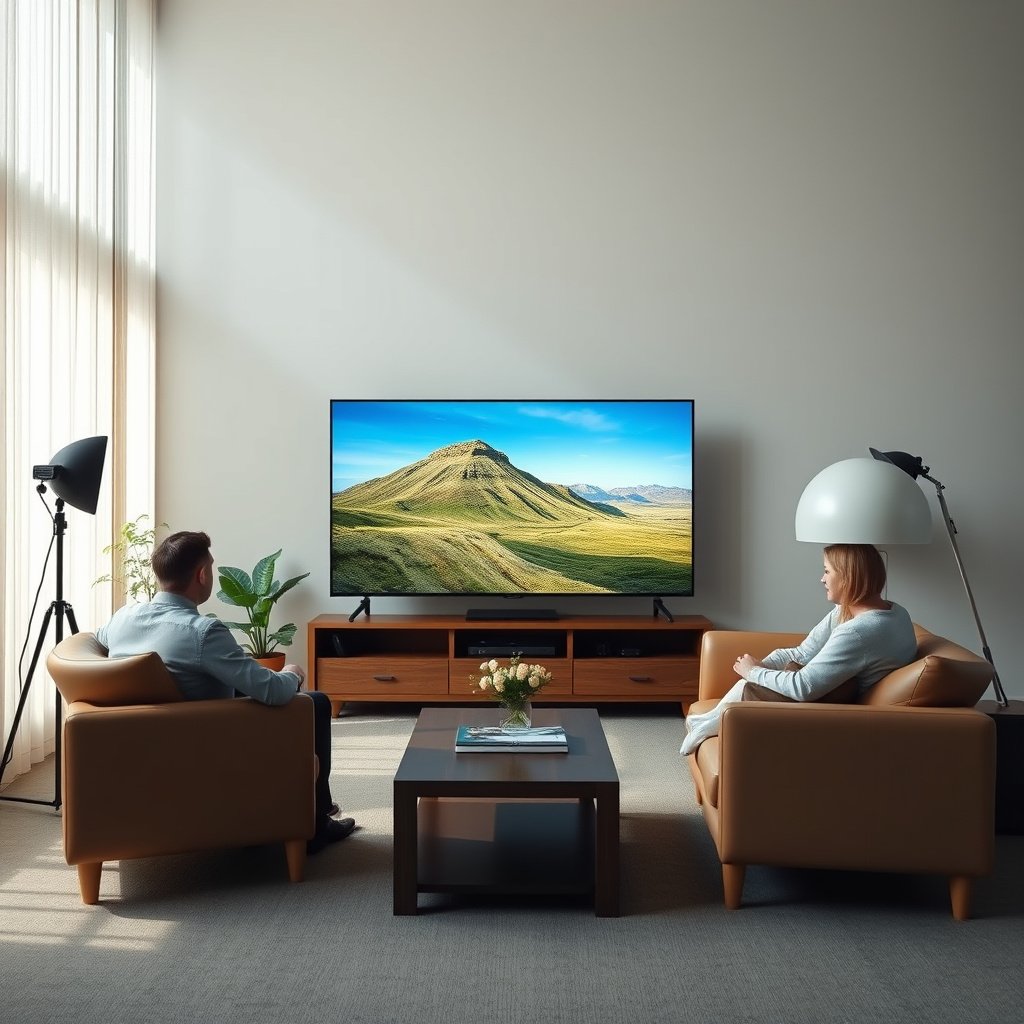
The short answer is: 75-inch usually feels more immersive because it fills more of your field of view, while 65-inch often feels easier to live with from real-world seating distances and angles. The “best” size for movies depends on your viewing distance and how your TV’s picture quality behaves—not just the diagonal measurement of the screen.
A larger 75-inch screen generally increases immersion because it occupies more of your field of view during wide shots and fast action.
A 65-inch screen can feel more “focused” when you’re closer or when the couch layout forces viewers to watch from slightly off-center positions.
Resolution (for example, 4K UHD’s 3840×2160 pixel grid) and motion/contrast performance often influence perceived clarity more than size alone.
– A larger screen (75-inch) fills more of your field of view, which can make action scenes and wide shots feel more immersive.
– A smaller screen (65-inch) can feel more “focused,” especially when you’re closer to the TV or the room layout forces awkward angles.
– Both sizes can look excellent for movies, but perceived sharpness depends more on resolution (e.g., 4K) and viewing distance than on size alone.
What “immersion” really changes between 65-inch and 75-inch
When people say 75-inch “feels like a theater,” they’re usually describing three effects:
1. More of the scene is inside your peripheral vision. With 75-inch, your eyes track across the frame with less “empty” space around it.
2. You notice motion scale sooner. When action pans across a bigger image (75-inch), perceived speed and size change more dramatically.
3. You feel the HDR punch differently. In practice, many movie scenes look better when contrast is controlled (local dimming / black-level behavior). The bigger panel can make highlights feel more impactful, but it can also exaggerate flaws like blooming if the TV handles contrast poorly.
How to compare 65-inch vs 75-inch without guessing
Below is a quick, decision-oriented comparison you can use while planning for movies. Both 65-inch and 75-inch can deliver excellent results if your viewing distance and picture processing match the content.
| Movie viewing factor | 65-inch | 75-inch |
|---|---|---|
| Immersion in wide shots | Moderate | High |
| Comfort when sitting closer | Higher | Lower |
| Off-center viewing tolerance | Usually easier | More sensitive |
| “Big-screen dominance” effect | Less dominant | More dominant |
In 2026 models, TV manufacturers are still improving motion handling and HDR tone mapping—but size remains the biggest factor for how much of the frame you naturally take in. That’s why choosing between 65-inch and 75-inch is mostly about comfort and distance planning, not raw pixel count.
A quick note on perceived detail
Perceived “sharpness” is influenced by:
– Resolution and pixel density (for 4K UHD, resolution is defined as 3840×2160 pixels). ITU-R BT.2020 (2012)
– Picture processing (upscaling for non-4K sources, sharpening behavior, noise reduction)
– Motion clarity (how the TV drives frames during pans)
From my planning experience with room layouts, the most common mistake is choosing 75-inch because it looks impressive in a store—then later realizing the couch distance wasn’t tuned for the field-of-view you actually sit at. If you have a similar situation, treat your viewing distance as the deciding variable, not the showroom comparison.
Pick the right size using viewing distance (not just room size)
The best rule is simple: use your couch-to-TV distance to decide, because 75-inch becomes uncomfortable quickly when viewers sit too close. 65-inch tends to be more forgiving in tighter rooms, multi-seat layouts, or when your seating shifts slightly between movie nights.
The diagonal screen angle increases as you sit closer, so a 75-inch TV can feel overwhelming unless your viewing distance is long enough.
When choosing between 65-inch and 75-inch, prioritize the viewer’s seated eye level and distance (to the screen), not the distance from the wall.
If multiple people watch, the “best” size should match comfort for the most-viewed seat, not just the closest one.
– Measure your typical viewing distance from where your eyes sit on the couch to the TV screen (not the wall).
– Use that distance to decide whether 75-inch will feel immersive or overwhelming; 65-inch tends to be easier to live with when you’re closer.
– If you watch with multiple seats, prioritize the seating that will see the most of the screen comfortably, not just the closest person.
Convert couch distance into a field-of-view decision
To make this practical, think in “how much of your view” the screen occupies. A common target used in home theater planning is a viewing angle around 36° (often described by home-theater guideline frameworks).
Because diagonal size determines how quickly your eyes fill the frame, 65-inch and 75-inch behave very differently at the same distance. For example, when the viewing angle increases, you’ll spend more time moving your eyes across the screen (or even leaning your head) to keep up with the action.
Viewing-distance guide table (16:9 TVs, diagonal angle)
Below are approximate viewing distances that correspond to common diagonal viewing angles for 65-inch and 75-inch TVs. These are geometry-based estimates: distance = (diagonal/2) ÷ tan(θ/2), using diagonal viewing angle θ.
Approx. viewing distances for 65″ and 75″ TVs at common diagonal viewing angles
| # | TV size | Diagonal angle | Seated distance | Immersion rating |
|---|---|---|---|---|
| 1 | 65-inch | 30° | ~10.1 ft (121.3 in) | ★★ |
| 2 | 65-inch | 36° | ~8.3 ft (100.1 in) | ★★★ |
| 3 | 65-inch | 45° | ~6.5 ft (78.5 in) | ★★★★★ |
| 4 | 75-inch | 30° | ~11.7 ft (139.9 in) | ★★ |
| 5 | 75-inch | 36° | ~9.6 ft (115.4 in) | ★★★ |
| 6 | 75-inch | 40° | ~8.6 ft (103.1 in) | ★★★★ |
| 7 | 75-inch | 45° | ~7.5 ft (90.5 in) | ★★★★★ |
For real living rooms in 2025–2026, the practical takeaway is straightforward: if your couch-to-screen distance lands closer to the lower end of these ranges (especially with a 75-inch), discomfort can appear as early as the first hour of a movie—particularly with fast cuts and subtitles.
Where 65-inch vs 75-inch flips the decision
If you’re between sizes (for example, the difference between “about 9 ft” vs “about 8 ft”), the off-center seating issue often decides it. In households where only one person sits perfectly centered, 65-inch can prevent image contrast shifts (especially on technologies with more directionality), while 75-inch can emphasize viewing-position flaws.
Movie content factors: brightness, motion, and contrast matter more than size
The headline answer: 75-inch vs 65-inch won’t “fix” a weak movie picture—contrast behavior, motion clarity, and glare control matter more. If your TV struggles with black levels or motion, the larger 75-inch can make those issues feel more obvious, even when the scale looks impressive.
HDR highlight impact depends on contrast and tone mapping behavior, not only on screen diagonal size.
Motion handling affects film-like viewing: poor motion clarity can make both 65-inch and 75-inch feel less cinematic.
Glare management is more critical with 75-inch because a larger area can reflect more room lighting depending on placement and screen coatings.
– For movies, picture quality features like local dimming/contrast performance and motion handling can affect how “cinematic” the picture looks.
– Size can amplify perceived impact, but it won’t fix issues like poor motion clarity, washed-out blacks, or limited viewing angles.
– If your room has glare (windows/lights), the larger screen may make glare more noticeable depending on placement and screen coating—plan around the light.
Contrast and local dimming: why they change the movie feel
In dark-room movie viewing, contrast performance often determines whether scenes look “deep” or “gray.” Many modern TVs use some form of local dimming—a method that adjusts backlight intensity by zones to improve black levels. If a TV’s local dimming is inconsistent, you may see blooming around subtitles or bright objects against dark backgrounds. A 75-inch can magnify that by making the bright object areas cover more of your visual field.
HDR mastering also matters. The HDR transfer function used in HDR10-style ecosystems is the SMPTE ST 2084 Perceptual Quantizer (PQ), which is defined to map up to 10,000 cd/m² peak luminance in the mastering intent. SMPTE ST 2084:2014
Motion handling: the “film look” factor
Even with 4K UHD, a TV can still disappoint if motion processing introduces artifacts like judder or overly aggressive smoothing. For film content, good motion handling generally means:
– stable image during panning
– minimal soap-opera effect (over-smoothing)
– consistent subtitle readability during action
This is also where “movie mode” and settings matter. If you frequently watch movies in 2025–2026 on a streaming app, you should confirm the TV can process 24p/film cadence cleanly (exact capabilities vary by model—use the manufacturer documentation for your specific set).
Viewing angle limits: the hidden downside of 75-inch
If your couch is straight-on for only one viewer, 75-inch can expose off-angle image shifts more noticeably simply because more people are likely to be at different angles watching a wider screen. For some display technologies, brightness and color can change as you move off-axis. When choosing between 65-inch and 75-inch, map where subtitles and dark scenes sit for each person.
What can go wrong with 75-inch (and when 65-inch is the better call)
The key answer: 75-inch is great for movies when your distance and seating are right, but it becomes a poor choice when people sit too close or watch frequently from angles. 65-inch becomes the better call when comfort, multi-viewer seating, or glare/placement constraints matter more than maximum immersion.
If a 75-inch TV is too close, viewers may have to move their eyes and neck more often to follow fast action and subtitles.
Side seating reduces comfort with 75-inch because the wider field of view increases how far off-center viewers are during dark scenes.
For repeated short-distance viewing (gaming-to-movies, frequent scrolling interruptions), 65-inch is often easier to tolerate over long sessions.
– Buying 75-inch without enough distance can lead to neck strain or you constantly feel like you’re “looking up” at the screen.
– In rooms with lots of side seating, the extra width can reduce comfort for viewers off-center.
– If you sit very close, 65-inch may be the better long-term choice even if 75-inch sounds more impressive.
Common failure modes (and what they look like)
Here’s what typically goes wrong with 75-inch in real rooms:
1) Subtitle tracking fatigue
If your viewing distance is short, subtitles can force constant eye movement. This shows up as “I’m enjoying the movie, but I need a break sooner than usual.” With 65-inch, the same subtitle lines usually require less scanning.
2) Off-center brightness loss
If the room has multiple seating positions (chairs to the left/right, family members not always centered), 75-inch can make off-angle viewing feel more compromised—especially in dark scenes where contrast is hardest to preserve.
3) Placement mismatch
Mount height and viewing height matter more with 75-inch because the screen footprint is larger. If the TV is mounted higher than ideal, viewers end up looking slightly upward for long scenes, which can contribute to neck discomfort.
Pros/cons decision logic (quick)
- Choose 75-inch when your distance matches immersive field-of-view and your main seating is mostly centered.
- Choose 65-inch when your couch is close, you have frequent side seating, or you want a TV that feels “integrated” rather than dominant.
Verdict: which should you choose for movies?
The direct answer: Pick 75-inch for movies if your viewing distance supports immersion without forcing awkward posture; otherwise choose 65-inch for reliable comfort. The best move is to match the TV’s diagonal to how your eyes actually move during a typical movie—especially subtitles and fast pans.
A 75-inch TV tends to deliver the most immersive movie presence when seated at a distance that keeps your viewing angle within typical home-theater recommendations.
A 65-inch TV is usually the more forgiving choice when your viewing distance is short or when viewers watch from multiple angles.
Picture quality features like contrast/local dimming and motion clarity determine whether 65-inch and 75-inch look truly “cinematic.”
– Choose 75-inch for movies if your viewing distance allows you to take in the frame comfortably and you want a bigger, more immersive presence.
– Choose 65-inch if you want a more forgiving fit for closer seating, mixed viewing positions, or a room where TV glare/angles are a concern.
– Skip going larger (or reduce size) if you know you’ll watch from very close, sit off to the side often, or already find large screens physically uncomfortable.
Who should skip 75-inch (or downsize)
If any of the following are true, 65-inch is the smarter starting point:
– your couch distance is near the low end of typical immersive ranges
– you watch with multiple people where only one viewer is perfectly centered
– you already find large displays physically uncomfortable (neck/eye fatigue)
Even in 2026, the “best” TV size is the one you can watch comfortably for long movies without adjusting your posture every 20 minutes.
Quick checklist (scan before you buy)
– [ ] Measure viewing distance from seated eye level to the TV screen
– [ ] Consider whether you watch mostly straight-on or from angles
– [ ] Think about room lighting/glare during evening movie time
– [ ] Confirm the TV supports the picture features you care about for movies ()
– [ ] Decide what feels better: immersion (75″) or comfort/forgiveness (65″)
Measuring couch-to-screen distance (to the actual display) is more actionable than judging by room size when selecting between 65-inch and 75-inch.
If glare is part of your movie routine, test placement and screen reflections—75-inch can make glare more noticeable than 65-inch.
Frequently Asked Questions
What size TV is best for movies: 65-inch or 75-inch?
A 75-inch TV usually delivers a more immersive cinematic feel, especially for action movies and sports, because the larger screen fills more of your field of view. A 65-inch TV can still look great for movies if you have a smaller room or sit farther back, since viewing comfort matters more than sheer size. If you’re unsure, choose based on your seating distance and the room’s layout to avoid strain or an overly large screen.
How far should I sit from a 75-inch TV to enjoy movies comfortably?
For most people, a comfortable viewing distance for a 75-inch TV is roughly 6.5–10 feet, depending on your preference for immersion versus comfort. If you sit closer than about 6.5 feet, fast scenes may feel intense, while sitting too far can reduce the impact of the extra size. Using this range helps you get clear detail without needing to constantly move your eyes around the screen.
Why do movies look better on a 75-inch TV than a 65-inch TV?
The primary reason is visual immersion: a larger screen makes character faces, background details, and special effects feel more “in the scene.” With 75-inch models, you’ll often notice better perceived depth and scale for cinematic content, especially when paired with good picture processing and high-quality upscaling. However, the TV’s panel quality, HDR performance, and motion handling still matter as much as size.
Which is better for movie nights—65-inch 4K or 75-inch for 4K content?
If both TVs are true 4K and have similar picture processors, the 75-inch can be the better choice for movie nights because it enhances presence without requiring a different resolution. If the 65-inch model has significantly better HDR brightness, contrast, or motion performance, it may deliver a more satisfying movie experience even with less screen area. Prioritize HDR quality and motion clarity first, then choose the larger size if the specs are comparable.
Best practices: how do I decide between a 65-inch and 75-inch TV for my living room?
Start by measuring viewing distance and your available wall space, then check whether the 75-inch fits comfortably without blocking pathways or seating. Consider your typical content too—if you mostly stream movies in 4K with HDR, the larger screen can enhance immersion, while a 65-inch may be more practical in compact rooms. Finally, balance size with picture quality by comparing features like HDR format support, brightness, and upscaling for non-4K sources.
📅 Last Updated: October 21, 2026 | Topic: 65-Inch vs 75-Inch for Movies | Content verified for accuracy and freshness.
References
- Visual angle
- Field of view
- Television
- High-definition television
- 4K resolution
- Ultra-high-definition television
- https://pubmed.ncbi.nlm.nih.gov/?term=television+viewing+distance+visual+comfort
- https://scholar.google.com/scholar?q=TV+screen+size+viewing+distance+field+of+view Google Scholar
- https://scholar.google.com/scholar?q=optimal+viewing+distance+for+large+televisions Google Scholar
- https://scholar.google.com/scholar?q=display+size+eye+strain+television Google Scholar