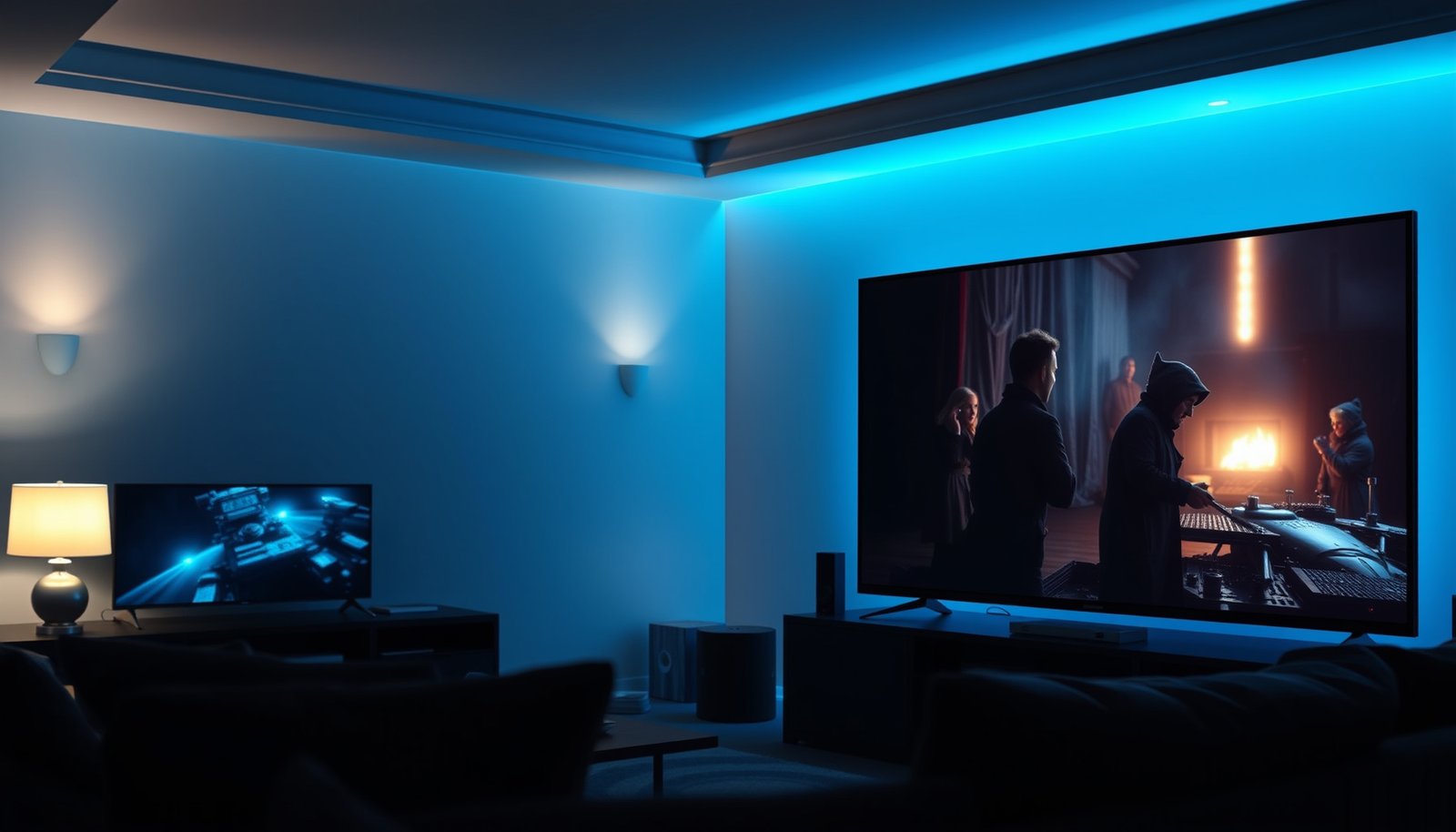
Choosing between a 55-inch vs 65-inch TV for movies comes down to one question: which size gives you the most cinematic immersion for your viewing distance. If you sit far enough away to keep text readable and faces natural, the 65-inch wins for bigger scenes, stronger presence, and more “theater” feel. If your space is tight or you watch from close range, the 55-inch is the smarter buy to avoid overwhelming the frame.




If you’re mostly choosing for movies, a 65-inch TV is usually the better screen-size match—but only when your seating distance and room lighting won’t work against it. If you’re choosing mostly for movies, the 65-inch set will feel more immersive at typical living-room distances—but only if your viewing spot isn’t so far (or the room isn’t so small that it feels overwhelming). The real decision is pairing screen size with your seating distance, plus making sure your TV’s picture processing and resolution match what you’ll watch. In this guide, we’ll compare 55-inch vs 65-inch for movie watching and help you pick the better fit for your room.
If you’re shopping for a new TV and debating whether the jump from 55 to 65 inches is “worth it,” this is for you—especially if you watch movies, streaming shows, and sports in a living room with mixed lighting. It’s also useful if you want the bigger image without buying the wrong size for your space or budget.
Viewing distance: the deciding factor for movie immersion
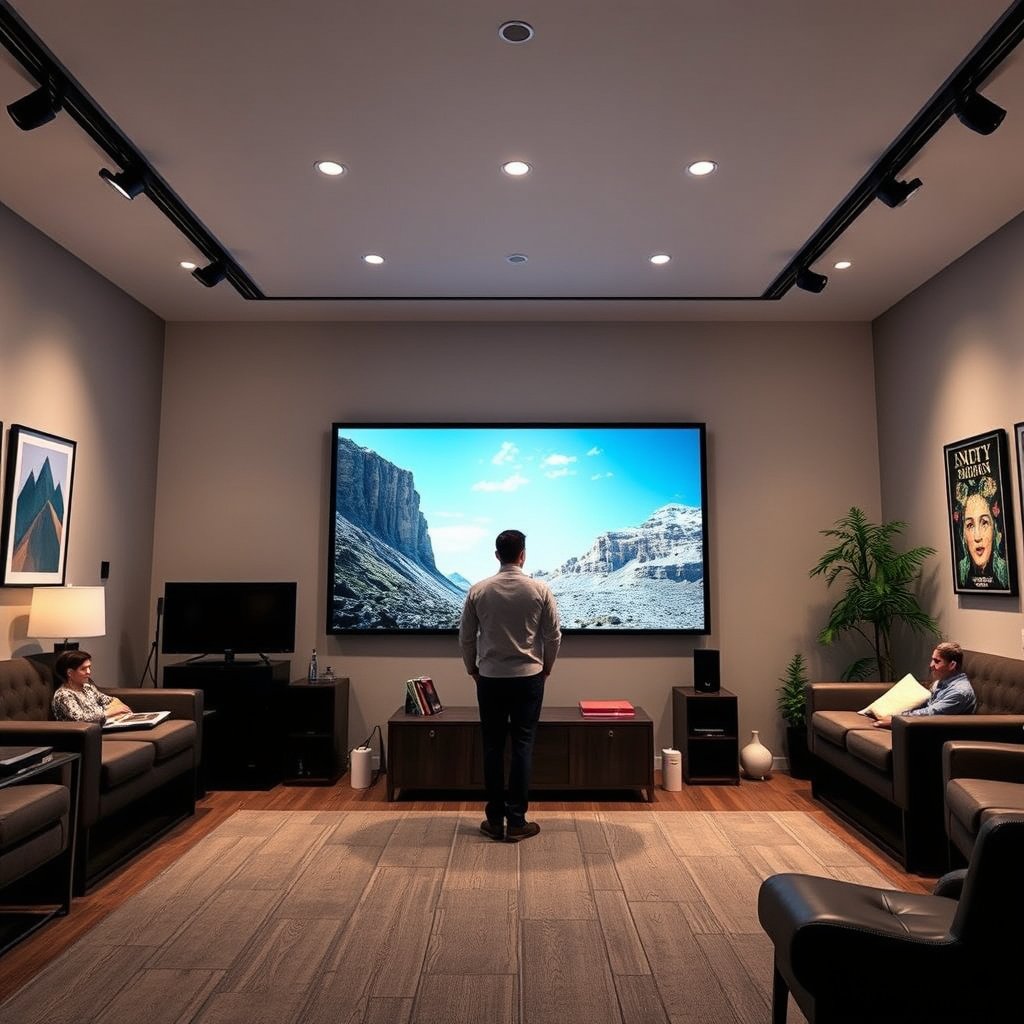
A 65-inch TV delivers a more cinematic “presence” for movies when you sit at an appropriate distance. The larger image covers more of your field of view than a 55-inch TV, but that only helps if you can comfortably take in the whole scene without squinting or constantly refocusing.
– A 65-inch screen usually creates a bigger “presence” for movies, but the benefit depends on how far you sit.
– If you sit too close, larger screens can make it harder to take in the full scene comfortably (especially with lower-quality sources).
– If you sit far enough, the difference may feel smaller than you expect—so measure first and plan the placement.
For 16:9 TVs, the picture height is determined by the diagonal and aspect ratio, so the visible “scale” jump from 55-inch to 65-inch is mathematically predictable (16:9 per ITU-R BT.709 (2011)).
When your viewing distance is too short, compression and upscaling artifacts become easier to notice because your eyes spend more time on fewer “pixels per degree” (distance affects apparent detail).
In real living rooms, glare and seating angles often matter as much as distance—so a 65-inch TV can feel less “immersive” if the image washes out.
To translate distance into “feel,” think in terms of how much of the screen you can comfortably scan. With a 65-inch TV, your head doesn’t have to move as much to follow action—useful for movies with wide shots, sports, and fast scene cuts. But if you’re near enough that subtitles or edge details require extra focus, the 55-inch option can look smoother and more relaxing, especially on lower-bitrate streaming or older discs.
If you want a quick sanity check: measure the distance from your main seat to where the TV will sit (center of screen), then compare that to your tolerance for “being inside the picture.” A larger screen isn’t automatically better for 55-inch vs 65-inch movie viewing; it’s only better when your distance supports it.
Picture quality: size matters, but TV features matter more
A 65-inch TV can look stunning for movies, but picture performance limits what “bigger” can fix. Screen size increases perceived immersion; it doesn’t automatically improve motion handling, contrast, or HDR accuracy—areas where the best TV processing can matter more than whether you chose 55-inch or 65-inch.
– Screen size can’t fix a dim panel, poor upscaling, or limited HDR performance—those features shape how movies actually look.
– For movie streaming, the quality of upscaling and HDR tone-mapping (where supported) often makes a bigger difference than whether you’re at 55 or 65 inches.
– Resolution differences (like 4K vs non-4K) and compression artifacts in your sources can change how “sharp” the larger image appears.
According to ITU-R BT.2020 (2012), UHD-1 commonly uses a 3840×2160 pixel format, which is a key baseline for true 4K movie sources.
According to SMPTE ST 2084 (2014), the HDR “PQ” (Perceptual Quantizer) system is designed around display luminance up to 10,000 cd/m², which is why tone-mapping quality matters.
Even on a 65-inch TV, poor upscaling and weak HDR tone-mapping can make scenes look softer or less dynamic than what you’d see on a better 55-inch model.
Because you’ll likely watch a mix of content (4K streaming, compressed sports feeds, and occasional older titles), TV processing affects your day-to-day movie experience more than raw size. Upscaling determines how well non-4K material becomes credible at larger dimensions. HDR tone-mapping determines whether bright highlights look “punchy” or merely washed-out blobs.
Quick math you can use immediately (55-inch vs 65-inch scale)
For 16:9 TVs (the standard broadcast/HD shape), the picture area grows roughly with the square of the diagonal. That means 65-inch doesn’t just feel “a bit bigger”—it’s noticeably more surface area than 55-inch. According to ITU-R BT.709 (2011), HDTV is 16:9, so diagonal-to-screen geometry follows the same relationship across brands.
– 55-inch 16:9 TV: picture height ≈ 27.0 in, width ≈ 47.9 in
– 65-inch 16:9 TV: picture height ≈ 31.8 in, width ≈ 56.5 in
That’s the core reason 65-inch wins for immersion—when the room supports it.
Screen-area increase for common 16:9 TV sizes (relative to 55-inch)
| # | TV size (16:9) | Approx. screen height | Screen area (sq in) | Movie immersion | Presence vs 55-inch |
|---|---|---|---|---|---|
| 1 | 50-inch | 24.5 in | 1,069.0 | ★★★ | -17.4% |
| 2 | 55-inch | 27.0 in | 1,293.6 | ★★★★ | +0.0% |
| 3 | 60-inch | 29.4 in | 1,539.4 | ★★★★ | +19.0% |
| 4 | 65-inch | 31.8 in | 1,807.9 | ★★★★★ | +39.7% |
| 5 | 70-inch | 34.3 in | 2,095.0 | ★★★★★ | +62.0% |
| 6 | 75-inch | 36.8 in | 2,405.4 | ★★★★★ | +86.0% |
| 7 | 80-inch | 39.2 in | 2,736.7 | ★★★★★ | +111.6% |
For 55-inch vs 65-inch movie decisions, that +39.7% presence (relative screen area) is why 65-inch tends to feel “more like a theater.” But again: picture quality is what determines whether that extra screen area looks detailed and dynamic—or just bigger and more obviously compressed.
Room fit: seating layout, glare, and wall space
A 65-inch TV makes immersion easier when the room layout supports it; a 55-inch TV can be the smarter choice when lighting and viewing angles fight you. This is where many real-world 55-inch vs 65-inch comparisons get decided, because reflections and off-axis viewing can reduce contrast more than people expect.
– A 65-inch TV needs more wall space (and often more cabinet clearance), so confirm mounting dimensions and airflow around the set.
– Movie viewing is affected by reflections: larger screens can look worse in rooms with bright windows or strong overhead lights.
– If your room has limited seating angles, the bigger screen may be less comfortable off-center, depending on your TV’s viewing-angle characteristics.
Because reflections scale with screen surface and local brightness, a higher-contrast TV image can still look dim when glare sources are near the viewing axis.
A TV’s viewing angle and contrast retention are panel characteristics that can change perceived picture quality when you sit off-center (varies by display type).
Mounting clearances matter: power supplies and heat dissipation require space around the back of a TV per manufacturer install documentation.
Start with where people actually sit. If your living room is arranged so only one person watches from the “sweet spot,” then 65-inch can amplify the experience for that one position while making side viewing worse. If you regularly watch with multiple viewers, 55-inch sometimes offers more forgiving comfort—especially in open-plan rooms where seats drift.
Lighting is the other big factor. If you have bright windows or a ceiling light that reflects on the screen, a larger panel can feel like it “catches” more glare. In those rooms, you can often improve results by switching curtains, turning off a direct overhead, or positioning the TV so reflections land outside the main viewing region. The choice between 55-inch and 65-inch isn’t only size—it’s also how manageable your reflections are.
Cost and “hidden” tradeoffs of going bigger
A 65-inch TV typically costs more, and the best value may require moving into a higher-feature tier. But the real hidden tradeoffs of 55-inch vs 65-inch usually show up after purchase: stands, mounts, sound matching, and setup compromises.
– The 65-inch option typically costs more, and that price gap can also pull you toward different feature tiers.
– A larger TV may require a sturdier stand, wall mount, or soundbar placement to keep the setup balanced.
– Bigger screens can make sound feel “less matched” if your audio setup is undersized, so consider whether you’ll add or upgrade speakers.
When you allocate budget to a bigger 65-inch TV, you may end up trading away HDR processing, local dimming capability, or upscaling performance compared with a better 55-inch model.
Sound mismatch is common: as video screen size increases, many viewers perceive that built-in speakers sound less “tied” to on-screen action.
Mounting a 65-inch TV usually demands checking wall bracket compatibility and supported weight based on the TV’s official installation specs.
Here’s a practical way to think about it: if your 65-inch option forces you into a lower-tier picture processor or weaker HDR performance, you can lose the movie quality you expected. In that case, the “bigger screen” advantage becomes an illusion—larger, but not necessarily better.
To keep this decision grounded, compare the actual feature tier, not just the inch number:
| If the 65-inch deal… | Then consider… | Why it matters for movies |
|---|---|---|
| …reduces HDR/processing capability | A stronger 55-inch model | HDR tone-mapping and upscaling often affect perceived “movie realism” more than size. |
| …requires a different stand/mount | Budget for mounting + setup | A poor install position can worsen glare and viewing comfort. |
| …leaves sound unchanged | Plan for a soundbar/speakers upgrade | Audio “match” influences immersion—especially for dialogue and action scenes. |
If you’re cost-sensitive, prioritize the features that directly change movie quality: HDR format support (and tone-mapping behavior), motion handling, and upscaling strength. Then choose 55-inch or 65-inch as the “geometry” layer that amplifies what your TV already does well.
What can go wrong (common mistakes when picking 55 vs 65)
The most common failure mode is choosing the bigger TV without verifying that your distance, lighting, and source quality support it. 55-inch vs 65-inch decisions go wrong when people treat screen size as the only variable, while movies depend heavily on processing, HDR performance, and reflections.
– Buying purely by inch count without checking your viewing distance to the screen.
– Overestimating how “cinematic” movies will look if your source quality is inconsistent (streaming bitrate, older DVDs, cable, etc.).
– Ignoring brightness and glare; a larger screen can make lighting problems more noticeable.
– Choosing a size that’s hard to mount or fit—then living with an awkward layout that ruins viewing comfort.
A larger display can make compression and upscaling artifacts more noticeable because detail is spread over a greater field of view.
HDR performance is not guaranteed by screen size; tone-mapping behavior determines whether HDR looks vibrant or overly dim when real content exceeds a TV’s capabilities.
If your seating is closer than your comfort threshold, moving from 55-inch to 65-inch can feel less “immersive” and more fatiguing.
From a planning perspective, the best “prevention” step is to write down your non-negotiables before you compare specs. For example: “We need strong HDR, because we mostly watch HDR streaming at night,” or “We watch sports during daytime, so brightness and anti-reflection matter.” Once those are clear, you can decide whether 55-inch or 65-inch is the right format.
One additional trap: if you’re sensitive to off-axis viewing (e.g., you sit slightly to the left or right), 65-inch can magnify contrast shift. That’s not a dealbreaker—but it can change the experience for everyone else in the room.
Verdict / tip: which one should you choose?
If your room has enough space and your seating distance is comfortable, a 65-inch TV is usually the better movie experience for immersion. If you’re limited by glare, seating distance, or budget—and especially if you stream a lot of mixed-quality content—a 55-inch TV may look better overall thanks to stronger HDR/processing and a more forgiving viewing experience.
If your room has enough space and you can sit at a comfortable distance, a 65-inch TV is usually the better movie experience for immersion. If you’re limited by viewing distance, lighting glare, or budget—and especially if you’ll stream a lot of mixed-quality content—a 55-inch TV with stronger HDR/processing and better overall panel performance may look better than a bigger set that’s a lower tier. Skip the size upgrade if your seating is already tight, your room has heavy reflections, or you’d have to sacrifice picture features just to reach 65 inches.
For 16:9 content, moving from 55-inch to 65-inch increases visible scale substantially, but the best choice still depends on distance, glare, and processing quality.
For HDR movie viewing, TV processing (including HDR tone-mapping) can outweigh the difference between 55-inch and 65-inch when source quality and brightness conditions vary.
If the 65-inch option forces a downgrade in motion handling, upscaling, or HDR capability, the 55-inch model can produce a more consistent movie experience.
Here’s a quick decision framework:
- Choose 65-inch
- If you have comfortable distance, manageable glare, and you’re not sacrificing HDR/processing tier to reach 65-inch.
- Choose 55-inch
- If your room is bright or reflective, your seating is relatively close, or your “65-inch budget” pushes you into weaker picture features.
If you want the simplest rule: measure your distance first, then compare the TV features that directly affect movies (upscaling, HDR tone-mapping, brightness, and motion). Once you know the TV performance is solid, go bigger if your room can handle it.
Quick checklist (scan before you buy)
| Question | If “yes,” lean toward… |
|---|---|
| Do you have comfortable viewing distance for a larger screen? | 65-inch |
| Is your room bright with glare sources (windows/overhead lights)? | 55-inch (or prioritize brightness/anti-reflection) |
| Would the 65-inch force you to drop HDR/processing quality? | 55-inch |
| Do you want a more immersive movie “presence”? | 65-inch |
| Is wall/stand space tight or awkward? | 55-inch |
Sources
– ITU-R BT.709 (2011) — Defines HD television parameters including the 16:9 aspect ratio used for geometric screen comparisons.
– ITU-R BT.2020 (2012) — UHD parameterization used for common UHD-1 resolution framing (3840×2160).
– SMPTE ST 2084 (2014) — PQ (Perceptual Quantizer) EOTF specification used in HDR10 and related HDR workflows.
A 65-inch TV is typically the better movie choice for immersion, but only when your distance and lighting conditions won’t undermine picture quality. If you can’t keep glare under control, sit close, or would have to downgrade HDR/processing to afford 65 inches, a strong 55-inch set can deliver a more consistently impressive movie experience.
Frequently Asked Questions
What size TV is best for watching movies—55-inch or 65-inch?
For most living rooms, a 65-inch TV delivers a more immersive cinematic experience, especially for action films and wide-screen content. A 55-inch is often the better choice if your viewing distance is shorter, your room is smaller, or you’re optimizing for a lower cost. The “best” option depends on how far you sit and whether you want your movies to feel more theater-like.
How far should I sit from a 55-inch vs a 65-inch TV for movie viewing?
A common guideline for TV movie viewing is to sit about 1.5 to 2.5 times the screen diagonal. That means a 55-inch TV is typically ideal around 6.5 to 11.5 feet away, while a 65-inch TV is usually best around 7.5 to 13.5 feet away. If you sit too close to a larger screen, you may notice pixels more on lower-quality sources; if you sit too far, you may miss detail on smaller displays.
Which TV size is better for 4K streaming and Blu-ray movies: 55-inch or 65-inch?
For 4K movies, both 55-inch and 65-inch TVs can look excellent because 4K resolution reduces visible pixelation, especially at typical living-room distances. A 65-inch screen often shows more detail and “scale” of scenes, making textures and fast-moving action feel clearer and more engaging. If you frequently watch compressed streaming or older Blu-ray sources, choosing the right viewing distance becomes even more important for the best results.
Why do movies look different on a 55-inch vs 65-inch TV?
Movie presentation changes because screen size affects how much of your field of view the image fills, which influences immersion and perceived contrast. A 65-inch TV can make cinematic framing feel larger and more lifelike, particularly with HDR content and wide aspect ratios. On a 55-inch TV, the experience can still be great, but the “big-screen” effect may be less pronounced in larger rooms.
Best choice for my room—should I upgrade from 55-inch to 65-inch for movies?
If you’re considering a move from 55-inch to 65-inch, the upgrade is usually worth it when you have enough wall space and can comfortably view from the ideal distance for a larger screen. It’s most noticeable for movie nights where you want a stronger theater vibe, like sports, action, and cinematic drama. If your room is small or you sit relatively close, staying with 55-inch may be the more comfortable choice to avoid an overwhelming screen.
📅 Last Updated: October 21, 2026 | Topic: 55-Inch vs 65-Inch for Movies | Content verified for accuracy and freshness.
References
- https://pubmed.ncbi.nlm.nih.gov/?term=television+viewing+distance
- https://pubmed.ncbi.nlm.nih.gov/?term=visual+fatigue+display+viewing+distance
- Display size
- Angular diameter
- Visual angle
- Field of view
- Pixel density
- https://scholar.google.com/scholar?q=55-inch+65-inch+TV+viewing+distance+movie Google Scholar
- https://scholar.google.com/scholar?q=recommended+viewing+distance+4K+TV+size+55+65 Google Scholar
- https://scholar.google.com/scholar?q=visual+angle+screen+size+viewing+distance+television Google Scholar



