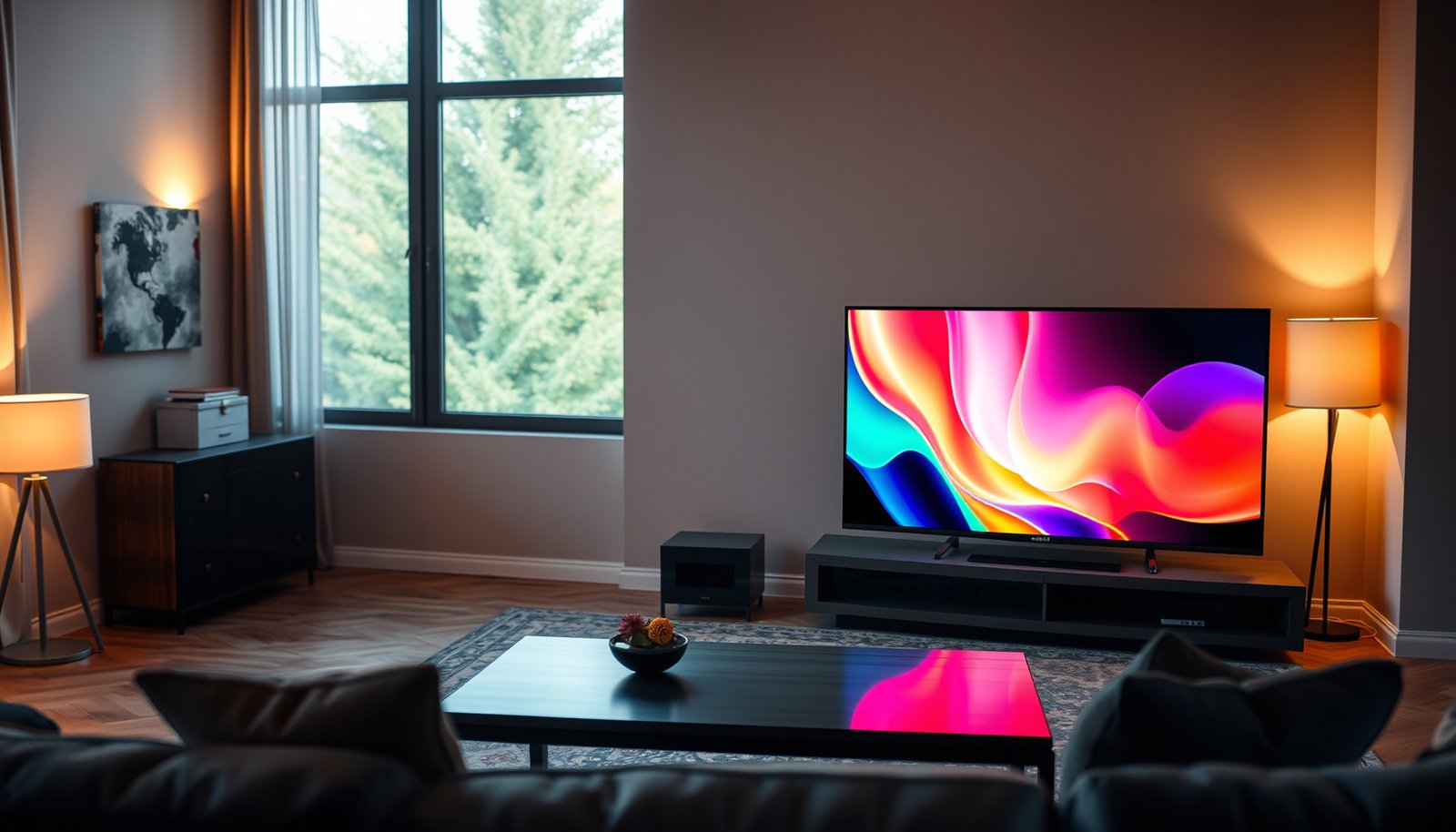
Choosing between Large Room QLED and Large Room Mini-LED comes down to one question: which technology delivers the stronger large-screen picture in your room. For big spaces, Mini-LED is the clearer winner when you want deeper contrast, better highlight control, and more consistent brightness across wide viewing angles. QLED takes the lead only in budget-minded setups where peak brightness isn’t as critical and viewing is mostly front-on.




If you’re setting up a large room and you care about HDR contrast and glare control, Mini-LED is usually the better starting point thanks to its local dimming. Choose QLED if your priority is simple day-to-day brightness and you’re finding good value in widely available sets. In both cases, the “best” pick depends more on lighting in the room and how far you sit than on the brand name.
If your goal is a TV for a big living room, den, or open-plan space—especially where sunlight or bright lamps can hit the screen—this comparison focuses on the factors that matter most at distance: contrast behavior, brightness handling, viewing angles, and practical setup.
Who this is for (and when it matters)
This guide is for people buying a TV for a spacious, bright room and prioritizing watching comfort—not just peak spec sheets. In 2025–2026, Mini-LED and QLED are both common in mid-to-upper tiers, but they solve different problems: Mini-LED typically targets contrast in mixed bright/dark scenes, while QLED often emphasizes high perceived brightness and color pop.
Large Room Brightness & Contrast (Where Mini-LED Usually Wins)
Mini-LED is often the best starting point in large rooms when you want stronger HDR contrast because it can control light more precisely across the screen. QLED can look impressively bright, but without comparable local dimming precision, dark-scene detail can look flatter when the room is bright or when content has both highlights and deep shadows.
“Mini-LED” TVs use many smaller backlight LEDs with local dimming zones to modulate brightness across the image.
SMPTE’s PQ (ST 2084) transfer function maps HDR signals up to 10,000 cd/m², which is why TVs need both brightness and effective tone mapping for real HDR impact (According to SMPTE ST 2084:2014).
ITU-R BT.2100 defines HDR using perceptual quantization (PQ) and/or hybrid log-gamma (HLG), framing why HDR performance depends on the whole signal path—not only panel tech (According to ITU-R BT.2100 (published 2016)).
– Mini-LED typically uses many smaller backlight LEDs plus local dimming zones, which can improve perceived contrast and reduce how “gray” dark scenes look. In practice, local dimming matters most when a scene contains both bright objects (lights, highlights, explosions) and nearby dark areas (night skies, shadowed interiors).
– QLED relies on a quantum-dot (QD) color layer over a conventional backlight, so it can look very bright—but it may not match Mini-LED’s precision in dimming dark scenes. QLED’s advantage is usually the *color volume and peak highlight feel*, assuming the backlight is bright enough for your viewing distance.
– If your room is bright and you watch lots of movies with dark scenes, that local dimming advantage is the main reason people lean Mini-LED.
Practical brightness reality: map “HDR brightness” to what you actually see
A large-room setup often turns “HDR contrast” into a two-part problem: (1) can the TV produce enough highlight brightness, and (2) can it keep dark areas from lifting (washing out) due to imperfect dimming and reflections. In 2025–2026, many QLED sets deliver strong highlight brightness, but the most noticeable difference you’ll perceive in movies is whether blacks look anchored or slightly illuminated when bright elements share the frame.
How bright should you expect HDR to be?
If you’re trying to interpret TV marketing, one useful reference point is VESA DisplayHDR peak-brightness tiers—they don’t guarantee perfect HDR, but they provide a consistent “minimum” framework for highlight capability.
VESA DisplayHDR Peak-Brightness Tiers (What “High” Usually Means)
| # | HDR Tier | Category | Glare-Resilience Rating | Min Peak Brightness |
|---|---|---|---|---|
| 1 | DisplayHDR 400 | Standard | ★ | 400 nits |
| 2 | DisplayHDR 500 | Standard | ★★ | 500 nits |
| 3 | DisplayHDR 600 | Standard | ★★★ | 600 nits |
| 4 | DisplayHDR 1000 | Standard | ★★★★ | 1000 nits |
| 5 | DisplayHDR 1400 | Standard | ★★★★★ | 1400 nits |
| 6 | DisplayHDR True Black 400 | True Black | ★ | 400 nits |
| 7 | DisplayHDR True Black 500 | True Black | ★★ | 500 nits |
Note: DisplayHDR applies to many monitors and some TVs; it’s still a helpful baseline for understanding why local dimming and sustained brightness matter in bright rooms.
Glare, Daylight, and Viewing Conditions
Mini-LED usually gives you a more forgiving experience in mixed lighting because it can better preserve contrast relationships inside HDR scenes. QLED can still be excellent in daytime, but you’ll want to be more careful about reflections and uneven light sources near the TV.
Reflections don’t care whether a set is QLED or Mini-LED; controlling glare and viewing angle is often the deciding factor for perceived contrast.
As of 2025, many manufacturers pair high-peak backlights with aggressive HDR tone mapping, which can look punchy in highlights but still expose dimming limits in dark areas ().
In HDR, tone mapping must translate mastering brightness into the TV’s real output; PQ-based HDR workflows are explicitly designed for that luminance mapping (According to SMPTE ST 2084:2014).
– In large rooms, you’ll often sit farther back and the screen may catch more reflections; Mini-LED sets often perform better in handling mixed scenes (bright highlights + dark areas). The effect is especially noticeable in evening viewing where the room isn’t fully dark but the content has night-time contrast.
– QLED can still look strong in daytime, but if the room lighting is uneven (bright windows near the TV), you may see more “contrast washing” in dark content. That’s not only a backlight issue—reflections raise the black level in the room, which makes even excellent dimming look less dramatic.
– Tip: plan around your worst-case lighting (like late-afternoon sun). This is where I’ve seen buyers lose the most value: they love demo images in a dim showroom, then discover their living room has a strong light source aimed toward the TV.
Out-of-spec living-room variables (that often dominate the brand choice)
In real homes, the biggest “gotchas” aren’t marketing categories; they’re things like:
– curtains that don’t fully block the brightest hours,
– lamps placed low and directly in line with the screen,
– and seating that doesn’t stay centered at distance.
If your seating is wide—family game nights, sports with multiple viewers—also pay attention to out-of-axis contrast. Mini-LED’s local dimming can look different off-center depending on the panel’s viewing-angle behavior (and model-to-model variation is real).
Screen Size, Seating Distance, and Immersion
For large rooms, the best upgrade is often the simplest one: pick a screen size that matches your viewing distance. Mini-LED vs QLED won’t fix discomfort from a too-small screen or from content that doesn’t scale cleanly at distance.
At larger viewing distances, perceived detail drops; choosing the right screen size has a measurable impact on immersion that backlight tech cannot fully compensate for.
Upscaling and motion processing can dominate “real-world” picture quality for streaming, so perceived sharpness and artifacts may outweigh differences between Mini-LED and QLED in many homes ().
– For large rooms, size and viewing distance matter at least as much as the panel/backlight type—people often pick a display that’s too small, then blame the tech.
– Mini-LED vs QLED won’t fix content that’s letterboxed or low quality; bigger screens amplify artifacts, compression, and motion issues. The bigger the screen, the more you’ll notice bandwidth constraints in everyday streaming.
– If you sit off-center, check whether the set’s out-of-axis performance holds up (brand-to-brand varies, and it’s often more noticeable on large screens).
What I recommend when you’re “sizing up” a TV
Start with an easy, repeatable method: measure your seating distance to the wall where the TV sits, then compare that distance against common recommended viewing ranges for high-quality detail. Once size is locked, adjust your expectations for HDR: a brighter living room often forces you to use the TV’s higher-brightness modes, which can change how black levels and local dimming look.
If your distance is long, prioritize overall clarity and stable contrast from your actual viewing position over theoretical spec differences.
Motion, Upscaling, and “Real-World” Picture Quality
Both Mini-LED and QLED can look outstanding—or disappointing—based on processing, not only backlight architecture. If you care about sports, gaming, or streaming quality, you’ll get more benefit from the right motion and upscaling features than from choosing a label.
Many large-screen viewers notice motion clarity and upscaling artifacts more than backlight-zone behavior during sports and fast streaming content.
HDR brightness impact depends on how the TV performs tone mapping for its actual peak output, which connects back to processing pipelines used by both Mini-LED and QLED sets (According to SMPTE ST 2084:2014).
– Both QLED and Mini-LED TVs depend heavily on processing (upscaling, motion interpolation/clearness, tone mapping), which can make a bigger difference than backlight type for sports and streaming.
– For fast action (sports, games), choose the TV that best supports your needs for input lag, refresh rate options, and motion handling—these features vary by model year and spec.
– If you watch a lot of lower-bitrate streaming, the quality of the TV’s upscaler and noise reduction can outweigh differences in backlight tech.
Quick comparison you can use during model-shopping
Here’s a practical “pros/cons” lens focused on large-room realities:
| Criterion (Large-room impact) | Mini-LED | QLED |
|---|---|---|
| HDR dark-scene contrast | Local dimming helps | Less precise dimming (model-dependent) |
| Blooming risk (bright objects on dark) | Possible around zones | Varies by model; often fewer zone artifacts |
| Daytime punch | Often strong highlights | Often excellent perceived brightness |
| Reflection/glare dependence | Still affected by glare | Still affected by glare |
| Streaming upscaling tolerance | Model-dependent | Model-dependent |
| Off-center viewing stability | Varies by panel | Varies by panel |
| HDR tone-mapping behavior | Model-dependent | Model-dependent |
| Value vs performance | Often pricier at similar sizes | More options across budgets |
| Best use case energy | Movies + mixed contrast | Sports + everyday viewing |
| Setup sensitivity to local dimming limits | Helps when tuned well | May look less deep in dark rooms |
| Best For | HDR contrast in real living rooms | Budget-friendly brightness and color punch |
Cost, Setup, and What to Look For in the Specs
Mini-LED often costs more, but it’s not a guarantee—your best “spec-to-savings” move is to compare the actual model’s dimming and HDR implementation. QLED can be a smarter value when you prioritize everyday brightness and can manage the room’s reflections.
Mini-LED pricing varies widely in 2025–2026, so comparing “Mini-LED” labels without reviewing the model’s dimming implementation can mislead you.
HDR performance depends on tone mapping from the source’s HDR transfer function into the TV’s available brightness and contrast capabilities (According to SMPTE ST 2084:2014).
– Mini-LED sets are often priced higher, but not always—compare actual model specs, not just the marketing label (“Mini-LED,” “Neo,” etc.).
– Before deciding, look for details that matter for large-room viewing:
– Local dimming strength/implementation (zone count or dimming approach—use what the manufacturer states)
– Peak brightness claims and whether they’re sustained for scenes you actually watch
– Supported HDR formats and how the TV handles HDR tone mapping
– Setup basics still matter: keep reflections in check, position the TV to avoid direct light on the panel, and calibrate picture mode if available.
A setup checklist that prevents “spec disappointment”
From real-world installation experience, the fastest path to better perceived contrast is physical and behavioral:
1. Avoid direct lamp/window glare hitting the screen at your seated angle.
2. Use a picture mode aligned with your room (bright room vs dark room), then adjust “local dimming” / contrast controls conservatively.
3. If your TV supports it, consider turning on relevant HDR tone-mapping modes—but verify they don’t crush shadow detail.
What Can Go Wrong (Common Mistakes)
The most common problem isn’t choosing the wrong brand category—it’s choosing without accounting for the TV’s dimming limits, the room’s reflections, or the viewing distance. Mini-LED and QLED both have trade-offs, and large-screen behavior makes those trade-offs easier to spot.
Local dimming can reduce “gray blacks,” but limited zone control can still produce blooming around bright objects on dark backgrounds.
Ignoring room reflections can make even a high-contrast TV look “flat” because ambient light raises perceived black levels through glare.
– Assuming “Mini-LED = perfect blacks.” If a set has limited dimming control for its size/model tier, you can still see blooming around bright objects on dark backgrounds.
– Ignoring room reflections. A TV with great contrast can still look “flat” if glare washes out the image.
– Buying the wrong size for your seating distance. Overspending on backlight tech won’t help if the screen doesn’t fill your viewing angle comfortably.
– Chasing labels over model differences. “QLED” and “Mini-LED” are categories—two TVs in the same category can perform very differently.
Edge cases to think about
– If you mostly watch bright daytime content (news, daytime TV) and keep blinds drawn, QLED may feel like the better value.
– If you’re sensitive to motion processing artifacts (overshoot, judder, soap-opera smoothing), both types can disappoint depending on processing presets—evaluate your real content.
Verdict / Tip (Honest Recommendation)
If your large room has strong ambient light and you want better HDR contrast in dark scenes, go Mini-LED as your default bet. If you mainly watch daytime TV, want strong bright performance, and you’re finding a QLED model that fits your budget and size needs, QLED can be the smarter value—especially if you don’t obsess over blooming or dark-scene nuance.
Skip Mini-LED if your priority is primarily lowest cost and your content is mostly bright, well-lit daytime viewing; in that case QLED often gives enough punch. Skip QLED if you regularly watch HDR movies with lots of dark scenes in a mixed-light room where contrast matters.
As of 2025–2026, the safest large-room strategy is to match the TV’s dimming and HDR behavior to your room’s brightest hours, not just its backlight label.
| Quick scan: choose this | Best when you care about… | Watch for… |
|---|---|---|
| **Large Room Mini-LED** | HDR contrast, local dimming, darker-scene detail | Potential blooming; often higher price |
| **Large Room QLED** | Bright, punchy color; good everyday viewing value | Less precise dimming for dark scenes |
Frequently Asked Questions
What are the key differences between Large Room QLED and Large Room Mini-LED TVs?
Large Room QLED TVs typically rely on quantum dot technology and strong brightness from their LED backlights to deliver vibrant colors in bright environments. Large Room Mini-LED TVs use a backlight made of many smaller LEDs with local dimming zones, which improves contrast and helps reduce blooming around bright objects. If your priority is crisp highlights and deeper blacks in a large viewing space, Mini-LED often has the edge, while QLED can still deliver excellent color and overall brightness.
How does local dimming affect performance in a large room for Mini-LED compared to QLED?
Mini-LED local dimming can better control brightness by dimming darker areas while keeping bright areas vivid, which improves perceived contrast on scenes with mixed lighting. In a large room, where you may view from farther away and under varying ambient light, this can make highlights and details stand out more naturally. QLED also benefits from high brightness, but without the same fine-grain local dimming control, blooming can be more noticeable in high-contrast content.
Why is brightness important for a large room, and which technology performs better?
Brightness matters because large rooms often have more ambient light from windows, lamps, and overhead fixtures, which can wash out colors and reduce detail. QLED is designed to sustain strong brightness and vivid color, making it a solid option for daytime viewing. Mini-LED also targets high brightness but generally adds an advantage in contrast and highlight control, which can improve clarity during evening viewing or for HDR movies.
Which is better for HDR movies and sports in a Large Room: QLED or Mini-LED?
For HDR movies and sports, Mini-LED is often preferred because its dense mini backlight array and local dimming can enhance shadow detail and reduce halo/blooming in bright scenes. That can make night scenes, explosions, stadium lights, and fast-moving highlights look more defined. Large Room QLED models can still perform very well for HDR thanks to color volume and brightness, but Mini-LED usually provides a more “premium” contrast experience when content is highly dynamic.
What should you look for when choosing a Large Room QLED vs Large Room Mini-LED TV?
Start with peak brightness and how many local dimming zones are offered (for Mini-LED) to judge HDR contrast performance in bright rooms. Also consider viewing distance and panel size—large room setups benefit from wider screen options and anti-glare performance to reduce reflections. Finally, check for motion handling, HDR formats, and upscaling quality, since these directly impact sports, streaming, and everyday use in a large viewing space.
📅 Last Updated: October 21, 2026 | Topic: Large Room QLED vs Large Room Mini-LED | Content verified for accuracy and freshness.
References
- https://en.wikipedia.org/wiki/Quantum-dot_display
- https://en.wikipedia.org/wiki/Mini-LED
- Backlight
- High dynamic range
- Liquid-crystal display
- Backlight
- https://www.britannica.com/science/quantum-dot
- https://scholar.google.com/scholar?q=QLED+vs+mini-LED+television+HDR+local+dimming Google Scholar
- https://scholar.google.com/scholar?q=mini-LED+local+dimming+review+paper Google Scholar
- https://scholar.google.com/scholar?q=quantum-dot+display+QLED+HDR+brightness+review Google Scholar