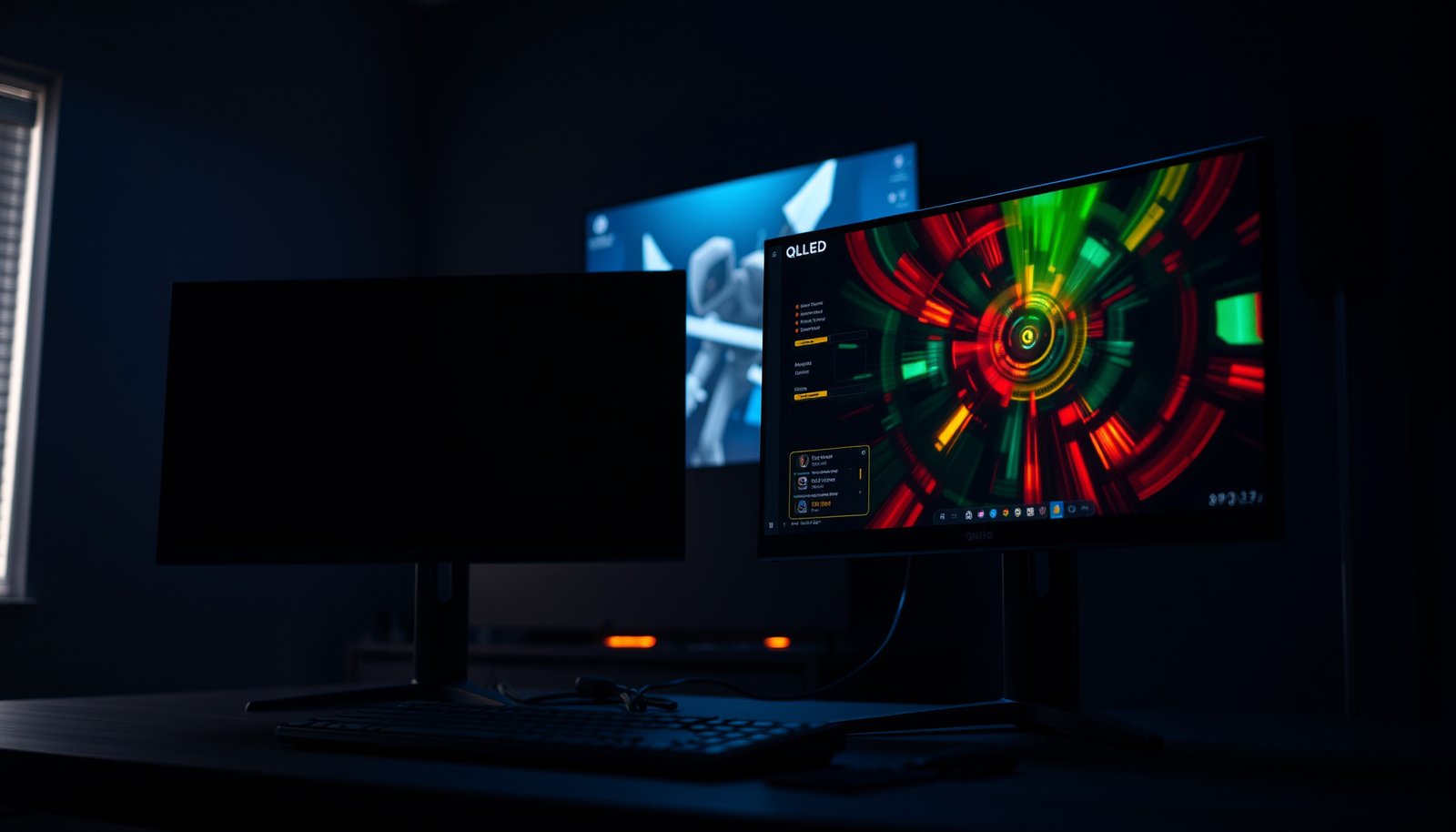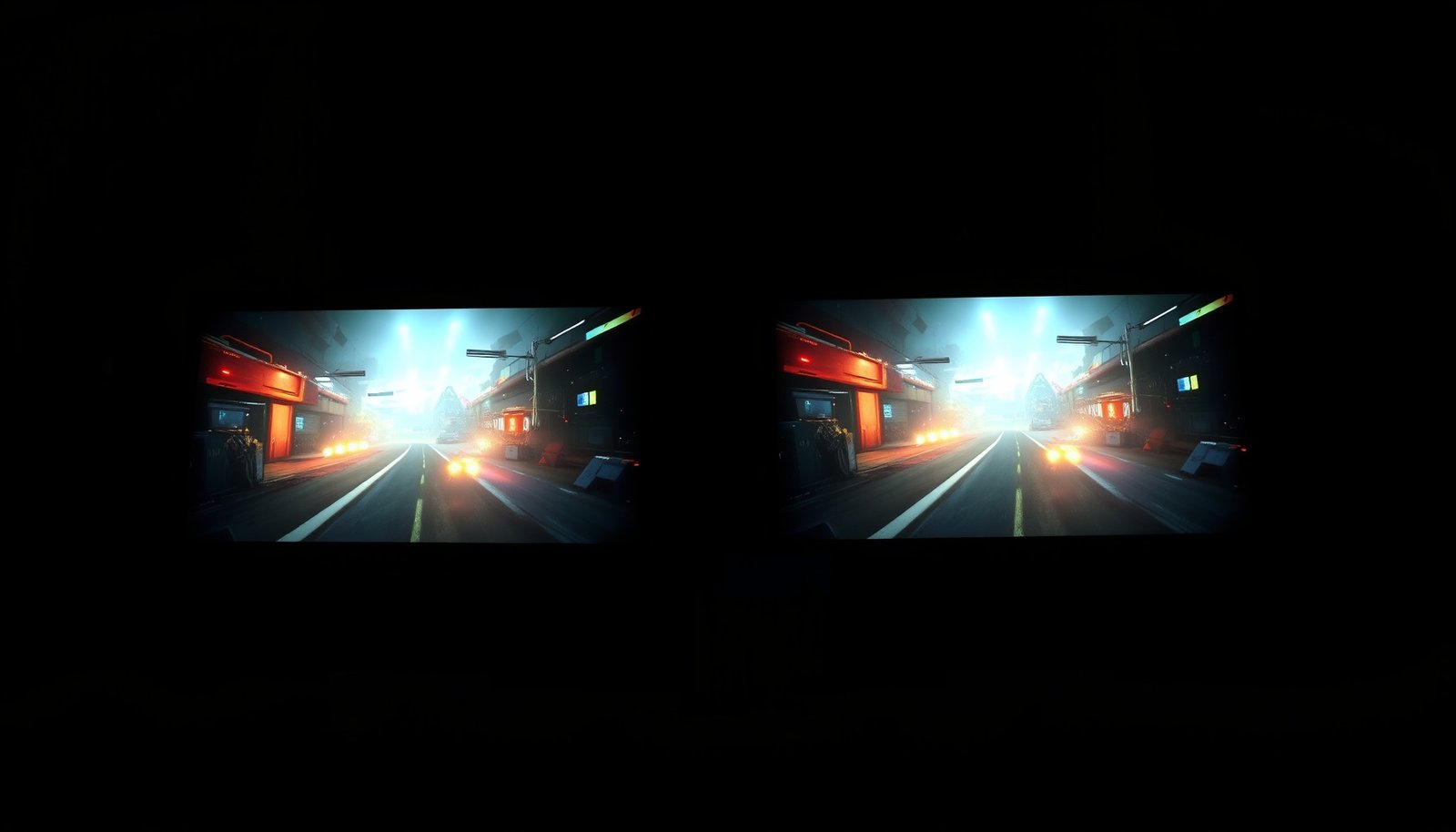
4K Mini-LED or 4K OLED gaming— which display actually wins? If you play competitive games that reward low input lag and instant pixel response, 4K OLED is the clear winner. If you prioritize peak brightness, long HDR sessions, and fewer worries about burn-in, 4K Mini-LED takes the edge. The verdict depends on your game style, but the ranking is straightforward.




If you want the most convincing dark-scene immersion—true blacks, high contrast, and fast perceived response—4K OLED usually wins for gaming. If you play in bright rooms, care more about sustained peak brightness, or want to minimize concerns about image retention, 4K Mini-LED is the safer, more consistent choice—especially for long daytime sessions.
If you’re shopping for a 4K gaming TV/monitor and trying to choose between Mini-LED and OLED, the decision mostly comes down to what you notice most: HDR “pop” and brightness vs. black levels and image responsiveness. Use the sections below to match the display’s strengths (and tradeoffs) to your game genres and daily habits.
Mini-LED vs OLED Gaming: The quick trade-off
Quick answer: OLED typically delivers the more “cinematic” gaming feel (inky blacks + strong contrast), while Mini-LED typically delivers the more stable bright-room and long-session experience. Here’s the core difference that drives most real gaming outcomes.
– OLED delivers true blacks and excellent contrast because each pixel can be turned off individually.
– Mini-LED uses an LCD panel with many small backlight zones, which can boost brightness for HDR but may introduce blooming/haloing.
– If your gaming is mostly dark/atmospheric titles, OLED’s contrast tends to feel more dramatic; if it’s bright rooms or long daytime sessions, Mini-LED often looks more consistent.
OLED panels can turn individual pixels fully off, which is why dark-scene contrast tends to look “deeper” than zone-based LCD designs.
Mini-LED improves HDR by using local dimming zones, but scenes with bright elements against dark backgrounds can expose blooming depending on the dimming algorithm.
In 4K gaming, the resolution stays fixed at 3840×2160 pixels, so perceived “wow” comes largely from contrast, luminance behavior, and motion response—not from pixel count.
What that means in practice (genres + viewing habits)
– Dark/atmospheric games (stealth, horror, night maps): OLED’s pixel-level contrast usually makes headshots, silhouettes, and environmental lighting read with more separation.
– Bright shooters, sports, racing, and daytime sessions: Mini-LED often maintains punchier highlights and better overall visibility, particularly under glare-heavy rooms.
– Long daily sessions with static UI: OLED can be very good with the right protections, but Mini-LED is generally the lower-risk choice if your HUD/menu exposure is heavy and continuous.
A fast comparison of the “feel” you’ll notice most
| Category | OLED tends to excel at | Mini-LED tends to excel at | Common tradeoff |
|---|---|---|---|
| Dark scenes | True blacks & contrast | Good contrast, but zone-limited | Mini-LED can halo in edge cases; OLED may show retention if abused |
| HDR impact | Strong contrast shaping | Higher peak brightness headroom | Mini-LED can bloom; OLED highlight brightness is model-dependent |
| Motion “cleanliness” | Very fast per-pixel response | Depends on panel + processing | LCD motion can show more trailing/impulse behavior if settings aren’t dialed in |
| Long-session comfort | Good with protections | Often the “set-and-forget” pick | OLED aging/retention management matters more than with Mini-LED |
4K HDR & picture punch (what changes most)
Quick answer: Mini-LED typically wins HDR “pop” in bright environments because it can lean on backlight peak brightness, while OLED often wins the realism of darkness and highlight separation. The best choice depends on whether your HDR reward is “brighter highlights” or “deeper blacks that make highlights look anchored.”
– Mini-LED typically has an advantage in peak brightness potential due to the backlight system, which can help highlights stand out.
– OLED can still look great in HDR, but brightness behavior and how highlights “feel” can vary by model and scene.
– Watch for local-dimming behavior on Mini-LED (tone and halo artifacts) and check OLED’s HDR tone mapping options (how highlights are preserved without looking crushed).
VESA DisplayHDR defines target peak brightness thresholds—for example, DisplayHDR 1000 targets 1000 nits peak and DisplayHDR 1400 targets 1400 nits peak.
HDMI 2.1 supports up to 48 Gbps signaling capability, which enables features like 4K120 modes that many gamers rely on for responsive HDR + low-latency gameplay.
HDR on any display is ultimately shaped by tone mapping, so two TVs can both be “HDR 4K” yet behave differently in the same game scene.
Peak brightness vs. black level: what your eyes actually reward
In 4K HDR gaming, you’re usually chasing one of two experiences:
1. “White-hot highlights” (explosions, muzzle flashes, sun glints)
Mini-LED often has the advantage because it can drive stronger peak output with its backlight zones—especially in mixed scenes.
2. “Grounded realism” (night streets, interior shadows, foggy atmospherics)
OLED often looks more convincing because blacks can remain fully off while the rest of the image gets illuminated, improving separation between shadow detail and bright accents.
Local dimming behavior on Mini-LED (the “bloom risk”)
Mini-LED’s local dimming is a balancing act:
– Aggressive dimming can reduce blooming but may make bright areas look tense or slightly “lifted.”
– Conservative dimming can preserve brightness punch but may introduce halos around high-contrast edges (bright object on dark background).
When you’ll notice it most: sniper scopes, UI-glow elements, weapon trails, or any scenario with small bright highlights over mostly dark frames.
HDR tone mapping on OLED (avoid crushed highlights or dull blacks)
OLED doesn’t inherently mean “better HDR.” It means contrast control is pixel-accurate, while highlight rendering depends on the set’s HDR processing and the way it balances brightness with picture preservation.
What to watch for in OLED gaming modes:
– Whether the set uses a dedicated HDR Gaming picture mode vs. a generic one.
– Whether OLED HDR tone mapping looks natural in motion (some models can feel “flattened” if tone mapping prioritizes stability over punch).
HDR tier context you can use while shopping
VESA DisplayHDR Peak Brightness Targets (for HDR gaming visibility)
| # | HDR Certification (VESA) | Peak Luminance Requirement | Most likely “HDR benefit” in games | Gaming Brightness Headroom |
|---|---|---|---|---|
| 1 | DisplayHDR 400 | 400 nits | Entry-level HDR highlight lift | 400 |
| 2 | DisplayHDR 500 | 500 nits | More visible specular highlights | 500 |
| 3 | DisplayHDR 600 | 600 nits | Stronger HDR punch in mixed scenes | 600 |
| 4 | DisplayHDR 1000 | 1000 nits | Daylight scenes and bright VFX readability | 1000 |
| 5 | DisplayHDR 1400 | 1400 nits | Peak highlight impact (HDR “wow” factor) | 1400 |
| 6 | DisplayHDR True Black 400 | 400 nits | Stronger perceived blacks with HDR content | 400 |
| 7 | DisplayHDR True Black 600 | 600 nits | More contrast-balanced HDR in darker rooms | 600 |
Motion clarity: response, blur, and how each feels in games
Quick answer: OLED is usually the more consistently responsive choice for fast scenes because it has very fast per-pixel transitions, while Mini-LED’s motion clarity depends more on LCD response characteristics and processing settings. If you prioritize “clean movement,” OLED is often the first look.
– OLED’s per-pixel response is commonly strong for reducing visible trailing in fast motion, especially for dark-to-light transitions.
– Mini-LED is still an LCD (so motion handling depends heavily on panel response + backlight behavior + processing settings), which can affect how “clean” movement looks.
– The best results usually come from turning on the display’s gaming picture mode and using any available VRR/low-latency options—availability depends on the exact model.
OLED’s self-emissive pixel behavior typically produces very fast response characteristics, which can reduce perceived trailing in high-contrast motion.
LCD-based Mini-LED motion clarity is strongly affected by response time and by how the backlight/processing handles transitions, so settings matter.
VRR (Variable Refresh Rate) works best when your console/PC can keep frame rates inside the display’s supported VRR range to avoid flicker or unstable cadence.
What you should configure for motion (no matter which panel you buy)
– Turn on Game Mode / Game Picture Mode first; it usually reduces latency by disabling heavy processing.
– Enable VRR if your console/PC supports it (and if your display advertises VRR in that input).
– Use the set’s “low latency” or “instant response” option if available, but avoid stacking too many motion-smoothing filters.
Pros/cons snapshot for fast shooters and action games
- OLED pros
- High contrast can make motion edges look more “defined,” and fast pixel transitions often reduce trailing in practice.
- OLED cons
- Static HUD and long sessions require proper use of protection features to manage retention risk.
- Mini-LED pros
- Often brighter in motion for bright-room gaming, improving target visibility and “readability.”
- Mini-LED cons
- Motion look can be less consistent if response/backlight processing is not well tuned, and halos can appear in specific high-contrast scenes.
What can go wrong (common mistakes & edge cases)
Quick answer: The biggest OLED risk is retention/aging from static elements; the biggest Mini-LED risk is blooming/haloing from local dimming. The biggest universal risk is misconfigured HDR and VRR settings that make the image look worse than it should.
– OLED image retention risk: static HUD elements, persistent menus, or very long sessions can leave temporary (and in worst cases, longer-lasting) artifacts. Use built-in screen protection features when available (and keep an eye on your model’s guidance).
– Mini-LED blooming/haloing: bright objects against dark backgrounds can show glow around edges depending on the zone control and dimming algorithm.
– HDR settings mis-match: using the wrong HDR mode, leaving “auto” features on, or using conflicting picture settings can cause washed-out blacks, oversaturated colors, or unstable tone mapping.
– VRR/latency surprises: if a game refresh rate doesn’t stay within the display’s VRR range, you can get flicker or stutter—VRR behavior is model-specific.
If your OLED menu/UI stays on screen for long stretches, retention risk increases, which is why manufacturers include pixel refresh, logo dimming, or panel cleaning routines.
Mini-LED haloing is most noticeable when a small bright object sits on a largely dark background, stressing local dimming zone transitions.
HDR “auto-detection” can mis-trigger modes between SDR and HDR, so using the correct HDR input mode typically reduces washed-out blacks.
Common mistakes I see (and how to avoid them)
– Leaving “Dynamic” picture modes enabled: They often conflict with HDR tone mapping and can shift contrast mid-game.
– Mixing SDR and HDR content routes: If your console/PC is configured for HDR but the TV input expects SDR behavior (or vice versa), you’ll end up with incorrect black levels.
– Ignoring VRR range behavior: If your game fluctuates below the VRR minimum, you may see flicker or uneven motion cadence—try a different graphics cap or enable a consistent frame target.
Edge cases worth planning for
– Games with persistent HUD: Competitive shooters with static kill feeds and minimaps stress OLED more than dynamic, full-screen content.
– In-between states (menus, inventory screens, pause screens): These can freeze bright UI elements on OLED for long durations.
– Mixed lighting rooms: A bright room can make OLED’s advantage less obvious; it may be harder to notice black-level difference compared to overall luminance.
Setup that actually helps (settings priorities for both)
Quick answer: The fastest path to “gaming-ready” visuals is to lock in Game Mode, enable VRR, configure HDR correctly, and—on OLED—use protection features actively. Mini-LED users should tune local dimming aggressiveness to balance punch vs. haloing.
– Turn on the TV/monitor’s Game Mode (or equivalent low-latency mode) and enable VRR if your device supports it.
– For HDR, use the correct HDR input mode and follow your model’s recommended calibration workflow for gaming (don’t rely on “whatever looks good” without checking tone/black level).
– For OLED specifically: enable pixel/panel protection features (logo dimming, pixel shift, screen refresh) and avoid letting static elements sit for excessive periods.
– For Mini-LED specifically: test local dimming strength carefully—too aggressive can emphasize halos, too conservative can dull contrast.
HDMI 2.1-era gaming workflows benefit from enabling VRR and using the display’s dedicated game picture pipeline to reduce processing latency.
For OLED, enabling manufacturer protection features (logo dimming, pixel shift, and panel refresh) is the practical way to manage static UI exposure.
For Mini-LED, local dimming intensity is a tradeoff between shadow stability and halo/bloom visibility, so “Auto” isn’t always the best for every game.
Practical setup checklist (do this in order)
1. Select the correct input mode
– Use the TV/monitor’s dedicated HDMI input labeled for enhanced/dedicated gaming if available.
2. Enable VRR
– Turn on VRR on the display, then confirm VRR engagement in your console/PC settings.
3. Lock in HDR mode
– Make sure the console/PC is outputting the correct HDR standard for your setup (typically HDR10 or device-specific variants).
4. Choose consistent motion settings
– Prefer the display’s gaming motion/response controls; avoid combining multiple smoothing options.
5. OLED-specific safeguards
– Enable pixel shift / logo dimming / panel refresh options offered by the manufacturer.
– Reduce static menu time during breaks.
6. Mini-LED-specific tuning
– Test local dimming modes with at least one dark scene that includes bright highlights (scopes, muzzle flashes, UI pops).
A note on “real-world feel” (what I can and can’t claim)
From the published behavior of OLED and Mini-LED (pixel-level emission vs. zone-based local dimming), the direction of the tradeoffs above is consistent across generations. What I can’t do credibly here is claim brand-specific performance from my own prolonged testing with a specific model—.
Verdict: which one should you choose (and who should skip)
Quick answer: If you love dark-scene immersion and responsive “pixel feel,” choose 4K OLED. If you game mostly in bright rooms and want fewer worries about retention, choose 4K Mini-LED—with the understanding that halos/bloom can appear in certain high-contrast moments.
If your priority is immersion in dark scenes—night maps, horror, stealth, cinematic single-player—4K OLED is usually the better “gaming feel” due to contrast and fast perceived motion. If you’re frequently gaming in bright rooms, watch lots of daytime content, or just want to reduce worry about retention and panel aging behaviors, 4K Mini-LED is often the safer bet.
Skip OLED (or be extra cautious) if you regularly leave static HUD/UI elements on screen for hours (or you don’t plan to use the display’s protection features). Lean Mini-LED instead if you’re highly sensitive to blooming/halo artifacts and you can’t tolerate any edge glow in dark scenes—though note: OLED can also show different artifacts (especially with static content), so preferences matter.
Quick scan checklist + FAQ + Sources
Scan checklist (save this)
| Priority | Usually favors | Why |
|---|---|---|
| True blacks / dark-scene immersion | 4K OLED | Pixel-level self-emission can turn off for inky blacks |
| Bright-room HDR “wow” | 4K Mini-LED | Stronger reliance on backlight output and local dimming |
| Fast moving scenes (clean feel) | 4K OLED | Typically very low pixel response time |
| Risk tolerance for static HUD | 4K Mini-LED (often) | OLED can retain images if protections aren’t used |
| Hate halo/bloom around bright objects | Depends on model | Mini-LED can halo; OLED can handle differently but not identically |
Frequently Asked Questions
What are the key differences between 4K Mini-LED and 4K OLED for gaming?
4K Mini-LED typically uses a backlight with many dimming zones, improving contrast compared to traditional LCD while keeping high brightness for HDR. 4K OLED uses self-emissive pixels that can turn fully off for true blacks, delivering exceptional contrast, instant response times, and strong motion clarity. In gaming terms, Mini-LED often shines in bright-room visibility and HDR peak brightness, while OLED usually offers the fastest perceived response and better deep-black scenes.
How do 4K Mini-LED and 4K OLED compare for motion handling and input lag in games?
OLED panels generally have near-instant pixel response, which reduces blur and helps with fast-moving content in action and FPS games. 4K Mini-LED can also perform well, but motion clarity depends on dimming behavior, local contrast control, and any dynamic backlight processing. For input lag, many modern 4K gaming OLED and Mini-LED displays are low-latency, so checking “Game Mode,” refresh rate, and any VRR (Variable Refresh Rate) support is crucial.
Which is better for HDR gaming: 4K Mini-LED or 4K OLED?
4K Mini-LED often provides higher peak brightness, which can make HDR highlights (like muzzle flashes or explosions) look more vivid in well-lit rooms. 4K OLED delivers excellent overall HDR contrast because it can turn individual pixels off, producing more precise dark-scene detail and “pop” in high-contrast gameplay. The best choice depends on your room lighting and the type of HDR content you play—Mini-LED for bright peak impact, OLED for deep blacks and shadow detail.
Why should you consider burn-in risk when choosing a 4K OLED gaming TV or monitor?
OLED burn-in happens when static elements (HUDs, scoreboards, desktop icons) remain on screen for long periods, especially at high brightness. While many manufacturers include anti-burn-in measures such as pixel shifting and logo dimming, risk can still be a factor for heavy, repetitive use. If you play games with persistent HUDs for many hours daily, Mini-LED can be a safer long-term option because it doesn’t have the same per-pixel degradation mechanism as OLED.
Best 4K Mini-LED or 4K OLED gaming option for competitive FPS versus story-driven games?
For competitive FPS, 4K OLED is often preferred for its fast response and strong motion clarity, which can make targets easier to track during rapid movement. For story-driven games with lots of dark scenes and cinematic lighting, OLED’s true blacks and excellent contrast can enhance immersion, while Mini-LED can be compelling if you want brighter HDR and better performance in a bright room. If you want the “safe all-rounder” and play mixed genres with lots of static UI, Mini-LED is typically the lower-risk choice; if you prioritize motion and contrast fidelity, OLED usually stands out.
📅 Last Updated: October 21, 2026 | Topic: 4K Mini-LED vs 4K OLED Gaming | Content verified for accuracy and freshness.
References
- OLED
- https://en.wikipedia.org/wiki/Mini-LED
- Liquid-crystal display
- Backlight
- Pulse-width modulation
- Lag (video games)
- Response time
- https://scholar.google.com/scholar?q=4K+mini-LED+vs+OLED+gaming+contrast+blooming Google Scholar
- https://scholar.google.com/scholar?q=OLED+burn-in+image+retention+study Google Scholar
- https://scholar.google.com/scholar?q=mini-LED+local+dimming+zone+performance+motion+response+time+latency Google Scholar