
To film high-frame-rate slow motion videos effectively, you need the right equipment, settings, and techniques. This guide will walk you through the essential steps to capture stunning slow motion footage that showcases even the smallest details of movement. Slow motion can transform ordinary moments into extraordinary visuals, allowing viewers to appreciate every nuance of action, whether it’s a bird taking flight or a drop of water splashing. Let’s dive into how to master this captivating filming style!
Understanding Frame Rates
Frame rates are the number of individual frames or images captured per second in a video. The higher the frame rate, the smoother and more detailed the slow-motion effect will be when played back at normal speed. For instance, while standard video often runs at 24 or 30 frames per second (fps), slow motion typically utilizes frame rates such as 120fps, 240fps, or even higher, like 480fps and 1000fps, depending on the capability of your camera. This allows for an incredible level of detail and fluidity, making even the fastest movements appear graceful and mesmerizing.
Choosing the Right Equipment
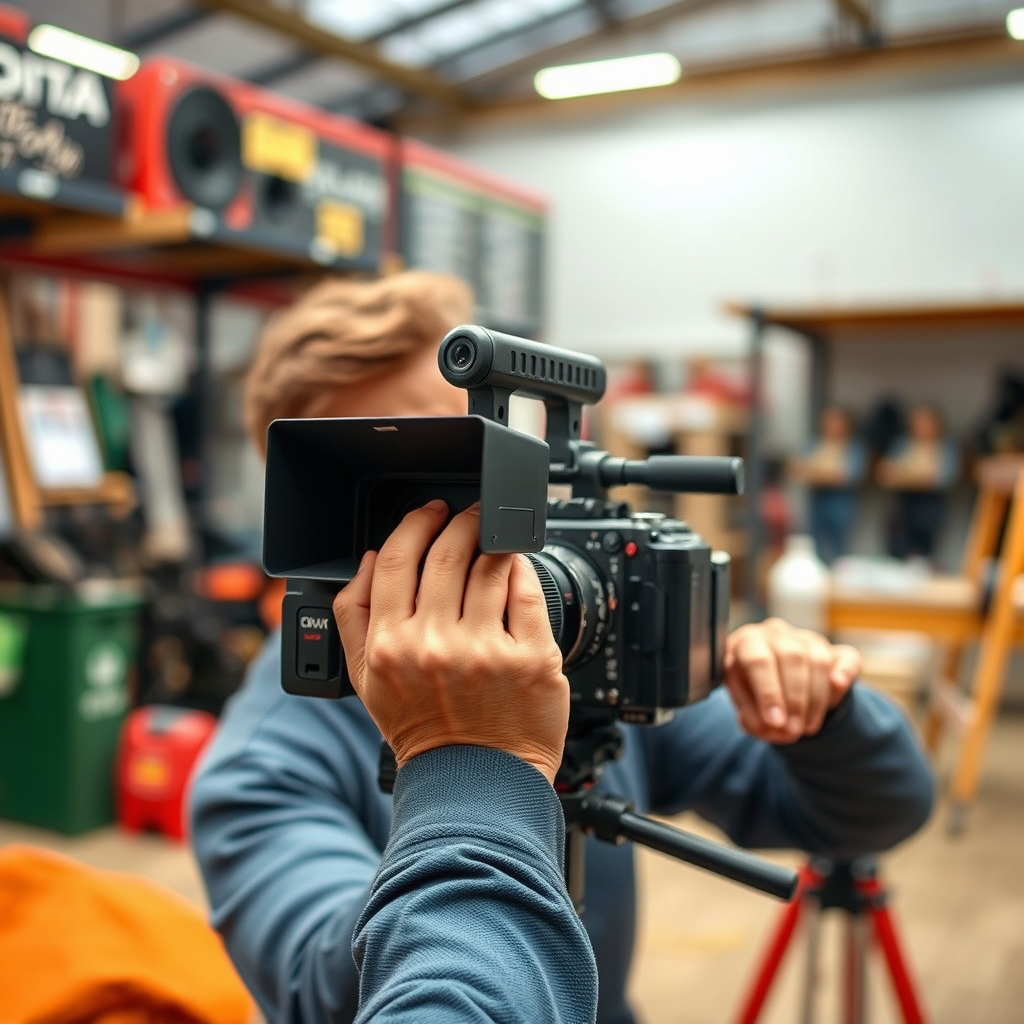
The first step to creating high-quality slow motion videos is selecting the right camera. Cameras that support high frame rates are essential; look for models like the Sony A7S series, the Panasonic GH5, or even smartphones like the iPhone 13 Pro Max, which offer impressive slow-motion capabilities. Additionally, lenses play a crucial role. A lens with a wide aperture can help gather more light, which is particularly important when filming at high frame rates, as they often require faster shutter speeds. Speaking of light, ensuring your shooting environment is well-lit can significantly enhance your slow motion footage. Natural light or additional lighting setups can help avoid grainy footage, which is a common issue when filming at high frame rates.
Camera Settings for High-Frame-Rate Slow Motion
Once you have your equipment ready, it’s time to dive into the camera settings. One of the key settings to adjust is your shutter speed. A good rule of thumb is to set your shutter speed to be double your frame rate for optimal exposure and motion blur. For example, if you are filming at 120fps, set your shutter speed to 1/240th of a second. Additionally, consider your aperture settings; a lower f-stop will allow more light in, which is particularly helpful in low-light conditions. Lastly, adjust your ISO to maintain proper exposure while avoiding too much noise. Finding the right balance between these settings is crucial for achieving smooth, high-quality slow motion footage.
Techniques for Smooth Slow Motion Footage
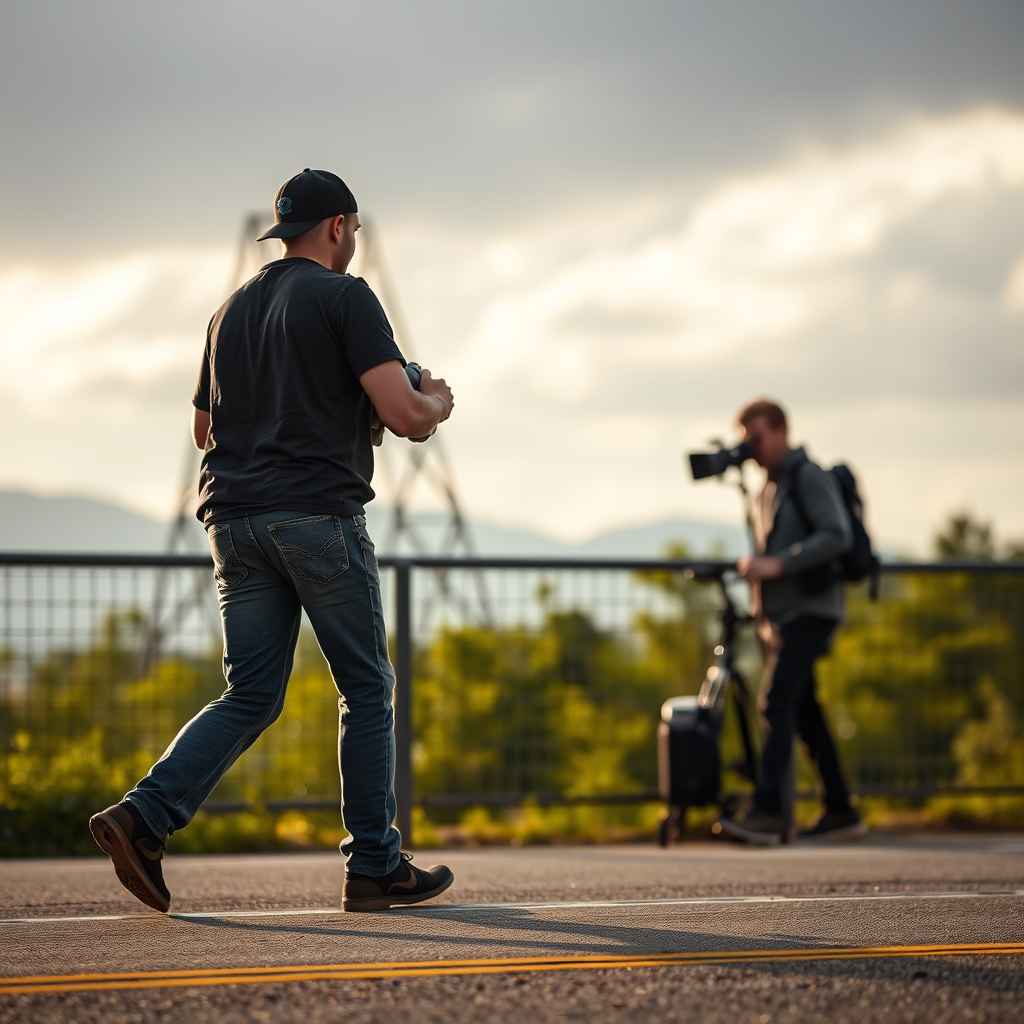
Capturing smooth slow motion footage requires a steady hand or a stabilizing device. Investing in a tripod or a gimbal can help eliminate shaky shots, which can be distracting in slow-motion videos. If you’re filming handheld, practice your movements to ensure they are slow and deliberate. Additionally, planning your shots is vital. Think about how the subject will move and anticipate their actions. For example, if you’re filming a person jumping, position yourself to capture the ascent, peak, and descent for a full range of motion that looks stunning in slow motion. It’s all about creating a visual narrative that engages your audience.
Editing Slow Motion Videos
Editing is where your slow-motion footage truly comes to life. Software like Adobe Premiere Pro, Final Cut Pro, or DaVinci Resolve are excellent for adjusting speed and adding effects. When editing, you can adjust the playback speed to create dramatic effects or even keyframe speed changes for a dynamic viewing experience. Don’t forget to consider sound; sometimes, slowing down the audio can create a surreal effect, but often, it’s best to overlay music or sound effects that complement the visuals. Adding color grading can also enhance the emotional impact of your video, making it more visually appealing.
Common Mistakes to Avoid
Even experienced videographers can fall into traps when filming slow motion. One common mistake is overlooking lighting conditions; poor lighting can lead to grainy footage that detracts from the beauty of slow motion. Always ensure your scene is well-lit. Another mistake is using inappropriate frame rates for the intended effect. For instance, filming a slow-moving subject at too high a frame rate can make the footage look unnatural. Understanding the context and purpose of your shot will help you choose the right frame rate that enhances the storytelling aspect of your video.
Real-World Applications of Slow Motion
Slow motion is not just a flashy effect; it has real-world applications in various fields. In filmmaking, it can enhance emotional scenes, allowing audiences to feel the weight of a moment. Sports broadcasting uses slow motion to analyze plays and highlight athletes’ skills, giving viewers insight into their techniques. Even in advertising, slow motion can create compelling visuals that draw attention to a product’s features. Whether you’re capturing a wedding, a sports event, or a personal project, slow motion can add a layer of depth and engagement that captivates your audience.
By following these steps, you can master the art of filming high-frame-rate slow motion videos. With the right equipment, settings, and techniques, you’ll be able to create stunning footage that highlights the beauty of movement. So grab your camera, practice your techniques, and don’t hesitate to explore creative ideas that can elevate your footage. Happy filming!
Frequently Asked Questions
What equipment do I need to film high-frame-rate slow motion videos?
To film high-frame-rate slow motion videos, you’ll need a camera capable of shooting at high frame rates, typically 120 frames per second (fps) or higher. Popular options include DSLRs, mirrorless cameras, and specialized high-speed cameras. Additionally, a sturdy tripod or gimbal is essential for stability, especially since slow motion can amplify any camera shake.
How do I set up my camera for high-frame-rate slow motion filming?
To set up your camera for high-frame-rate slow motion, first select the appropriate frame rate in your camera’s video settings, ideally at least 120 fps or more for smooth playback. Also, ensure your shutter speed is set to at least double the frame rate (e.g., 1/240 for 120 fps) to avoid motion blur. Lastly, check your lighting conditions, as higher frame rates require more light to achieve a well-exposed image.
Why is lighting important when filming high-frame-rate slow motion videos?
Lighting is crucial when filming high-frame-rate slow motion videos because higher frame rates require more light to maintain proper exposure. Since each frame is captured for a shorter duration, insufficient lighting can lead to dark and grainy footage. Using bright, natural light or additional artificial lighting sources can help ensure your slow-motion footage is clear and visually appealing.
What are the best subjects to film in high-frame-rate slow motion?
The best subjects for high-frame-rate slow motion filming include fast-moving actions like sports, water splashes, or any dynamic events that highlight movement. Capturing details in a dramatic moment, such as a ball being struck or a dancer’s movement, can showcase the fluidity and beauty of motion effectively. Additionally, filming natural phenomena like falling leaves or bursting balloons can provide captivating slow-motion visuals.
Which editing software is best for processing high-frame-rate slow motion videos?
For processing high-frame-rate slow motion videos, professional editing software like Adobe Premiere Pro, Final Cut Pro, or DaVinci Resolve are excellent choices. These programs provide advanced features for slowing down footage, adjusting frame rates, and applying effects while maintaining high quality. Additionally, they offer tools for color grading and sound editing, allowing you to enhance your slow-motion videos further.
References
- https://en.wikipedia.org/wiki/High_frame_rate
- https://www.nationalgeographic.com/science/article/how-slow-motion-works
- https://www.adobe.com/creativecloud/video/discover/slow-motion.html
- https://www.pbs.org/wgbh/nova/article/slow-motion-video/
- https://www.technologyreview.com/2020/01/13/1234813/how-slow-motion-video-works-physics/