


Streaming different music in multiple rooms is entirely possible with the right setup and technology. By investing in a multi-room audio system, you can create a harmonious living environment that caters to the unique tastes of everyone in your home. This guide will walk you through the essentials of setting up your system, choosing the right equipment, and managing your music playback, ensuring that every corner of your home is filled with the sounds you love.
Understanding Multi-Room Audio Systems

Multi-room audio systems enable you to stream music in several different rooms simultaneously, allowing for a personalized listening experience throughout your home. These systems work by connecting speakers and audio devices to a central hub or network, which can be controlled via a smartphone app, computer, or voice assistant. This way, you can play different songs in various rooms or sync them for a unified sound throughout your space.
There are two primary types of multi-room audio systems: wired and wireless. Wired systems typically involve running cables throughout your home, providing a stable connection but requiring more installation effort. Wireless systems, on the other hand, use Wi-Fi or Bluetooth technology, making them easier to set up and move around. Brands like Sonos, Bose, and Google Nest offer a variety of options, so you can choose the system that best fits your home and lifestyle.
Choosing the Right Equipment
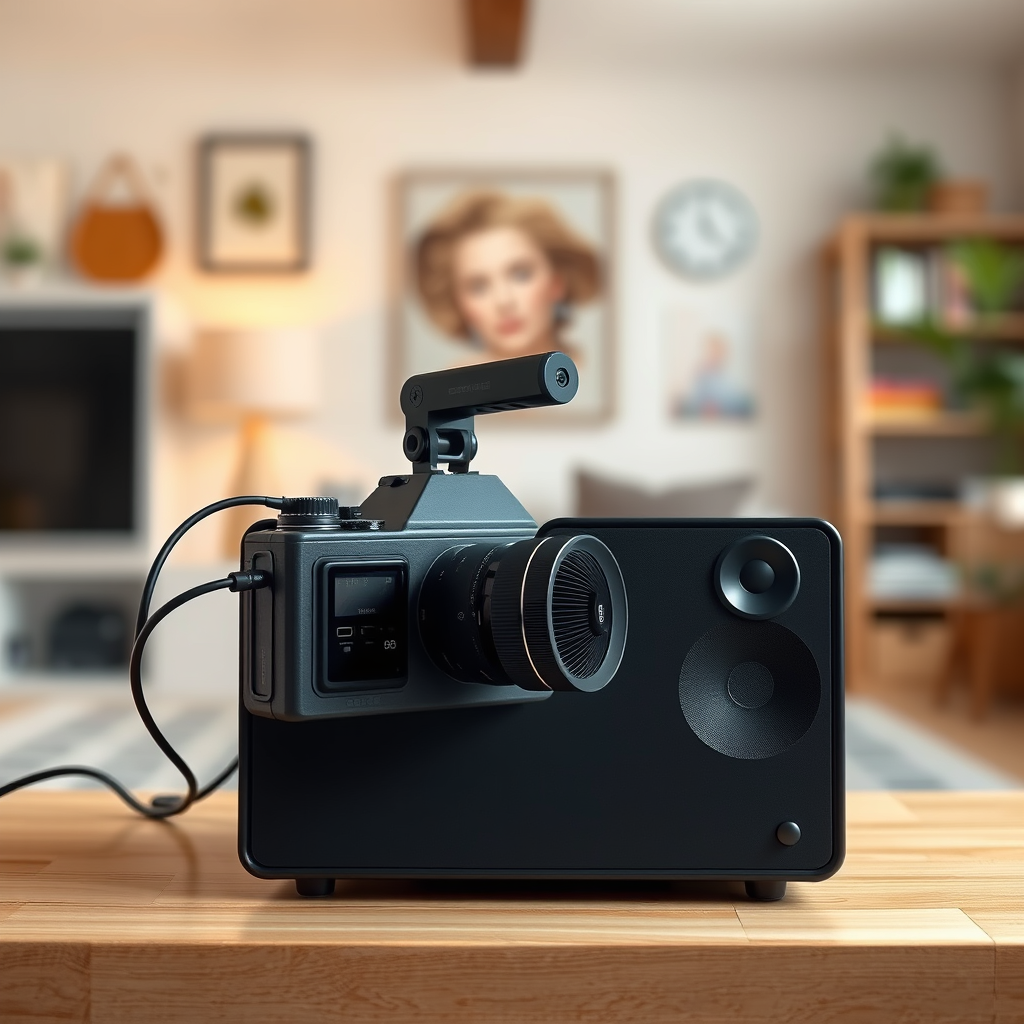
When selecting speakers and audio devices for your multi-room system, it’s essential to consider compatibility with your existing home network and the streaming services you use. Many popular brands, such as Sonos and Amazon Echo, offer devices that seamlessly integrate with various streaming platforms like Spotify, Apple Music, and Pandora.
For a wired setup, look for high-quality speakers that can handle the demands of multi-room audio, such as the KEF Q Series or the Klipsch Reference Premiere series. For a wireless option, consider the Sonos One or the Bose SoundTouch series, which provide excellent sound quality and user-friendly controls. Make sure to check whether the devices you choose support the same streaming services you’re used to, as compatibility will influence your overall experience.
Setting Up Your Streaming Service
Configuring your streaming service for multi-room use is a straightforward process. Start by downloading the app associated with your chosen audio system (like the Sonos app or the Bose Music app) and create an account if you don’t have one. Once your app is set up, follow the prompts to connect your speakers to your home Wi-Fi network.
To create a personalized experience, consider setting up separate profiles or playlists for different rooms. Many streaming services allow you to create multiple playlists, so you can have a chill vibe in the living room while keeping upbeat tunes in the kitchen. You could also explore features like Spotify’s “Blend” playlists, which curate music based on individual tastes, making it easier to cater to everyone’s preferences.
Connecting Your Devices
Connecting your speakers and audio devices to your home network is a crucial step in creating a multi-room audio experience. Generally, this involves using the app associated with your audio system to find and connect to each speaker. Ensure that your Wi-Fi network is strong and stable, as this will directly impact the performance of your system.
If you encounter connectivity issues, there are a few common troubleshooting steps you can take. First, check that your speakers are powered on and within range of your Wi-Fi router. Rebooting your router or speakers can also resolve many connectivity problems. Additionally, ensure that your app is updated to the latest version, as updates often include important bug fixes and performance improvements.
Managing Music Playback
Once your multi-room audio system is set up, managing music playback becomes a breeze. Most audio systems come with intuitive apps that allow you to control the music in each room effortlessly. You can choose to play different tracks in different rooms or synchronize playback across all speakers, depending on your mood and the occasion.
Voice assistants like Amazon Alexa and Google Assistant can also enhance how you manage your music. Simply use voice commands to play, pause, skip, or adjust the volume in specific rooms or throughout your entire home. Consider creating zones or groups in your app, allowing you to control multiple speakers at once or customize the experience for individual spaces.
Exploring Advanced Features
Many modern multi-room audio systems come with advanced features that can elevate your listening experience. For instance, you can set schedules for when specific playlists play, creating a nice ambiance for morning routines or dinner parties. Alarms can also be programmed to play your favorite tunes or the news, giving you a pleasant way to wake up.
Furthermore, integrating your audio system with your smart home setup can enhance convenience. If your home is equipped with smart lighting or thermostats, look for ways to synchronize these features with your audio system. For example, you can have the lights dim and the music play as you settle in for a movie night, creating the perfect atmosphere.
Maintaining Your System
To keep your multi-room audio system functioning optimally, regular maintenance is essential. Start by ensuring that your speakers and devices are updated with the latest firmware, as manufacturers frequently release updates to improve performance and add new features. It’s also wise to check your Wi-Fi network for any dead spots or interference that could hinder your audio experience.
Another best practice is to periodically clean your devices. Dust buildup can affect sound quality, so gently wiping down speakers and ensuring that the area around them is clear can help maintain audio clarity. Finally, monitor your streaming service subscriptions and usage, ensuring that you have access to the latest music and features.
Streaming different music in multiple rooms can significantly enhance your home audio experience, allowing everyone to enjoy their favorite tunes without interruption. By understanding multi-room audio systems, choosing the right equipment, and managing playback effectively, you can create a welcoming atmosphere tailored to your family’s tastes. So, explore your options today and start elevating your listening experience!
Frequently Asked Questions
What are the best devices for streaming music in multiple rooms?
The best devices for streaming music in multiple rooms include smart speakers like Amazon Echo, Google Nest Audio, and Sonos speakers. These devices support multi-room audio and can be easily controlled via mobile apps, allowing you to play different music in each room or synchronize playback across all speakers. Additionally, systems like Apple AirPlay and Chromecast can be used with compatible speakers to achieve seamless music streaming throughout your home.
How can I set up multi-room music streaming in my home?
To set up multi-room music streaming, start by selecting a compatible music streaming service, such as Spotify, Apple Music, or Amazon Music, that supports multi-room playback. Next, use smart speakers or audio receivers that are compatible with your streaming service, and connect them to your Wi-Fi network. Finally, use the corresponding app to group your devices and choose whether you want to play the same music across all rooms or different music in each room.
Why is my multi-room music streaming not working properly?
Issues with multi-room music streaming can stem from several factors, including poor Wi-Fi connectivity, outdated device firmware, or incompatible devices. To troubleshoot, ensure that all devices are connected to the same Wi-Fi network, check for software updates, and reboot your router and speakers. If the problem persists, consult the device’s user manual or support website for specific troubleshooting steps related to your equipment.
Which music streaming services offer the best multi-room audio experience?
The best music streaming services for multi-room audio include Spotify, Apple Music, and Amazon Music. Spotify offers a user-friendly interface and allows for easy grouping of devices for synchronized playback. Apple Music integrates seamlessly with AirPlay for iOS users, while Amazon Music works well with Echo devices. All three services provide high-quality audio and extensive music libraries, making them excellent choices for multi-room streaming.
Can I stream different music in multiple rooms using a single app?
Yes, you can stream different music in multiple rooms using a single app, provided that the app supports multi-room functionality and your devices are compatible. For example, apps like Sonos, Spotify, and Google Home allow you to control multiple speakers from one interface, letting you choose different songs for each room or the same song across all rooms. This versatility makes it easy to customize your listening experience throughout your home.
References
- Multi-room audio
- https://www.hifiengine.com/manuals/sonos/sonos-multi-room-audio.html
- https://www.cnet.com/home/speakers/how-to-set-up-multi-room-audio/
- https://www.techhive.com/article/3253765/how-to-set-up-multi-room-audio.html
- https://www.wired.com/story/best-multi-room-audio-system/
- https://www.digitaltrends.com/home-theater/multi-room-audio-guide/
- https://www.soundguys.com/multi-room-audio-21892/
- https://www.lifewire.com/best-multi-room-audio-systems-4174253


