To extend the wireless range of your audio system, consider repositioning your equipment, upgrading your router, and using extenders or boosters. These simple strategies can significantly improve your connectivity and audio experience. In this article, we will explore various methods to enhance the wireless reach of your audio setup, ensuring that you enjoy your favorite tunes without interruptions or dropouts.
Repositioning Your Audio Equipment
One of the easiest and most effective ways to boost your audio system’s wireless range is by repositioning your equipment. Start by placing your audio receiver in a central location within your home. This means finding a spot that minimizes the distance between the receiver and your wireless router, allowing for a stronger signal. Ideally, the receiver should be elevated and clear of any physical obstructions like walls, large furniture, or appliances that can absorb or reflect wireless signals.
For example, if your router is located in a corner of your living room, and your audio receiver is tucked away behind a large entertainment center, you may experience weak connectivity. Try moving the receiver to a more open space or adjusting the router’s position, if possible. You can also experiment with the orientation of the receiver’s antennas (if applicable) to optimize the signal reception. Remember, sometimes small changes can lead to significant improvements in performance!
Upgrading Your Wireless Router
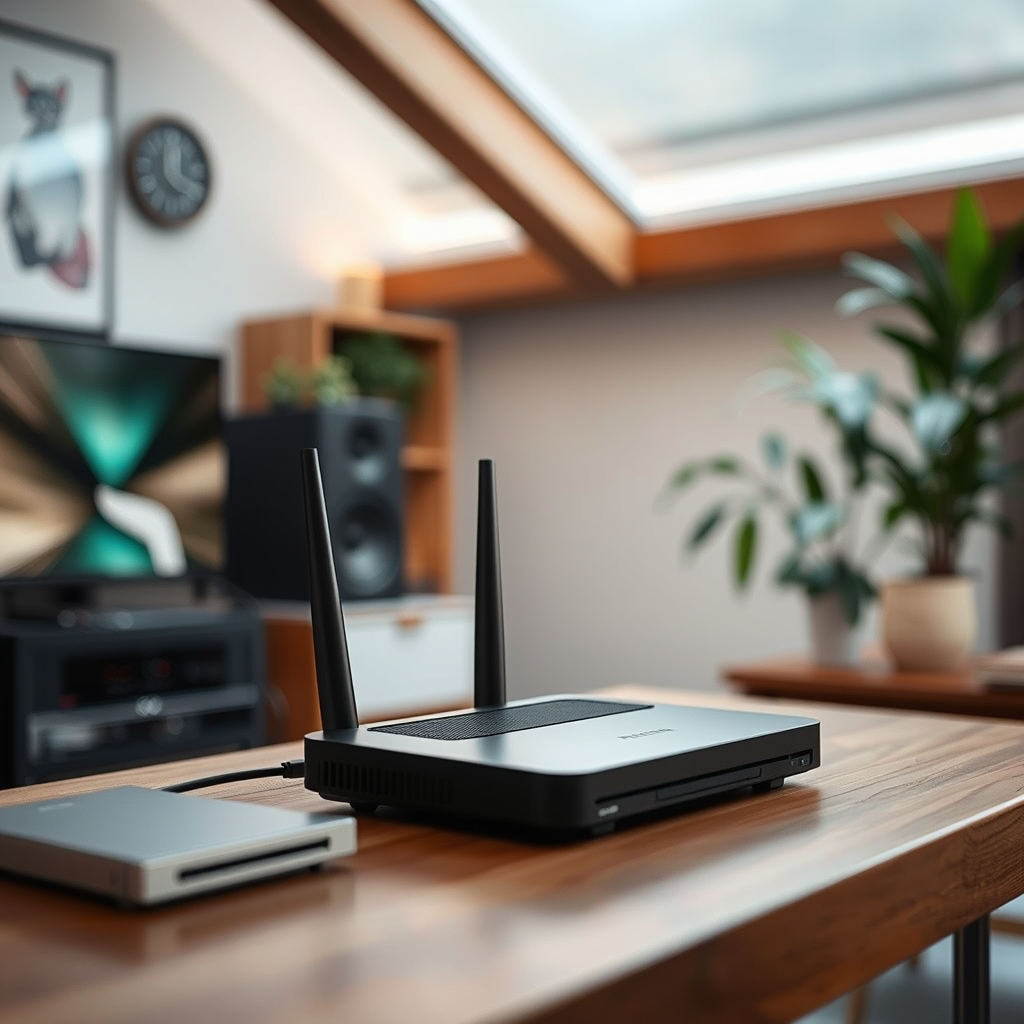
If you find that repositioning your equipment doesn’t yield the desired results, it may be time to consider upgrading your wireless router. Investing in a dual-band or tri-band router can provide better performance and range. Dual-band routers operate on both the 2.4 GHz and 5 GHz bands, allowing you to connect compatible devices to the less congested 5 GHz band for faster speeds and reduced interference.
Moreover, ensuring that your router’s firmware is up to date is crucial. Manufacturers frequently release updates that enhance performance, security, and stability. Logging into your router’s settings every few months to check for updates can help you benefit from the latest enhancements. If your router is more than a few years old, it may be worth considering a replacement that supports newer wireless protocols like Wi-Fi 6, which offers improved range and efficiency, especially in crowded environments.
Using Wireless Extenders or Boosters
When you have a large home or certain areas that are hard to reach with a direct Wi-Fi signal, using wireless extenders or boosters can be a game changer. A wireless range extender picks up your existing Wi-Fi signal and amplifies it, effectively extending the reach to areas where the signal was weak or nonexistent. This can be particularly useful if your audio system is located in a basement, garage, or even a back room far from the router.
Additionally, powerline adapters are another innovative solution. These devices utilize your home’s existing electrical wiring to transmit the internet signal to hard-to-reach areas. Simply plug one adapter near your router and another near your audio system, and you can enjoy a robust connection without the hassle of running long Ethernet cables. This method is often more reliable than traditional wireless extenders, especially in homes with thick walls or multiple floors.
Choosing the Right Wireless Technology
When it comes to enhancing your audio system’s wireless capabilities, understanding and choosing the right wireless technology is essential. Different wireless protocols, such as Wi-Fi 5 (802.11ac) and Wi-Fi 6 (802.11ax), offer various benefits. Wi-Fi 6, for instance, is designed to handle multiple devices more efficiently, making it ideal for households with many connected devices. If you’re serious about audio quality, investing in equipment that supports the latest protocols is a smart choice.
Furthermore, consider the streaming options available for your audio system. While Bluetooth is convenient for short distances, it may not provide the same sound quality or range as Wi-Fi streaming. Wi-Fi allows for higher bandwidth, which translates to better audio fidelity, especially for high-resolution formats. Depending on your specific needs and the layout of your home, choosing the appropriate technology can make all the difference in your listening experience.
Reducing Interference from Other Devices
Wireless signals can easily be disrupted by interference from other electronic devices in your home. Common culprits include microwaves, cordless phones, and even baby monitors, which often operate on the same 2.4 GHz frequency as many Wi-Fi networks. To minimize this interference, consider relocating these devices away from your audio equipment and router.
If your router supports it, utilizing the 5 GHz band can also help. This band is typically less congested, allowing for a clearer signal for your audio system. However, keep in mind that the 5 GHz band has a shorter range than 2.4 GHz, so it’s essential to find a balance based on your home’s layout. By identifying and reducing potential interference sources, you can enjoy a more stable and reliable audio streaming experience.
Testing and Optimizing Your Setup
Regularly testing your audio streaming quality and range is crucial for identifying any issues that may arise over time. Tools like speed tests can help you gauge your internet connection, while apps designed for audio systems can provide insights into signal strength. If you notice dropouts or poor quality, it may be time to make adjustments to your setup.
Consider moving devices closer to the router or repositioning your audio equipment for optimal signal reception. Additionally, experimenting with different channels on your router can help you find a less congested frequency. Small tweaks can lead to substantial improvements, so don’t hesitate to play around with your setup until you find the sweet spot.
Exploring Additional Solutions
If you’re looking for a more comprehensive solution, consider investing in a mesh Wi-Fi system. These systems consist of multiple nodes that work together to provide seamless coverage throughout your home, eliminating dead zones and ensuring a strong signal no matter where you are. Mesh systems are particularly beneficial in larger homes or spaces with challenging layouts.
Additionally, some audio systems are specifically designed with extended wireless range capabilities. Researching options that prioritize wireless performance can save you time and frustration down the line. Whether you opt for a new audio system or enhance your current setup with a mesh network, there are numerous solutions available to improve your audio experience.
By implementing these strategies, you’ll enhance the wireless range of your audio system and enjoy uninterrupted music streaming throughout your space. Whether through better positioning, upgraded equipment, or innovative technology, improving your wireless audio setup is achievable and worthwhile. Take the first step today by evaluating your current setup and deciding which methods to apply for a superior listening experience. Happy listening!
Frequently Asked Questions
What are the best devices to extend the wireless range of my audio system?
To effectively extend the wireless range of your audio system, consider investing in a Wi-Fi range extender or a wireless audio receiver. Devices like the TP-Link RE450 Wi-Fi Range Extender can amplify your existing network signal, while products like the Google Chromecast Audio or the Audioengine B1 Bluetooth Receiver can enhance streaming capabilities, allowing for better audio connectivity across larger areas.
How can I improve the Wi-Fi signal strength for my wireless audio system?
Improving the Wi-Fi signal strength for your wireless audio system can be achieved by repositioning your router to a central location, away from obstructions like walls and metal objects. Additionally, ensuring your router operates on the 5GHz band can reduce interference, as this frequency is less congested than the 2.4GHz band. Regularly updating your router firmware can also optimize performance.
Why is my audio system experiencing dropouts in wireless streaming?
Dropouts in wireless streaming often result from weak Wi-Fi signals or network congestion. Factors such as distance from the router, interference from other electronic devices, and multiple users on the same network can contribute to this issue. To resolve it, consider relocating your router, using a dedicated streaming device, or upgrading to a dual-band router to minimize interference.
Which audio systems offer the best wireless range capabilities?
When choosing an audio system with excellent wireless range capabilities, look for models that support advanced Wi-Fi standards like Wi-Fi 6, such as the Sonos One or the Bose SoundTouch series. These systems often include features like mesh networking, which allows for a more robust connection and can significantly extend range compared to older models.
How can I set up a mesh Wi-Fi system to enhance my audio streaming experience?
To set up a mesh Wi-Fi system for better audio streaming, begin by selecting a mesh kit that suits your home size, like the Eero or Google Nest Wi-Fi. Place the primary node near your router and connect it via Ethernet. Then, strategically position additional nodes throughout your home to eliminate dead spots. This setup will provide consistent coverage and ensure a stable connection for your wireless audio system.
References
- Wireless network
- https://www.wired.com/story/how-to-extend-your-wi-fi-range/
- https://www.lifewire.com/how-to-extend-your-wifi-range-4178273
- https://www.cnet.com/home/networking/how-to-extend-your-wi-fi-range/
- https://www.consumerreports.org/wireless-routers/how-to-extend-your-wi-fi-range/
- https://www.nist.gov/news-events/news/2020/02/technology-helps-extend-range-wireless-signals
- https://www.sciencedirect.com/science/article/pii/S2352914821005113