
To set up a wireless audio system in your gym, start by selecting the right equipment that meets your space and sound quality needs. You’ll need wireless speakers or amplifiers, a reliable audio source, and a compatible streaming device. This guide will walk you through the necessary steps to create an effective audio environment for your gym, enhancing the overall experience for your clients and ensuring they remain motivated during workouts.



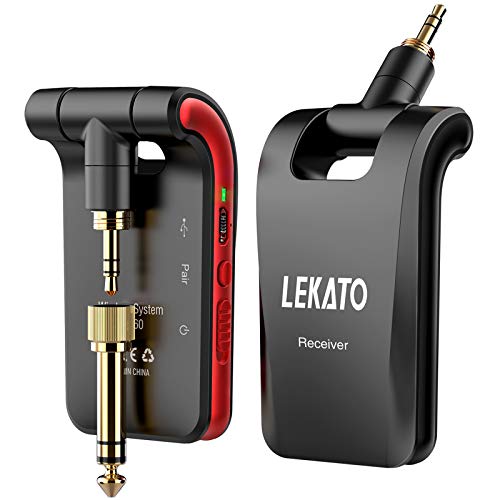
Creating a high-quality audio experience in your gym can significantly boost member satisfaction and engagement. Music not only helps energize workouts but also creates an inviting atmosphere that encourages clients to return. In this comprehensive guide, we will detail the essential steps to effectively set up a wireless audio system, from the selection of equipment to maintenance and enhancement options.
Choosing the Right Equipment
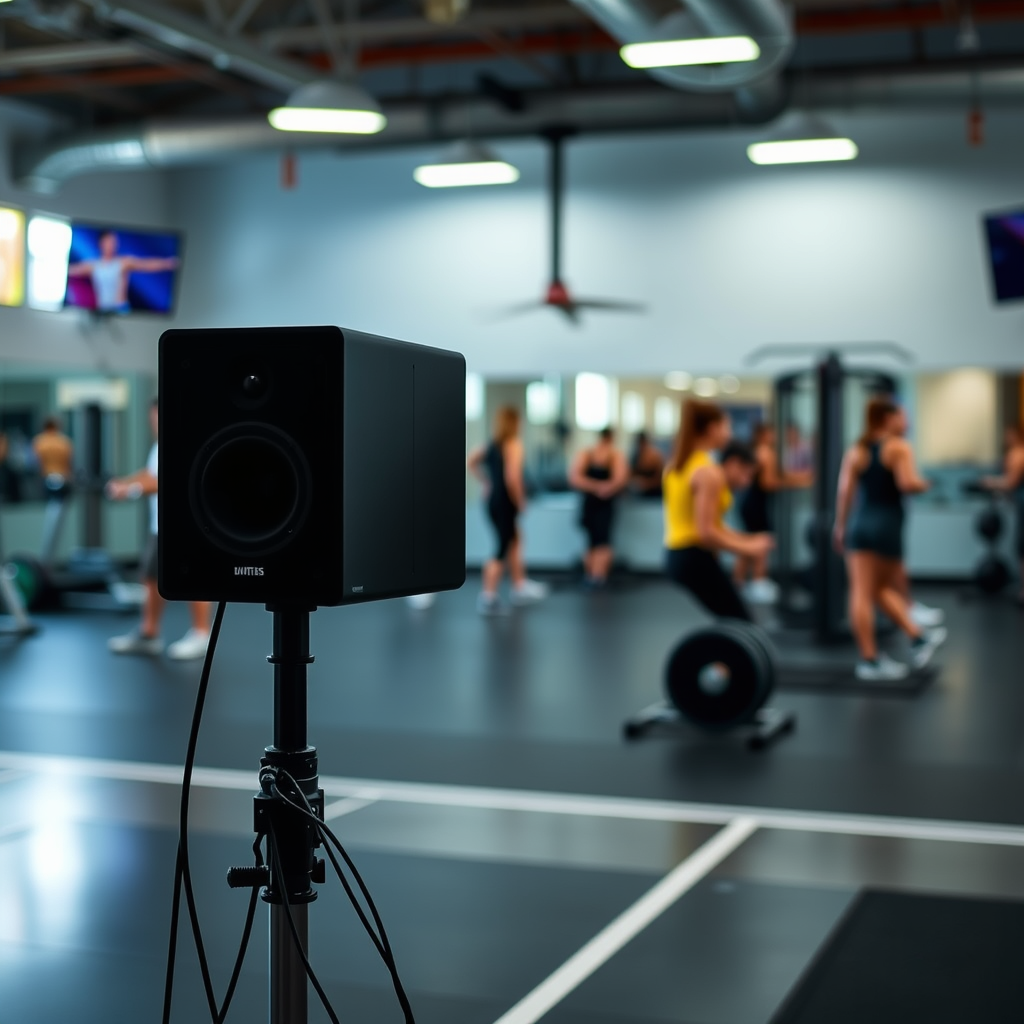
The first step in establishing a wireless audio system is determining the right equipment tailored to your gym’s specific needs.
– Gym Size Considerations: Evaluate the dimensions of your gym. A larger space may require multiple speakers or a more powerful amplifier to ensure even sound distribution, while smaller facilities might only need a couple of strategically placed speakers. For instance, if your gym spans over 5,000 square feet, look for high-output speakers that can fill the space without distortion.
– Sound Quality: Assess the importance of sound quality versus portability. While portable speakers may offer convenience, they often compromise on sound fidelity. For a permanent installation, consider wired options or high-quality wireless speakers that provide superior audio clarity and bass response. Brands such as Sonos and Bose offer excellent wireless solutions that combine both portability and high-quality sound.
– Battery Life and Connectivity: If opting for battery-powered speakers, ensure that they have a long battery life to accommodate extended workout sessions. Look for models that support Bluetooth, Wi-Fi, and auxiliary connections for versatility in audio sources.
Planning Your Layout
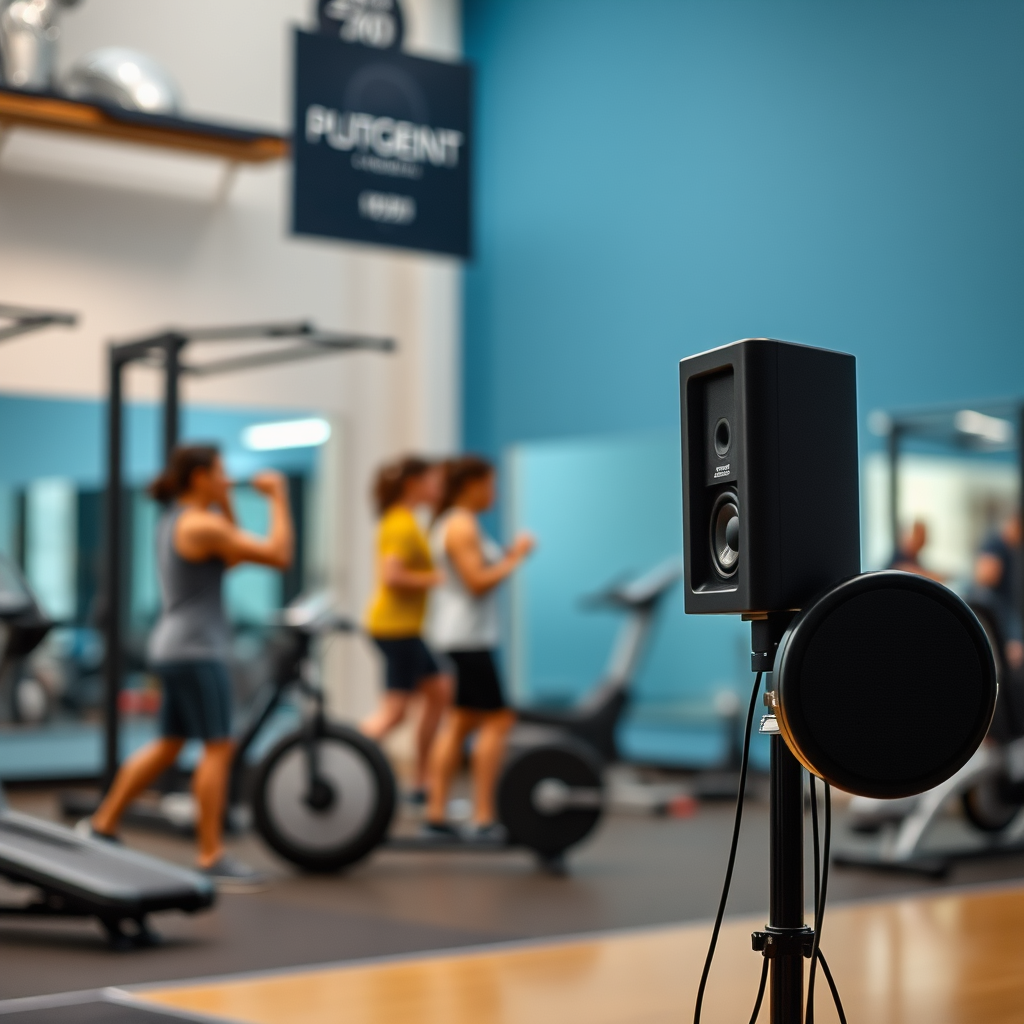
Once you’ve selected the equipment, the next phase is planning your layout for optimal sound distribution.
– Speaker Placement: Map out where each speaker will be positioned to maximize coverage. Ideally, speakers should be placed at least eight to ten feet off the ground and angled towards the workout areas to enhance sound projection. Utilize wall mounts or ceiling installations for a cleaner look.
– Identifying Obstacles: Consider physical barriers in your gym, such as walls, large fitness equipment, or mirrors, which may obstruct wireless signals. Conduct a signal strength test in various locations to ensure that every area receives consistent audio quality.
Setting Up the Audio Source
Once your layout is determined, it’s crucial to set up your audio source effectively.
– Connecting Your Audio Source: Choose a reliable device—smartphone, tablet, or computer—that will serve as your audio source. Follow the manufacturer’s instructions to connect this device to your wireless audio system. Ensure the source has a stable internet connection for streaming services.
– Testing Streaming Platforms: Experiment with different audio streaming platforms like Spotify, Apple Music, or even DJ software to find the one that works best with your equipment. Be sure to check the sound quality, as some platforms may compress audio differently, affecting overall performance.
Top Wireless Audio Systems for Gyms (2024)
| # | Model | Power (W) | Battery Life (hrs) | Price ($) |
|---|---|---|---|---|
| 1 | Sonos Move | 60 | 10 | 399 |
| 2 | Bose Soundlink Revolve+ | 30 | 16 | 349 |
| 3 | JBL Charge 4 | 30 | 20 | 179 |
| 4 | Ultimate Ears MEGABOOM 3 | 20 | 20 | 199 |
| 5 | Sony SRS-XB43 | 30 | 15 | 249 |
| 6 | Anker Soundcore Motion+ | 30 | 15 | 99 |
| 7 | Marshall Emberton | 20 | 20 | 149 |
Configuring Wireless Connections
After setting up your audio source, it is essential to configure wireless connections properly.
– Establishing Secure Connections: Follow the manufacturer’s instructions to establish a secure connection between your audio source and the speakers. This includes pairing Bluetooth devices or connecting via Wi-Fi networks. Make sure to use secure passwords where applicable to prevent unauthorized access.
– Troubleshooting Connectivity Issues: If you encounter connectivity issues, check for interference from other wireless devices and ensure your audio source and speakers are within the recommended range. Using an app to monitor signal strength can be beneficial, allowing you to identify weak spots and adjust your setup accordingly.
Testing Sound Quality
Testing your audio system is crucial to ensure optimal performance.
– Gauging Sound Clarity: Play various types of audio—music, spoken word, and sound effects—to evaluate clarity and volume levels in different areas of your gym. Adjust the placement of speakers if certain spots have poor sound quality.
– Equalizer Settings: Most audio systems come with an equalizer feature. Utilize this to enhance sound quality based on your gym’s acoustics. Depending on the gym’s layout, you may need to adjust bass, treble, and mid-range frequencies to achieve a balanced audio experience.
Audio Quality Comparison by System (2024)
Maintenance and Troubleshooting
To ensure optimal performance, regular maintenance is crucial.
– Routine Checks: Regularly inspect batteries and connections to prevent disruptions during workouts. Keeping spare batteries on hand can save time and hassle if a device runs out unexpectedly.
– Familiarity with Common Issues: Be proactive by familiarizing your staff with common connectivity issues and quick fixes. Having a troubleshooting guide on hand can facilitate swift problem resolution, ensuring minimal downtime for your audio system.
Enhancing the Experience
After establishing a solid audio foundation, consider adding features that enhance client experience.
– Microphone Integration: Installing a microphone can be invaluable for group classes or announcements, allowing instructors to communicate effectively with participants. Choose a wireless microphone system that integrates seamlessly with your audio equipment to maintain a clutter-free environment.
– User-Friendly Controls: Explore options for creating user-friendly controls, whether through a mobile app or dedicated control panel that enables trainers to manage music effortlessly during classes. This feature can significantly enhance the training experience, allowing trainers to focus on their clients rather than technical issues.
In summary, setting up a wireless audio system in your gym requires careful planning, selection of quality equipment, and ongoing maintenance. By strategically choosing equipment, optimizing your layout, and testing sound quality, you can create an engaging atmosphere that enhances the workout experience for your clients. Take action now to elevate your gym’s atmosphere and keep clients motivated with great sound!
Frequently Asked Questions
What equipment do I need to set up a wireless audio system in a gym?
To set up a wireless audio system in a gym, you’ll need a reliable audio source (like a mixer or computer), wireless microphones, powered speakers, and a wireless transmitter/receiver system. Additionally, consider investing in a quality audio interface and cables to ensure optimal sound quality throughout the gym space.
How do I choose the right wireless speakers for my gym?
When choosing wireless speakers for your gym, look for options that offer high power output, good battery life, and Bluetooth or Wi-Fi connectivity. It’s essential to select speakers with a robust sound profile that can handle high-energy music and clear announcements, ensuring that all areas of the gym are covered effectively.
Why is wireless audio better than wired systems for a gym environment?
Wireless audio systems offer greater flexibility and mobility, allowing instructors to move freely without being restricted by cables. This is particularly beneficial in a gym setting, where space can be dynamic and activities often involve movement, making it easier to set up and adjust audio as needed.
What are the best practices for setting up a wireless audio system in a gym?
Best practices for setting up a wireless audio system in a gym include conducting a thorough sound check before classes, positioning speakers strategically to maximize sound distribution, and minimizing interference by choosing the right frequency channels. Additionally, maintaining your equipment regularly and training staff on its use can enhance overall performance.
Which common issues should I be aware of when using a wireless audio system in a gym?
Common issues with wireless audio systems in gyms include signal interference from other wireless devices, battery life concerns, and potential sound dropouts in crowded areas. To mitigate these problems, use high-quality equipment, keep devices charged, and test your setup in various areas of the gym to ensure consistent performance during use.
References
- https://www.wikiwand.com/en/Wireless_audio
https://www.wikiwand.com/en/Wireless_audio - https://www.ncbi.nlm.nih.gov/pmc/articles/PMC6441663/
https://www.ncbi.nlm.nih.gov/pmc/articles/PMC6441663/ - https://www.sciencedirect.com/topics/engineering/wireless-audio
https://www.sciencedirect.com/topics/engineering/wireless-audio - https://www.britannica.com/technology/audio-system
https://www.britannica.com/technology/audio-system - https://www.cdc.gov/niosh/topics/noise/default.html
https://www.cdc.gov/niosh/topics/noise/default.html - Detail
https://www.who.int/news-room/fact-sheets/detail/noise - Google Scholar Google Scholar
https://scholar.google.com/scholar?q=Wireless+Audio+System+in+a+Gym - Google Scholar Google Scholar
https://scholar.google.com/scholar?q=Setting+Up+Audio+Systems+for+Gyms - Google Scholar Google Scholar
https://scholar.google.com/scholar?q=Gym+Wireless+Audio+Setup - https://www.researchgate.net/publication/327199083_Design_and_implementation_of_a_wireless_audiovisual_system_for_a_multimedia_classroom
https://www.researchgate.net/publication/327199083_Design_and_implementation_of_a_wireless_audiovisual_system_for_a_multimedia_classroom



