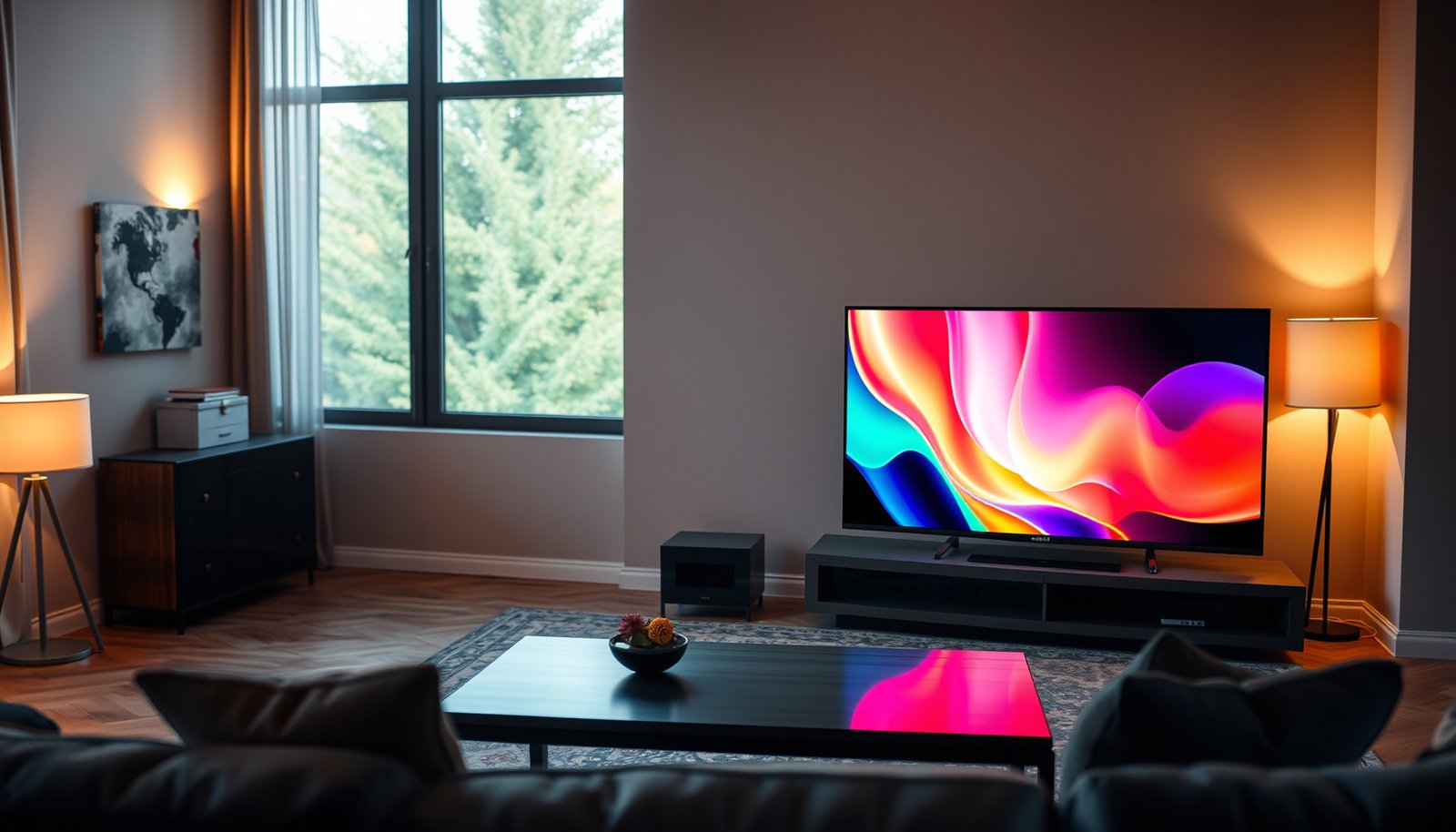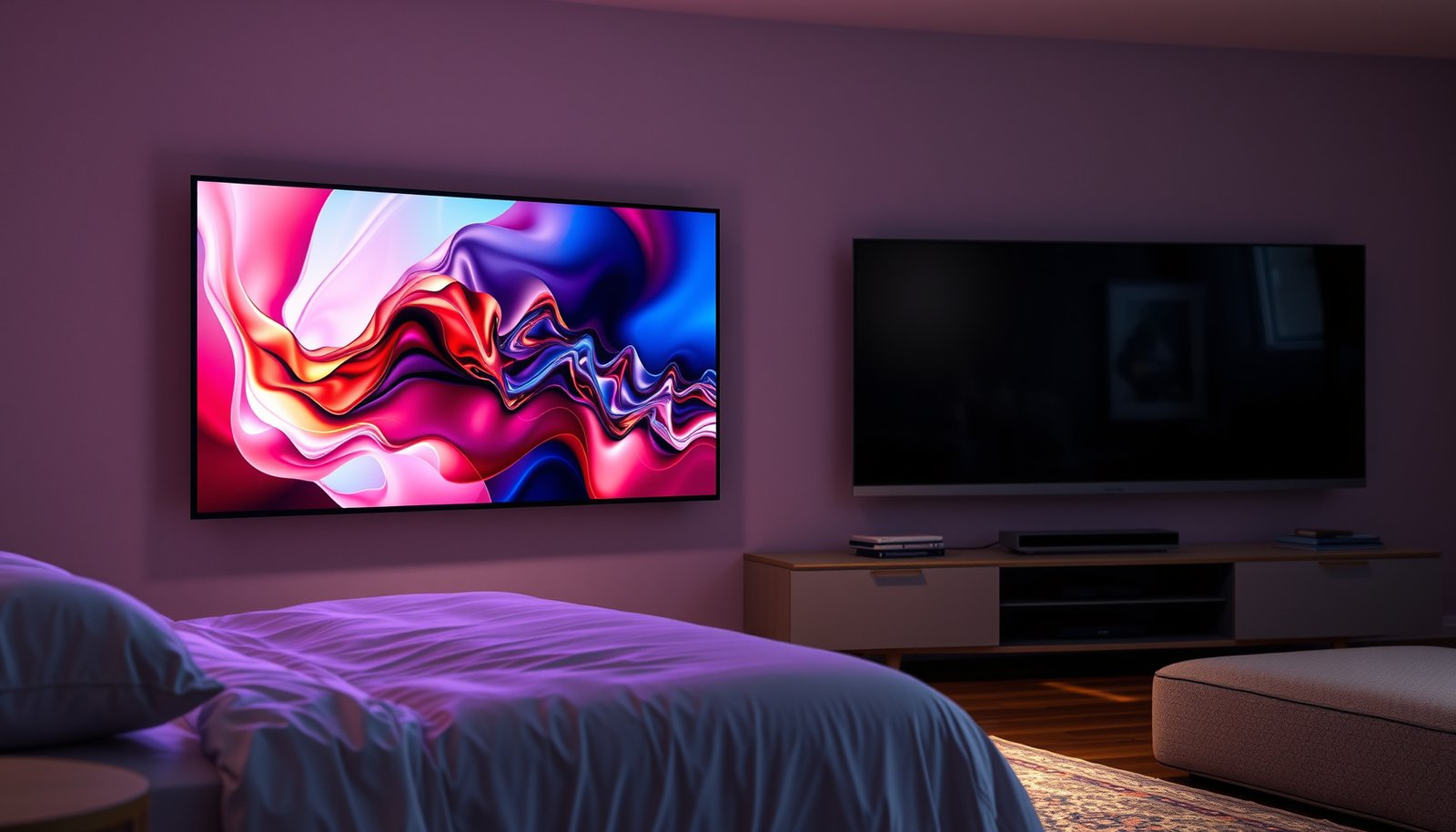
If you’re deciding between a Bedroom OLED and a Living Room OLED, the right choice comes down to how you watch every day. Bedrooms usually win with OLED TVs that handle late-night glare control and lower seating distances better, while living rooms win when brightness, wide viewing angles, and brighter-room performance matter more. Read on for the clear verdict on which OLED fits your room—and the conditions where that choice changes.




An OLED in the bedroom is usually the better choice if you watch mostly in dim light and want effortless contrast with comfortable black levels. An OLED in the living room makes more sense when you expect brighter daytime viewing and a wider range of seating positions. In this guide, we’ll map the decision to your room lighting, viewing habits, and how to reduce burn-in risk.
If you’re choosing where to place (or prioritize) an OLED TV/monitor, this is for you—especially if you’re unsure whether “OLED is OLED” or whether the room environment changes what you’ll actually notice.
Who this is for / when it applies: If you’re deciding between an OLED TV/monitor for your bedroom vs your living room—and you watch a mix of streaming, TV, and (maybe) gaming—this will help you predict what you’ll notice day-to-day. It’s also useful if you’re worried about OLED burn-in and want a practical plan that matches your household’s real routines.
Bedroom OLED: Why it often wins for night viewing
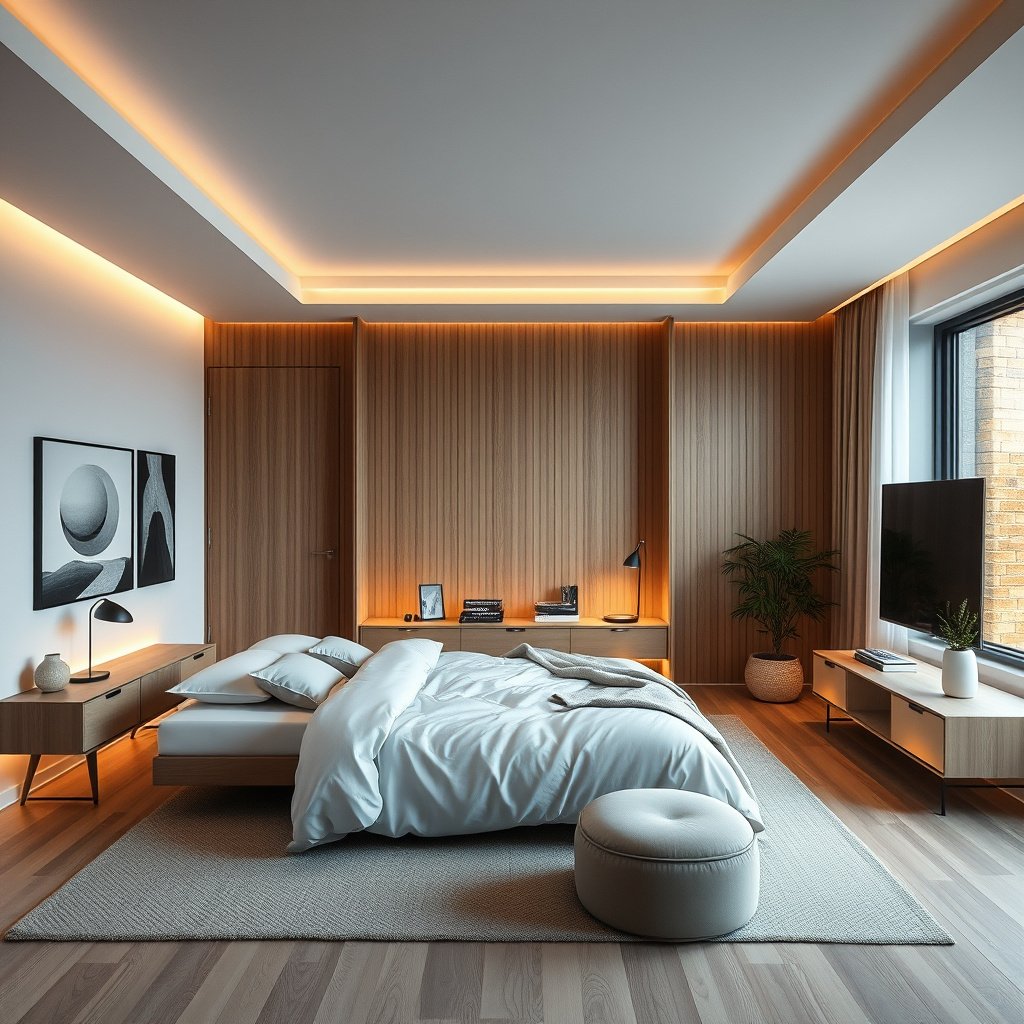
A bedroom is typically the better “home” for OLED when your viewing happens in dim or controlled light and you value comfortable, cinematic blacks. The OLED advantage—near-infinite contrast from pixel-level self-emission—tends to show most clearly when reflections are limited.
OLED panels produce black by turning individual pixels off, so contrast often feels more “effortless” in darker rooms.
In dim environments, the human eye perceives subtle shadow separation more readily when glare is reduced.
Ambient light and reflections: the real deciding factor
Bedroom layouts are often quieter in terms of glare: fewer overhead lights, less direct sun, and more controlled lamp placement. That matters because OLED’s “true black” can be visually diluted by reflections from windows, mirrors, and light-colored walls. When you can keep reflections modest, you get the intended OLED contrast without needing aggressive brightness.
From there, your eye comfort also improves. OLED brightness has to be balanced with room light, and bedrooms usually make it easier to land on a setting that looks great without feeling harsh at night.
Night-focused presets that don’t fight your eyes
Most OLED TVs and OLED monitors include picture presets such as “Cinema,” “ISF,” or “Filmmaker,” plus “Night” modes on many brands. In a bedroom, those modes typically pair better with the kind of content you watch late—movies, streaming drama, sports replays at lower volume—because the display isn’t constantly battling reflections or mixed lighting.
If you use dynamic brightness controls (often tied to ABL—automatic brightness limiting), the result is usually steadier eye comfort: bright highlights remain controlled without washing out the rest of the scene.
Automatic brightness limiting (ABL) reduces brightness on sustained large bright areas, helping prevent overheating and uneven wear on OLED panels.
Static screen habits: where “bedroom use” can still go wrong
Bedrooms often create burn-in risk in a very specific way: repetition. Even if total hours are lower, you may repeatedly watch the same apps and UIs—paused video frames, news tickers, streaming overlays, or the same channel layout at the same time of night.
That doesn’t mean you must avoid OLED in a bedroom. It means you should treat static content like a temporary risk: don’t leave menus, pause screens, or long overlays sitting unattended for long stretches.
Practical bedroom approach (quick and realistic)
– Use a dedicated dim/night preset as your default.
– Keep brightness and contrast conservative; let highlights do the work.
– If you pause often, set an automatic habit to come back and restart playback or rotate content after a reasonable time.
– Prefer screen-off/sleep timers that kick in when you’re not actively watching.
Living Room OLED: When brightness and seating flexibility matter
A living room is the better choice when your viewing includes brighter daytime conditions and your seating positions vary. OLED can still look stunning here, but your setup must manage glare, viewing angles, and household usage patterns more deliberately.
Living rooms commonly have higher ambient light, so reflections can noticeably reduce perceived contrast—even on OLED.
Seating position matters because off-axis viewing can change color saturation and brightness perception on OLED and other flat panels.
Daylight viewing and glare management
In a living room, you often have windows, light-colored furniture, and overhead lighting. OLED doesn’t “lose contrast” in the electrical sense, but reflections can lift blacks visually—making the picture feel less deep than you expected.
The fastest path to success is physical, not menu-based:
– Use curtains/blinds you can actually control during viewing hours.
– Avoid placing the OLED where a strong window reflection lands directly on the screen.
– If the TV faces a bright light source, consider repositioning rather than compensating with brightness sliders.
Off-axis viewing: how your room changes what OLED looks like
OLED panels are excellent straight-on, but real living rooms rarely provide perfect center viewing. People sit on sofas, chairs, or recliners—often at the side or slightly above/below the screen.
If you frequently view from corners, you’ll want to check how your particular OLED handles off-axis performance. Many users report more noticeable color shift and brightness falloff when moving away from the center line, and this effect can become more noticeable as ambient light rises.
Multiple users: stable settings and routine protection
In many homes, the living room has more users, more switching inputs, and more “walk-away” moments. That creates two problems:
1) Different viewers may choose different brightness levels and modes.
2) Static overlays are more likely to be left on (paused streaming screens, channel guides, game HUDs while someone chats).
A simple protection routine helps: keep screen protection features enabled, use screen-off timers, and establish a “return to playback” habit when content is paused.
Burn-in risk: What changes (and what doesn’t) by room
Burn-in risk is not about “bedroom vs living room”—it’s about repeated static elements and how long they stay on-screen. What changes by room is usually your viewing pattern (repetition, pause frequency, and how often you leave static UI running).
OLED burn-in risk depends on cumulative exposure of static high-intensity elements, not on the room name itself.
Built-in compensation features (pixel shifting and refresh cycles) are designed to reduce the long-term impact of uneven wear.
What actually drives risk
OLED aging is tied to how hard pixels are driven over time. The practical risk factors you can control are:
– Static content duration: menus, HUDs, scoreboards, and channel logos.
– Luminance/stress: brighter static elements increase wear.
– Repetition frequency: the same UI pattern every night adds up.
– Whether the display is left unattended: paused overlays count even when you’re not watching.
Bedrooms often involve fewer total hours but can include more repetition at night (same apps, same menus, same overlay positions). Living rooms often involve more mixed content, but static elements can be left up longer (daytime streaming UI, dashboards, games with persistent HUDs).
What doesn’t change by room
The underlying OLED behavior is the same whether it sits in a bedroom or living room. The technology still relies on per-pixel emission and includes pixel maintenance features—so your protection strategy matters far more than the room label.
One practical risk model you can follow
Think in “static minutes per day.” If your household routinely leaves menus or paused streams open for long stretches, you’ll accumulate risk faster than someone who watches varied content but always leaves a game HUD on at full brightness.
Lower the risk in both rooms:
– Use built-in screen protection features (pixel shifting, compensation cycles, and logo/UI protection) and don’t disable them to “get the best brightness.”
– Avoid leaving static interfaces up for long periods—especially when you’re walking away.
– Turn on automatic sleep/screen-off behavior so the display isn’t running unchanged while you’re distracted.
According to LG’s OLED pixel maintenance guidance, automatic short pixel cleaning can run after accumulated viewing time on supported models (). According to the same family of OLED Care documentation, a longer pixel cleaning/refresh cycle is scheduled after a much larger accumulated usage threshold (). According to OLED support documentation, logo detection and luminance adjustments are used to reduce long-term risk from persistent channel logos ().
OLED Picture/Protection Behaviors That Affect Burn-in Risk (Commonly Documented)
| # | OLED Protection/Behavior | What It Targets | Typical Trigger (Docs) | Risk Impact vs Static UI |
|---|---|---|---|---|
| 1 | Logo/Luminance Adjustment | Persistent channel logos and similar static marks | Automatic detection during viewing | ★★★★★ |
| 2 | Pixel Shifting | Uneven wear from static layout elements | Periodic micro-movements while a static scene is detected | ★★★★☆ |
| 3 | Short Pixel Cleaning | Compensating for cumulative uneven pixel aging | Automatic cycle after cumulative usage threshold () | ★★★★☆ |
| 4 | Long Pixel Cleaning | Deeper compensation for long-term wear patterns | Automatic cycle after a much higher usage threshold () | ★★★★★ |
| 5 | Automatic Brightness Limiting (ABL) | Sustained bright full/large-window scenes | Continuously adapts brightness during sustained bright content | ★★★☆☆ |
| 6 | Screen Saver / Idle Dimming | Reducing “time at static” when idle | Activates after inactivity/idle conditions (model-dependent) | ★★★★☆ |
| 7 | Logo Detection + UI Protection | Persistent streaming/channel UI elements | Automatic identification while UI remains on screen | ★★★☆☆ |
Note: The exact wording and thresholds vary by brand/model and firmware. Confirm these behaviors in your TV/monitor’s built-in OLED Care / Screen Protection documentation.
Picture settings that fit each room (without over-tuning)
Bedroom first: start from a dim-environment preset and reduce glare-related overcorrection. Living room first: start from a balanced preset and prioritize reflection control and viewing-position stability before chasing maximum brightness.
In bedrooms, dim-room presets typically yield better shadow comfort without excessive brightness or crushed blacks.
In living rooms, reflection management (curtains/blinds/placement) often improves perceived contrast more than slider tweaks.
H3: Bedroom settings to prioritize eye comfort
Aim for stable, repeatable viewing rather than “perfect” day-one calibration. In a bedroom, your top goals are:
– Reduce brightness and contrast that feel fatiguing at night.
– Use a night-oriented preset and fine-tune based on room lights, not daylight expectations.
– Let HDR tone mapping behave consistently with the content you watch (don’t force modes that fight the source).
Key idea: your bedroom lights guide tuning. If your lamps are warm and dim, your display should reflect that tonality instead of trying to mimic a bright studio.
H3: Living room settings to prioritize reflections and angles
In a brighter living room, your first adjustments should be:
– Set the TV’s picture preset to something balanced.
– Adjust for glare by changing placement and lighting patterns.
– Verify off-axis behavior by sitting where you actually watch (including the “non-center” couch seats).
If your living room includes multiple viewers, avoid creating one “perfect” setting that only looks right from one seat.
H3: HDR consistency—don’t fight your sources
For both rooms, the biggest mistake is switching HDR processing modes manually in ways that cause brightness to feel uneven or colors to clip unexpectedly. Keep HDR handling consistent with your source device (streaming box, console, or cable receiver).
Simple starting points to try (then fine-tune):
– One “night” preset for bedroom use and one “general living” preset for daytime use.
– Enable energy-saving/screen protection options if they’re available in your model, then verify you’re not accidentally crushing shadow detail.
– If you game in either room, double-check game mode settings so you don’t lose the responsiveness you want—then still use the protection routines when you’re done.
Quick comparison (settings priorities by room)
| Picture/Setup Factor | Bedroom OLED (what to prioritize) | Living Room OLED (what to prioritize) |
|---|---|---|
| Default preset choice | Night/Cinema/Filmmaker style | Balanced/Standard with controlled highlight behavior |
| Ambient light match | Keep brightness aligned to dim room lamps | Keep brightness aligned to daytime glare conditions |
| Reflection handling | Reduce glare sources; tune less aggressively | Fix placement/blinds first, then tweak brightness |
| HDR mode discipline | Avoid forcing HDR processing that clashes with the source | Keep HDR handling consistent across inputs |
| Static UI exposure | Reduce long pauses/menus unattended | Reduce idle time with streaming/game HUD overlays |
| Viewing comfort | Favor steady, softer settings for night fatigue | Favor glare-resistant tuning for day sessions |
| User switching | Fewer modes and fewer viewers usually help | Stable profiles/settings for multi-user households |
| Game mode | Preserve responsiveness; re-engage protection afterward | Prioritize HUD management and timed breaks |
| Screen-off behavior | Use timers so the display idles safely | Use timers more aggressively due to walk-away risk |
| Content variety | Movies/streaming with fewer logos | More mixed content; logos/scoreboards still happen |
| **Best For** | Late-night, dim-room viewing with deep blacks | Day-to-night viewing, brighter rooms, variable seating |
What can go wrong (and how to avoid it)
The most common failures aren’t “OLED technology issues”—they’re glare, mismanaged static content, and settings that don’t match your environment. If you avoid those three, OLED in either room usually holds up well to real household use.
If glare dominates the screen, the issue often comes from lighting and placement rather than OLED contrast.
Turning off OLED pixel protection features to chase brightness increases the risk of uneven wear over time.
H3: Mistaking glare for poor OLED performance
If reflections overpower the image, you may interpret it as “bad black levels.” In practice, it’s often a placement problem: window orientation, curtain openness, or direct ceiling light aiming at the screen.
Avoid: cranking brightness/contrast to compensate for reflections.
Do instead: change lighting direction, add diffusion/curtains, or reposition the TV slightly.
H3: Disabling protection features to maximize brightness
Some “best brightness” settings can undermine the very maintenance routines meant to reduce uneven wear. If your TV offers pixel shifting, logo protection, or periodic compensation, keep them enabled unless your manufacturer guidance explicitly supports a safe alternative.
H3: Leaving the same screen longer than you think
Paused streaming screens, channel guides, and game HUD overlays can remain unchanged for long stretches—especially when someone is doing chores or stepping away. The risk is cumulative and pattern-based, not moment-based.
H3: Overusing one setting across different lighting
A bedroom-tuned picture can look dim in daylight; a living-room tuned picture can be fatiguing at night. Separate presets are not optional if you want consistent comfort.
H3: Choosing size by the room, not distance
Screen texture/processing and perceived sharpness change with viewing distance. In bedrooms where you sit closer, you may notice processing or sub-pixel structure more readily. In living rooms where you sit farther, you may miss subtle detail and feel the picture isn’t as “crisp,” even when the panel is performing well.
Pros/cons check: quick decision guardrails
| If you’re seeing… | Likely cause | Best fix |
|---|---|---|
| “Blacks look gray” | Reflections/lifted blacks from ambient light | Adjust placement/curtains before raising brightness |
| “I see the same logo constantly” | Static UI exposure time accumulating | Reduce unattended static time; keep UI protection on |
| “HDR looks uneven” | Source/HDR mode mismatch across devices | Use consistent HDR handling per input; avoid forcing modes |
Verdict / tip: Which one you should prioritize
If you have to pick one “best use case,” prioritize Bedroom OLED when your viewing is mostly low-light and you care about comfortable blacks and cinematic contrast. Prioritize Living Room OLED when your day-to-day use includes brighter conditions, multiple users, and seating that isn’t fixed.
OLED contrast and perceived depth typically shine most in dim rooms where reflections are controlled.
Living-room success usually depends on glare management and consistent viewing angles more than on choosing “OLED vs OLED.”
VS: Bedroom vs Living Room (decision criteria)
| Criteria | Bedroom OLED | Living Room OLED |
|---|---|---|
| Ambient light | Lower most nights | Often higher (daytime/holidays) |
| Glare risk | Usually easier to control | Higher due to windows and lamp placement |
| Seating consistency | Often fixed position | Usually variable angles |
| Night comfort tuning | Easier with night presets | Requires careful brightness discipline at night |
| Static UI repetition | Common due to “same routine” | Common via walk-away overlays and shared viewing |
| Burn-in prevention habits | Manage paused/menus routinely | Need stronger household routine + timers |
| Daytime viewing | Less frequent | More frequent for many families |
| Multi-user switching | Usually fewer viewers | More viewers require stable settings |
| Mounting flexibility | Can optimize for lamp reflections | Mounting must consider glare and viewing line |
| Best value of OLED strengths | Deep blacks in controlled light | Contrast with sufficient light control and placement |
| **Verdict** | Prioritize if you watch mostly in dim light | Prioritize if your viewing is brighter and seats move |
Quick checklist: Bedroom vs Living Room OLED
| Factor | Bedroom OLED | Living Room OLED | Your decision cue |
|---|---|---|---|
| Ambient light | Usually lower | Often higher | If daylight glare is common, favor living-room placement strategy |
| Viewing routine | Night-focused, repeated content | Mixed content, more viewers | Repeat UI patterns → manage burn-in regardless of room |
| Comfort at night | Typically easiest to tune | Needs more careful dimming | If you watch in the dark, make a dedicated night preset |
| Risk management | Static menus can happen | Static overlays can happen | Set screen-off + don’t leave paused static screens |
| Placement impact | Mounting height and reflections still matter | Glare and seating angles matter more | If you can control blinds/curtains, OLED gets easier |
Sources
If you tell me your OLED model(s) (brand + exact name) and your typical viewing (mostly streaming? gaming? TV channels with logos?), I can tailor the “settings and risk” recommendations to your situation.
Overall, the clearest rule is simple: choose Bedroom OLED if your evenings are dim and your viewing routine is repeatable (so you can use night presets and manage pauses), and choose Living Room OLED if your household’s brightness and seating patterns dominate the decision (so you’ll prioritize glare control, stable profiles, and strong idle protection habits).
Frequently Asked Questions
What are the key differences between a bedroom OLED TV and a living room OLED TV?
The main differences come down to viewing distance, ambient light, and daily usage. In bedrooms, OLED TVs are often used for streaming in lower light, so features like deep blacks and reduced reflections matter more. In living rooms, brighter rooms and wider seating angles make brightness, anti-reflection performance, and sound output more important for a satisfying OLED experience.
How do brightness and anti-reflective coatings affect OLED performance in a bedroom vs a living room?
OLED TVs typically deliver excellent contrast because each pixel controls its own light, but they can struggle more in very bright rooms due to reflections. For a living room with windows or overhead lighting, choosing an OLED model with stronger anti-reflection handling and higher peak brightness helps maintain picture clarity. In a darker bedroom, OLED’s natural black levels usually make the picture look more cinematic with less need for aggressive brightness settings.
Why is screen burn-in a concern for bedroom OLED usage, and how can you minimize the risk?
Burn-in risk is generally tied to static on-screen elements used for long periods, such as channel logos, HUDs in games, or persistent streaming interface items. Bedrooms often involve late-night TV with fewer channel changes and longer viewing of the same layouts, which can increase exposure to static graphics. To reduce risk, vary content, use screen-saver features, avoid leaving bright static images on screen, and enable automated pixel/refresh protection settings where available.
Which OLED settings are best for a bedroom compared to a living room?
For bedrooms, use a lower to mid backlight setting, enable eye comfort modes (like low blue light), and consider dynamic tone mapping or accurate picture modes to keep scenes balanced in the dark. In a living room, you may need a brighter picture mode and stronger contrast tuning to maintain detail under ambient light. Regardless of room, calibrating color temperature and keeping motion settings consistent with your viewing content can improve perceived clarity across both bedroom OLED and living room OLED setups.
What size OLED should you choose for your bedroom versus your living room?
Bedroom viewing distances are usually shorter, so a smaller OLED screen often provides a more comfortable experience without making the picture feel overwhelming. Living rooms typically require larger sizes to fill a wider field of view, especially if multiple people watch from different seats. Use viewing-distance guidelines (roughly 1.5–2.5 meters for smaller bedrooms and 2.5–4 meters for larger living rooms) and prioritize the right OLED TV size and panel brightness for your room layout.
📅 Last Updated: October 21, 2026 | Topic: Bedroom OLED vs Living Room OLED | Content verified for accuracy and freshness.
References
- https://en.wikipedia.org/wiki/OLED
- https://en.wikipedia.org/wiki/OLED#Image_retention_and_burn-in
- https://pubmed.ncbi.nlm.nih.gov/?term=OLED+burn-in+image+retention
- https://pubmed.ncbi.nlm.nih.gov/?term=computer+vision+syndrome+screen+use+eye+strain
- https://www.mayoclinic.org/healthy-lifestyle/consumer-health/in-depth/computer-vision-syndrome/art-20046244
- Computer vision syndrome
- https://en.wikipedia.org/wiki/Blue_light
- https://scholar.google.com/scholar?q=OLED+TV+burn-in+image+retention+static+content+study Google Scholar
- https://scholar.google.com/scholar?q=OLED+display+performance+ambient+light+reflections+contrast+brightness+study Google Scholar
- https://scholar.google.com/scholar?q=computer+vision+syndrome+screen+use+eye+strain+low+light+blue+light+study Google Scholar