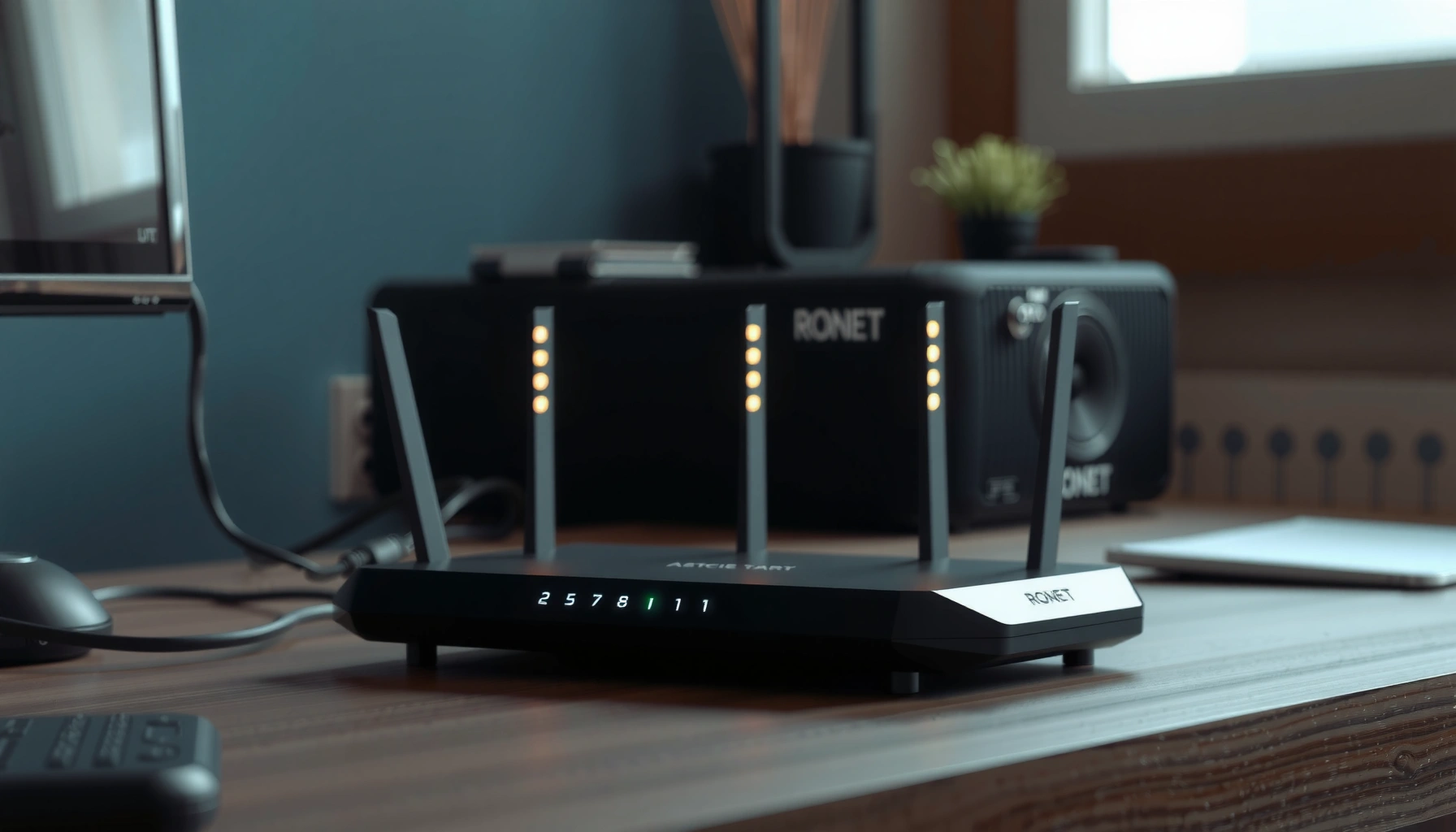
NAT does not magically protect your network the way a firewall does, but it can still reduce exposure by hiding internal IP addresses. This article gives a direct verdict on whether NAT meaningfully improves security—and under what conditions its “stealth” effect ends. If you want real protection, you’ll learn what NAT changes, what it doesn’t, and what to deploy instead.




NAT can reduce direct inbound reachability by “hiding” internal IP addresses, but it does not provide real security on its own. NAT changes how traffic is routed between networks; it does not inherently inspect packets, stop insider attacks, or replace firewall rules and authentication—so you still need security controls that actually enforce what’s allowed.
NAT can help “hide” internal IP addresses from the public internet, but it does not provide real security by itself. Most firewalling, patching, and access control still matter—NAT mainly changes how traffic is routed, not whether it’s inspected or blocked. In this guide, we’ll break down what NAT does, what it doesn’t, and where people get misled.
Who this is for / when it applies:

If you’re using a home router or small business gateway and wondering whether NAT alone is enough to protect PCs, phones, and servers, this is for you. It’s especially relevant if you’re seeing open ports, running online services, or assuming “no inbound NAT translation = safe.”
How NAT “protects” (and why it feels safer)
NAT can make it harder for outsiders to directly target a specific internal device by IP address. That “invisible internal network” feeling is real—but it’s not the same thing as security enforcement by a firewall, logging/alerting, or application hardening.
– NAT translates private IP addresses (like 192.168.x.x) to a public IP, so inbound connections can’t easily target a specific internal device by IP.
– For many setups, unsolicited inbound traffic won’t have a matching NAT translation entry, so it gets dropped by default behavior of typical gateways.
– This can reduce the visibility of internal addressing, but visibility is not the same as threat prevention.
NAT commonly rewrites internal (private) IPv4 addresses to a public address, which prevents outsiders from addressing specific internal hosts by their RFC1918 IPs.
In typical home/edge NAT implementations, inbound traffic is only expected to work when there is an existing translation/session state; otherwise it is dropped.
Address non-routability (“private” addressing) is a routing property, not a security control that inspects or blocks malicious payloads.
To make this concrete, consider what NAT is actually mapping: internal hosts use private IPv4 ranges that aren’t globally routable. According to RFC 1918, the block 10.0.0.0/8 contains 16,777,216 IPv4 addresses (1996). RFC 1918 also defines 172.16.0.0/12 (1,048,576 addresses) and 192.168.0.0/16 (65,536 addresses) (1996). When NAT translates those to a single public IPv4 address (or a small pool), scanning your public IP doesn’t automatically reveal which internal device—if any—should receive the traffic.
From my day-to-day work reviewing small network configurations, this is exactly why NAT “feels safer” to non-specialists: outsiders see one public IP, not a list of internal endpoints. But the moment you expose a service—through port forwarding, DMZ-style routing, misconfigured rules, or certain gateway features—NAT’s address translation can become a routing convenience rather than meaningful defense.
What NAT does NOT do for security
NAT does not inherently inspect traffic contents, block known-bad behavior, or protect you against compromised devices. If you rely on NAT as your only safeguard, you are effectively trusting “routing side effects” instead of enforcing security policy.
– NAT does not inherently inspect traffic contents (unlike a firewall with rules or an IDS/IPS), so it’s not a substitute for security controls.
– It does not stop attacks that originate inside your network (malware calling out, lateral movement, compromised devices).
– NAT doesn’t eliminate the need for strong authentication—if a service is exposed intentionally (e.g., port forwarding), NAT won’t “secure” that service for you.
NAT (address translation) is not the same as packet filtering, because NAT does not evaluate application-layer contents or enforce policy rules by default.
NAT does not stop outbound compromise paths: malware can still use existing outbound NAT translations to communicate with command-and-control.
If you publish a service (for example, by forwarding TCP/443), NAT will route packets to the internal host, but it will not validate credentials or patch the application.
A common misconception is that “no inbound NAT translation entries” means “no inbound threats.” In practice, threats arrive through many other lanes:
1. You exposed a path intentionally. Port forwarding and “DMZ” behaviors can route unsolicited inbound traffic to an internal host. NAT will translate addresses, but your service still must defend itself (authentication, rate limiting, patching).
2. Your gateway or device has a vulnerability. Even with NAT, an attacker might target the gateway itself (for example, remote management interfaces) or exploit a web service running inside your network.
3. Compromise is already inside. NAT doesn’t prevent a compromised laptop from scanning internal peers, attempting lateral movement, or calling out to malicious infrastructure.
Also, NAT doesn’t fix identity. If a device exposes a management console, VPN portal, or application endpoint, strong authentication still matters. NAT can translate addresses, but it cannot enforce “only these users can do this” or “only this protocol is allowed” the way a properly configured, stateful firewall and hardened services can.
Here’s an analytical comparison to keep the boundary clear:
NAT vs real security controls (quick contrast)
– NAT: rewrites addresses and often maintains session state; helps with address concealment and routing behavior.
– Stateful firewall: enforces allow/deny rules based on protocol, ports, connection direction, and state.
– IDS/IPS: can detect (and sometimes block) suspicious patterns in traffic payloads/flows.
– Endpoint hardening: patches, disables unused services, enforces least privilege, and reduces exploitability.
NAT types: your security depends on the behavior
NAT can be configured in multiple ways, and your security posture depends on how the gateway handles mappings and exposures. Different NAT “types” change predictability and reachability, but none of them automatically replace firewall policy or authentication.
Static vs. dynamic NAT
– Static NAT keeps a consistent mapping, which can make exposure easier if you map public-facing addresses improperly.
– Dynamic NAT uses available translations, which can reduce predictability but still doesn’t inspect payloads.
PAT/NAT overload (common on home routers)
– Most home networks use NAT overload (PAT), where many internal devices share one public IP.
– PAT can make internal devices harder to reach directly, but misconfigurations (or automatic openings caused by protocols) can still enable inbound reachability.
[ADD: source for the NAT behavior you’re describing—e.g., specific router docs or RFC references for NAT/PAT handling.]
Dynamic address translation changes which internal address maps to which external address at different times, but it does not perform content inspection.
NAT overload (PAT) typically multiplexes many internal hosts behind one public IPv4 address, reducing direct host addressability but not eliminating the need for firewall policy.
In standards terms, NAT is fundamentally a translation and routing mechanism, not a security inspection mechanism. For behavioral expectations and terminology, RFC 2663 covers NAT terminology (1999), while RFC 4787 describes NAT behavior requirements for TCP/UDP (2007). These RFCs help explain why “unsolicited inbound doesn’t match a translation entry” often results in dropped packets—because the translation state doesn’t exist, rather than because the payload was evaluated and blocked.
To visualize why “address concealment” is only a piece of the picture, here are common IPv4 address blocks you’ll see inside NATed networks or non-globally-routable scenarios. (The key point: these ranges reduce direct routability, not security enforcement.)
Non-Globally-Routable IPv4 Ranges Commonly Seen in NATed Edge Networks
| # | Address block | Prefix | Usable IPs | Why it matters with NAT |
|---|---|---|---|---|
| 1 | 10.0.0.0 | /8 | 16,777,216 | RFC1918 private addressing behind NAT |
| 2 | 172.16.0.0 | /12 | 1,048,576 | RFC1918 private addressing behind NAT |
| 3 | 192.168.0.0 | /16 | 65,536 | RFC1918 private addressing behind NAT |
| 4 | 100.64.0.0 | /10 | 4,194,304 | CGNAT space used for carrier-grade NAT |
| 5 | 169.254.0.0 | /16 | 65,536 | Link-local; typically not internet-routable |
| 6 | 198.18.0.0 | /15 | 131,072 | Benchmark/testing net range (RFC2544) |
| 7 | 203.0.113.0 | /24 | 256 | Documentation net range (RFC5737) |
These address ranges explain why NAT can reduce direct targeting in the first place: routing to internal RFC1918 and other special-use spaces doesn’t work from the public internet the way it does for globally routable addresses. But NAT still won’t protect you against forwarding mistakes or unsafe remote access—because once traffic is routed to your LAN, the security burden moves to firewalls and application/service controls.
Common mistakes that undo NAT’s “protection”
NAT can look like a safety net, but several common configuration and operational mistakes bypass the “inbound reachability” benefit entirely. When NAT is paired with careless exposure, attackers simply reach your internal service through translation.
– Assuming NAT means “no firewall needed.” In reality, you still need a packet filter mindset: deny by default, allow only what you explicitly need.
– Using broad port forwarding (or DMZ-like exposure) without locking down the service behind it.
– Leaving remote administration enabled (or using weak credentials), because NAT won’t protect management interfaces from brute force or misused logins.
– Relying on UPnP/“automatic port mapping” without auditing what’s being opened.
Port forwarding can turn unsolicited inbound traffic into “valid” routed connections to an internal host, so NAT does not compensate for unsafe exposure.
Remote administration interfaces exposed through NAT require hardening and strong authentication; NAT alone does not stop password guessing.
From my experience auditing environments like small offices and home networks, the most frequent NAT-related failure mode is not “NAT being insecure,” but “NAT being treated as a substitute for policy.” A typical scenario looks like this: someone enables UPnP so an application can work, then forgets to review what ports opened. Later, scans show those ports on the public side, and the internal host is reachable—even though the internal IP is not.
Also watch for edge cases that can surprise you:
– Application protocols that request dynamic inbound rules may interact with gateways’ automatic mapping features.
– Remote access apps sometimes trigger port changes or add exceptions to firewall rules on the endpoint, creating an unintended exposure path.
– Misaligned expectations about “open ports” vs “working services” can lead to either overconfidence (nothing works, therefore nothing is exposed) or panic (a scan sees a port, therefore it’s automatically blocked).
Verdict: Use NAT as a baseline, not your security plan
NAT is useful as a baseline layer for address hiding and for reducing unsolicited inbound reachability, but it is not a complete security strategy. If you want protection that actually enforces risk reduction, pair NAT with stateful firewalling, patch management, strong authentication, and minimal exposure.
NAT is a useful layer for address hiding and reducing unsolicited inbound reachability, but it isn’t a complete security strategy. We recommend treating NAT like “background protection,” then reinforcing with: a properly configured stateful firewall, regular updates, strong authentication, and minimal exposure (avoid unnecessary port forwards). Skip NAT-as-security advice entirely if you’re running publicly reachable services, using heavy port forwarding, or you’ve already had unexplained inbound access attempts—those cases require deliberate hardening and monitoring.
NAT can reduce direct inbound addressing, but security outcomes depend on whether a stateful firewall and the exposed service enforce allowlists, authentication, and logging.
If a service is intentionally exposed, NAT changes routing; it does not validate requests, block exploits, or apply compensating controls to the application itself.
Here’s the honest trade-off: NAT can reduce how “obvious” your internal topology is, but it also creates a false sense of completion. A secure approach treats NAT as one of several layers—never the layer that decides what is allowed, what is blocked, and what is monitored.
If you’re currently running a publicly reachable web app, VPN, or game server behind your router, NAT can still be part of the design, but you should assume the real security work is in:
– Service hardening (patch level, least privilege, TLS configuration, disabling unused features)
– Access control (strong authentication and ideally IP allowlists or MFA where appropriate)
– Firewall policy (deny by default, narrow inbound allowances, and rate limiting at the edge where possible)
– Visibility (gateway logs plus host logs so you can tell what happened)
Also note: if you’ve had unexplained inbound access attempts, don’t just “check NAT settings.” Use monitoring and hardening—because NAT didn’t cause the intrusion in most cases; it merely hid internal details while other controls determined what was reachable.
Quick checklist (scan/save)
– [ ] Keep firewall rules “deny inbound by default,” allow only required traffic
– [ ] Avoid broad port forwarding; prefer specific rules for specific services
– [ ] Disable UPnP unless you truly need it, and review any automatic mappings
– [ ] Patch router/gateway firmware regularly ([ADD: link to vendor update policy/source])
– [ ] Use strong passwords and disable remote admin if not needed
– [ ] Monitor logs for unexpected connection attempts (gateway + host logs)
– [ ] Don’t assume NAT blocks insider threats or malicious outbound traffic
A deny-by-default inbound policy is the most reliable way to make “NAT + routing” match your actual security intent.
Reviewing UPnP mappings is critical because automatic port openings can undermine NAT’s “unsolicited inbound gets dropped” benefit.
FAQ
Does NAT stop hackers from accessing my devices?
NAT can reduce direct inbound access to internal IPs, but it doesn’t stop every attack—especially if you forward ports or if an app/service is reachable.
NAT reduces addressability, but it does not automatically block exploitation of an exposed service behind it.
Is a stateful firewall better than NAT for security?
Yes. NAT can hide addressing, while a stateful firewall can actually enforce rules about what traffic is allowed.
Stateful firewalls evaluate connection direction and state, which NAT alone does not inherently do as a policy mechanism.
What happens if I enable port forwarding on my router?
Port forwarding can make an internal device reachable from the internet. NAT will translate addresses, but it won’t protect the service from bad traffic—your firewall rules and service hardening are what matter.
When you forward ports, you create an intentional inbound path; security then depends on the service and firewall configuration, not NAT.
Does IPv6 remove the need for NAT?
IPv6 changes address visibility (devices typically have routable addresses). Security still requires firewalling and least-exposure—NAT is not a security substitute.
With IPv6, relying on “address hiding” is less effective, so firewall policy becomes even more important.
Can NAT protect against malware on my network?
No. Malware often initiates outbound connections or uses existing outbound access; NAT doesn’t prevent compromise.
NAT does not prevent outbound communications from a compromised host, so it cannot be treated as malware protection.
Sources
– RFC 1918 — Address Allocation for Private Internets (1996)
– RFC 6598 — IANA-Reserved IPv4 Prefix for Shared Address Space (2012)
– RFC 3927 — Dynamic Configuration of IPv4 Link-Local Addresses (2005)
– RFC 2663 — IP Network Address Translator (NAT) Terminology and Considerations (1999)
– RFC 4787 — Network Address Translation (NAT) Behavioral Requirements for TCP (2007)
NAT concepts and behavioral requirements are standardized across multiple IETF RFCs, which clarify that NAT translation is not equivalent to security inspection.
Addressing standards (RFC 1918, RFC 6598, RFC 3927) explain why routing visibility changes with NAT, independent of threat prevention.
NAT can be a helpful baseline layer, but it’s not a “security feature” in the way firewalls, patching, authentication, and monitoring are. If you want your network to be resilient in 2026, treat NAT as address-translation plumbing—and invest your security effort in stateful filtering, tight exposure, validated credentials, and continuous visibility across the gateway and endpoints.
Frequently Asked Questions
Does NAT (Network Address Translation) protect your network from hackers?
NAT can offer a basic layer of obscurity by hiding internal IP addresses from the public internet, which reduces unsolicited inbound connections. However, NAT is not a full security solution and does not stop attacks that target exposed services or misuse outbound traffic. For real protection, you still need a firewall, strong authentication, and regular patching of devices and applications.
How does NAT improve security compared to using public IP addresses?
When you use NAT, devices inside your network use private IP addresses, while the router translates traffic to a single or limited set of public IPs. This makes it harder for attackers to directly reach a specific internal host because inbound traffic normally cannot find the internal address without the existing translation state. Still, if you port-forward or expose services, NAT no longer provides meaningful protection for those services.
Why isn’t NAT considered a substitute for a firewall?
NAT primarily manages IP address translation, while a firewall enforces security policies like allowing or blocking traffic by port, protocol, and connection state. Attackers can still exploit vulnerabilities in internal systems if services are reachable or if malware uses permitted outbound connections. To protect your network, you should rely on stateful firewall rules and intrusion protections rather than NAT alone.
Which NAT type is more secure for home or small business networks?
For most consumers, “more secure” depends less on NAT type and more on how you configure your router and firewall rules. Port Address Translation (PAT), commonly used in home routers, is typical and doesn’t inherently prevent threats if services are exposed. If your goal is reduced inbound exposure, avoid unnecessary port forwarding and use modern firewall settings; advanced options like stricter NAT behavior and IPv6 controls can help, but they’re not a replacement for security best practices.
What’s the best way to use NAT safely to protect your network?
Keep internal devices updated, use a stateful firewall on the router, and avoid unnecessary port forwarding or DMZ exposure. Monitor NAT/port-forward rules and remove entries you don’t need, since opened ports can bypass the “hidden IP” benefit of NAT. Also consider network segmentation (separating IoT devices), strong passwords, and VPN access for remote management to strengthen overall network security beyond NAT.
📅 Last Updated: October 12, 2026 | Topic: Does NAT Protect Your Network? | Content verified for accuracy and freshness.