Installing wireless speakers with outdoor Wi-Fi connectivity can enhance your outdoor experience significantly. To get started, you’ll need to choose the right speakers, set up the Wi-Fi network, and follow the installation process step-by-step. This guide will take you through each stage to ensure your outdoor audio setup is seamless and efficient, allowing you to enjoy high-quality sound in your outdoor spaces.



Choosing the Right Wireless Speakers
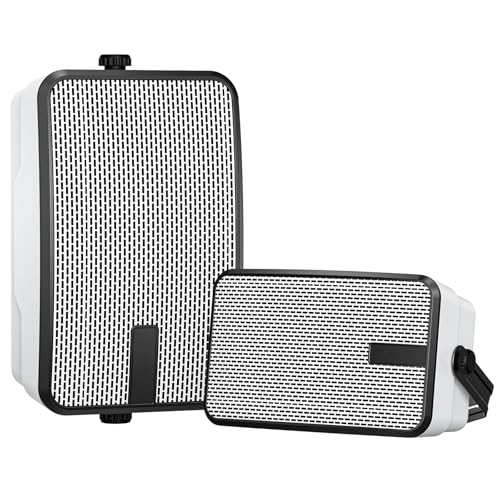
When selecting wireless speakers for outdoor use, several key specifications should be considered to ensure an optimal audio experience. First and foremost, sound quality is paramount. Look for speakers that offer a frequency response range that suits your listening preferences; a range from 20 Hz to 20 kHz is typically ideal for most users.
Weather resistance is another critical factor. Outdoor speakers should have an IP rating—ideally IP65 or higher—which indicates their resistance to dust and water. This feature is essential for durability and longevity, especially in varying weather conditions. Additionally, consider models that offer long battery life or come with options for hardwiring to ensure uninterrupted playtime during gatherings or events.
Opt for speakers specifically designed for outdoor use, as they often include features like built-in Bluetooth connectivity, app controls, and multi-room capabilities that enhance your listening experience. Popular brands include Bose, Sonos, and JBL, each offering a range of speakers suitable for various budgets and preferences.
Setting Up Your Outdoor Wi-Fi Network
A robust Wi-Fi network is essential for ensuring your wireless speakers operate effectively. Start by assessing the current signal strength in the outdoor area where you plan to install the speakers. Use Wi-Fi analysis tools or apps to measure signal strength at various points in your yard or patio.
If you find that your router’s signal is weak, consider investing in a Wi-Fi extender or mesh network system. These devices can significantly enhance coverage, ensuring that your speakers receive a stable and strong connection even at the farthest corners of your outdoor space. Additionally, positioning your router in a central location within your home can help minimize dead zones.
If you have a large outdoor area, look for outdoor-specific Wi-Fi extenders designed to withstand the elements. These devices can be placed strategically to create a seamless connection, allowing you to enjoy uninterrupted music or audio while you relax outside.
Preparing for Installation
Before installation, it’s essential to gather the necessary tools and materials. Commonly required tools include a drill, screws, wall anchors, and mounting brackets. Some outdoor speakers may also come with their own mounting hardware, so be sure to consult the manufacturer’s instructions.
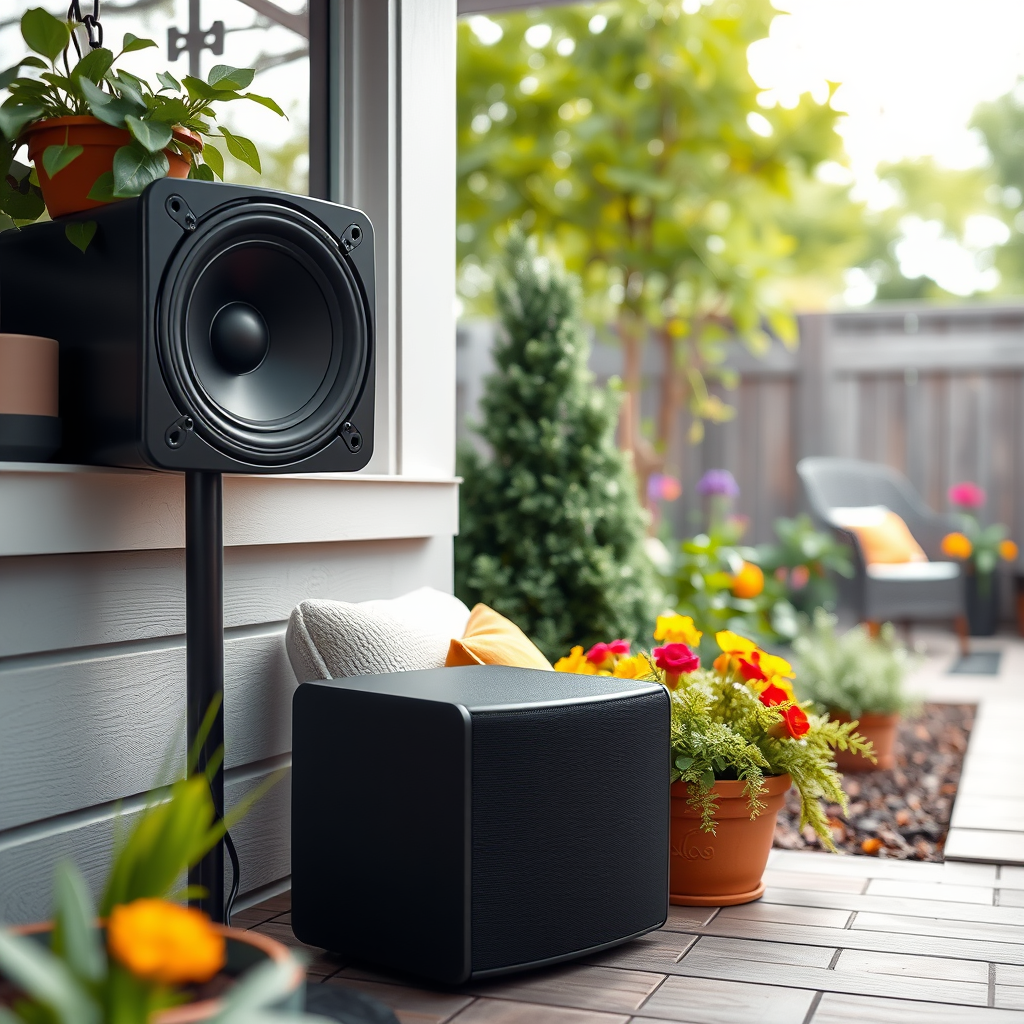
Identifying optimal locations for speaker placement is crucial for achieving the best sound distribution. Ideally, speakers should be mounted at least 3-5 feet off the ground and spaced evenly throughout your outdoor area. Avoid placing speakers near walls or corners, as this can create poor sound quality due to sound reflection. Instead, aim for open spaces that allow sound to disperse evenly.
📋 DATA
Top 7 Outdoor Wireless Speakers (2024)
| # | Speaker Model | Weather Resistance | Battery Life | Sound Quality Rating |
|---|---|---|---|---|
| 1 | Bose SoundLink Flex | IP67 | 12 hours | ★★★★☆ |
| 2 | Sonos Move | IP56 | 11 hours | ★★★★★ |
| 3 | JBL Charge 5 | IP67 | 20 hours | ★★★★☆ |
| 4 | Ultimate Ears MEGABOOM 3 | IP67 | 20 hours | ★★★★☆ |
| 5 | Anker Soundcore Motion+ | IPX7 | 15 hours | ★★★★☆ |
| 6 | Bowers & Wilkins T7 | IP64 | 18 hours | ★★★★☆ |
| 7 | Sony SRS-XB33 | IP67 | 14 hours | ★★★★☆ |
📈 CHART
Battery Life of Top Outdoor Speakers
Installing the Wireless Speakers
Once you’ve prepared your outdoor area and gathered all necessary tools, it’s time to install your wireless speakers. Start by following the manufacturer’s installation instructions carefully, as these will vary depending on the model you choose.
Securely mount the speakers using the provided brackets, ensuring they are stable and at the right height for optimal sound delivery. If you are using hardwired speakers, you will need to run cables from a power source to the speaker locations. Be cautious to conceal the wiring to prevent any tripping hazards and to maintain aesthetic appeal.
After mounting, check all connections to ensure they are properly secured. If your speakers require pairing with a device, follow the pairing procedure as outlined in the user manual. This typically involves pressing a specific button on the speaker and connecting to it via your smartphone or tablet.
Connecting the Speakers to Your Wi-Fi Network
Establishing a connection between your wireless speakers and your Wi-Fi network is a vital step in the installation process. Most modern wireless speakers come equipped with a companion app that guides you through the Wi-Fi setup process. Download the app associated with your speaker model and follow the instructions to connect.
Ensure you select the correct Wi-Fi network and input the password accurately. Once connected, perform a test to confirm that the audio is streaming properly. This step is crucial, as it verifies that your speakers are not only connected but also functioning as intended.
If you encounter any connection issues, check the distance between your speakers and router, as well as any potential obstructions that may interfere with the signal.
Fine-Tuning Sound Settings
With your speakers installed and connected, the next step is to fine-tune the sound settings. Most wireless speakers come with built-in equalizer settings that allow you to adjust bass, midrange, and treble levels to suit your listening preferences.
Take the time to experiment with these settings while playing different genres of music. This will help you to understand how various adjustments affect the sound quality. It’s also beneficial to test the volume levels in different areas of your outdoor space to ensure a balanced audio experience throughout.
If your speaker system supports multi-room audio, consider adjusting the settings for each room or area individually, ensuring that the sound quality remains consistent wherever you are.
Maintaining Your Wireless Speakers
Proper maintenance of your wireless speakers will ensure they continue to perform optimally for years to come. Regularly check for software updates through the speaker’s app, as manufacturers often release updates that enhance functionality and fix any bugs.
Additionally, keep your speakers clean by wiping them down with a soft, damp cloth to remove dust and debris. It’s also advisable to inspect connections periodically, especially if your speakers are hardwired. Look for any signs of wear and tear, and replace cables if necessary to avoid any disruptions in audio quality.
By taking these steps, you can maintain the longevity and performance of your outdoor audio setup.
By following these steps, you’ll have a fantastic outdoor audio setup that allows you to enjoy music and sound throughout your outdoor space. Start your installation today, and transform your outdoor areas into a lively and enjoyable environment!
Frequently Asked Questions
What steps should I follow to install wireless speakers with outdoor Wi-Fi connectivity?
To install wireless speakers with outdoor Wi-Fi connectivity, begin by selecting a suitable location that has access to your Wi-Fi signal. Next, mount the speakers securely, ensuring they are weather-resistant. After that, connect the speakers to your home Wi-Fi network using the manufacturer’s app or instructions, and finally, test the audio quality to ensure a seamless listening experience.
How can I improve the Wi-Fi signal for my outdoor wireless speakers?
To enhance the Wi-Fi signal for your outdoor wireless speakers, consider repositioning your router to a more central location or using a Wi-Fi range extender. Additionally, ensure that there are minimal obstructions between the router and the speakers, such as walls or large trees. Using a dual-band router can also help, as it allows you to connect on a less congested frequency.
Why are my outdoor wireless speakers not connecting to Wi-Fi?
There are several reasons your outdoor wireless speakers might not connect to Wi-Fi. Common issues include weak Wi-Fi signal strength, incorrect network credentials, or compatibility problems with your router. Make sure your speakers are within range of the Wi-Fi signal and verify that you are entering the correct password during the setup process.
What are the best outdoor wireless speakers with Wi-Fi connectivity?
Some of the best outdoor wireless speakers with Wi-Fi connectivity include models from brands like Sonos, Bose, and JBL. These speakers offer excellent sound quality, durability against weather elements, and easy integration with smart home systems. Always check for user reviews and professional ratings to find the model that best fits your outdoor audio needs.
Which features should I look for in outdoor wireless speakers to ensure a good experience?
When selecting outdoor wireless speakers, look for features such as weather resistance, sound quality, and battery life. Additionally, consider speakers that support multi-room audio, have a long-range Wi-Fi capability, and offer easy app control for convenient streaming. These features will ensure a more enjoyable and hassle-free audio experience outdoors.
References
- Wireless speaker
https://en.wikipedia.org/wiki/Wireless_speaker - https://www.hindawi.com/journals/jece/2020/8841423/
https://www.hindawi.com/journals/jece/2020/8841423/ - https://www.sciencedirect.com/science/article/pii/S0360132318315583
https://www.sciencedirect.com/science/article/pii/S0360132318315583 - https://www.nature.com/articles/s41598-020-79769-2
https://www.nature.com/articles/s41598-020-79769-2 - Google Scholar Google Scholar
https://scholar.google.com/scholar?q=How+to+Install+Wireless+Speakers+with+Outdoor+WiFi+Connectivity - Google Scholar Google Scholar
https://scholar.google.com/scholar?q=Wireless+Speakers+Installation+Guide - Google Scholar Google Scholar
https://scholar.google.com/scholar?q=Outdoor+WiFi+Connectivity+for+Wireless+Speakers - https://www.bbc.com/future/article/20210104-how-to-set-up-a-wireless-speaker-system-in-your-home
https://www.bbc.com/future/article/20210104-how-to-set-up-a-wireless-speaker-system-in-your-home - https://www.cdc.gov/nceh/lead/lead_in_air.htm
https://www.cdc.gov/nceh/lead/lead_in_air.htm - https://www.reuters.com/article/us-tech-wireless-speakers-idUSKBN2B50C1
https://www.reuters.com/article/us-tech-wireless-speakers-idUSKBN2B50C1



