
Maintaining your wireless audio system’s performance is crucial for a seamless listening experience. By focusing on regular updates, optimal placement of components, and routine troubleshooting, you can significantly enhance sound quality and reliability. This article provides practical tips and best practices to ensure your wireless audio system operates efficiently, delivering high-quality sound without interruptions.


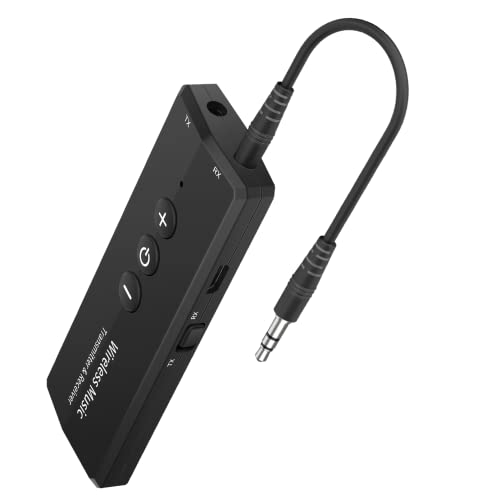

Regular Firmware Updates

Keeping your wireless audio system updated with the latest firmware is essential for security and performance enhancements. Manufacturers often release updates to fix bugs, improve compatibility with various devices, and enhance overall functionality.
To ensure your system is always current, check for updates regularly—ideally every month. If your device supports automatic updates, enable this feature to streamline the process. This ensures that you won’t miss critical updates that could improve your system’s stability and security. Moreover, staying updated can help prevent compatibility issues with other devices in your home network, thereby enhancing your overall audio experience.
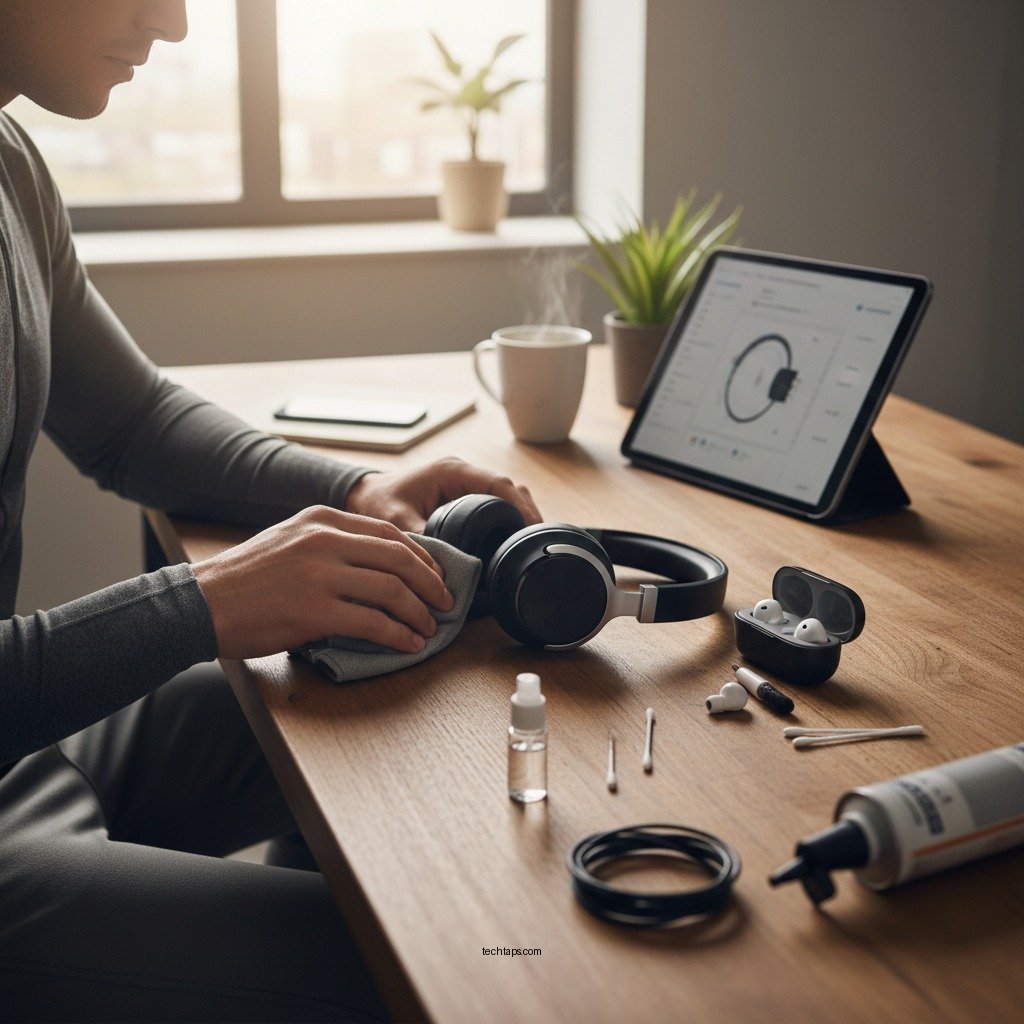
Optimal Placement of Components
The physical arrangement of your wireless audio components plays a significant role in determining sound quality and connection reliability. For optimal performance, position your audio receiver and speakers away from walls and obstructions. This not only helps maximize signal strength but also minimizes potential audio distortion caused by reflections.
It’s also important to avoid placing your wireless audio devices near electronics that can cause interference, such as microwaves, cordless phones, and wireless routers. Ideally, maintain a distance of at least three feet between your audio components and any potential sources of interference. This strategic placement can reduce dropouts and ensure a more robust connection.
Routine Troubleshooting Steps
Even the most sophisticated wireless audio systems can encounter issues from time to time. Implementing routine troubleshooting steps can help you address these problems proactively. For instance, restarting your devices periodically can clear temporary glitches and refresh connections. This simple practice can resolve many common issues such as unresponsive controls or audio dropouts.
Additionally, many manufacturers provide diagnostic tools within their software to help identify and resolve common problems. Familiarize yourself with these tools, as they can guide you through troubleshooting steps specific to your device. Keeping a checklist of common issues and their solutions can also be beneficial in managing recurring problems effectively.
Common Wireless Audio System Issues and Solutions
| # | Issue | Possible Causes | Recommended Solution |
|---|---|---|---|
| 1 | Audio Dropouts | Interference or weak signal | Relocate devices or use a range extender |
| 2 | Poor Sound Quality | Incorrect settings or damaged cables | Check settings and replace cables |
| 3 | Connectivity Issues | Network problems or device compatibility | Restart devices and check network status |
| 4 | Device Not Recognized | Outdated firmware or incorrect settings | Update firmware and verify settings |
| 5 | Static Noise | Interference or faulty equipment | Move devices or check for equipment issues |
| 6 | Delayed Audio | Network latency or device settings | Reduce network load and adjust settings |
| 7 | Device Overheating | Poor ventilation or excessive load | Ensure proper ventilation and reduce load |
Managing Network Connectivity
Wireless audio systems rely heavily on network connectivity, making it essential to maintain a secure and stable Wi-Fi network. Instabilities in your home network can lead to audio dropouts and interruptions, which can severely affect your listening experience.
To manage connectivity effectively, first ensure that your Wi-Fi network is secure. Use WPA3 encryption if available, as this adds an additional layer of security against unauthorized access. Additionally, consider dedicating a specific network for your audio system. This can help reduce congestion from other devices, ensuring a clearer signal and a more reliable connection.
Utilizing dual-band routers can also be beneficial; connecting your audio devices to the 5GHz band can offer faster speeds and reduced interference compared to the more crowded 2.4GHz band.
Quality Cables and Accessories
While wireless technology minimizes the need for cables, the quality of any cables and accessories you do use can significantly impact performance. Investing in high-quality cables and adapters can prevent signal loss and degradation, ensuring that you enjoy the best possible sound quality.
Power conditioners are another crucial accessory, as they help reduce electrical noise that could affect audio quality. This is especially important in environments with multiple electronic devices, which can introduce interference into your audio system. By using quality cables and accessories, you can maintain a clean signal path and enjoy a superior listening experience.
Environmental Considerations
The environment in which your audio equipment operates can greatly influence its performance and longevity. Keeping your audio devices in a cool, dry place is vital to avoid overheating and potential damage. Excessive heat can lead to hardware malfunctions and affect sound quality, so consider placing your equipment in a well-ventilated area.
Using surge protectors is also advisable to safeguard your system against power surges. These surges can occur due to lightning strikes or fluctuations in the electrical grid and can damage sensitive audio components. By investing in quality surge protection, you can protect your investment and ensure the longevity of your wireless audio system.
User Guides and Resources
Familiarizing yourself with the user manual of your audio system is crucial for understanding specific maintenance tips and features. These manuals often contain valuable information regarding troubleshooting steps, optimal settings, and usage guidelines that can enhance your overall audio experience.
Additionally, utilizing online forums and support channels can provide you with community advice and troubleshooting tips. Many users share their experiences and solutions to common problems, making these platforms a valuable resource for maintaining your system. Engaging with these communities can also keep you updated on best practices and emerging technologies in the audio space.
By following these strategies, you can ensure that your wireless audio system operates efficiently and delivers an uninterrupted listening experience. Don’t wait for issues to arise—take proactive steps to maintain your system today! Investing time and effort into these practices not only enhances sound quality but also extends the lifespan of your equipment, allowing you to enjoy your favorite audio content without interruptions.
Frequently Asked Questions
What are the common issues that can affect my wireless audio system’s performance?
Common issues that can affect your wireless audio system include interference from other electronic devices, low battery levels, outdated firmware, and poor Wi-Fi signal strength. Regularly checking these factors can help maintain optimal sound quality and connectivity.
How can I improve the Wi-Fi signal for my wireless audio system?
To improve the Wi-Fi signal for your wireless audio system, consider relocating your router to a central location, minimizing physical obstructions, or using Wi-Fi extenders. Additionally, switching to a less congested frequency band, like 5 GHz, can enhance performance.
Why is my wireless audio system experiencing audio dropouts?
Audio dropouts in your wireless audio system can occur due to weak signals, interference from other wireless devices, or excessive distance from the audio source. Ensuring a clear line of sight between components and reducing potential interference can significantly reduce dropouts.
What are the best practices for maintaining my wireless audio system?
Best practices for maintaining your wireless audio system include keeping the firmware updated, regularly checking battery levels on connected devices, and ensuring proper placement of speakers and receivers to avoid interference. Routine dusting and cleaning of equipment can also help prolong its lifespan.
Which wireless audio system brands are known for reliability and performance?
Brands like Sonos, Bose, and Yamaha are known for their reliable and high-performing wireless audio systems. These brands offer a range of products that cater to various needs and budgets, ensuring quality sound and seamless connectivity for an enhanced listening experience.
References
- https://www.wikiwand.com/en/Wireless_audio
https://www.wikiwand.com/en/Wireless_audio - Google Scholar Google Scholar
https://scholar.google.com/scholar?q=How+to+Keep+Your+Wireless+Audio+System+Running+Smoothly - https://www.sciencedirect.com/topics/engineering/wireless-audio
https://www.sciencedirect.com/topics/engineering/wireless-audio - https://www.ncbi.nlm.nih.gov/pmc/articles/PMC6009642/
https://www.ncbi.nlm.nih.gov/pmc/articles/PMC6009642/ - https://www.bbc.com/news/technology-62187931
https://www.bbc.com/news/technology-62187931 - https://www.nature.com/articles/s41598-019-47166-3
https://www.nature.com/articles/s41598-019-47166-3 - Google Scholar Google Scholar
https://scholar.google.com/scholar?q=Wireless+Audio+System+Maintenance - https://www.mayoclinic.org/healthy-lifestyle/adult-health/in-depth/a-guide-to-wireless-audio-systems/art-20435538
https://www.mayoclinic.org/healthy-lifestyle/adult-health/in-depth/a-guide-to-wireless-audio-systems/art-20435538 - https://www.cdc.gov/niosh/topics/noise/default.html
https://www.cdc.gov/niosh/topics/noise/default.html - How to Keep Your Wireless Audio System Running Smoothly – Search results
https://en.wikipedia.org/wiki/Special:Search?search=How+to+Keep+Your+Wireless+Audio+System+Running+Smoothly
