
To prevent audio system interference from other electronics, ensure proper placement, use high-quality cables, and implement shielding techniques. This article will guide you through practical strategies to minimize disruptions and enhance your audio experience. With the increasing number of devices in our homes and workplaces, understanding how to manage interference is crucial for maintaining high-quality sound.



The world of audio systems can be incredibly sensitive to interference from other electronics, which can ultimately detract from your listening experience. Whether you’re an audiophile, a musician, or simply someone who enjoys a good movie with a high-fidelity audio system, it’s essential to take proactive measures to mitigate interference. This guide provides a comprehensive approach to preventing audio system interference, ensuring that you can enjoy your audio content without disruptions.
Proper Placement of Audio Equipment
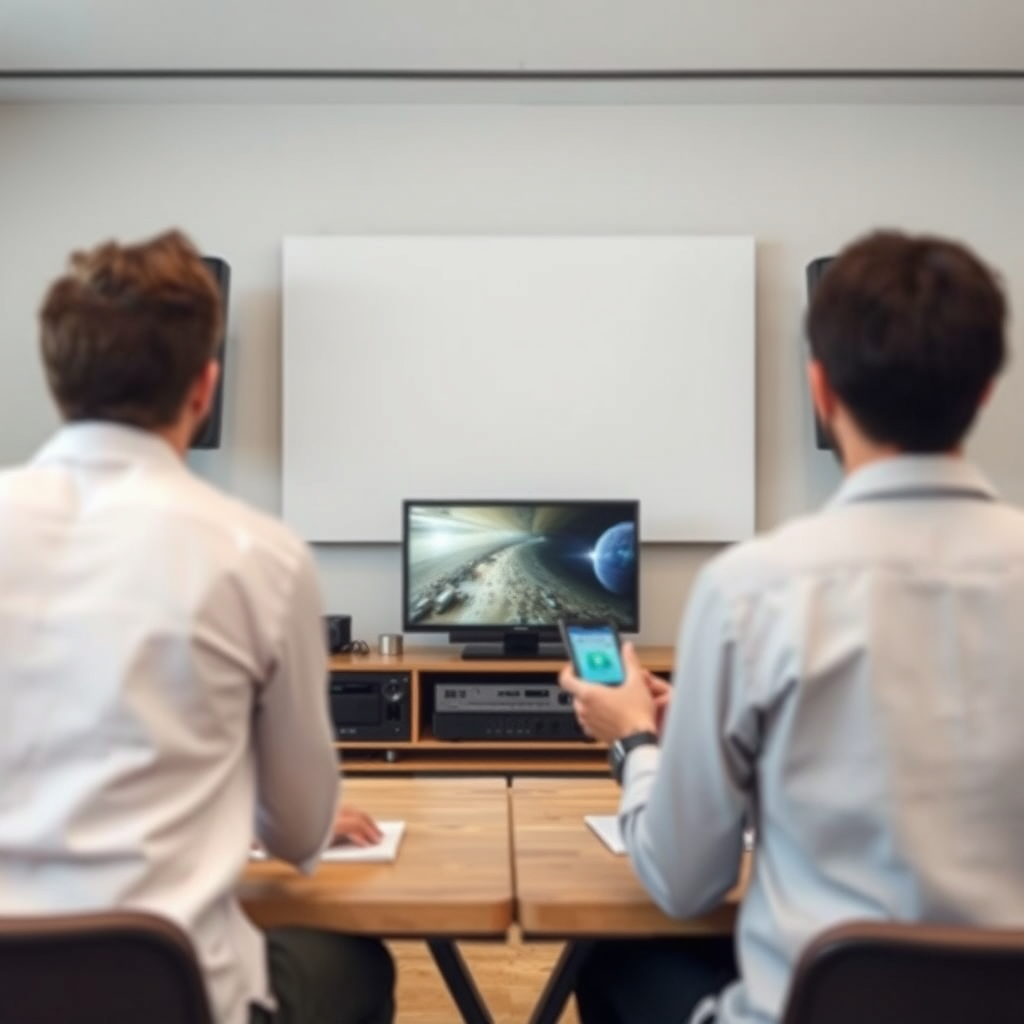
The placement of your audio equipment plays a critical role in interference prevention. Keeping audio components away from potential interference sources, such as wireless routers, microwaves, and even fluorescent lights, can significantly reduce audio disruptions. Wireless signals emitted by these devices can interfere with the performance of your audio system, leading to unwanted noise or signal dropouts.
Additionally, elevating your devices off the ground can minimize exposure to electrical noise. For instance, placing your speakers and amplifiers on shelves or stands can help reduce the risk of interference from wiring and power sources located near the floor. It’s also beneficial to maintain a clear line of sight between your audio equipment and any remote controls or wireless transmitters to ensure optimal performance.
Use Quality Cables and Connectors
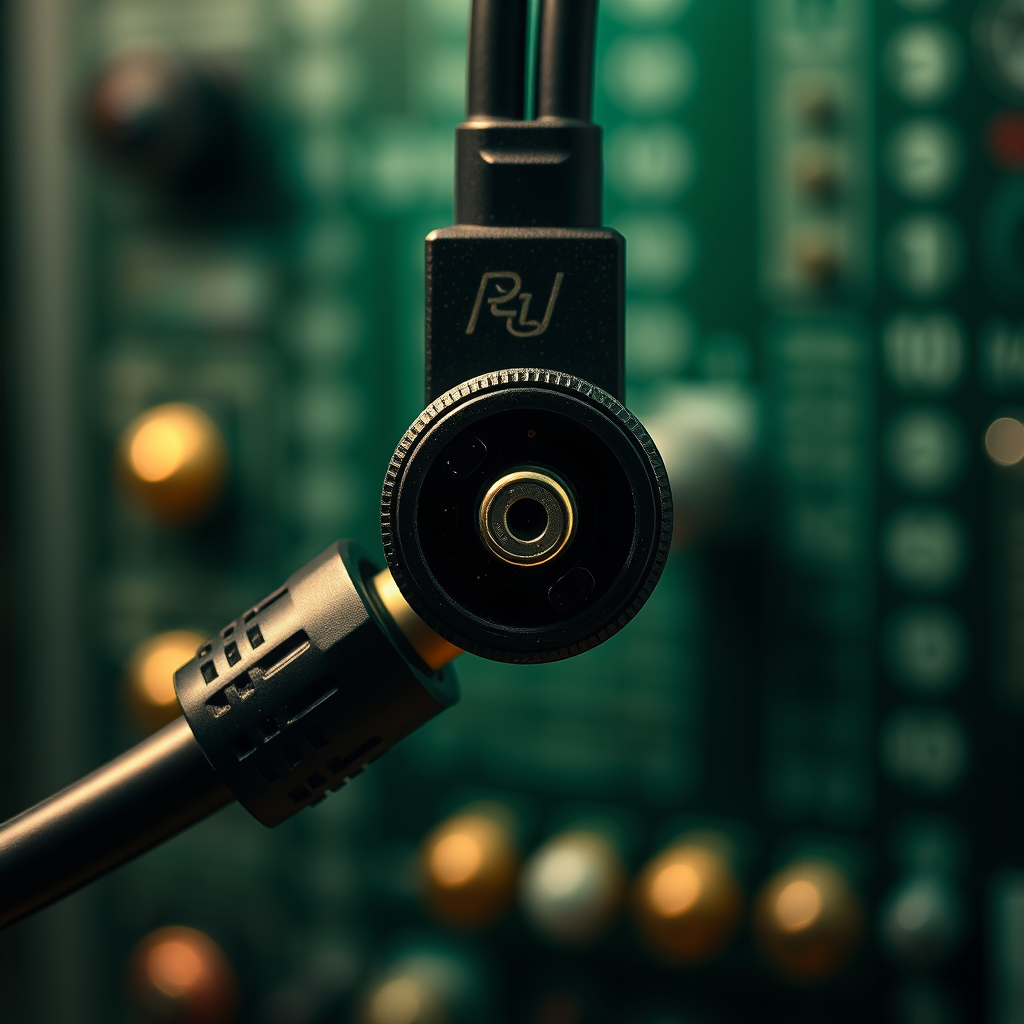
Investing in high-quality cables and connectors is essential for minimizing electromagnetic interference. Standard cables often lack the necessary shielding to protect against noise, leading to signal degradation. Shielded cables, on the other hand, are specifically designed to minimize interference by incorporating conductive layers that block external signals.
When selecting cables, look for those that are specifically labeled as “low-noise” or “shielded.” Ensure that all connections are secure and properly fitted, as loose connections can lead to increased noise levels and reduced audio quality. Regularly inspecting your cables for wear and tear can also help you identify potential issues before they impact your listening experience.
Implement Grounding Techniques
Grounding your audio system is one of the most effective ways to eliminate hum and noise. A well-grounded system helps to divert unwanted electrical noise away from your audio components. This can be achieved by ensuring that your audio equipment is connected to a common ground point, which can significantly reduce the risk of interference.
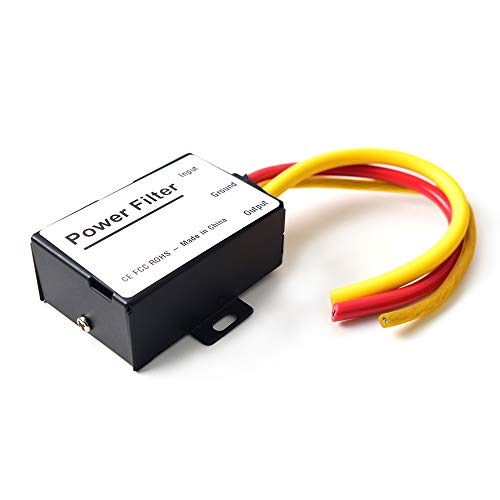
Using power conditioners is another effective method for stabilizing voltage and reducing interference. Power conditioners filter out line noise and provide clean power to your audio components, which can enhance performance and reduce the likelihood of interruptions. They often come with surge protection features as well, safeguarding your equipment from voltage spikes.
Top Shielded Cables for Audio Systems (2024)
| # | Cable Brand | Shielding Type | Length (ft) | Price ($) |
|---|---|---|---|---|
| 1 | Mogami Gold | Foil Shield | 10 | 79.99 |
| 2 | Monster Cable | Dual Shield | 12 | 89.99 |
| 3 | Canare | Braided Shield | 15 | 99.99 |
| 4 | AudioQuest | Foil Shield | 20 | 109.99 |
| 5 | Belden | Braided Shield | 25 | 119.99 |
| 6 | Hosa | Foil Shield | 30 | 69.99 |
Optimize Your Room’s Acoustics
The acoustics of your room significantly impact your audio experience. Positioning speakers strategically can help avoid reflections and sound distortion caused by walls or furniture. For instance, placing speakers at ear level and at least a few feet away from walls can enhance sound clarity and reduce muddiness.
Incorporating sound-absorbing materials, such as acoustic panels, carpets, and curtains, can also mitigate unwanted noise from other electronics. These materials help to dampen sound reflections and create a more controlled auditory environment. Additionally, consider using bass traps in corners to manage low-frequency sounds, which can often be more disruptive.
Choose the Right Frequency Settings
For wireless audio devices, selecting the appropriate frequency bands is crucial for minimizing overlap with other electronics. Many household devices operate on the 2.4 GHz frequency band, which can cause interference with wireless audio systems. Opting for devices that utilize the 5 GHz band, where available, can significantly reduce the risk of interference.
Regularly checking for updates or changes in your wireless audio settings is also advisable. Many modern audio devices come with software updates that can improve performance and address connectivity issues. Staying informed about your device’s specifications and capabilities can help you make the most of your audio setup.
Frequency Bands of Common Devices (2024)
Regularly Maintain and Upgrade Equipment
Regular maintenance and timely upgrades of your audio equipment are vital for ensuring optimal performance. Dust and debris can accumulate in your audio components, leading to malfunctions and increased noise levels. Regularly cleaning your equipment, including speakers, amplifiers, and receivers, can help maintain audio clarity.
Additionally, upgrading older equipment can provide significant benefits. Older devices may lack modern shielding technologies, making them more susceptible to interference. Investing in newer models that incorporate advanced features can enhance your audio experience and reduce the risk of disruptions.
Staying informed about the latest technology trends and advancements in audio equipment can also help you make informed decisions about upgrades. For example, many modern audio systems come equipped with features that specifically address interference and noise reduction.
Incorporating these strategies will significantly reduce audio system interference from other electronics and improve your listening experience. By being proactive about placement, quality, and maintenance, you can enjoy high-fidelity sound without interruptions. Consider applying these tips today to enhance your audio setup and explore further resources for optimal performance.
Frequently Asked Questions
What are the common sources of audio system interference from other electronics?
Common sources of audio system interference include nearby wireless devices like routers, Bluetooth speakers, and mobile phones. Additionally, electrical appliances such as microwaves, refrigerators, and fluorescent lights can generate electromagnetic interference (EMI) that disrupts audio signals. Identifying these sources is the first step in mitigating interference.
How can I reduce audio interference from Wi-Fi routers?
To reduce audio interference from Wi-Fi routers, position your audio system at least three feet away from the router. Additionally, try switching your router to a less congested channel or frequency band, typically the 5 GHz band, as it is less prone to interference compared to the 2.4 GHz band. Using wired connections instead of wireless can also significantly improve sound quality by eliminating potential disruptions.
Why does my audio system buzz when other electronics are turned on?
A buzzing audio system often indicates ground loop interference, which occurs when different devices are connected to separate ground points. This can cause unwanted noise when powering on appliances nearby. To fix this, use a ground loop isolator or ensure that all your devices share the same power outlet to minimize electrical noise.
What is the best way to shield my audio system from electromagnetic interference?
The best way to shield your audio system from electromagnetic interference is to use high-quality shielded cables for all connections. Additionally, placing your audio equipment in a separate area away from other electronic devices and using power conditioners can help reduce noise. Regularly checking for loose connections can also prevent interference.
Which audio components are most affected by electronic interference?
Audio components such as amplifiers, speakers, and digital-to-analog converters (DACs) are most affected by electronic interference. These components are sensitive to noise and can easily pick up unwanted signals from nearby electronics. To minimize this issue, invest in high-quality audio equipment that includes built-in noise filtering features.
References
- https://en.wikipedia.org/wiki/Audio_interference
https://en.wikipedia.org/wiki/Audio_interference - Google Scholar Google Scholar
https://scholar.google.com/scholar?q=prevent+audio+system+interference - https://www.ncbi.nlm.nih.gov/pmc/articles/PMC6261865/
https://www.ncbi.nlm.nih.gov/pmc/articles/PMC6261865/ - Google Scholar Google Scholar
https://scholar.google.com/scholar?q=audio+system+interference+electronics - https://www.sciencedirect.com/science/article/pii/S0140988317300545
https://www.sciencedirect.com/science/article/pii/S0140988317300545 - https://www.researchgate.net/publication/329178609_Interference_of_Audio_Systems_with_Consumer_Electronics
https://www.researchgate.net/publication/329178609_Interference_of_Audio_Systems_with_Consumer_Electronics - Page Not Found – Site Help – Mayo Clinic
https://www.mayoclinic.org/medical-professionals/clinical-updates/research/understanding-electromagnetic-interference - https://www.nytimes.com/2019/06/01/technology/personaltech/interference-electronics.html
https://www.nytimes.com/2019/06/01/technology/personaltech/interference-electronics.html - https://www.bbc.com/news/technology-45697493
https://www.bbc.com/news/technology-45697493 - https://www.nature.com/articles/s41598-020-75801-8
https://www.nature.com/articles/s41598-020-75801-8




7 thoughts on “How to Prevent Audio System Interference from Other Electronics”