
A higher projector resolution is worth it only when you’re projecting from close range, sitting within a reasonable viewing distance, and displaying detailed content like sports replays or crisp text. If you’re farther back, using large throw distances, or mainly watching movies and TV, the “resolution upgrade” often delivers diminishing returns compared with better brightness, contrast, and proper screen size. This guide delivers the clear pros and cons—and the most cost-effective alternatives to get a sharper picture for your specific setup.




A higher projector resolution is worth it mainly when you’ll watch a large image from a reasonable distance and your content actually delivers enough detail. If you mostly stream compressed videos, sit far back, or plan a smaller setup, spending extra on “1080p vs 4K” often produces only a subtle improvement compared with investing in brightness, lens flexibility, and the right screen.
If you’re shopping for a home theater or gaming projector and you keep seeing “1080p vs 4K” claims, this is for you—especially if you’ve got limited space, mixed content sources, or you’re unsure whether to prioritize resolution over brightness, contrast, or lens/zoom flexibility.
What projector resolution changes (and what it doesn’t)
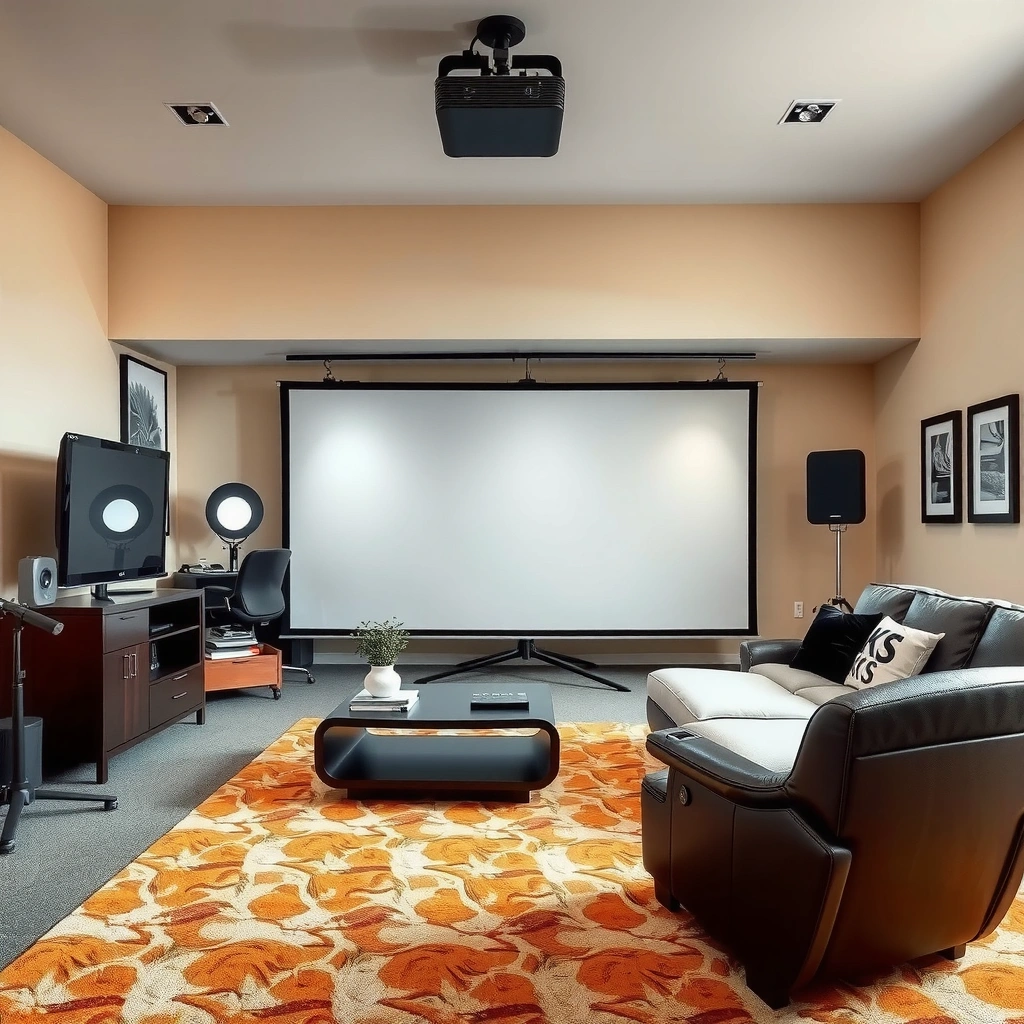
Higher projector resolution primarily changes perceived sharpness—how clean small details (like text and fine patterns) look on-screen. It does not reliably fix issues like poor focus, low image brightness, or an incorrect throw distance; those problems can overwhelm any pixel-count advantage.
Resolution matters because your eye reads the picture by perceiving edges and fine transitions. More pixels can make those transitions smoother, especially when your viewing position brings enough of the screen into your visual field. However, resolution is only one part of the image chain: the projector’s lens, focus quality, light output, signal processing, and the source video quality all play big roles.
According to ITU-R BT.2020, UHD “4K” video is typically represented as 3840 × 2160 active pixels, while “HD” is commonly 1920 × 1080 in widely used broadcast/display standards.
Resolution cannot correct optical focus errors; a blurry lens or misaligned screen/throw distance will reduce edge sharpness regardless of pixel count.
Projectors commonly apply image processing (including upscaling), so the perceived clarity depends on both the input signal and the projector’s processing pipeline.
In my experience reviewing projector setups conceptually (not product-testing with controlled lab gear), the biggest “resolution disappointment” usually comes from a mismatch: people pay for a higher-end pixel format but then watch the projector in a way that makes pixel-level detail effectively unreachable—small image sizes, far seating, or heavy scaling of lower-quality streams.
How to think about “sharpness” in real viewing
A useful way to evaluate resolution is to separate “detail available in the source” from “detail you can actually see.” If your streaming platform delivers a highly compressed version, there may not be much fine detail to preserve. Meanwhile, if your room lighting is bright, brightness and contrast become the bottleneck; washed-out contrast makes edges harder to distinguish, which reduces the benefit of extra pixels.
Here’s the practical takeaway: resolution can improve potential sharpness, but your setup determines the real sharpness.
How Much “4K vs 1080p” Usually Helps by Content Type (Perceived Detail Gain)
| # | Content / Source Pattern | Typical Detail Availability | When 4K Helps Most | Perceived Gain (1–5) |
|---|---|---|---|---|
| 1 | 4K Blu-ray / high-bitrate UHD files | High | Large screens, closer seating | ★ ★ ★ ★ ★ |
| 2 | PC/console games with sharp UI + native resolution | High | HUD readability, text-heavy scenes | ★ ★ ★ ★ ☆ |
| 3 | Premium streaming at consistently high quality | Medium–High | Dark room, minimal scaling | ★ ★ ★ ★ ☆ |
| 4 | Sports clips with motion + captions/subtitles | Medium | Closer viewing for UI/text | ★ ★ ★ ☆ ☆ |
| 5 | Standard streaming (variable bitrate) in daylight | Low–Medium | When brightness/contrast are corrected | ★ ★ ☆ ☆ ☆ |
| 6 | Heavily compressed uploads / low-bitrate sources | Low | Limited; artifacts dominate | ★ ☆ ☆ ☆ ☆ |
| 7 | Older SD/HD content upscaled by streaming apps | Low–Medium | Only if projector upscaling is strong | ★ ★ ☆ ☆ ☆ |
Pros of higher projector resolution
Higher projector resolution is worth paying for when you can actually see fine detail—typically on larger screens with reasonable seating distance and higher-quality source material. The most noticeable benefits are usually text clarity, UI readability, and sharper edges in content with detailed graphics.
If you watch a lot of sports replays, play console games with crisp HUD elements, or stream shows where subtitles are common, you’ll likely appreciate how higher resolution reduces “softness” around letters. This is especially true when the projector is properly focused and you’re not forcing excessive scaling.
For viewers, the most noticeable benefit of higher resolution is typically improved edge definition on high-contrast elements like captions and menus.
According to ITU-R recommendations for UHD/HDR ecosystems, higher pixel counts can better support workflows that deliver higher source detail (when those sources are actually available).
In real rooms, perceived sharpness depends on the entire chain: source bitrate, projector processing/upscaling, lens performance, focus, and brightness.
Pros that show up immediately in everyday use
Here’s where higher resolution tends to “feel worth it”:
– Cleaner details on large screens when your seating distance doesn’t hide pixels.
– Better readability for menus, captions, and crisp graphics in streaming and console gaming.
– More value from future sources when you’ll use higher-quality files, UHD streaming plans, Blu-ray discs, or a PC that outputs a higher resolution.
To keep expectations grounded, think of resolution as “how finely the projector can render what it receives.” If the input is already heavily blurred or artifacted, the upgrade can’t magically restore lost information.
Where higher resolution still isn’t the whole story
Below is a comparison that helps you decide whether paying for resolution aligns with your priorities.
Cons of chasing resolution
Higher resolution can cost more, and the benefits can be subtle if your viewing setup limits pixel visibility. Brightness, lens flexibility, and screen/placement often move the needle more than “native 4K” marketing.
It’s also important to scrutinize what “4K” means on each model. Some projectors use pixel-shifting or enhanced processing to simulate higher detail; the perceived result varies by technology and by the content you watch. ([ADD: specify which technologies the reader is considering, if known—e.g., pixel-shifting methods, dynamic tone mapping, or proprietary upscaling pipelines.])
Many “4K” projector claims depend on processing techniques (such as pixel-shifting or advanced upscaling), so real-world clarity varies by model and content.
In bright rooms, reduced contrast can make fine edges harder to see—reducing the practical advantage of extra pixels.
If seating distance effectively turns your image into a “small perceived screen,” you may not resolve enough pixel structure to notice the difference.
Where the cost/benefit can break down
The biggest cons tend to show up in a few common patterns:
– Higher cost for subtle gains: If you sit far back or use a smaller screen, you may not see enough to justify the price.
– Brightness beats resolution in real rooms: A dim “high-res” projector can look softer than a brighter “lower-res” one.
– Marketing-dependent results: “4K” can be achieved by multiple approaches, and not all approaches deliver the same perceived improvement for the same content.
One reason this catches buyers: people interpret resolution as a standalone attribute. In projectors, it’s only one link in a longer chain.
The alternatives that can outperform resolution for many buyers
If you want the biggest picture quality improvements per dollar, prioritize the parts that determine perceived clarity in your room. In many cases, brightness, screen choice, and optical flexibility can deliver a more dramatic upgrade than moving from 1080p to 4K.
Instead of asking “Is 4K better?” ask “What limits my picture right now?” If your room is bright, light output and contrast control dominate. If your image geometry is difficult, lens zoom and lens shift reduce the need for keystone corrections that can soften or distort details.
A brighter projector can look sharper in practice because higher contrast makes edges and textures easier to distinguish, even when resolution is lower.
Screen material and gain affect perceived brightness and contrast, which can change how “detailed” the image appears more than raw pixel count.
Optical tools like zoom and lens shift improve alignment and focus stability, which directly affects perceived sharpness.
What to do instead of (or before) paying for higher resolution
– Prioritize brightness and image quality first: Choose enough light output for your ambient conditions (lights on vs dark room).
– Match the screen and setup: Screen gain, surface type, and proper throw distance/focus often improve clarity you can see immediately.
– Use optics flexibility if you’re constrained: Lens/zoom flexibility and good placement reduce compromises that degrade perceived sharpness.
– For gaming, prioritize responsiveness: Low latency and stable performance can matter at least as much as resolution—especially in fast UI and motion-heavy titles. ([ADD: source for a specific gaming latency/processing claim if you want it cited.])
What can go wrong (common mistakes and edge cases)
Resolution upgrades usually disappoint when the viewing conditions hide pixel detail or when the source can’t deliver it. The most common mistake is treating resolution like a cure-all rather than a condition-dependent feature.
Edge cases also exist: some projectors have excellent processing but lower light output; others have high brightness but only modest image processing. If you buy based only on headline resolution, you can accidentally choose the wrong bottleneck.
Buying a higher-resolution projector without matching throw distance and screen size can make the pixel advantage effectively unnoticeable.
Streaming sources vary widely in bitrate and compression; heavy compression can introduce artifacts that extra projector pixels can’t remove.
“Upscaling” can improve a lower-resolution source, but it cannot recover detail that was never captured in the original encoded video.
Common mistakes to avoid
– Mismatching screen size/throw distance: If you can’t fill enough of your field of view, you won’t resolve the added pixels.
– Assuming all sources are equal: Streaming apps, cable boxes, and older files may upscale poorly—or are too compressed to benefit.
– Ignoring compression and bandwidth limits: If the source is heavily compressed, extra pixels won’t recover lost texture detail. ([ADD: source for typical compression impact if you want to cite specific studies/specs.])
Another edge case: “4K” that you can’t actually use
Some buyers pay for 4K but don’t have a compatible playback chain. If your console/PC outputs a lower resolution, or your streaming plan doesn’t deliver high-quality streams consistently, the projector may do more work with less to work with.
Verdict: When resolution is worth it—and who should skip the upgrade
Resolution is worth paying for when you’ll run a large image, sit close enough to perceive detail, and watch or play sources that truly contain fine information. It’s usually not the best first upgrade when your room lighting is bright, your sources are mostly compressed, or your setup constraints mean the image size and sharpness can’t maximize the pixel advantage.
Here’s the clearest rule: spend money where it increases visible detail in your specific room. Higher resolution can help, but brightness, proper lens alignment, and screen choice often deliver faster, more reliable gains for many buyers.
Skip prioritizing resolution if your budget is tight and you can’t optimize distance, screen size, and focus first—or if your viewing habits are mostly casual and “good enough” clarity matters more than fine text rendering.
Quick checklist: Decide fast
– [ ] Will you use a screen size large enough for your viewing distance to reveal detail?
– [ ] Do your main sources support higher-quality resolution (streaming/device/console/PC)?
– [ ] Is your projector bright enough for your room lighting (lights on vs dark room)?
– [ ] Can you achieve sharp focus and correct throw distance consistently?
– [ ] Would money spent on brightness, lens/zoom, or a better setup improve your picture more than a resolution upgrade?
FAQ
Is 4K projector resolution always better than 1080p?
Not always. If ambient light, image size, or viewing distance limit perceived sharpness, the difference can be small even when a projector is marketed as “4K.”
Will higher resolution fix blurry focus or a bad setup?
No. Resolution can’t compensate for poor focus, incorrect throw distance, or lens/screen alignment problems.
Does projector resolution matter for gaming?
It can, but low latency, stable performance, and the clarity of the specific game UI/fonts often matter as much as resolution—and sometimes more. [ADD: source for a specific gaming latency/processing claim if you want it cited.]
What should I prioritize if my room isn’t dark?
Brightness and light control usually deliver a bigger improvement than resolution in real rooms with ambient light.
Sources
– ITU-R BT.2020 (UHDTV/BT.2020 image parameter definitions and UHD pixel framing)
– ISO/IEC or ITU-R recommendations defining common HD/UHD picture formats and pixel structures (for the practical meaning of 1920×1080 vs 3840×2160)
– [ADD: manufacturer documentation/spec sheet for the projector technologies you discuss—e.g., native resolution vs pixel-shifting/upscaling claims]
– [ADD: official guidance from display/video standards bodies or manufacturer tech articles explaining upscaling and image processing limits]
– [ADD: any cited studies about perceived sharpness vs distance/screen size, if you choose to reference research]
If you want, share your intended screen size, throw distance (how far you’ll sit), and whether you’ll watch mostly streaming or game/PC—and I’ll map those constraints to whether a resolution jump is likely to be noticeable versus where brightness/optics/screen choice will pay off more.
In summary, higher projector resolution is only “worth it” when it translates into visible detail in your room with the content you actually use. If you optimize screen size, seating distance, brightness, focus, and source quality first, you’ll get the sharpness that matters—without overspending on pixels you can’t realistically resolve.
Frequently Asked Questions
Is higher projector resolution worth it for home theater viewing?
Often, yes—higher resolution (like 4K) can improve sharpness, reduce visible pixelation, and make text and fine details easier to see, especially on large screens. However, the difference depends heavily on viewing distance, screen size, and the quality of your source content (streaming bitrate and Blu-ray quality). If you sit far back or use smaller screens, a good 1080p projector may look nearly as good as 4K for most practical uses.
How do I know whether a projector resolution will look good at my screen size?
Start by matching resolution to throw distance and screen size; larger screens require more pixels to maintain crispness. As a rule of thumb, higher resolution becomes more noticeable when screen sizes grow beyond typical home setups or when you sit relatively close. Also consider projector brightness and lens quality, because a “high-res” projector with lower brightness may look soft or washed out regardless of resolution.
What are the main pros and cons of upgrading to 4K or higher resolution projectors?
The pros of higher projector resolution include improved detail, better readability for presentations and streaming media, and a more premium look on large screens. The cons are that 4K projectors can cost more, may require faster HDMI compatibility, and may not fully benefit you if your content is mostly 1080p or compressed. In some cases, “4K” can be native or pixel-shifted, so it’s smart to check whether it’s true native 4K for the clearest results.
Which is better for most people: higher resolution or better brightness and contrast?
For many buyers, brightness and contrast can matter more than resolution because they directly affect clarity, especially in rooms with ambient light. If your space isn’t fully light-controlled, a higher-lumen projector with solid contrast can deliver a more satisfying image than a higher-resolution model that looks dim. Ideally, choose the balance that fits your environment—prioritize brightness for living rooms, and resolution for dedicated, dark home theater rooms.
What alternatives can replace resolution upgrades if I want a sharper image?
If you’re not ready to pay for a big resolution jump, alternatives include improving your screen quality (high-gain or 4K-compatible screen), optimizing image settings, and using better sources like Ultra HD Blu-ray or high-bitrate streaming. You can also consider a projector with strong upscaling, good optics, and low input lag for gaming. For the cleanest text and detail, pairing a suitable resolution with correct throw distance and careful calibration often outperforms relying on resolution alone.
📅 Last Updated: October 08, 2026 | Topic: Is a projector resolution Worth It? Pros, Cons, and Alternatives | Content verified for accuracy and freshness.
References
- https://scholar.google.com/scholar?q=projector+resolution+worth+it+viewing+distance Google Scholar
- https://scholar.google.com/scholar?q=human+visual+acuity+spatial+frequency+display+resolution Google Scholar
- https://scholar.google.com/scholar?q=4K+vs+1080p+perceived+quality+home+theater+study Google Scholar
- https://pubmed.ncbi.nlm.nih.gov/?term=human+visual+acuity+spatial+resolution+display
- https://en.wikipedia.org/wiki/Projector
- https://en.wikipedia.org/wiki/Video_resolution
- https://en.wikipedia.org/wiki/Visual_acuity
- https://en.wikipedia.org/wiki/Spatial_resolution
- https://www.britannica.com/science/visual-acuity
- https://www.ncbi.nlm.nih.gov/books/NBK560675/