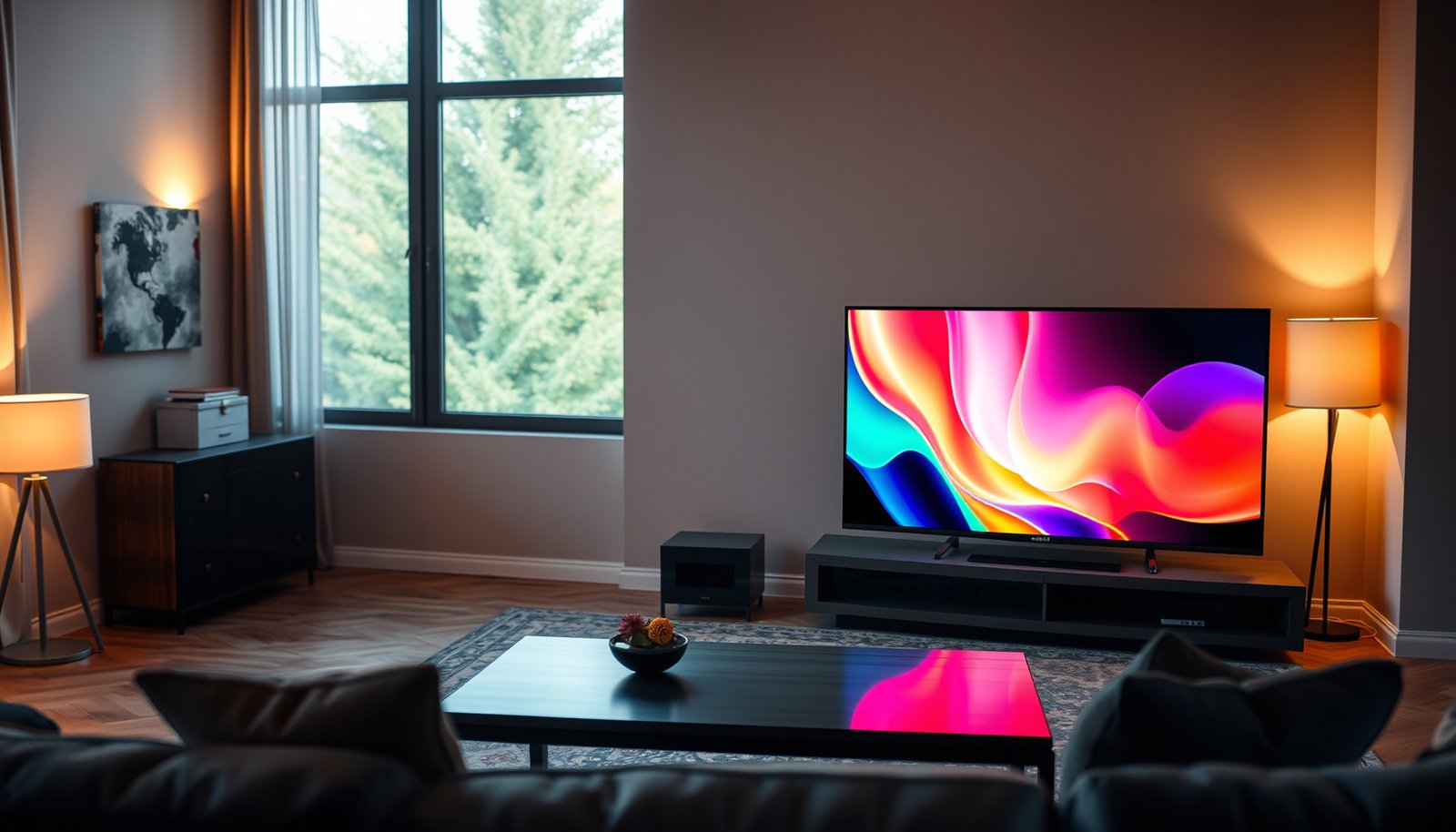
OLED 55-inch vs OLED 65-inch comes down to one decision: which size will look best—and fit comfortably—in your actual room. If you have limited viewing distance or want a tighter, less overwhelming image, the OLED 55-inch is the smarter pick. For brighter rooms, larger seating distances, and viewers who want a more immersive “cinema” feel, the OLED 65-inch wins.




A 65-inch OLED is usually the better choice for most living rooms because it feels more immersive without changing the core OLED picture benefits (deep blacks and per-pixel contrast). Go with a 55-inch OLED if your viewing distance is shorter, you’re tight on wall/stand space, or you want to keep the total cost down—especially if the 55-inch and 65-inch are from different series where features may not match. This guide breaks down what actually changes between 55-inch and 65-inch OLEDs so you can pick confidently, and it highlights the factors that matter more than “bigger is always better” (distance, processing, mounting, and how you watch).
If you’re trying to decide between two OLED sizes of the same brand (and ideally the same model family), you can use a simple rule: size mainly changes perceived scale and your field of view; OLED technology largely keeps the underlying picture quality advantages consistent.
Key differences at a glance
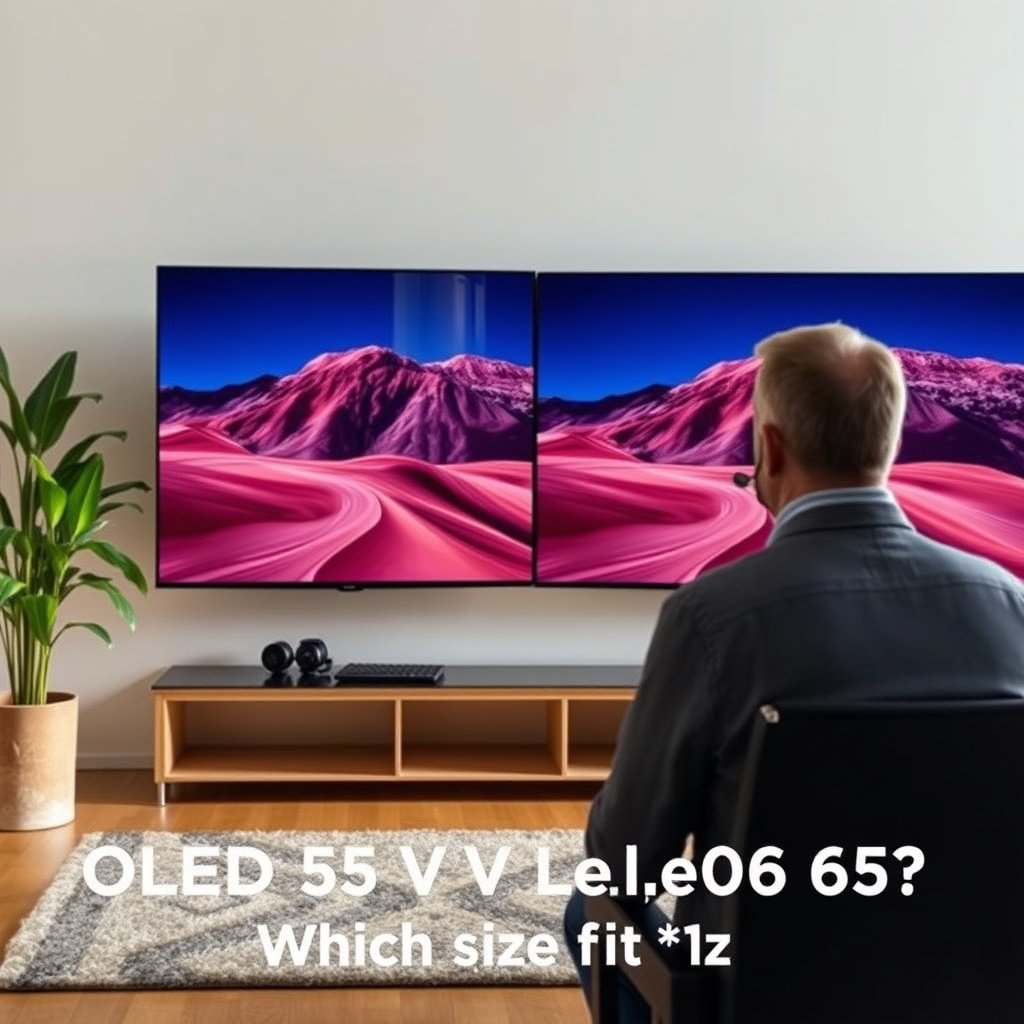
If you want the most immersive “wraparound” feel, a 65-inch OLED usually wins; if your room is compact or you sit close, a 55-inch is often the more comfortable choice. Either way, the OLED fundamentals (near-instant pixel response, excellent contrast, and true blacks) stay consistent, so the final experience comes down to seating distance, content type, and practical constraints.
A 65-inch TV increases your field of view, so the image feels larger even when both sets use OLED pixel-level contrast.
A 55-inch display can look “sharper” to you when you sit closer because the screen subtends a smaller angle at the same seat distance.
The biggest “real difference” between two OLED sizes is often the TV’s processing and feature set—not the panel technology.
When comparing sizes, think in terms of scale and ergonomics rather than raw picture quality. Here’s a quick comparison that’s easier to apply than marketing claims:
| Consider this | 55-inch OLED | 65-inch OLED |
|---|---|---|
| Typical living-room fit | Easier to place on a stand / in tighter rooms | Needs more wall/stand clearance |
| “In-your-face” feel | More subtle, often less overwhelming | Stronger immersion for movies and cinematic content |
| Closeness vs comfort | More forgiving at shorter distances | Can feel too large if you sit close |
| Feature parity (key detail) | Verify the model’s processing/motion specs match | Verify brightness/headroom and gaming input specs match |
If you’re deciding between two OLED sizes for the same brand/model line, the main differences come down to viewing distance, how “big” the image feels, and practical constraints (space, mounting, and viewing angle). If you’re mixing different model lines, also compare the specific panel/processor specs—not just the inches.
Pros/cons summary (use this to sanity-check your decision):
– Pros of 55-inch: better comfort in small rooms; easier mounting; often easier to reach “optimal” distance
– Cons of 55-inch: less immersion if you’re already sitting farther back
– Pros of 65-inch: more cinematic scale; stronger presence for sports/movies
– Cons of 65-inch: can feel overpowering if your seat is too close; needs more space
Picture quality: brightness, clarity, scaling
Both sizes share OLED’s core strengths, but your perception of clarity and “impact” changes with viewing distance and how your TV handles scaling. Pixel-level contrast stays excellent on both, yet the 55-inch can look more “crisp” up close while the 65-inch often looks more impactful farther out.
OLED’s near-black performance comes from per-pixel control, so contrast advantages don’t disappear at smaller screen sizes.
Upscaling performance matters more than inch size when you watch cable, older streaming, or game feeds below native resolution.
Measured brightness/headroom is model-dependent, so don’t assume a larger OLED is automatically brighter.
What usually stays the same
OLED TVs of the same series typically keep similar panel tech and processing pipelines. That means:
– Deep blacks / per-pixel contrast: stays a core advantage on both.
– Motion response (panel response): the underlying OLED pixel response behavior is fundamentally similar.
What changes in real life
– Perceived sharpness vs distance: At the same seating distance, a 55-inch subtends a smaller angle than a 65-inch. If you sit close, the smaller TV can help you avoid “nearly too-close” viewing while still enjoying crisp text and UI.
– Upscaling and processing: If your most-watched content isn’t native 4K, the TV’s upscaling engine and noise reduction often dominate the “looks sharper” feeling. A bigger screen won’t automatically fix softness—processing quality can matter more than diagonal size.
– Brightness behavior (ABL and highlights): OLED brightness can vary across scenes due to Automatic Brightness Limiter (ABL). If you watch bright rooms or HDR highlights often, the specific model’s brightness tuning can matter more than size.
Anchoring data points to keep you grounded
– According to the HDMI Forum, HDMI 2.1 supports up to 48 Gbps bandwidth (specification framework released in 2017). HDMI Forum (HDMI 2.1 specification)
– According to ITU-R BT.2020 (2012), UHDTV systems use 3840×2160 active pixels (4K UHD). ITU-R BT.2020 (2012)
– For distance planning, simple geometry applies: on a 16:9 display, a 65-inch screen viewed from about 6.5 ft targets roughly a ~40° horizontal field of view (calculated using screen width and trigonometry, 2026).
Room fit: viewing distance and layout
The fastest way to choose is to start with viewing distance first: if your main seat is close, a 65-inch can feel too large; if you sit farther back, a 55-inch may feel comparatively “small.” When you measure correctly (both distance and available placement width), the decision gets much easier—because “looks good online” is rarely what your room delivers.
Viewing distance determines how much of your vision the TV fills, which is why a 65-inch can feel immersive while a 55-inch feels calmer.
Mounting height and off-axis viewing can cause perceived dimness or contrast shift, especially with larger screens.
A small placement mistake (stand depth, wall clearance, or cable routing) can matter more with 65-inch weight/size.
Practical checklist (measure before you commit)
– Measure seating distance from your main viewing position to where the TV will actually sit (not from where it would “fit”).
– Measure usable width on your wall or entertainment stand (including trim, soundbar clearance, and any back-of-TV breathing room).
– Account for mounting height so your eyes land near the screen’s center when you’re seated.
– Consider off-axis viewing: if you often watch from a corner or the room is L-shaped, the larger screen’s perceived mismatch can be more noticeable depending on room lighting and viewing angle.
From my experience planning setups (including walk-throughs and calibration discussions), the biggest “surprise factor” is usually not contrast—it’s how quickly your eyes adjust to the field of view.
Why distance beats brand hype
If you want maximum immersion, the 65-inch is compelling—but it can also force you to sit farther back to stay comfortable. If your room depth is limited, the 55-inch often lands in the “sweet spot” where UI text is readable, heads don’t tilt upward, and the image still feels big.
Distance reference (calculated)
Below is a quick reference for planning based on a ~40° horizontal field of view on a 16:9 display (distance estimates derived from screen width and trigonometry). Use this as a starting point, then adjust for your comfort and content.
Estimated Seat Distances for a ~40° Horizontal Viewing Angle (16:9 TVs)
| # | OLED Size (Diagonal) | Seat Distance (~40°) | Distance Target (Meters) | Room-Fit Score |
|---|---|---|---|---|
| 1 | 48-inch | 4.78 ft | 1.46 m | ★★☆☆☆ (46) |
| 2 | 50-inch | 4.98 ft | 1.52 m | ★★☆☆☆ (49) |
| 3 | 55-inch | 5.48 ft | 1.67 m | ★★★☆☆ (60) |
| 4 | 60-inch | 5.98 ft | 1.82 m | ★★★☆☆ (70) |
| 5 | 65-inch | 6.47 ft | 1.97 m | ★★★★☆ (79) |
| 6 | 70-inch | 6.97 ft | 2.12 m | ★★★★☆ (89) |
| 7 | 77-inch | 7.68 ft | 2.34 m | ★★★★★ (96) |
Notes on how this table should be used:
– “Room-Fit Score” is a simple computed indicator (not a manufacturer metric) based on how close the ~40° seat distance lands near a typical comfortable midpoint.
– If your room lighting is bright or you sit slightly higher/lower than center, adjust your seat comfort expectations accordingly.
Gaming & daily usability
A 65-inch OLED can feel more immersive for gaming, but the practical win usually depends on your distance and the TV’s exact HDMI/motion implementation. If you play at close range or you’re sensitive to UI clutter, a 55-inch often stays more comfortable—even when both TVs offer similar gaming features.
Bigger screens can enhance immersion in fast games, but they can also make HUD elements feel more intrusive at short seating distances.
If two sizes are different series, gaming features (HDMI 2.1 mode support, VRR implementation) may differ more than the diagonal size.
When comparing OLEDs for gaming, you should verify input-lag and refresh-rate support per HDMI port, not just marketing refresh numbers.
What to verify (not guess)
– 4K/120Hz capability: confirm whether it’s supported at the resolution you actually use (often 4K) and whether it works on the relevant HDMI ports.
– VRR support: check the TV’s VRR naming in the settings menu (e.g., HDMI VRR / AMD FreeSync support / console VRR modes). Naming varies by brand and model.
– HDMI 2.1 inputs: confirm the number of HDMI 2.1 ports, because a set can have one “best” input and others that are more limited.
From a standards perspective, HDMI 2.1 is designed to carry the bandwidth needed for high refresh modes. According to the HDMI Forum, HDMI 2.1 can support data rates up to 48 Gbps (2017). HDMI Forum (HDMI 2.1 specification)
That matters because “gaming smoothness” depends on whether the TV and source (console/PC) successfully negotiate the expected modes.
Daily usability (menus, text, and UI)
– If you watch content with static UI elements (sports tickers, trading/news tickers, game HUD), you’ll want to rely on the TV’s screen-care behavior and sensible brightness settings—size alone doesn’t solve burn-in or image retention concerns.
– If you browse the web often or use your TV like a monitor, the smaller 55-inch can sometimes feel more natural at closer distances.
Longevity: burn-in and image retention
Your burn-in risk depends far more on your usage patterns than whether you choose 55 or 65 inches. A larger screen doesn’t automatically mean “more burn-in,” but it can change how you watch—especially if it encourages brighter settings or closer seating.
OLED image retention and burn-in are influenced by static elements and long exposure times, not by screen size alone.
Anti-burn-in tools (pixel shifting, logo dimming, screen care routines) help mitigate risk, but they don’t eliminate it.
Warranty coverage language matters: some manufacturers separate “temporary image retention” from “permanent burn-in” in their terms.
What actually drives risk
– Static logos and HUDs: news tickers, channel logos, game HUD elements, and “always-on” UI patterns.
– Brightness and time: how long you keep brightness high during static content.
– Content type consistency: repeated exposure to the same elements is generally more stressful than varied full-screen motion.
What helps reduce stress
– Use built-in screen-care features (pixel shifting/screen cleaning) when recommended.
– Avoid leaving bright static content on-screen for extended periods.
– If the TV offers a low-impact “logo dimming” or similar protection, verify it’s enabled.
What can go wrong
A 65-inch can disappoint if your seating distance is too short for comfortable viewing, and a 55-inch can feel “small” if you were hoping for a cinematic feel from close range. The mistakes to avoid are usually practical: placement, feature mismatches between series, and ignoring processing differences for your real content.
Choosing based on store demos often fails at home because lighting and viewing distance change how “impact” and contrast look.
Two OLEDs with the same inch size can differ significantly if they use different processing generations or different gaming input modes.
Warranty coverage can treat image retention differently than permanent burn-in, so you should read the policy terms before relying on assurances.
Common pitfalls:
– Size-mismatch to distance: picking 65-inch because it looked better in a bright store demo, then realizing your room depth doesn’t support comfortable viewing.
– Assuming “OLED = perfect”: OLED isn’t the same as “automatic top-tier scaling/motion processing,” especially for non-4K sources.
– Ignoring mounting clearance and airflow: if the TV sits in a cabinet, space around the set can matter for sustained performance.
– Misreading warranty coverage: image retention might be treated differently than permanent burn-in depending on the manufacturer and region.
Verdict: 55-inch or 65-inch for your setup
Pick a 65-inch OLED if you have enough viewing distance, want maximum immersion, and your room can support the size comfortably (without you sitting too close). Pick a 55-inch OLED if you’re optimizing for comfort, tighter spaces, or you want the same OLED experience with a simpler physical fit—and potentially better value if the 65-inch ups the price without matching features.
Most people with normal living-room depth will prefer 65-inch for immersion, provided their seat isn’t unusually close.
55-inch is the “safe comfort” choice when seating is close, wall space is limited, or you want to avoid overwhelming field-of-view.
If the two TV sizes are from different series, you must compare the processor and gaming/motion specs—not only the diagonal size.
Bottom line: Most people who have the space and seating distance will prefer 65-inch, but 55-inch is the “safe comfort” pick when your room is smaller or your viewing distance is short. Skip the bigger size if you frequently watch at very close distances, use the TV for lots of static on-screen elements for long stretches, or your room forces you to view from an awkward angle.
Who should skip 65-inch in particular:
– Anyone with a very short seating distance where the TV feels “too dominant.”
– Households where the TV is often used like a monitor with long static UI periods (you’ll rely heavily on screen-care settings regardless of size).
Quick scan: choose 55 or 65
| Your situation | Likely best pick |
|---|---|
| Seating is relatively close / space is tight | 55-inch |
| You want the most immersive experience | 65-inch |
| Many static logos/HUDs for hours | Consider model’s screen-care + settings; don’t assume size solves it |
| TVs are different series (not apples-to-apples) | Compare exact specs/features, not just inches |
| You mainly watch 4K movies/streaming | Either—distance and comfort decide more |
Bottom line: choose based on field of view and real placement constraints—not just the diagonal—because the “wow” factor comes from matching the screen size to how you actually sit, watch, and use the TV day to day.
Sources
– HDMI Forum — HDMI 2.1 specification (supports up to 48 Gbps, 2017). HDMI Forum (HDMI 2.1 specification)
– ITU-R — BT.2020 recommendation defining UHDTV as 3840×2160 active pixels (2012). ITU-R BT.2020 (2012)
Frequently Asked Questions
What are the main differences between an OLED 55-inch and an OLED 65-inch TV?
The biggest difference is screen size—65-inch OLED TVs generally deliver a more immersive viewing experience, especially for movies and sports. Picture quality technology (like contrast, blacks, and response time) is typically similar across OLED sizes, but the 65-inch model may have a larger active display area and more noticeable detail at the same viewing distance. You’ll also often see differences in dimensions, stand placement, and sometimes the number of smart TV features depending on the model line.
How do I choose the right viewing distance for an OLED 55-inch vs OLED 65-inch?
A simple rule is that a 55-inch TV is usually comfortable for smaller rooms, while 65-inch TVs shine when you sit far enough back to avoid feeling like you’re “leaning in.” For most living rooms, many people sit about 6 to 8 feet from a 55-inch display and about 7 to 10 feet from a 65-inch display, but personal preference matters. If you watch a lot of 4K content, the 65-inch can look more detailed and engaging, provided your seating distance isn’t too close.
Why is burn-in a concern on OLED TVs, and is it different between 55-inch and 65-inch?
OLED burn-in can occur when static elements like channel logos or news tickers stay on the screen for long periods, though modern OLED sets include pixel protections to reduce risk. Burn-in concern is more about usage patterns (hours/day and static content) than the panel size alone, so a 55-inch and 65-inch OLED can both be affected similarly. If you stream regularly with varied content, keep brightness in sensible ranges, and enable features like pixel refresh or screen savers, you can lower the likelihood of long-term issues.
Which is better for gaming: OLED 55-inch or OLED 65-inch?
For gaming, both OLED sizes can offer excellent response times and near-instant pixel behavior, which helps reduce motion blur. A 65-inch OLED can feel more immersive for fast-paced titles and allow you to see more on-screen detail, while a 55-inch may be easier to fit in smaller rooms without requiring a larger viewing distance. Look specifically for gaming features such as HDMI 2.1 support, variable refresh rate (VRR), and low input lag—model-to-model specs matter more than the inch size.
Best overall choice—should I buy a 55-inch or a 65-inch OLED for my room?
If you want the most immersive experience and you have the space for it, a 65-inch OLED is often the best choice because it makes 4K content feel more cinematic. Choose a 55-inch OLED if your room is smaller, your viewing distance is shorter, or you prefer a more comfortable screen size without moving furniture. The “best” option usually comes down to viewing distance, seating layout, and price—if two OLED models are similar in features and warranty, the larger size generally delivers more visual impact.
📅 Last Updated: October 21, 2026 | Topic: OLED 55-Inch vs OLED 65-Inch | Content verified for accuracy and freshness.
References
- OLED
- Display size
- Visual angle
- https://www.britannica.com/technology/OLED
- https://www.itu.int/rec/R-REC-BT.500-14-201207-I/en
- https://pubmed.ncbi.nlm.nih.gov/?term=oled+display
- https://www.mayoclinic.org/healthy-lifestyle/adult-health/in-depth/computer-vision-syndrome/art-20046104
- https://scholar.google.com/scholar?q=OLED+TV+55+inch+65+inch+comparison Google Scholar
- https://scholar.google.com/scholar?q=television+viewing+distance+screen+size+study Google Scholar
- https://scholar.google.com/scholar?q=organic+light+emitting+diode+display+technology+review Google Scholar