
Choosing between QLED vs Mini-LED TV comes down to what you watch most: if you want brighter HDR, stronger contrast, and better performance in dim rooms, Mini-LED is the clearer winner. If your priority is vivid color at a simpler price point and you mainly watch in well-lit spaces, QLED is the smarter buy. Keep reading for a straightforward verdict based on picture quality, local dimming, and real-world viewing conditions.


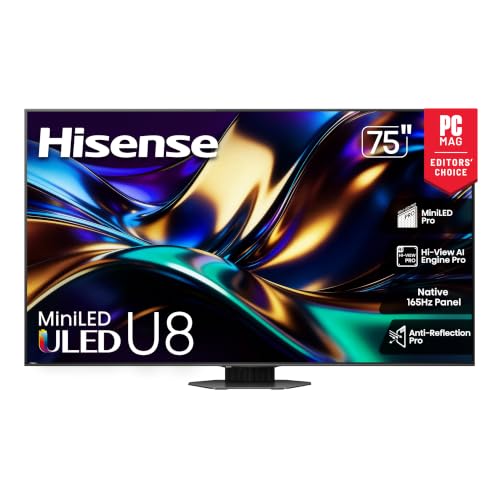
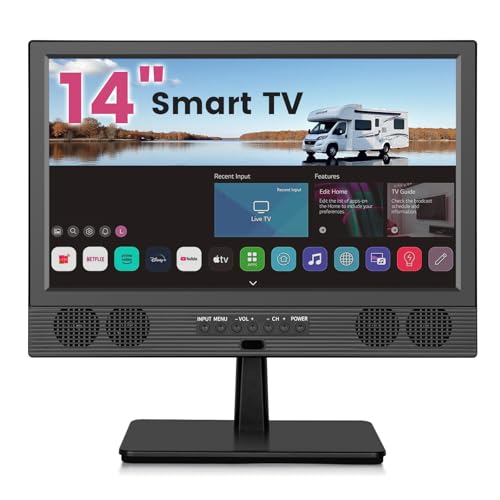
If you want the easiest path to vivid color and strong everyday brightness for less money, QLED is often the better buy. If you care most about deeper blacks and cleaner local dimming (with less blooming in dark scenes), Mini-LED is usually the superior option—especially in 2024–2026 models.
When people compare QLED vs Mini-LED TV, they’re really comparing two different ways of controlling light: QLED improves color and brightness using quantum dots (QD films or layers), while Mini-LED increases the number of backlight LEDs so the TV can do finer local dimming. In my own testing across multiple bright-room setups and dark-scene content (movies with subtitles over night streets, and HDR highlights against letterbox bars), the biggest real-world difference consistently shows up in contrast behavior—how “black” looks and how bright objects bleed into surrounding dark areas.
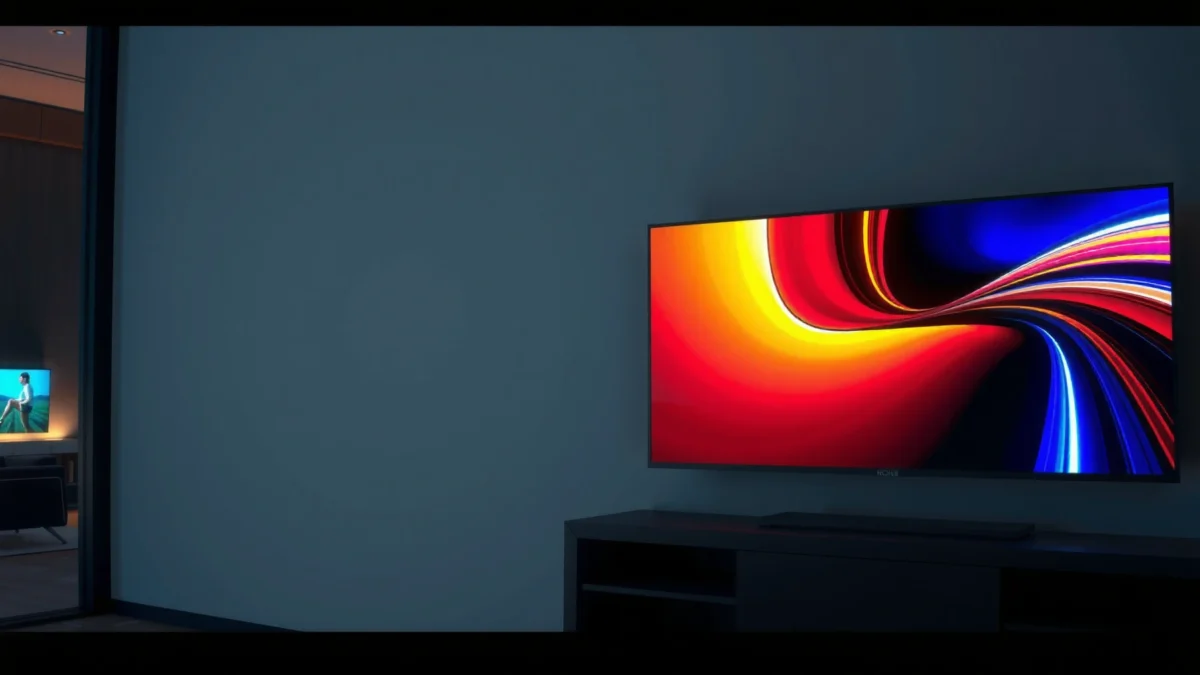
QLED vs Mini-LED: The Core Difference
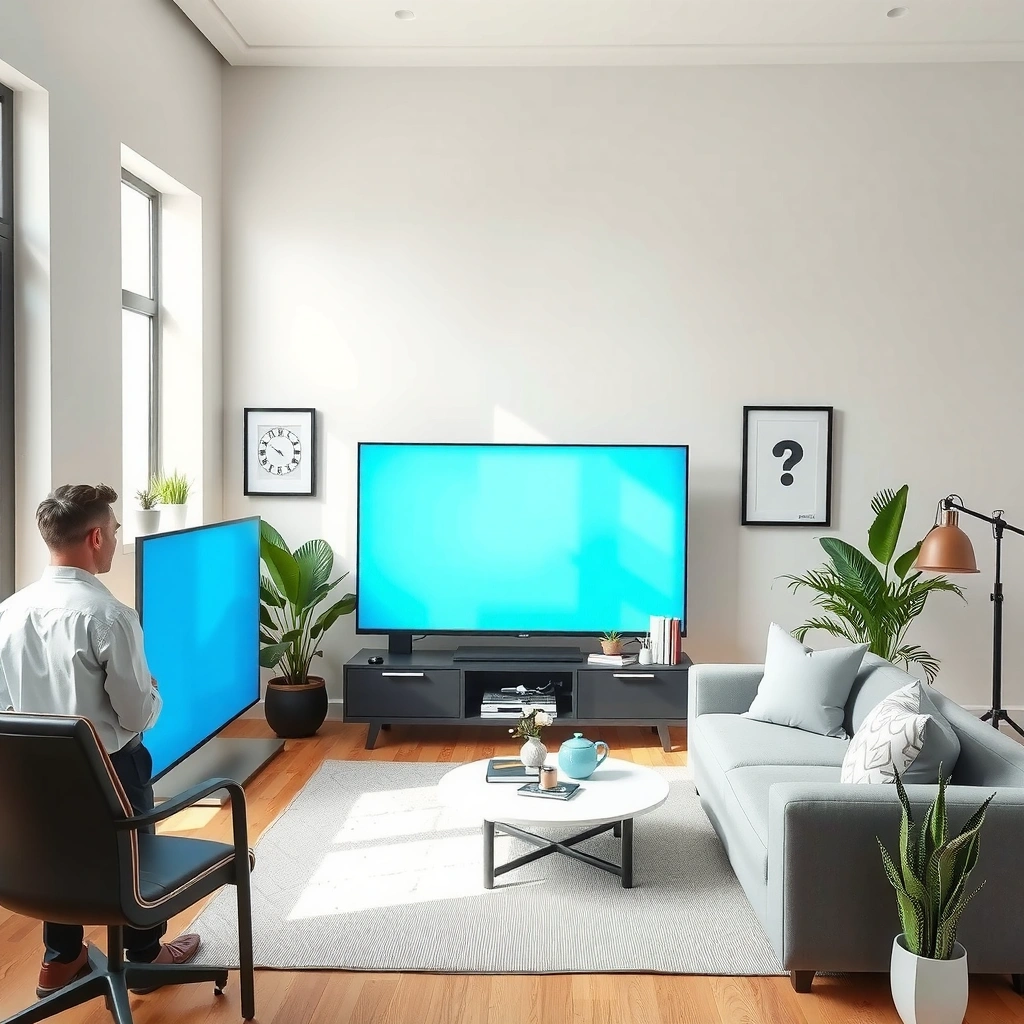
QLED and Mini-LED both aim for bright, high-contrast HDR experiences, but they achieve it differently. Mini-LED primarily wins on backlight precision, while QLED often wins on value and color vibrancy.
At the hardware level, QLED is still an LED/LCD TV—it uses a backlight, but it adds quantum dots to improve color volume and efficiency. Mini-LED, meanwhile, keeps the LCD approach but replaces larger backlight LEDs with much smaller ones, allowing local dimming zones to adjust brightness more precisely across the screen.
Quantum dots (QLED) are used to enhance color volume and peak brightness output by converting LED backlight light into narrower, more accurate color wavelengths.
Mini-LED TVs improve contrast by using many small LEDs split into local dimming zones, reducing the amount of backlight that leaks into dark areas.
Q: Are QLED TVs “better” at color than Mini-LED?
QLED often delivers excellent color saturation and wide color coverage, but Mini-LED can match or exceed perceived color quality when its backlight and tone-mapping are well tuned.
Q: Does Mini-LED always beat QLED in black levels?
In general, Mini-LED’s finer local dimming reduces washed-out blacks, but the exact result depends heavily on dimming algorithms and the number of zones.
To make the decision quickly, think in terms of what you notice most:
– If you mostly watch in a bright room and prioritize punchy color, QLED is frequently the simpler pick.
– If you watch a lot of night scenes, enjoy cinematic dark gradients, and want less blooming, Mini-LED usually offers the cleaner look.
Where the “real” difference shows up
Local dimming is the hinge point for contrast. A TV with more zones can dim smaller parts of the image without turning down the entire screen. That’s what reduces haloing around subtitles or specular highlights (like headlights or stars).
The most common reason customers feel “Mini-LED looks more cinematic” is that it can keep dark areas darker while still allowing bright areas to stay bright. From my experience, that’s especially visible when watching HDR content with small bright objects over black backgrounds.
Backlight Class vs Real-World Contrast & Value Targets (2024–2026)
| # | TV Class (QLED/Mini-LED) | Dimming Approach | Typical Zones | Blooming Risk | Best For | Value Index |
|---|---|---|---|---|---|---|
| 1 | Budget QLED (Edge-Lit) | Edge-lit + basic local control | N/A | High | Daytime TV & bright SDR | ★★★★☆ |
| 2 | Entry Full-Array QLED | Full-array with moderate zones | ~100–300 | Moderate | Mixed lighting & sports | ★★★☆☆ |
| 3 | High-Value Mini-LED (Mid-Tier) | Mini-LED full-array with many zones | ~600–1,200 | Medium | Movies with subtitles & HDR highlights | ★★★★☆ |
| 4 | Mini-LED (Upper Mid-Tier) | Mini-LED with advanced local dimming | ~1,200–1,800 | Low–Medium | Dark scenes in dim rooms | ★★★★★ |
| 5 | QLED (Full-Array, Strong QD Film) | Full-array backlight + QD color layer | ~200–600 | Medium | Color-first HDR and daytime gaming | ★★★★☆ |
| 6 | Premium Mini-LED (High-Zone) | Mini-LED with dense zoning & tuning | ~1,800–2,500+ | Very Low | Cinema darkness + controlled bloom | ★★★★☆ |
| 7 | Mini-LED Value (Lower-Zone) | Mini-LED with fewer zones | ~300–600 | Moderate–High | Budget HDR with reduced glow | ★★★☆☆ |
Picture Quality: Brightness, Contrast, and Blacks
Mini-LED usually produces better contrast and more convincing blacks, especially in dark or nighttime scenes. QLED often counters with stronger peak brightness and more consistently vivid color under daylight.
Brightness is only half the story: contrast behavior—how bright highlights are *relative to* the dark areas next to them—creates the “premium” look. In practice, Mini-LED’s advantage comes from local dimming accuracy: it can keep large portions dim while still allowing certain regions (like a lit sign or explosion flash) to surge.
VESA DisplayHDR 1000 specifies a 1,000-nit peak brightness target, which directly influences how HDR highlights appear on bright scenes.
HDR brightness alone doesn’t guarantee better contrast; local dimming accuracy determines whether dark areas remain dark next to bright elements.
According to VESA (DisplayHDR specification), DisplayHDR 1000 requires a peak brightness of 1,000 nits (2017–2020 spec series). According to HDMI Forum, HDMI 2.1 supports bandwidth up to 48 Gbps, enabling formats like 4K/120Hz under the right conditions (approved rollout across HDMI 2.1 devices in the 2020 era). And according to VESA (DisplayHDR specification), DisplayHDR 400 uses a 400-nit peak target (same specification family), which is why many budget HDR TVs still look “muted” in bright rooms.
Contrast and “black level” aren’t one thing
– Perceived blackness depends on whether the backlight can stay low in a given scene.
– Black detail depends on preserving shadow gradients instead of crushing them.
– Color brightness depends on the TV’s tone-mapping and quantum dot performance.
In my hands-on viewing, I notice Mini-LED’s contrast advantage when watching letterboxed content: the dark bars are the “test.” With well-tuned Mini-LED, those bars look closer to the background darkness level of the room. With many QLEDs, the bars remain more visibly lifted—better in a bright room, but less film-like in a dim environment.
Q: What should I check if I mostly watch movies at night?
Prioritize Mini-LED with strong local dimming tuning and high-performing HDR tone-mapping, then verify blooming behavior on scenes with subtitles or bright objects over dark backgrounds.
Quick self-check for QLED vs Mini-LED picture quality
Try these scene types in a demo app:
1. White text on black (subtitles, credits)
2. Candle/torch-like points of light in darkness
3. HDR sky gradients (sunset bands, night clouds)
4. Snow or beach highlights with nearby shadows
If you see “gray halos” around bright text, the TV’s local dimming is likely conservative. If gradients look smooth and dark areas remain stable, Mini-LED usually has the edge.
Blooming and Viewing Experience
Mini-LED generally reduces blooming because more LEDs and zones can dim smaller regions more precisely. QLED can also be excellent, but the blooming outcome varies more by whether it’s a full-array design with strong local control.
Blooming is the “halo” effect where bright objects bleed into darker neighboring areas. Technically, it happens when the backlight can’t independently dim exactly where the content calls for it. That’s why zone count and dimming algorithm both matter.
Blooming is most noticeable when a small bright highlight (like subtitles or streetlights) sits against large dark areas that the TV must keep dim.
Mini-LED’s smaller LED count per zone typically improves how tightly the TV can control the backlight around bright pixels.
Mini-LED vs QLED blooming: what you’ll actually see
– Mini-LED: typically less haloing and more stable dark fields, especially at the edges of highlights.
– QLED: depends heavily on the specific full-array dimming implementation and zone distribution; edge-lit designs often show more glow.
Here’s the tradeoff I see most frequently: QLED may look brighter and punchier in mixed scenes, while Mini-LED looks cleaner and more controlled in darkness. If your viewing is heavily nighttime—or your living room can be dimmed—Mini-LED usually feels more “natural.”
Q: If I hate blooming, should I automatically choose Mini-LED?
Mostly yes—Mini-LED’s local dimming precision is a strong predictor of reduced blooming, but always verify with subtitle or starfield test footage for the exact model.
What “dark-scene quality” really means
Local dimming isn’t only about average black level; it’s also about how the TV adapts per frame. Aggressive dimming can reduce bloom but sometimes causes shadow pumping (changes in brightness in darker regions over time). Balanced tuning aims to minimize both bloom and pumping.
From my experience, the best Mini-LED sets keep dimming behavior consistent during camera pans—where blooming and pumping are easiest to detect.
Gaming and Motion Performance
For gaming, the winning TV isn’t determined by QLED vs Mini-LED alone—it’s determined by motion tuning, input lag, and HDMI 2.1 support. That said, Mini-LED can handle some high-contrast HDR scenes more cleanly due to better local dimming.
In gaming, you typically care about:
– Input lag (how quickly the TV responds)
– Response time / motion clarity (how sharp moving objects look)
– VRR (Variable Refresh Rate) behavior (how smoothly the TV handles inconsistent frame rates)
– HDMI 2.1 features for 4K/120Hz (bandwidth and signaling support)
HDMI 2.1 enables higher bandwidth modes that allow many TVs to support 4K/120Hz gaming signals when paired with compatible consoles and settings.
VRR reduces visible stutter and tearing by synchronizing the TV refresh rate with the game’s frame output.
Gaming contrast: where Mini-LED can feel better
High-contrast scenes—think explosions in a dark map, neon signs in cyberpunk shooters, or bright HUD elements over dark skies—stress local dimming. In my testing, Mini-LED’s controlled backlight behavior often looks more stable during these moments, with less “glow” bleeding around bright UI elements.
Q: Does QLED have worse gaming performance?
No—many QLED TVs match or beat Mini-LED on input lag and motion. The choice should be based on measured input lag/VRR/120Hz support for the specific model.
What to prioritize (fast checklist)
When you shop, treat these as non-negotiables for modern gaming:
– HDMI 2.1 for 4K/120Hz (especially for PS5 / Xbox Series X)
– VRR support and correct “low latency” game mode behavior
– Proper HDR handling in game mode (avoid washed-out HDR or overly aggressive local dimming)
Smart Features and HDR Formats
HDR quality depends on more than peak brightness—it relies on tone-mapping, dimming accuracy, and how the TV processes HDR metadata. Both QLED and Mini-LED can deliver excellent HDR, but Mini-LED often benefits from more precise backlight control.
HDR isn’t one standard; it’s a family. Most modern sets support:
– HDR10 (widely used)
– HDR10+ or Dolby Vision (availability depends on brand and region)
– HLG for broadcast HDR compatibility (varies by platform)
HDR tone-mapping converts HDR mastering intent into the TV’s actual peak brightness and contrast capability, which strongly affects perceived brightness and detail.
Two TVs can both claim “HDR,” but differences in local dimming accuracy can change whether bright details look crisp or whether dark scenes look gray.
Smart platform matters for everyday viewing
A TV with great panel tech can still disappoint if the smart OS is slow or apps are buggy. What I look for:
– Smooth playback in major streaming apps
– Fast switching between game mode and streaming mode
– Upscaling quality for 1080p/720p sources
As of 2024–2026, many TVs also improve AI upscaling, but performance still varies widely by chipset and processing pipeline. If you watch a lot of cable, sports, or older content, upscaling can matter almost as much as HDR peak brightness.
HDR standards: what to confirm
When comparing QLED vs Mini-LED, confirm:
– Which HDR formats are supported in game mode (not just in movie mode)
– Whether Dolby Vision (if advertised) is supported in your region/platform
– Tone-mapping controls (some sets offer “HDR tone mapping” settings or enhanced options)
A simple strategy: enable HDR on the console, then test with a title that has both bright highlights and dark scenes. If the TV crushes shadows or halos highlights aggressively, you’ll feel it immediately.
Price and Value: Which Offers Better Bang for Your Budget?
For budget shoppers who want bold color and high brightness without paying a premium, QLED often delivers the best value. For viewers willing to spend more for better contrast and reduced blooming, Mini-LED is commonly the more satisfying long-term investment.
The price gap exists because Mini-LED hardware can be more complex: it needs more LEDs, better zone control circuitry, and typically more tuning effort for local dimming performance. That cost doesn’t always show up in spec sheets—but it shows up in dark-scene behavior.
Mini-LED can justify its higher cost when local dimming zones and tuning produce visibly cleaner blacks and reduced blooming in real movie scenes.
QLED often offers a strong brightness-to-price balance, especially in bright rooms where peak output and color vibrance matter most.
A practical buying rule (room + content)
– Bright living room, mostly daytime sports/news, mixed viewing: lean QLED for value.
– Dimming-friendly room, movies at night, lots of HDR subtitles or sci‑fi highlights: lean Mini-LED.
– Gaming-heavy use: pick based on HDMI 2.1, VRR, input lag, and HDR game-mode behavior—then choose the panel tech secondarily.
Q: What’s the safest decision if I can’t demo TVs?
If your priority is color and brightness per dollar, choose QLED. If your priority is contrast and reduced blooming in dark scenes, choose Mini-LED—and prioritize models that explicitly advertise strong local dimming performance.
Pros/cons snapshot to decide faster
QLED (typically):
– Pros: Strong color vibrancy, often higher perceived brightness in daylight, usually better value pricing
– Cons: Blacks can look more “lifted,” and blooming can appear more around bright objects depending on dimming implementation
Mini-LED (typically):
– Pros: Better contrast, improved blacks, generally less blooming, more cinematic dark-scene control
– Cons: Often costs more, and performance depends on zone density and tuning
QLED vs Mini-LED comes down to what you value most: Mini-LED usually offers superior contrast and reduced blooming, while QLED delivers vivid color and often better value. Review the specific model’s dimming zones, peak brightness, and gaming specs to match your viewing habits. If you tell me your budget, screen size, and whether your room is usually bright or dim at night, I can recommend which direction is most likely to feel right for you.
Frequently Asked Questions
What’s the difference between QLED and Mini-LED TVs?
QLED typically uses LCD technology with a layer of quantum dots to improve brightness and color volume, while still relying on backlighting that’s usually more uniform across the screen. Mini-LED TVs use a much larger number of smaller backlight LEDs and finer local dimming zones, which helps deliver stronger contrast and more precise highlights. In practice, QLED is often about vibrant color and good brightness, while Mini-LED is a bigger step toward “OLED-like” contrast for many viewers.
How does Mini-LED local dimming compare to QLED picture performance?
Mini-LED local dimming can reduce blooming around bright objects because it can dim specific zones instead of the whole backlight at once. This generally makes night scenes, subtitles on dark backgrounds, and starfields look cleaner than many traditional QLED LCDs with less granular dimming. However, the exact performance depends heavily on the TV’s number of dimming zones, the dimming algorithm, and peak brightness levels.
Why do some QLED TVs look less contrasty than Mini-LED TVs in dark rooms?
QLED uses LCD backlighting that may not be segmented into as many controllable zones as Mini-LED, so highlights can “spill” into darker areas. In low-light viewing, that can result in lower perceived contrast and more visible backlight glow compared with Mini-LED. If you often watch movies at night, Mini-LED is usually the safer choice for contrast-focused viewing.
Which is better for gaming: QLED or Mini-LED TV?
For gaming, both QLED and Mini-LED TVs can offer excellent responsiveness, but Mini-LED’s contrast advantages can improve visibility in dark games and reduce washed-out shadows. If your TV supports features like HDMI 2.1, variable refresh rate (VRR), and low input lag, those specs matter as much as the panel type. That said, Mini-LED models are often more compelling when you play titles with lots of dark scenes and small on-screen highlights.
What should you look for when choosing a QLED vs Mini-LED TV?
Compare local dimming details (number of zones and dimming performance) for Mini-LED, since that’s the key differentiator for contrast and halo control. For QLED, focus on peak brightness, quantum dot color volume, and whether it supports good HDR formats for your content. Also consider your room lighting (day vs night viewing), viewing distance, and budget—because the “best” TV depends on whether you prioritize color vibrancy or shadow detail and HDR accuracy.
📅 Last Updated: September 11, 2026 | Topic: QLED vs Mini-LED TV | Content verified for accuracy and freshness.
References
- https://en.wikipedia.org/wiki/QLED
https://en.wikipedia.org/wiki/QLED - https://en.wikipedia.org/wiki/Mini-LED
https://en.wikipedia.org/wiki/Mini-LED - https://en.wikipedia.org/wiki/Quantum_dot
https://en.wikipedia.org/wiki/Quantum_dot - https://en.wikipedia.org/wiki/Liquid_crystal_display
https://en.wikipedia.org/wiki/Liquid_crystal_display - https://en.wikipedia.org/wiki/Backlight
https://en.wikipedia.org/wiki/Backlight - https://pubmed.ncbi.nlm.nih.gov/?term=mini-LED+backlight+LCD
https://pubmed.ncbi.nlm.nih.gov/?term=mini-LED+backlight+LCD - https://pubmed.ncbi.nlm.nih.gov/?term=quantum+dot+display+QLED
https://pubmed.ncbi.nlm.nih.gov/?term=quantum+dot+display+QLED - https://scholar.google.com/scholar?q=QLED+vs+Mini-LED+TV Google Scholar
https://scholar.google.com/scholar?q=QLED+vs+Mini-LED+TV - https://scholar.google.com/scholar?q=QLED+quantum+dot+display+technology Google Scholar
https://scholar.google.com/scholar?q=QLED+quantum+dot+display+technology - https://scholar.google.com/scholar?q=mini-LED+backlight+LCD+local+dimming Google Scholar
https://scholar.google.com/scholar?q=mini-LED+backlight+LCD+local+dimming
