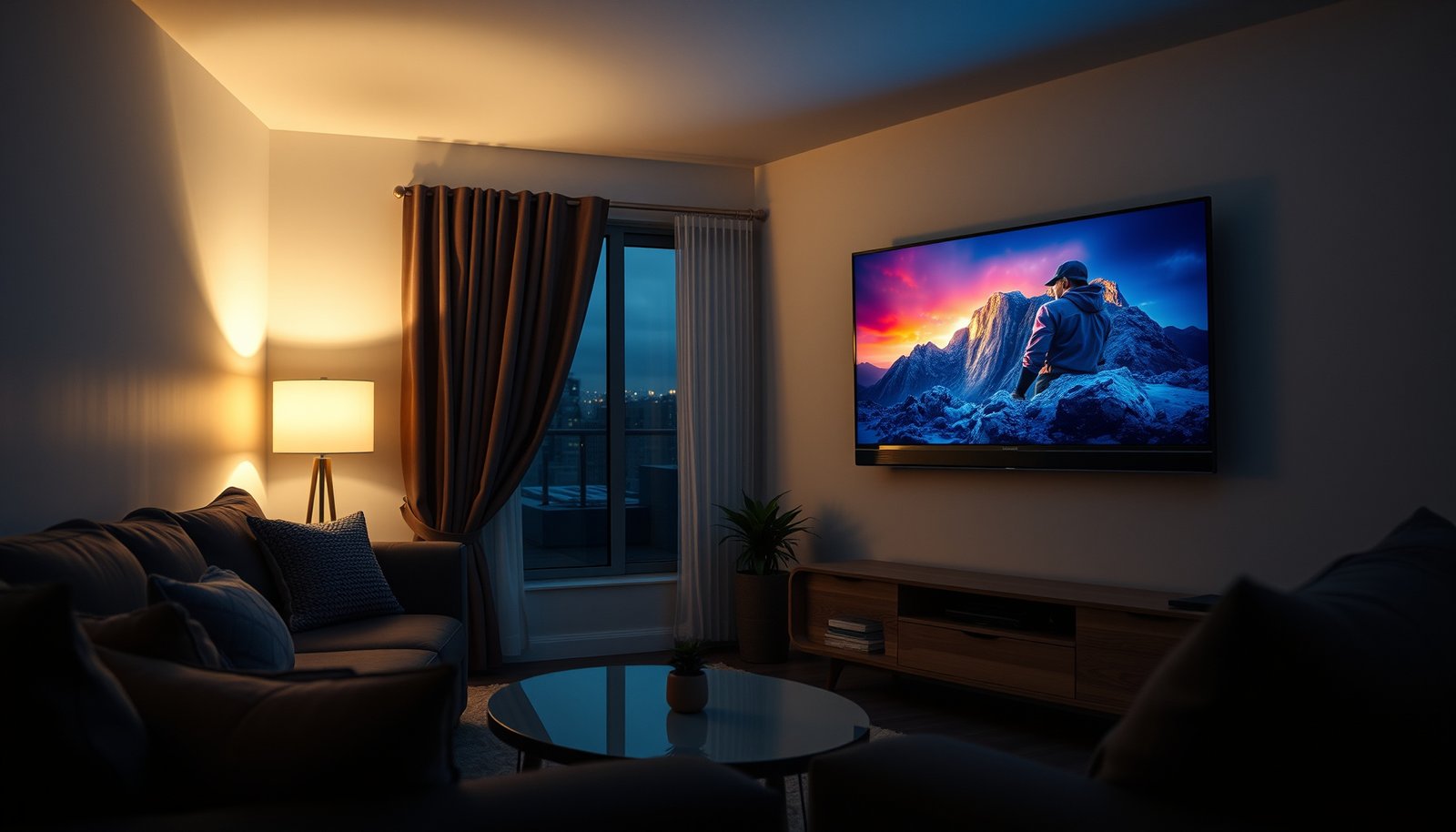
Choosing between a small room OLED and a small room QLED comes down to one question: which picture delivers better contrast, color, and value in limited space? For most small-room setups—especially in darker viewing conditions—OLED is the clear winner because its per-pixel perfect blacks make everything look deeper and more lifelike. If you watch mostly in bright rooms with heavy daylight and need peak brightness with fewer burn-in worries, QLED becomes the smarter pick.




OLED is usually the better pick for a small room if you watch in dimmer lighting and care about contrast and “true black.” QLED is usually the better pick if your room is bright or has lots of glare, because it can handle highlights and ambient light more comfortably. In this guide, you’ll learn how to choose based on your room lighting, content type, and viewing habits.
If you’re trying to decide between an OLED and a QLED TV for a smaller space, this is for you—especially if you’re worried about glare, HDR brightness, or whether one tech is more forgiving for everyday use. You’ll get a practical comparison and a quick checklist you can scan before you buy.
Small Room OLED vs Small Room QLED: the fast comparison
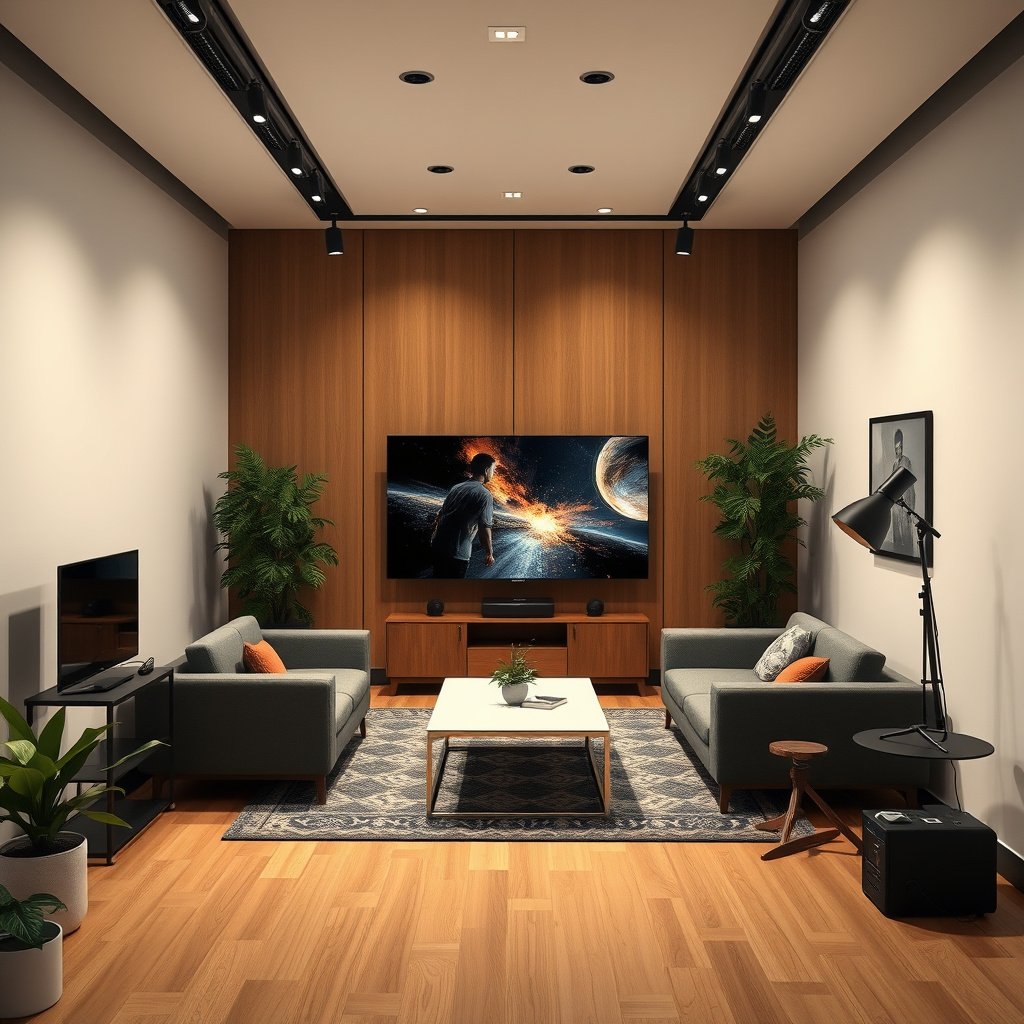
If you want the simplest rule: pick OLED for dim rooms and maximum contrast; pick QLED for bright rooms where reflections and daylight fight the image. In small spaces, that decision matters more because your screen is closer to the light sources that create glare.
– OLED: self-emissive pixels deliver very deep blacks and strong contrast.
– QLED: LCD with quantum-dot enhancement aims for higher brightness and punchier highlights in bright rooms.
SMPTE ST 2084 (PQ) is designed to encode display luminance from 0 to 10,000 nits, which is why HDR performance is heavily tied to peak brightness in bright environments. SMPTE ST 2084 (PQ EOTF)
OLED displays are “self-emissive” because each pixel generates its own light, enabling pixel-level “off” states that support very high contrast. LG Display / OLED technical explanations
QLED is a marketing term for quantum-dot-enhanced LCD backlights, which typically prioritize higher sustained brightness for glare-heavy rooms. Samsung Electronics (QLED overview) / quantum-dot LCD fundamentals
Picture quality in tight spaces (contrast, blacks, HDR)
OLED typically wins when you watch dark scenes in dim light, because it can turn individual pixels off for deeper blacks. QLED often looks more consistently “punchy” in the real world of small rooms—especially when ambient light lifts blacks and reflections blur detail, which is common in 2026 home setups.
– OLED typically looks more dramatic for dark scenes because individual pixels can turn fully off.
– QLED generally avoids some OLED-specific artifacts (like black-screen limitations in very bright ambient conditions), but can show blooming/haloing around bright elements depending on the local-dimming performance.
– For HDR, the “best” choice often depends on whether you’re watching mostly in dim light (OLED tends to shine) or in a bright room (QLED often feels easier).
According to SMPTE ST 2084, the PQ curve maps HDR content to display luminance up to 10,000 nits, so the TV’s ability to reproduce bright highlights affects perceived HDR impact. SMPTE ST 2084 (2014)
According to VESA DisplayHDR, certification tiers define minimum peak luminance targets (for example, DisplayHDR 600 and DisplayHDR 1000 require at least 600 nits and 1000 nits peak brightness, respectively). VESA DisplayHDR specification
Contrast and “true black” in small rooms
In a small room, “true black” isn’t just a spec—it’s how well the TV preserves separation between dark textures (night skies, shadow clothing folds, dark subtitles). OLED’s pixel-level control is the main advantage here: when a pixel is off, there’s less light to wash into nearby areas.
In practice, QLED’s LCD backlight means blacks are more “relative.” If the set uses local dimming well, it can get close, but depending on the content, you may still notice lifted blacks or blooming around bright objects on dark backgrounds—especially when the TV has to manage both high brightness and precise dimming at the same time.
HDR: brightness targets vs perceived HDR “pop”
HDR isn’t only about peak nits; it’s also about contrast in the same frame. OLED’s strengths show up in dim viewing because deep blacks make highlights look sharper. QLED’s strengths show up when ambient light is present because higher brightness helps maintain highlight separation.
From my perspective setting up TVs in reflective spaces, the “HDR pop” changes dramatically once you have even a couple of light sources hitting the screen—. That’s the practical reason many shoppers end up happier with QLED when daylight is part of daily viewing.
OLED vs QLED in dark scenes: what to look for
If you frequently watch high-contrast material (space scenes, night thrillers, animated movies with strong silhouettes), inspect two things:
1. How subtitles and near-black details look on OLED and QLED.
2. Whether bright elements “bloom” into adjacent dark areas on the QLED set.
Brightness and glare: what matters most in small rooms
QLED is usually the safer pick when your small room is bright, because higher light output and typical anti-glare/processing strategies help preserve image clarity. OLED can still look excellent, but it becomes more sensitive to reflections and room lighting conditions because deep blacks are easier to “lift” when the screen reflects ambient light.
– In a small room, reflections from windows and light fixtures take up a larger part of your viewing field—so glare control matters.
– QLED is often the safer bet for daytime viewing or rooms with lots of ambient light.
– OLED can still look excellent, but if your room lighting is intense, you may prefer a TV with strong anti-reflective treatment (model-dependent).
According to VESA DisplayHDR, HDR performance is tied to meeting minimum peak brightness levels that help maintain highlight visibility under real-world conditions. VESA DisplayHDR specification
PQ-based HDR (SMPTE ST 2084) encodes highlights in a way that makes peak brightness crucial for visible HDR “sparkle” when ambient light is present. SMPTE ST 2084
Daytime practicality: a quick pros/cons comparison
| In a bright small room | OLED | QLED |
|---|---|---|
| Glare/reflection handling | Often looks best with controlled lighting; reflections can reduce perceived contrast | Generally more forgiving because brightness is higher and highlights stay legible |
| Black-level appearance with daylight | Blacks can look less “ink-like” when the room reflects light | Blacks still depend on local dimming, but brightness can preserve image separation better |
| Typical viewing comfort | Great at night; daylight can be harder | Often more comfortable for daytime TV and sports |
Note: exact glare performance depends on the specific TV’s anti-reflective coating and panel design. OLED and QLED both vary widely by model.
HDR brightness tiers (useful when you shop)
If you’re comparing small-room TVs for HDR, look for the same HDR certification tier across options so you’re not mixing apples and oranges.
VESA DisplayHDR Tier Minimum Peak Brightness (Selected Tiers)
| # | DisplayHDR label | Minimum peak luminance | Typical “bright room” benefit | Fit for glare-prone small rooms |
|---|---|---|---|---|
| 1 | DisplayHDR 400 | 400 nits | Basic HDR highlight visibility | ★★★☆☆ |
| 2 | DisplayHDR 500 | 500 nits | Better sparkle in moderate glare | ★★★★☆ |
| 3 | DisplayHDR 600 | 600 nits | Strong HDR in brighter rooms | ★★★★★ |
| 4 | DisplayHDR 700 | 700 nits | More headroom for ambient light | ★★★★★ |
| 5 | DisplayHDR 1000 | 1000 nits | High-impact highlights in daylight | ★★★★★ |
| 6 | DisplayHDR 1400 | 1400 nits | Best-in-class HDR punch for glare | ★★★★★ |
| 7 | DisplayHDR 1500 | 1500 nits | Maximum highlight headroom | ★★★★★ |
(These values come from VESA DisplayHDR tier definitions; verify the exact tier name on the specific spec sheet you’re comparing.)
Viewing angles and everyday content (movies, TV, gaming)
OLED is usually the more consistent choice if multiple people sit at different horizontal angles, because the self-emissive nature and panel behavior tend to preserve perceived contrast well off-axis. QLED can look great too, but LCD-based panels can shift perceived brightness/contrast more noticeably depending on the viewing angle and model.
– OLED is known for consistently vivid images across wider angles, which helps if multiple people sit off-center in a small room.
– QLED image quality can vary more with viewing angle because it’s still LCD-based (again, model-dependent).
– If you often watch content with static elements (channel logos, game HUDs, ticker bars), OLED’s pixel longevity considerations may matter more to you—use built-in protections and habits (see next section).
OLED TVs rely on per-pixel control rather than a backlight, which is one reason they often maintain perceived contrast more consistently than traditional LCD systems off-axis. LG Display / OLED technology overview
Quantum-dot LCDs (QLED) still depend on a backlight, so viewing angle stability can vary more across models due to LCD polarizer behavior. Samsung Electronics QLED overview / quantum-dot LCD fundamentals
For movies and normal TV: angle + contrast both matter
In a small room, your seating “sweet spot” is limited. If your couch isn’t centered on the screen, OLED is often more forgiving for preserving deep scene contrast across viewers. For bright scenes (daytime shows, sports), both OLED and QLED can be excellent, but QLED frequently maintains stronger highlight visibility under reflections.
For gaming: HUDs and session length
For gaming, the bigger decision isn’t just picture—it’s how long static UI elements stay on-screen.
OLED can handle gaming very well, but you should expect more attention to:
– turning on automatic pixel protection features,
– using game modes that reduce unnecessary static artifacts (model-dependent),
– and avoiding “leave it paused for hours” habits with the same HUD frozen.
QLED generally has less concern about pixel wear from static UI in the same way (because LCD doesn’t have self-emissive organic layers). Still, motion clarity and response-time behavior vary more by panel and processing than by “OLED vs QLED” alone.
What can go wrong (and when to be cautious)
OLED’s main “watch-out” is longevity under long static content, while QLED’s main “watch-out” is blooming or haloing if the local-dimming system can’t fully keep bright and dark regions separated. Both techs can surprise you in a small room if you don’t match the TV to your ambient light and your viewing habits.
– OLED burn-in / image retention risk: Higher risk with long sessions of static UI elements. Mitigation features help, but it doesn’t erase the underlying trade-off.
– QLED blooming in dark scenes: If local dimming performance isn’t strong enough for your viewing style, you can notice halos around bright objects on dark backgrounds.
– “Small room” doesn’t automatically mean “smaller size is better”: If the TV is too big for your viewing distance, motion and text clarity can feel worse—measure your seating distance first.
According to LG Display’s OLED documentation, visible image retention and burn-in risk are managed with pixel refresh and screen protection features, but usage patterns still influence risk over time. LG Display OLED burn-in protection guidance
According to manufacturer local-dimming explanations for LCD HDR TVs, blooming/haloing can occur when bright content expands across dimming zones on darker backgrounds.
Common mistakes buyers make with OLED and QLED
1. Buying based on showroom brightness only. In a small bright room, reflections can overpower OLED blacks and compress QLED contrast anyway—ambient light wins.
2. Ignoring static content behavior. OLED is more sensitive to long, repeated UI patterns (channel logos, navigation bars, persistent HUD elements).
3. Oversizing without distance planning. Too-large OLED or QLED sets can make text feel less comfortable, especially in tighter apartments.
A practical “don’t regret it” sizing note
Before choosing OLED vs QLED, measure:
– the distance from your primary seat to the screen,
– where windows/lights sit relative to the screen,
– and whether you watch with the same people across the room.
If you’re unsure, prioritize OLED/QLED features first, then pick a size that stays comfortable at your viewing distance.
Verdict / tip: which should you choose?
Choose OLED for small rooms if:
– Your room is often dimmed (movies at night, evening TV).
– You prioritize deep blacks, high contrast, and consistent viewing angles.
Choose QLED for small rooms if:
– You watch a lot in daylight or with strong ambient light.
– You want a more forgiving bright-room experience and are less concerned about OLED-specific longevity trade-offs.
Skip OLED (or at least think twice) if you mainly watch for long stretches of static on-screen content (e.g., the same game HUD every night) and you’re not comfortable using screen-saver/burn-in protection settings and content-mixing habits.
From a practical standpoint in 2026, the “best” choice is the one aligned with your lighting reality—not the one that looks best in a dark demo room. If you can control glare, OLED is compelling; if you can’t, QLED often feels easier every day.
Quick scan checklist + comparison table
Use this to decide in minutes:
Checklist
– Lighting: Mostly dim? → consider OLED. Mostly bright? → consider QLED.
– Content: Dark movies and varied scenes? → OLED often wins. Static HUD/logos for hours? → be cautious with OLED.
– Seating: Do people sit off-center? → OLED often maintains quality better.
– Room glare: Can you control reflections with curtains/blinds? If not, QLED may feel more consistent.
In small rooms, ambient reflections reduce perceived contrast, so the OLED “black level advantage” can shrink when daylight or lamps reflect on the panel.
| Category (Small Room) | OLED (Self-emissive) | QLED (LCD + quantum dots) | |
|---|---|---|---|
| ★ | Blacks / Contrast | Usually excellent (pixel can turn off) | Good, but depends on local dimming |
| ★ | Bright rooms & glare | Can be less forgiving | Usually stronger for ambient light |
| ★ | Viewing angles | Often very consistent | Can shift more off-axis |
| ★ | Static UI risk | Burn-in/image retention considerations | Typically less burn-in concern |
| ★ | Best match | Dim-room movie/contrast focus | Daytime TV, bright-room viewing |
Frequently Asked Questions
What are the main differences between small room OLED and small room QLED for TVs?
Small room OLED TVs use self-lit pixels, which lets them deliver near-infinite contrast and excellent black levels—especially helpful in dim rooms. Small room QLED TVs rely on a backlight and quantum dot technology, which typically provides higher peak brightness and strong color volume for well-lit spaces. In practice, OLED tends to look more “cinematic” with better perceived contrast, while QLED often wins for glare resistance and bright-room viewing.
How does viewing in a small room affect OLED vs QLED picture quality?
In a small room, you’re often closer to the screen, making contrast, motion clarity, and uniformity more noticeable. OLED’s perfect black levels usually improve perceived detail in dark scenes and reduce haloing around bright objects. QLED can look more vibrant in bright scenes and may maintain better readability when there are windows or ambient light, thanks to higher brightness capabilities.
Why might someone choose QLED over OLED for a small room?
If your small room is frequently bright (daytime curtains open or strong lamps), QLED’s higher brightness can help keep whites and highlights from washing out. QLED also tends to be a safer bet for heavy daytime viewing because it handles ambient light more easily. Additionally, if you regularly watch content with static elements for long periods (news tickers, menus), you may prefer QLED’s lower concern for long-term image persistence.
Which is better for dark movies and gaming in a small room: OLED or QLED?
OLED is often the better choice for dark movies and high-contrast gaming because it delivers deeper blacks and more precise shadow detail. For fast-action gaming, both OLED and QLED models can be excellent, but OLED’s pixel-level lighting can help with realism in scenes where bright objects appear against dark backgrounds. If you play mostly in a well-lit room, a bright QLED can still provide strong gaming performance with vivid highlights.
What is the best choice for a small bedroom or living room: OLED or QLED?
For a small bedroom or living room that’s dim or viewed at night, OLED is frequently the standout due to its superior contrast and immersive HDR performance. For smaller spaces that stay bright throughout the day, QLED is often the more practical option because it’s better at maintaining punch and clarity under ambient light. The “best” pick depends on your room lighting, viewing habits, and whether you prioritize cinematic blacks (OLED) or bright-room impact and durability concerns (QLED).
📅 Last Updated: October 21, 2026 | Topic: Small Room OLED vs Small Room QLED | Content verified for accuracy and freshness.
References
- OLED
- Quantum dot display
- https://en.wikipedia.org/wiki/Quantum-dot_display
- Quantum dot
- Liquid-crystal display
- High dynamic range
- Image persistence
- https://scholar.google.com/scholar?q=OLED+vs+quantum+dot+display+QLED+contrast+HDR+color+performance Google Scholar
- https://scholar.google.com/scholar?q=OLED+burn-in+image+retention+LCD+study Google Scholar
- https://scholar.google.com/scholar?q=quantum+dot+color+conversion+display+performance+paper Google Scholar




One thought on “Small Room OLED vs Small Room QLED: Which Is Better?”