
Setting up a 5.1 sound system with an AV receiver is straightforward if you follow the right steps. In this guide, you’ll learn how to connect your components, configure your settings, and optimize your audio experience for the best surround sound. With a well-planned setup, you can transform your living room into a home theater that delivers immersive audio, enhancing your movie-watching, gaming, and music-listening experiences.




Understanding Your 5.1 Sound System Components
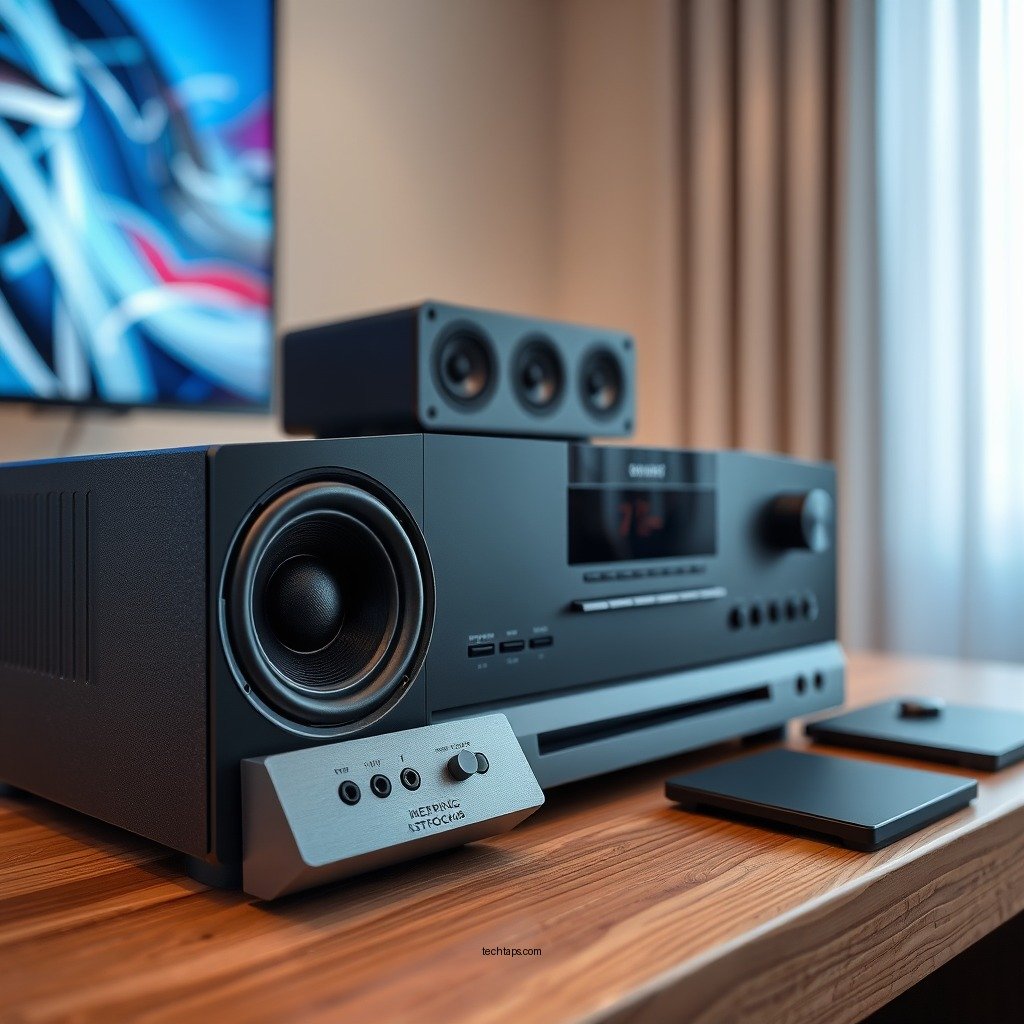
To successfully set up a 5.1 sound system, you need to understand the essential components involved. The main elements are the AV receiver, five speakers (two front speakers, two surround speakers, and one center speaker), and a subwoofer. Each speaker plays a specific role in creating a surround sound experience.
– AV Receiver: This is the heart of your sound system, managing audio and video signals, and amplifying sound for your speakers.
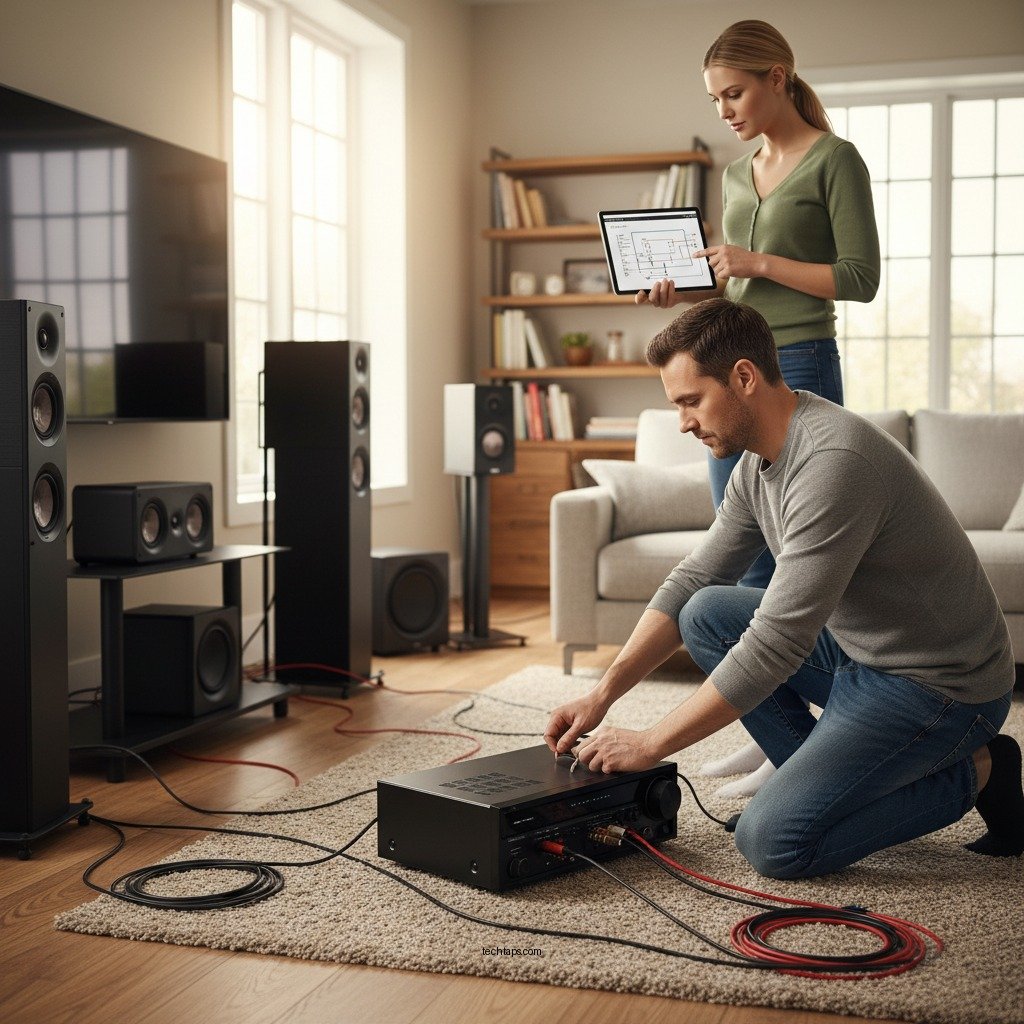
– Speakers: The combination of speakers works together to deliver sound from different directions. The front left and right speakers provide the primary audio, the center speaker handles dialogue, and the surround speakers create an immersive environment by adding depth and dimension to sound.
– Subwoofer: This component is designed to reproduce low-frequency sounds, such as bass, effectively filling in the audio spectrum and enhancing the overall audio experience.
– Media Source: This could be a Blu-ray player, gaming console, or streaming device that feeds audio and video to your AV receiver.
Understanding the channel configuration is crucial as it impacts sound quality and how effectively the audio is distributed throughout your space. A 5.1 system means that there are six channels (five speakers plus a subwoofer), allowing for a more immersive soundscape compared to stereo systems.
Preparing the Room for Optimal Sound
The placement of your speakers significantly affects the quality of your audio experience. Proper positioning can enhance sound clarity and immersion, while incorrect placement can lead to muddled audio or dead spots in the room.
– Speaker Placement:
– Front Speakers: Place the left and right front speakers equidistant from the TV or screen, forming an angle of about 30 degrees from the listening position.
– Center Speaker: Position the center speaker directly above or below the screen, aimed at the listening area to ensure clear dialogue.
– Surround Speakers: Install the surround speakers to the left and right of the listening area, ideally at ear level or slightly above, angled towards the listener.
– Subwoofer: This can be placed along the front wall or in a corner for maximum bass response. Experimenting with placement may yield the best results.
– Minimizing Acoustic Interference:
– Arrange furniture to avoid blocking speaker paths, as large pieces can absorb sound and disrupt audio clarity.
– Be mindful of wall materials; hard surfaces can reflect sound, while carpets and curtains can absorb it, affecting the overall acoustics of your room.
Connecting Your 5.1 Sound System
Now that your room is prepared, it’s time to connect your components. Here’s a step-by-step guide on wiring your speakers to the AV receiver and connecting your media sources.
1. Wiring the Speakers:
– Start by running speaker wire from each speaker’s location to the AV receiver.
– Connect the speaker wire to the corresponding terminals on the receiver, ensuring that positive and negative terminals match (usually marked with red and black).
– Secure the connections firmly, and double-check that no stray wires are touching.
2. Connecting External Media Sources:
– Use HDMI cables to connect your Blu-ray player, gaming console, or streaming device to the AV receiver. HDMI offers the best audio and video quality.
– If your media source does not have HDMI output, use optical or coaxial cables for audio, but keep in mind that video will need to be connected separately.
3. Powering Up: After all connections are made, plug in the AV receiver and components, and power everything on.
Top 7 AV Receivers for 5.1 Sound Systems (2024)
| # | AV Receiver Model | Power (W) | Price ($) | Rating |
|---|---|---|---|---|
| 1 | Denon AVR-S750H | 75 | 649 | ★★★★☆ |
| 2 | Yamaha RX-V485 | 80 | 549 | ★★★★☆ |
| 3 | Onkyo TX-NR696 | 100 | 699 | ★★★★☆ |
| 4 | Sony STR-DN1080 | 100 | 599 | ★★★★★ |
| 5 | Pioneer VSX-LX503 | 120 | 899 | ★★★★★ |
| 6 | Marantz NR1711 | 50 | 799 | ★★★★☆ |
| 7 | NAD T758 V3i | 100 | 1,199 | ★★★★★ |
Configuring Your AV Receiver Settings
Once your system is connected, you need to configure your AV receiver settings for optimal performance. This involves several key steps:
1. Speaker Calibration: Most modern AV receivers come equipped with an auto-calibration feature. Using a microphone, the receiver will analyze the sound output from each speaker and adjust levels, distances, and EQ settings accordingly.
2. Distance Settings: You may need to manually input the distance from each speaker to the main listening position. This ensures that sound from all speakers reaches the listener at the same time, creating a cohesive audio experience.
3. Crossover Frequency: This setting determines the frequency at which the subwoofer takes over from the other speakers. Generally, a crossover setting between 80 Hz and 120 Hz is recommended for a 5.1 setup, but it might vary based on your speakers’ capabilities.
4. Surround Sound Formats: Ensure that your receiver is set to the correct sound format (such as Dolby Digital or DTS) that matches your media source for the best possible audio experience.
Fine-Tuning Your Surround Sound Experience
After setting up your system, fine-tuning is essential to achieve the best sound quality tailored to your space and preferences.
– Adjusting Sound Settings: Depending on your room’s acoustics, you may want to make further adjustments. For instance, if you notice that the sound is overly bright or harsh, consider reducing treble levels or adjusting the EQ settings.
– Using Equalization (EQ) Settings: Many AV receivers offer customizable EQ settings that allow you to boost or cut specific frequency bands. Experimenting with these settings can lead to significant improvements in how music, movies, and games sound.
– Listening Environment: Be aware of how your room’s layout affects sound. Soft furnishings can absorb sound, while hard surfaces can reflect it. Consider adding rugs, curtains, or acoustic panels to optimize your listening environment.
Troubleshooting Common Issues
Even with careful setup, you may encounter issues. Here are some common problems and solutions:
– No Sound: Check that all cables are securely connected and that the receiver is set to the correct input source. Ensure that the speakers are powered and not muted.
– Speaker Distortion: If you hear distortion, check the volume levels. Overdriving your speakers can cause distortion; adjust the levels to prevent this.
– Unbalanced Sound: If one speaker seems quieter than others, revisit the speaker calibration settings and ensure the distances are correctly set.
– Connectivity Issues: For devices not being recognized, verify that all cables are functional and that the devices are powered on.
Exploring Additional Features of Your AV Receiver
Modern AV receivers come with a host of features designed to enhance your audio experience further.
– Streaming Capabilities: Many receivers allow you to stream music via Bluetooth or Wi-Fi. This feature enables playback from services like Spotify, Apple Music, or internet radio.
– Multi-Zone Audio: Some AV receivers support multi-zone audio, allowing you to play different music in different rooms simultaneously, perfect for entertaining guests.
– HDMI ARC: The HDMI Audio Return Channel (ARC) allows the TV to send audio back to the AV receiver through the same HDMI cable used for video. This simplifies your setup and reduces cable clutter.
– Smart Device Integration: Use apps to control your receiver from your smartphone or tablet, making adjustments convenient and user-friendly.
Summarizing the steps to set up your 5.1 sound system with an AV receiver, you should now feel equipped to create an immersive audio experience. Start by gathering your components and following the outlined steps to ensure optimal setup and performance. Don’t hesitate to explore additional features of your AV receiver to enhance your home theater experience even further!
Frequently Asked Questions
What are the essential components needed to set up a 5.1 sound system with an AV receiver?
To set up a 5.1 sound system, you will need an AV receiver, five speakers (two front, one center, two surround), and a subwoofer. Additionally, quality speaker wire and HDMI cables are important for connecting the components to ensure optimal audio performance. Finally, a TV or projector with compatible audio outputs will complete your home theater setup.
How do I connect my speakers to the AV receiver in a 5.1 sound system?
Start by placing your speakers in their designated positions: front left, front right, center, and surround left and right. Then, connect each speaker to the corresponding output terminals on the AV receiver using speaker wire, ensuring the positive and negative terminals are matched correctly for the best audio quality. Lastly, connect the subwoofer using an RCA cable to the subwoofer output on the receiver.
Why is speaker placement important in a 5.1 sound system setup?
Speaker placement is crucial for achieving an immersive sound experience, as it affects how sound waves interact in a room. Proper positioning helps ensure that audio reaches your listening area evenly, enhancing clarity and surround effects. For optimal performance, follow recommended guidelines, such as placing the front speakers at ear level and positioning the surround speakers slightly above ear level.
What settings should I adjust on my AV receiver for a 5.1 sound system?
Adjust the speaker settings on your AV receiver, including speaker size, distance, and levels, to optimize sound balance. Use the built-in calibration tools, if available, to perform an automatic setup that measures audio output and adjusts settings accordingly. Additionally, fine-tune the bass and treble settings to match your personal preferences and the acoustics of your room.
Which AV receiver features are best for a 5.1 sound system?
When choosing an AV receiver for a 5.1 sound system, look for features like multiple HDMI inputs, support for high-definition audio formats, and built-in room calibration technology. Additionally, consider receivers that offer streaming capabilities, such as Bluetooth or Wi-Fi, and support for various surround sound formats like Dolby Atmos for an enhanced audio experience.
References
- Home cinema
https://en.wikipedia.org/wiki/Home_theater - https://www.lifewire.com/how-to-set-up-a-surround-sound-system-3134084
https://www.lifewire.com/how-to-set-up-a-surround-sound-system-3134084 - https://www.crutchfield.com/S-CCL38K0ncoO/learn/how-to-set-up-a-home-theater.html
https://www.crutchfield.com/S-CCL38K0ncoO/learn/how-to-set-up-a-home-theater.html - https://www.audioholics.com/home-theater-setup/home-theater-setup-guide
https://www.audioholics.com/home-theater-setup/home-theater-setup-guide - Google Scholar Google Scholar
https://scholar.google.com/scholar?q=5.1+sound+system+setup - Google Scholar Google Scholar
https://scholar.google.com/scholar?q=AV+receiver+installation+guide - Google Scholar Google Scholar
https://scholar.google.com/scholar?q=Step-by-Step+Guide+to+Setting+Up+a+5.1+Sound+System+with+an+AV+Receiver - Step-by-Step Guide to Setting Up a 5.1 Sound System with an AV Receiver – Search results
https://en.wikipedia.org/wiki/Special:Search?search=Step-by-Step+Guide+to+Setting+Up+a+5.1+Sound+System+with+an+AV+Receiver - https://www.ncbi.nlm.nih.gov/search/research-articles/?term=Step-by-Step+Guide+to+Setting+Up+a+5.1+Sound+System+with+an+AV+Receiver
https://www.ncbi.nlm.nih.gov/search/research-articles/?term=Step-by-Step+Guide+to+Setting+Up+a+5.1+Sound+System+with+an+AV+Receiver
