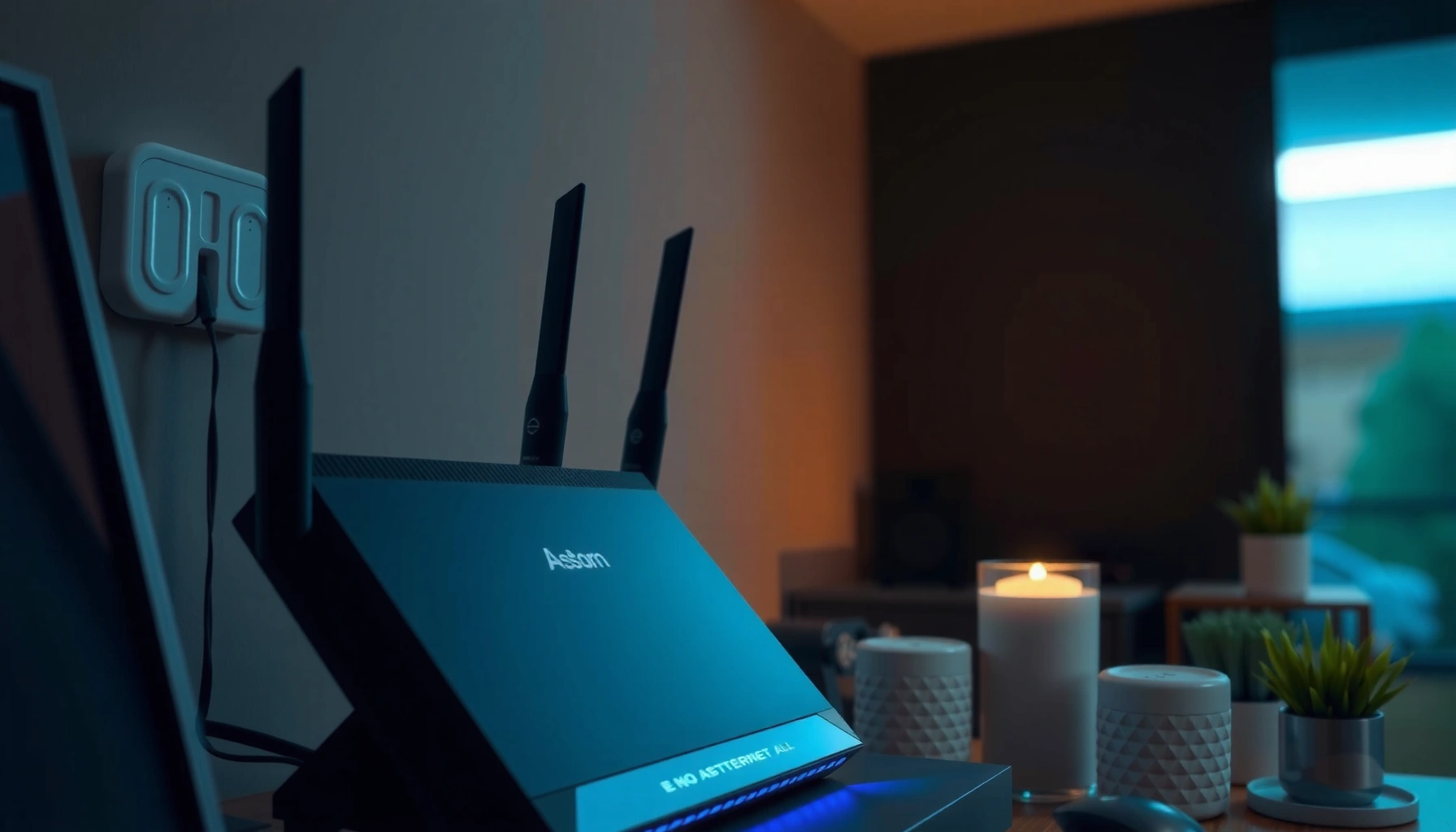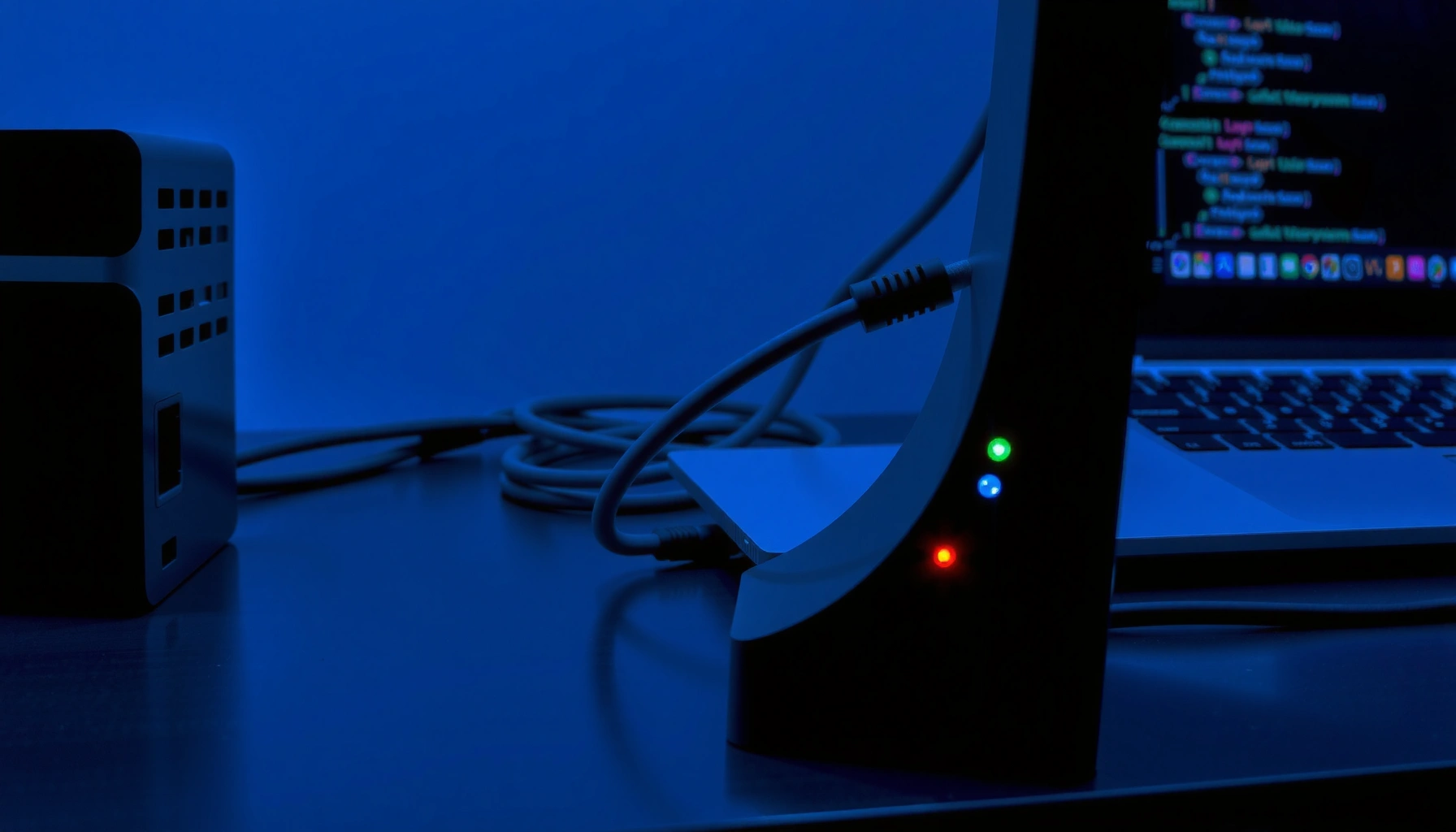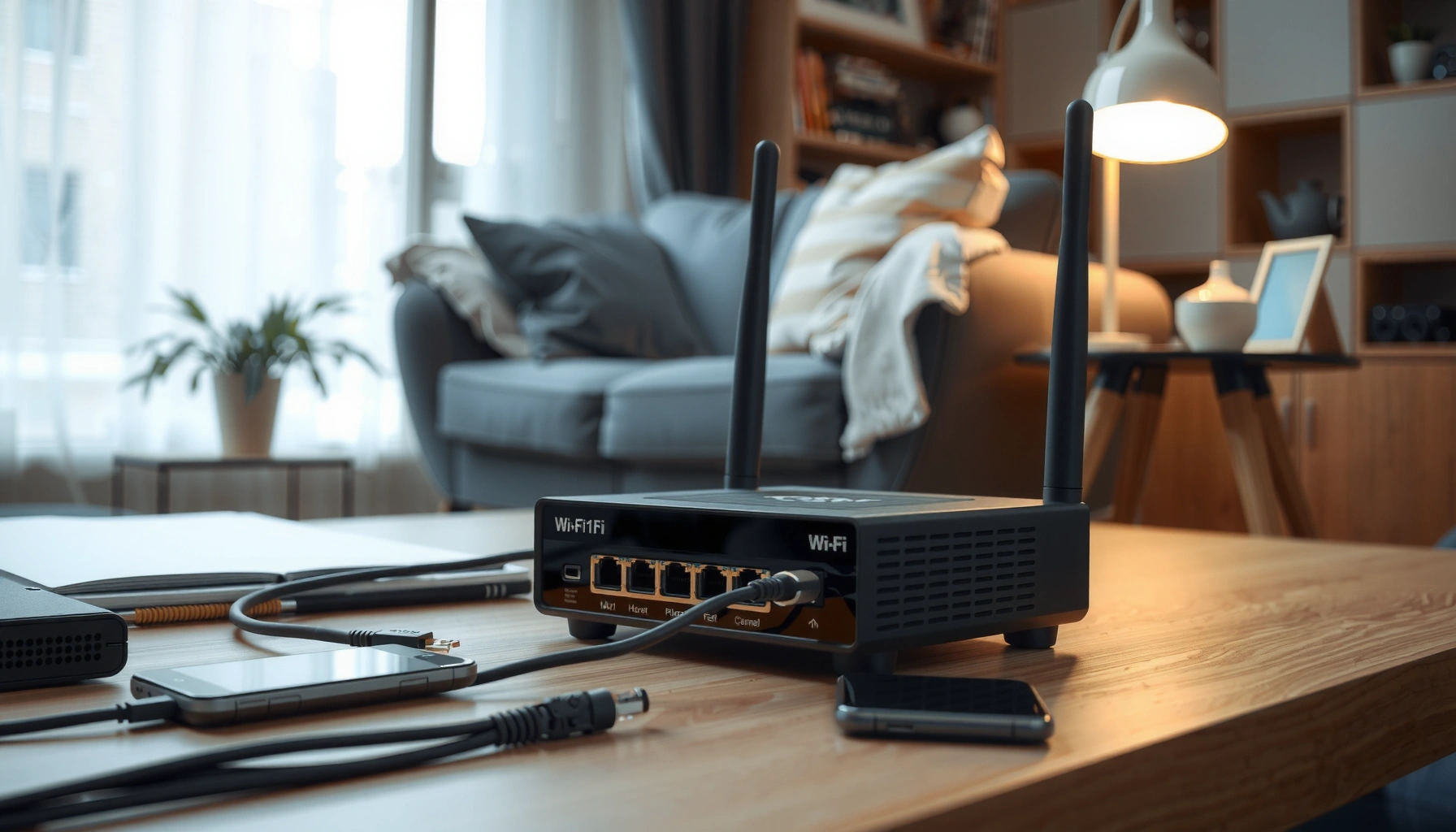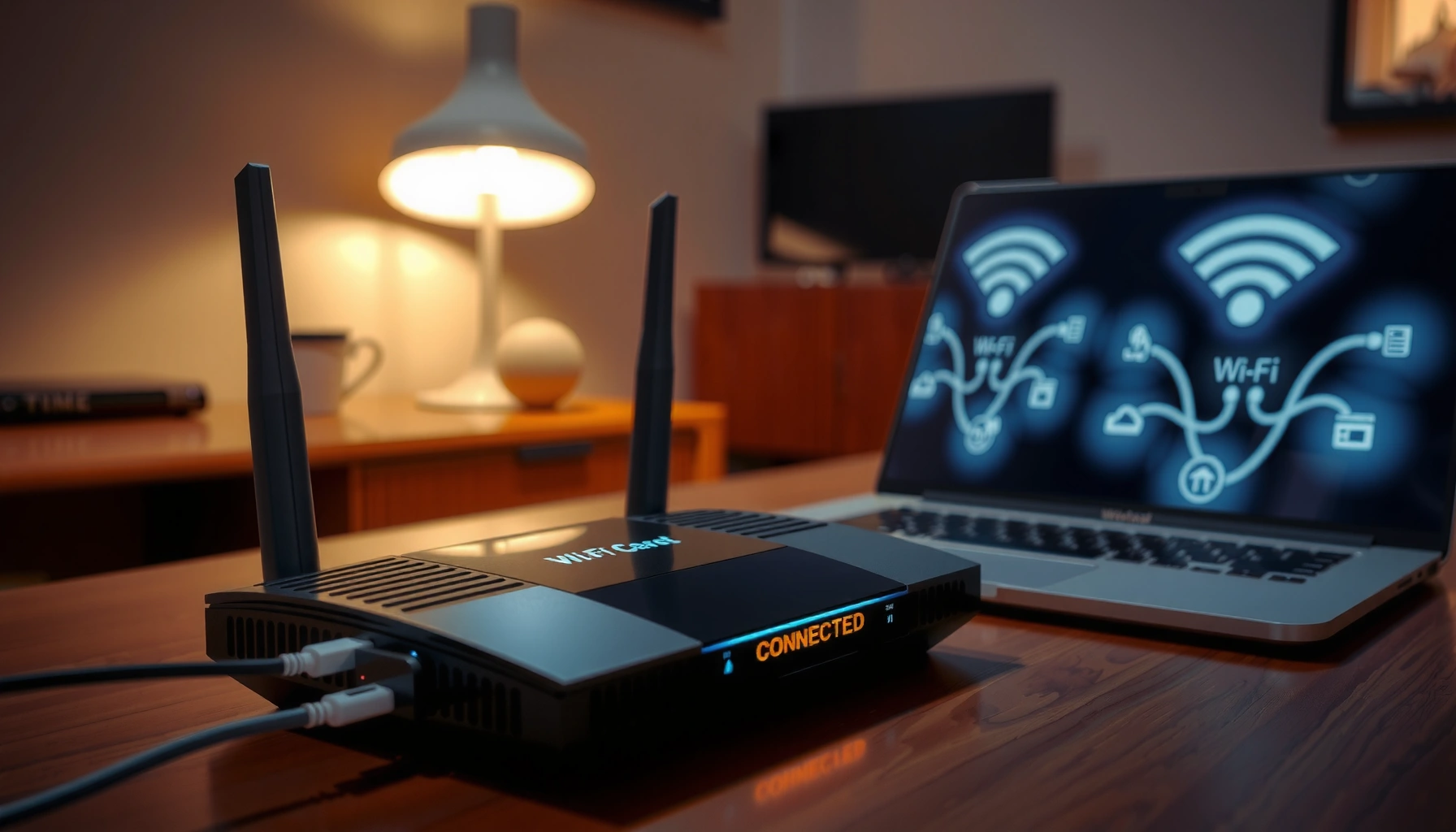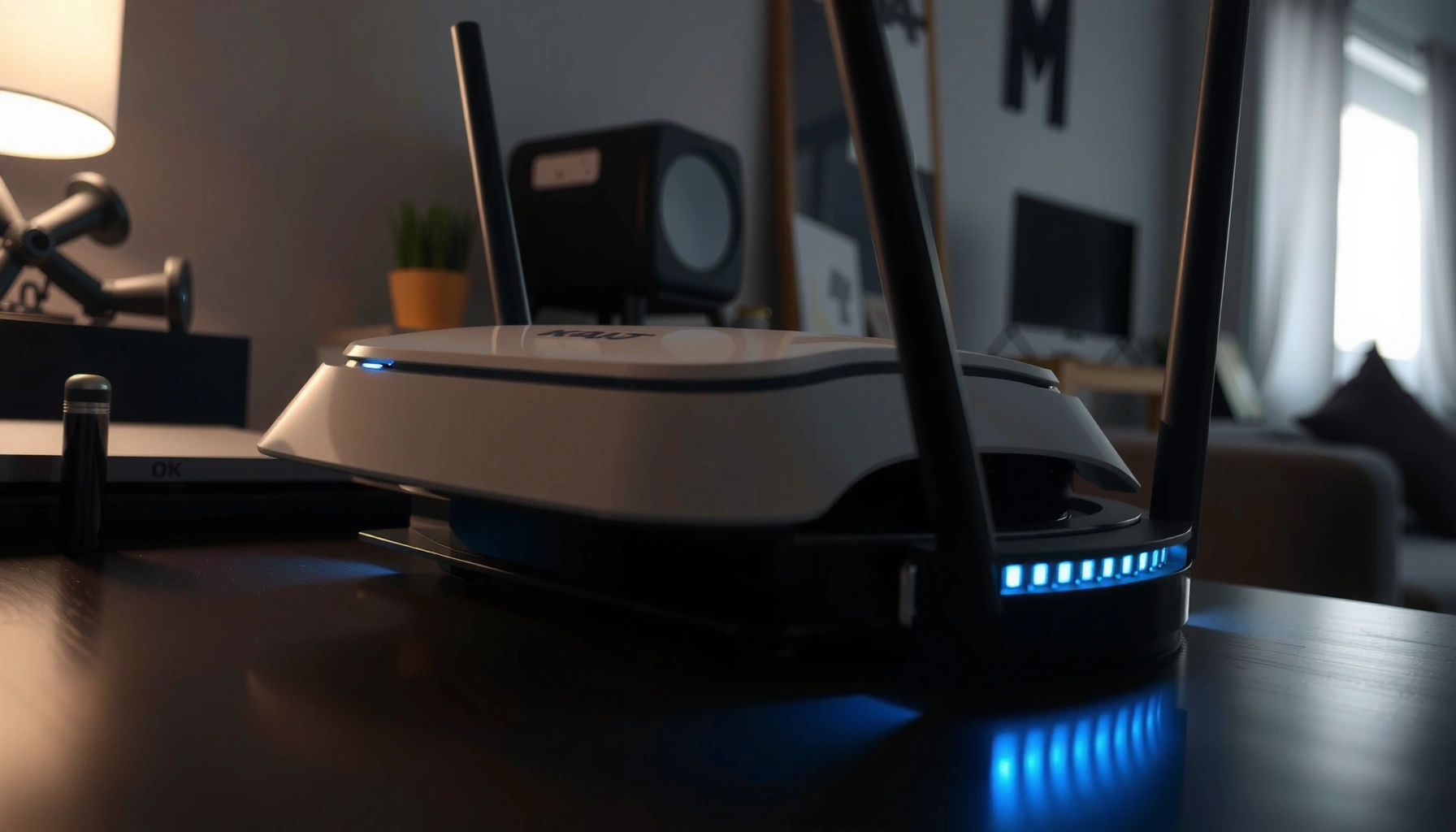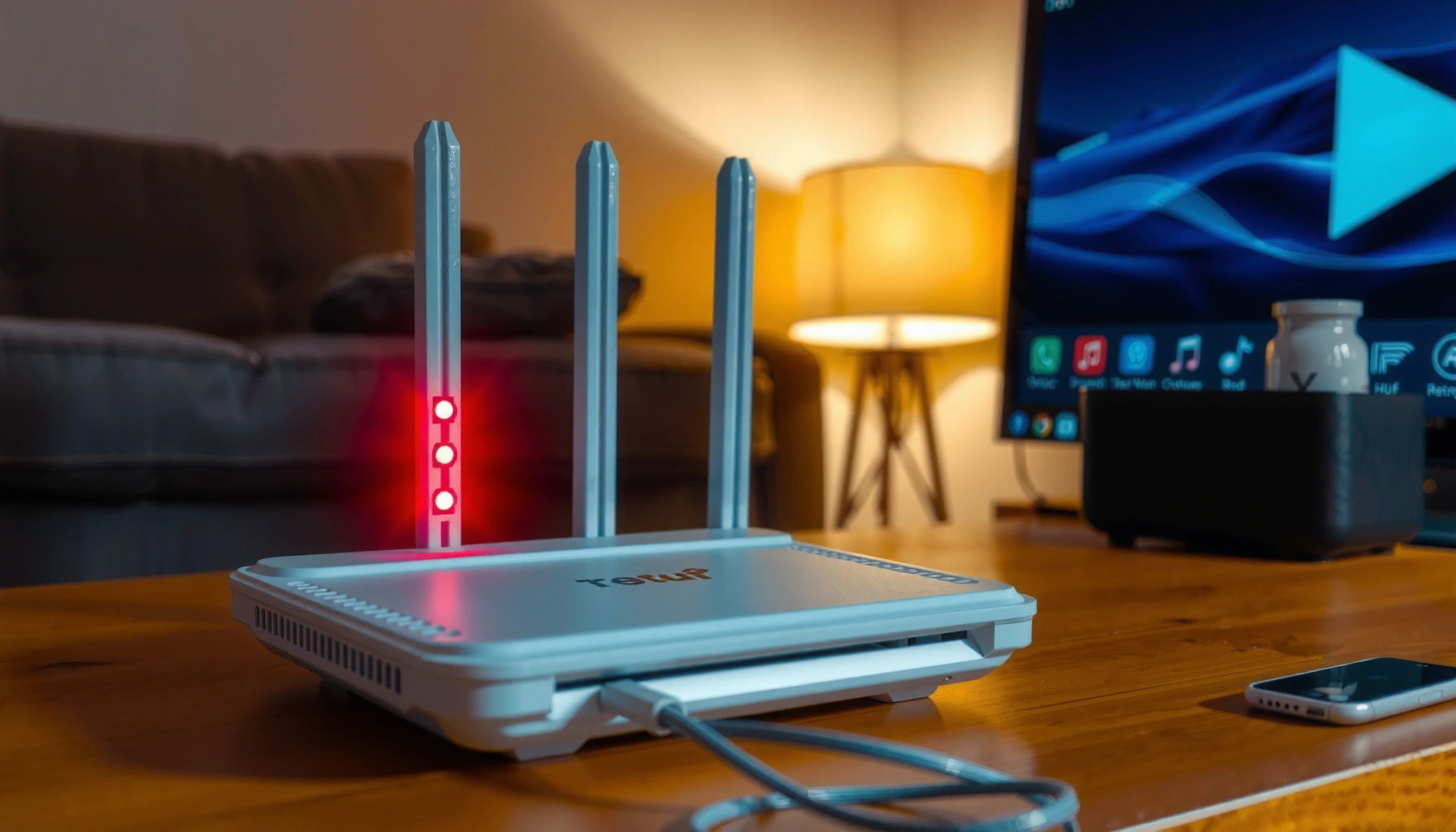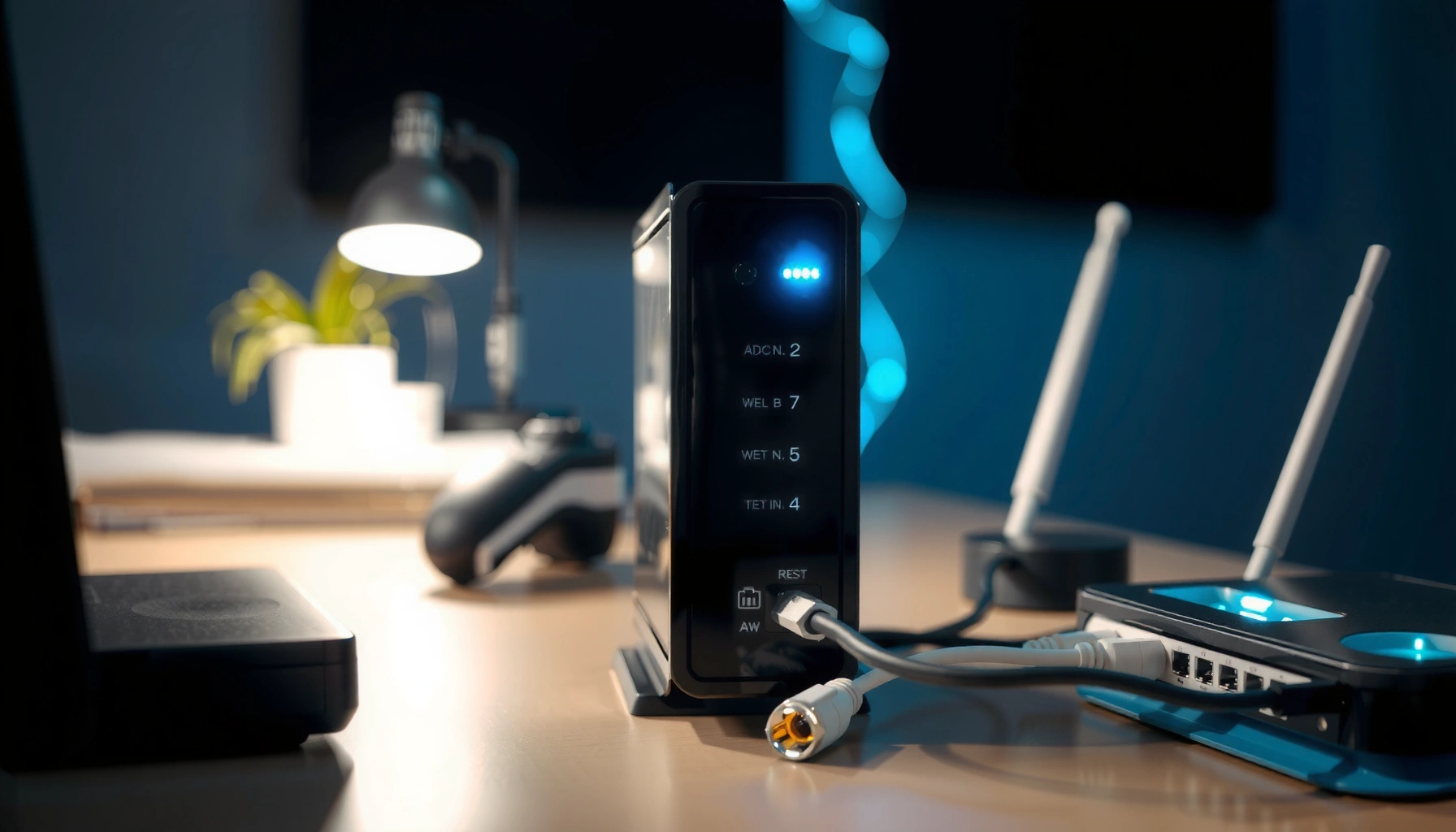
A checklist for troubleshooting router issues with quick steps to identify and fix problems.

Router Troubleshooting Checklist: Quick Steps to Identify and Fix Issues

Need a Router Troubleshooting Checklist that delivers quick, reliable fixes when your connection drops, slows, or won’t come online? This guide answers the practical question: what to check first, second, and last to isolate the fault—power, cables, Wi‑Fi settings, firmware, or provider issues—without wasting hours. Follow the step-by-step order and you’ll know exactly what’s broken…

Read Full News
A router with a blue flashing light indicating potential issues and troubleshooting tips.

Why Is My Router Flashing Blue? Common Causes and Fixes

A blue-flashing router usually means it’s trying to connect, initialize, or establish a firmware/network link—not that your internet is necessarily “broken.” This guide pinpoints the most common causes of a router flashing blue (service outage, modem/router mis-sync, weak/wrong wiring, or a firmware update) and gives the fastest fixes to restore a stable connection. If your…

Read Full News