
To achieve maximum clarity from your sound system, you’ll want to focus on a combination of equalization, speaker placement, and volume levels. This article will guide you through the best settings and techniques to enhance audio performance, ensuring that every note and dialogue is crystal clear. Whether you’re a music enthusiast, a movie buff, or a dedicated gamer, understanding how to fine-tune your sound system can transform your auditory experience into something truly extraordinary.




Understanding Sound System Components
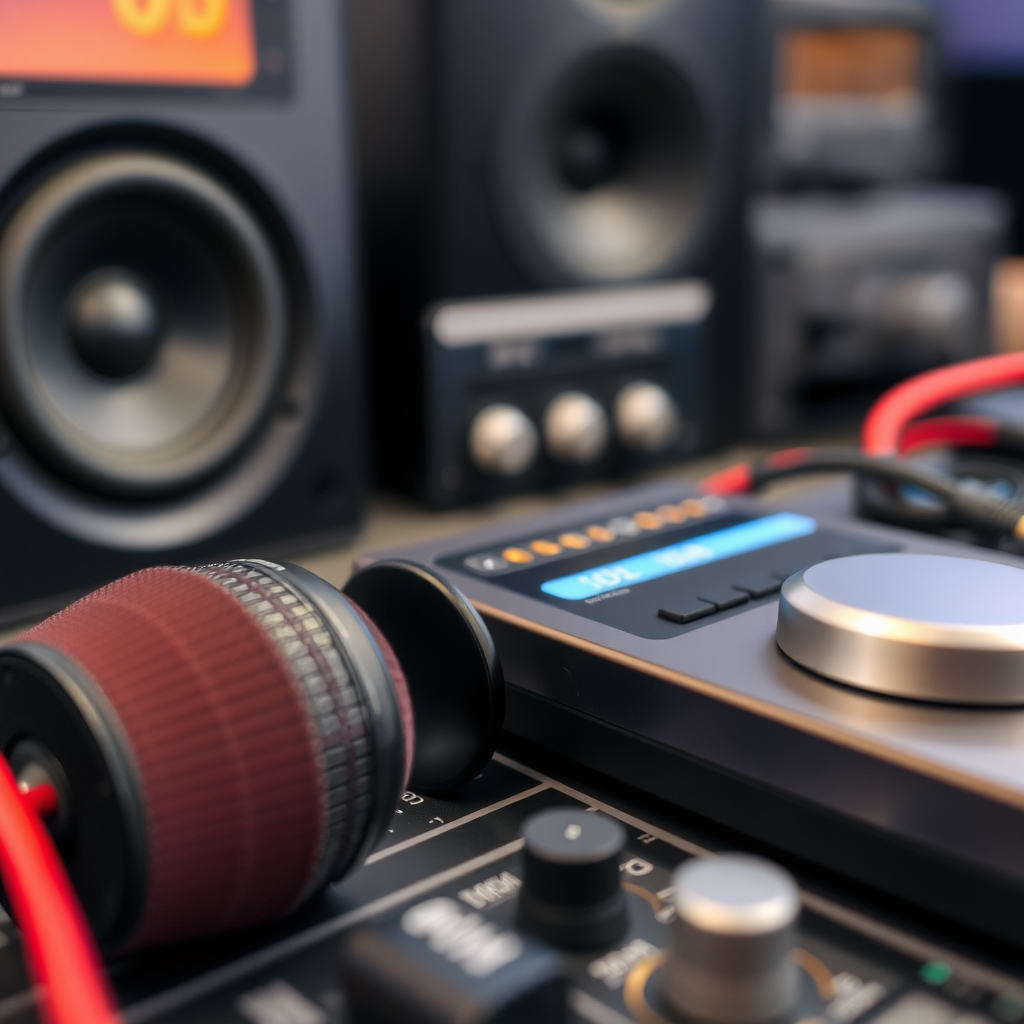
Before diving into the settings, it’s essential to familiarize yourself with the main components of your sound system: speakers, receivers, and equalizers. Each of these parts plays a critical role in influencing your audio quality and clarity.
Speakers are the most visible part of your system, and their design directly impacts sound reproduction. Different types of speakers (floor-standing, bookshelf, satellite) produce sound in various ways, and knowing which type you have can help you optimize placement and settings. Receivers, on the other hand, act as the central hub that connects all your audio sources to your speakers. They manage audio signals and provide the power needed to drive your speakers effectively. Lastly, equalizers allow you to manipulate specific frequency ranges to tailor the sound to your liking. Understanding how these components work together will empower you to make informed adjustments that enhance clarity.
Speaker Placement for Maximum Clarity
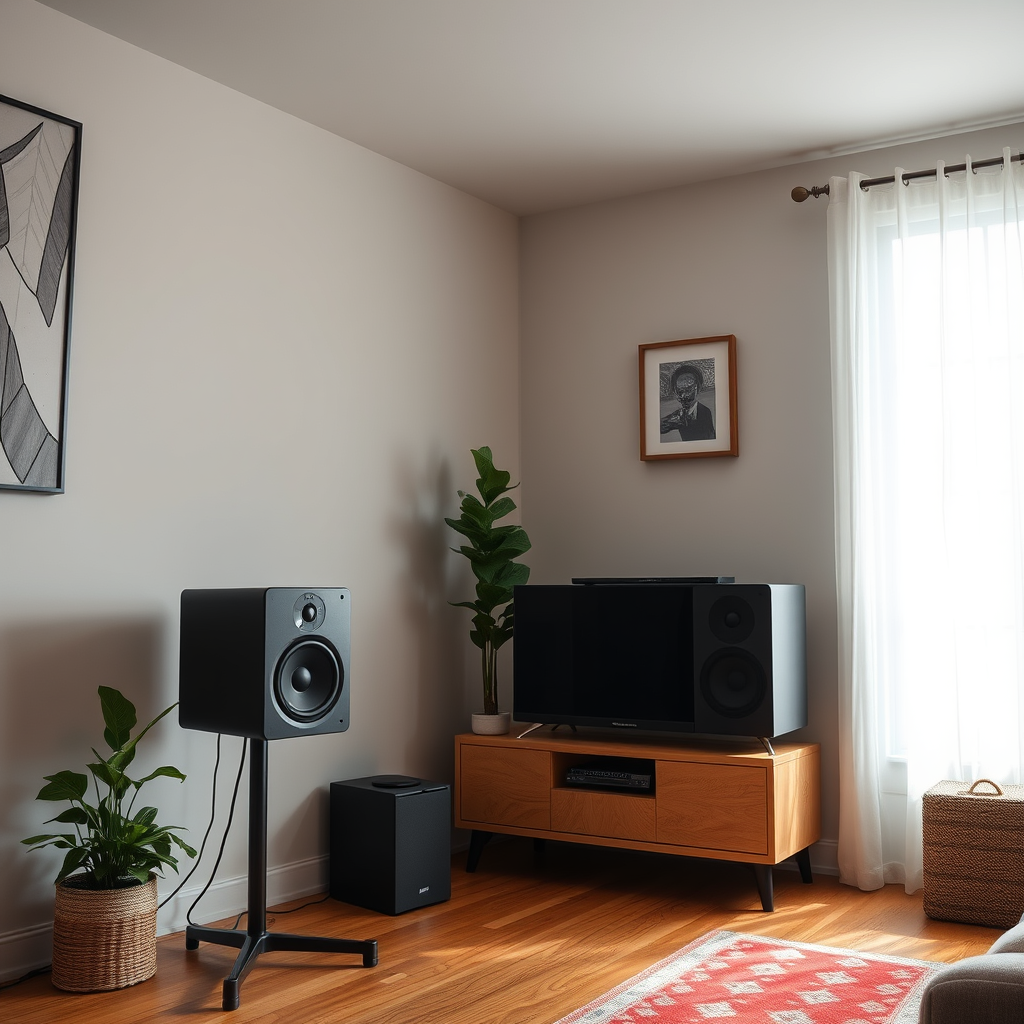
Speaker placement is crucial for achieving optimal sound clarity. Ideally, position your speakers at ear level when seated to create a direct line of sound to your ears. This setup allows for a more immersive listening experience, enhancing clarity and detail. If you’re using a surround sound system, place your speakers in a way that creates a balanced soundstage. For instance, the front left and right speakers should be equidistant from the listening position, while the center speaker should be directly in front of you.
Additionally, ensure your speakers are not placed too close to walls or corners. This can lead to unwanted sound reflections, which muddy the audio. A good rule of thumb is to keep at least a foot of space between the speakers and walls. Experiment with angles as well; sometimes, slightly tilting speakers inward can produce a more focused sound, allowing you to hear nuances clearly.
Adjusting Equalizer Settings
Once your speakers are in place, it’s time to adjust the equalizer settings. A graphic equalizer can be your best friend when it comes to fine-tuning frequencies based on your room’s acoustics. Start by analyzing your listening environment. If you notice that certain sounds are getting lost or overwhelmed, it’s likely that adjustments are needed.
Focus on reducing muddiness in the low frequencies (below 200 Hz), as this can often cloud the clarity of vocals and instruments. You might start by lowering these frequencies slightly. Conversely, enhancing the mids (around 1 kHz to 4 kHz) can bring vocals and other critical elements into sharper focus. Finally, a slight boost in the high frequencies (above 8 kHz) can add brightness to your audio, making it feel more alive. Remember, small adjustments can have a significant impact, so take your time to find that perfect balance.
Optimizing Volume Levels
Finding the right volume level is essential in maintaining clarity without sacrificing the integrity of the sound. A balanced volume ensures that your audio doesn’t distort while still delivering a rich, full sound. Start at a low volume and gradually increase it while paying attention to clarity. If you notice distortion creeping in, back off slightly.
Testing different levels can also help you find the sweet spot where clarity is maximized. Many audiophiles recommend listening to a variety of content—music, movies, and podcasts—to understand where the volume sits best across different genres. It’s also worth noting that some sound systems have dynamic range settings, which can help preserve clarity at lower volumes, making quieter passages easier to hear without cranking up the overall volume.
Room Acoustics and Treatment
Your room’s acoustics can have a significant impact on sound clarity. The shape of the room, the type of flooring, and even the furniture can either enhance or hinder your audio experience. For example, bare walls and hard surfaces can create echoes that muddy sound. Conversely, soft furnishings like carpets, curtains, and upholstered furniture can help absorb sound, reducing unwanted reflections.
To further enhance your listening environment, consider adding acoustic panels. These panels can effectively reduce echoes and improve overall sound clarity. If you’re not ready to invest in professional treatment, DIY solutions, such as hanging thick blankets or strategically placing furniture, can also make a difference. Experimenting with your room’s layout will help you understand how to achieve the best sound clarity possible.
Fine-Tuning with Additional Gear
Sometimes, achieving optimal clarity requires a little extra gear. Subwoofers, for example, can significantly enhance low-end performance, making bass sounds more profound without overwhelming the mids and highs. This can be crucial for both music and movie watching, where a well-defined low-end can add depth to the experience.
Additionally, soundbars can offer a more immersive audio experience, especially in home theater setups. They often come with built-in technologies that enhance dialogue clarity, making it easier to follow conversations during movies or shows. Lastly, consider investing in calibration systems that automatically adjust your settings based on room acoustics. These systems analyze the sound in your space and make real-time adjustments to optimize clarity and performance.
Maintaining Your Sound System
Regular maintenance of your sound system is key to preserving sound quality and clarity. Start by cleaning your speakers and checking connections to ensure everything is secure and free of dust. Loose connections can lead to sound issues that detract from clarity.
Additionally, if you’re using a digital sound system, keep your software or firmware updated. Manufacturers often release updates that improve performance, fix bugs, and introduce new features. By staying updated, you can ensure that your sound system is not only running smoothly but also benefiting from the latest enhancements in audio technology.
Maximizing clarity in your sound system is a blend of the right settings, placement, and maintenance. By focusing on speaker placement, equalizer adjustments, volume levels, room acoustics, and regular system upkeep, you’ll be well on your way to enjoying an exceptional audio experience. Take a moment to adjust your settings, experiment with placements, and revel in the improved sound quality!
Frequently Asked Questions
What are the best sound system settings for maximum clarity?
To achieve maximum clarity in your sound system, start by adjusting the equalizer (EQ) settings. Focus on boosting mid-range frequencies (around 1kHz to 4kHz) where most vocal clarity resides, while slightly reducing lower frequencies to minimize muddiness. Additionally, ensure that your sound system’s crossover settings are optimized for your speakers, allowing for a smooth transition between low and high frequencies. Finally, consider room acoustics; using sound-absorbing materials can help reduce echoes and enhance clarity.
How can I adjust my sound system for clearer dialogue in movies?
For clearer dialogue in movies, first, increase the mid-range frequencies using the EQ settings, as dialogues typically fall within that range. If your system has a dialogue enhancement feature, enable it to boost voice clarity. Additionally, consider using a center channel speaker dedicated to dialogue, if available, and ensure your sound system is properly calibrated to your room layout. Lastly, lowering background music and sound effects can also help dialogues stand out more clearly.
Why does my sound system lack clarity, and how can I fix it?
A lack of clarity in your sound system can stem from several factors, including poor speaker placement, incorrect EQ settings, or low-quality audio sources. Start by positioning your speakers away from walls and corners to minimize bass buildup that can muddy sound clarity. Next, adjust your EQ settings to enhance mid-range frequencies and reduce excessive bass. Lastly, ensure that you’re using high-quality audio files and streaming services for optimal sound reproduction.
Which sound settings should I prioritize for high-definition music playback?
When optimizing sound settings for high-definition music playback, prioritize the EQ settings that highlight clarity and detail. Boost the mid and high frequencies slightly to enhance vocal and instrumental clarity. Additionally, if your sound system supports high-resolution audio formats, ensure that it’s set to output these formats effectively. Finally, consider using a high-quality DAC (Digital-to-Analog Converter) to improve audio fidelity and allow for more detailed sound reproduction.
What are some common mistakes to avoid when setting up a sound system for clarity?
Common mistakes that can hinder clarity in a sound system include improper speaker placement, neglecting room acoustics, and using overly compressed audio files. Ensure speakers are placed at ear level and away from walls to reduce reflections. Additionally, consider the acoustic treatment of your room, using rugs, curtains, or acoustic panels to absorb excess sound. Lastly, avoid low-quality audio sources, as they can introduce noise and distortions that compromise sound clarity.
References
- Sound system
- https://www.audioholics.com/tweaks/speaker-settings-for-maximum-clarity
- https://www.pcmag.com/how-to/how-to-improve-your-home-audio-system
- https://www.soundonsound.com/techniques/sound-system-setup
- Western Washington University
- https://www.cnet.com/tech/home-entertainment/how-to-set-up-your-home-theater-sound-system/
- https://www.researchgate.net/publication/327839389_An_Investigation_into_Sound_Quality_and_Sound_Clarity_in_High-End_Audio_Systems
- https://www.theverge.com/2020/11/13/21558991/home-audio-systems-guide-setup-tips-gear

2 Comments